Year-End SaleEnds 1/1/26. Limited quantities. No rainchecks.

Main Content

Questions & Answers

Your price for this item is $10.99
Clearance
The comparable value price is $29.99
Page Showing 41-60 of 62 questions
  • Questionis this device compatible with windows 10 computers?

    Asked by Anonymous.

    • Answer Yes

      Answered by Sonya

  • QuestionWhere do you find moled #

    Asked by frank.

    • Answer Hey frank, We do not use model #'s "Neon" is the model. When you get a chance please reach out to us either via email [email protected] or shoot us a call at 405.445.7219 Monday-Thursday between 8am-5pm p.t & Friday 8am-3pm p.t so that we may provide you with further information/specs. Thanks, JLab Audio #FINDYOURGO

      Answered by JLab Audio Team

  • Questioncan you workout in these? running/lifting etc

    Asked by lala.

    • Answer The obvious answer is yes! They are wireless. The practical answer is more like no, there probably aren’t any headphones you could buy that would be comfortable while running or lifting weights. If you’re looking for something to wear while performing rigorous physical activity you might be better suited with an earbud than a headphone.

      Answered by Joebestbuy

  • QuestionHow do I charge the head phone

    Asked by German.

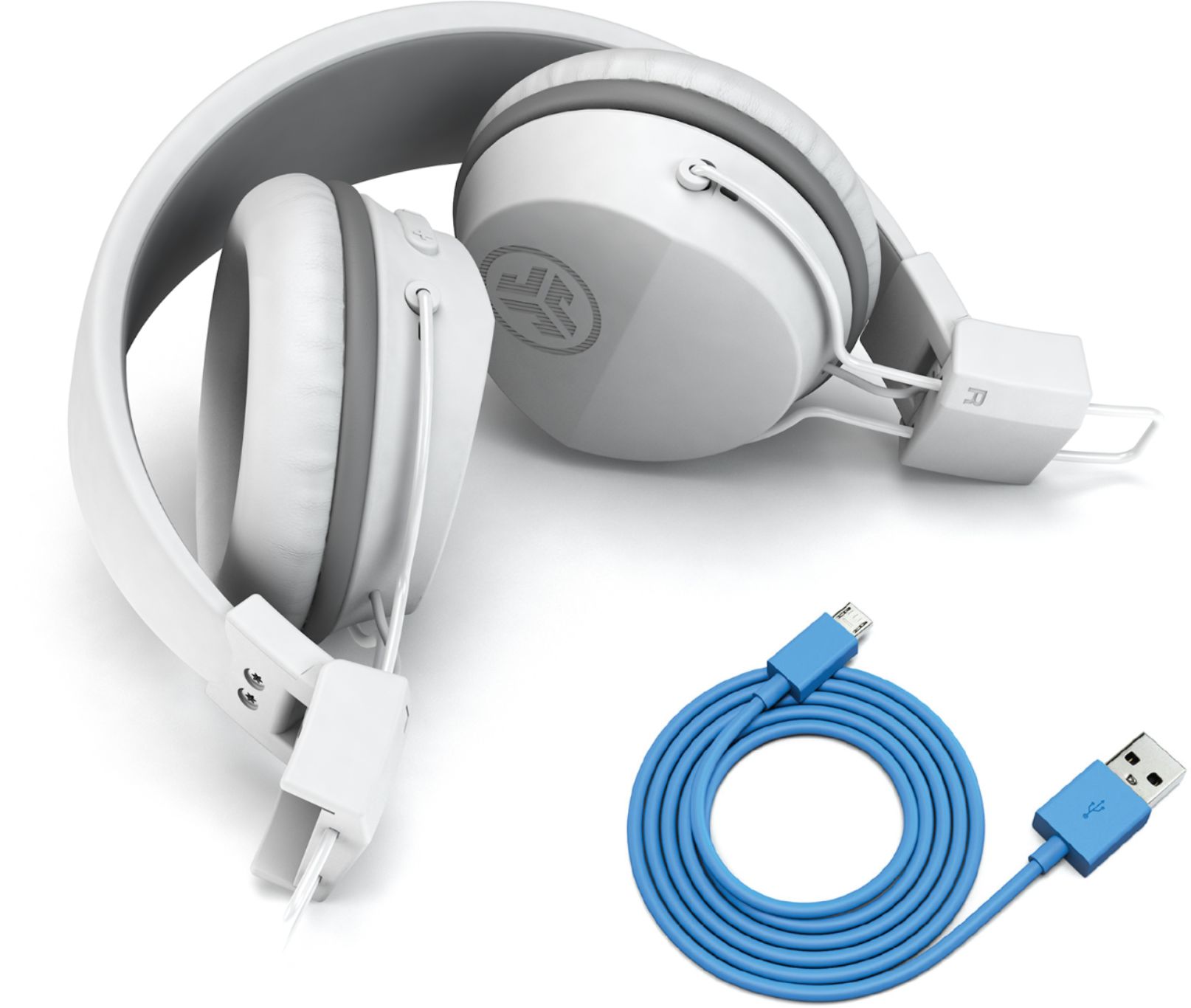
    • Answer Plug the included cable into a USB Charger. The headphone does not come with a charger but they are plentiful.

      Answered by Sonya

  • Questioncan you use these headphones with ps4?

    Asked by p.

    • Answer My son tried and they didn’t

      Answered by Brtlglly

  • QuestionCan this connect to a Xbox 1 controller

    Asked by Zeke.

    • Answer Hi Zeke, It will connect to an Xbox however you cannot use the mic on the headphones to communicate with other gamers. It would only be good for audio. If you have any other questions please contact our customer support team at 405.445.7219 or email us at [email protected]. Thanks, JLab Audio #FINDYOURGO

      Answered by JLab Audio Team

  • QuestionUse this with an iPad ATV and your phone thank you

    Asked by Larry.

    • Answer I have used these with my ipad and spoke on the phone through my ipad to my iphone with them. No problems.

      Answered by cj1975

  • QuestionWill this work with Xbox game.?

    Asked by Anonymous.

    • Answer Hi There, They will work for sound with the an Xbox game however you can't use the mic on the headphones to communicate with others. If you have any other questions please contact our customer support team at 405.445.7219 and we will be happy to help you. Thanks, JLab Audio #FINDYOURGO

      Answered by JLab Audio Team

  • QuestionWill this work for PS4 wirelessly with the new update

    Asked by Jpk24.

    • Answer Hi Jpk24, The headphones will work with the PS4 for sound only. The microphone will not work with the PS4 if you are looking to talk with others while playing. If you have any other questions please contact our customer support team at 405.445.7219 and we will be happy to help you. Thanks, JLab Audio #FINDYOURGO

      Answered by JLab Audio Team

  • QuestionAre they compatible with Android phones

    Asked by Santa.

    • Answer Hey Santa, They are indeed compatible with android phones. Please feel free to reach out to us either via email [email protected] or shoot us a call at 405.445.7219 Monday-Thursday between 8am-5pm p.t & Friday 8am-3pm p.t if we may provide you with further detail. Thanks, JLab Audio #FINDYOURGO

      Answered by JLab Audio Team

  • QuestionHow do I connect the Bluetooth from my phone ? I've been working hrs on how to get it connected to my phone!

    Asked by TaiLynn.

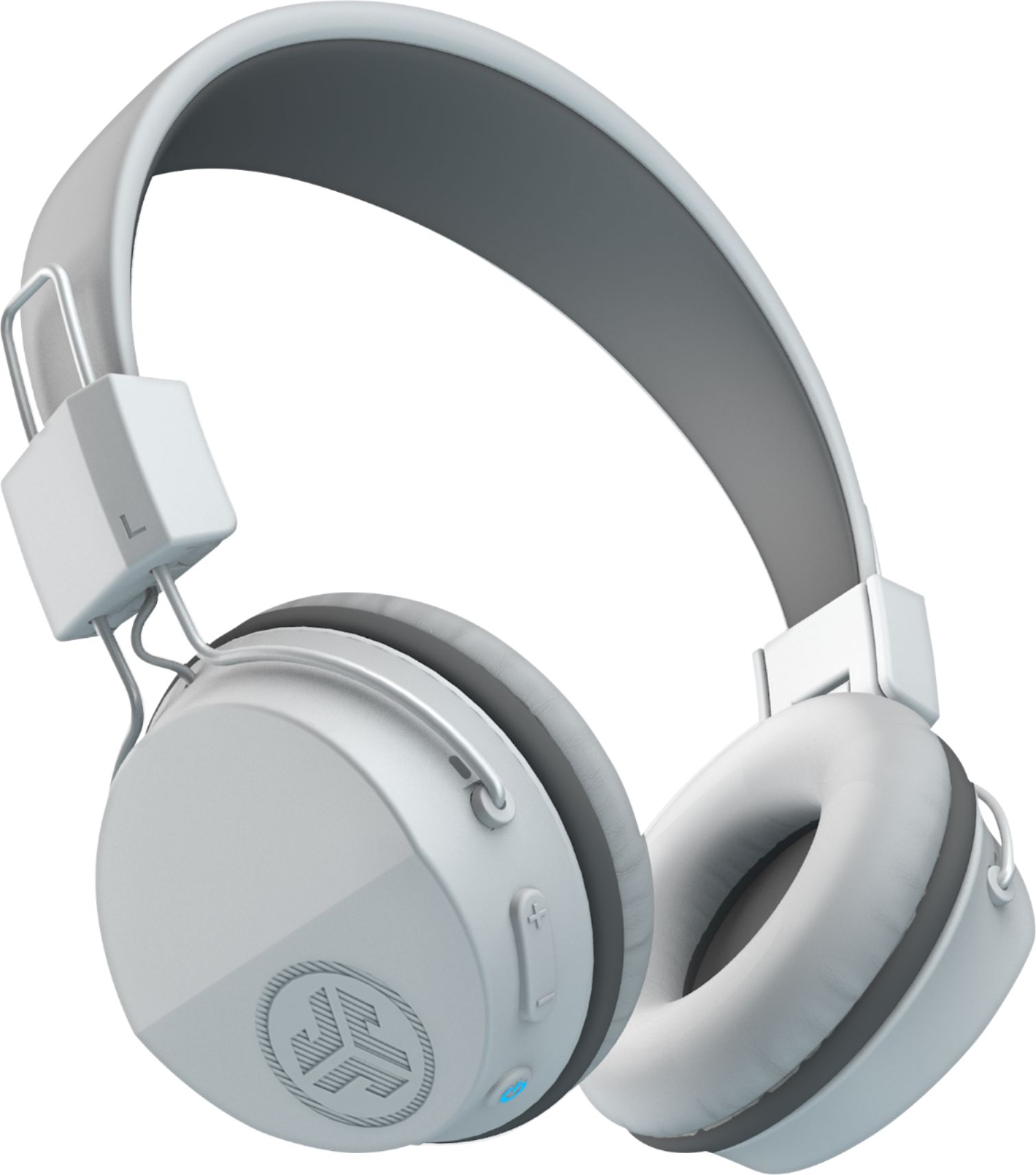
    • Answer Hey TaiLynn, All you need to do is turn your headphones off, press and hold the power button down for about 10 sec. without letting go. When you see blue and red flashing lights, let go and find the jlab neon bt listing in your Bluetooth device menu. Simply select it and it will pair. If you have any trouble, , please reach out to us either via email [email protected] or shoot us a call at 405.445.7219 Monday-Thursday between 8am-5pm p.t & Friday 8am-3pm p.t so that we may walk you through the pairing process. Thanks, JLab Audio #FINDYOURGO
      Answered by JLab Audio Team

  • QuestionIs a standard headphone cable included to allow connection on an airplane?

    Asked by Mike.

    • Answer It is a Bluetooth unit. It does come with a small usb cord for charging.

      Answered by Gary

  • QuestionDoes it come with a transmitter

    Asked by Rod.

    • Answer No

      Answered by Sonya

  • Questioncan I pair this headphones with my mac book pro?

    Asked by Dani.

    • Answer Yes, I use it in various apple devices and connects quickly and delivers crystal clear sound with med bass.

      Answered by AlokMan

  • Questioncan you use it with a smart tv with no bluetooth ??

    Asked by guano.

    • Answer No you need the Bluetooth.

      Answered by TwoPound

  • QuestionWhy does my headset keep disconecting when its fully charged, ev even when im holding the phone and wearing the headset . its very upsetting

    Asked by Gmamasboy.

    • Answer Hey Gmamasboy, Sorry to hear of the troubles. Sounds like a bad unit. We do cover the Neon Headphones for two years under warranty, and would love to get them replaced for you. When you get a chance, please reach out to us either via email [email protected] or shoot us a call at 405.445.7219 Monday-Thursday between 8am-5pm p.t & Friday 8am-3pm p.t so that we may get you taken care of. Thanks, JLab Audio #FINDYOURGO

      Answered by JLab Audio Team

  • QuestionHow to pair with phone

    Asked by Willy.

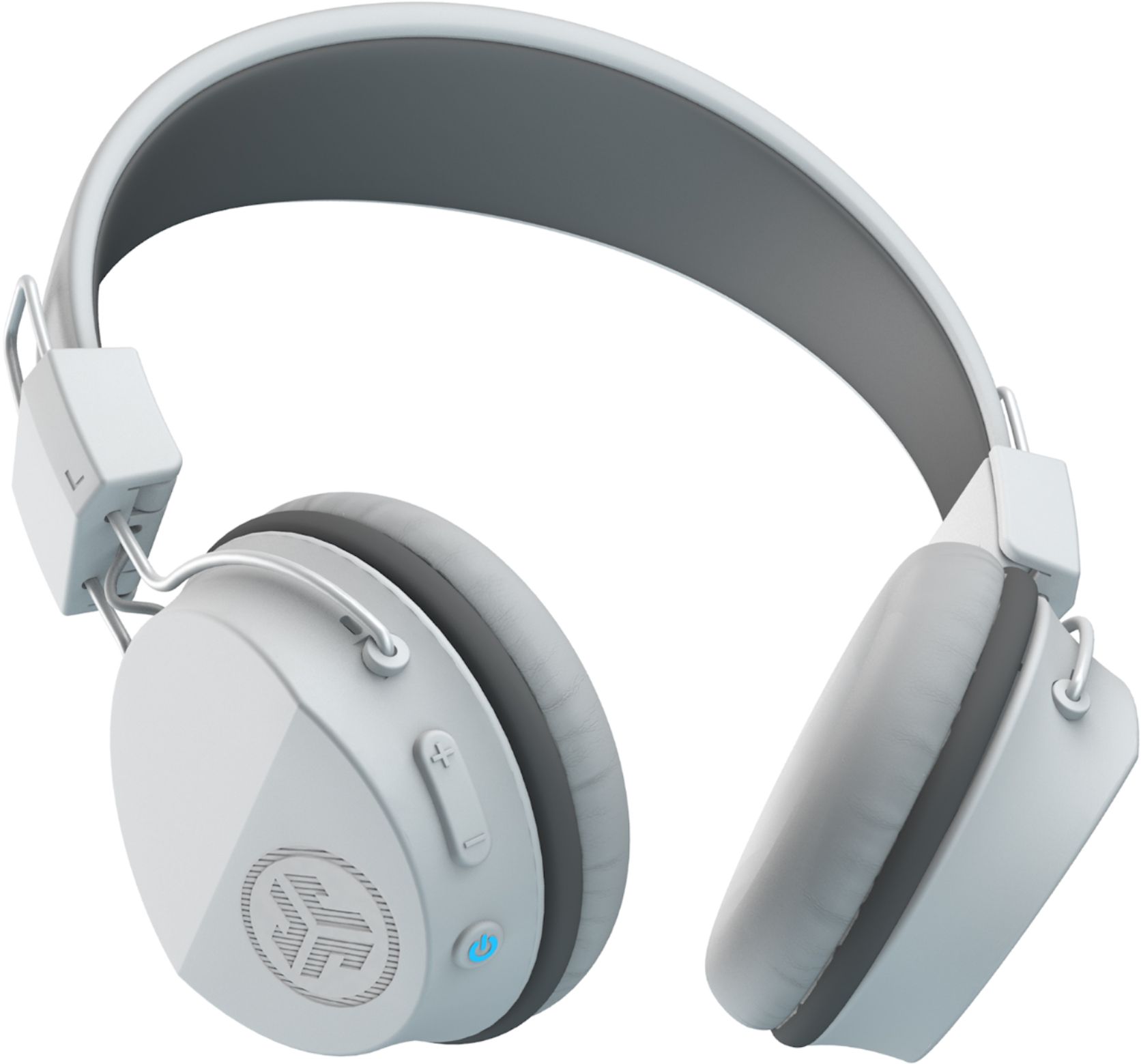
    • Answer Hey Willy, Turn the headphones off, and then hold the power button down for approx. 8 seconds. The led light will flash blue and red. Simply go to your Bluetooth device menu and select the jlab neon bt listing. Please feel free to reach out to us either via email [email protected] or shoot us a call at 405.445.7219 Monday-Thursday between 8am-5pm p.t & Friday 8am-3pm p.t if you'd like for us to walk you through the process. Thanks, JLab Audio #FINDYOURGO
      Answered by JLab Audio Team

  • QuestionIf I use these with a tv can I have sound from both headphones and tv?

    Asked by Mick.

    • Answer No you cannot. I have an Apple TV and I am able to hear the sound via the earphones but only via the earphones.

      Answered by MelB

  • QuestionCan you connect two bluetooth devices at the same time? I tried to do that, only problem once one of the devices is out of range a voice will start saying it is out of the range cutting what I'm listening in the second device, it is pretty annoying! HELP

    Asked by Atom1.

    • Answer Hey smith, None of our products are multi-point enabled. Although they remember up to 8 devices, you may only be connected to one device at any given time. When you get a chance please reach out to us either via email [email protected] or shoot us a call at 405.445.7219 Monday-Thursday between 8am-5pm p.t & Friday 8am-3pm p.t so that we may provide you with further information/functionality. Thanks, JLab Audio #FINDYOURGO

      Answered by JLab Audio Team

  • QuestionHow big are the headphones? I’m thinking of buying these headphones.

    Asked by Randomuser803.

    • Answer Hey Randomuser803, The details are as follows: Product Height 5.5 inches Product Width 5 inches Product Depth 2.5 inches Product Weight 0.3 pounds If you are in need of further detail, please feel free to reach out to us either via email [email protected] or shoot us a call at 405.445.7219 Monday-Thursday between 8am-5pm p.t & Friday 8am-3pm p.t so that we may get you taken care of. Thanks, JLab Audio #FINDYOURGO

      Answered by JLab Audio Team