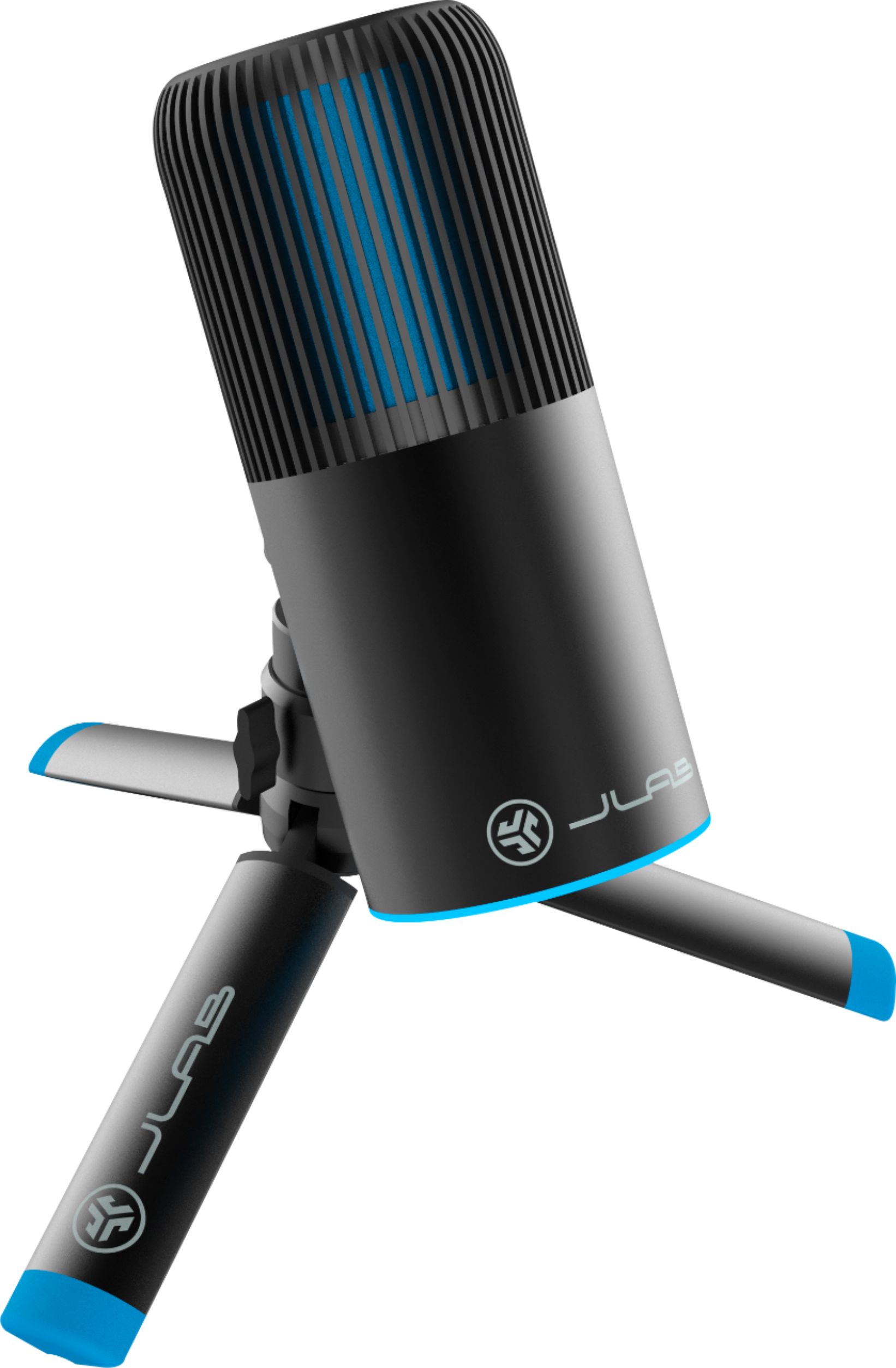
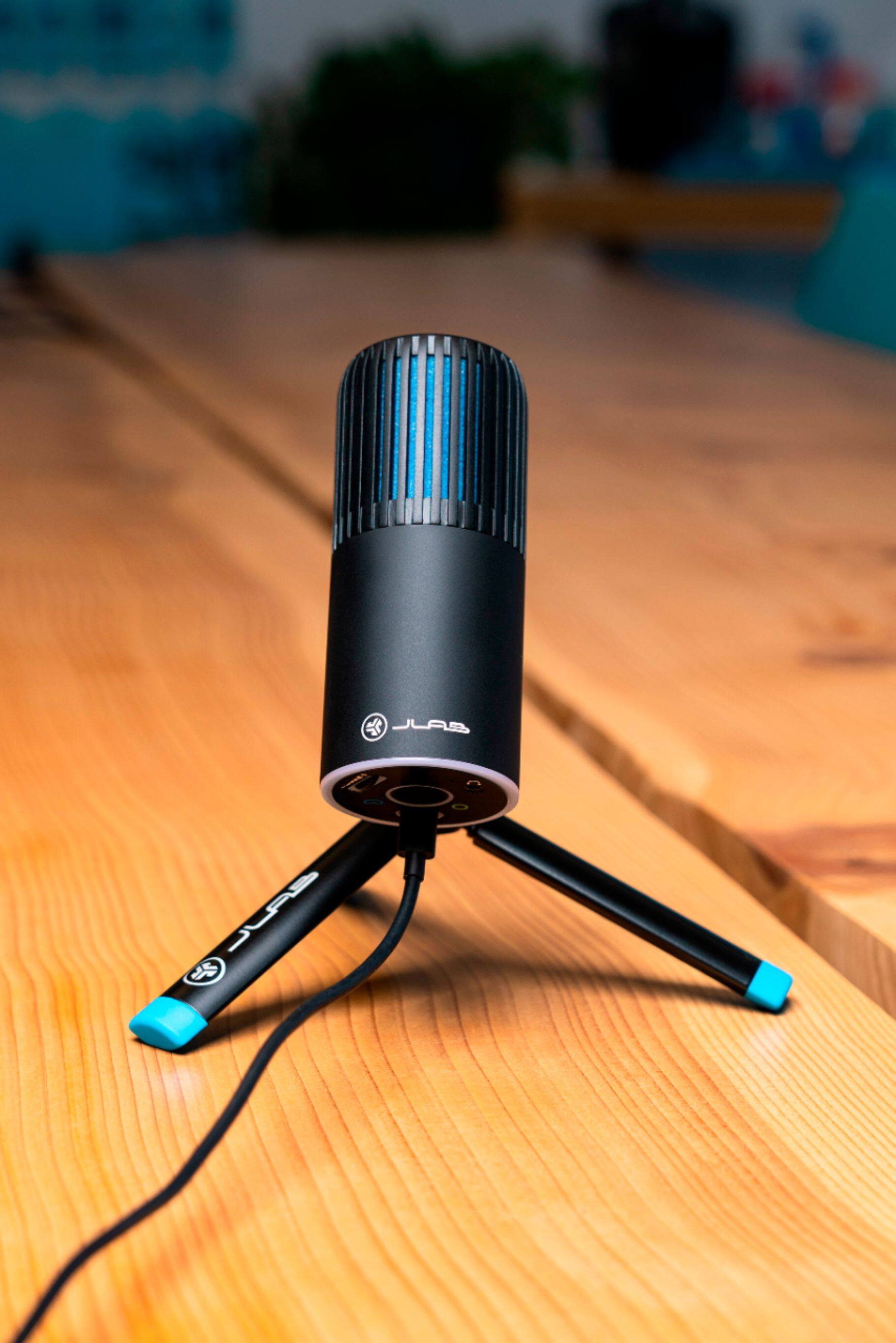
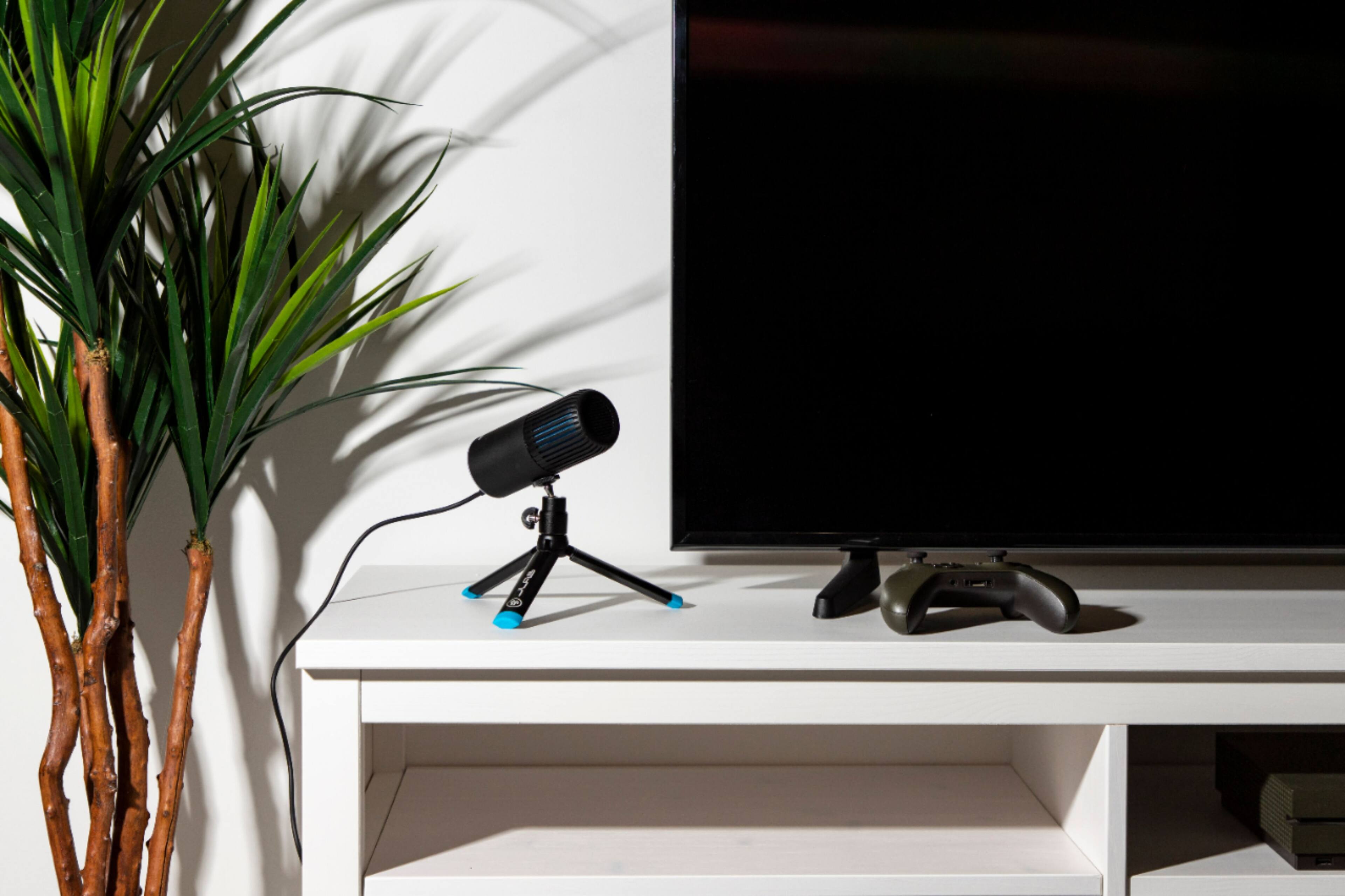
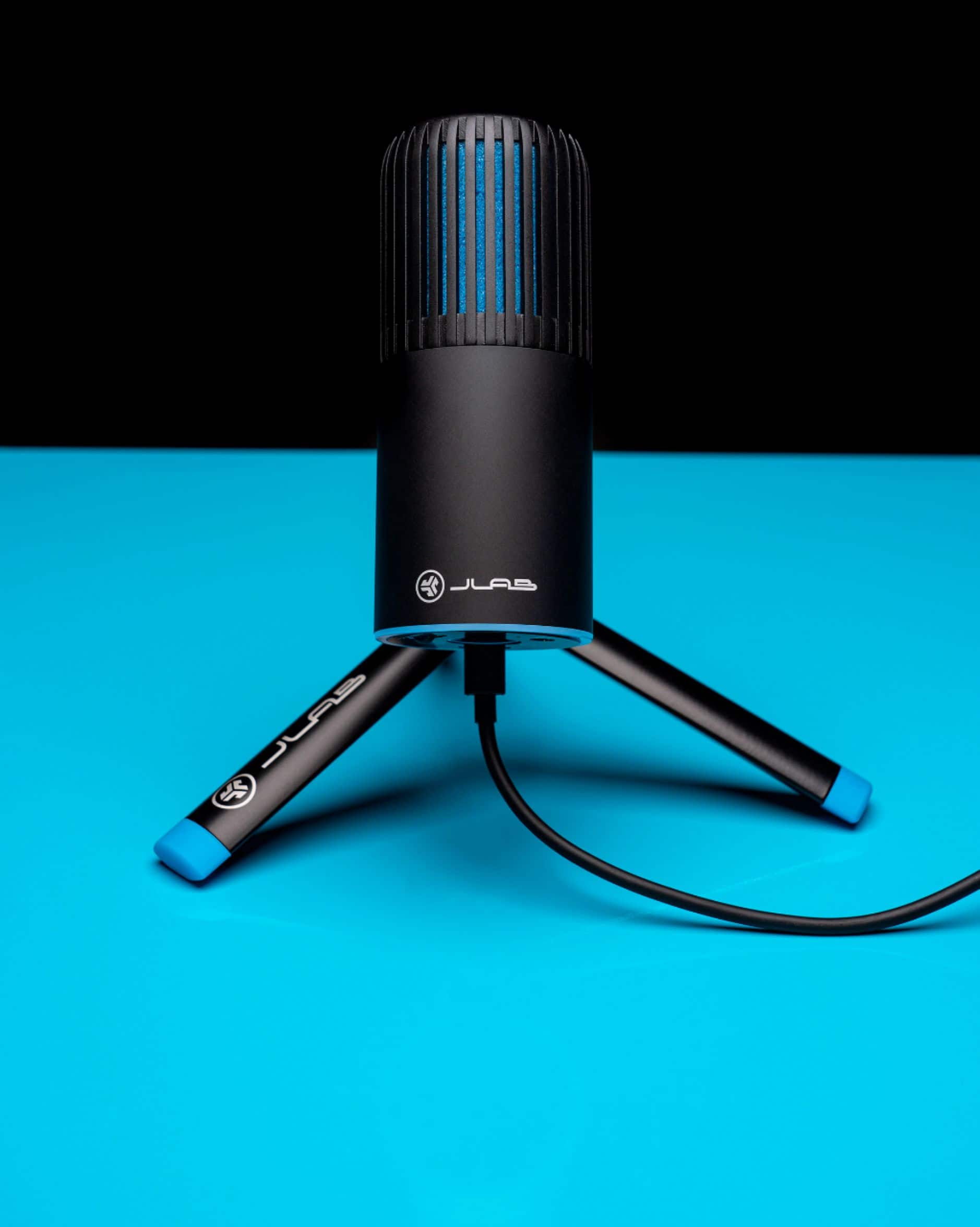
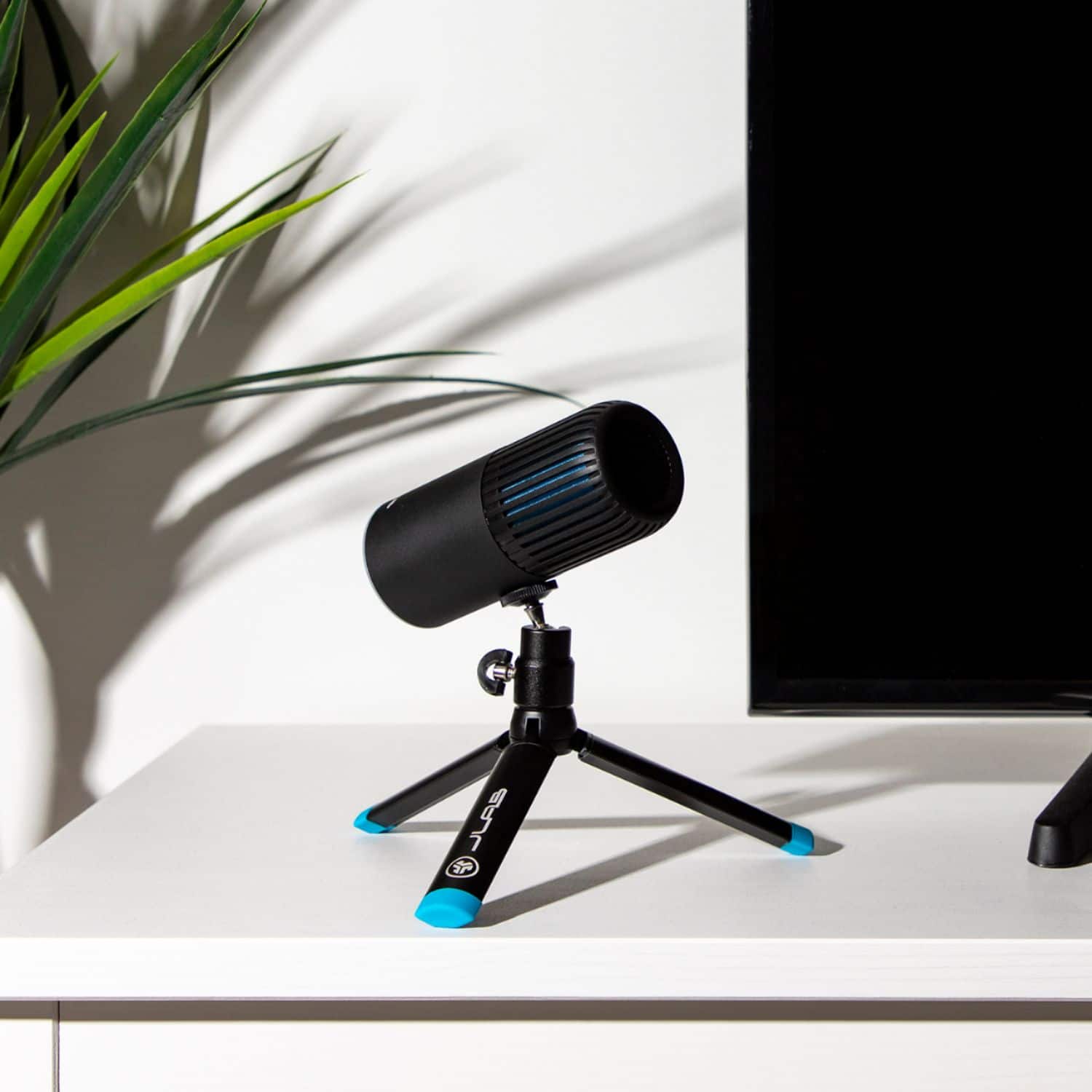
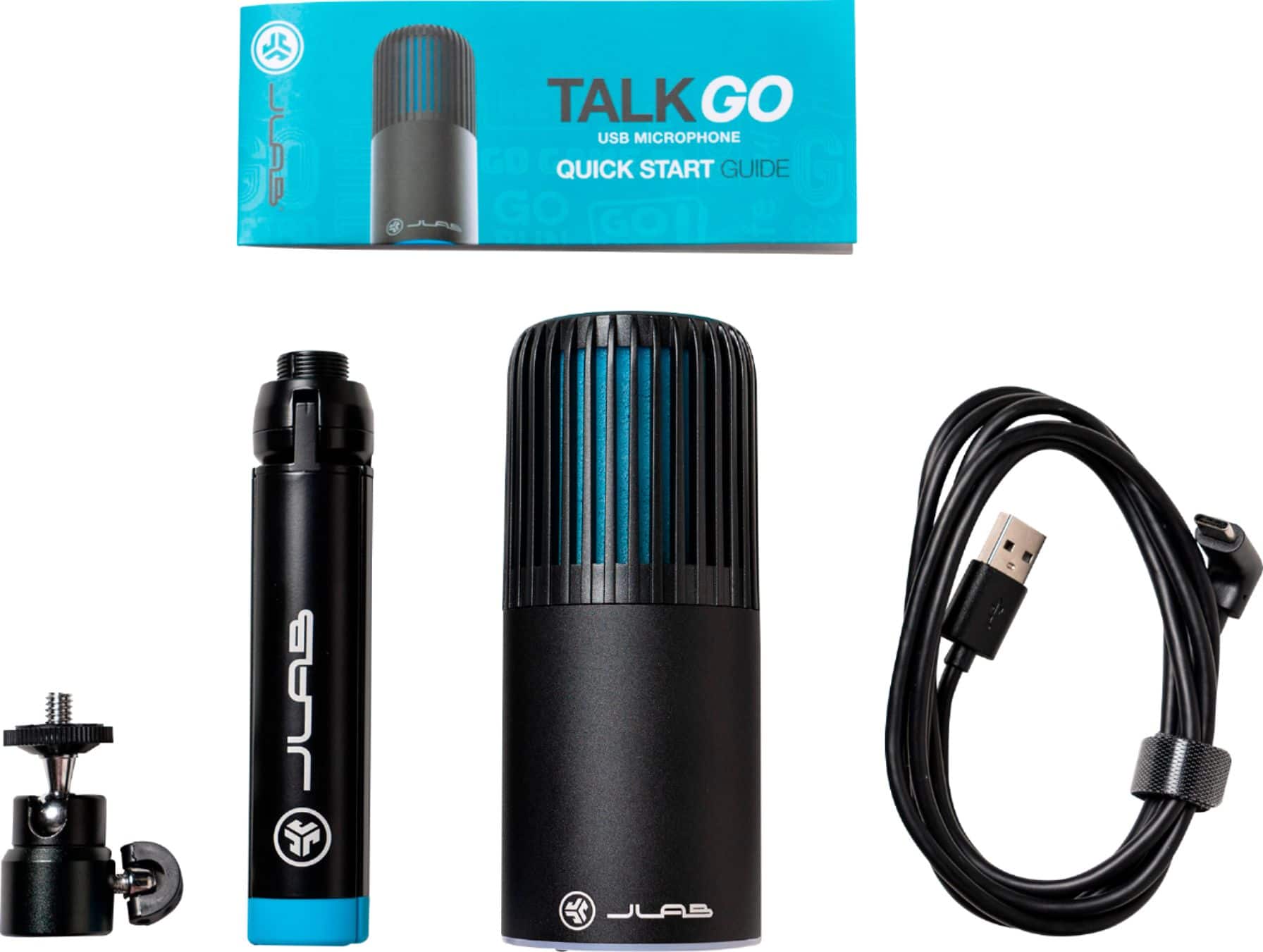
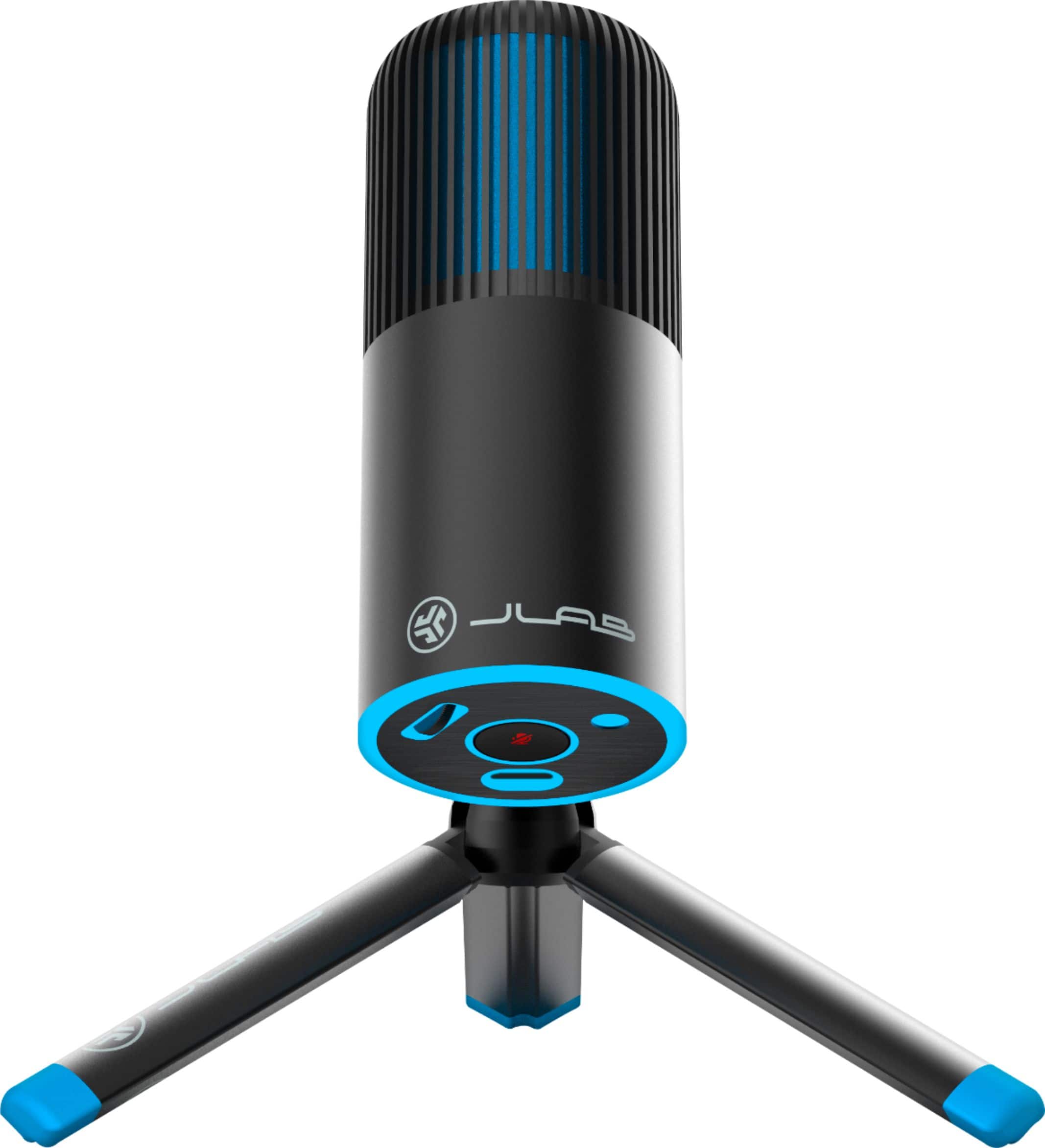
A:AnswerThe swivel ball mount included uses the standard 5/8-inch thread which means it can mount to many (most?) boom arms. If your boom arm happens to use the standard camera-type 1/4-inch threads, you can connect directly to the mic.
A:AnswerNot likely. It picks up all sorts of background noises even outside my apartment with the windows closed. Yesterday it was a neighbor using a power saw!
A:AnswerYes this would work with your iPad Pro but you’re going to need to connect it via USB 2.0 so you’ll just need a Sidecar or some type of device to connect it but it will work.
This is the absolute best microphone I have found for my Apple products particularly my MacBook Pro but it would work with an iPad as long as you have a way to connect it via USB.
It’s wonderful and has a clean and easy interface. You may want to check to see if there are any settings in your iPad that would allow for a microphone.
A:AnswerHey Jake, we would love to help you. Would you mind reaching out to us directly? We'd love to help you out! -JLab Audio (405)445-7219 M-F 8-4:30 PST
A:AnswerNo. The mic had an omni-directional mode, but the audio quality drops significantly. The normal mode only works well in ome direction, the front. Good for streaming, solo recording, but not multiple people. When the sound is far away the quality drops as well.
A:AnswerHey Rudi, we are not certain we understand your question. Please contact our customer support team by phone so we can thoroughly understand your ask. -JLab Audio