A:AnswerYes it is very dangerous and annoying should have a better way of converting over when storage is full kind of a pain to have to do it manually
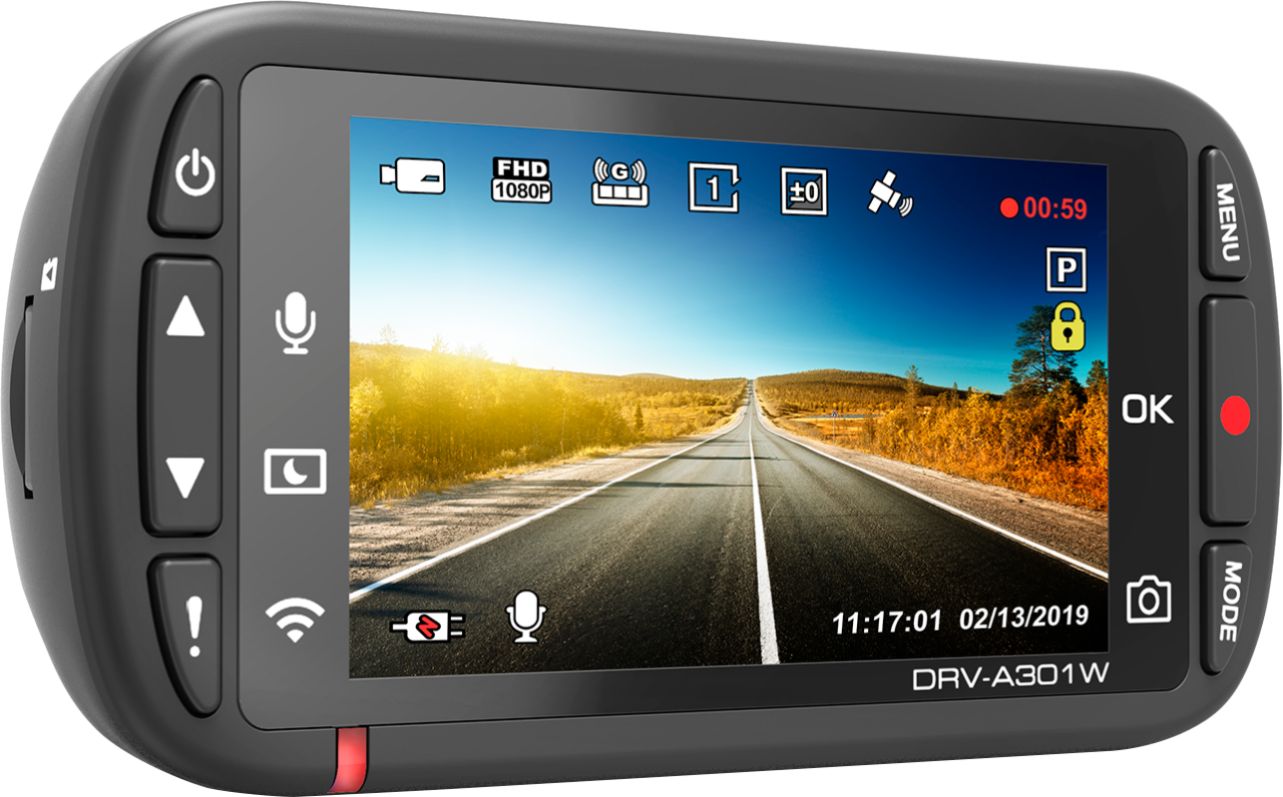
A:AnswerThe unit will protect occurrences until item is manually deleted or unprotected. Please check after an occurrence to ensure occurrence was protected. Please contact Kenwood Customer Service for more information.
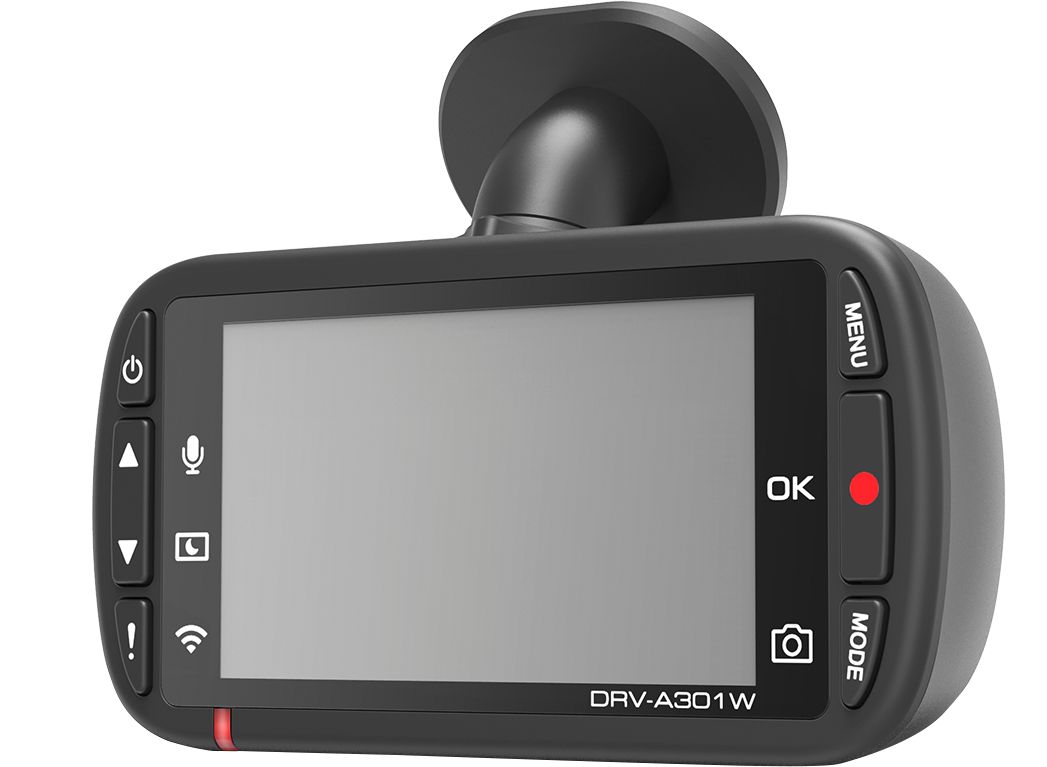
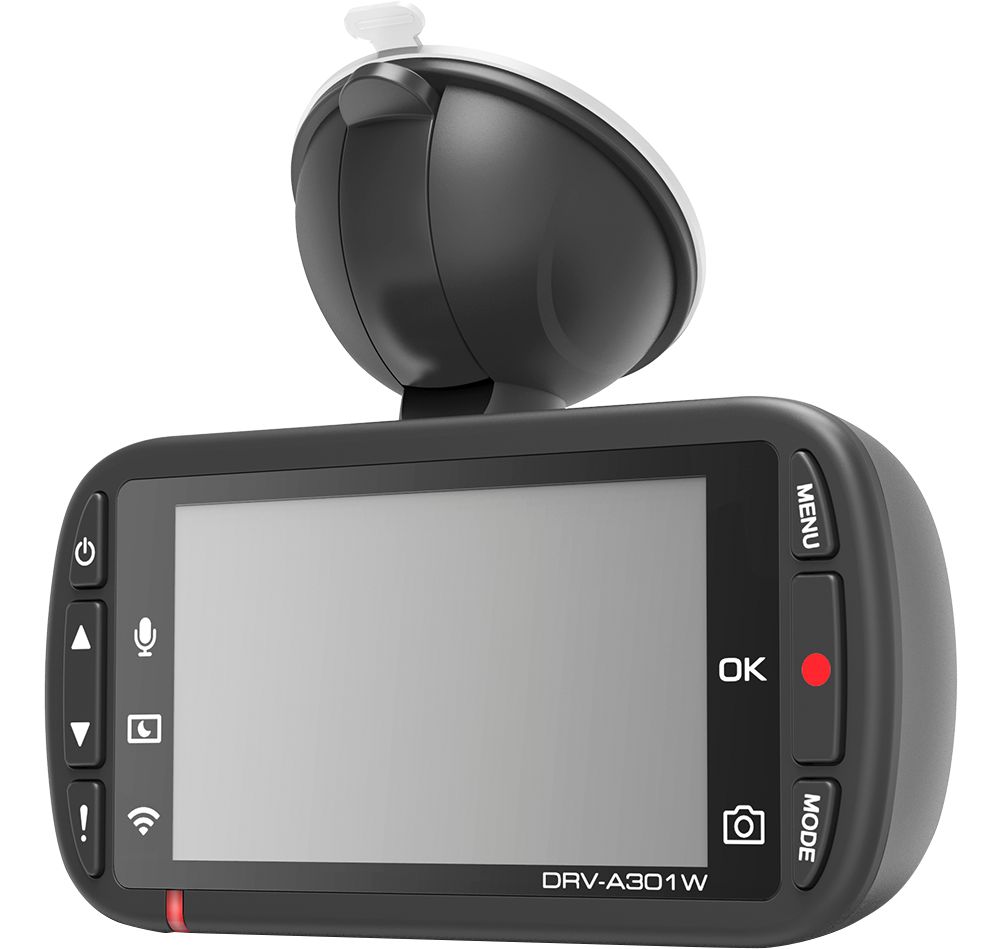
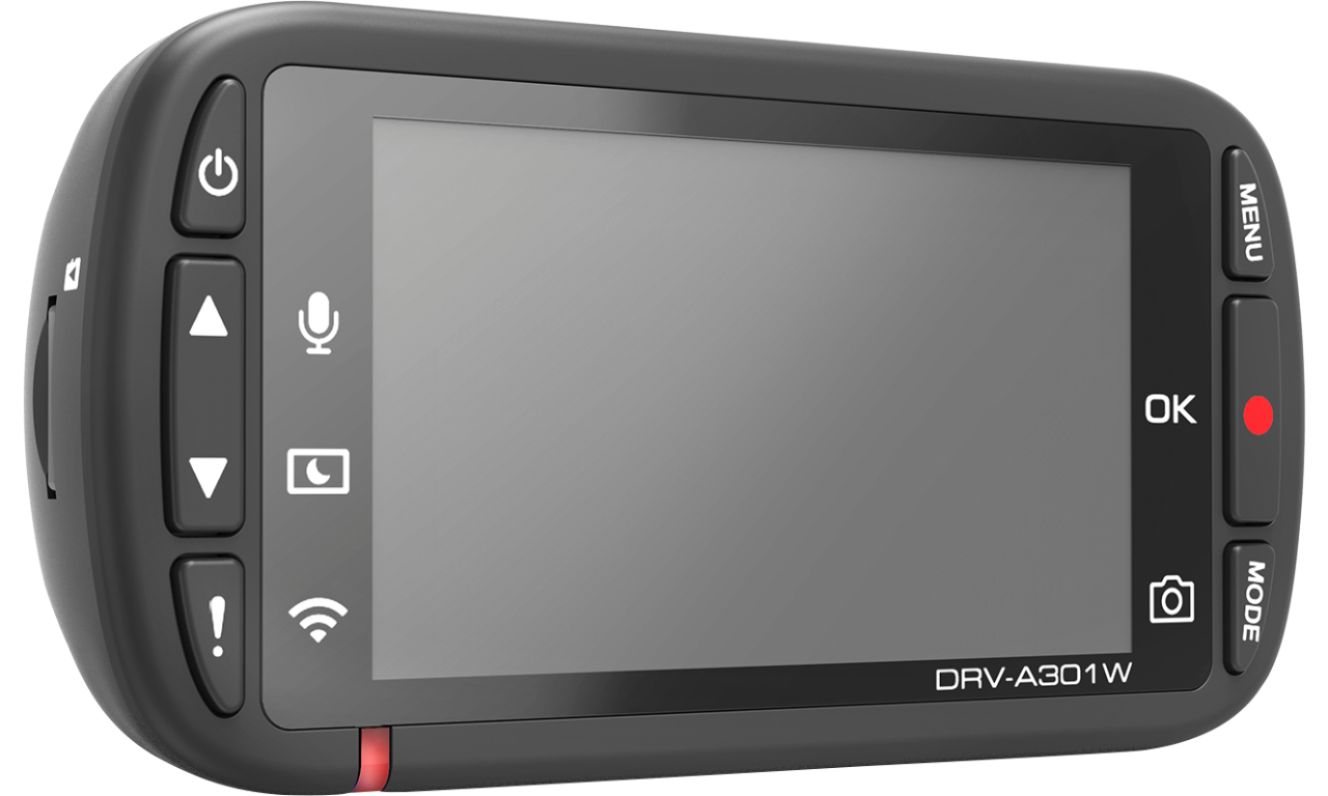
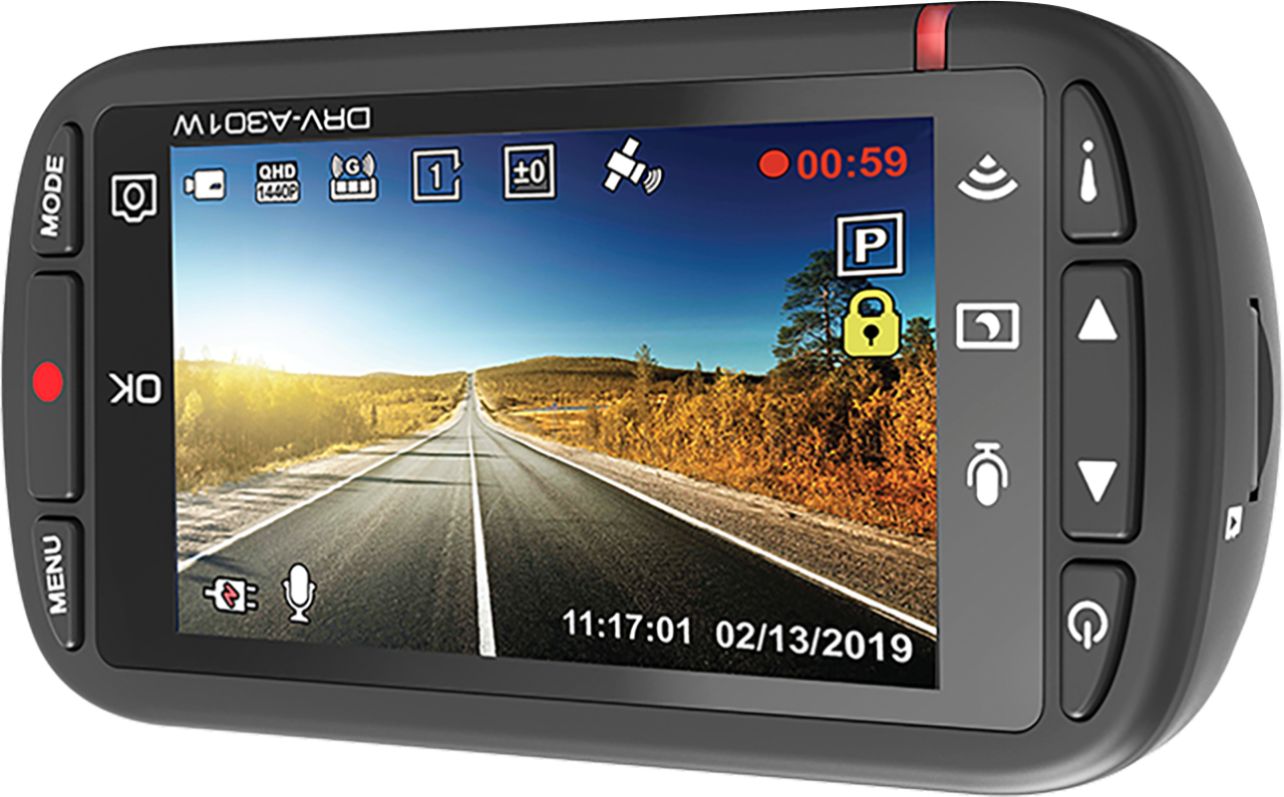
A:AnswerOn the camera, press the Menu Button twice so the gear icon is highlighted. Press the down arrow key to get to 'Format SD Card.'. Press the okay (red) button on the right side. Card is formatted, files are erased.
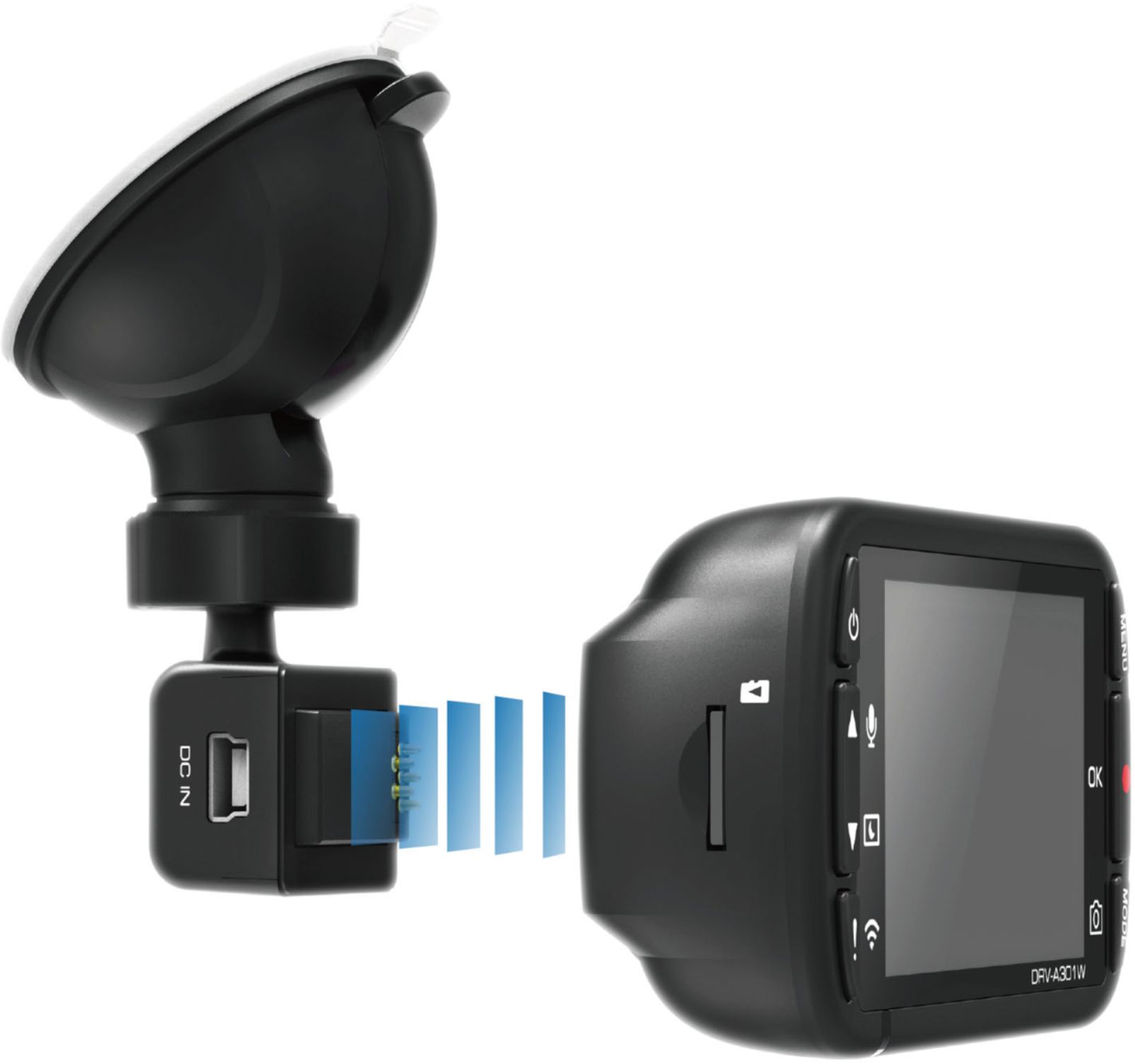
A:AnswerI would say yes it can be. The buttons will be opposite. There is a setting that will allow you to flip the image so it will be right side up in the recording.