Year-End SaleEnds 1/1/26. Limited quantities. No rainchecks.

Main Content

Questions & Answers

Your price for this item is $269.99
Clearance
The comparable value price is $299.00
Page Showing 41-60 of 87 questions
  • QuestionDoes it have back light

    Asked by Anonymous.

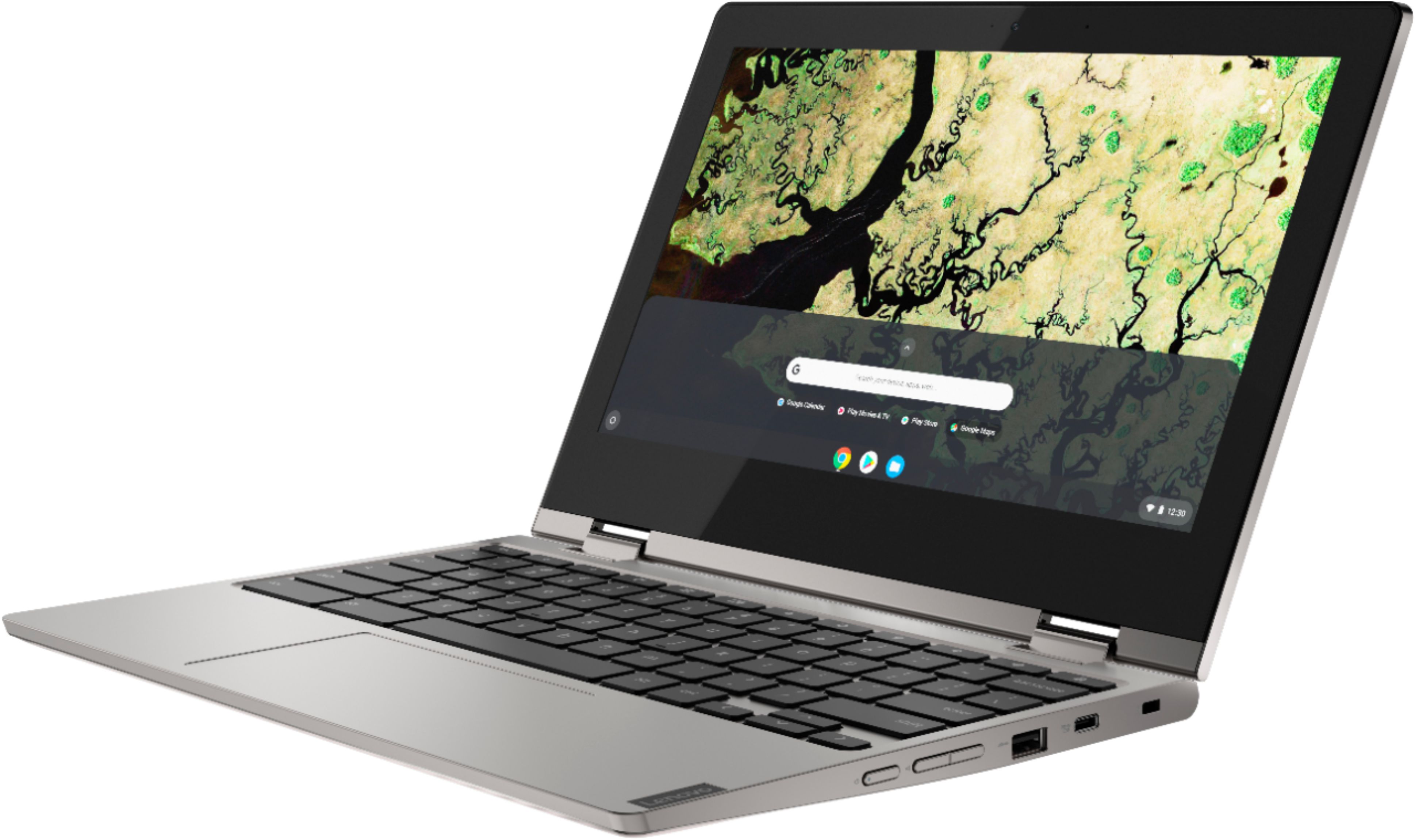
    • Answer No. The Lenovo C340-11 Chromebook does not have a backlit keyboard.

      Answered by Lenovo Product Expert

  • QuestionDoes this come with Microsoft suite installed

    Asked by Rachel.

    • Answer This is a Chromebook. It uses Google Docs for office type programs. Google Docs is completely compatible with Microsoft Office Programs and this is a free service through the Google Server. If you must have the actual Microsoft Office Programs, you can purchase Microsoft Office 365 for this Chromebook at the Google Play Store.

      Answered by Lenovo Product Expert

  • QuestionCan you use excel with this?

    Asked by Anonymous.

    • Answer Yes

      Answered by Nessa

  • QuestionIs this a good unit for a 9 th to 12 th grade school work

    Asked by Tom.

    • Answer Yes

      Answered by Nessa

  • QuestionDoes this have a multiscreen mode? Could I send the "screen" wirelessly to a tv?

    Asked by FamofFive.

    • Answer It can be sent to any tv using the chrome os.

      Answered by Moldorm

  • QuestionWhat is the manufacturer warranty on this C340? The wifi adapter has not been functioning very well

    Asked by Mekzyz.

    • Answer There is a limited 1-year manufacturer's warranty, covering hardware OEM issues. Regarding WiFi issues with your Chromebook, Here is a link to some troubleshooting tips for fixing WiFi connectivity issues within a Chromebook: https://support.google.com/chromebook/answer/6318213?hl=en

      Answered by Lenovo Product Expert

  • QuestionDose it have USB C type port? Since no HDMI port, How can I get HDMI connection if needed?

    Asked by Shri.

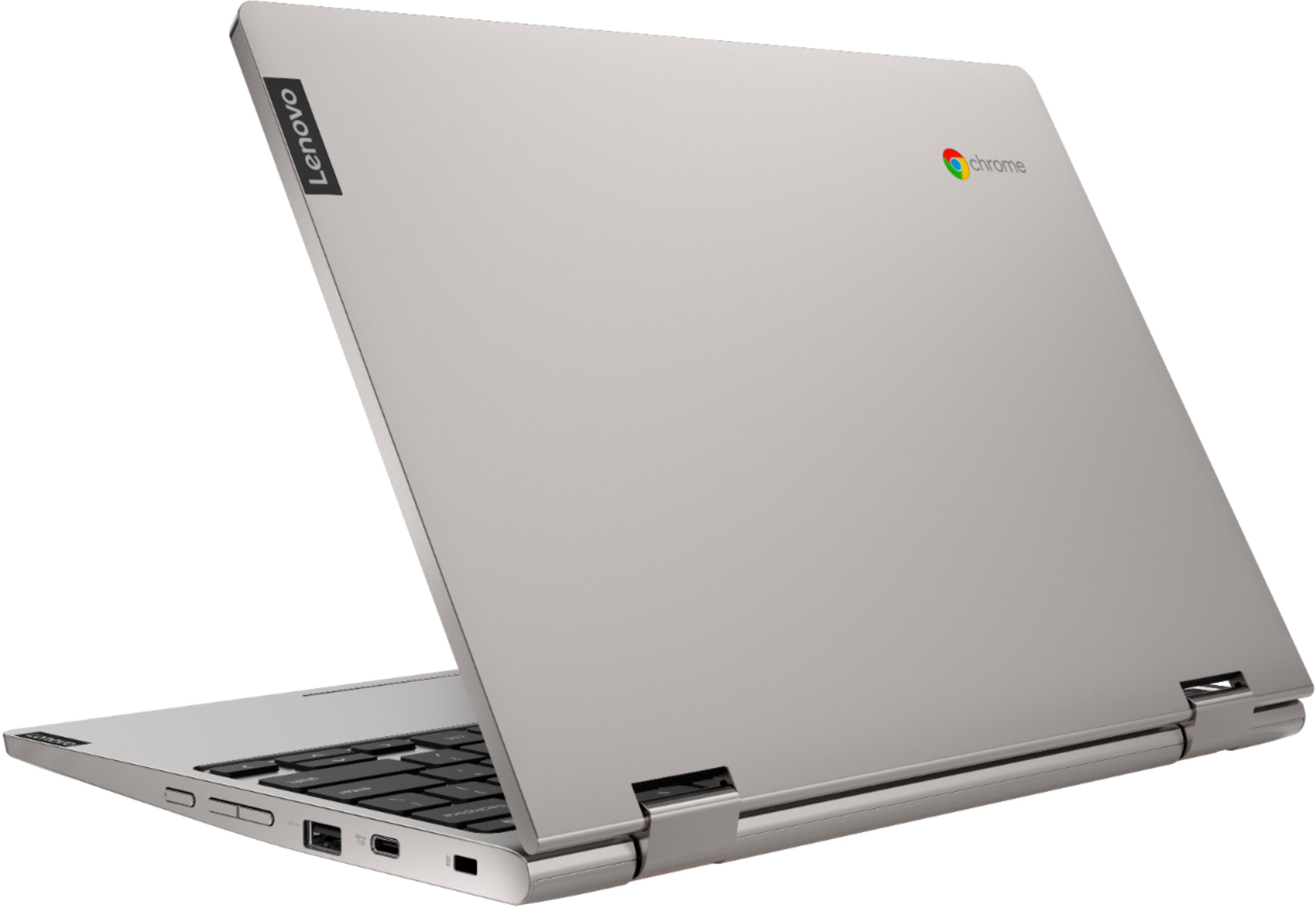
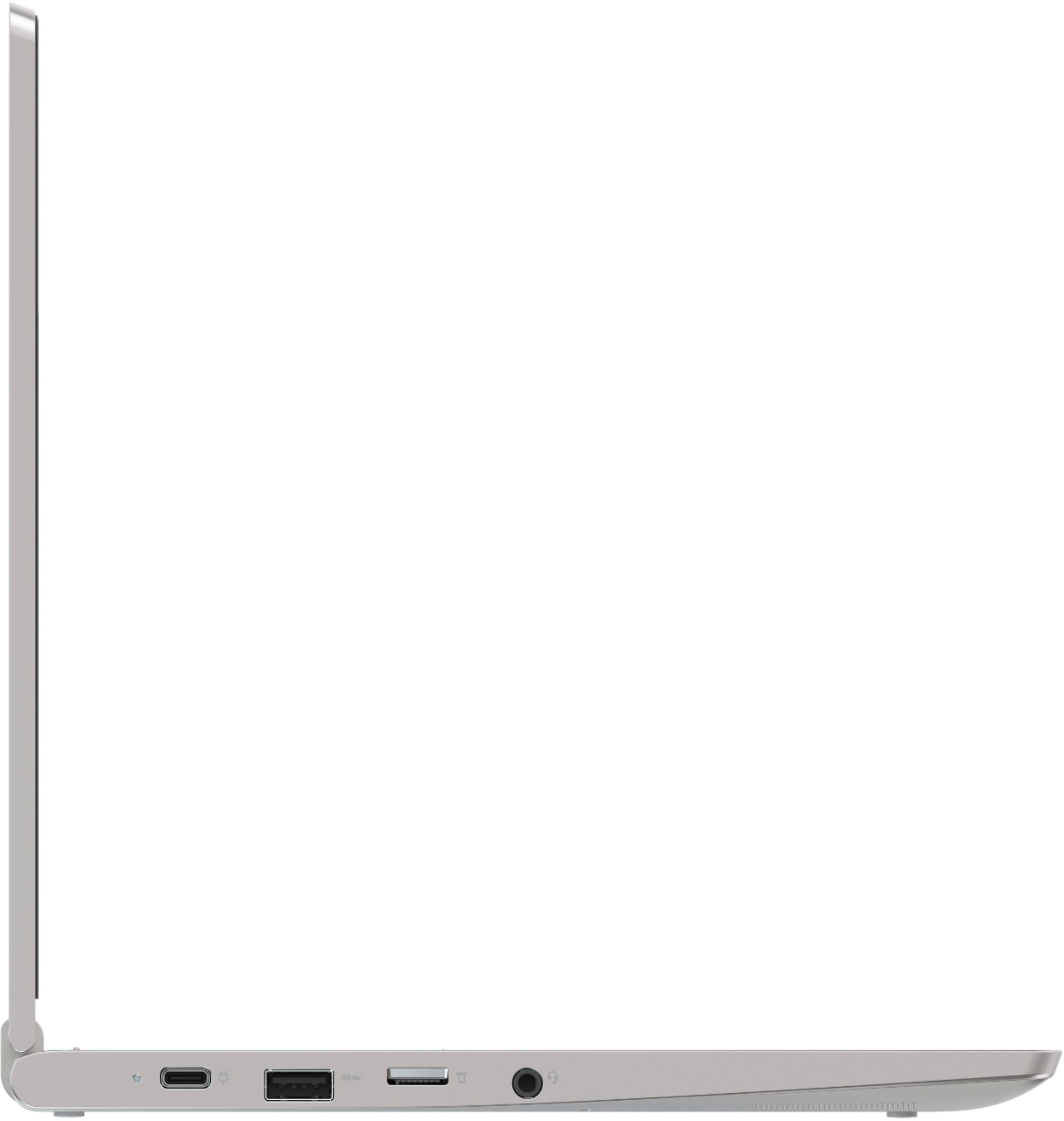
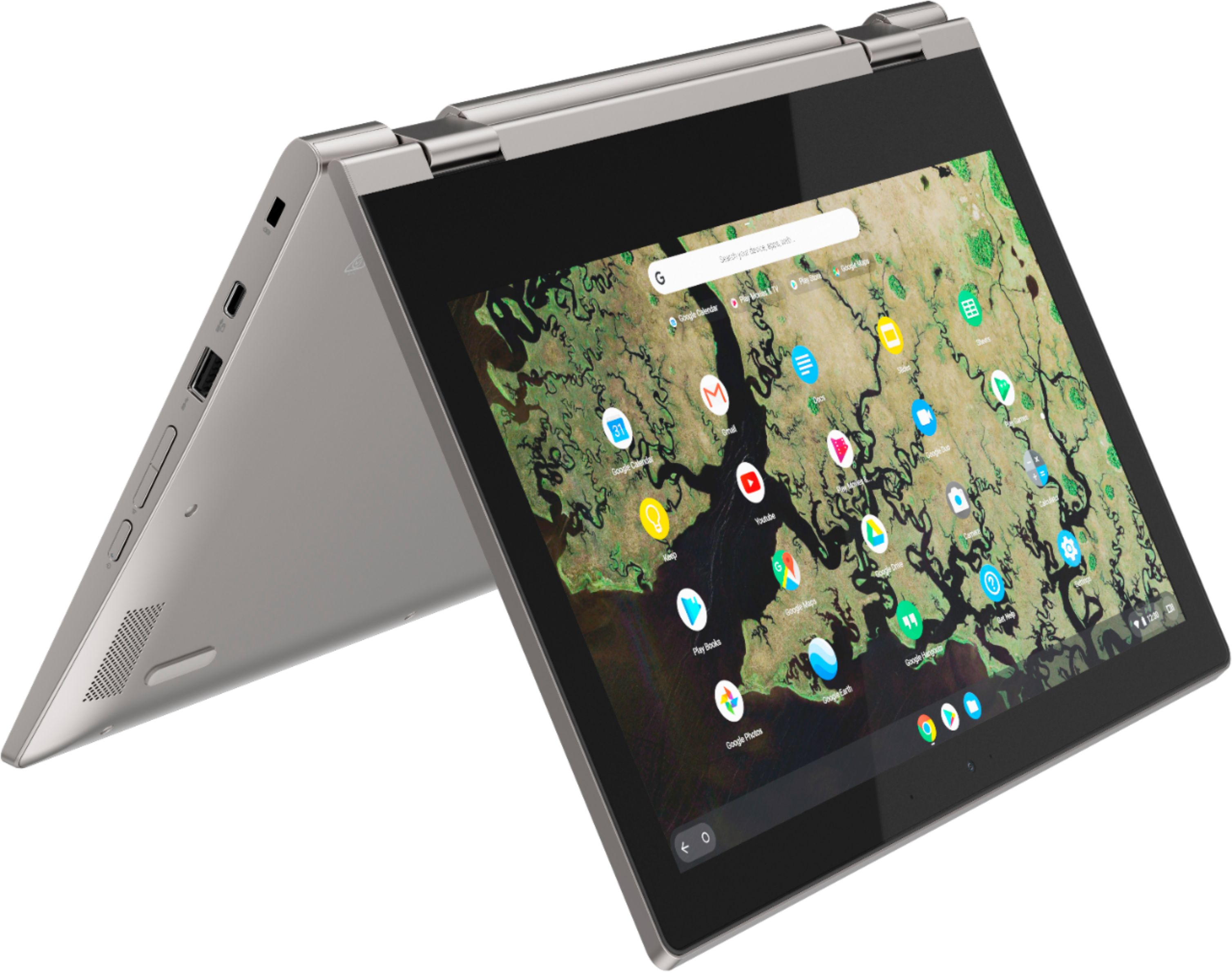
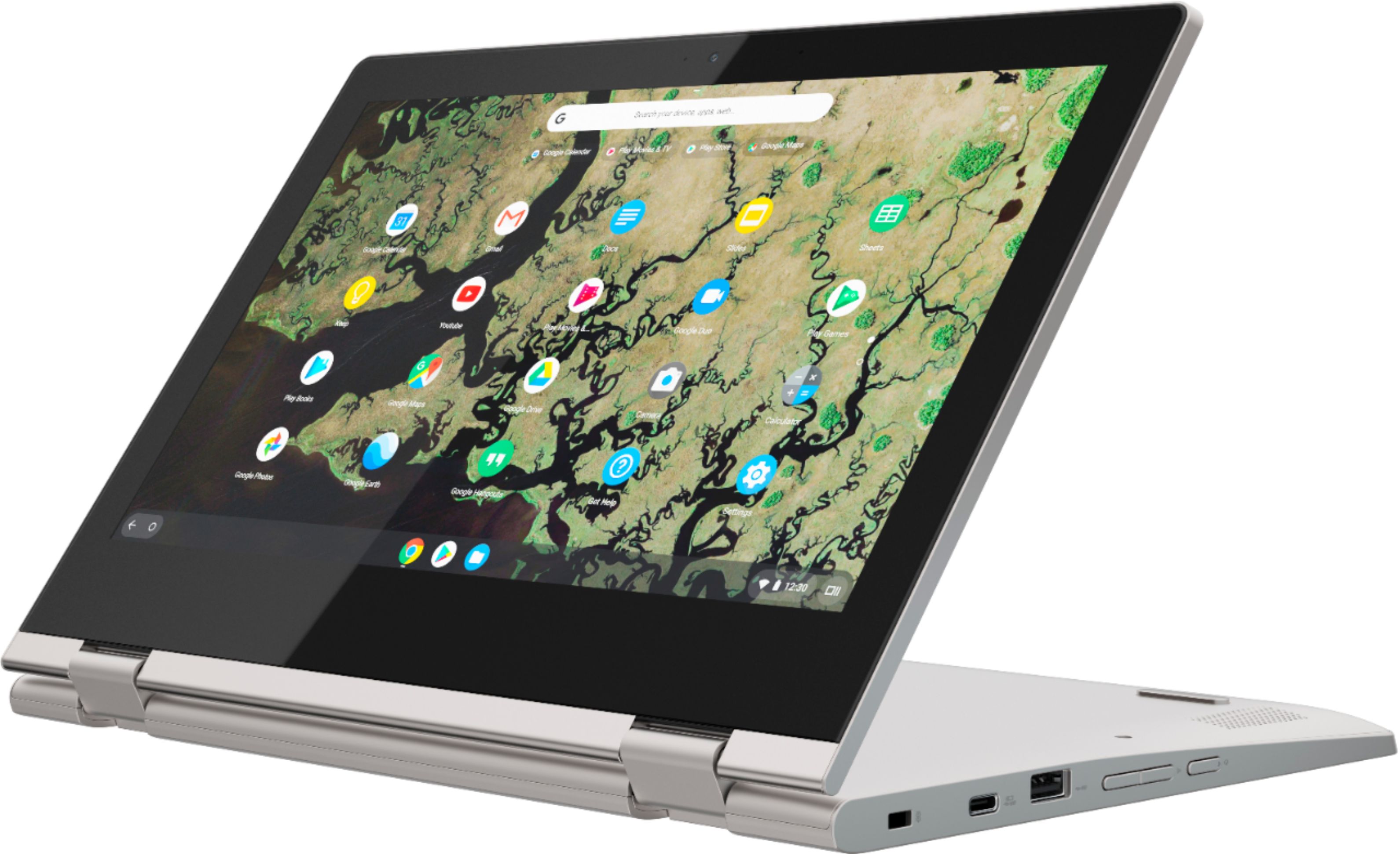
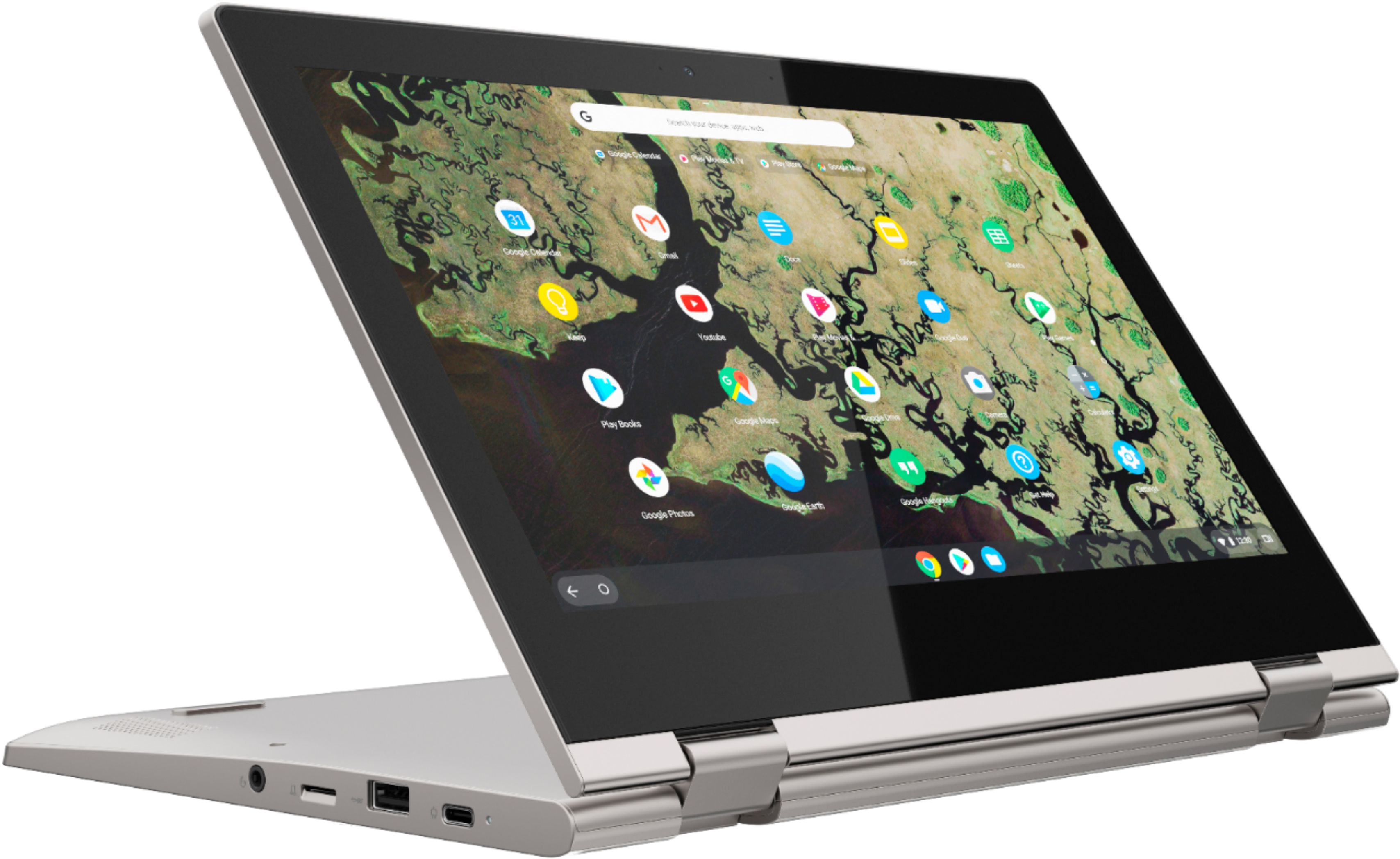
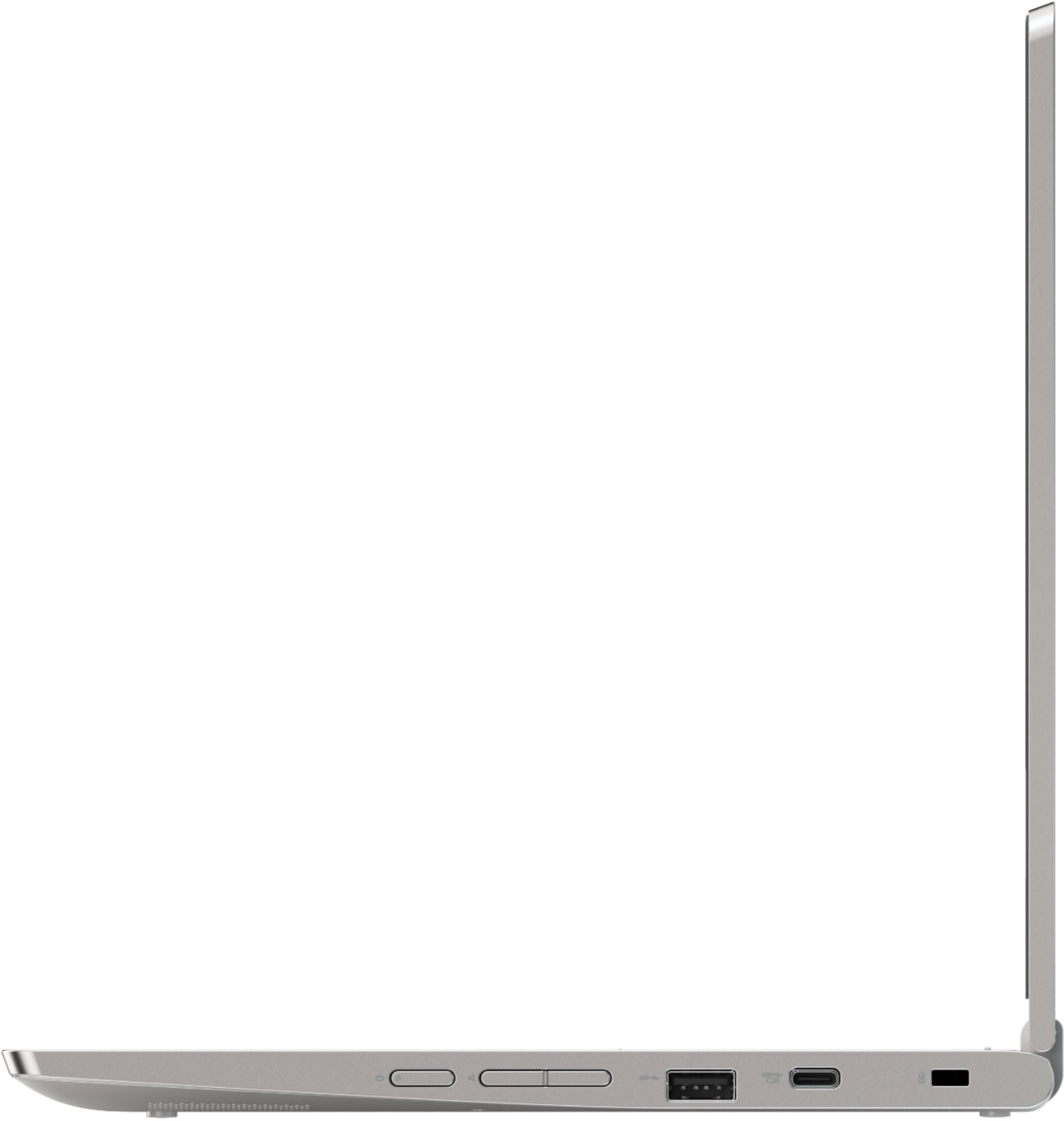
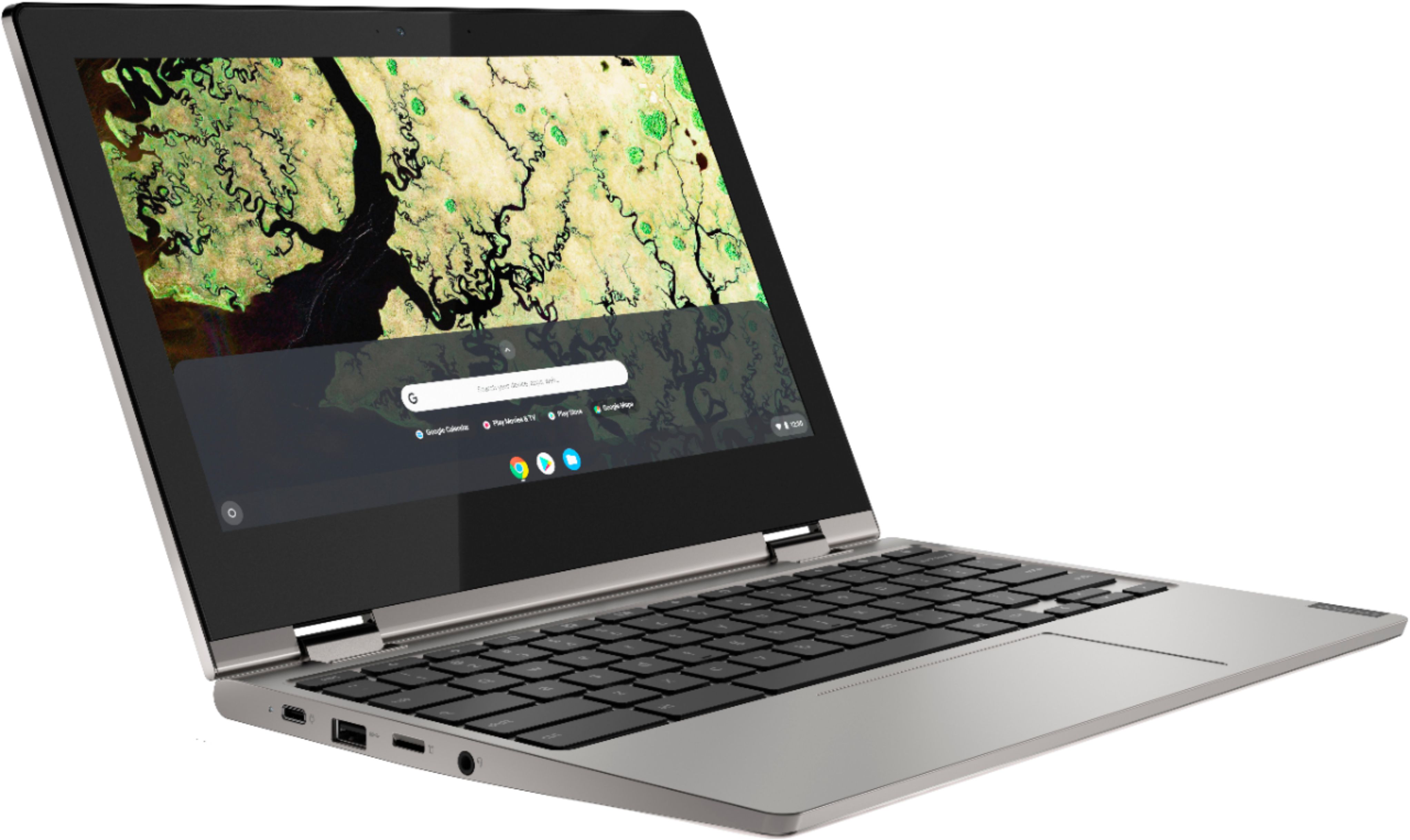
    • Answer Yes. The Lenovo C340-11 Chromebook gas a USB-c 3.1 gen 1 port that has Video-Out capability. If you need to connect an HDMI monitor you can do this by using a USB-c to HDMI adapter.

      Answered by Lenovo Product Expert

  • QuestionWhat programs are on the Chromebook?

    Asked by overwhelmedteacher1.

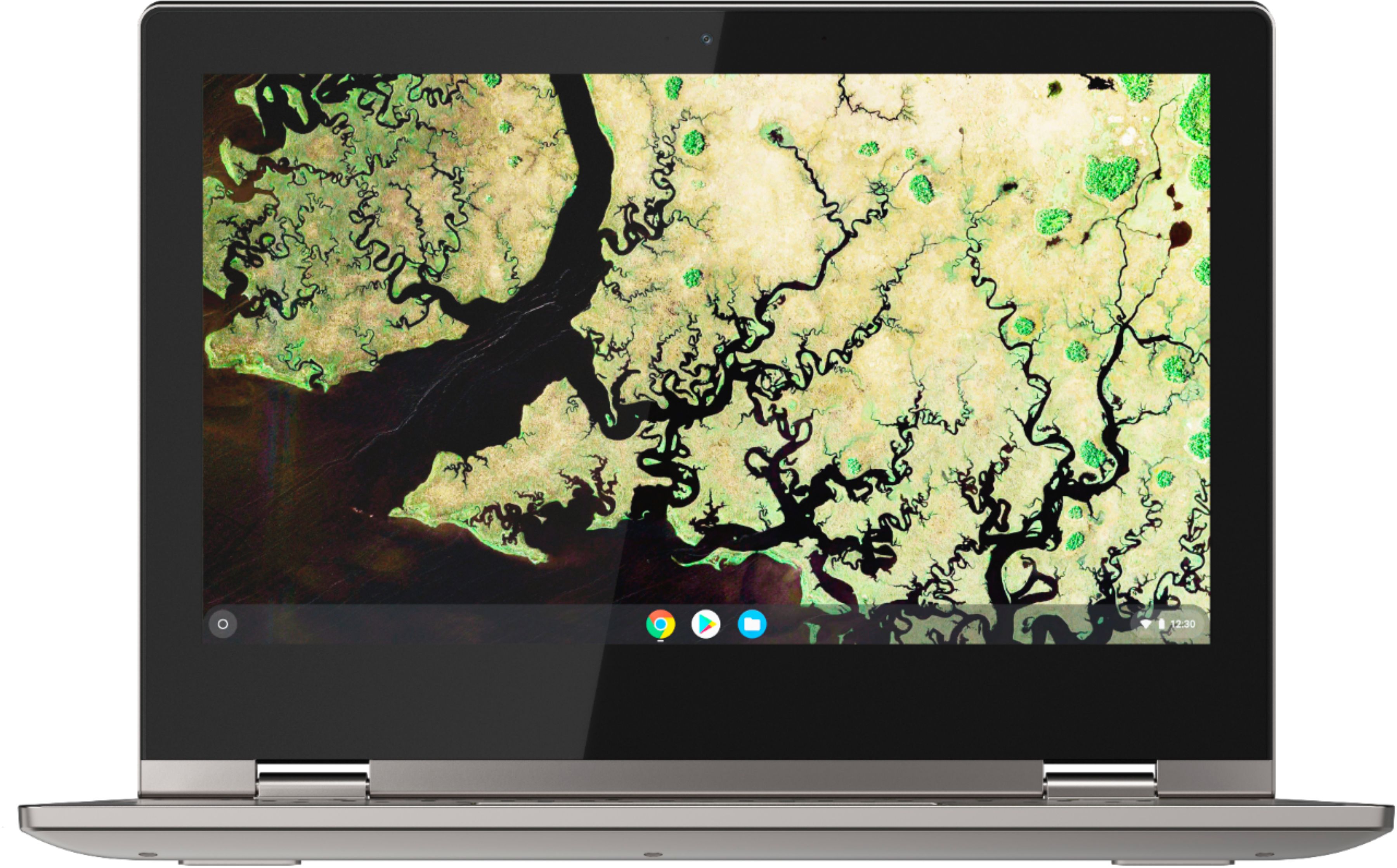
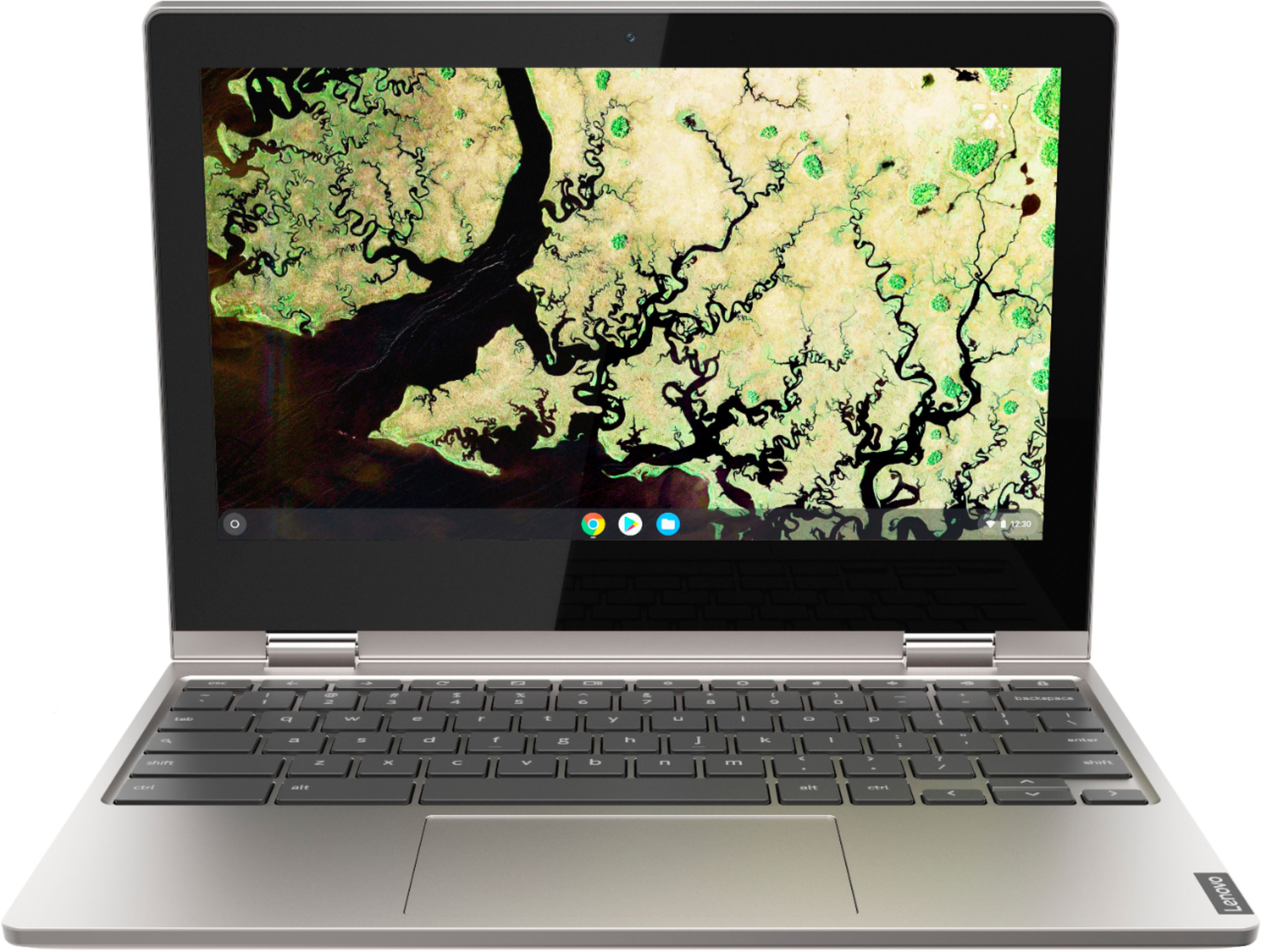
    • Answer The Lenovo C340-11 Chromebook is compatible with Google Play Store and Chrome Web Store APPs. No setup needed—just log in with your Google account to experience a new type of 2-in-1 laptop for everything you love to do. The Lenovo Chromebook C330 is easy to use, offers built-in virus protection, and keeps going with long battery life. Stay synced with your Android phones and tablets, and everywhere you’re signed in with your Google account, so your stuff stays with you even when your laptop doesn’t.
      Answered by Lenovo Product Expert

  • QuestionCan u do on line banking with this chromebook

    Asked by Anonymous.

    • Answer That will depend on the requirements and compatibility of your banks APP. The Lenovo C340-11 Chromebook is compatible with the Google Play Store and Chrome Web Store APPs. We recommend you check with your bank's web site for their compatibility with the Chrome operating system and the minimum/recommended hardware requirements (Is a Graphics card required, the processor speed and the minimum required system RAM and the minimum available hard drive space) to run their program, then compare those requirements to this system's configuration.

      Answered by Lenovo Product Expert

  • QuestionD0es windows 10 come on this device does it have the same functions as a laptop?

    Asked by Anonymous.

    • Answer No. This is a Chromebook and it uses the Chrome Operating System. The Lenovo C340-11 Chromebook is compatible with Google Play Store and Chrome Web Store APPs.

      Answered by Lenovo Product Expert

  • Questioncan you connect to a wireless printer

    Asked by cocopuf.

    • Answer Yes, so long as the printer is compatible with the Chrome Operating System. We recommend you check with your printer manufacturer about the compatibility of your specific model printer. Here is a link about connecting a printer to a Chromebook: https://support.google.com/chromebook/answer/7225252?hl=en

      Answered by Lenovo Product Expert

  • QuestionDoes this product come with built in antivirus?

    Asked by Nancy.

    • Answer Yes it does. Every time you connect to the Google Server the virus protection is updated.

      Answered by Lenovo Product Expert

  • QuestionDoes it use chrome 75 or above far as the browser?

    Asked by Alexis.

    • Answer The Lenovo C340-11 Chromebook ships with the latest version of the Chrome Operating System. Chrome will automatically update every time the device is connected to the Google Server.

      Answered by Lenovo Product Expert

  • QuestionWhat operating system come with it

    Asked by Dp.

    • Answer The Lenovo C340-11 Chromebook uses the Chrome Operating System.

      Answered by Lenovo Product Expert

  • QuestionDoes it accept another screen if needed ?

    Asked by Anonymous.

    • Answer The Lenovo C340-11 Chromebook has a USB-C 3.1 Gen 1 port that carries a video-out signal. You can connect an HDMI monitor by uses a USB-C 3.1 Gen 1 to HDMI adapter.

      Answered by Lenovo Product Expert

  • QuestionMore info on the operating system?

    Asked by Anonymous.

    • Answer The Lenovo C340-11 Chromebook ships with the Chrome Operating System. Chrome automatically updates to the latest version every time you connect to the Google Server. This C340-11 Chromebook is compatible with the Google Play Store and Chrome Web Store APPs.

      Answered by Lenovo Product Expert

  • QuestionWhat type of word processor. Is it WORD COMPATABLE

    Asked by ichoff77.

    • Answer This is a Chromebook. It uses Google Docs for office type programs. Google Docs is completely compatible with Microsoft Office Programs and this is a free service through the Google Server. If you must have the actual Microsoft Office Programs, you can purchase Microsoft Office 365 for this Chromebook at the Google Play Store.

      Answered by Lenovo Product Expert

  • QuestionIs this computers a windows 10

    Asked by question.

    • Answer No. This is a Chromebook. It uses the Chrome Operating System. It is compatible with the Google Play Store and the Chrome Web Store APPs.

      Answered by Lenovo Product Expert

  • QuestionWhy won’t my computer turn on? I just got it today not so long ago and it’s chartering has a green light but won’t turn on at all

    Asked by Anonymous.

    • Answer Here is a link to troubleshooting tips for fixing issues with your Chromebook, including a Chromebook that will not turn on: https://support.google.com/chromebook/answer/6309225?hl=en. If the issue continues, we recommend you call Lenovo Tech Support at: 877-453-6686.

      Answered by Lenovo Product Expert

  • QuestionWould you be able to use an Apple pen with this device? If not what could I use instead?

    Asked by TylerJ.

    • Answer No. The Lenovo C340-11 Chromebook is not compatible with any active/digital pen.

      Answered by Lenovo Product Expert