Black Friday is hereShop new DoorbustersShop now

Main Content

Questions & Answers

Your price for this item is $424.99
Clearance
The comparable value price is $499.00
Page Showing 1-20 of 77 questions
  • Questionwould this be a good laptop just for college use?

    Asked by lamia.

    • Answer Can I use this computer for remote learning. Can I teach my classes virtually? Does it have good speakers?

      Answered by rrod1231

  • QuestionCan I use Microsoft office with this device?

    Asked by Venus.

    • Answer This is a Chromebook. It uses Google Docs for office type programs. Google Docs is completely compatible with Microsoft Office Programs and this is a free service through the Google Server. If you must have the actual Microsoft Office Programs, you can purchase Microsoft Office 365 for this Chromebook at the Google Play Store.

      Answered by Lenovo Product Expert

  • QuestionWill this laptop be compatible with a larger monitor? I will like to work from the laptop but see the image on a larger monitor.

    Asked by Lovely.

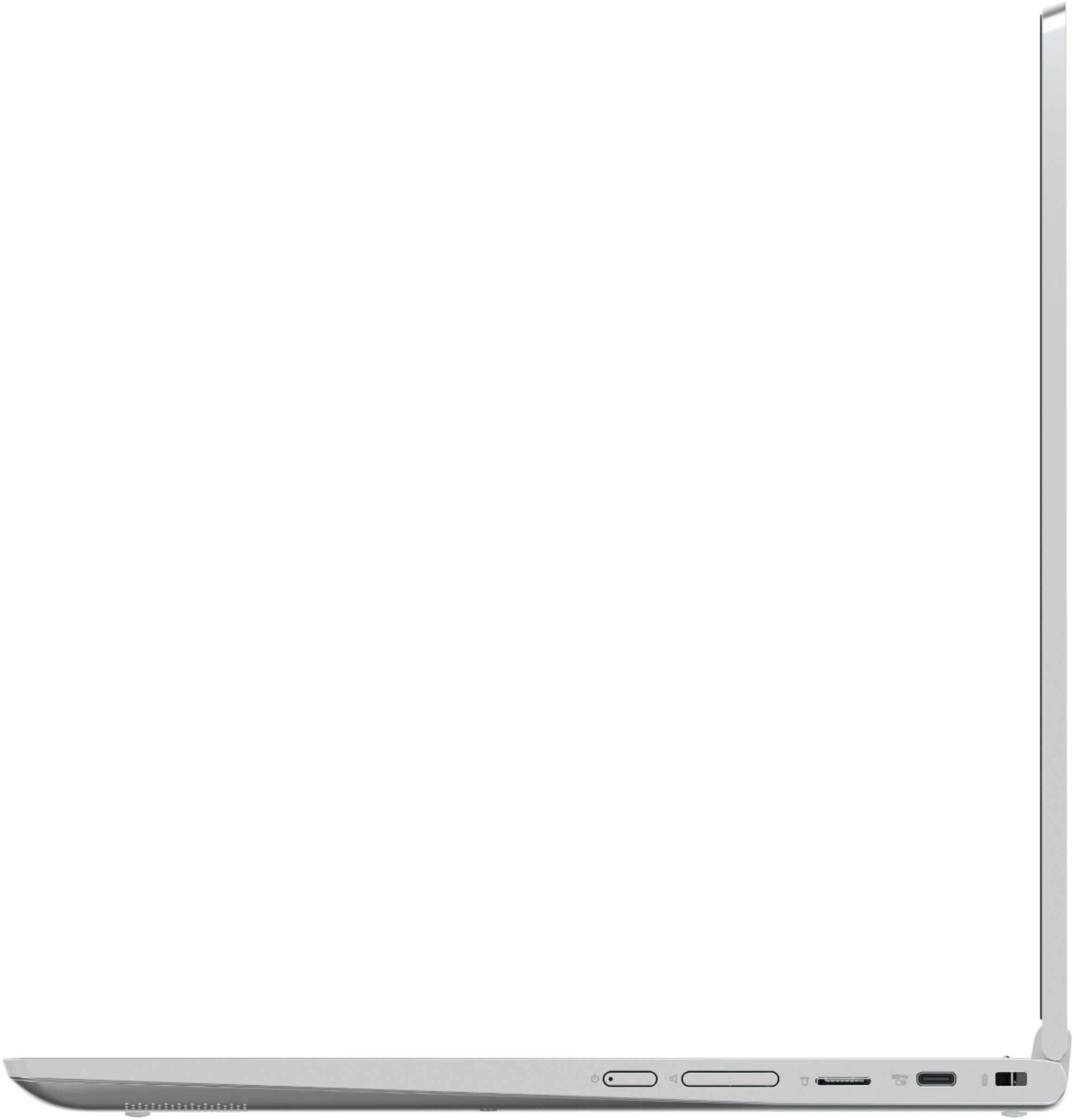
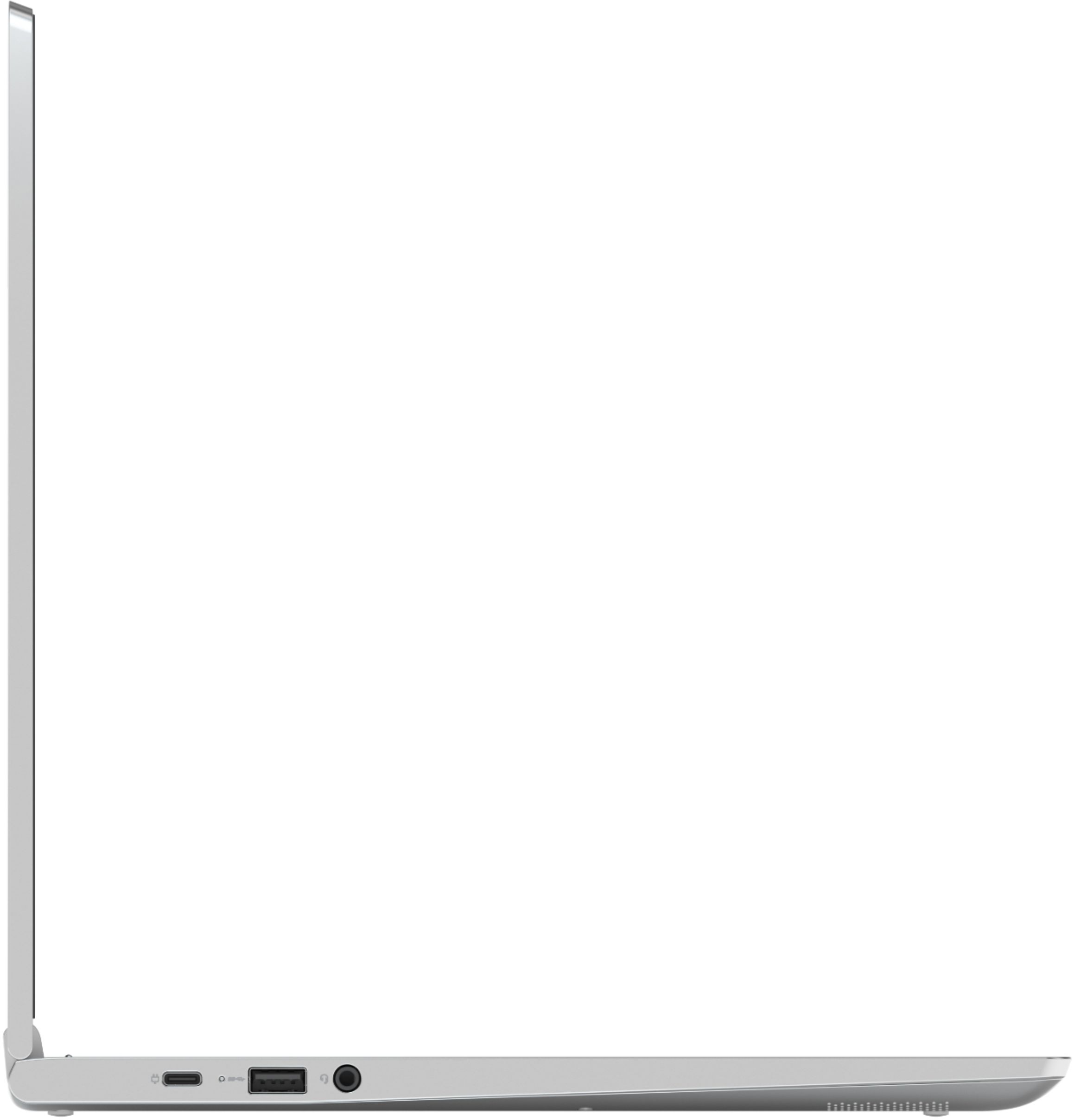
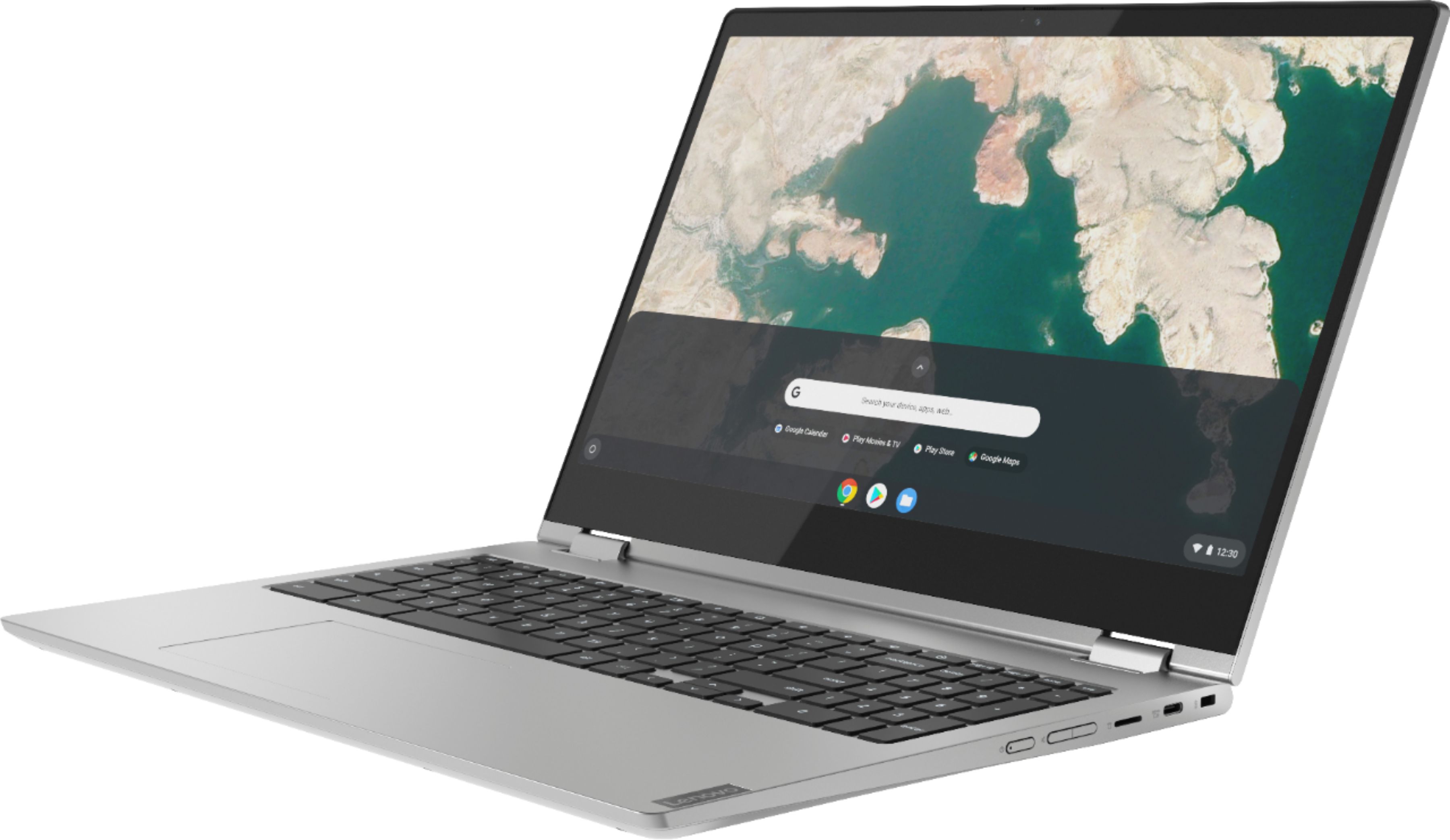
    • Answer The Lenovo C340-15 Chromebook model number 81T9000VUS, ships with an HDMI-Out port for connecting an external monitor to this Chromebook.

      Answered by Lenovo Product Expert

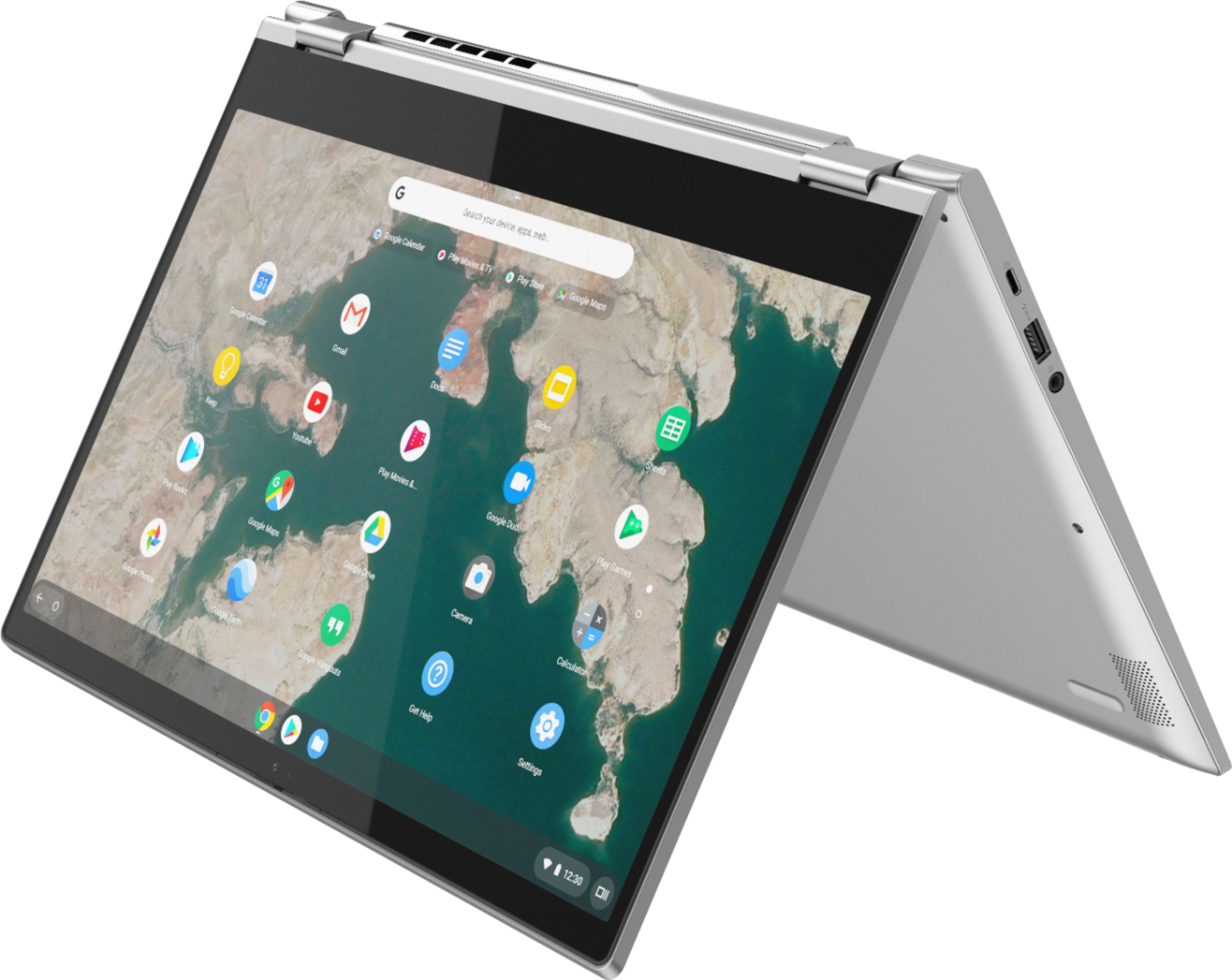
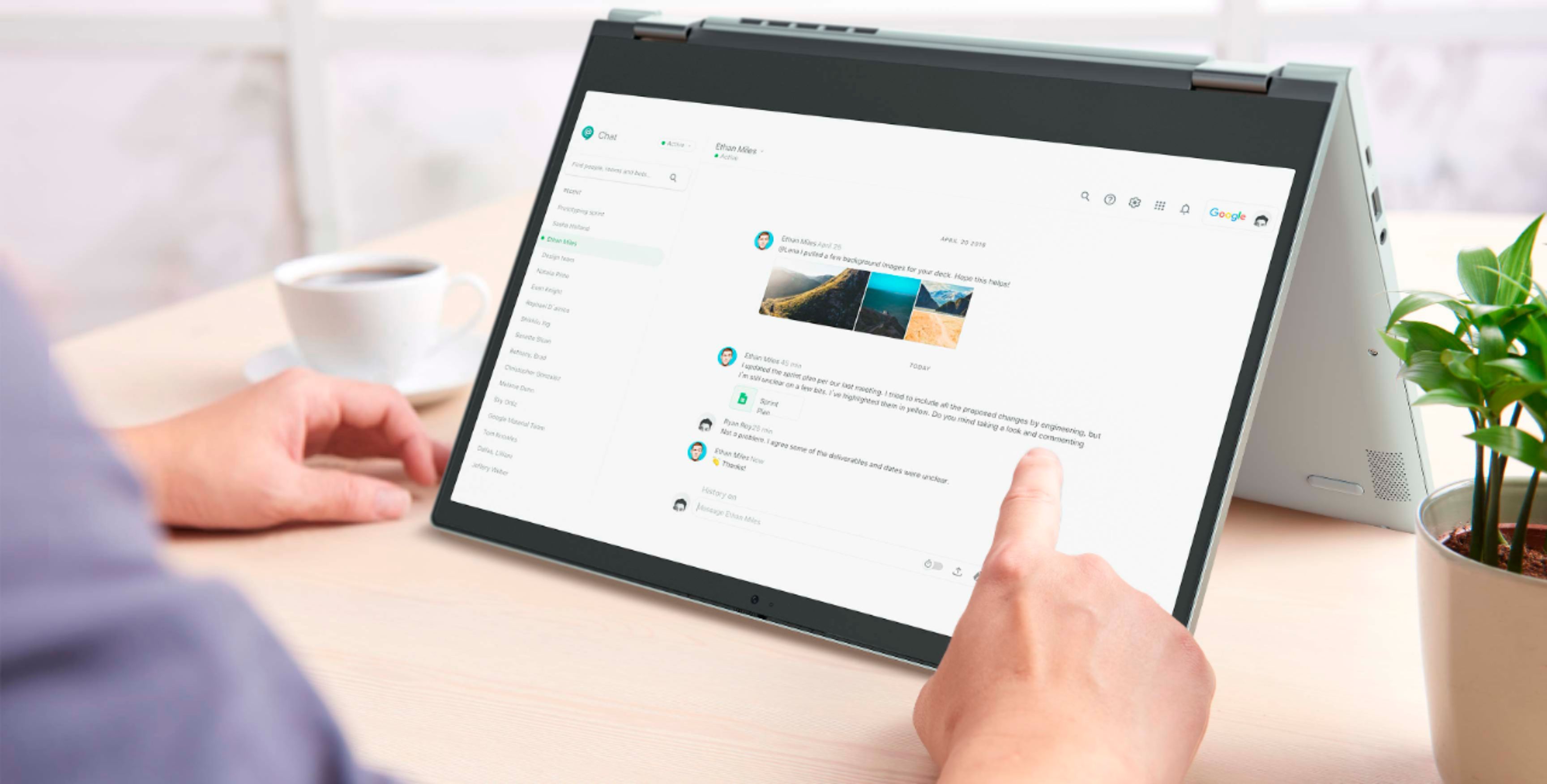
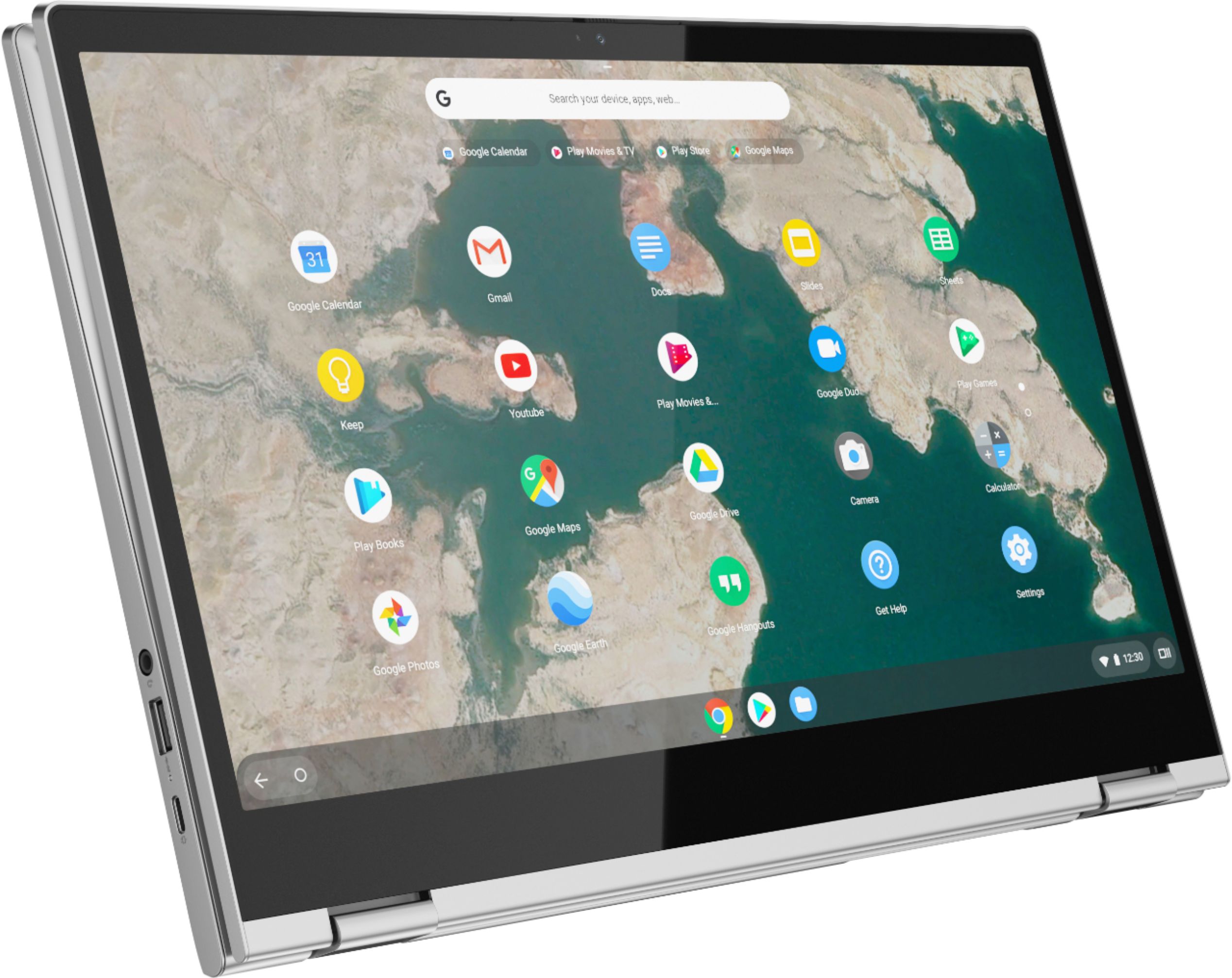
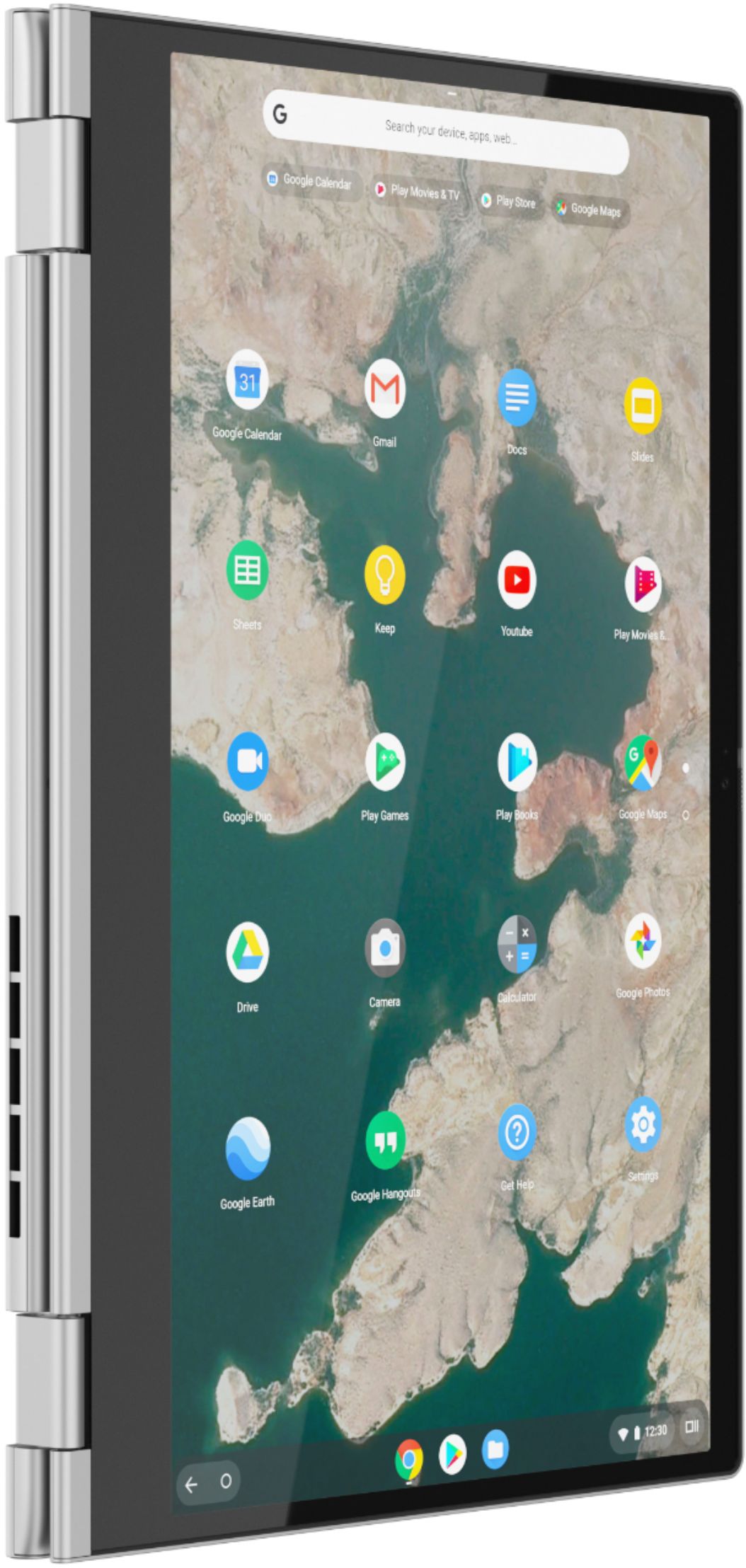
  • QuestionDoes it fold into a tablet

    Asked by Binx.

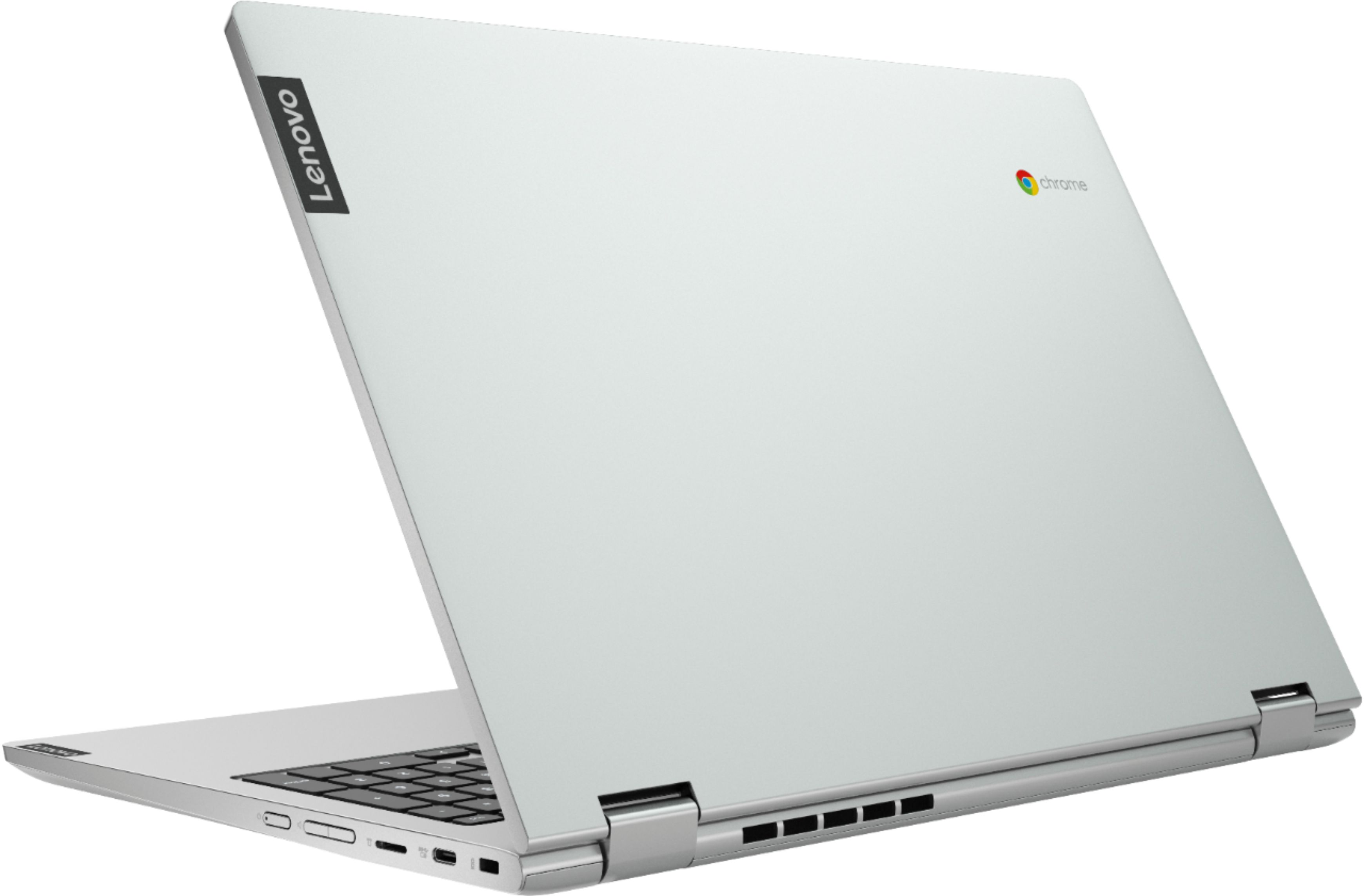
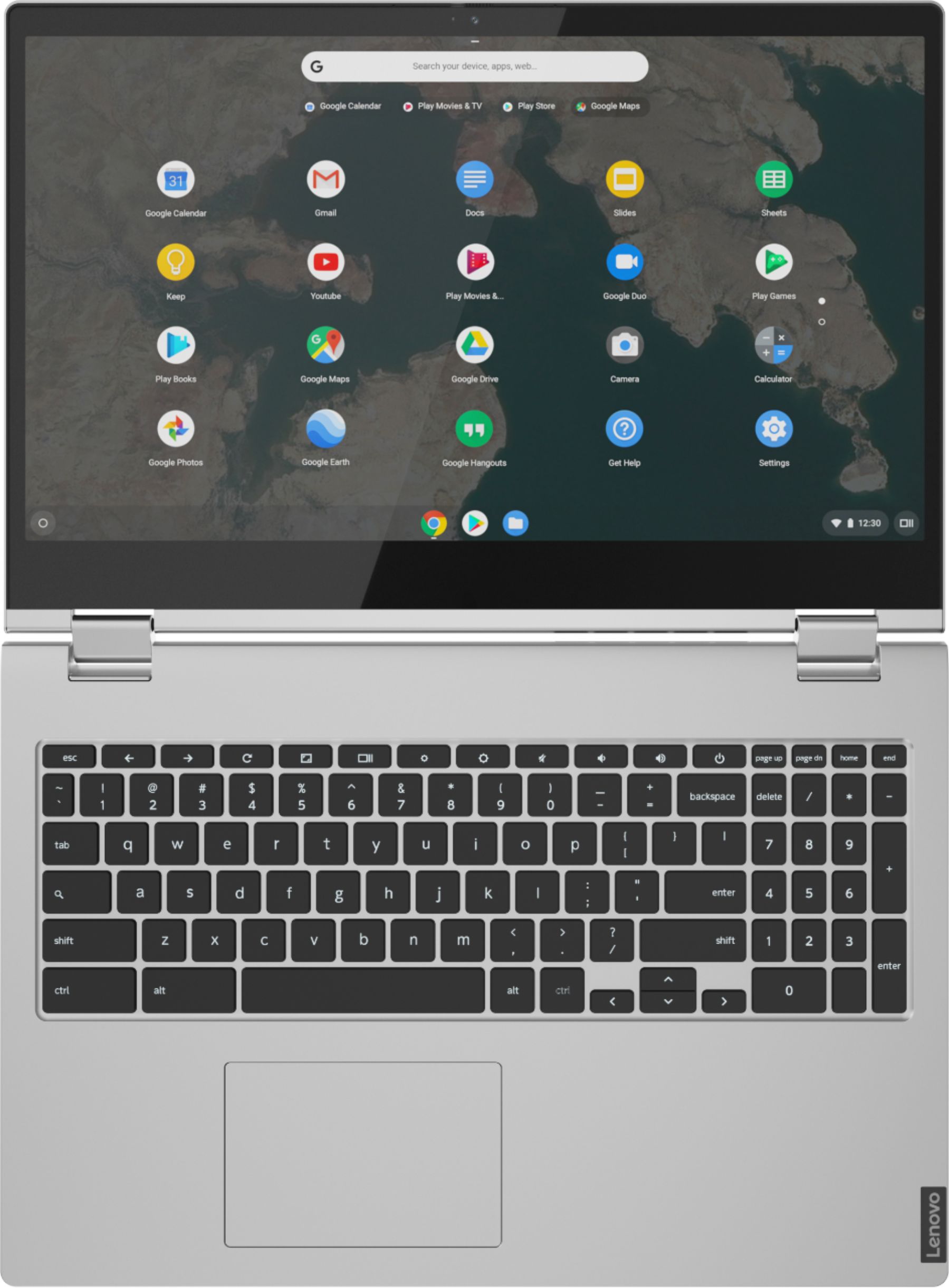
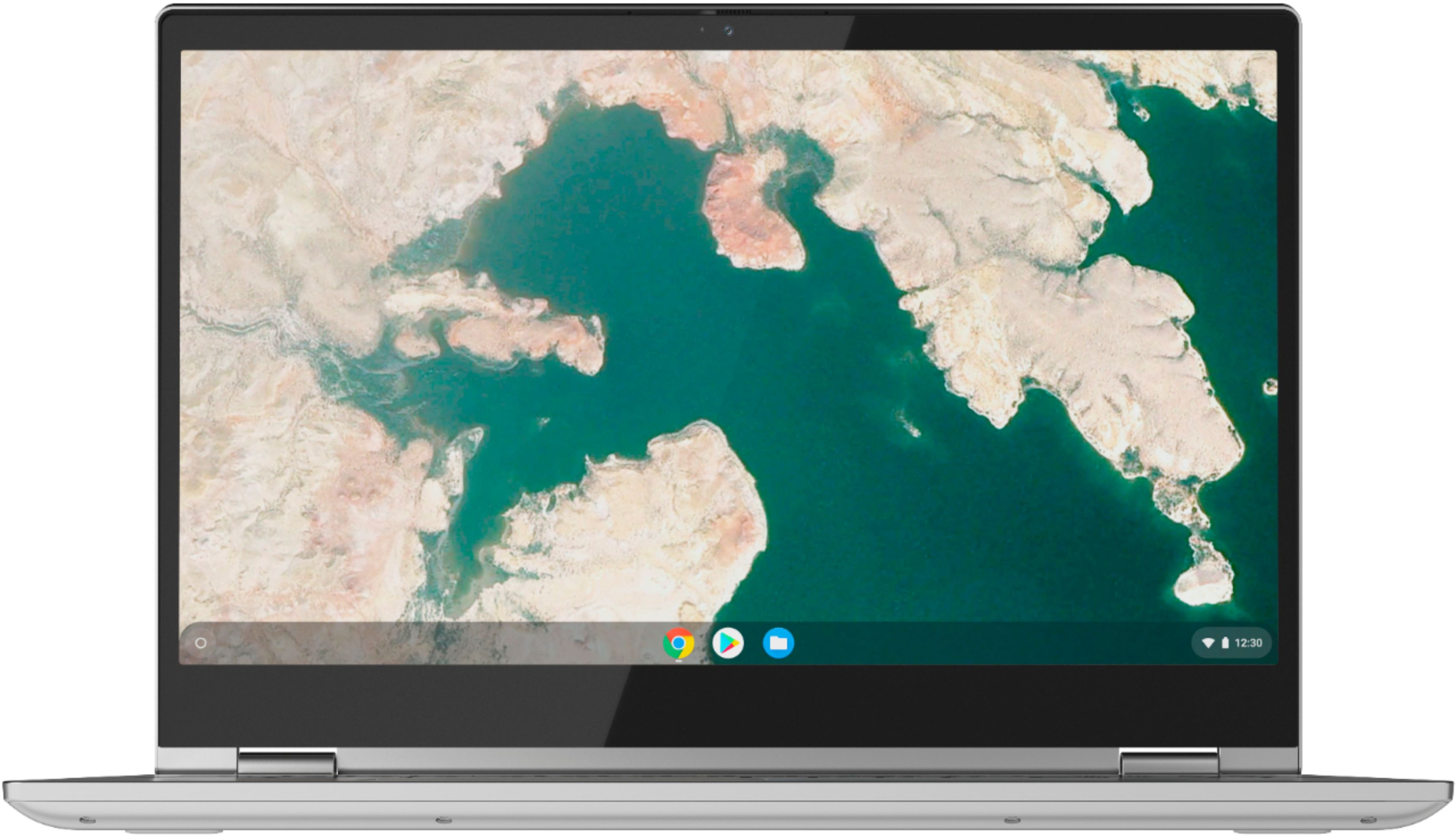
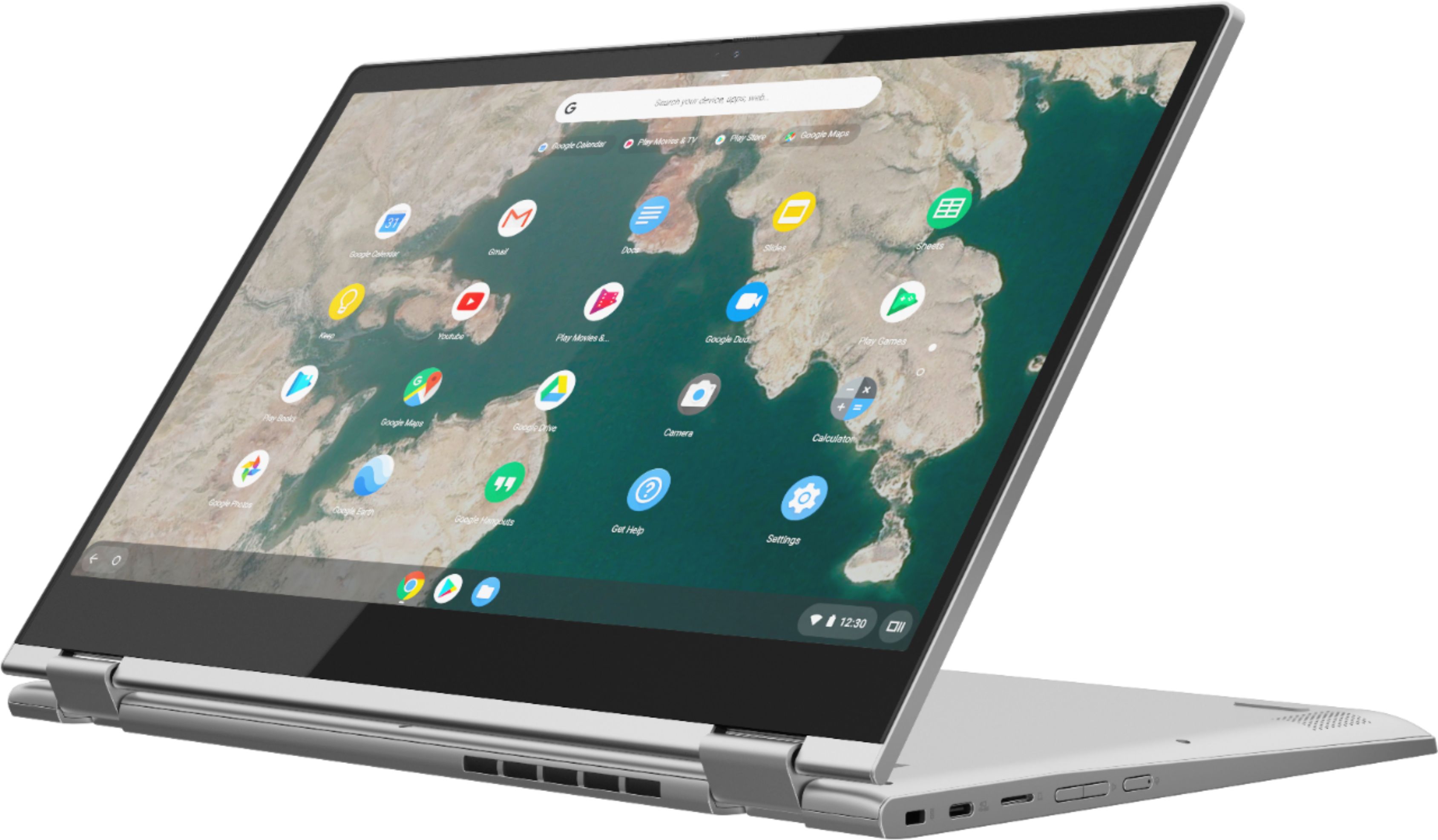
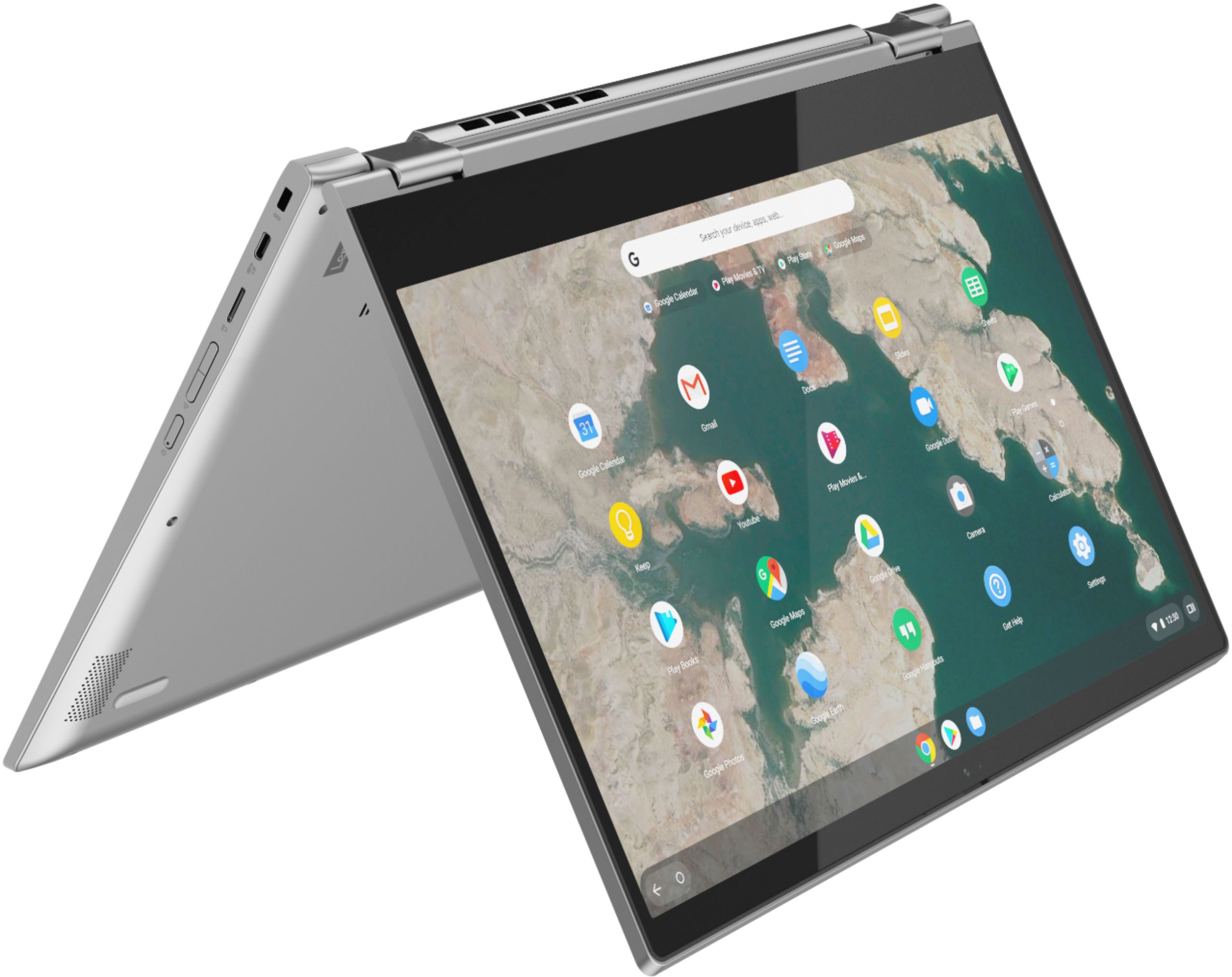
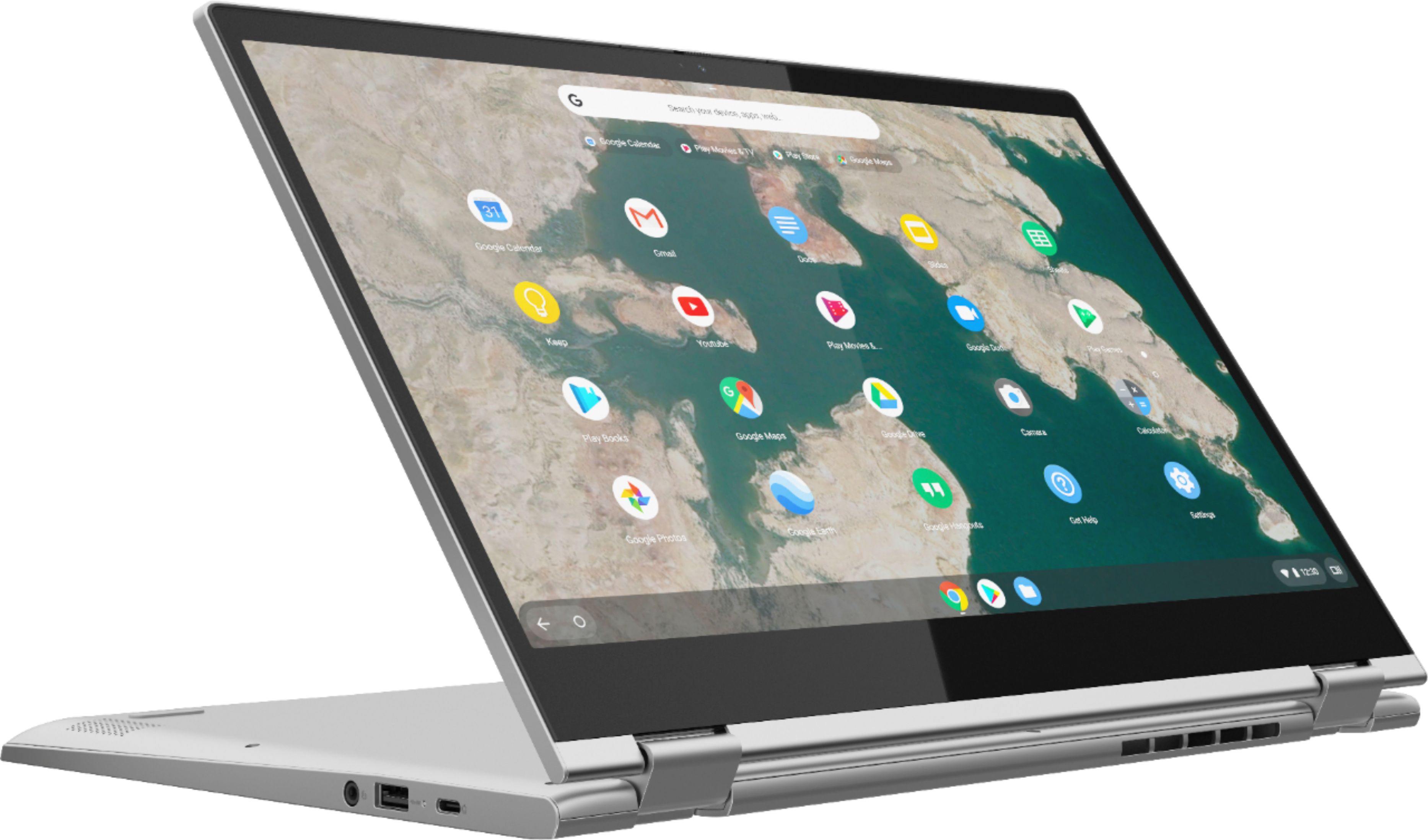
    • Answer Yes. The Lenovo C340-15 Chromebook model number 81T9000VUS has 360-degree hinges on the screen so it can fold into tablet mode.

      Answered by Lenovo Product Expert

  • Questionjust received does not have a power supply or charger?

    Asked by Anonymous.

    • Answer All new Lenovo C340-15 Chromebooks ships with a USB-c AC adapter/charger within the original shipping box. If the box you received does not have an AC adapter/charger we recommend you contact Best Buy with your receipt/purchase documents for more information.

      Answered by Lenovo Product Expert

  • QuestionWhat is the largest micro SD storage size supported?

    Asked by Bobby.

    • Answer You can use a Micro SD card with the Lenovo C340-15 Chromebook up to a capacity of 512GB.

      Answered by Lenovo Product Expert

  • QuestionCould you connect 2 monitors to this?

    Asked by Anonymous.

    • Answer There is one HDMI-Out port on the Lenovo C340-15 Chromebook for connecting an external monitor directly to this Chromebook, to use with the device display for two screens. To connect two external monitors to this Chromebook you would need to add a universal USB docking station. Here is a link to information about using a universal USB dock with a Chromebook: https://cbookreviewguide.com/chromebook-blog/best-chromebook-docking-stations/

      Answered by Lenovo Product Expert

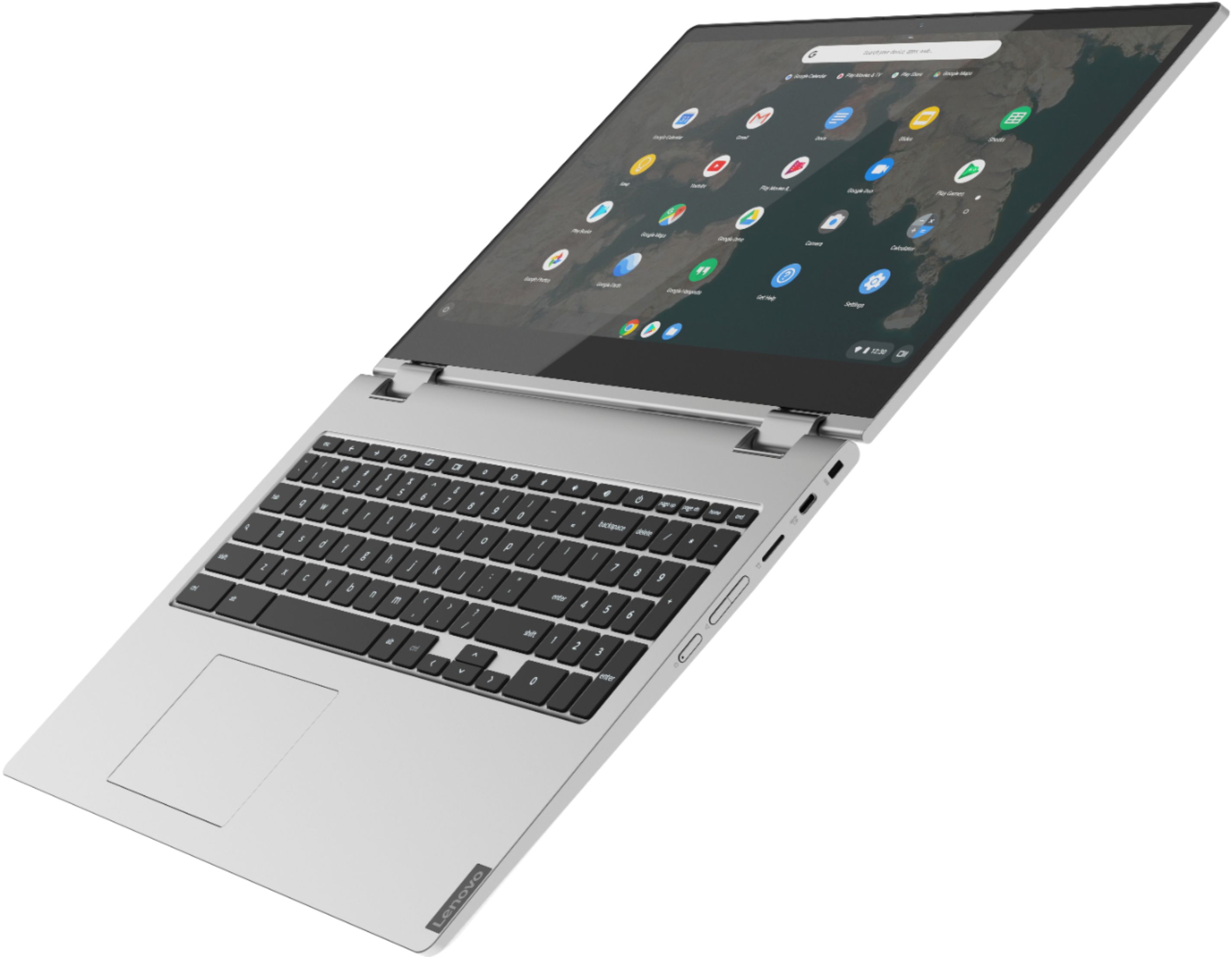
  • QuestionDoes this laptop have a backlit keyboard

    Asked by Garrett.

    • Answer No

      Answered by Roberta

  • QuestionWill this work with an active stylus for pressure-sensitive drawing?

    Asked by mommillerx3.

    • Answer No. This model is not compatible with any active/digital pen.

      Answered by Lenovo Product Expert

  • QuestionHow long for updates

    Asked by Becky.

    • Answer The Lenovo C340 15 Chromebook will continue to receive automatic updates from Google through June 2025.

      Answered by Lenovo Product Expert

  • QuestionCan you add memory to this computer??

    Asked by Lexie.

    • Answer No. Both the $GB RAM and the 64GB eMMC solid state hard drive are soldered to the motherboard and are not upgradeable.

      Answered by Lenovo Product Expert

  • QuestionMy c340-15 Bluetooth will not pair with my Samsung phone or tablet I haven't tried other devices yet.

    Asked by Buck.

    • Answer The Lenovo C340-15 Chromebook model number 81T9000VUS, has Bluetooth 4.2 version built in. Be sure the devices you are trying to pair to this Chromebook are compatible with both Bluetooth 4.2 and the Chrome Operating System. We recommend you check the requirements and compatibility of the devices with their manufacturer's. If the issue continues, we recommend you contact Lenovo Tech Support for Chromebooks at: 800-426-7378.

      Answered by Lenovo Product Expert

  • QuestionIs this computer compatible with zoom?

    Asked by Ash.

    • Answer Compatible with zoom, yes. Respondus Lockdown Browser, no.

      Answered by Phoe

  • QuestionDo open box items have same warranty as new?

    Asked by Ralph.

    • Answer This Open-Box Lenovo C340 15 Chromebook will have the remainder of any time left on the limited 1-year manufacturer's warranty, which covers OEM hardware issues.

      Answered by Lenovo Product Expert

  • Questionwhat year is this chromebook c340 i3 15 inch screen would like to known 2019 or 2020 or 2021 or 2022 ? how do you known? thanks

    Asked by siteone.

    • Answer This Lenovo C340 15 Chromebook, model number 81T9000VUS was first available for sale: 2019-06-14. The specific manufacture/assembly date of your specific model Lenovo C340 15 Chromebook will be printed on the outside of the original box the Chromebook ships in.

      Answered by Lenovo Product Expert

  • QuestionDoes It support USI protocol for pens

    Asked by Trace.

    • Answer The Lenovo manufacturer does not sell any compatible digital pen for this hardware when running a Chrome OS. I bought Lenovo Digital Pen GX8045010 (not sure of protocol) that Lenovo's site claims has hardware compatibility, but later discovered and confirmed with Lenovo tech support that is not compatible with Chrome.

      Answered by Abcd23

  • QuestionIs this laptop Adobe approved, will I be able to use all Adobe related apps with the given software?

    Asked by Jayy.

    • Answer That will depend on each specific APPs requirements and compatibility. The Lenovo C340-15 Chromebook ships with the Chrome Operating System and is compatible with Google Play Store APPs. We recommend you check with the specific APPs software publisher's web sites for their compatibility with the Chrome operating system and the minimum/recommended hardware requirements (Is a Graphics card required, the processor speed and the minimum required system RAM and the minimum available hard drive space) to run their program, then compare those requirements to this system's configuration.

      Answered by Lenovo Product Expert

  • QuestionCan I load and use photoshop on this computer?

    Asked by Anonymous.

    • Answer That will depend on the system requirements for the software. We recommend you check with the software publisher's web site for their compatibility with Windows 10 Home (or S-Mode if applicable) 64-bit operating system and the minimum/recommended hardware requirements (Is a Graphics card required, the processor speed and the minimum required system RAM and the minimum available hard drive space) to run their program, then compare those requirements to this system's configuration.

      Answered by Lenovo Product Expert

  • QuestionDoes it have a camera

    Asked by Anonymous.

    • Answer Yes and it has a piece that slides over the lense when you're not using it.

      Answered by Chey

  • QuestionDoes this computer come with Word, Excel, Outlook, etc. pre-loaded?

    Asked by Rick.

    • Answer No, you can download a version of them from the Play store. However, these are bare bones apps. You are better off using docs, sheets, etc and just exporting those files to the Microsoft version.
      Answered by Galaxy