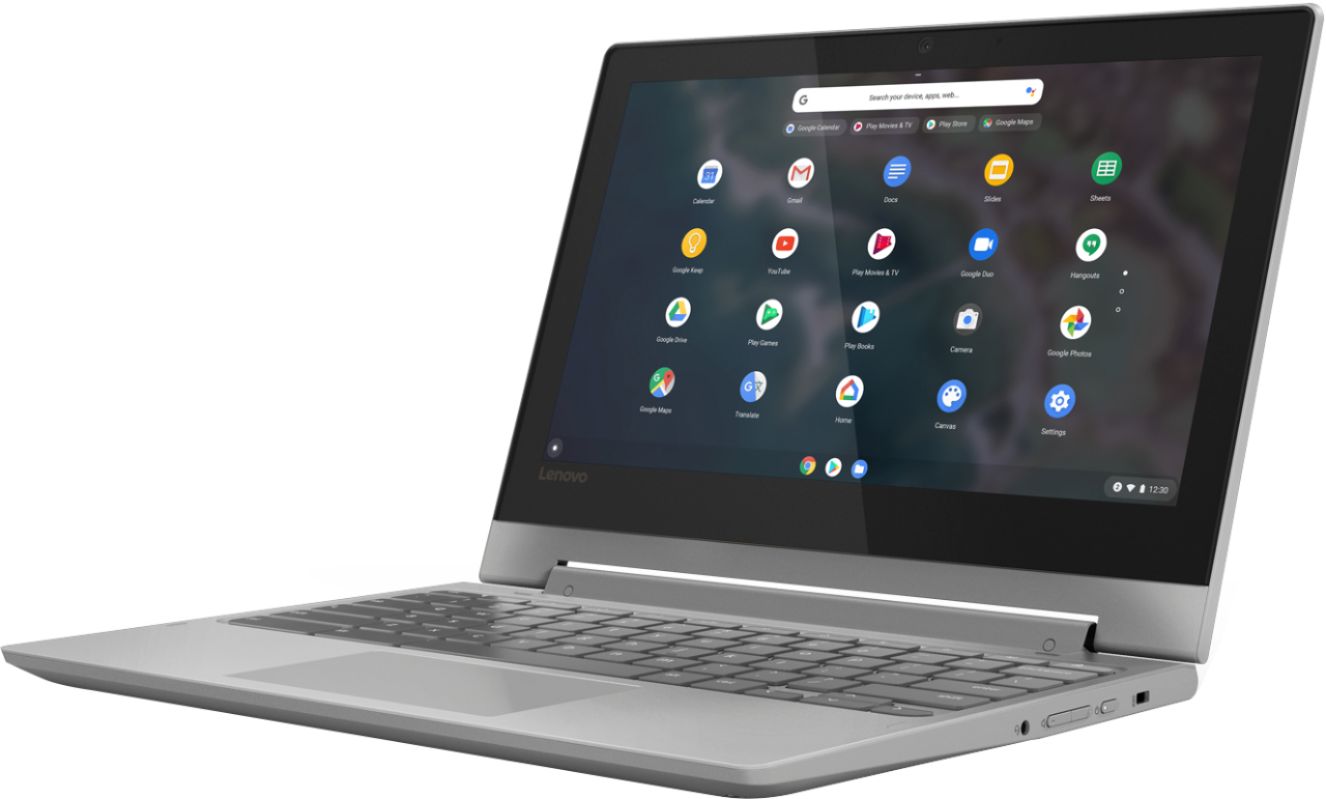
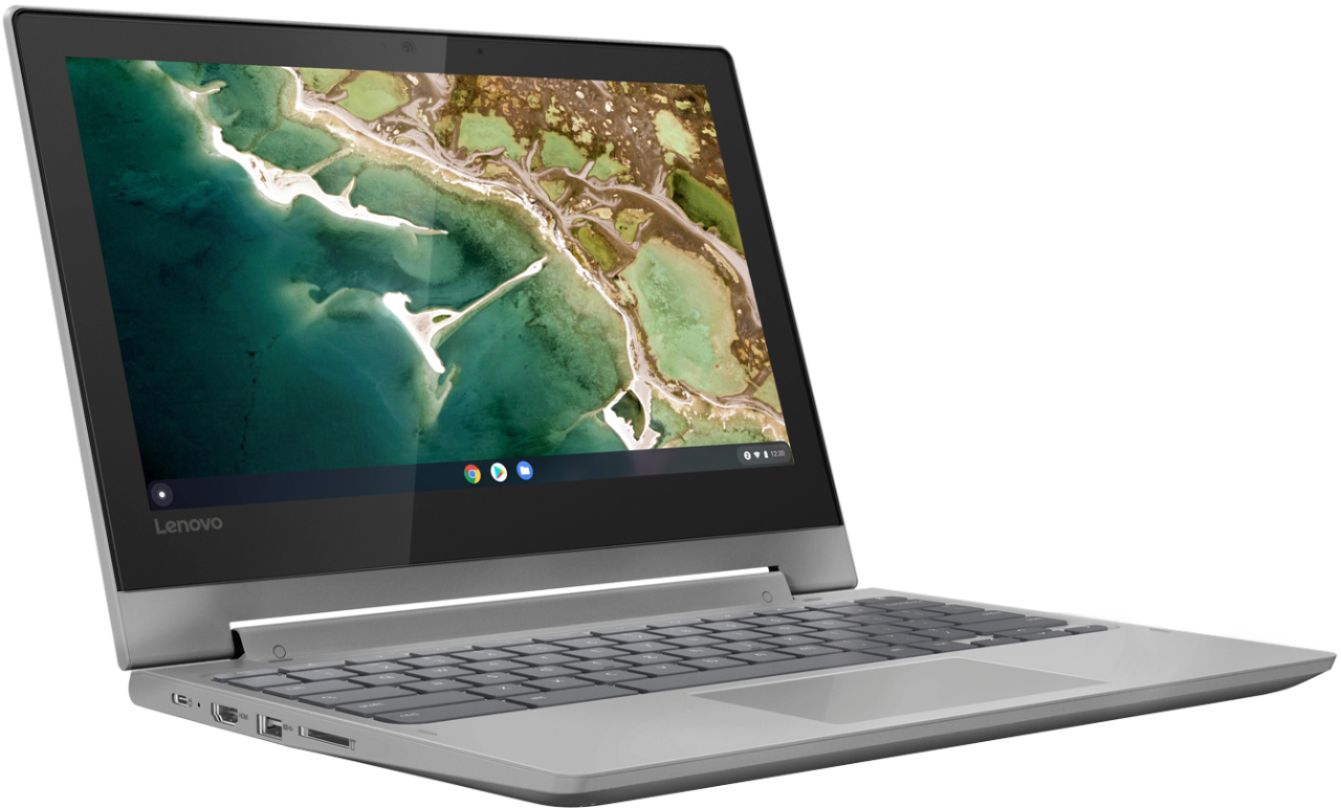
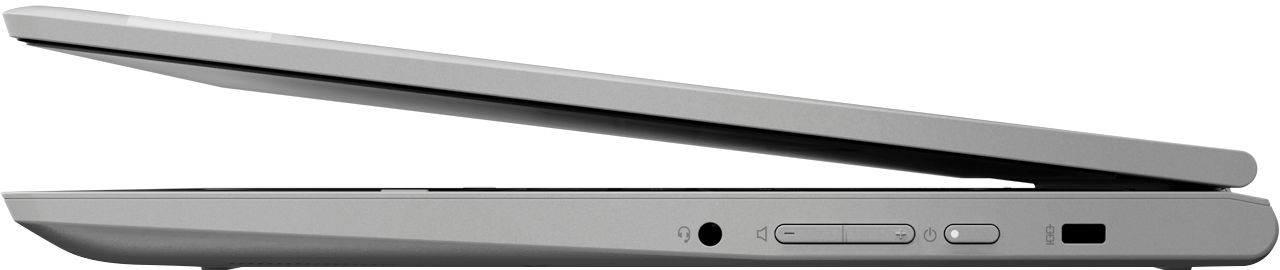
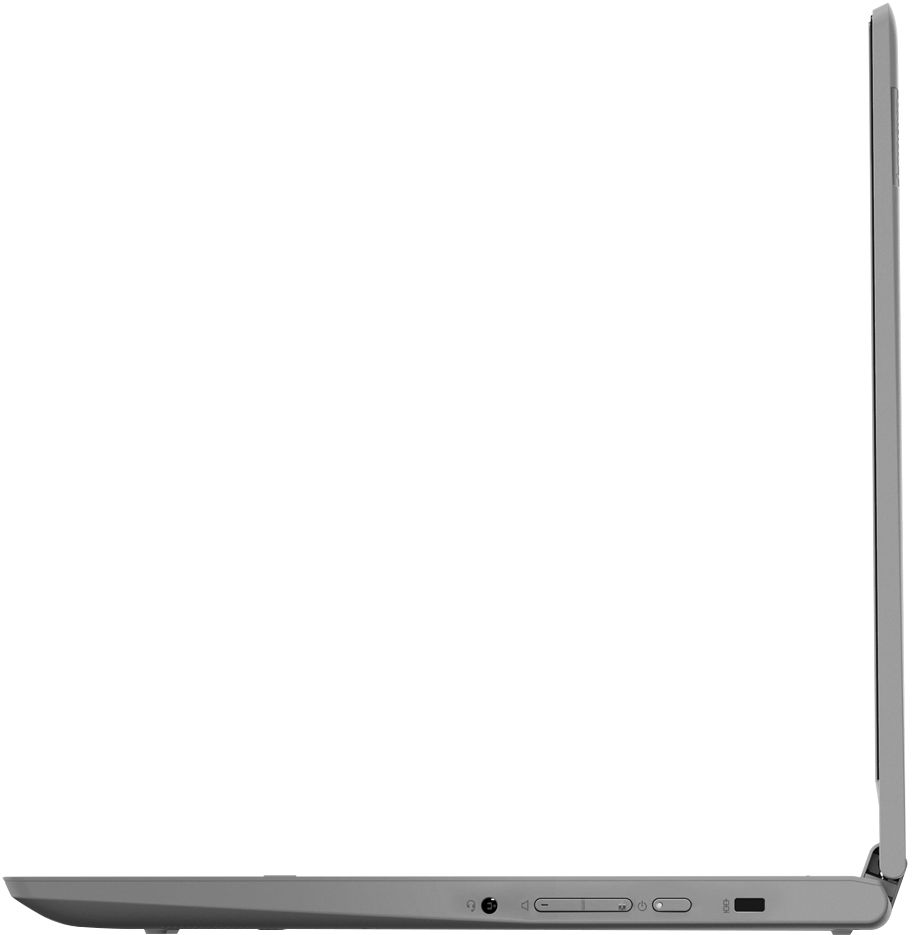
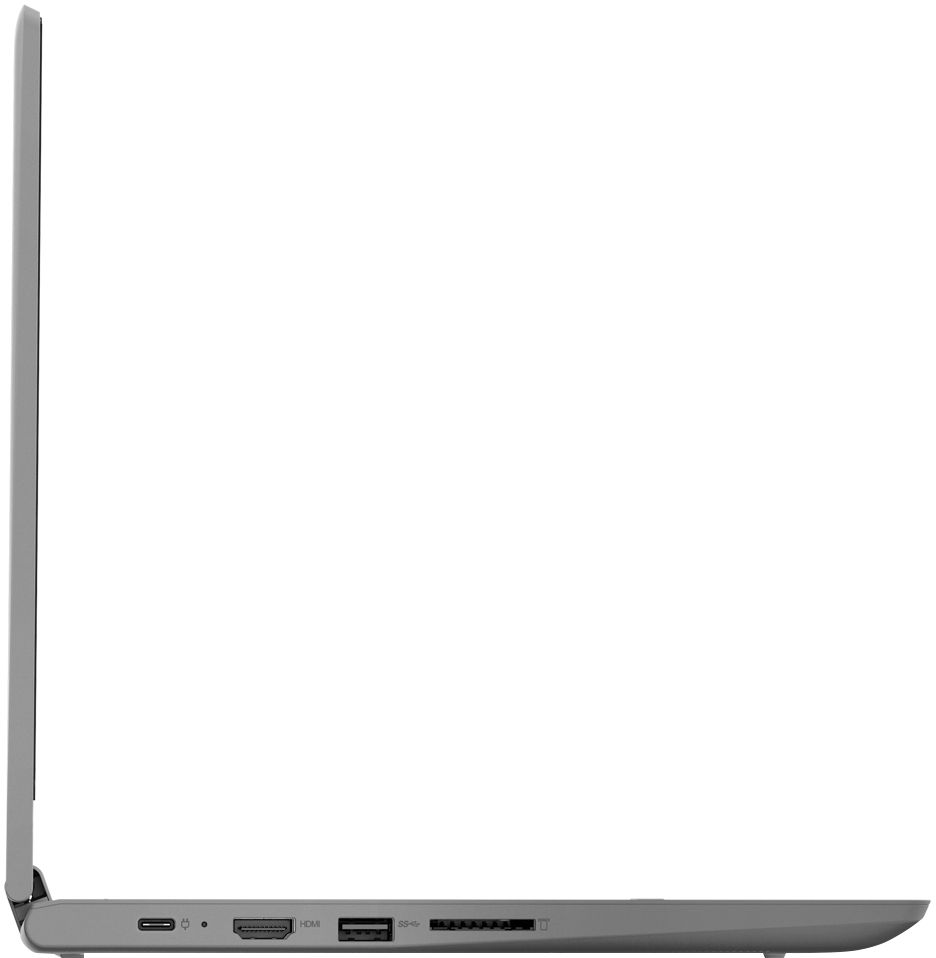
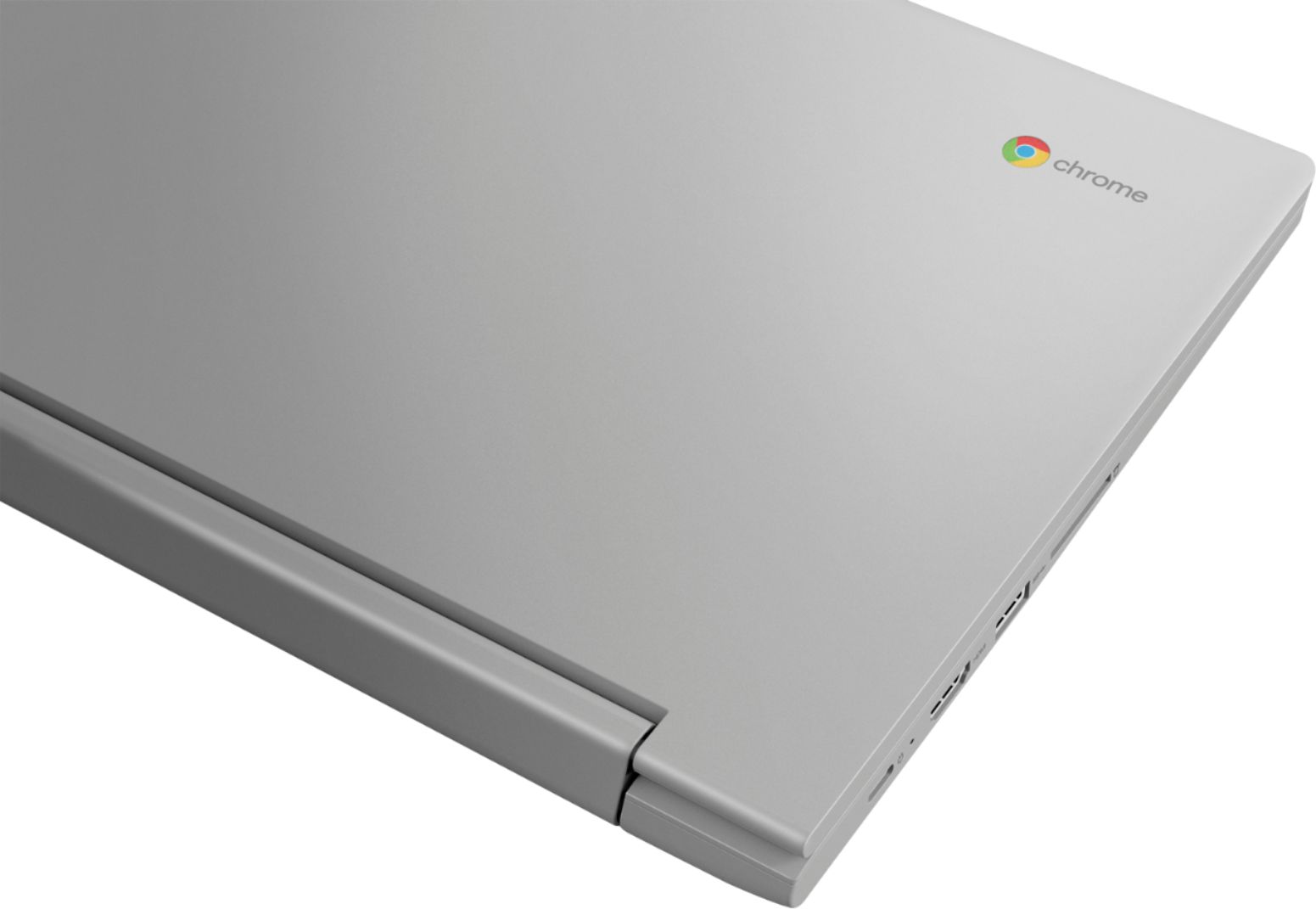
A:AnswerYou can use any capacity USB-based, Chrome Operating System compatible external hard drive. The Lenovo Chromebook Flex 3 11 model number 82HG0000US, ships with a Micro-SD card slot that can support up 128GB Micro-SD card.
A:AnswerThat will depend on the requirements and compatibility of the specific APP you want to use. The Lenovo Chromebook 3 11 ships with the Chrome Operating System and is compatible with Google Play Store APPs. We recommend you check with the specific APPs software publisher's web site for their compatibility with the Chrome operating system and the minimum/recommended hardware requirements (Is a Graphics card required, the processor speed and the minimum required system RAM and the minimum available hard drive space) to run their program, then compare those requirements to this system's configuration.
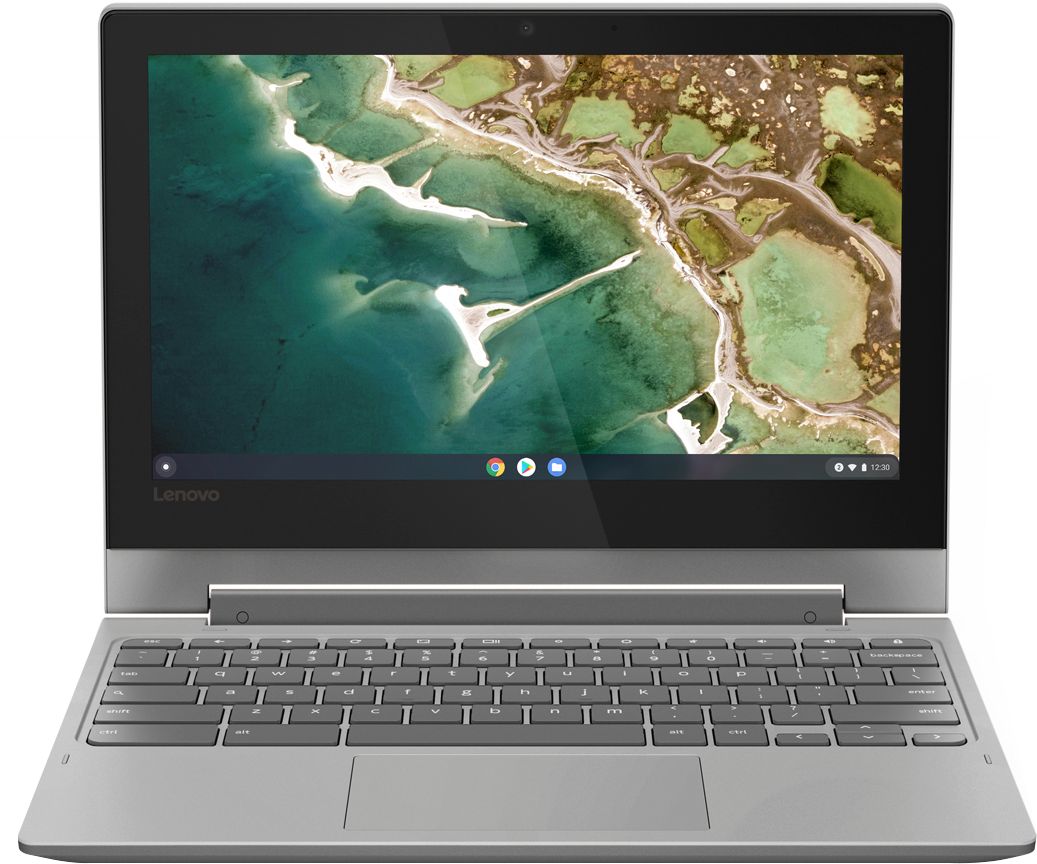
A:AnswerYou will not be able to use an external CD/DVD drive to listen to music files or watch video files as the drivers for a CD/DVD drive to play these types of media files are not compatible with the Chromebook's Chrome Operating System. You can use an external CD/DVD drive with a Chromebook and the Chrome Operating System to use the discs for extra storage of files. You would only be able to transfer files that are compatible with the Chrome Operating System.
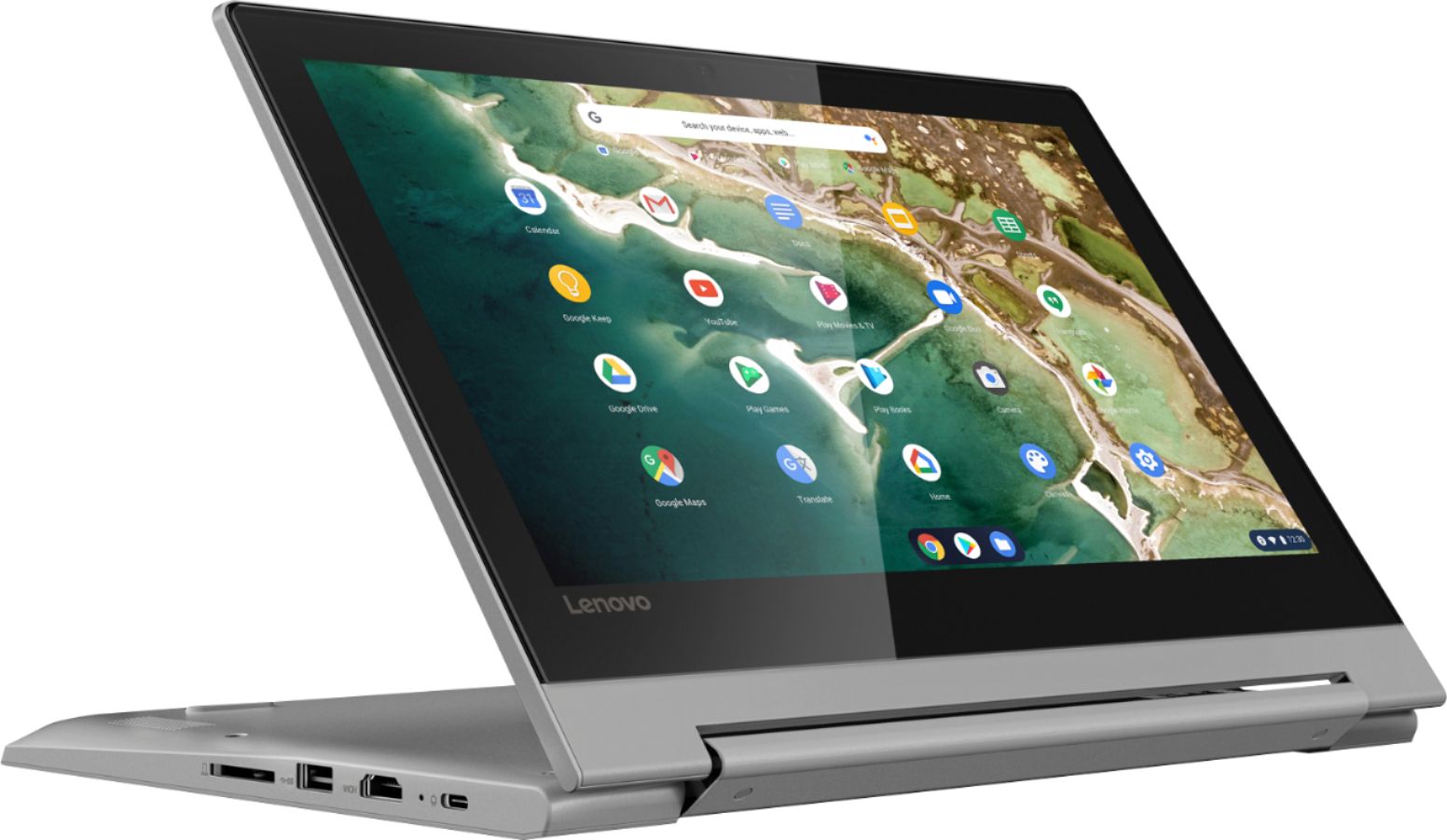
A:AnswerHi Chelly, Yes. The Chromebook Flex 3 11" model number 82HG0000US features two ports capable of connecting video to a monitor. 1 x USB C (DP and HDMI support) ; and 1 x HDMI ports
A:AnswerChelly, i have done so, i use it for business purposes as i work on the road, currently hybrid, this is awesome! perfect for travel and for educational purposes!
A:AnswerIt does not come with any Microsoft product. The OS is Chrome OS. Windows 7-10 do not work on these machines. If you're used to the Chrome browser you should be able to use Chromebooks. If you have Microsoft specific software you need to run, such as Quicken or Turbo Tax, they will not run on a Chromebook. You will need to get a Windows system for that.
A:AnswerThis is a Chromebook. It uses Google Docs for office type programs. Google Docs is completely compatible with Microsoft Office Programs and this is a free service through the Google Server. If you must have the actual Microsoft Office Programs, you can purchase Microsoft Office 365 for this Chromebook at the Google Play Store.
A:AnswerThat will depend on the requirements and compatibility of the APP you want to use. The Lenovo Chromebook Flex 3 11 model number 82HG0000US, ships with the Chrome Operating System and is compatible with Google Play Store APPs. We recommend you check with the specific APPs software publisher's web site for their compatibility with the Chrome operating system and the minimum/recommended hardware requirements (Is a Graphics card required, the processor speed and the minimum required system RAM and the minimum available hard drive space) to run their program, then compare those requirements to this system's configuration.
A:AnswerThat will depend on the requirements and compatibility of the specific APP you want to use. The Lenovo Chromebook Flex 3 11 ships with the Chrome Operating System and is compatible with Google Play Store APPs. We recommend you check with the specific APPs software publisher's web site for their compatibility with the Chrome operating system and the minimum/recommended hardware requirements (Is a Graphics card required, the processor speed and the minimum required system RAM and the minimum available hard drive space) to run their program, then compare those requirements to this system's configuration.
A:AnswerThe Lenovo Chromebook Flex 3 11 is a 110V Chromebook. It does ships with a Dual Voltage AC adapter/charger with a USA compatible wall side plug. To use this Chromebook outside the USA, you will need a compatible wall side plug for the country the Chromebook will be used in.
A:AnswerThat will depend on the requirements and compatibility of the software you use. The Lenovo Flex 3 11 Chromebook uses the Chrome Operating System and is compatible with Google Play Store APPs. We recommend you check with the specific APPs software publisher's web site for their compatibility with the Chrome operating system and the minimum/recommended hardware requirements (Is a Graphics card required, the processor speed and the minimum required system RAM and the minimum available hard drive space) to run their program, then compare those requirements to this system's configuration.
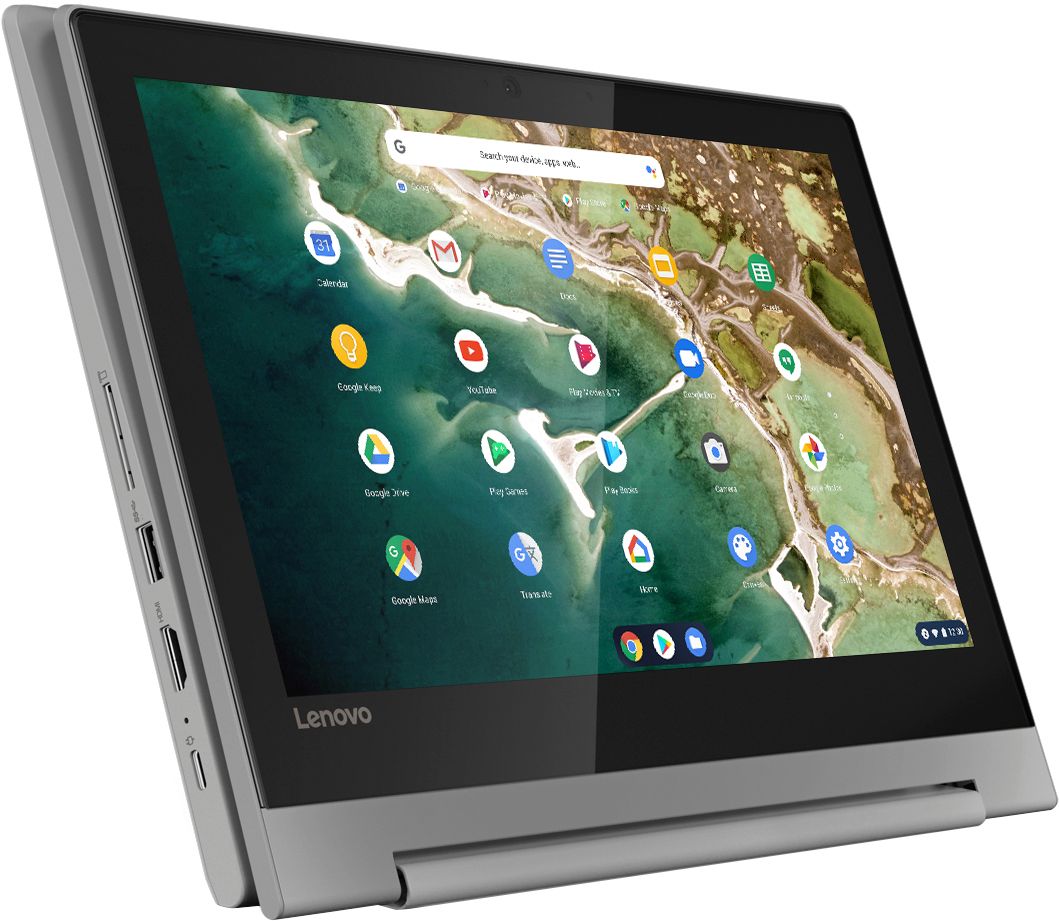
A:AnswerThis is a Google Chromebook so it supports Google applications natively with its operating system. We always recommend you check minimum system requirements from the software developers website and then compare them with the specifications of this device to ensure the machine can run the software you'd like before investing in the machine.
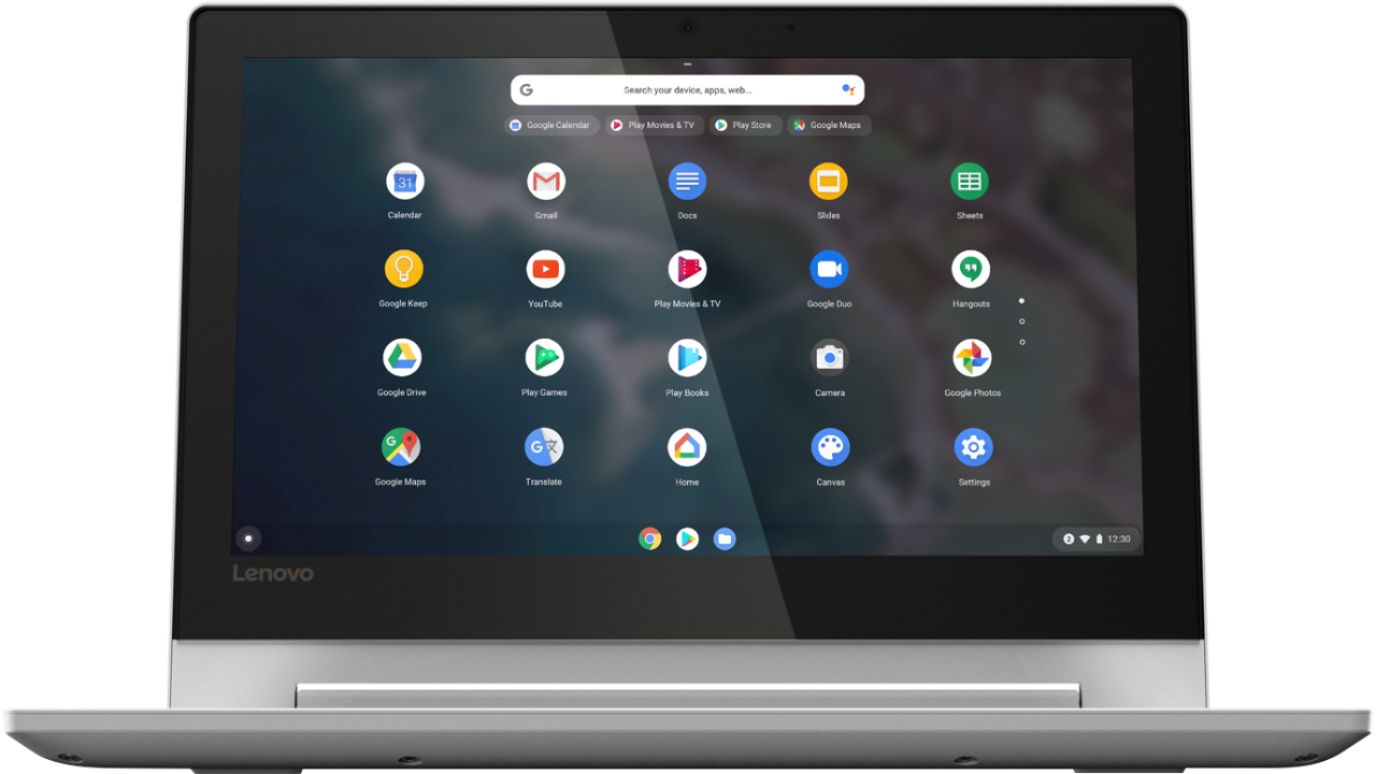
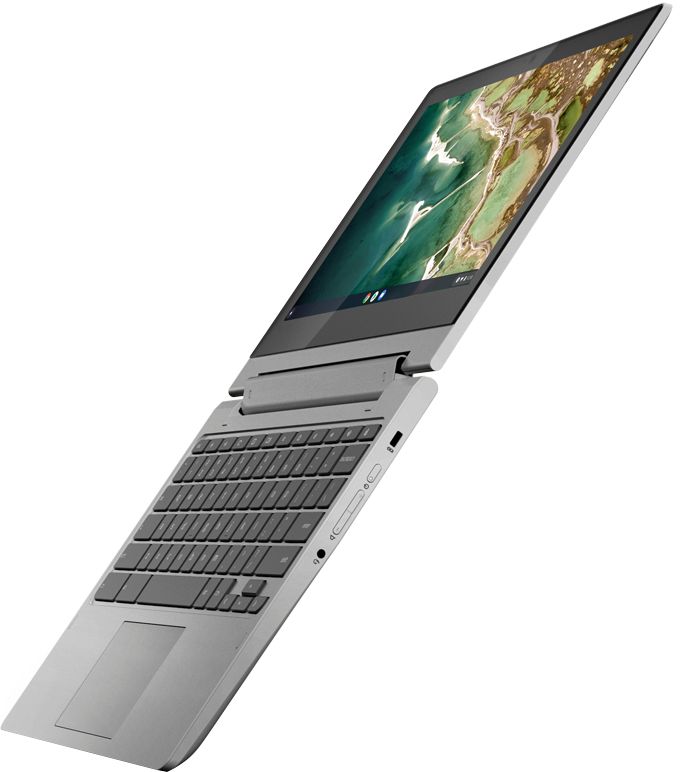
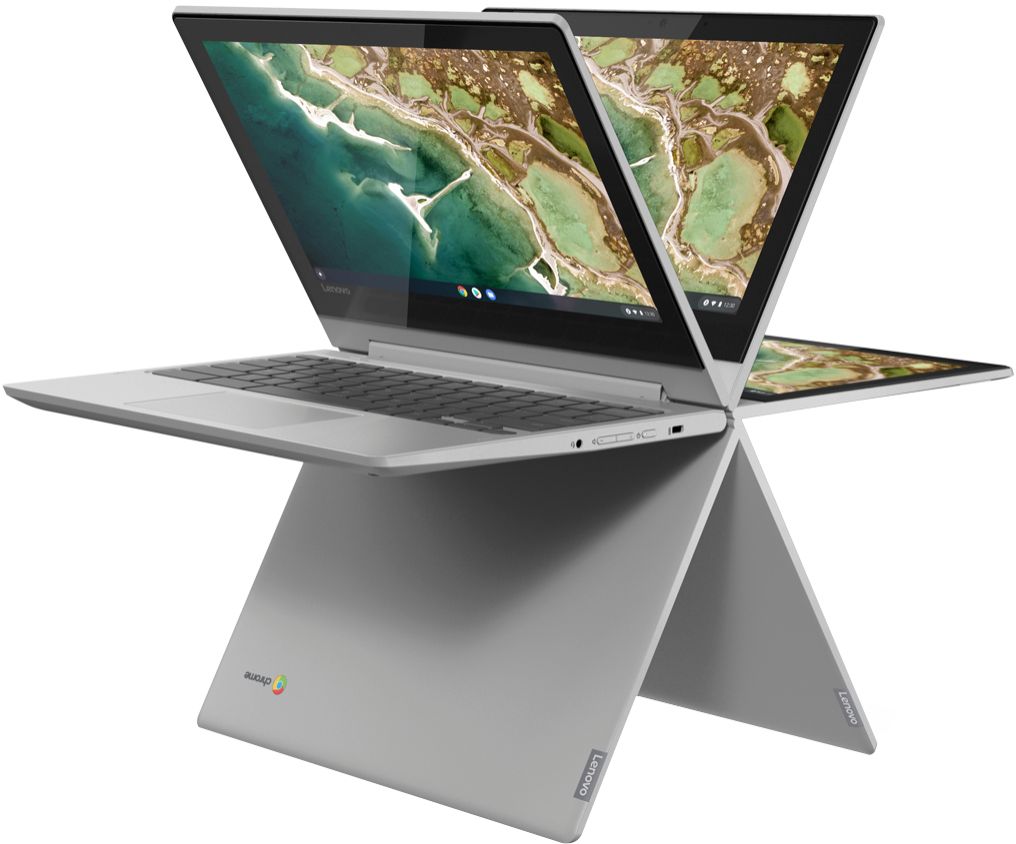
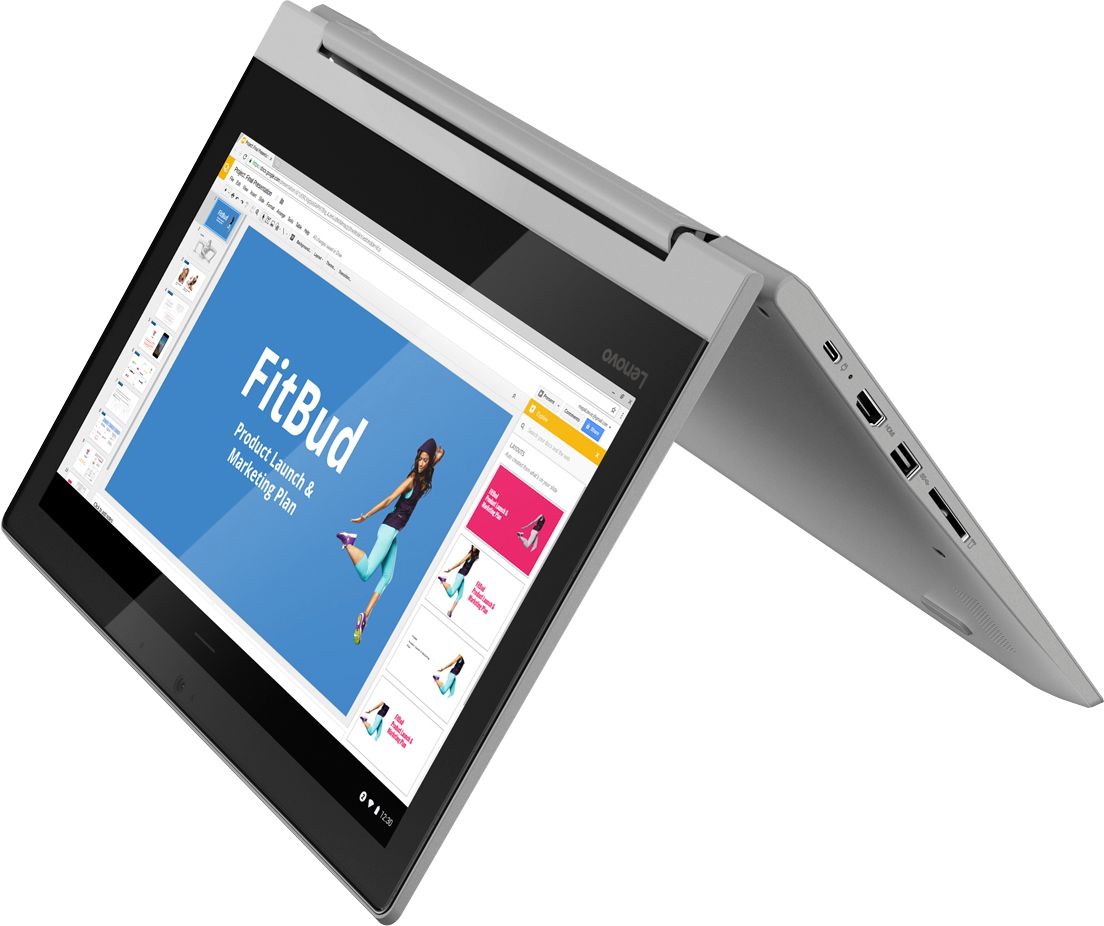
A:AnswerHi Trish, the Lenovo Chromebook Flex 3 11" is a 2-in-1 convertible meaning that it can fold flat into a tablet with its 360 degree hinge. The keyboard is attached to the unit so it is included.