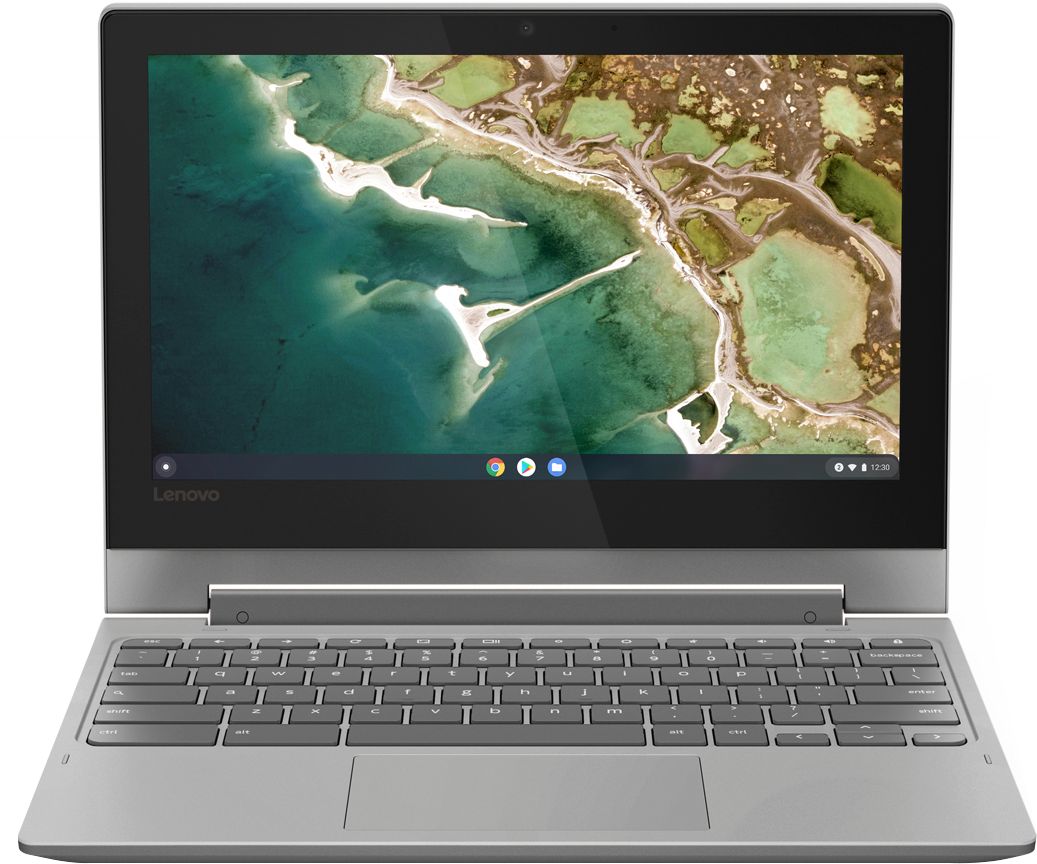
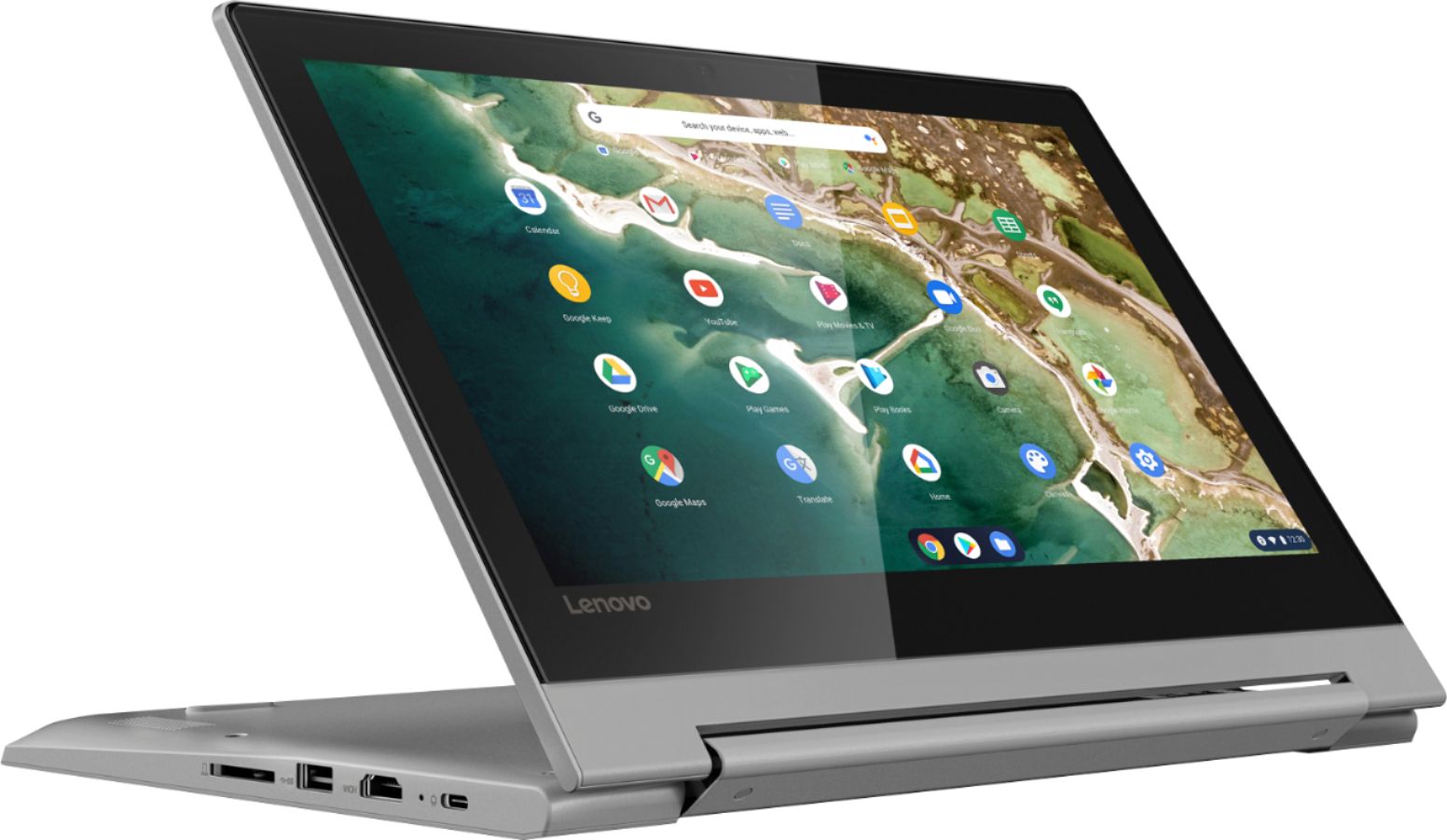
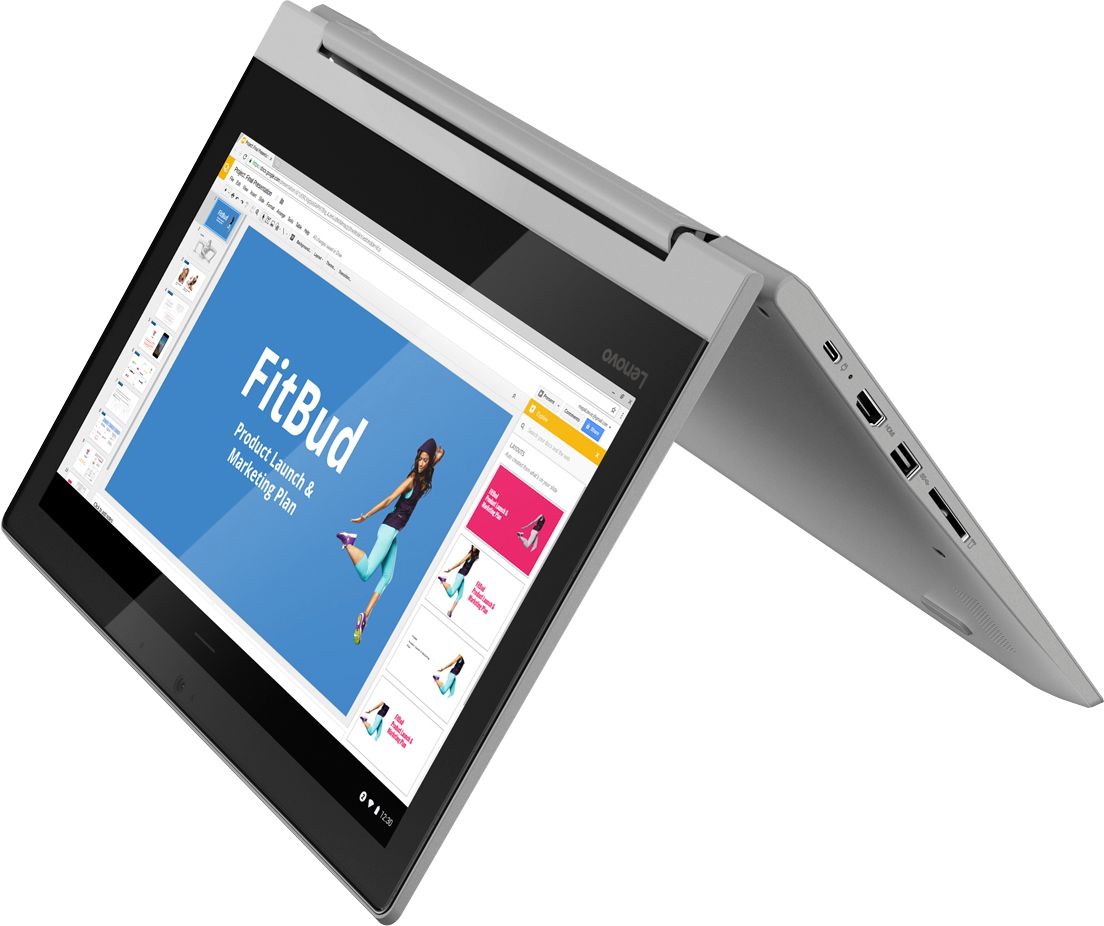
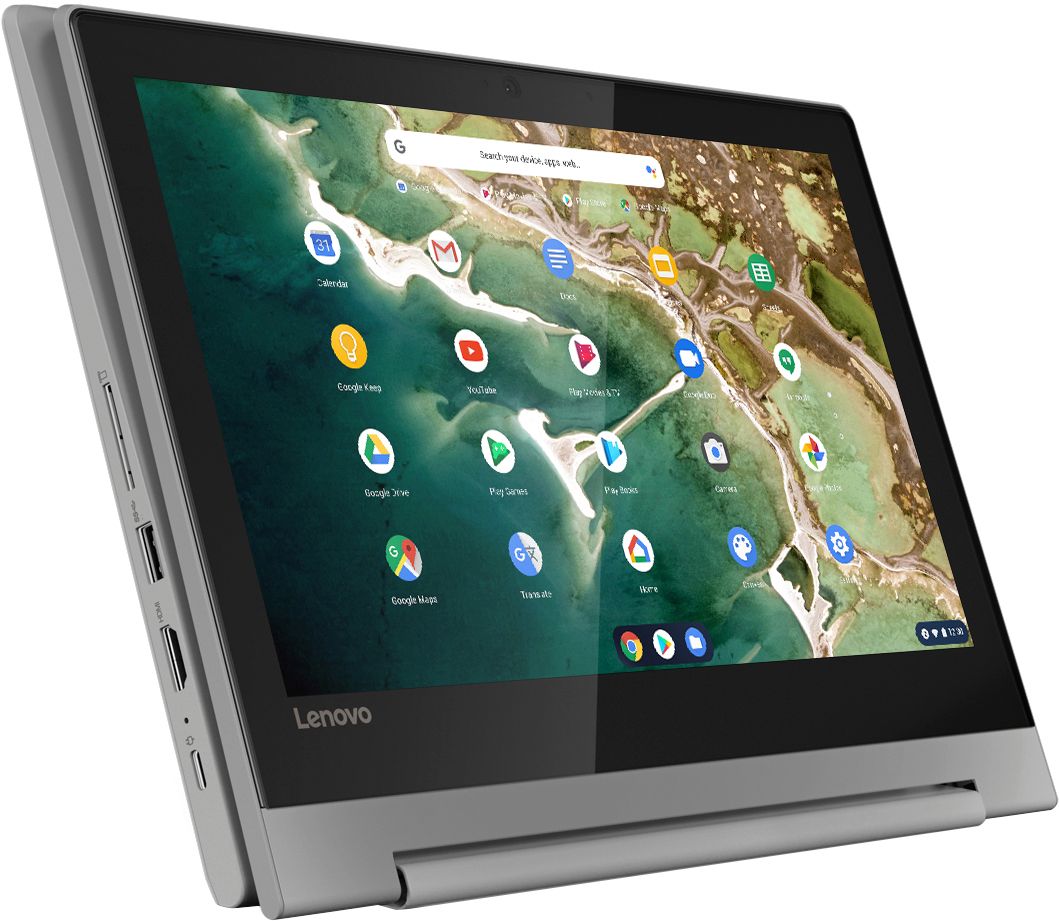
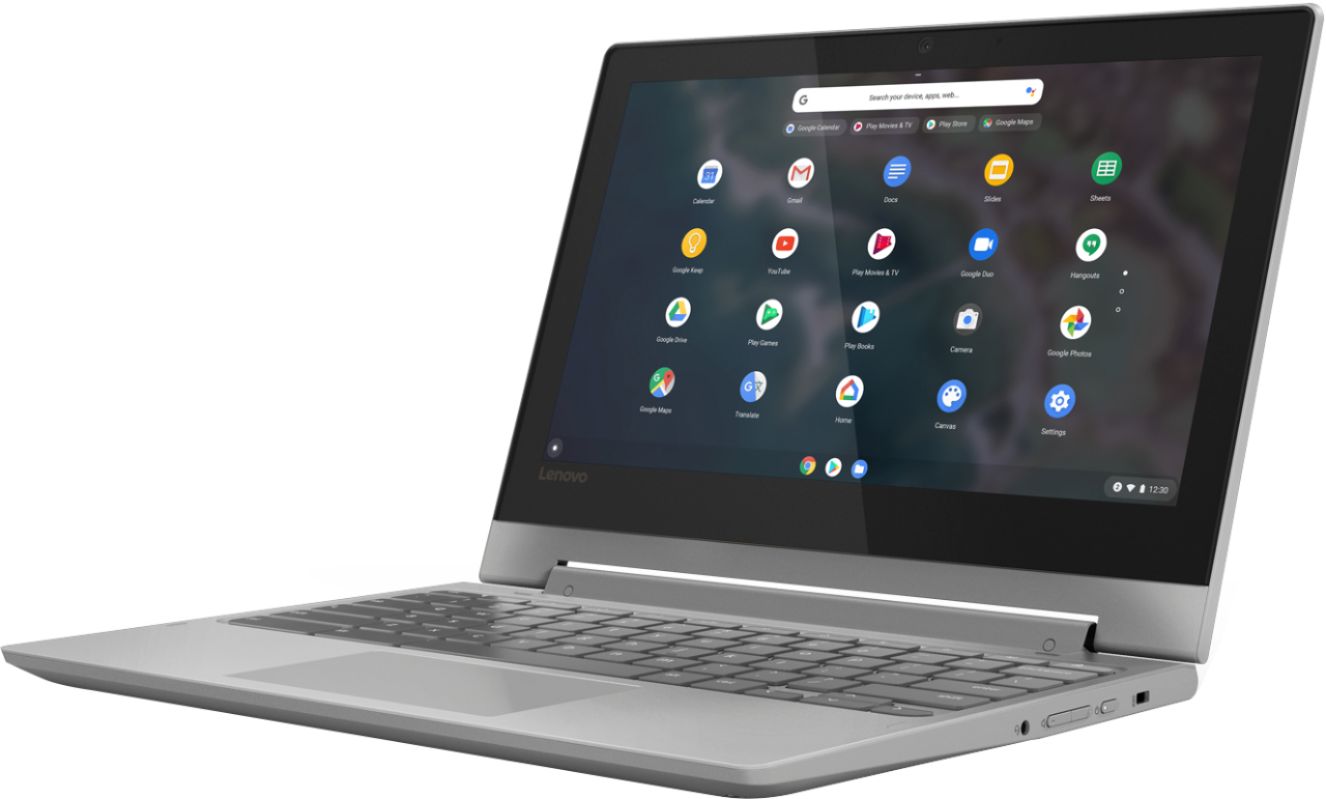
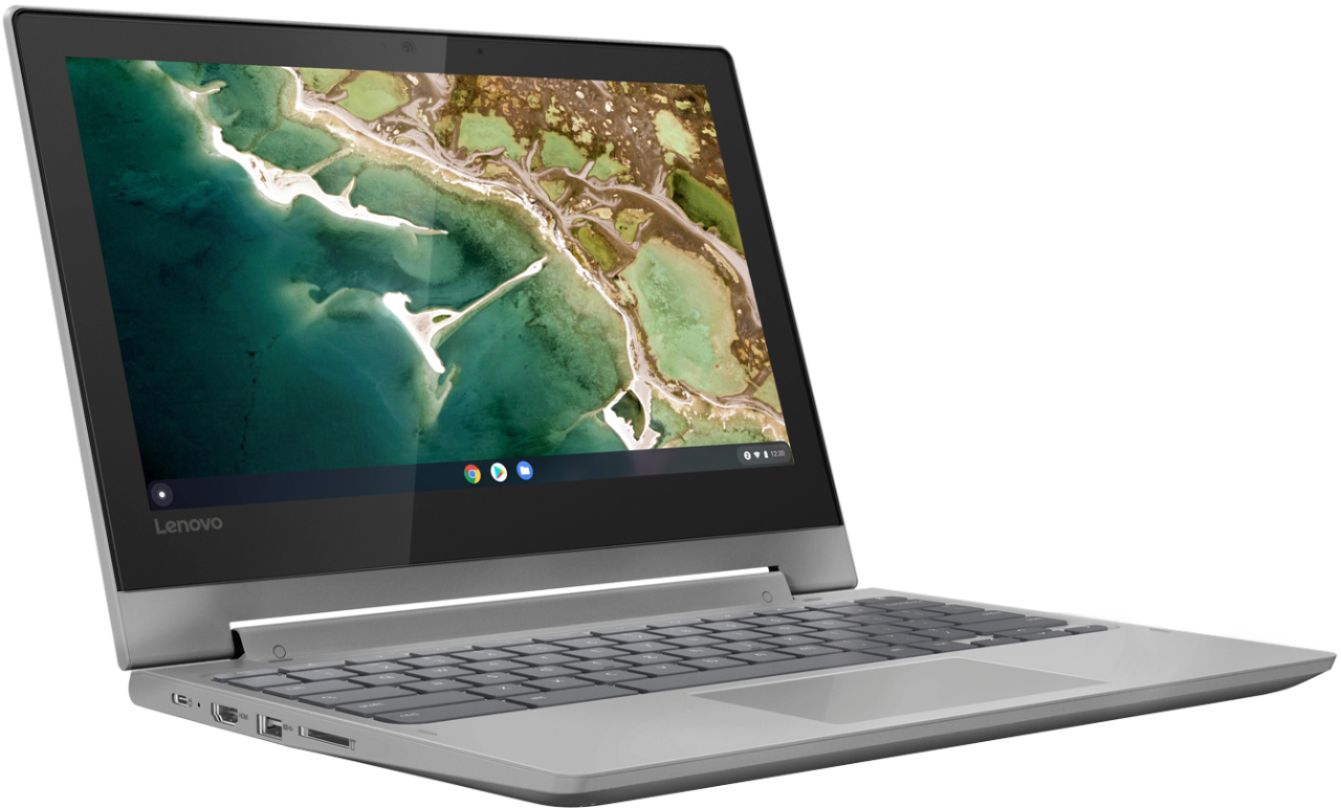
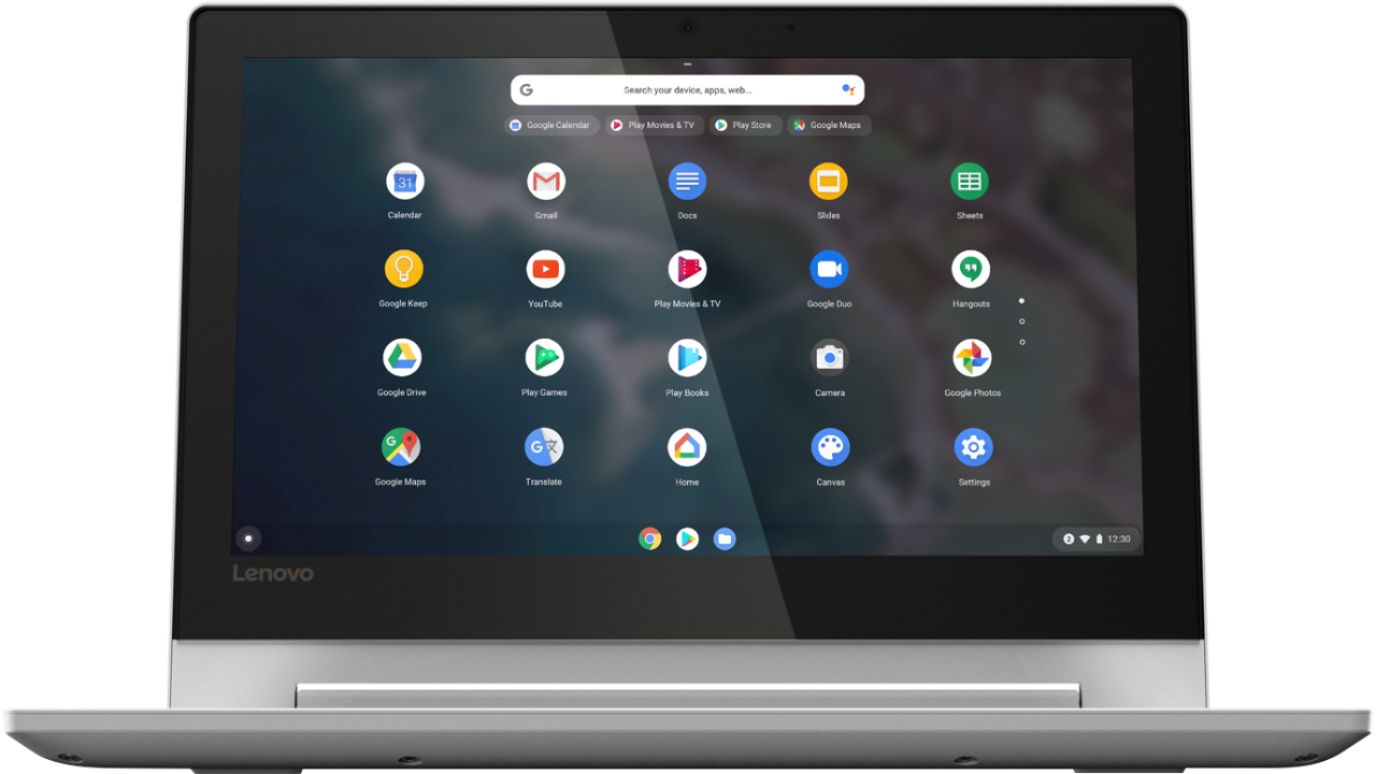
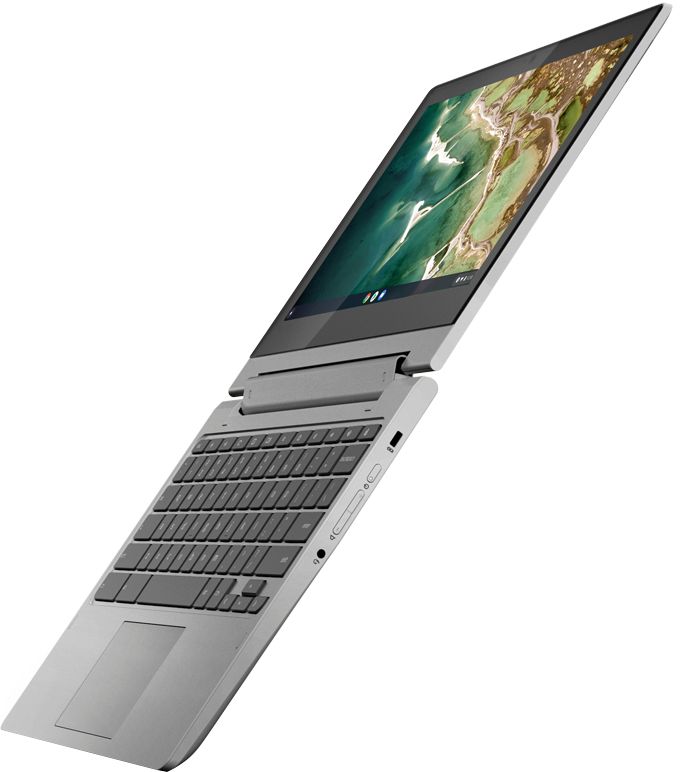
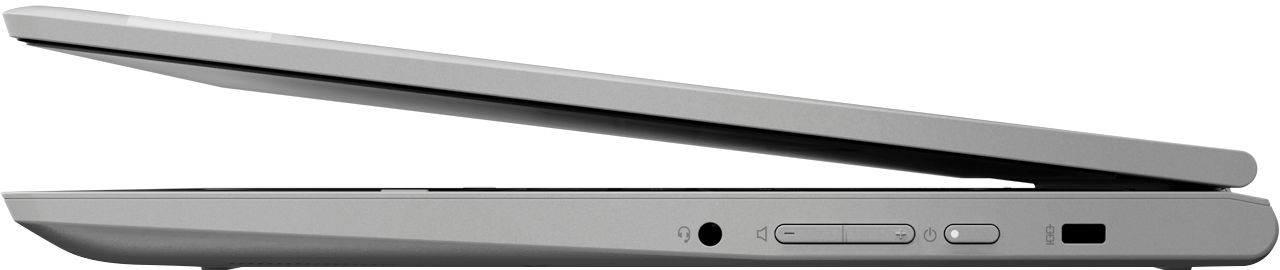
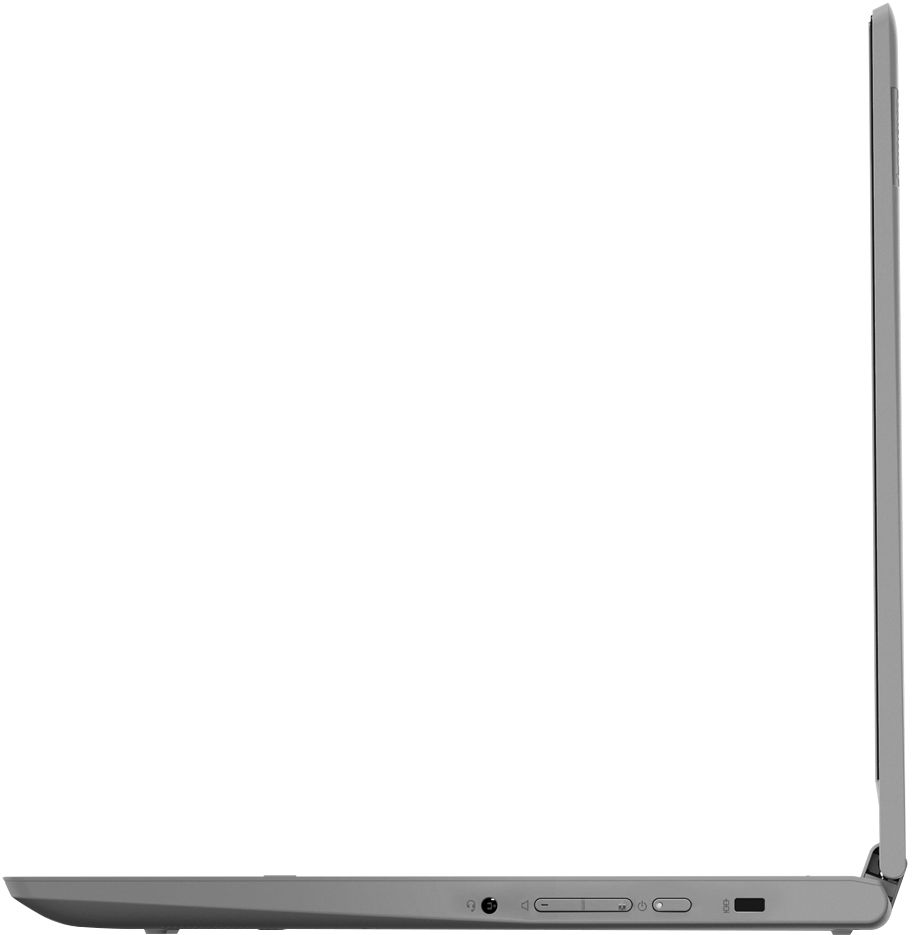
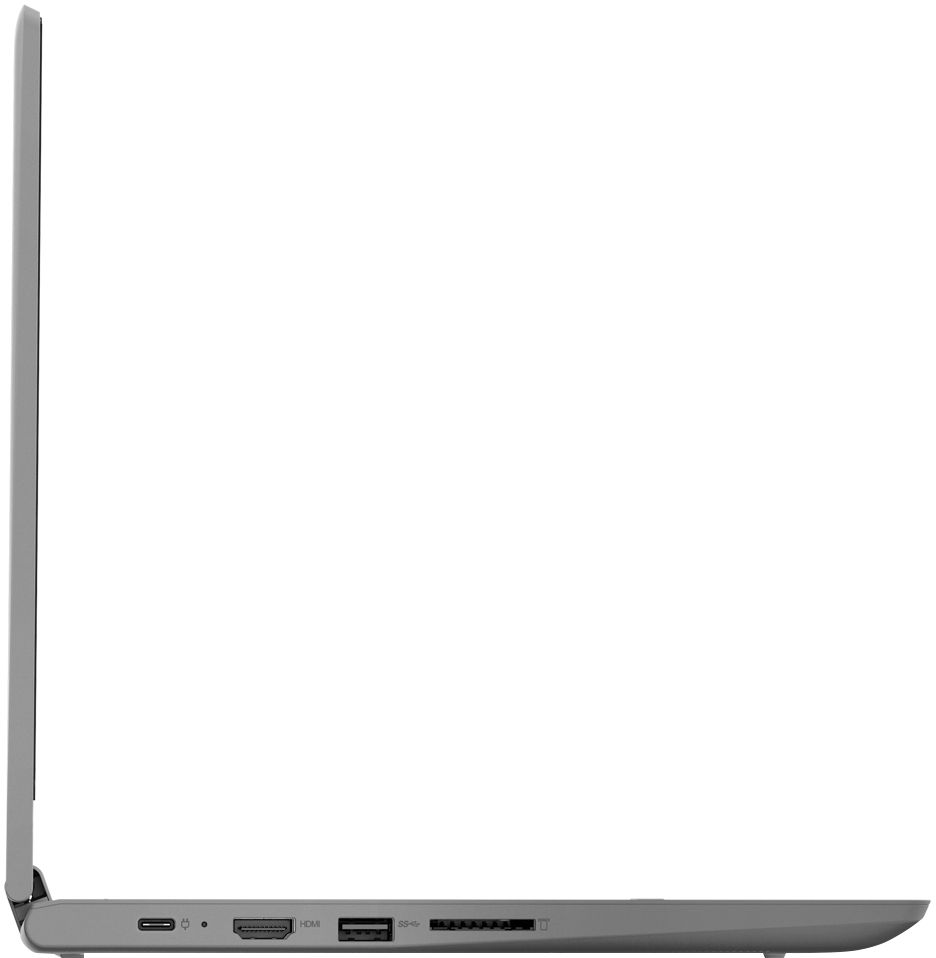
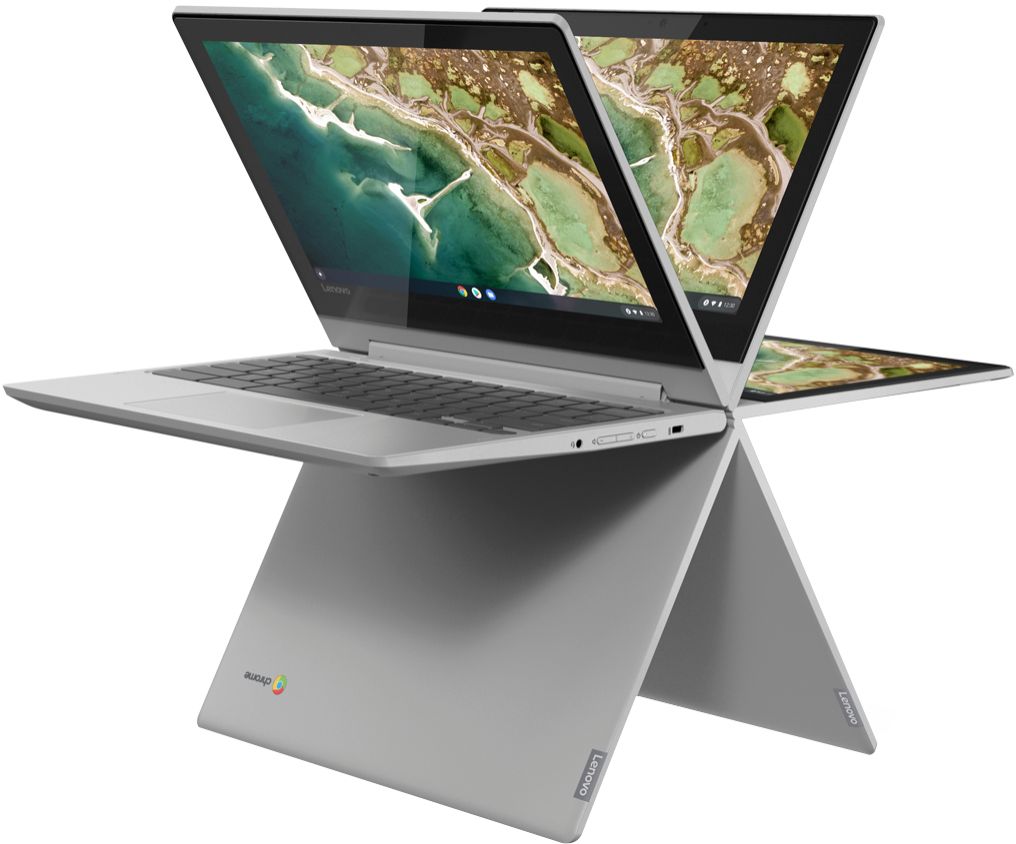
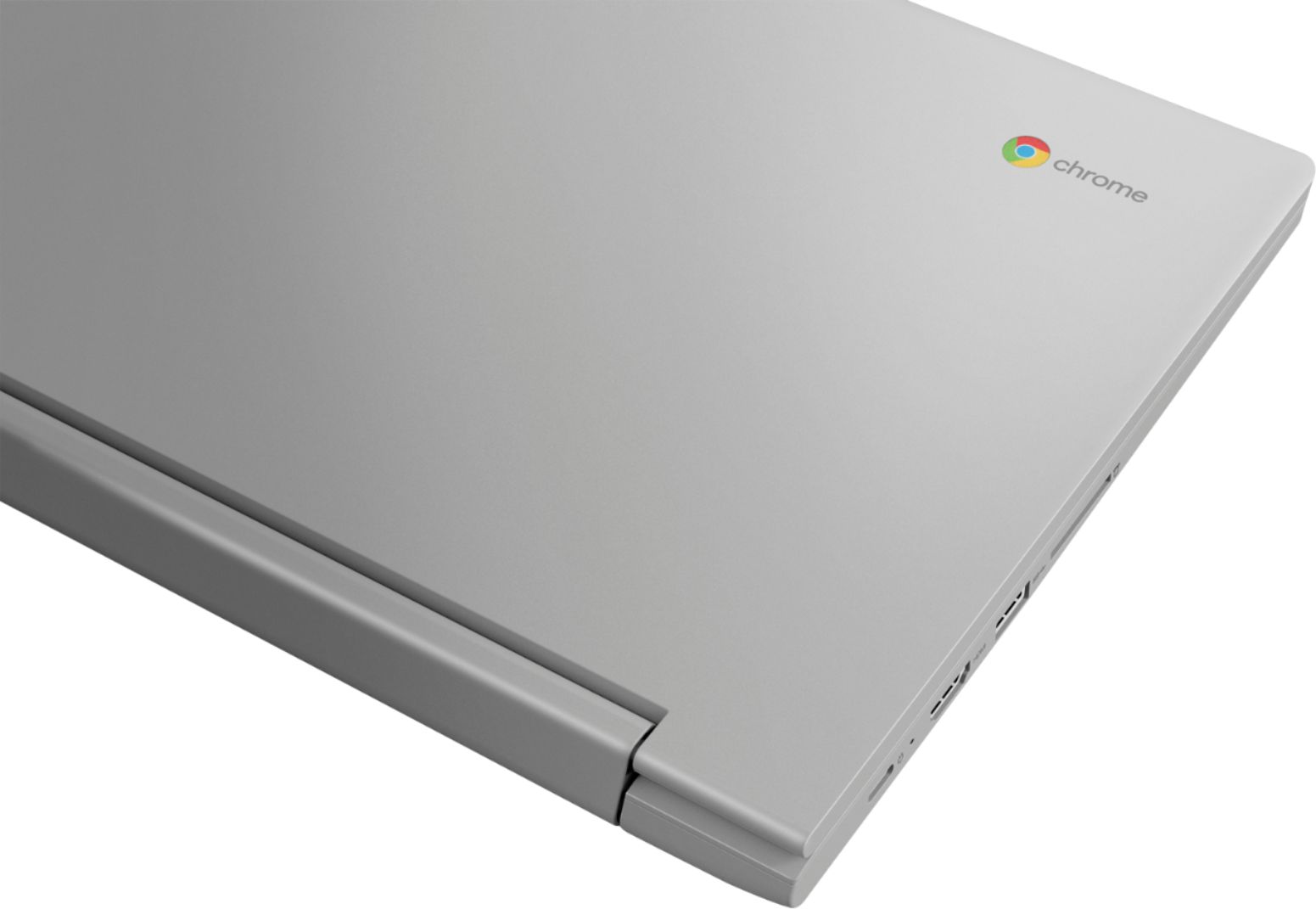
A:Answer We are sorry to hear that you are having issues with the keyboard on your Lenovo Chromebook Flex 3 11. A keyboard not working on Chromebook can be easily fixed by resetting the Chromebook. To reset Chromebook, First of all, turn it off. Now Press and hold the Refresh button and press the Power button simultaneously for about 10 seconds. When your Chromebook starts up release both the buttons. If the issue continues, we recommend you contact Lenovo Tech Support for Chromebooks at: 800-426-7378.