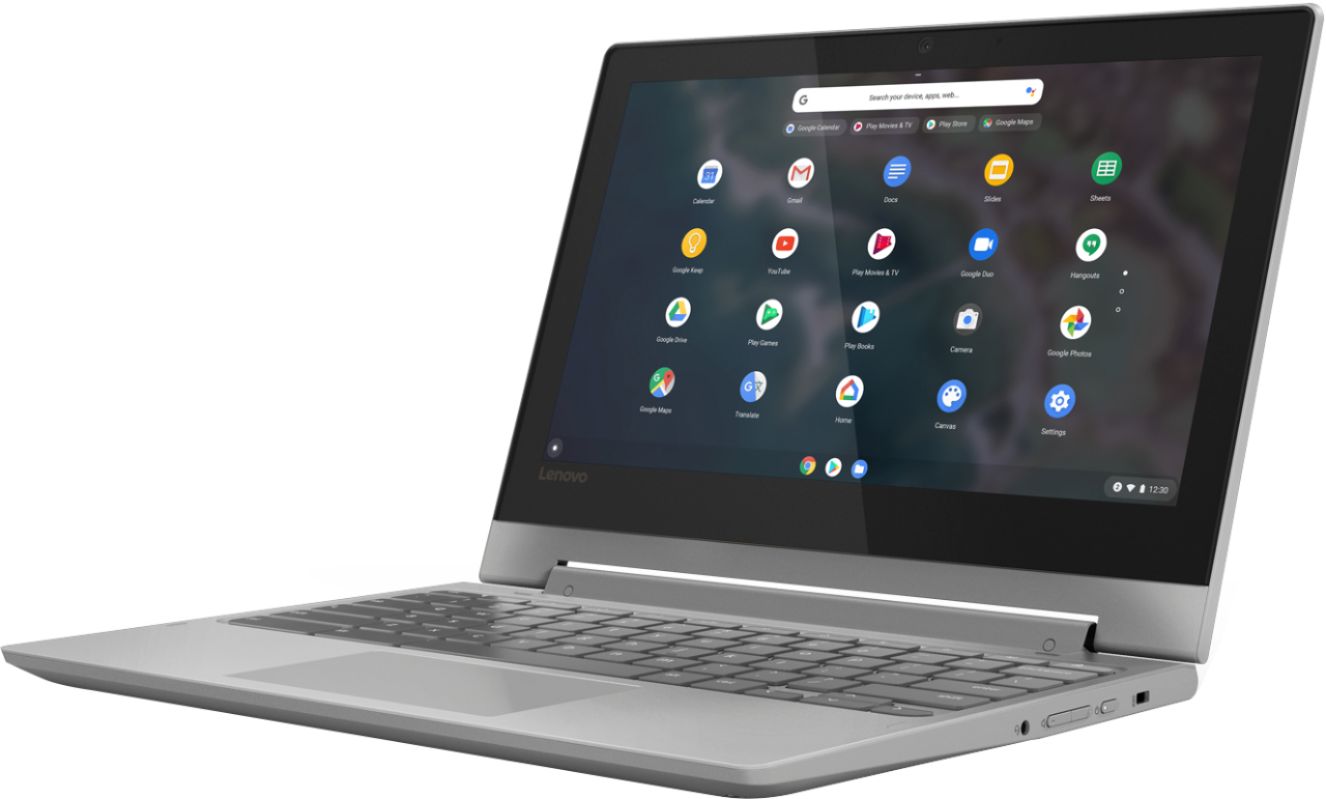
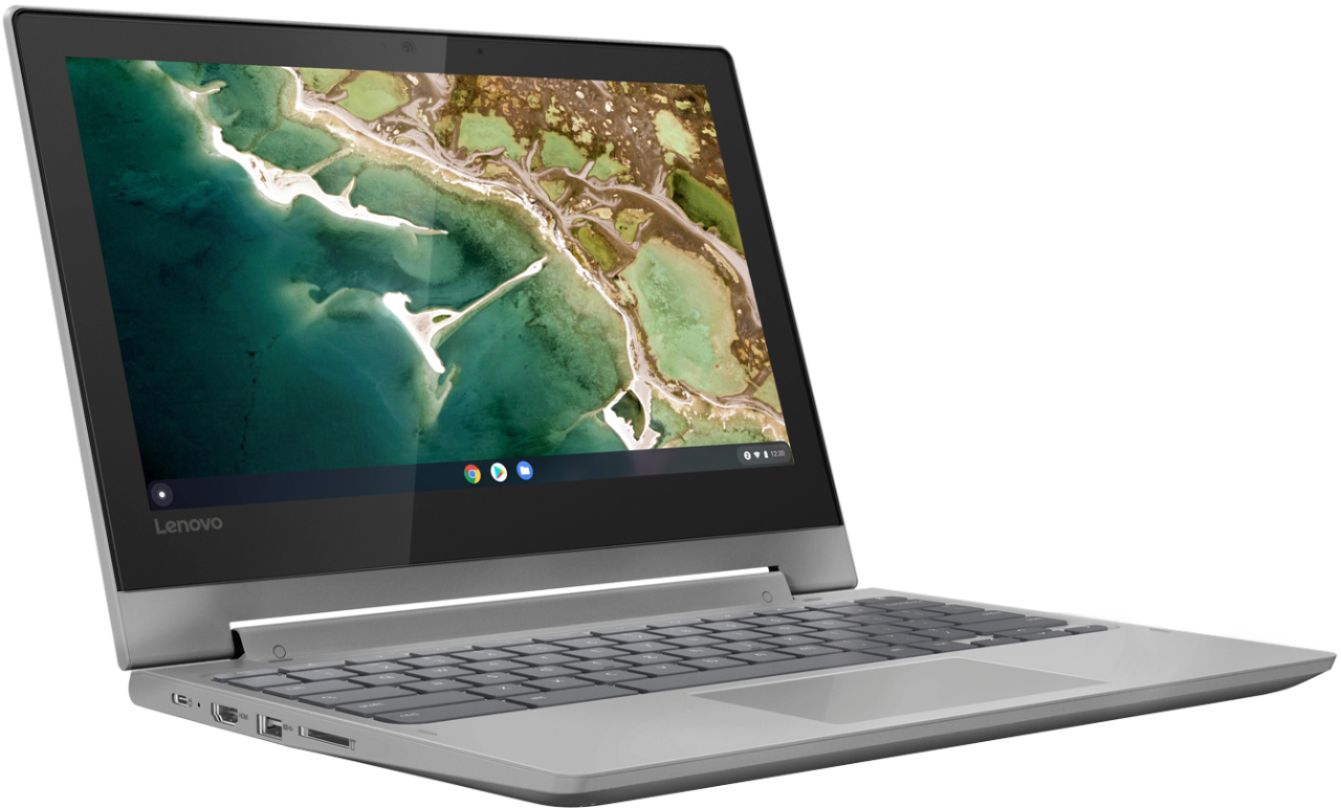
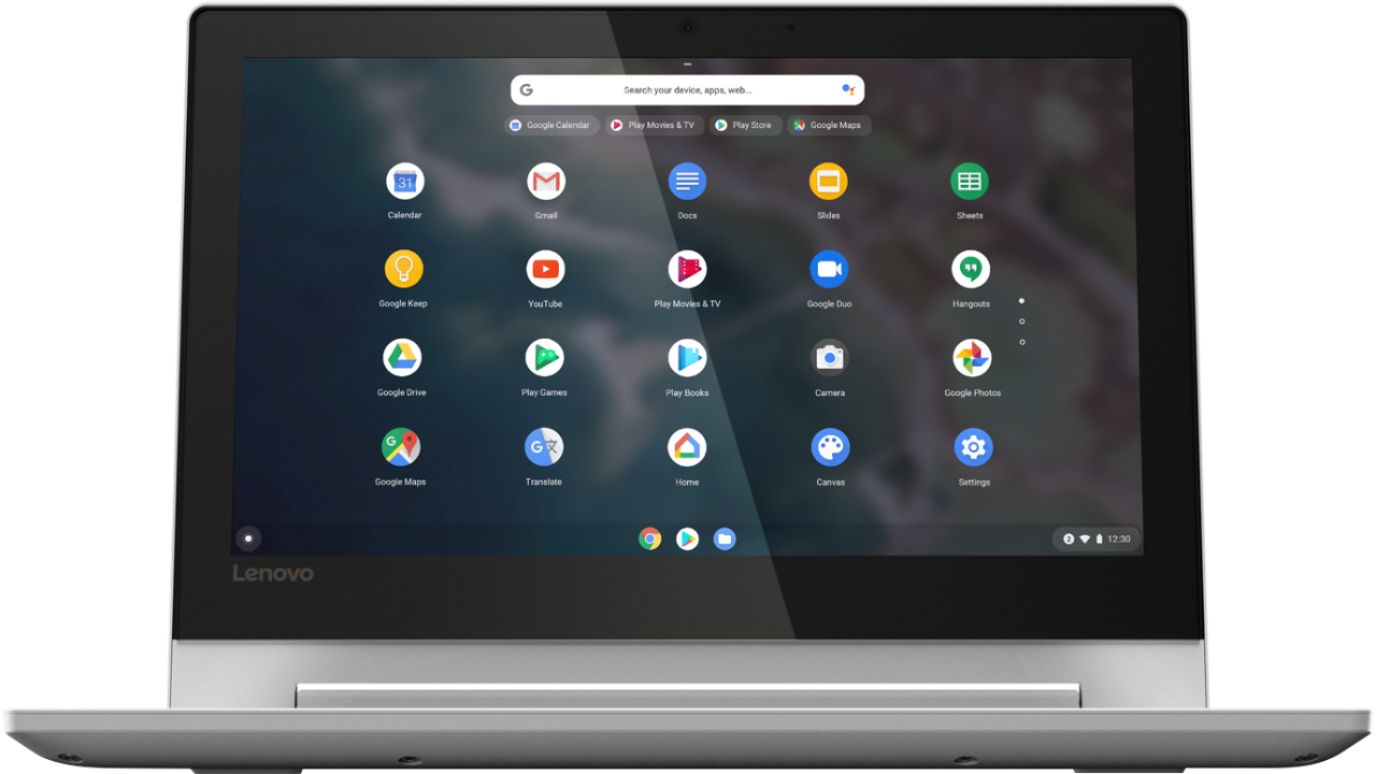
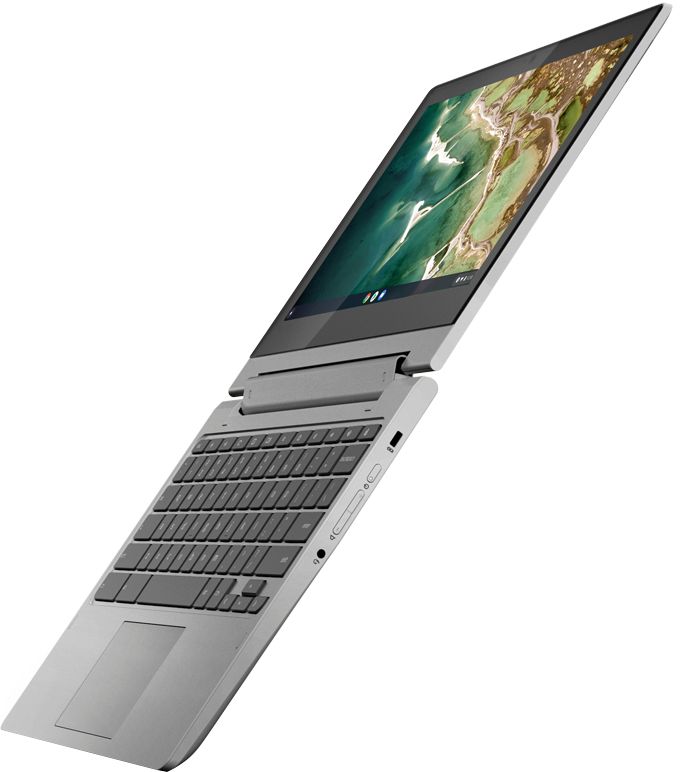
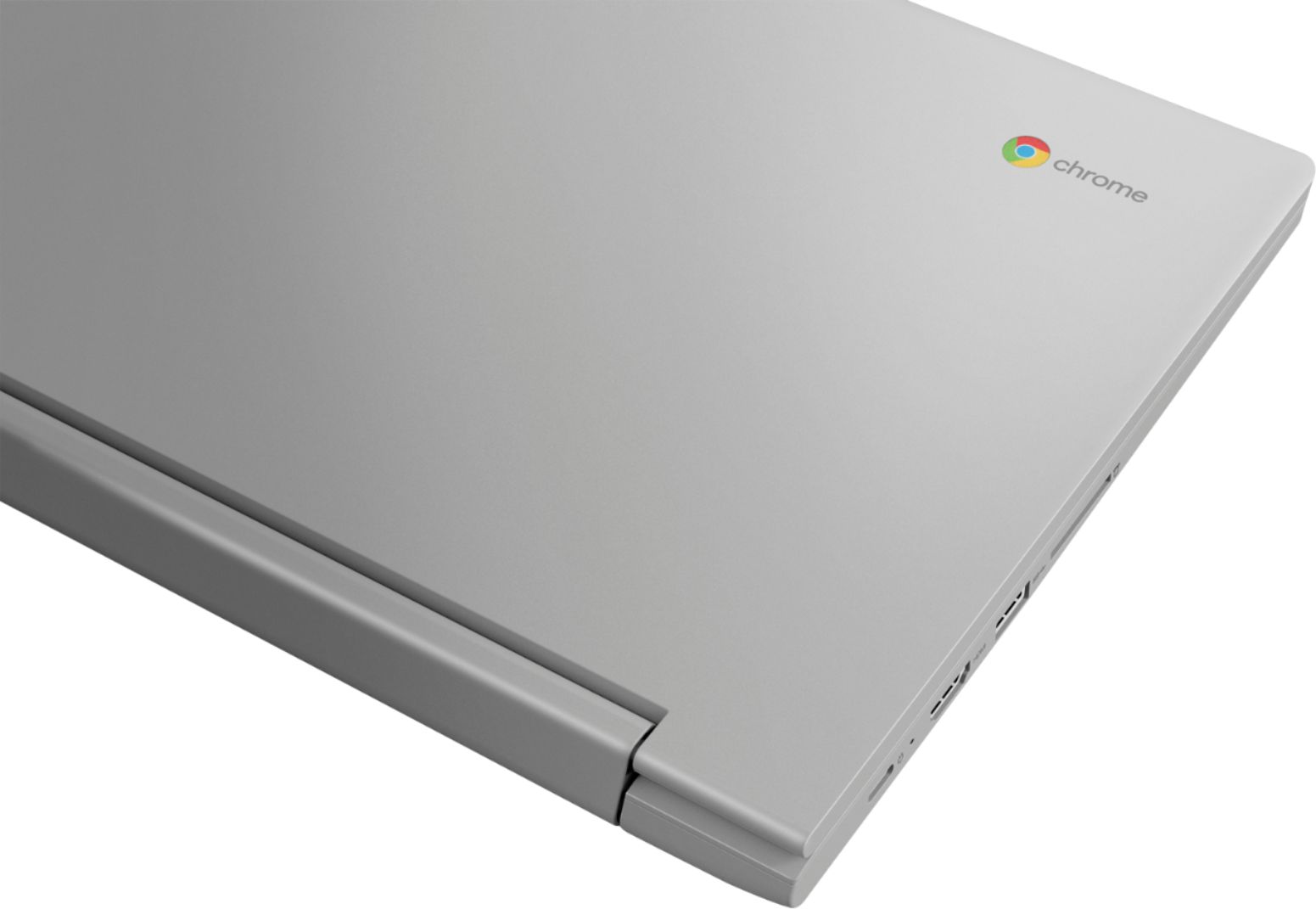
A:AnswerGlad you asked. I recently purchased an 11" Lenovo Idea Pad Chromebook. To protect it, I bought a Dachee case (from Amazon) that is designed to fit an e-reader/tablet/notebook measuring 11", 12", or 13" on the diagonal. My criteria for this case was:
Padded sides, carrying strap, top handles, at least one exterior compartment or pocket with a closure, a top zip closure for the case, lined, AND reasonably priced.
The Dachee Laptop Canvas Shoulder Messenger Bag Case Sleeve (that's its full name/description) met all of the criteria!!
The interior is ample for my notebook. It is fabric lined and both sides are padded. There is no interior pocket, just the main compartment.
The exterior features two side pockets/compartments: one side pocket/compartment has no closure, the other side compartment has a zip closure. The zip pocket works well for stowing a small mouse, pens, flash drive, stylus, etc. I use the non-zip exterior pocket to store the detachable carry strap (or a small paper notebook, etc.).
The exterior (including the top padded handles) is a canvas material. The cotton webbing carrying strap is fitted with metal clips that attach to metal D-rings on the case at each end of the top-positioned zipper. The zipper itself is nylon and zips/unzips with ease.
I chose an attractive printed-with-black-background case and am very pleased with not only the pattern but also how well-made the case is. If you consider buying a Dachee case, pay attention to the product description as several of this style of case are waterproof (slightly more expensive). That was not high on my "Must Have" list and I can always purchase a waterproofing product at some later date if I so choose.
My new Dachee case really works well for me and I'm very pleased I discovered it.
There certainly are a number of excellent cases to choose from but only you know your criteria. I wish you good luck in your shopping.
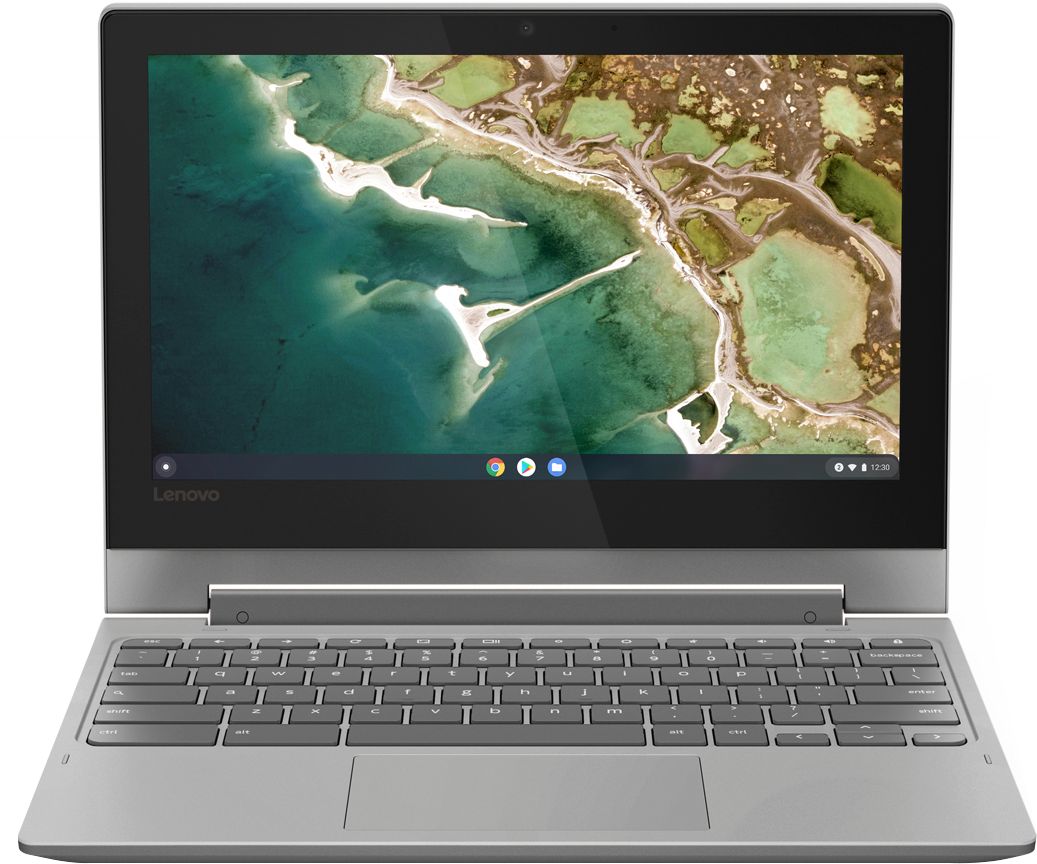
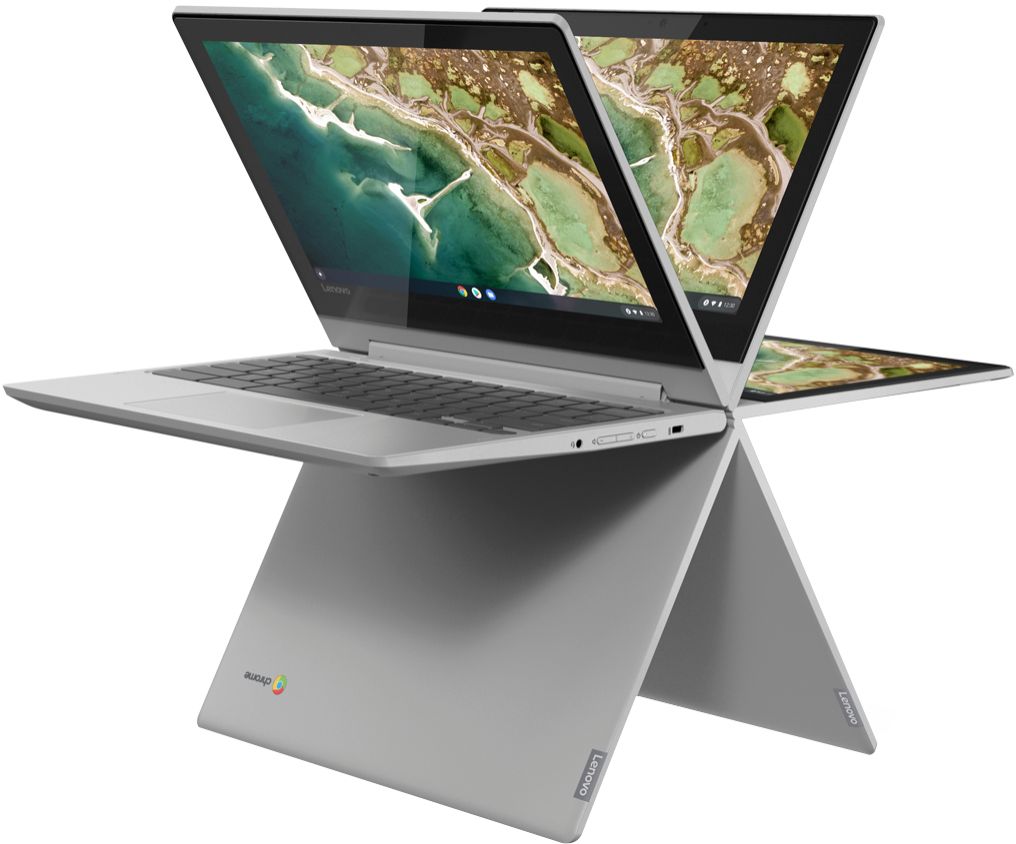
A:AnswerThat will depend on the requirements and compatibility of the specific games you want to play. The Lenovo Chromebook Flex 3 11 model number 82HG0000US, ships with the Chrome Operating System and is compatible with Google Play Store APPs. We recommend you check with the specific game's software publisher's web site for their compatibility with the Chrome operating system and the minimum/recommended hardware requirements (Is a Graphics card required, the processor speed and the minimum required system RAM and the minimum available hard drive space) to run their program, then compare those requirements to this system's configuration.
A:AnswerFrom my understanding this takes a micro SD card (I just ordered one for my mother in law for Christmas, I don't have it in my hands yet), the amount of storage on the SD card is up to you to decide what will fit your needs. I am unaware of an SD card having a "speed". The down load speed to the SD card will depend on your internet speeds, as far as I know. Hope this helps
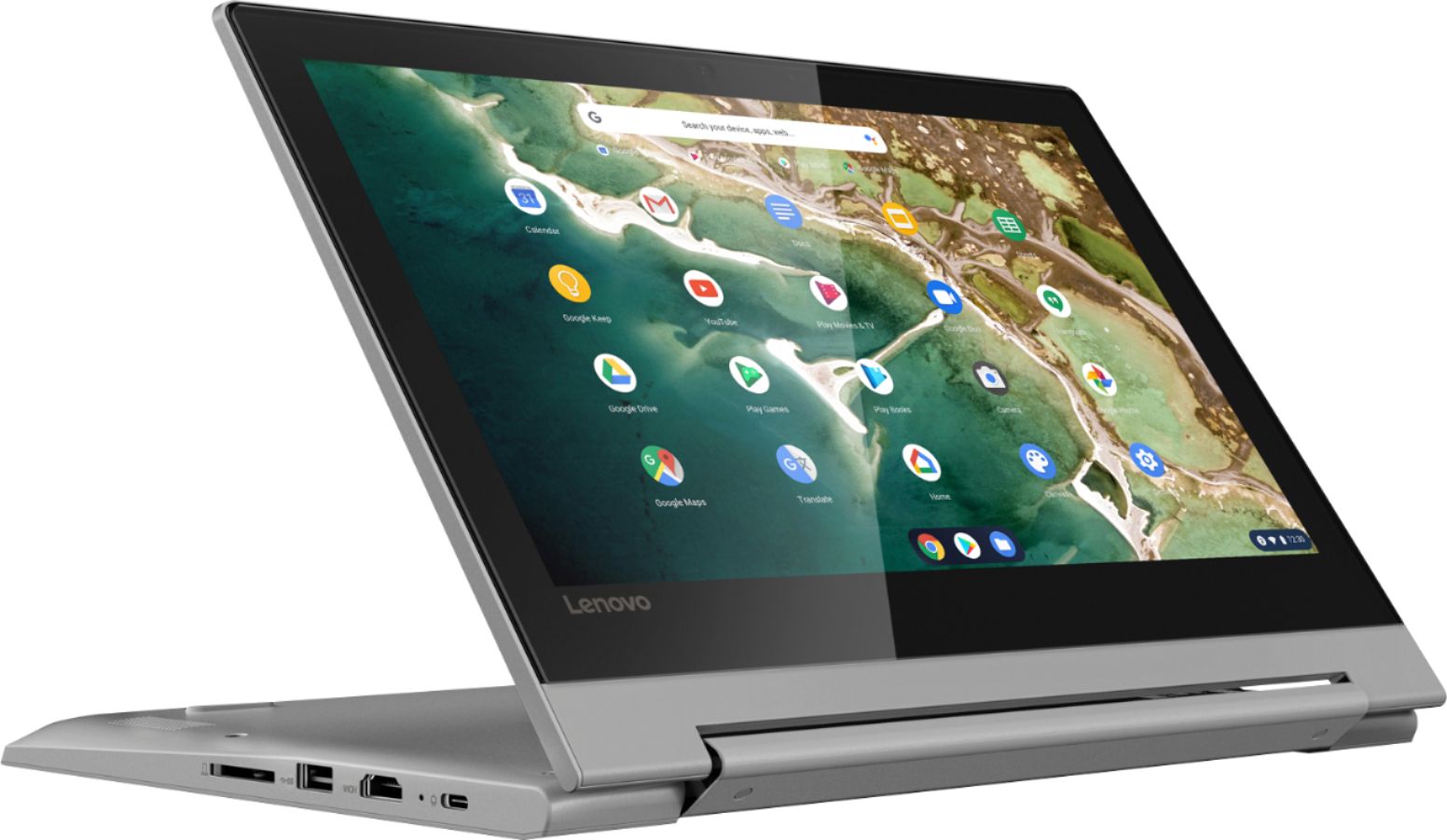
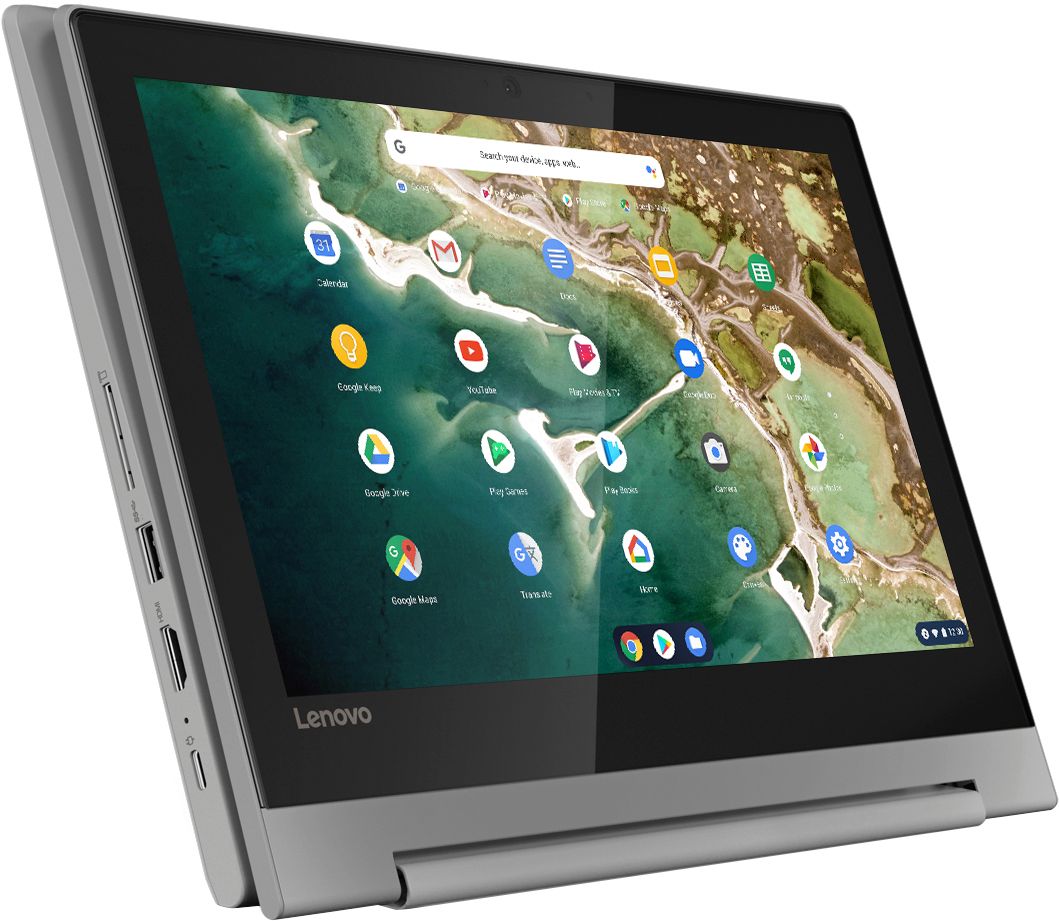
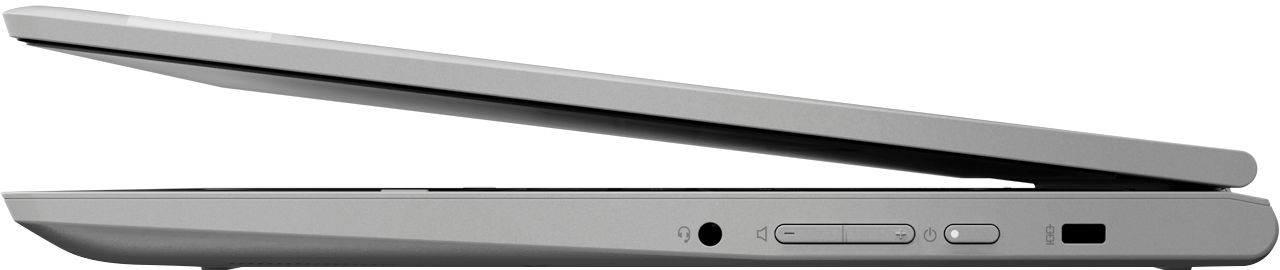
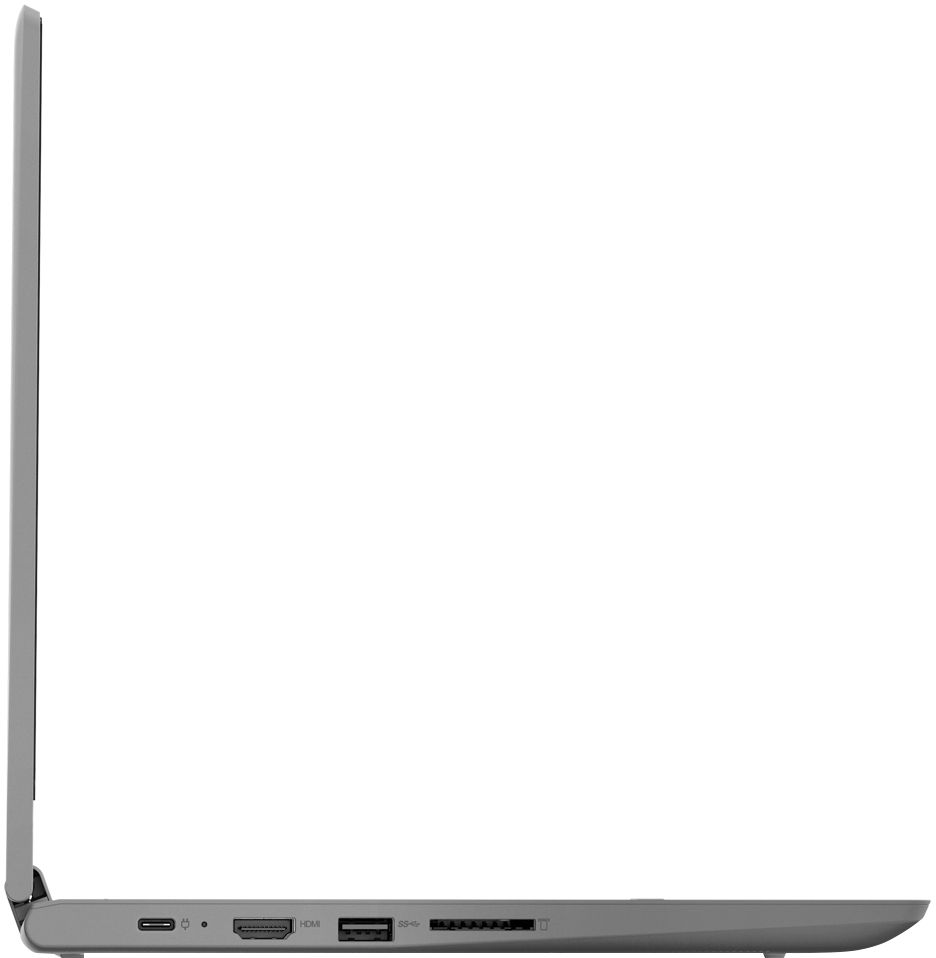
A:AnswerHello, thanks for your question.. The IdeaPad Flex 3 model # 82HG0000US features a MicroSD card reader and is compatible with any capacity Micro SD card.
A:AnswerYes. Here is a link to instructions for connecting your Chromebook to a compatible printer, we recommend you check with your printer manufacturer for the compatibility of your specific printer model: https://support.google.com/chromebook/answer/7225252?hl=en
A:AnswerThe Chrome OS and other factory installed software will take up approximately 7GB od storage space, leaving approximately 25GB of available storage space. You can add to this storage space with either a Cloud-Based Storage account, external USB-based hard drives or use the Micro-SD card slot to add additional external storage space.
A:AnswerThat will depend on the requirements and compatibility of the editing software you will be using. The Lenovo Chromebook Flex 3 11 model number 82HG0000US, ships with the Chrome Operating System and is compatible with Google Play Store APPs. We recommend you check with the editing software publisher's web site of the software you plan to use, for their compatibility with the Chrome operating system and the minimum/recommended hardware requirements (Is a Graphics card required, the processor speed and the minimum required system RAM and the minimum available hard drive space) to run their program, then compare those requirements to this system's configuration.