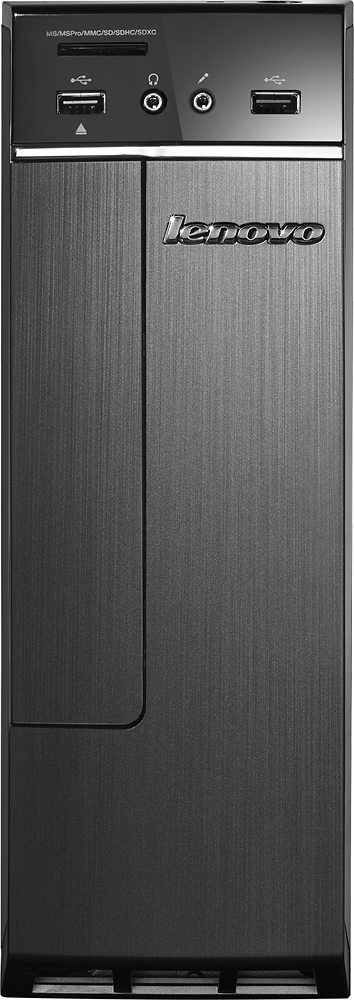
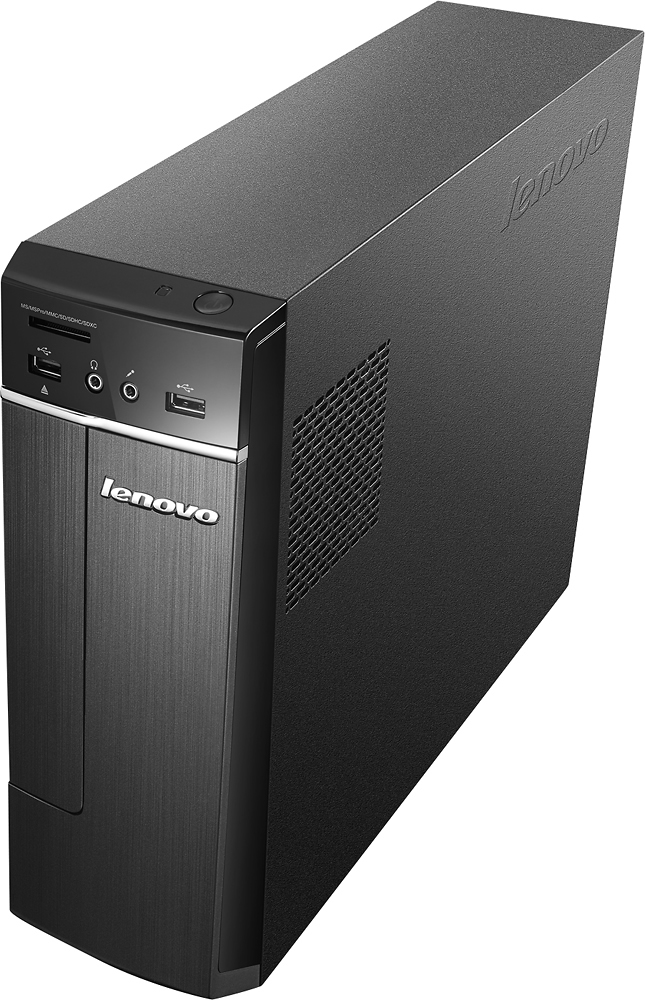
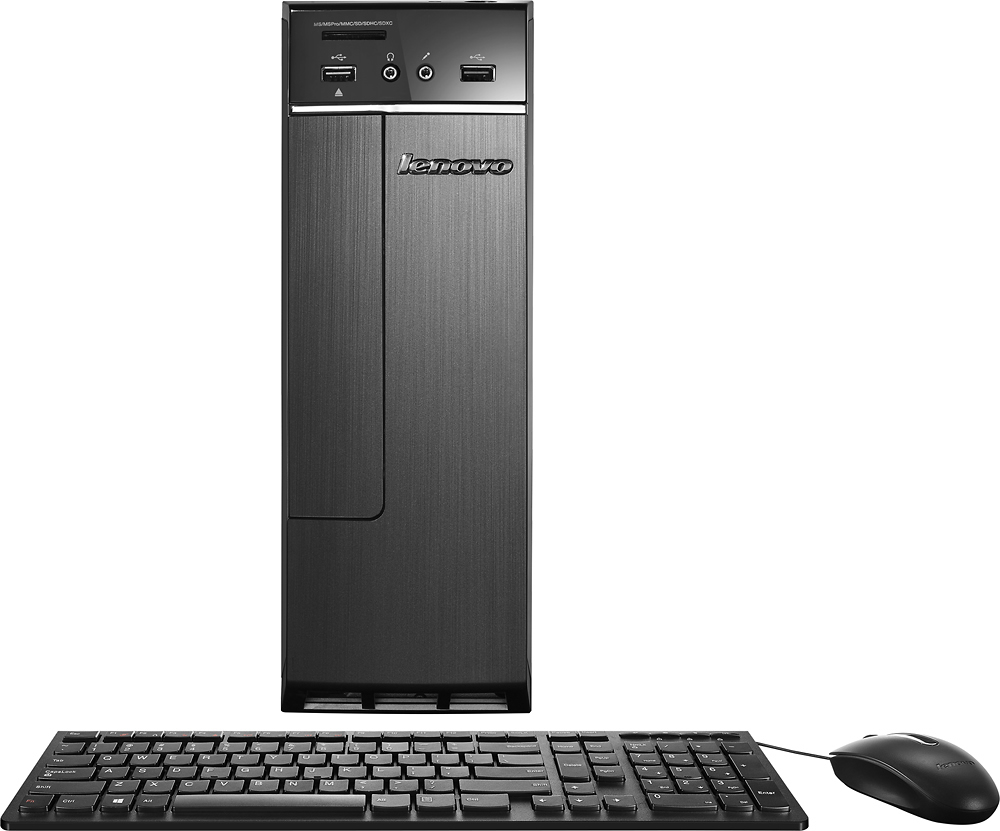
A:AnswerThe computer itself has a microphone jack but no built-in microphone. Newer monitors and all-in-one computers (monitor/computer combined) commonly have microphones built-in.
A:AnswerWe recommend you check with the streaming services to see what their requirements are for both hardware and your internet connection speed, then compare those requirements to this system's configuration and the speed of your internet service.
A:AnswerThis is a clearance model. It appears to be only available at store level. We recommend you check with your local store and see if you can order it through the store and have it shipped to your home.
A:AnswerYes you can. You will need the USB receiver that comes with the keyboard and mouse to plug in to the IdeaCentre 300s and the drivers will need to be installed that will come with the keyboard and mouse on to the computer.
A:AnswerI'm not sure if it has more than one PCI express, but this is a low profile PC so not much room for expansion unless you get a card that can use low profile. If your trying to make this into a gaming machine, it won't work well as it doesn't have the proper power supply, connections, or room for it.
I need to know more about why you want to use two graphics cards. Are you needing multiple screen output or work related? If so, you can get USB video expansion so you can run multiple monitors.
The machine did have HTMI and VGA , both will work at the same time for duel monitor if needed.