A:AnswerThere is a 30-day trial of Microsoft Office 365 included as part of the Windows 10 operating system. In order to keep the program active after the trial period, you will need to purchase a product key. You will not need to download any additional software.
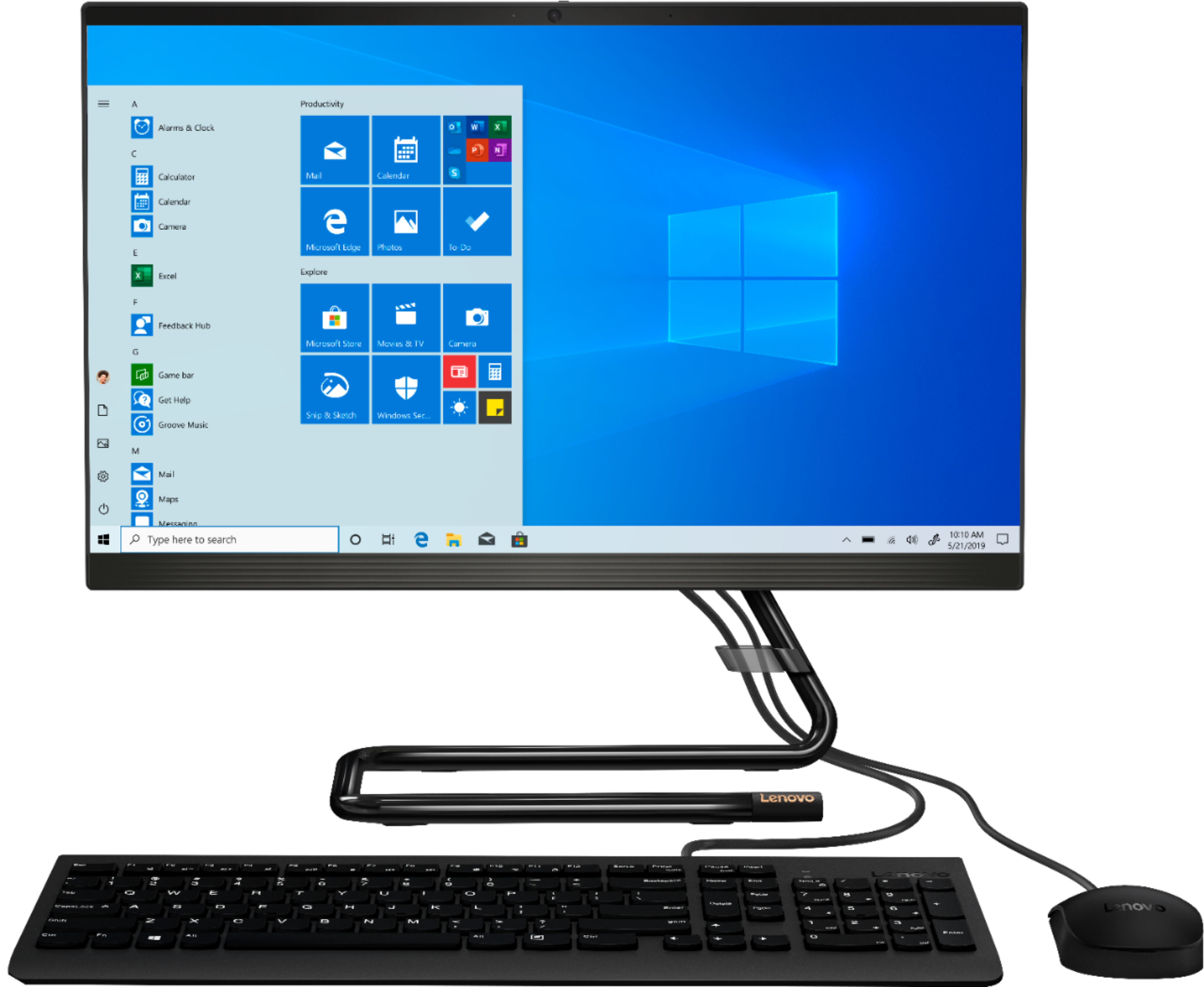
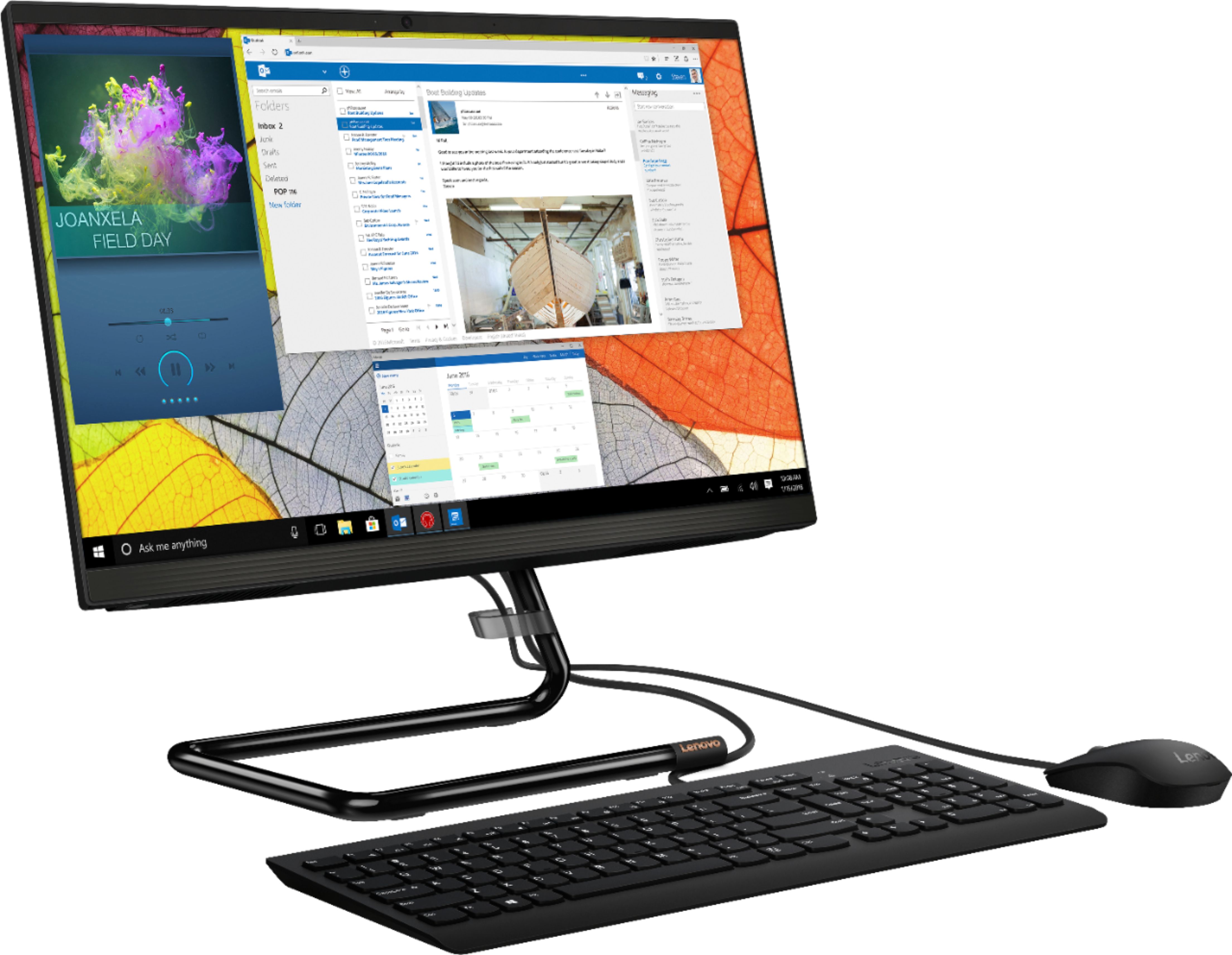
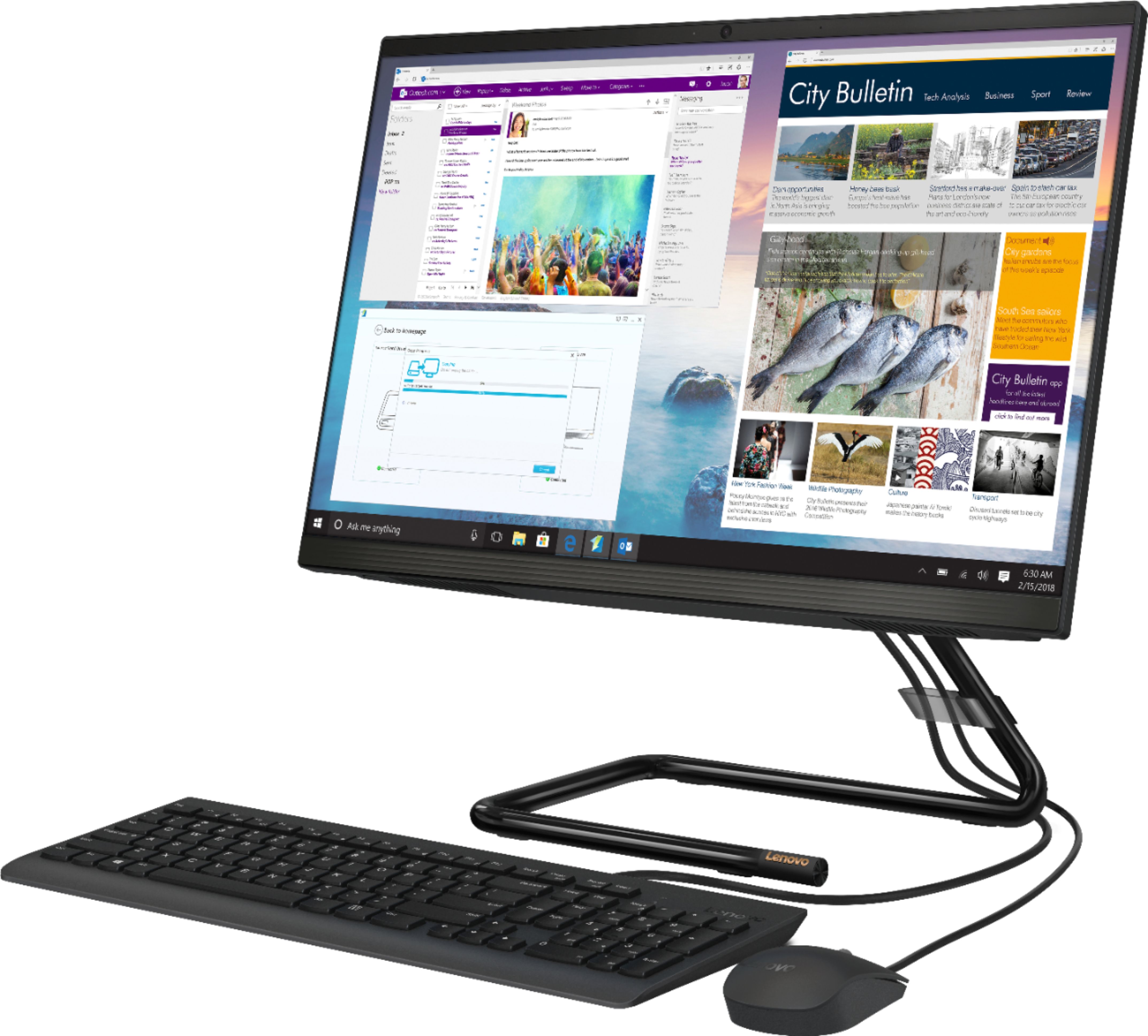
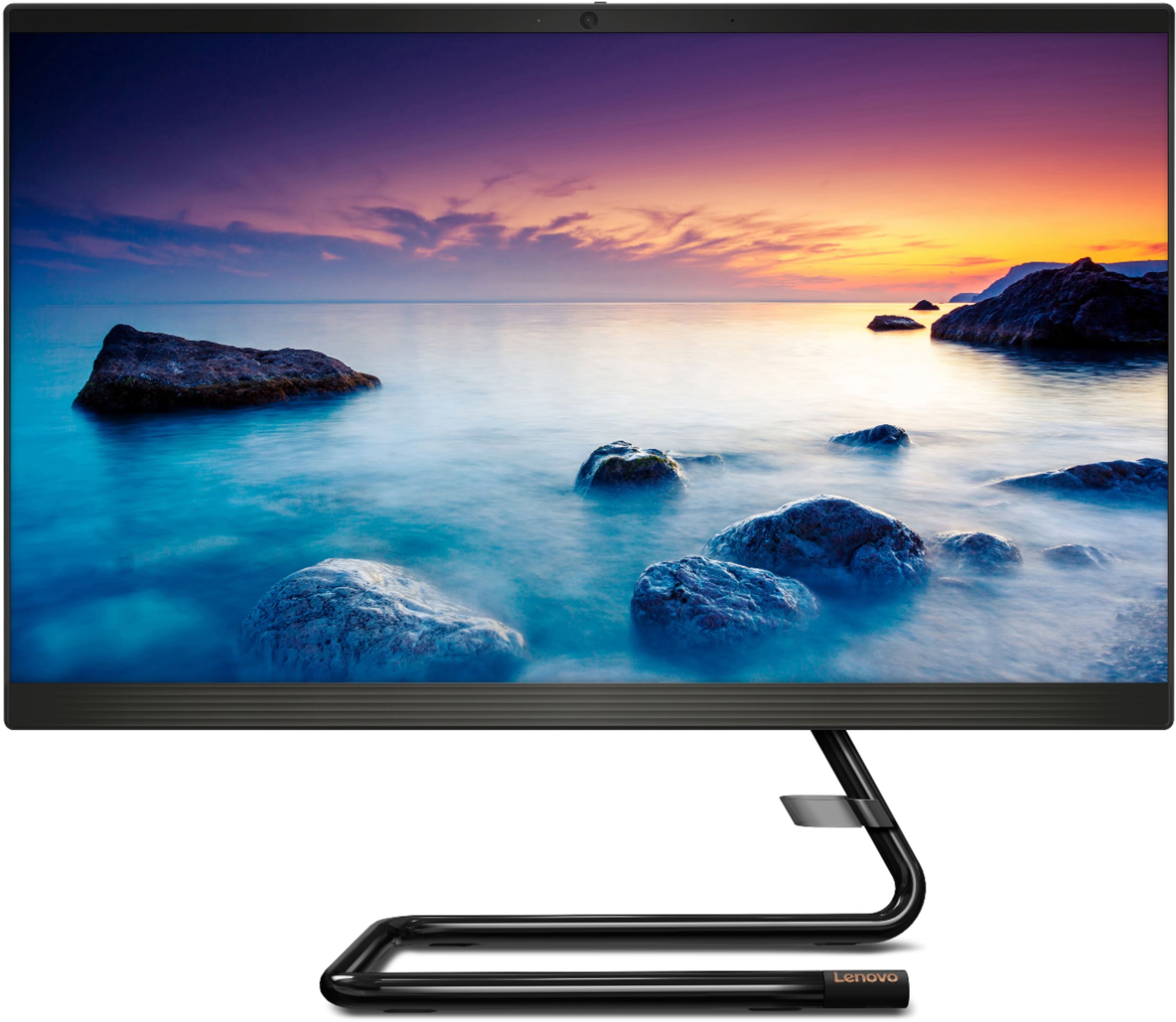
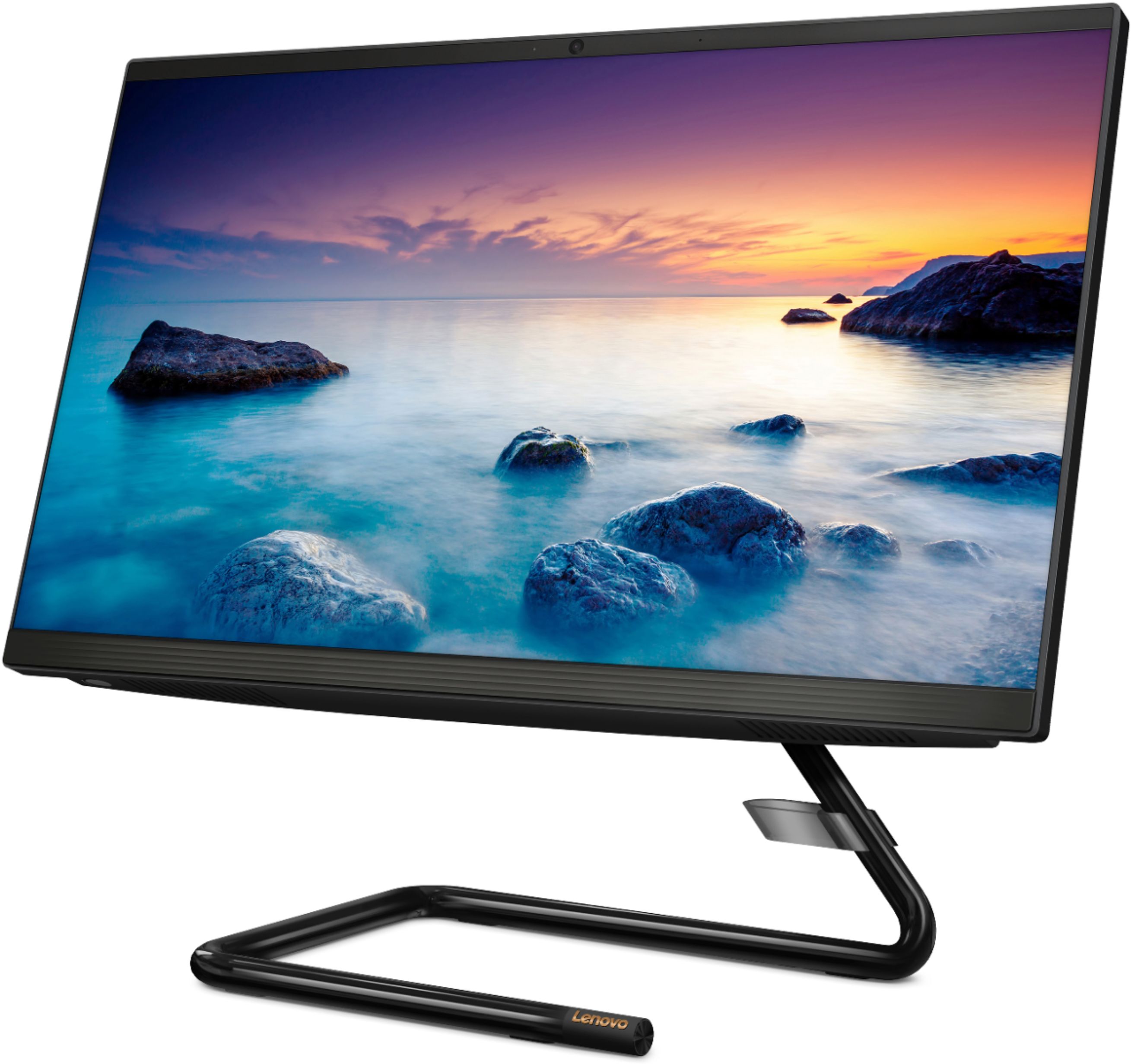
A:AnswerThe Lenovo IdeaCentre A340-22 All-In-One system, model number F0EA000GUS, ships with the Quad-Core Intel Pentium J5005 processor, with a base speed of 1.5GHz and a boost speed of up to 2.8GHz.
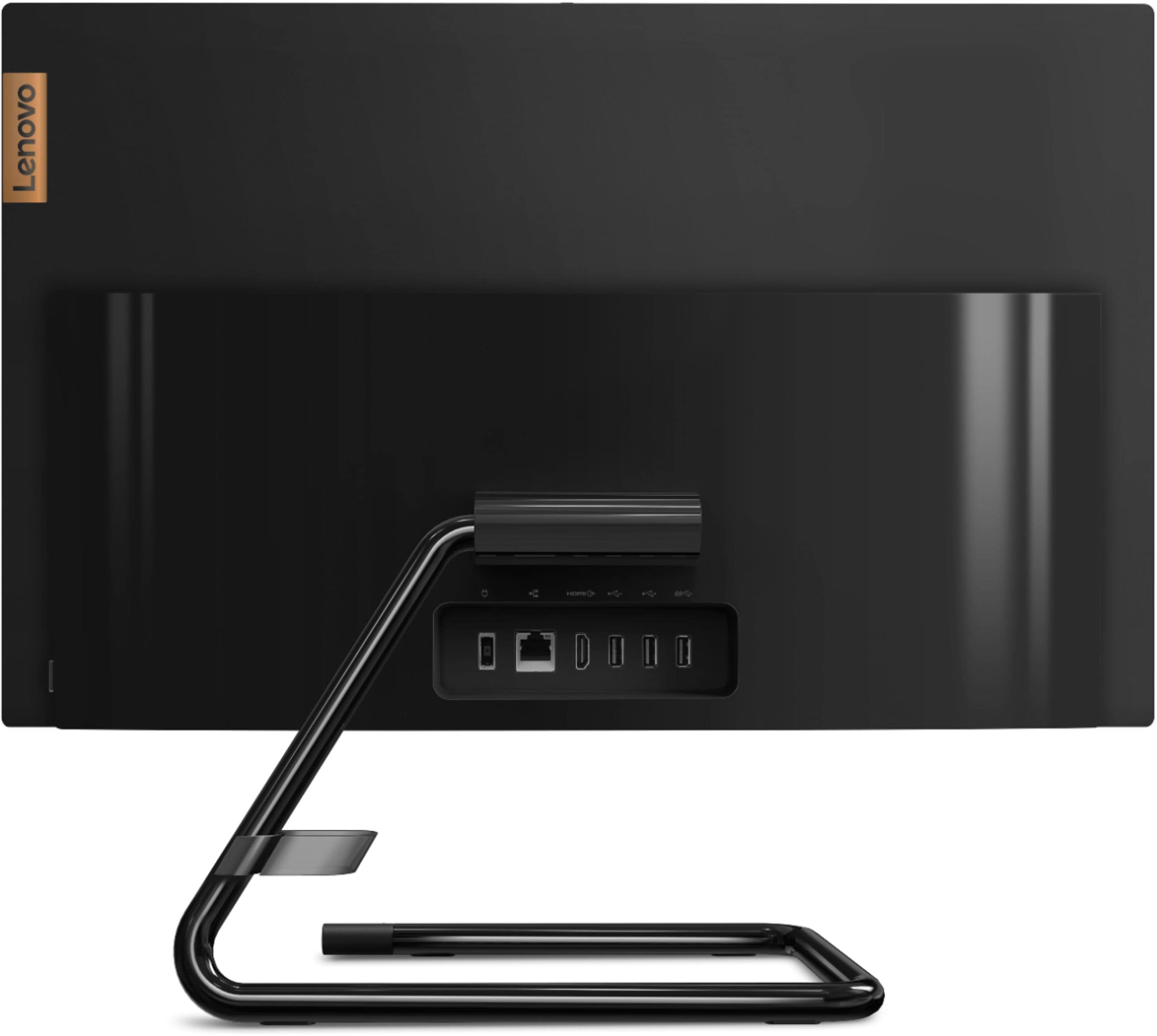
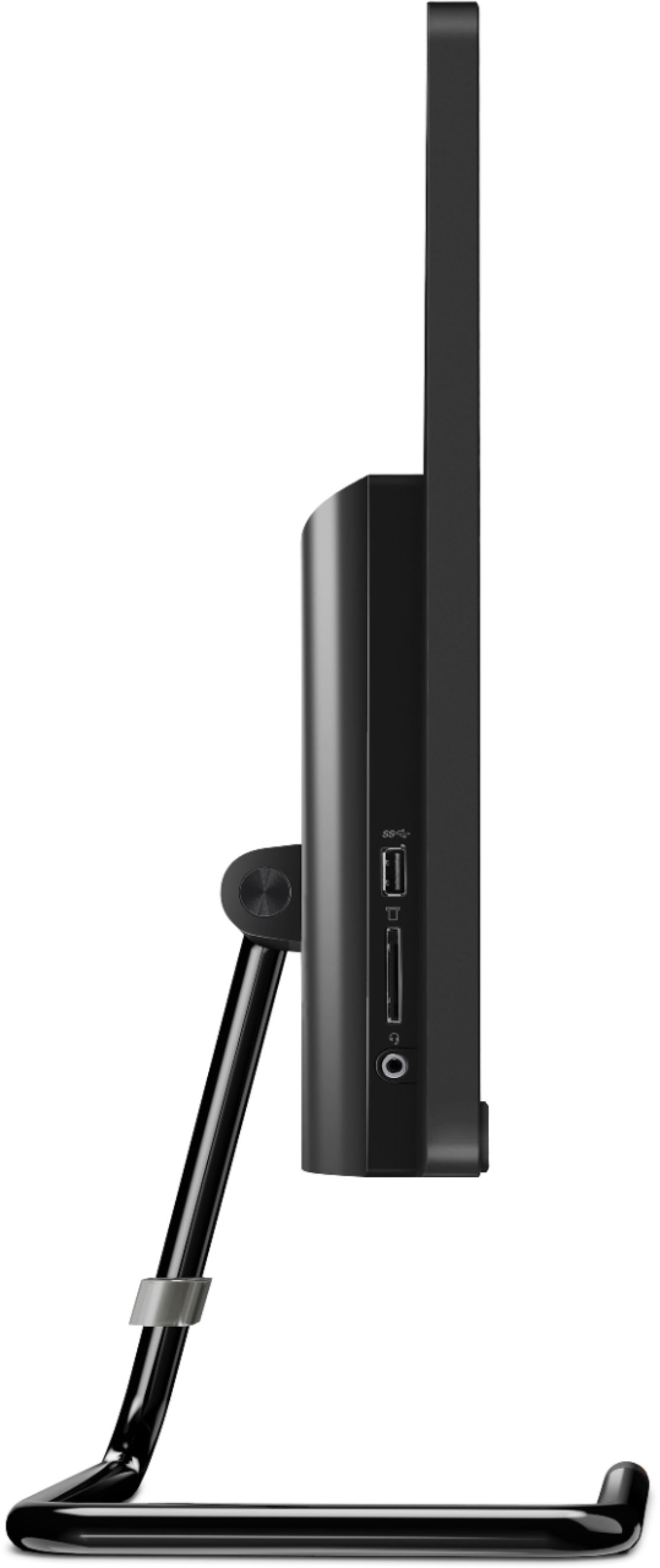
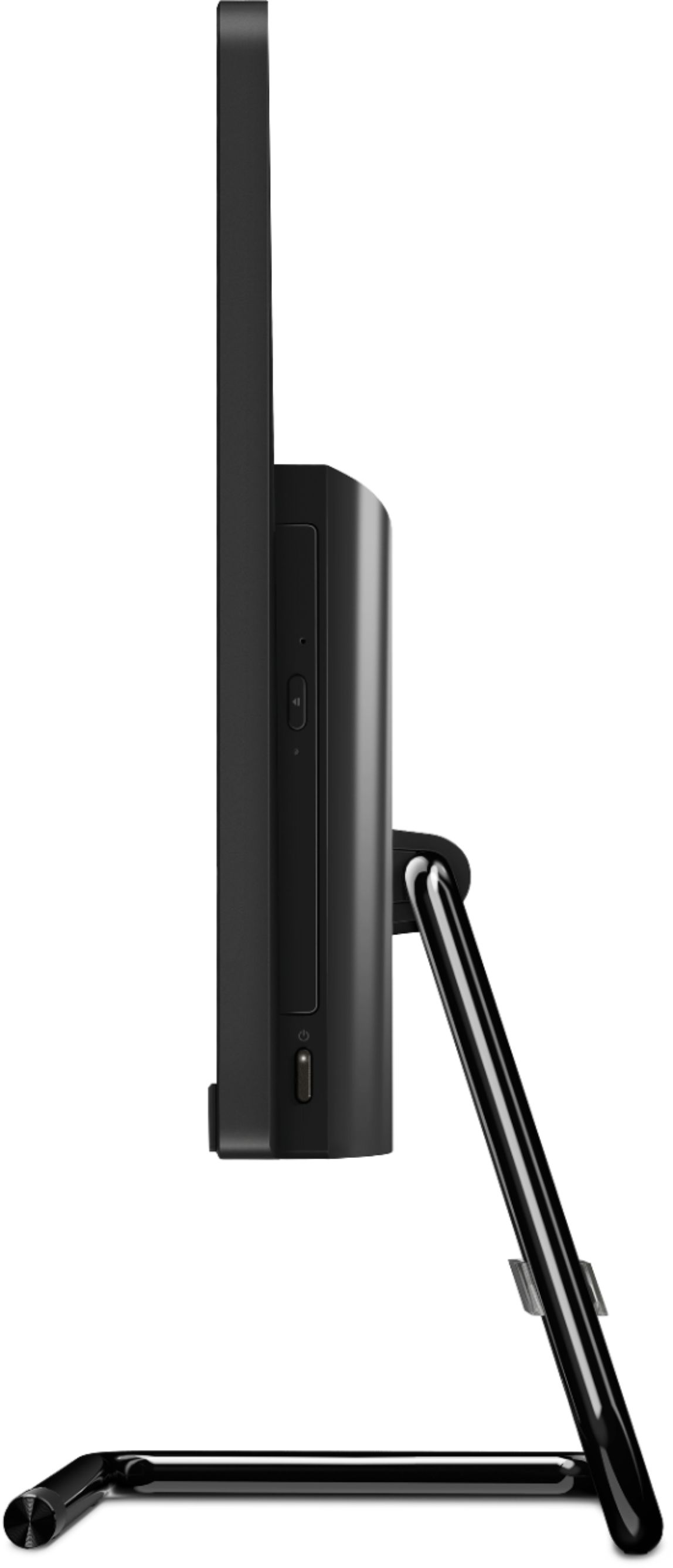
A:AnswerHave you tried the button on the right hand side of the computer? You have to feel for it. It is hidden behind the monitor. If that doesn’t work check your power cords to make sure it is plugged in. I had to find the button when I first got mine. I hope this helps.
A:AnswerAs long as the data is compatible with Windows 10, you can use Lenovo Migration Assistant to make the transfer. Here is a link to Lenovo Migration Assistant software to help you easily transfer files from your old computer to your new one: https://www.lenovo.com/us/en/software/lenovomigrationassistant/
A:AnswerThe Lenovo IdeaCentre A340-22 All-In-One system is an entry level, light use system with its Intel Pentium processor. It is not meant for multi-tasking or demanding programs. It is good for Microsoft Office and light internet browsing. We always recommend you check the requirements and compatibility of any software you will be installing on your new computer, before you invest in any computer. Be sure your new computer can support the software you will need to use.
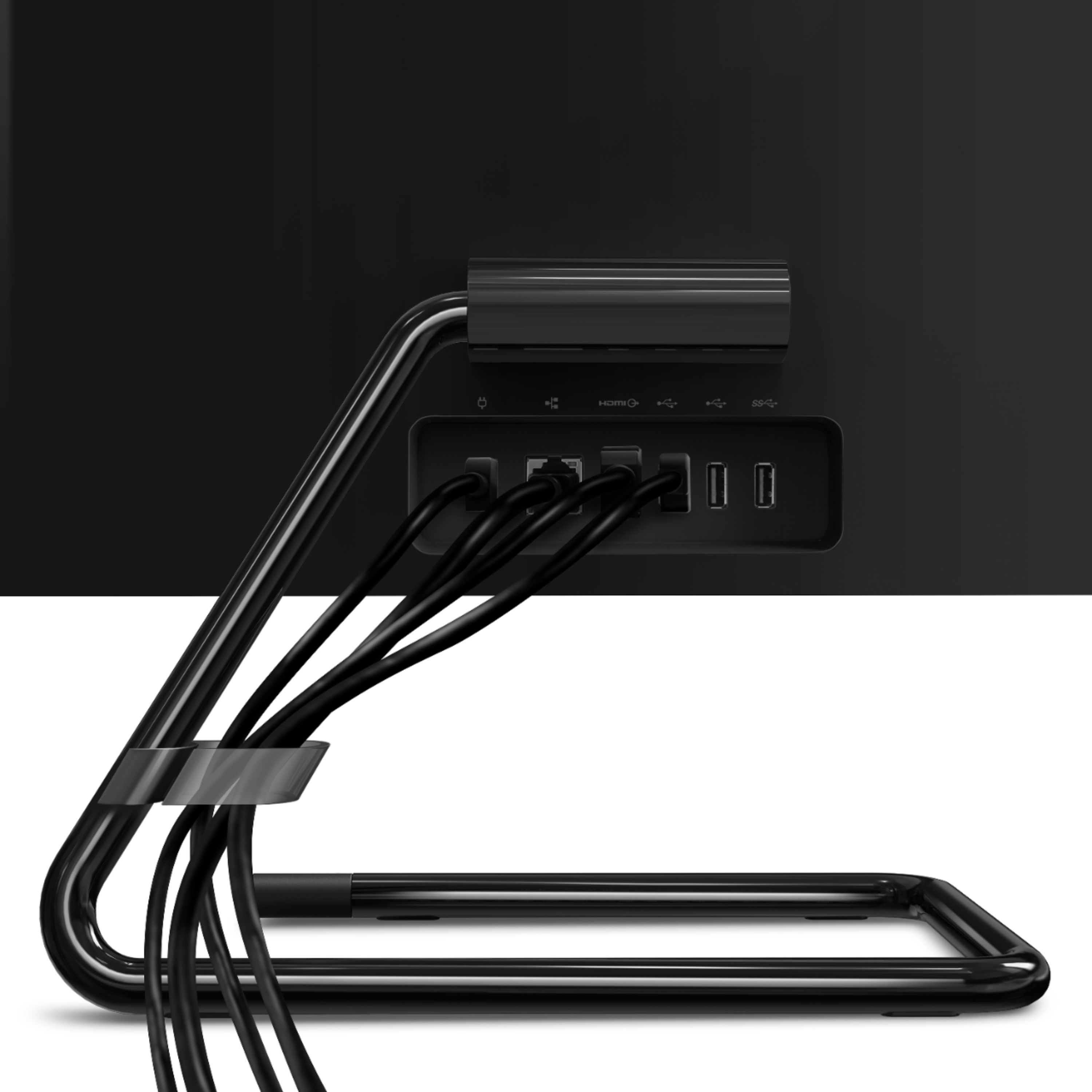
A:AnswerThe Lenovo IdeaCentre A340-22 All-In-One system, model number F0EA000GUS, is compatible with any printer that is compatible with Windows 10 and connects via a standard USB port. We recommend you check with your printer manufacturer for the compatibility of your specific printer model with Windows 10 and whether your printer model connects to a computer via standard USB.