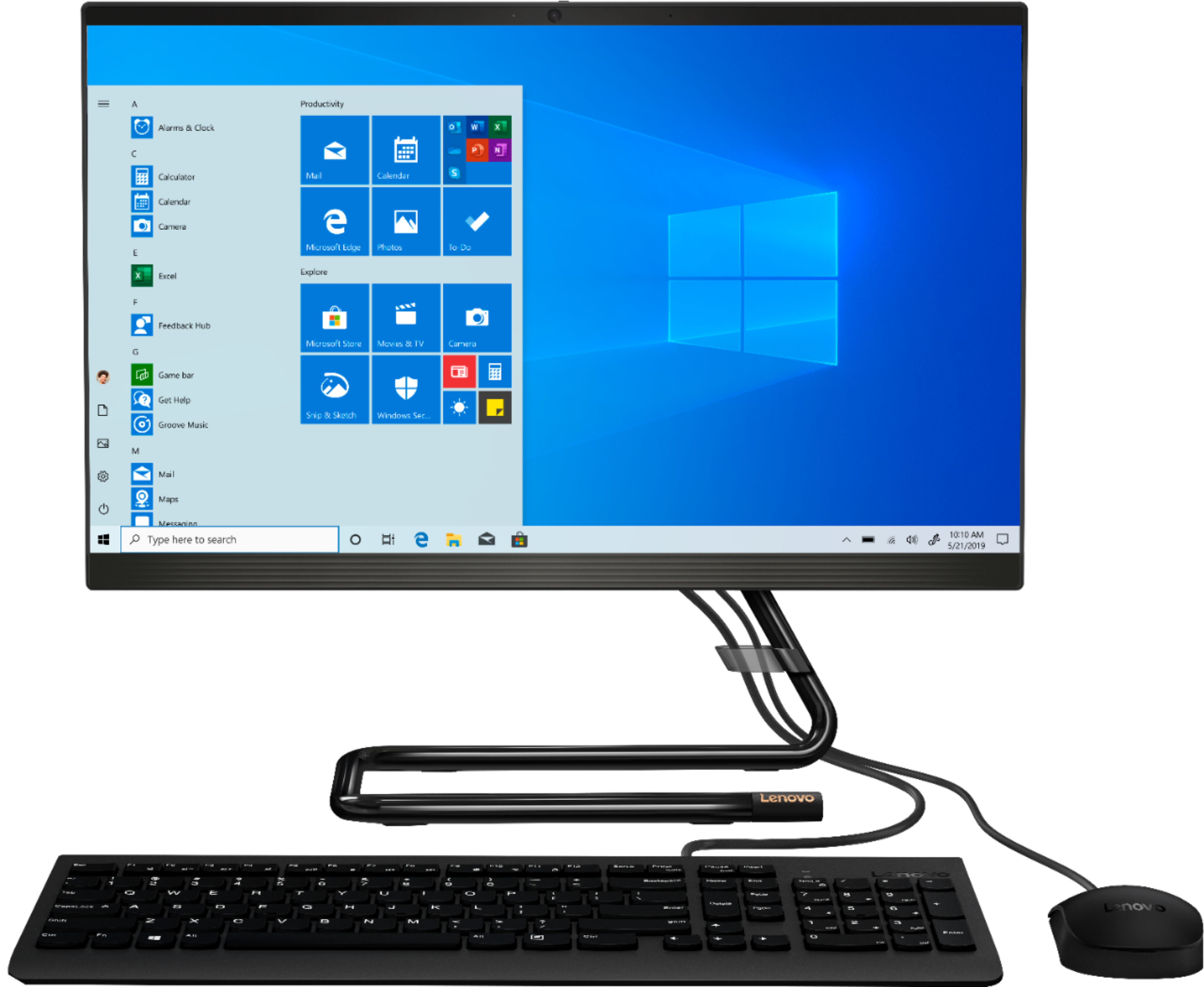
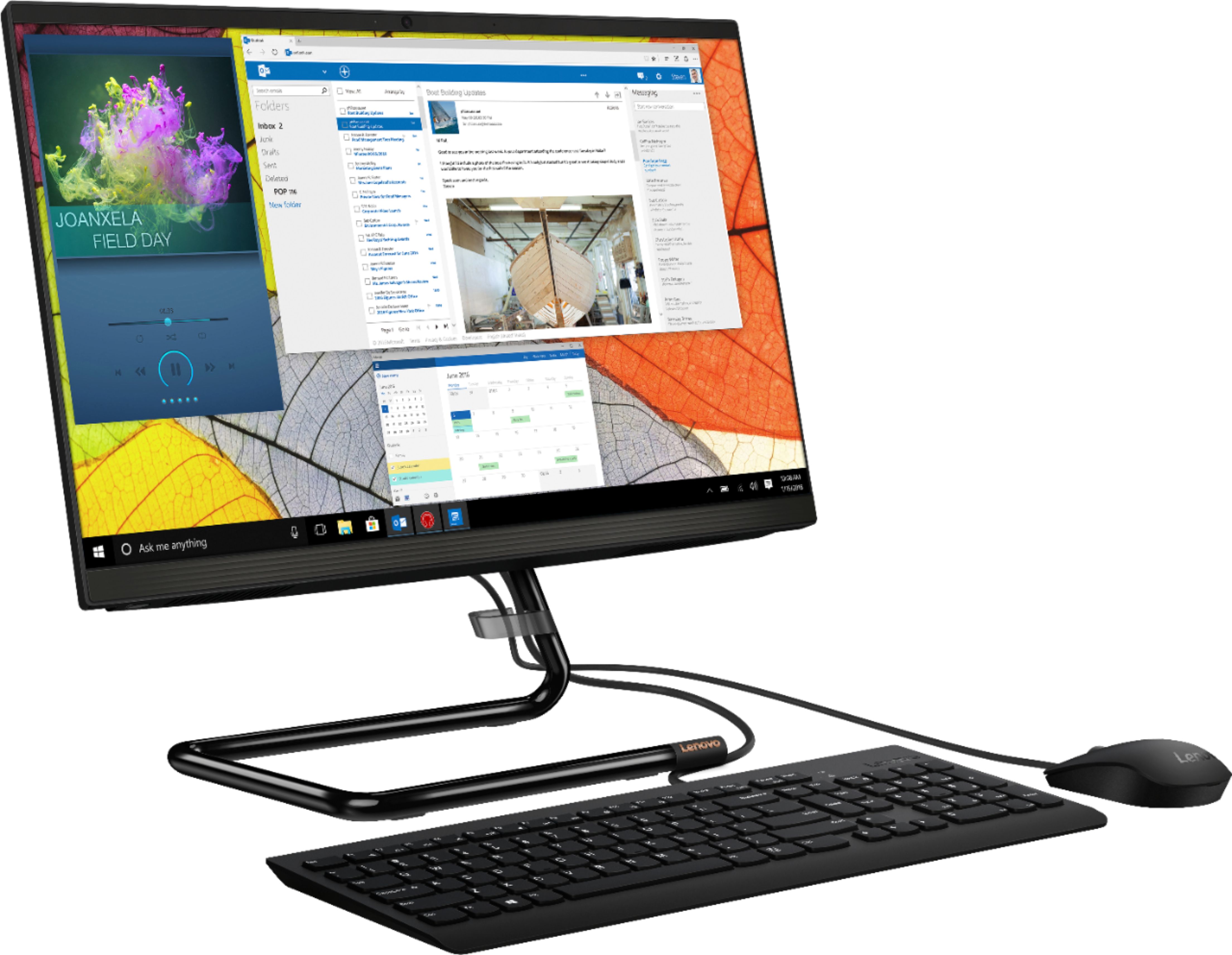
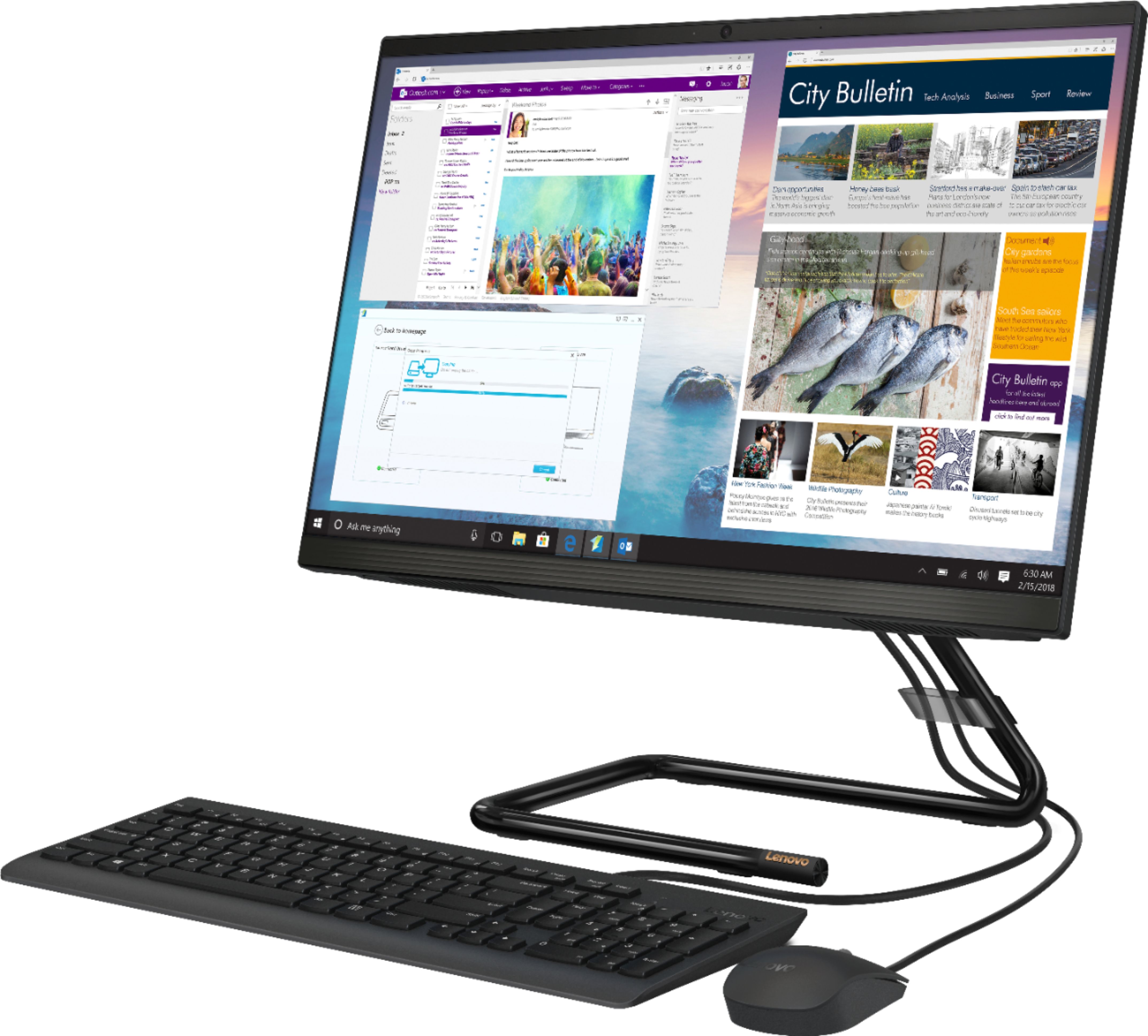
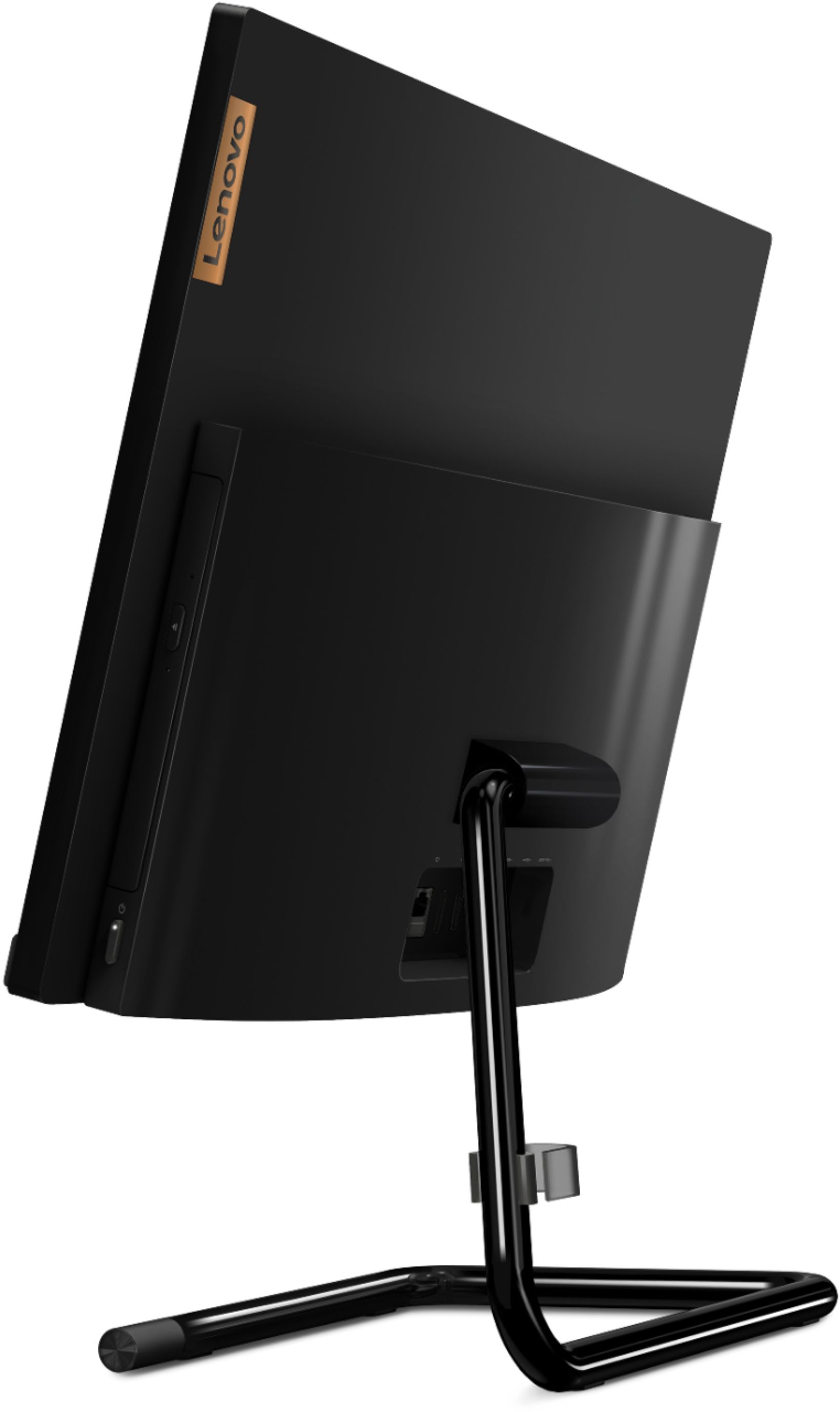
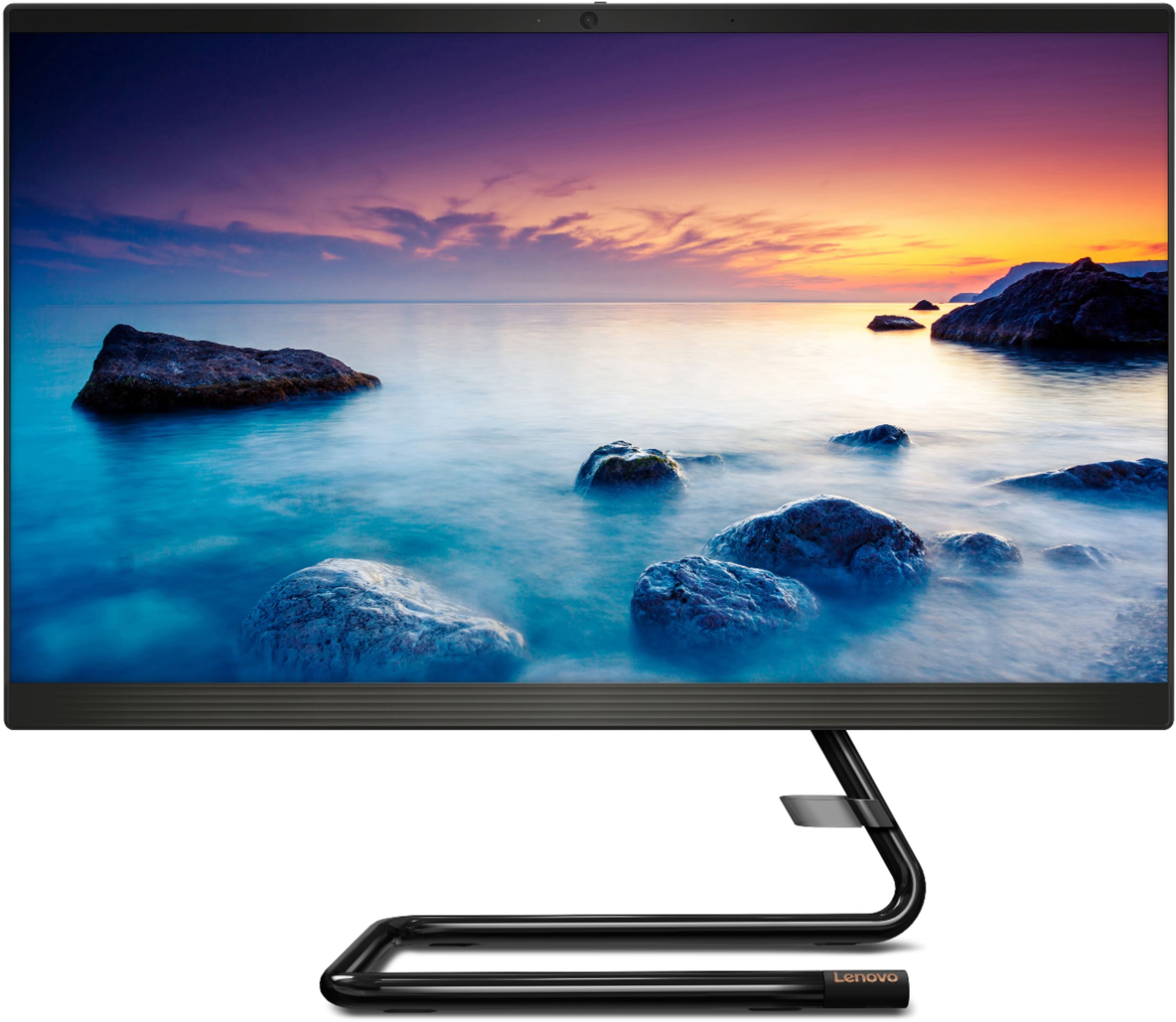
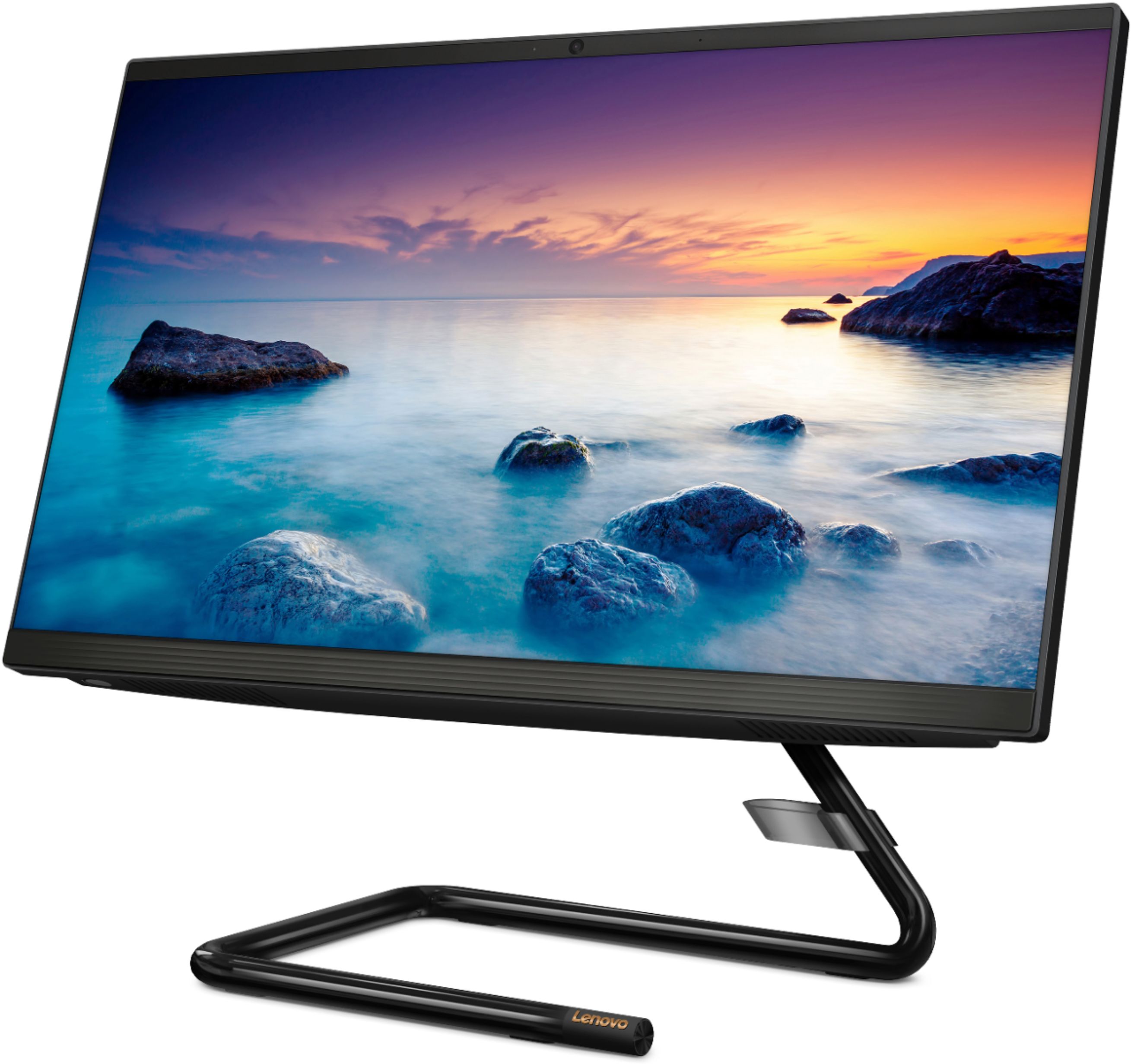
A:AnswerThe Lenovo IdeaCentre A340-22 All_in_one System is an entry level, light use system with its Intel Pentium processor. It is not meant for multi-tasking or demanding programs. It is good for Microsoft Office and light internet browsing.
A:AnswerYes. This is an All-In-One configuration the monitor and the computing capability is all in one system. A wired keyboard and mouse are also included.
A:AnswerThe Lenovo IdeaCentre A340-22 All-In-One System has 5G, 802.11AC frequency WiFi built in that can wirelessly connect to your wireless internet network.
A:AnswerHere is a link to adjusting the resolution of your screen on your Windows 10 computer: https://support.microsoft.com/en-us/help/4026956/windows-10-change-screen-resolution
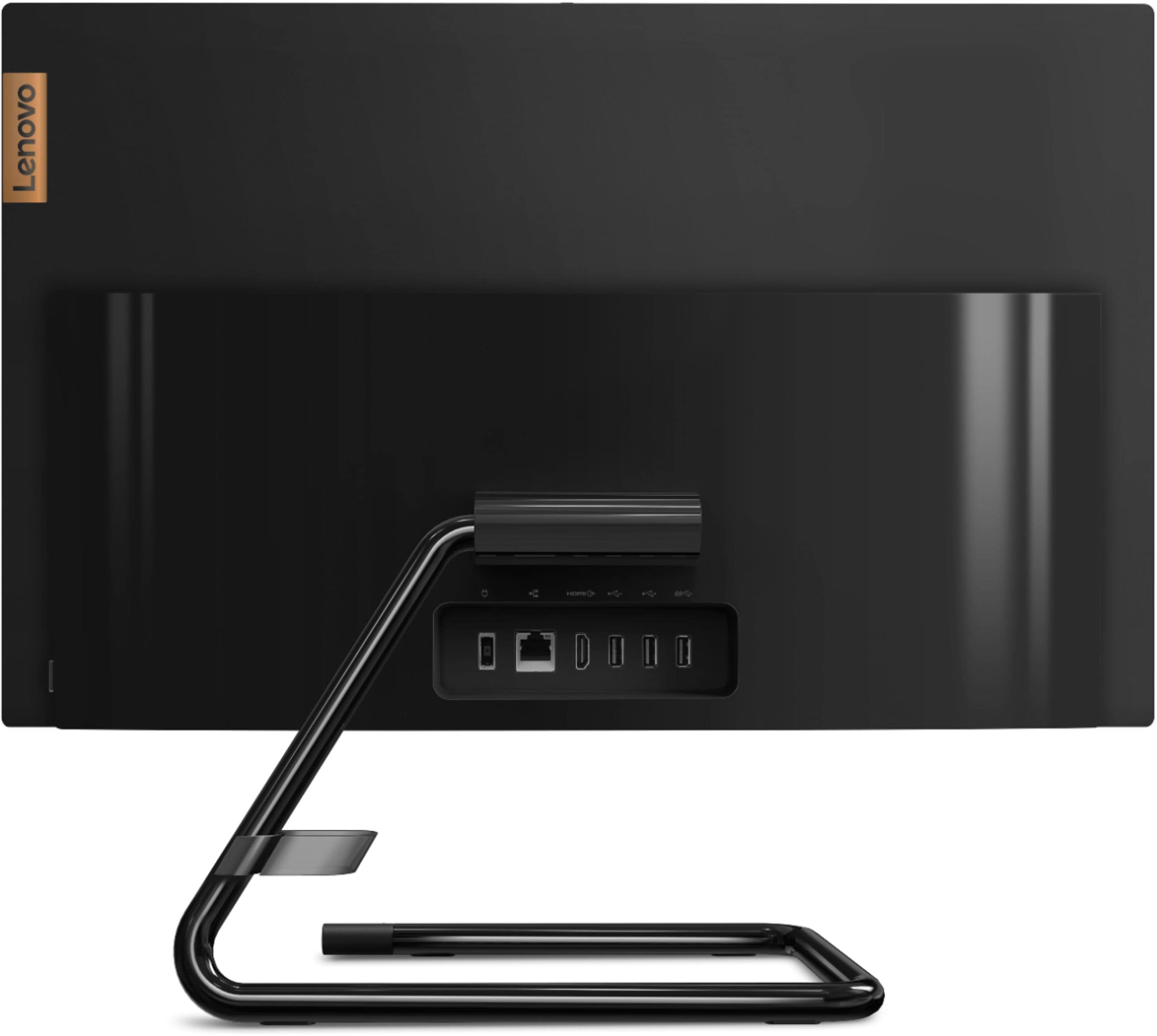
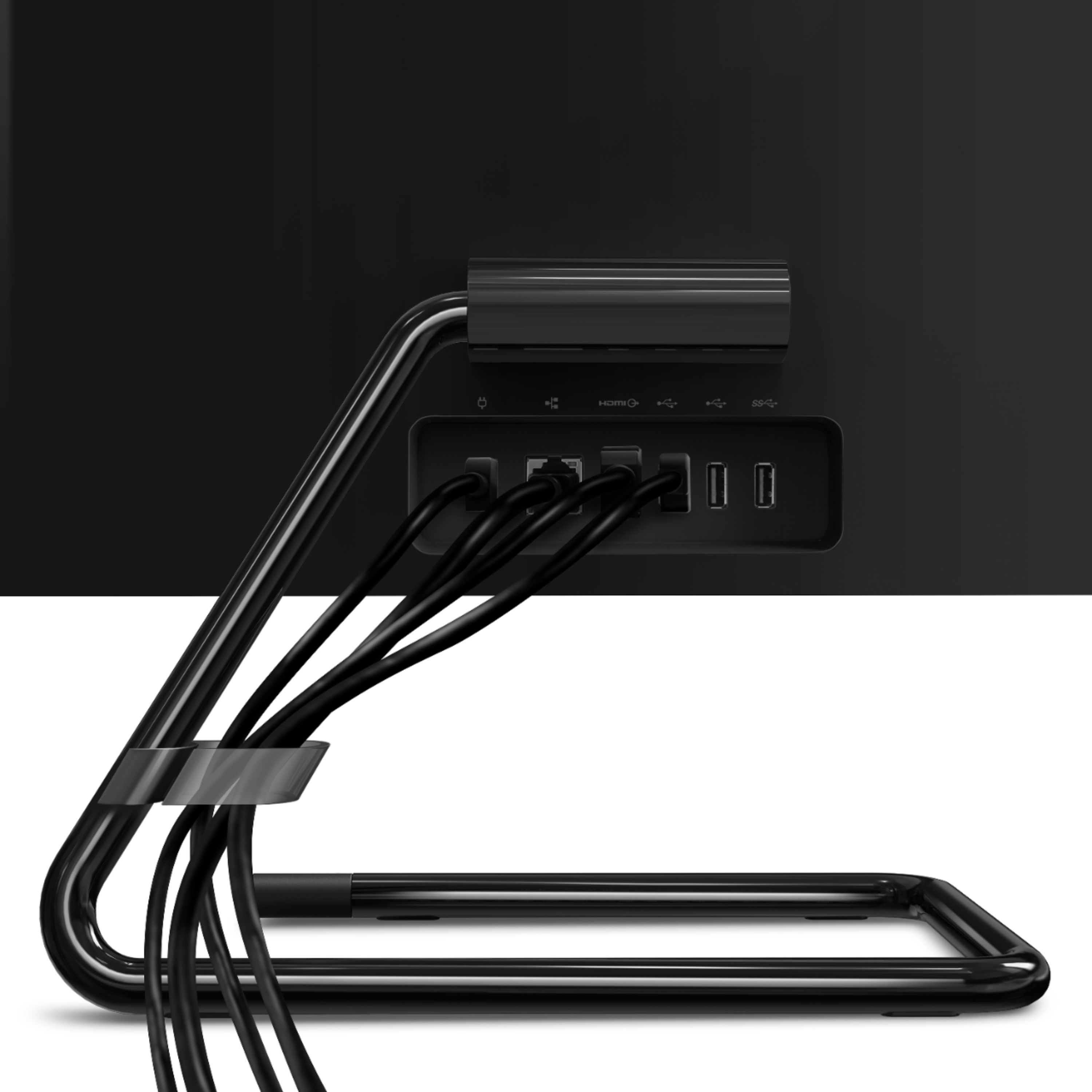
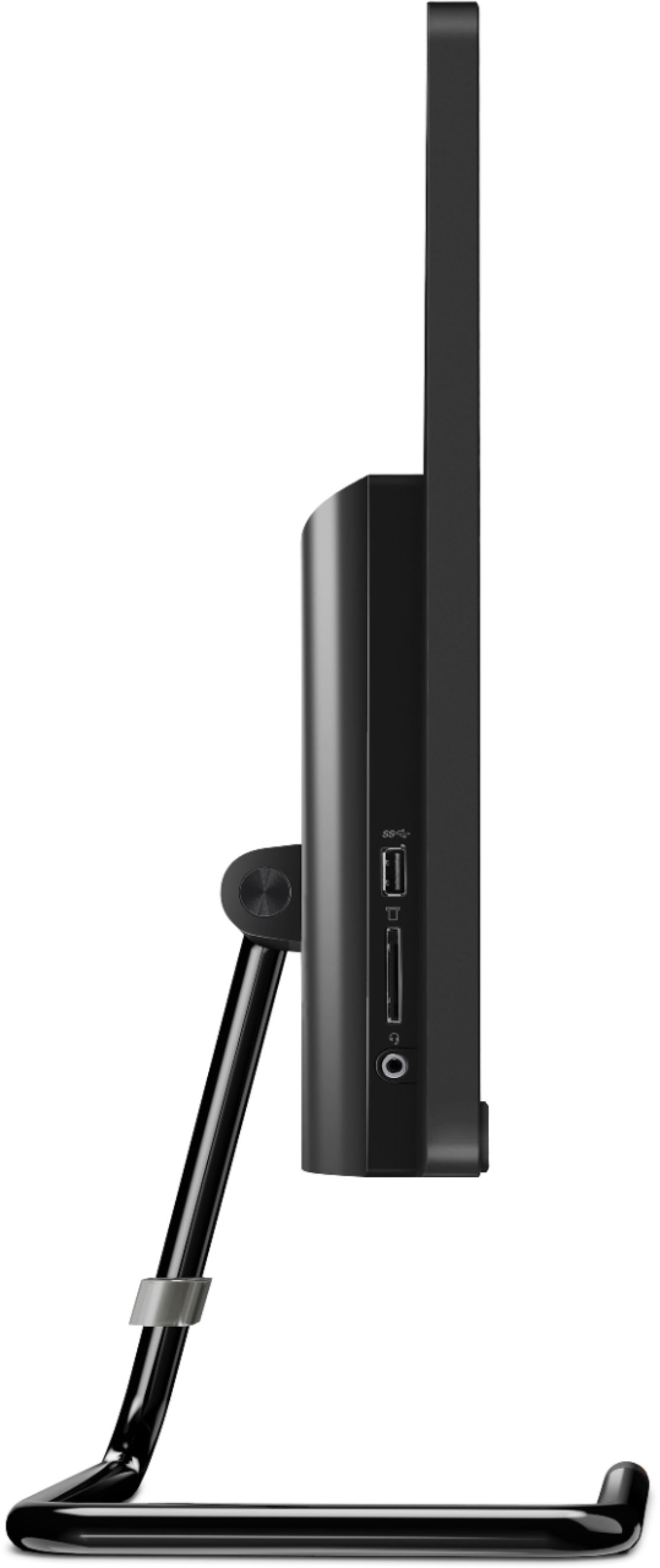
A:AnswerThe Lenovo IdeaCentre A340-22 All-In-One system has a total of four standard USB ports. This model has the latest 5G, 802.11AC WiFi capability built in. Yes, there is an ethernet port on this model.
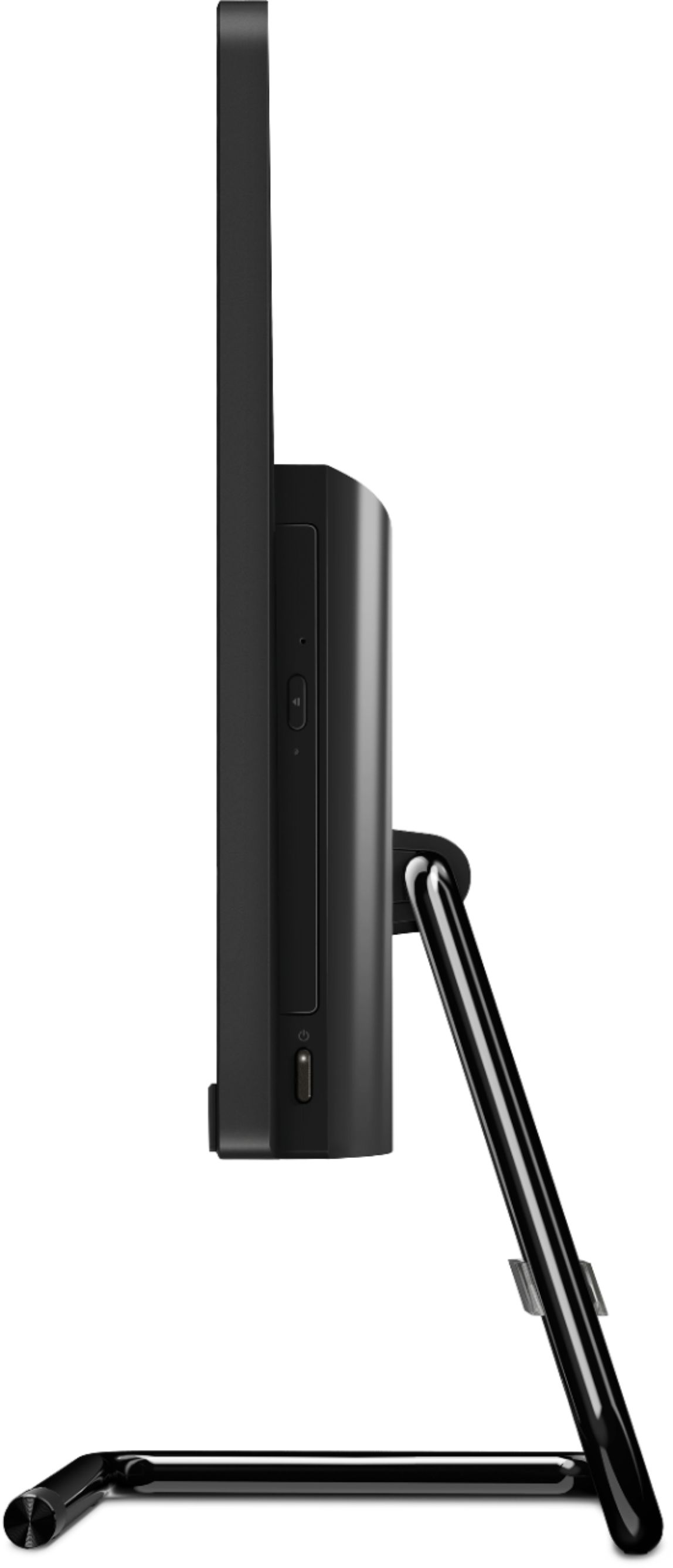
A:AnswerPressing CTRL+SHIFT+O will activate the Open CDROM shortcut and will open the door of your CD-ROM. Pressing CTRL+SHIFT+C will activate the Close CDROM shortcut and will close the door of your CD-ROM. If the issue continues, we recommend you call Lenovo Tech Support at: 877-453-6686.