A:AnswerHey,
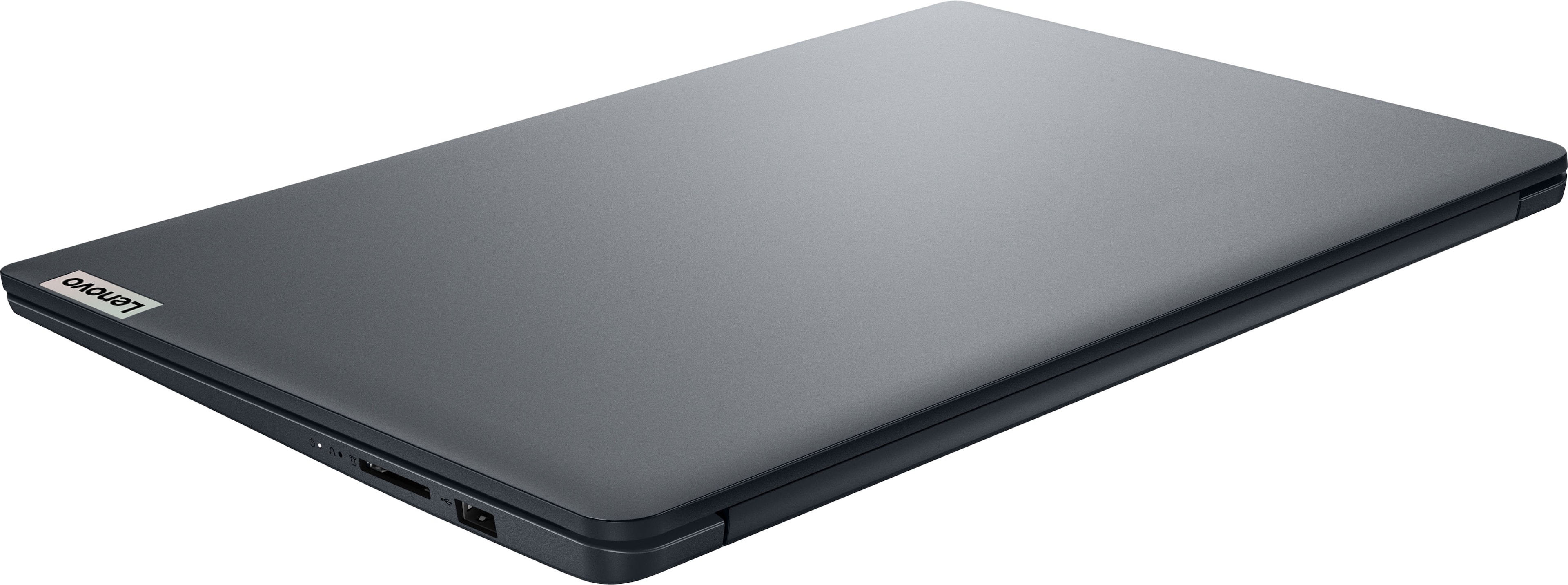
With the appropriate USB-A adapter or hub, this can be done if the adapter or hub does not rely on DP Alt Mode for video output.
Please feel free to reach out to us with any other questions!
A:AnswerHey PC934444,
This IdeaPad was not designed with gaming in mind. Depending on the system requirements for the games you want to play, they may be able to run on this system.
Please feel free to reach out to us with any other questions!
A:AnswerHey Treym,
The most common Office apps like Word and Excel are preinstalled; however, without purchasing a long-term Office solution, such as Microsoft 365, only a 30-day trial can be activated out of the box.
Here is a link to the Microsoft Office landing page on bestbuy.com to learn more about your Office options: https://www.bestbuy.com/site/microsoft/microsoft-office/pcmcat748300511466.c?id=pcmcat748300511466
Please feel free to reach out to us with any other questions!
A:AnswerYes, it can do gaming. Just not high end AAA games. Fortnite, roblox, Minecraft. Most games 2020 and older will run just fine. Anyone who disagrees needs to actually read the question and understand needs vs wants. The question was, is this OK for gaming. Yes, it is OK for gaming. Is it good, no. Will it shock and amaze, no. Will most games run at playable framerates on low settings, yes!
A:AnswerHey MK,
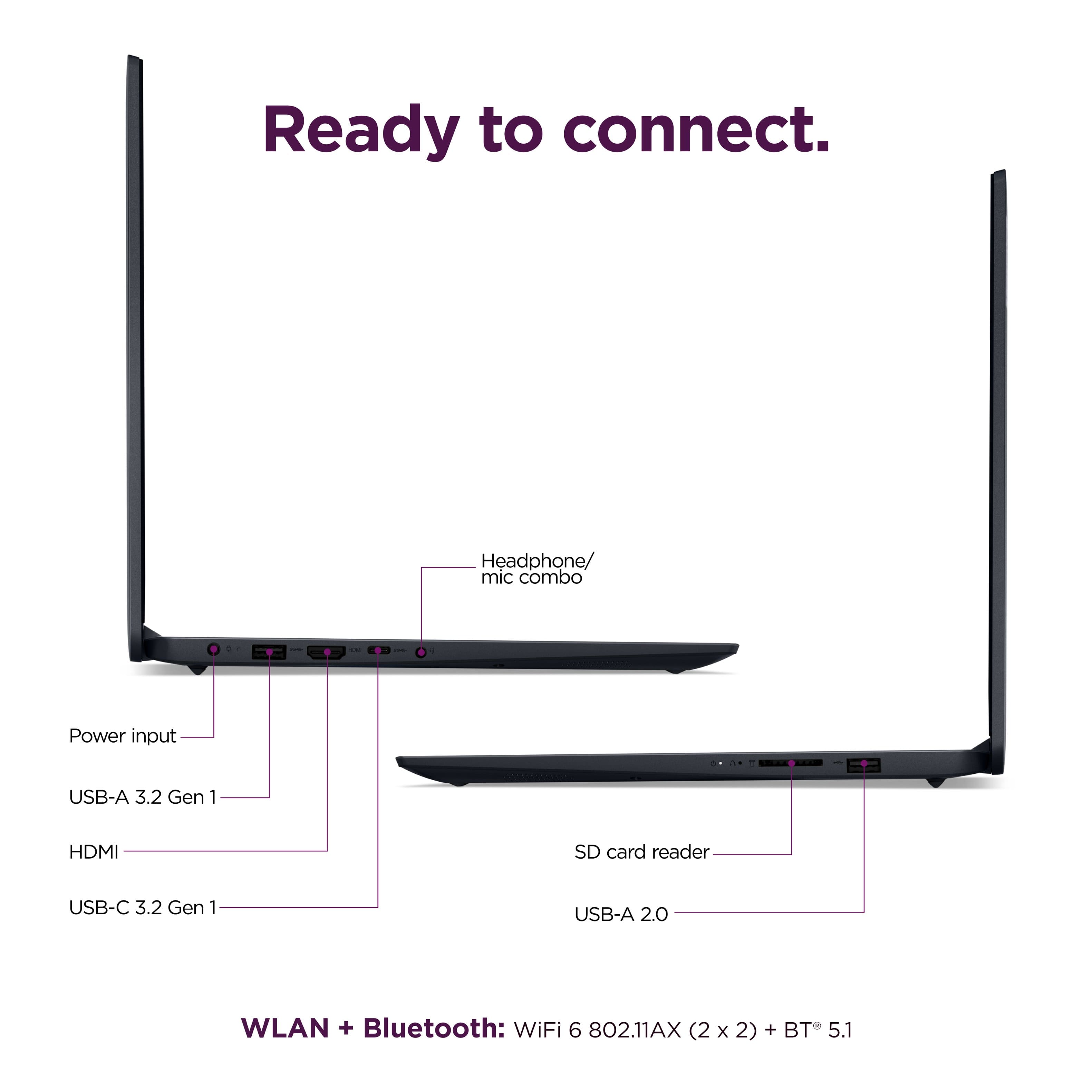
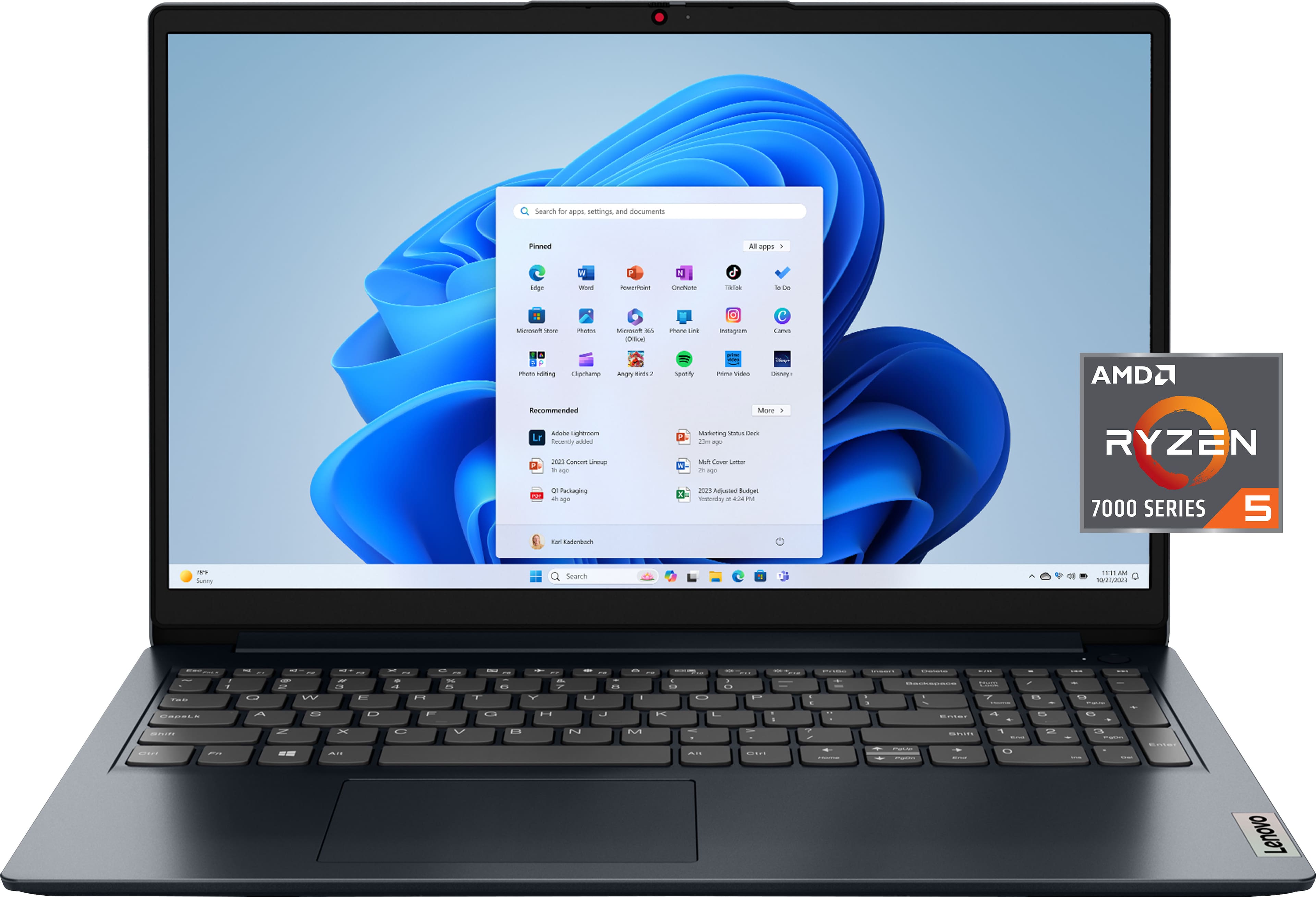
This IdeaPad 1 should support up to 4 displays including the laptop's built-in display if you use the right connections and or adapters, as to note, this IdeaPad features one HDMI output.
Please feel free to reach out to us with any other questions!
A:AnswerHey UnkemptHarold,
We recommend looking for USB-A docking stations, as this system's USB-C port does not support video output for external displays.
Please feel free to reach out to us with any other questions!