A:AnswerThat will depend on the requirements of the software. We recommend you check with the software publisher's web site for their compatibility with Windows 10 Home 64-bit operating system and the minimum/recommended hardware requirements (Is a Graphics card required, the processor speed and the minimum required system RAM and the minimum available hard drive space) to run their program, then compare those requirements to this system's configuration.
A:AnswerThat depends on the compatibility of the phone with the Windows 10 operating system and the compatibility of the software programs you will be using with Windows 10 and this system's specific configuration. We recommend you check with the phone and software publisher's web sites for their compatibility with Windows 10 Home 64-bit operating system and the minimum/recommended hardware requirements (Is a Graphics card required, the processor speed and the minimum required system RAM and the minimum available hard drive space) to run their program, then compare those requirements to this system's configuration.
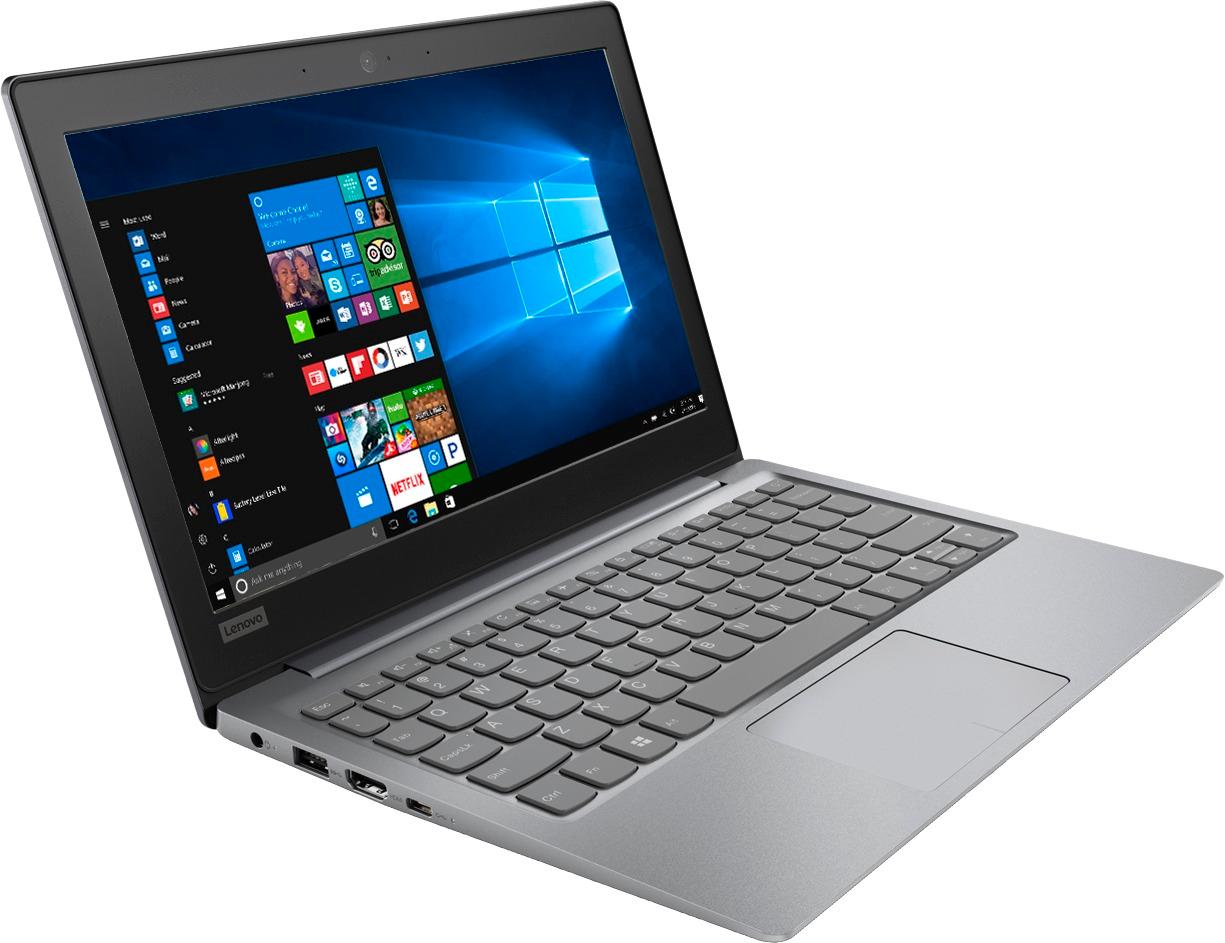
A:AnswerThat will depend on the requirements of the operating system. We recommend you check with the software publisher's web site for their compatibility with this system's configuration and the minimum/recommended hardware requirements (Is a Graphics card required, the processor speed and the minimum required system RAM and the minimum available hard drive space) to run their program, then compare those requirements to this system's configuration.
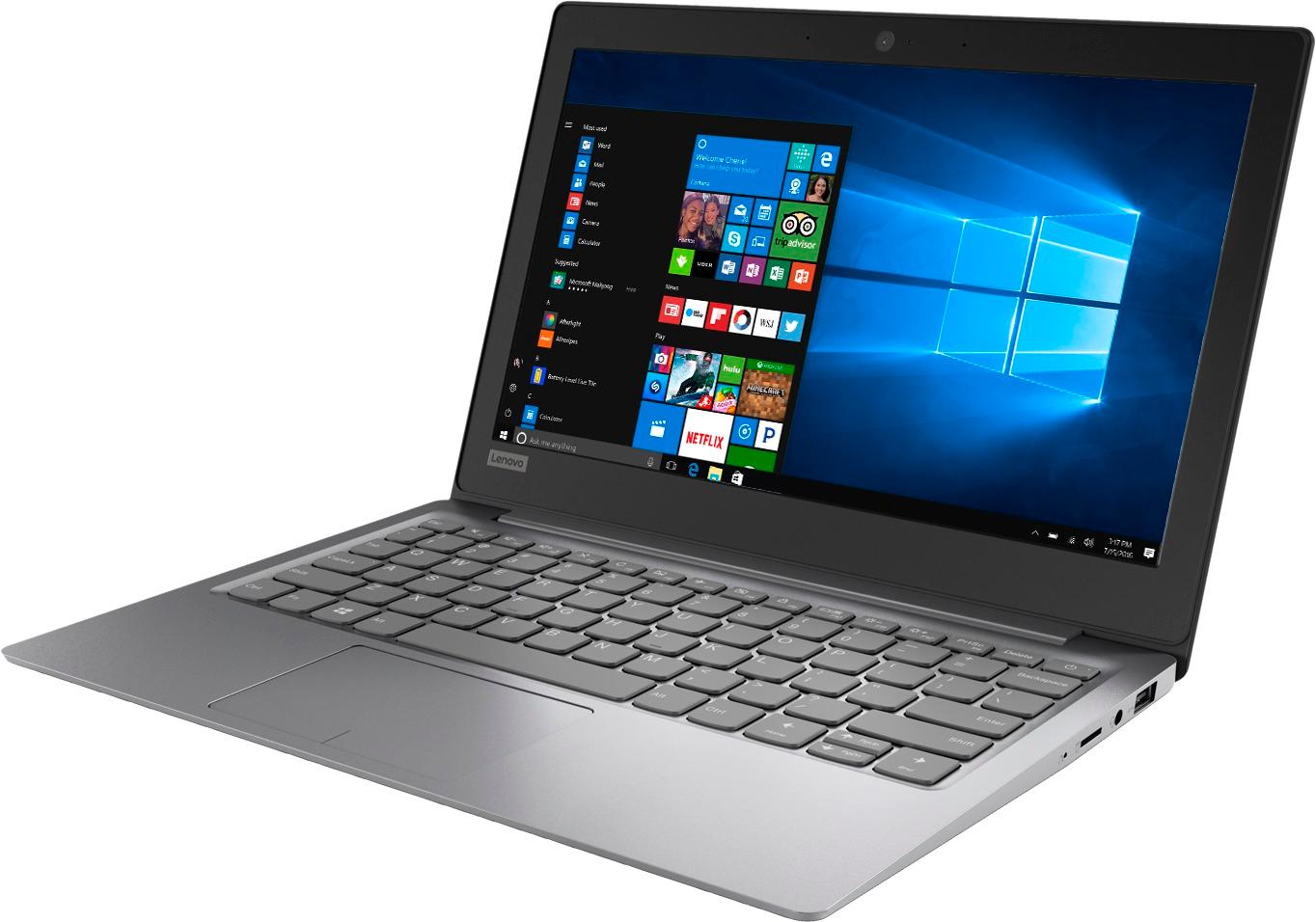
A:AnswerAccording to Microsoft Support, you can use an external hard drive when downloading Windows 10 updates for the needed temporary files. Here is a link to an explanation:
https://support.microsoft.com/en-us/help/4013876/windows-10-freeing-up-space-to-install-latest-update. With regard to compatibility with Roblox, that will depend on the requirements and compatibility of the streaming service. We recommend you check with the Roblox Streaming Service web site for their compatibility with Windows 10 Home 64-bit operating system and the minimum/recommended hardware requirements (Is a Graphics card required, the processor speed and the minimum required system RAM and the minimum available hard drive space) to run their program, then compare those requirements to this system's configuration.
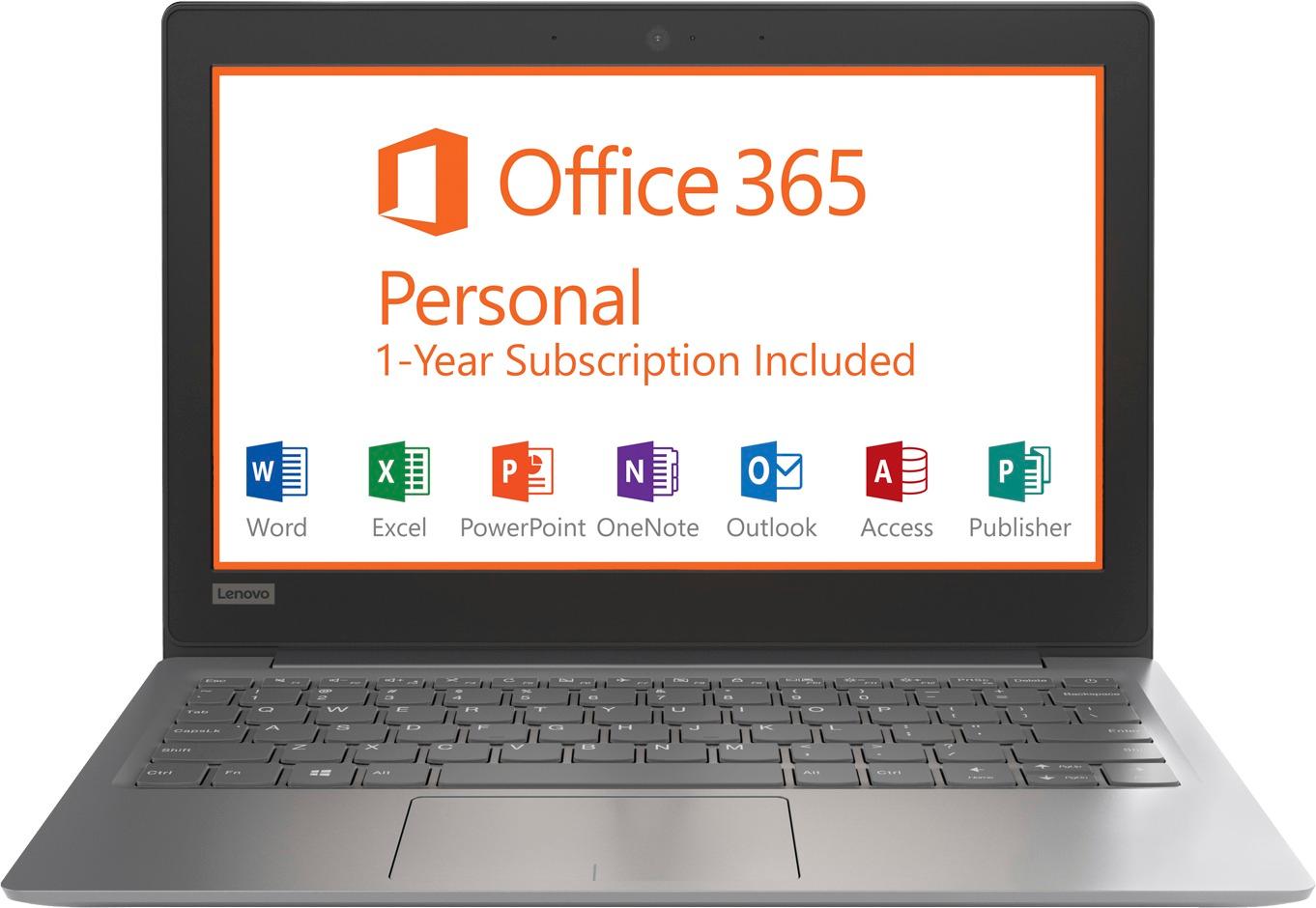
A:AnswerInitial setup instructions of Windows 10 should appear on screen. Just follow the onscreen instructions. To setup the 1-year Microsoft 365 Trial, just activate the software by following the instructions within the software. also, here is a link to the online Installation Guide: https://download.lenovo.com/consumer/mobiles_pub/ideapad120s-11iap_120s-14iap_ug_en_201707.pdf
A:AnswerFlash and Java are compatible with Windows 10. It will depend on what browser you use because Microsoft Edge Browser is not compatible with Java.
A:AnswerHi,
Its a neat little and good laptop for word editing and surfing. I think it may be a bit on the slower end and may not play that game. I am not sure, check the specs but I think it would be perfect for very simple things. Great battery life, neat and great for on the go if you do not want to pay 1000$. I only got it for emergency use during travel, and a hookup to my projector screen when at home for background youtube videos on the wall and etc.
Hope this helps. (But definitely great little quality laptop with the essentials that need to get you through with simple work).
A:AnswerProbably not. At least you wouldn't be able to store anything from iTunes if you did load iTunes on this system, which would pretty well negate the point of having iTunes. The lack of storage on this device would greatly limit what you could or could not load on this device.
A:AnswerThat will depend on the requirements of the software. We recommend you check with the software publisher web site for their minimum/recommended hardware requirements (Is a Graphics card required, the processor speed and the minimum required system RAM and the minimum available hard drive space) to run their program, then compare those requirements to this system's configuration.
A:AnswerI needed a windows machine, so I bought this one. Chromebooks are fine. You can also wipe the drive on this one and install some flavor of Linux, if you're savvy enough and inclined to do so.