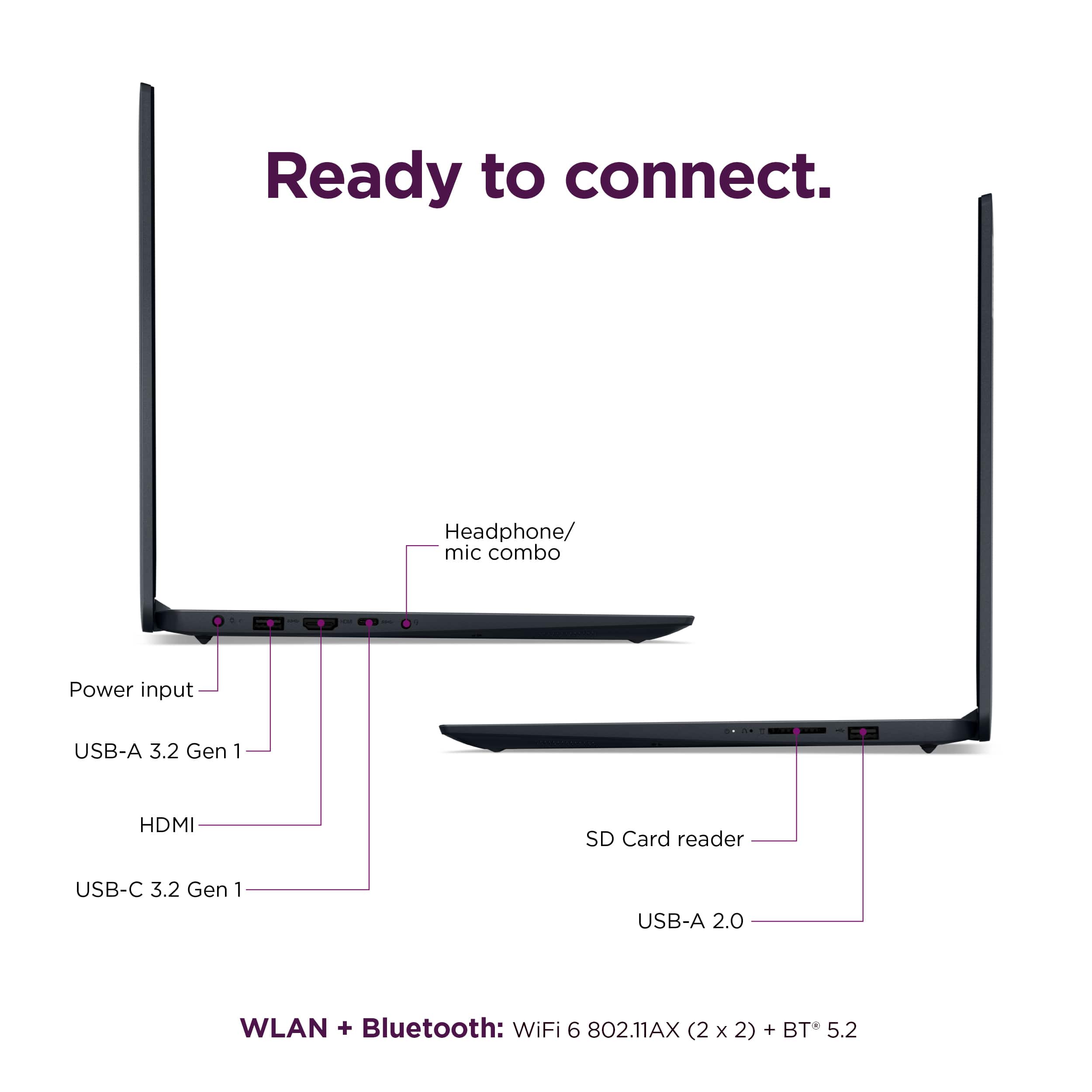
A:AnswerI think it would be. Fairly zippy speed-wise and good sized very clear display. Although it doesn't directly support my external USB-C display, I use the USB-C port to power and a HDMI to mini-HDMI cable to use the external/secondary monitor. You may be able to connect some sort of docking station if you need more than that (check specifications before going that route).
A:AnswerHi there,
You can use this IdeaPad 1i for this setup scenario after making the respective setting adjustments. To learn how to do so, please follow these steps to set this up:
1. Open the Start menu.
2. Search for "lid".
3. Select 'Choose what closing the lid does'.
4. Under ‘When I close the lid:’, select 'Do nothing' for both 'On battery' and 'Plugged in'.
5. Click 'Save changes'.
Please feel free to reach out to us with any other questions!
A:AnswerHey there,
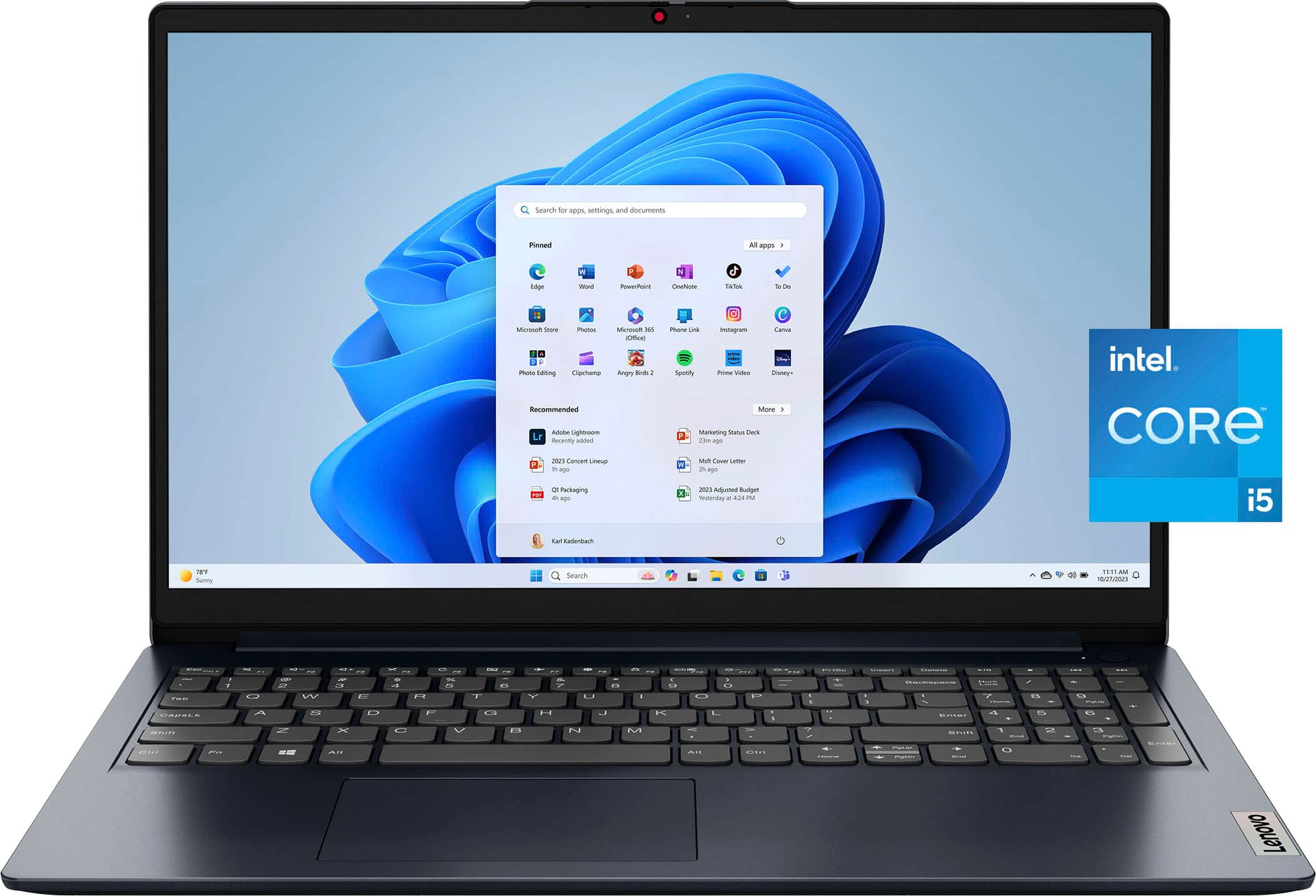
This IdeaPad 1i cannot support display output via the USB-C port, as the type-C port supports data transfer only.
Please feel free to reach out to us with any other questions!
A:AnswerHi there,
This IdeaPad 1i does not feature an optical drive to read/write CD/DVD discs; however, you can use an external optical drive or disc drive should you desire to acquire this function.
Please feel free to reach out to us with any other questions!
A:AnswerHey Maya,
Based on user reviews, the high heat production and fan noise are not frequently reported; although, based on the word choice of your question, any device being pressed to its limitations of the specifications, there will be more heat produced and higher fan speeds to help keep the system cool and protected.
Please feel free to reach out to us with any other questions!
A:AnswerHey Mani,
As of now, this IdeaPad 1i is currently available to order for store pickup, but the availability of the item can vary depending on your area.
To learn more about the Store Pickup process, here's a link to a Best Buy Support webpage with details: https://www.bestbuy.com/site/help-topics/store-pickup/pcmcat204400050014.c?id=pcmcat204400050014
Please feel free to reach out to us with any other questions!
A:AnswerHi ffemt1144,
This IdeaPad 1i features a headphone/microphone combo audio jack (3.5mm).
Please feel free to reach out to us with any other questions!
A:AnswerHi Gill,
Regarding your inquiry around Office applications, commonly used Microsoft Office applications are preinstalled (including Excel and Word); however, without purchasing a long-term Office solution, such as Microsoft 365, only a 30-day trial can be activated out of the box.
Here is a link to the Microsoft Office landing page on bestbuy.com to learn more about your Office options: https://www.bestbuy.com/site/microsoft/microsoft-office/pcmcat748300511466.c?id=pcmcat748300511466
In regards to using a wired mouse, this IdeaPad 1i features two USB-A ports that can be used to connect a mouse and other peripherals/accessories to.
Please reach out to us should you have any other questions!
A:AnswerHi H,
While this IdeaPad 1i may not feature hardware designed with AI in mind, it does feature Windows 11 Home, which enables access to the Copilot app. With Copilot, you have an AI that you can interact with that can create images, reports, and presentations, along with much more.
Here's a link to learn more about "Getting started with Copilot on Windows": https://support.microsoft.com/en-us/topic/getting-started-with-copilot-on-windows-1159c61f-86c3-4755-bf83-7fbff7e0982d
Please let us know if you may have any other questions!
A:AnswerHello,
The memory should be to be upgraded. With this IdeaPad 1i featuring 8GB soldered DDR4-3200 memory with 8GB SO-DIMM DDR4-3200 installed in the SO-DIMM slot, you could swap out the 8GB SO-DIMM memory for 16GB. Although, for disclosure, 16GB of memory is the maximum amount of memory used in product testing since this test is based on current Lenovo memory offerings.
Please let us know if you may have any other questions!
A:AnswerHey,
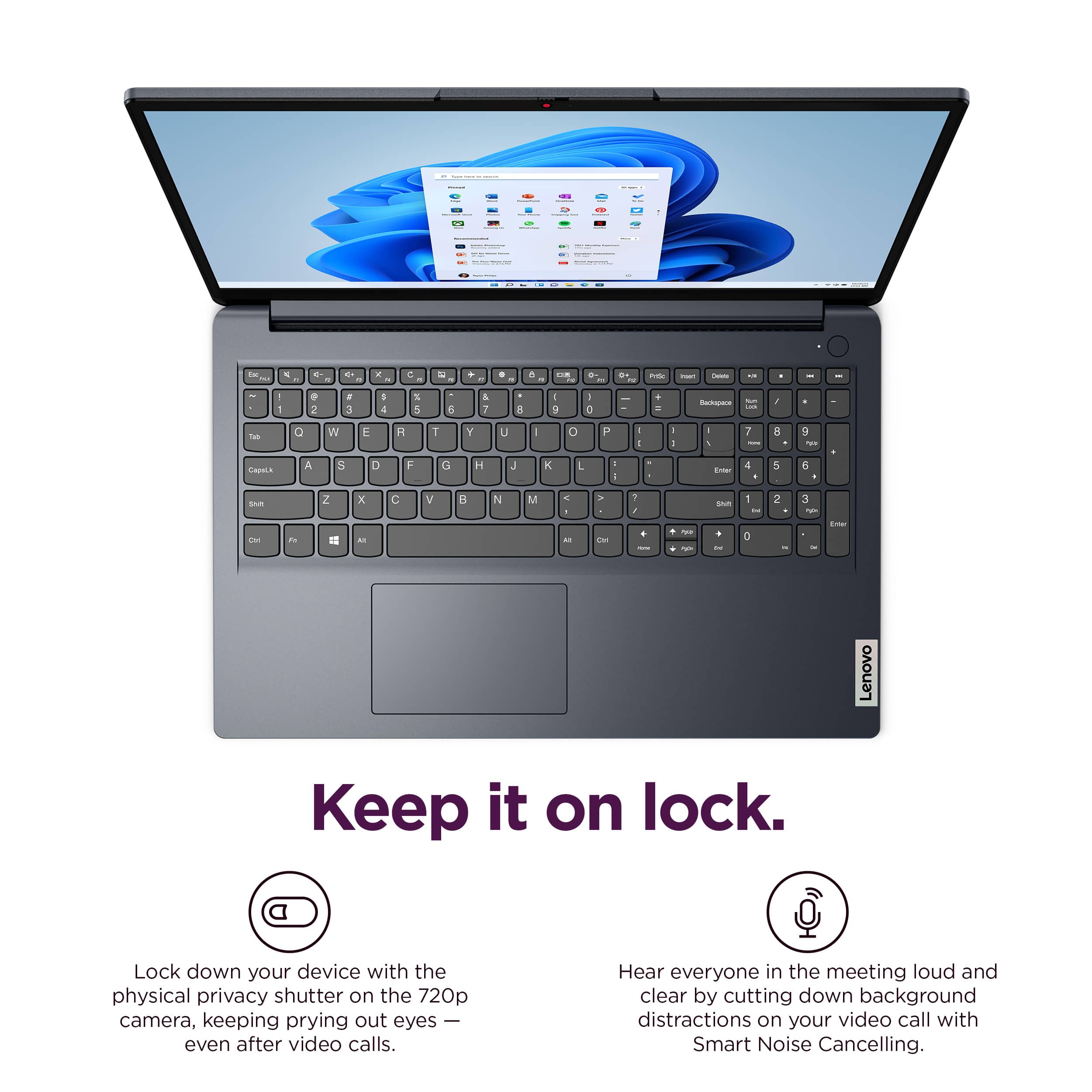
This IdeaPad 1i does not feature a backlit keyboard, but it is equipped with Wi-Fi connectivity, enabling wireless printing.
Please feel free to reach out to us with any other questions!