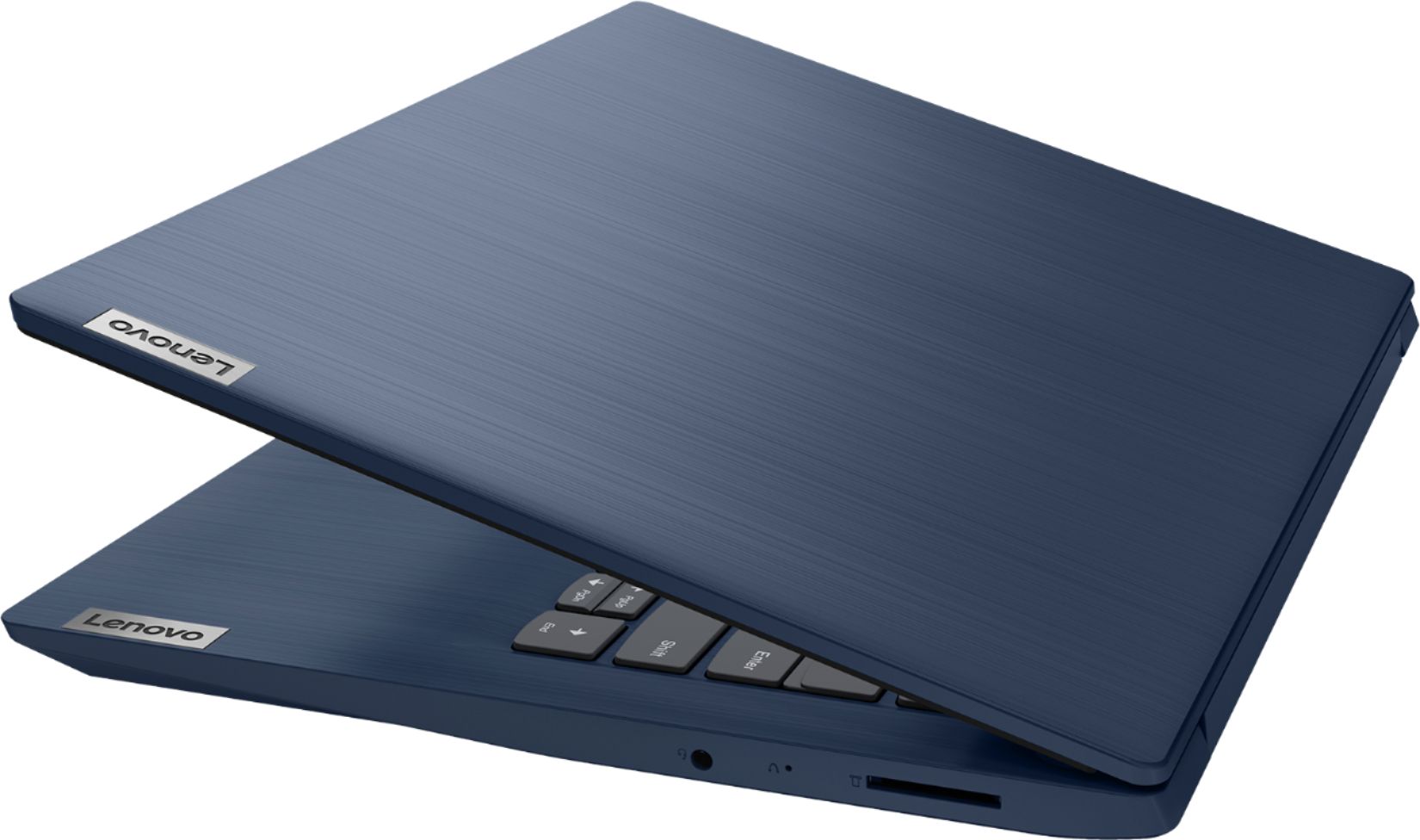
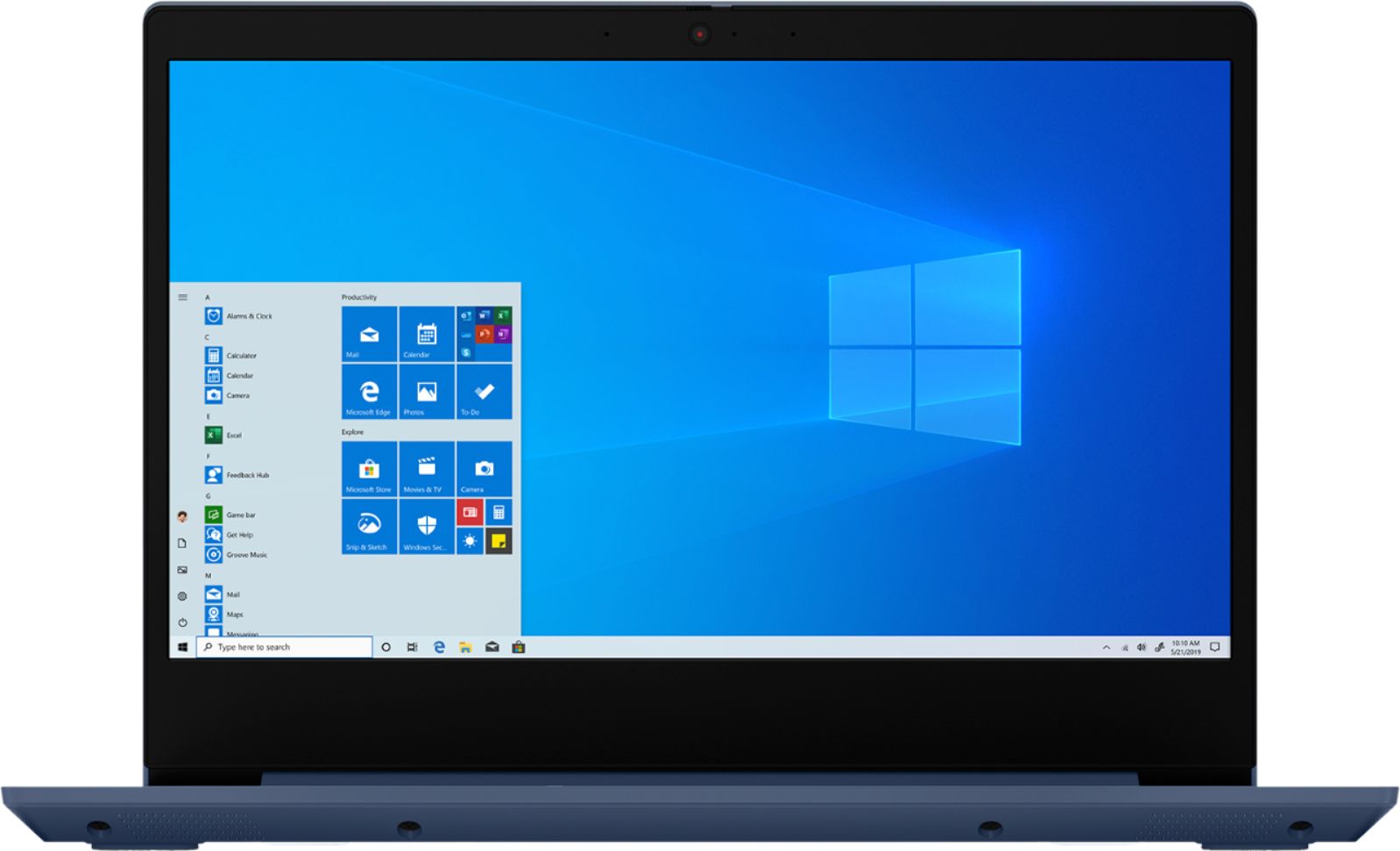
A:AnswerNo. The Lenovo IdeaPad 3 14 Laptop, model number 81W0009DUS ships with Windows 10 S-Mode Operating System and uses the Microsoft Edge Browser. Windows 10 S-Mode provides added security by only allowing APPs available ( and therefore certified by Microsoft) at the Microsoft Store. If you don't need the added security or you need to install APPs not available at the Microsoft Store, you can switch to standard Windows 10 Home 64-bit Operating System, at no additional cost. To install Chrome Browser you will need to switch out of S-Mode to Windows 10 Home Operating System. Here is a link to instructions for switching from Windows 10 S-Mode to Windows 10 Home: https://support.microsoft.com/en-us/help/4456067/windows-10-switch-out-of-s-mode
A:AnswerNo. There is 4GB of DDR4-2400MHz RAM soldered to the motherboard of the Lenovo IdeaPad 3 14 Laptop, model number 81W0009DUS, and another 4GB DDR4-2400MHz RAM within the one RAM memory slot.
A:AnswerHere is a link to information about Best Buy Student Deals: https://www.bestbuy.com/site/back-to-school/college-student-deals/pcmcat276200050000.c?id=pcmcat276200050000
A:AnswerThere is a 30-day trial of Microsoft Office 365 included as part of the Windows 10 operating system. In order to keep the program active after the trial period, you will need to purchase a product key. You will not need to download any additional software.
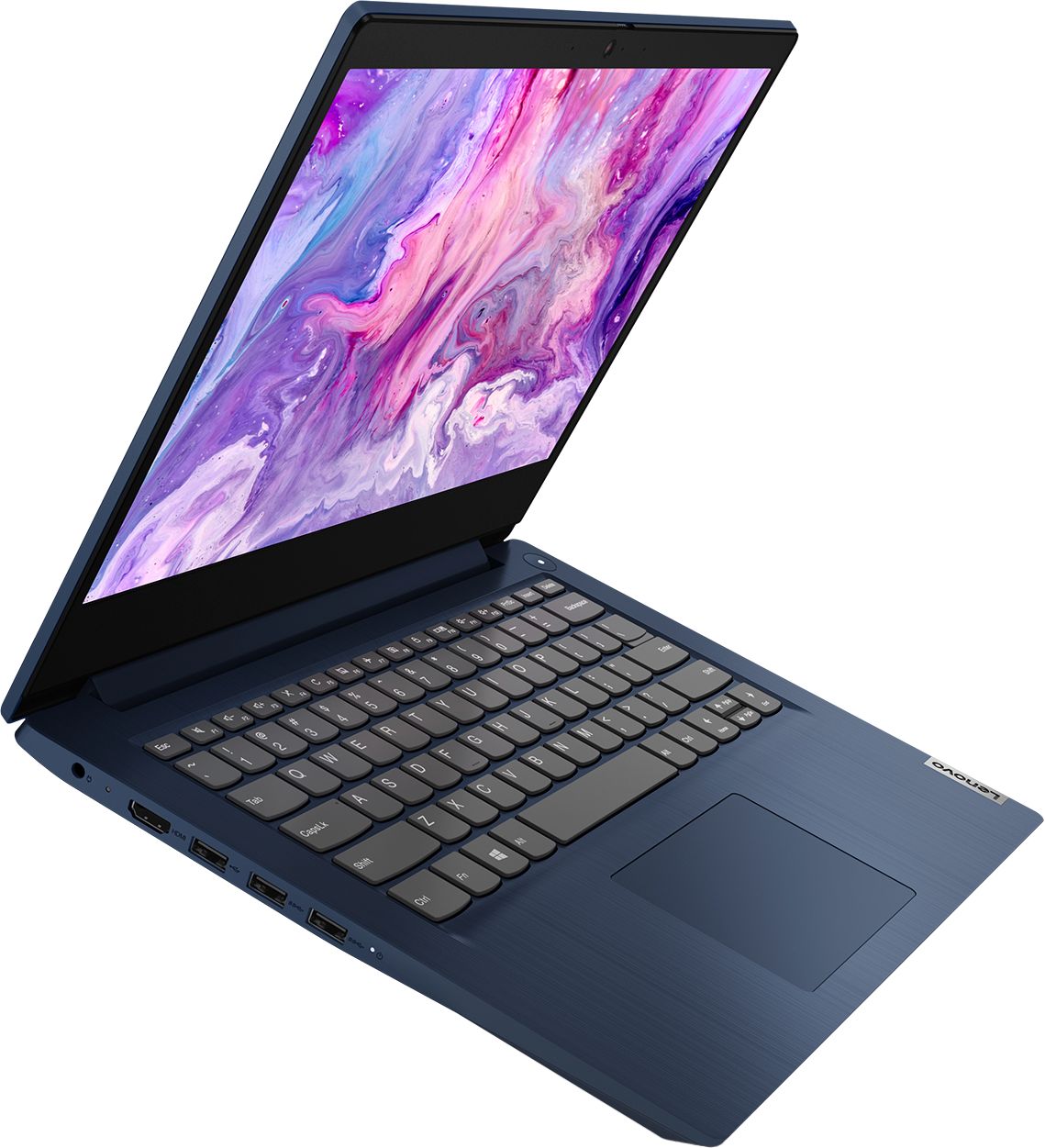
A:AnswerThere is no built in CD/DVD drive within the Lenovo IdeaPad 3 14 Laptop, model number 81W0009DUS, but you can use an external, USB-based, Windows 10 compatible CD/DVD drive with this laptop.
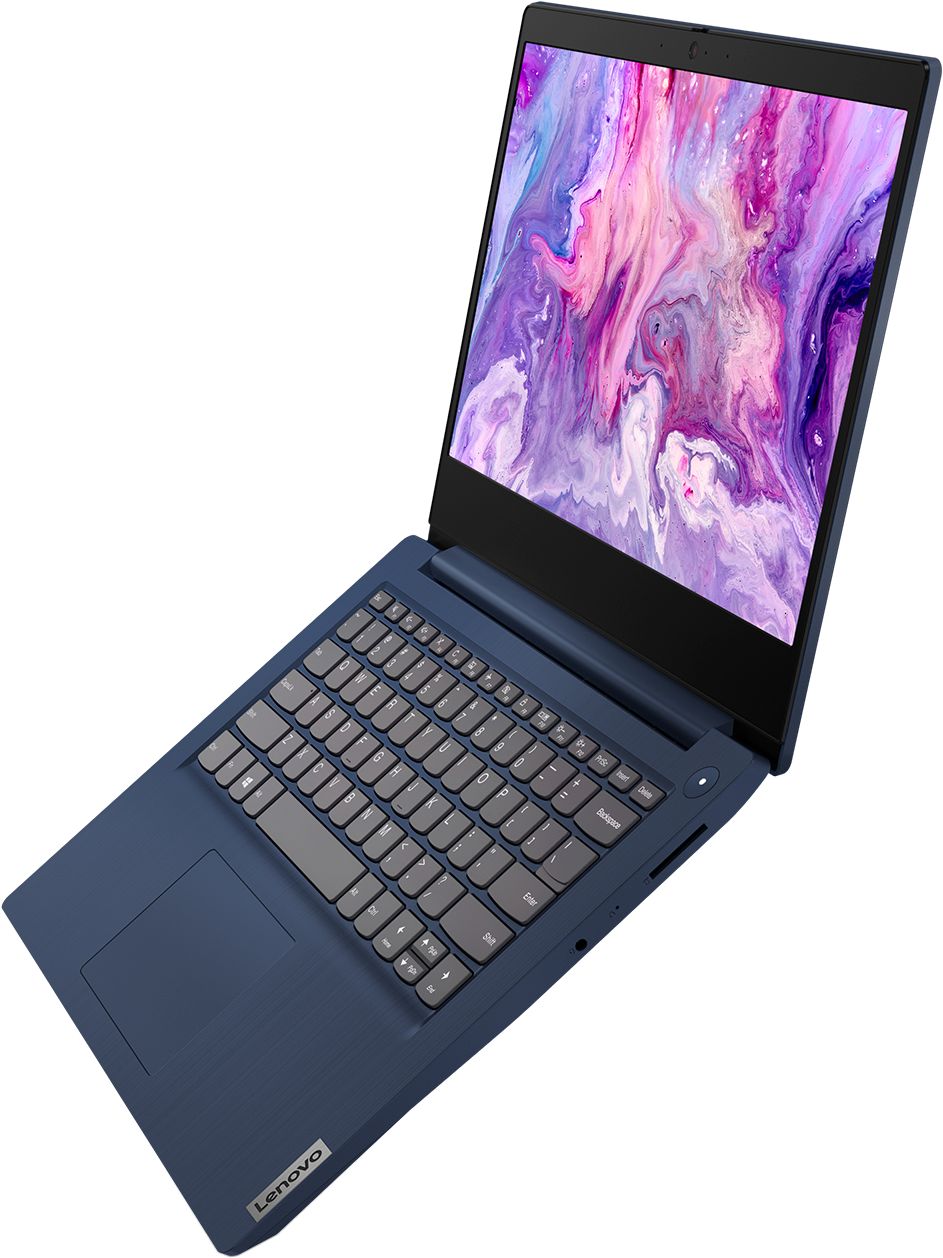
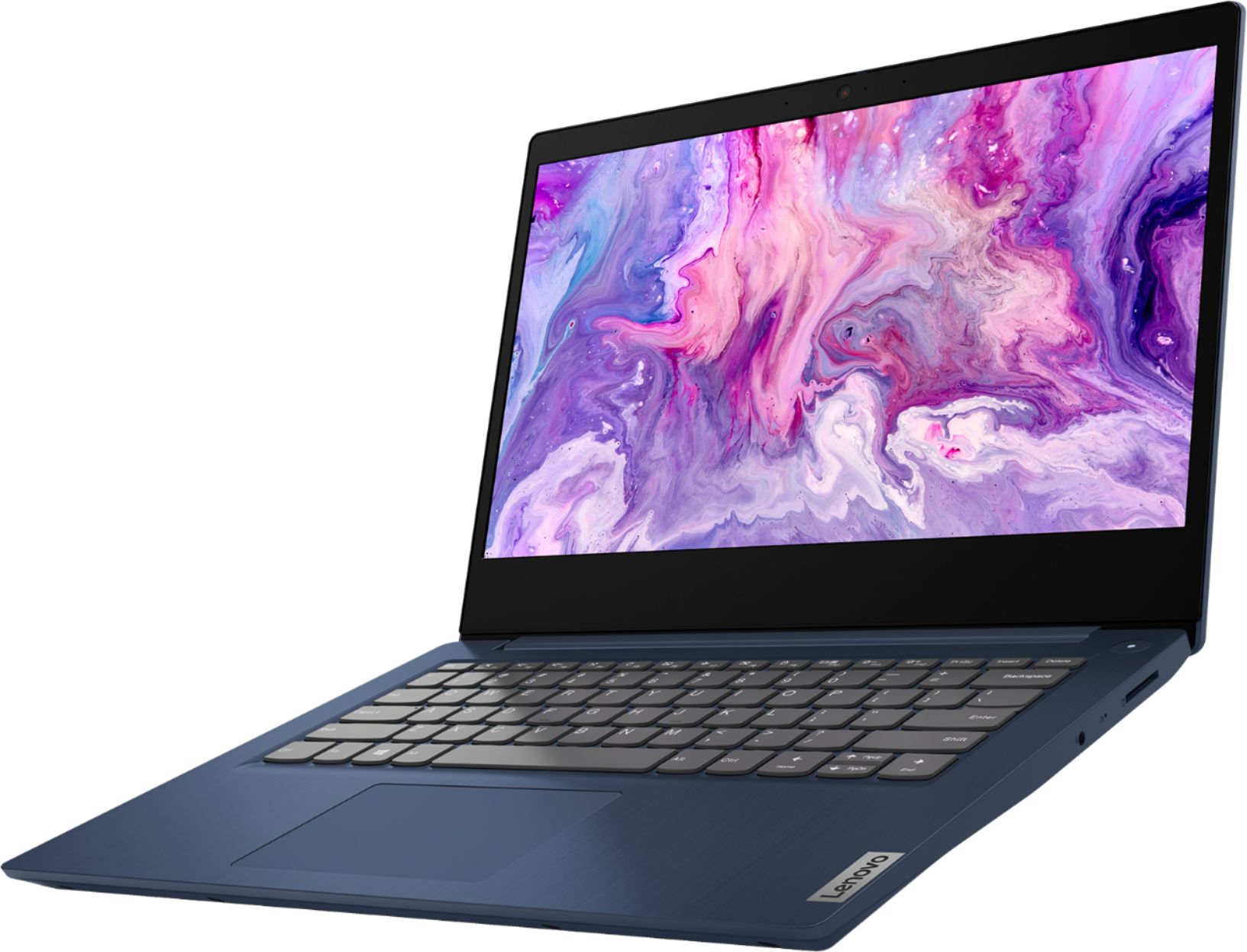
A:AnswerYes. The Lenovo IdeaPad 3 14 Laptop, model number 81W0009DUS, ships with a 720p (HD) webcam with manual Privacy Shutter and Dual Array Microphone built in.
A:AnswerThe Lenovo IdeaPad 3 14 Laptop, model number 81W0009DUS, is a mid-level, moderate use configuration, with its AMD Ryzen 3 3250U processor. This Dual-Core/Four-Thread processor has a base speed of 2.6GHz and a boost speed of up to 3.5GHz. This configuration has 8GB of DDR4-2400MHz RAM. It is good with Microsoft Office type programs, internet browsing and other moderate work. This model ships with Windows 10 S-Mode Operating System. Windows 10 S-Mode provides added security by only allowing APPs available ( and therefore certified by Microsoft) at the Microsoft Store. If you don't need the added security or you need to install APPs not available at the Microsoft Store, you can switch to standard Windows 10 Home 64-bit Operating System, at no additional cost.
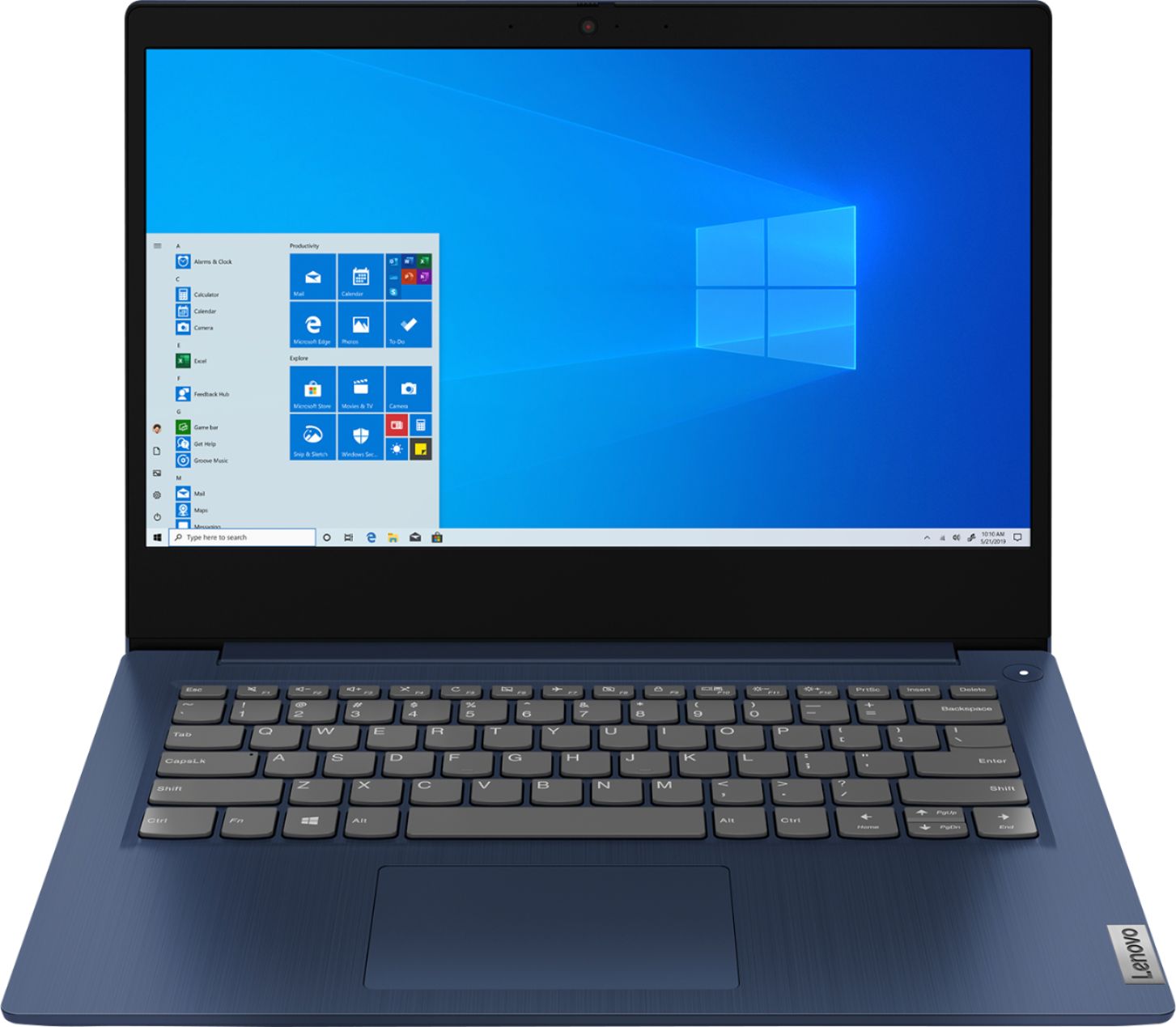
A:AnswerThat will depend on the requirements and compatibility of both the software you want to use as well as the hardware you will use. We recommend you check with the game's software publisher's web site for their compatibility with Windows 10 S-Mode 64-bit operating system (Windows 10 S-Mode provides added security by only allowing APPs available ( and therefore certified by Microsoft) at the Microsoft Store. If you don't need the added security or you need to install APPs not available at the Microsoft Store, you can switch to standard Windows 10 Home 64-bit Operating System, at no additional cost.) and the minimum/recommended hardware requirements (Is a Graphics card required, the processor speed and the minimum required system RAM and the minimum available hard drive space) to run their program, then compare those requirements to this system's configuration.
A:AnswerThe Lenovo IdeaPad 3 14 Laptop model number 81W0009DUS, is not user upgradable. A certified technician must do all of the work, so as to not void the warranty. We recommend you consult your certified technician about your upgrade options. There is 4GB of RAM soldered to the motherboard and another 4GB RAM in the one available RAM memory slot. You certified technician can remove the 4GB RAM stick and replace it with an 8GB stick for a system total of 12GB RAM. Also we recommend you consult your certified technician about upgrading your storage options.
A:AnswerYou can use a universal standard USB 3.0 dock like this one with the Lenovo IdeaPad 3 14 Laptop: https://www.bestbuy.com/site/startech-com-dvi-dual-monitor-usb-3-0-docking-station-black-silver/4686048.p?skuId=4686048
A:AnswerYes that's correct about S-mode. However, there is a setting you can do to switch out of S-mode to be able to install programs from any third party, but that switch is permanent and you'll never be able to get back into S-mode. You should weigh the pros and cons of it before making the switch.