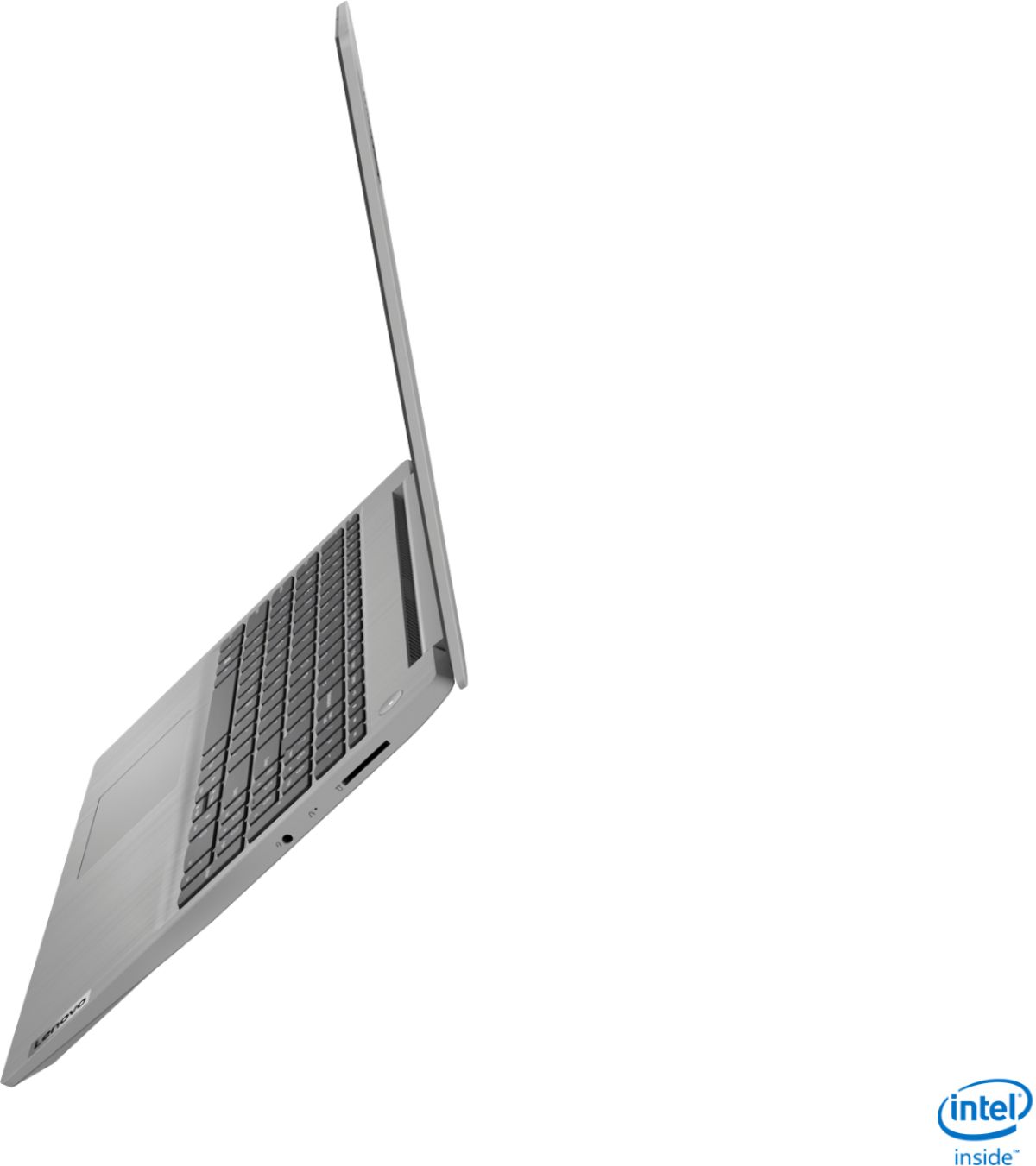
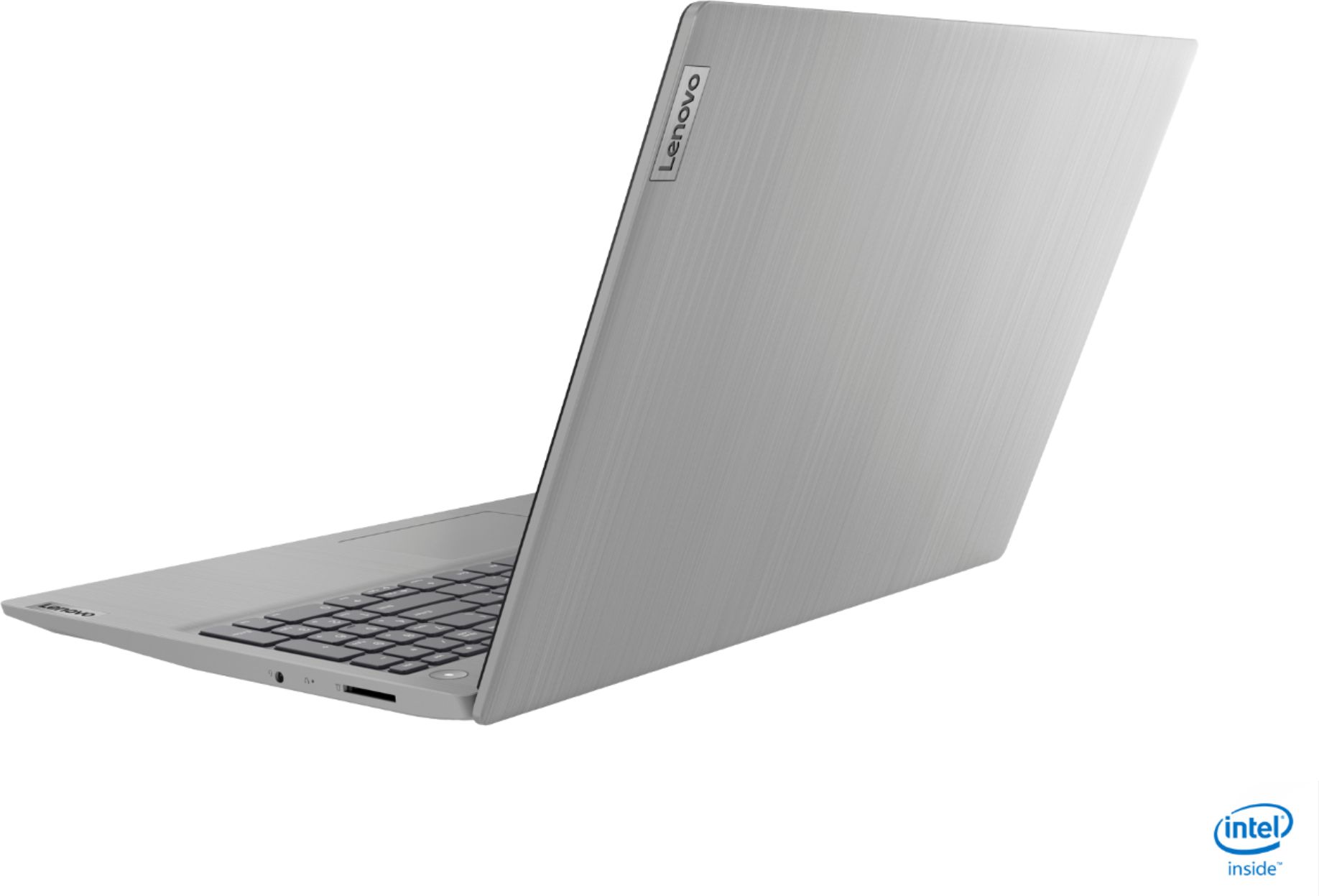
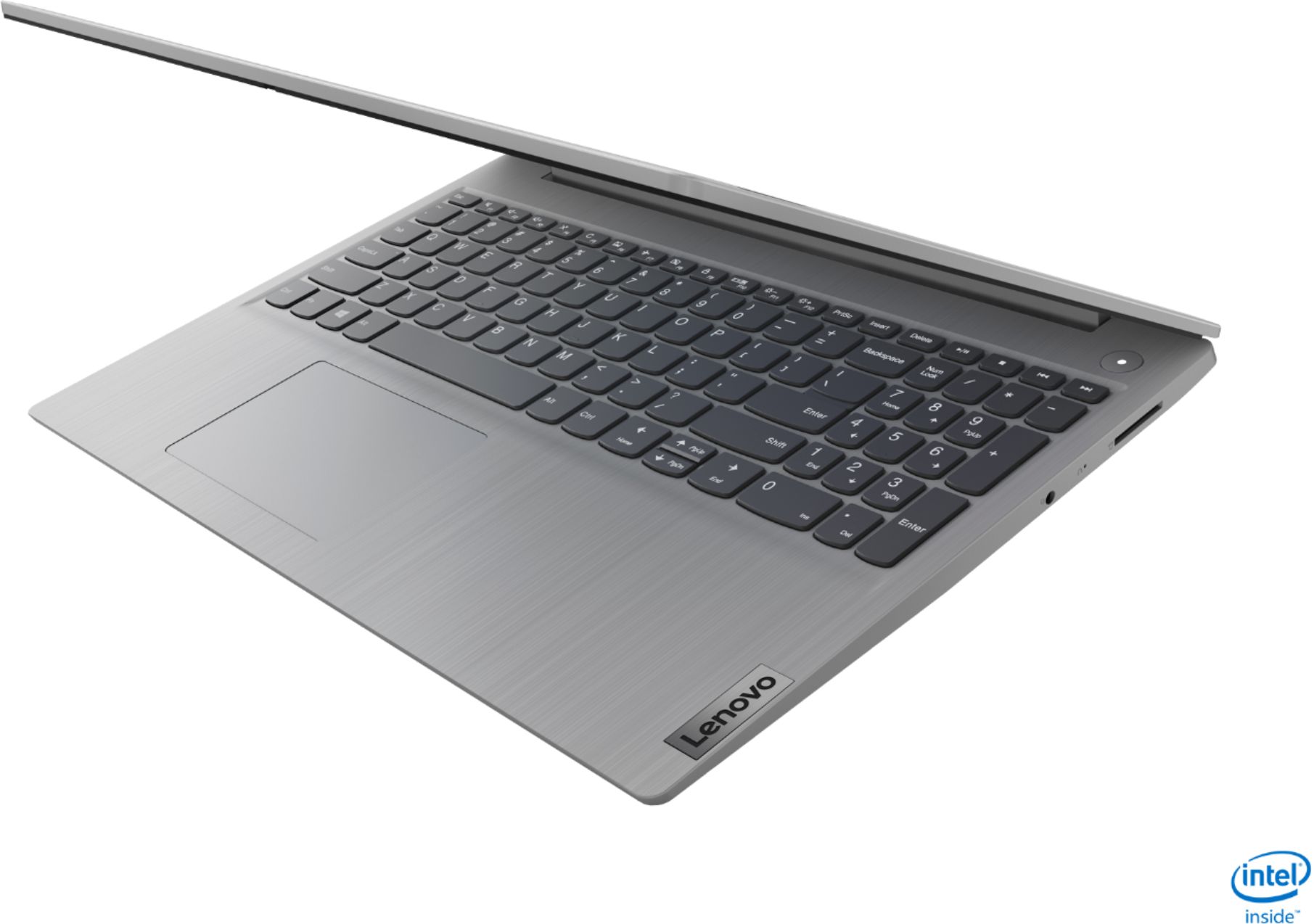
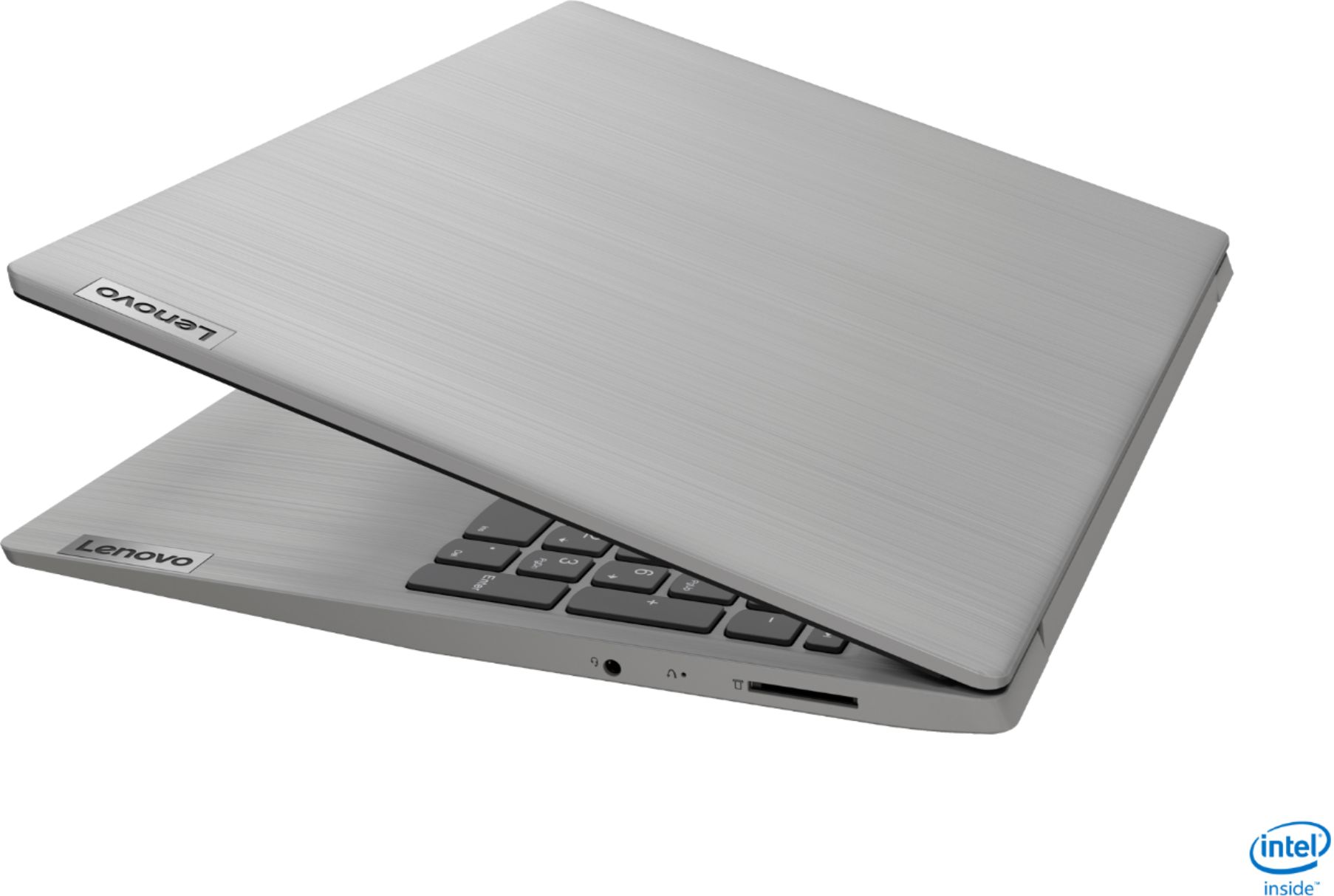
A:AnswerWindows 10 S-Mode provides added security by only allowing APPs available (and therefore certified by Microsoft) at the Microsoft Store. If you do not need the added security or you need to install APPs not available at the Microsoft Store, you can switch to standard Windows 10 Home 64-bit Operating System, at no additional cost.
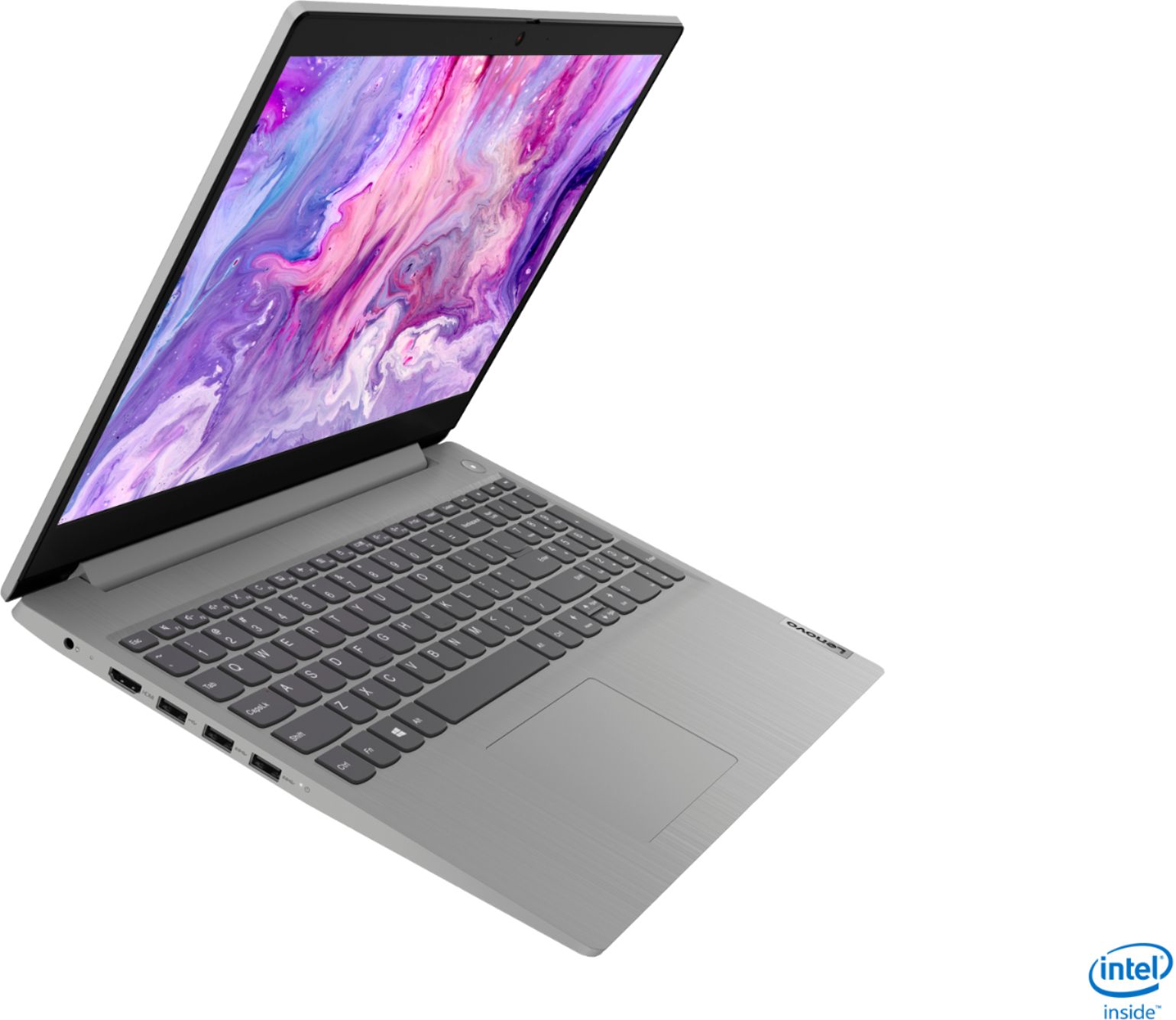
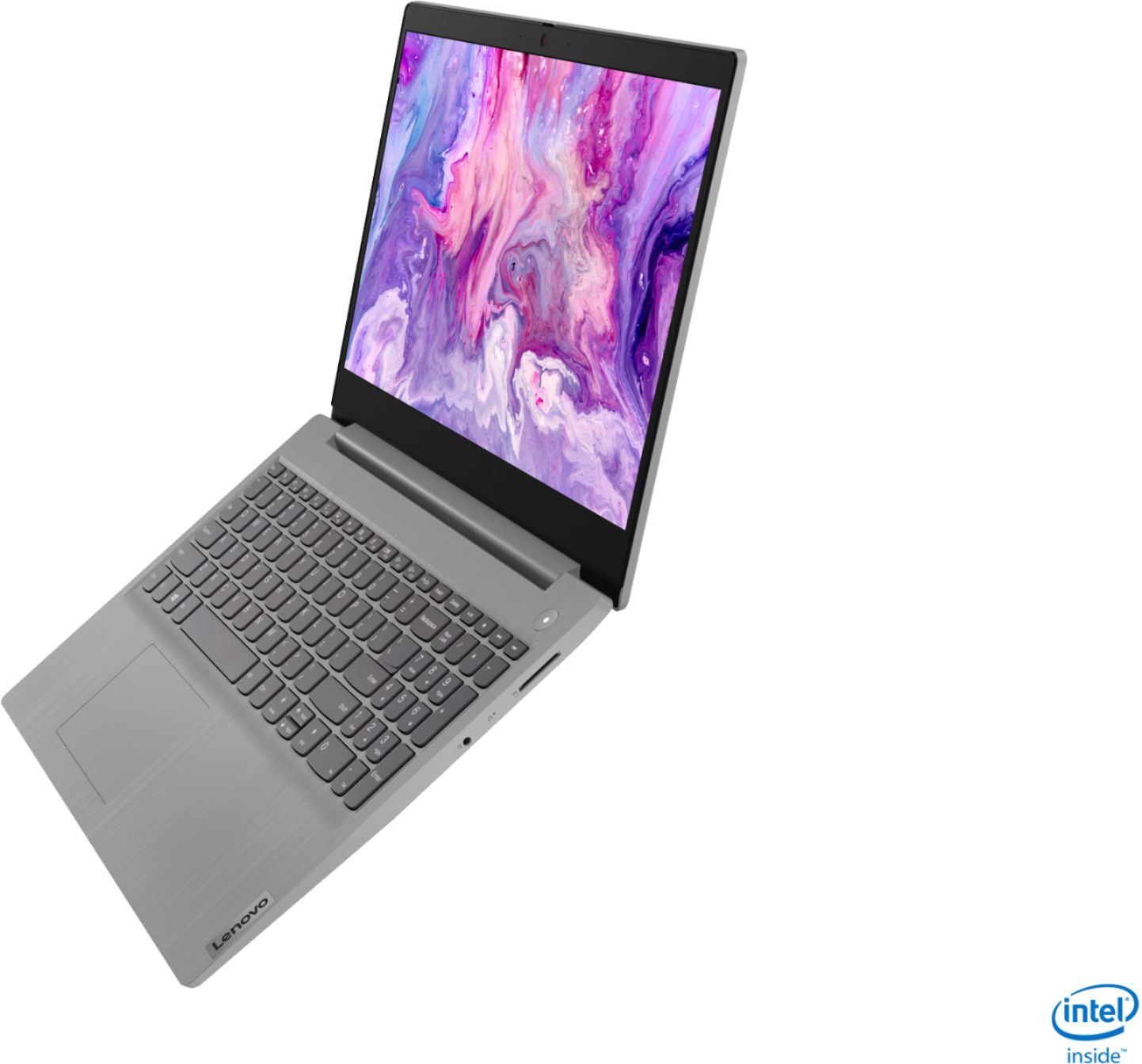
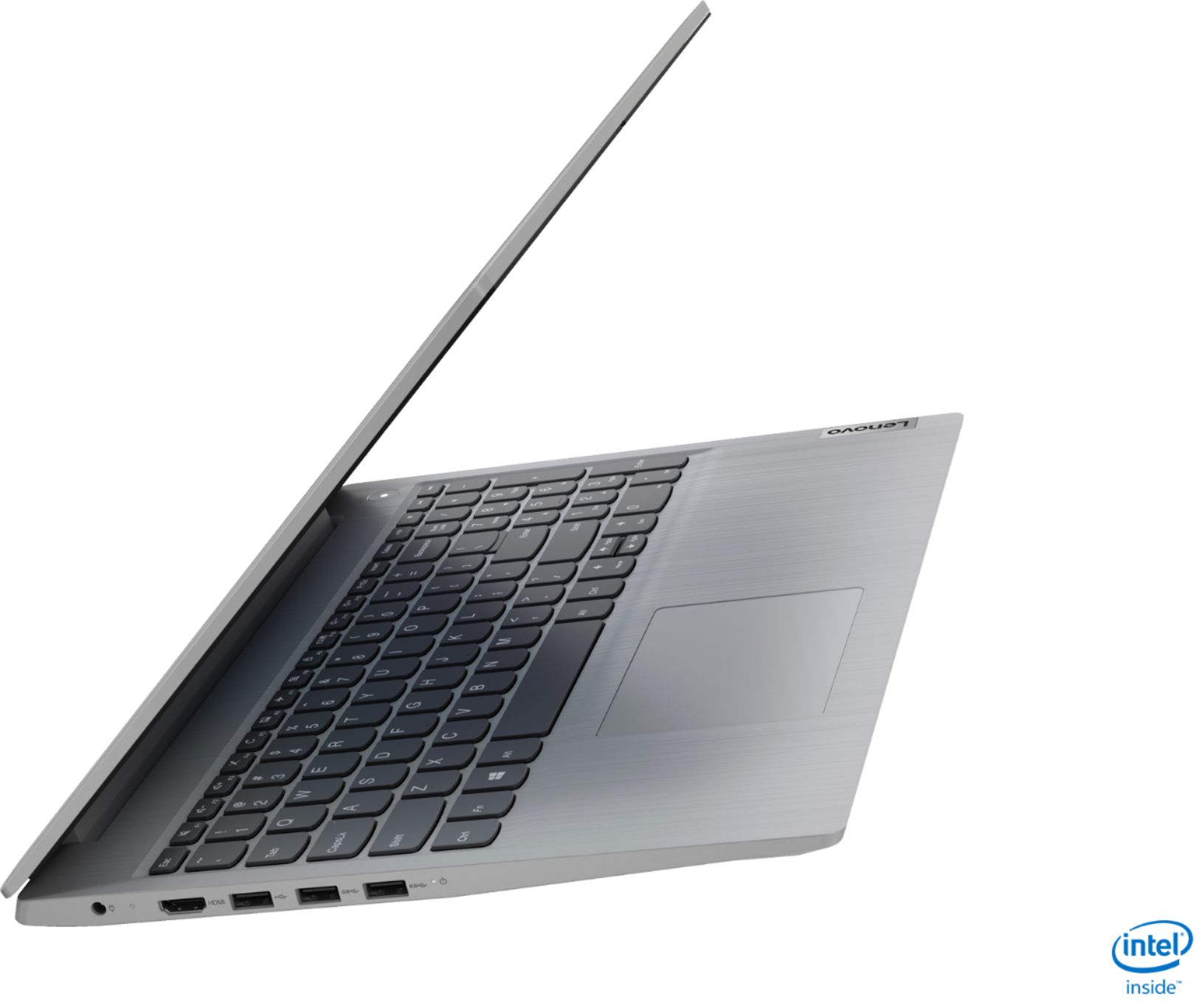
A:AnswerWhile there is no ethernet port built in to the Lenovo IdeaPad 3 15 Laptop, model number 81WE00NKUS, you can connect an ethernet cable to this laptop by using a USB to ethernet adapter like this one: https://www.bestbuy.com/site/insignia-usb-3-0-to-gigabit-ethernet-adapter-white/3510527.p?skuId=3510527
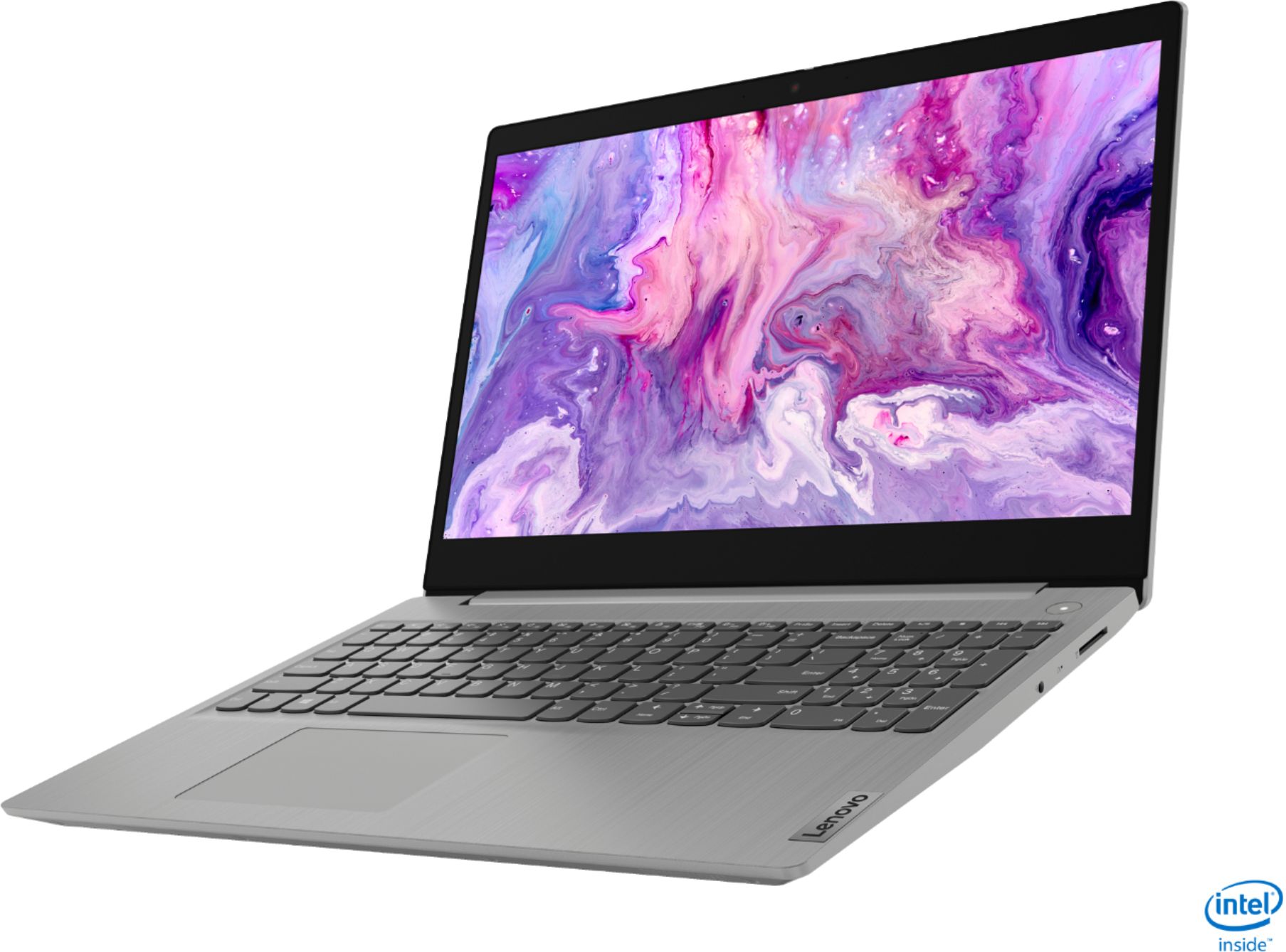
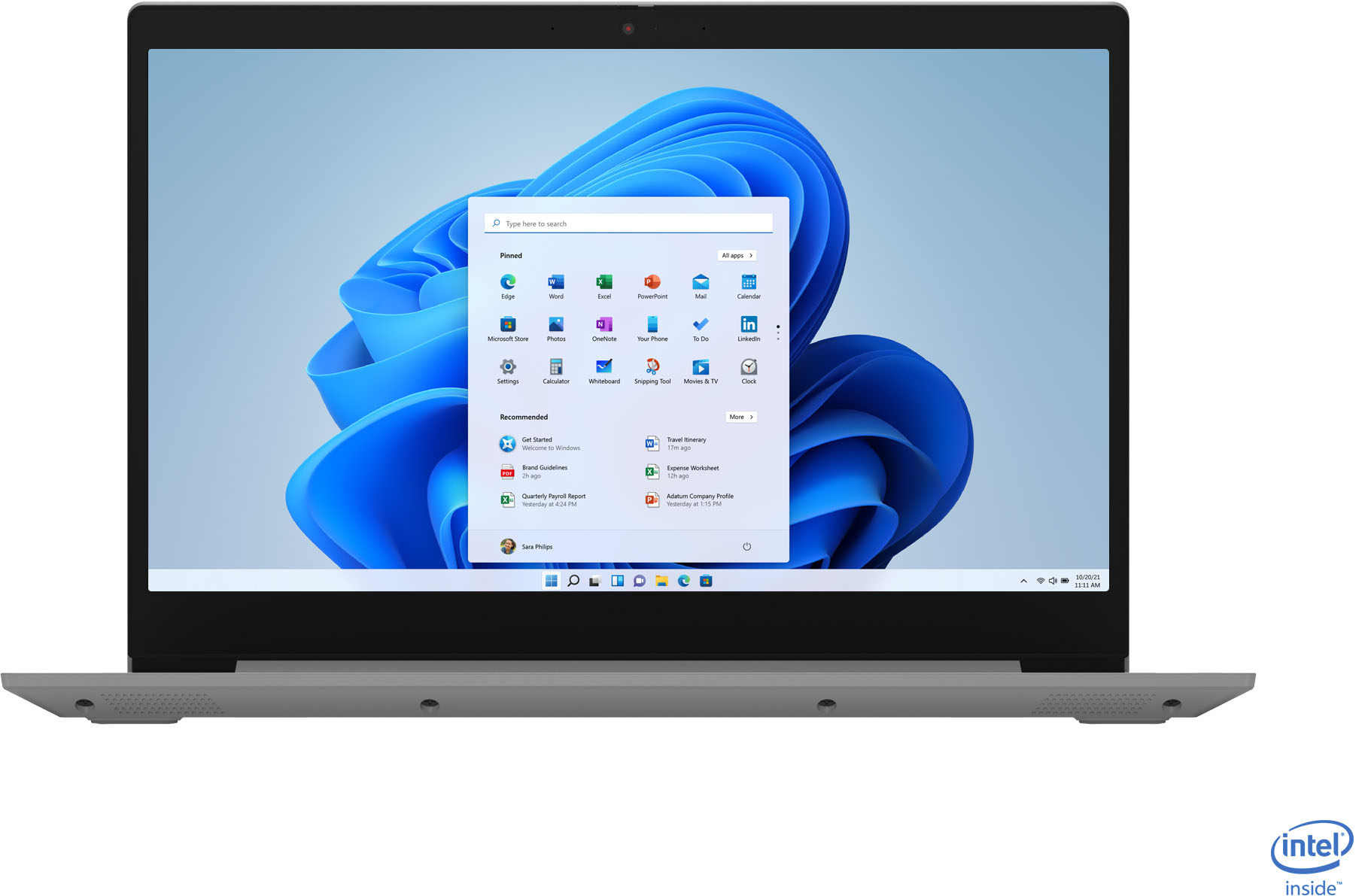
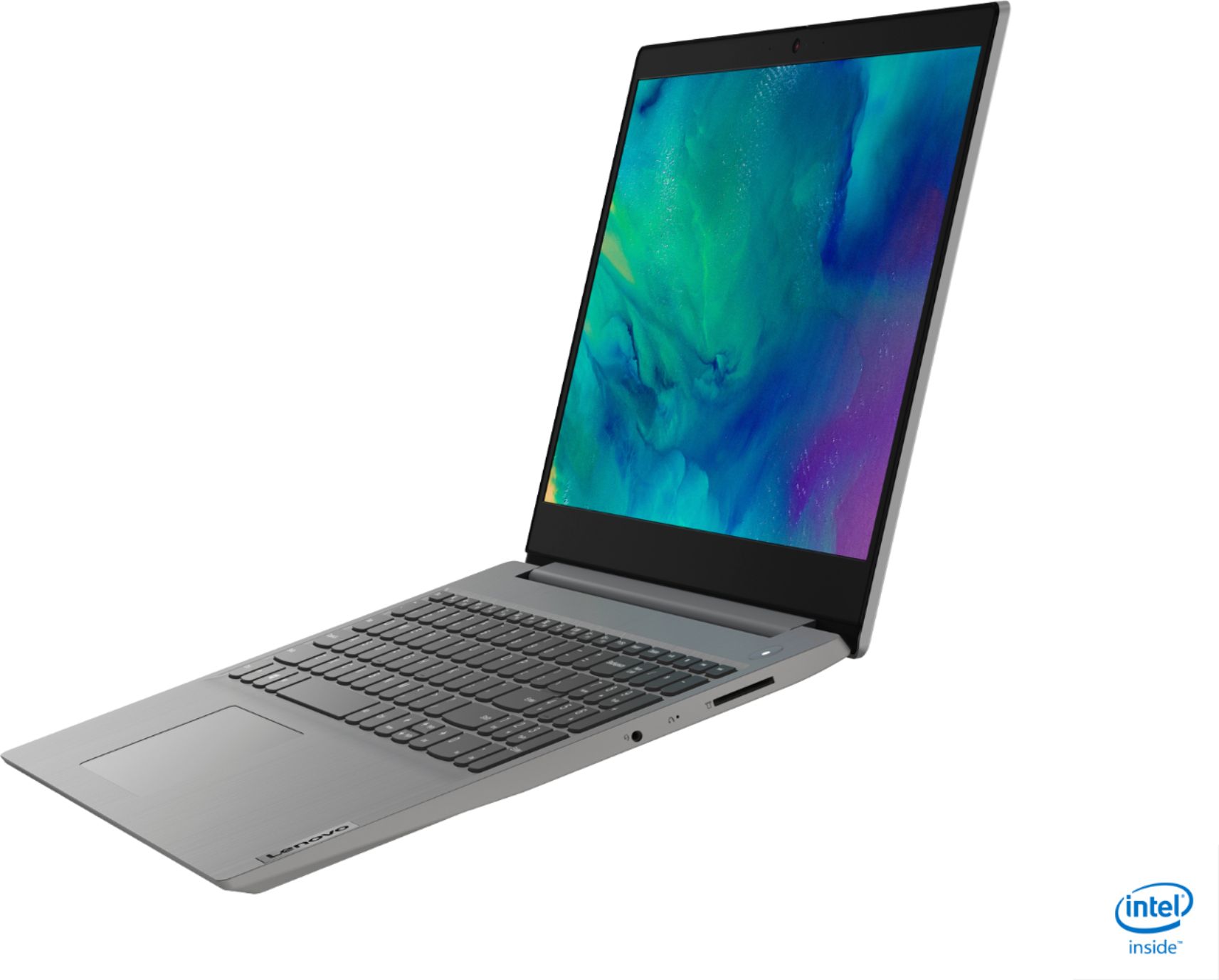
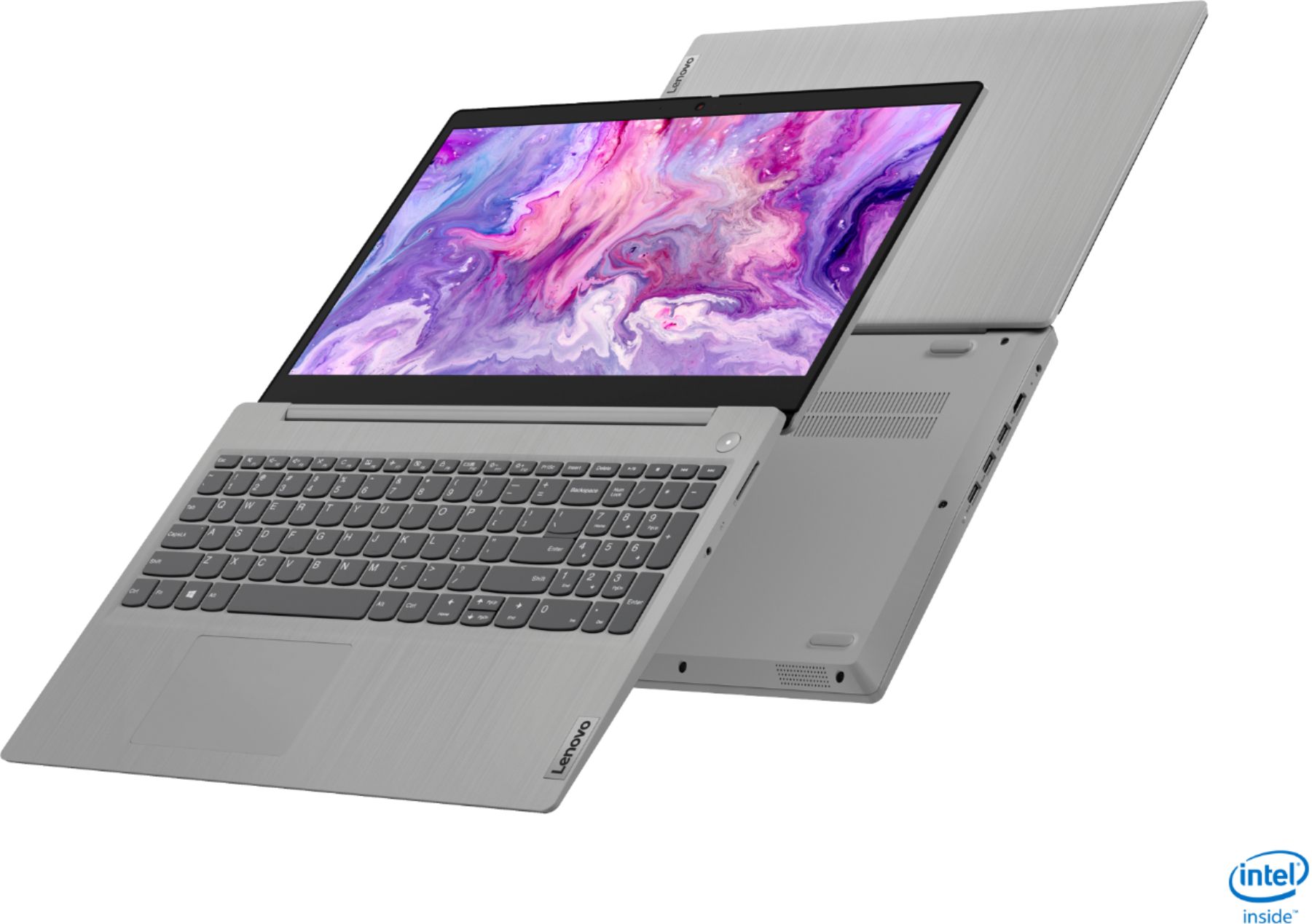
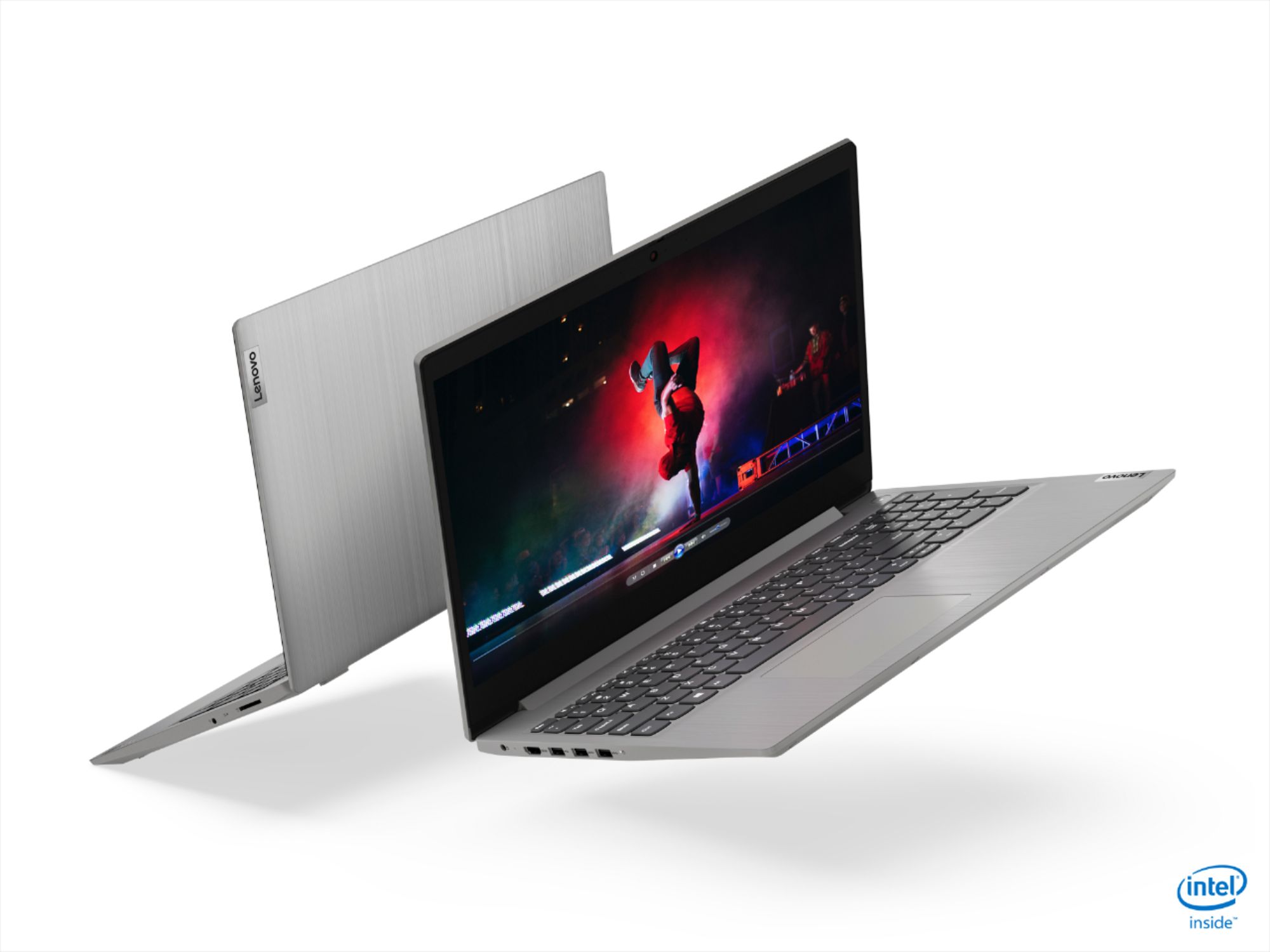
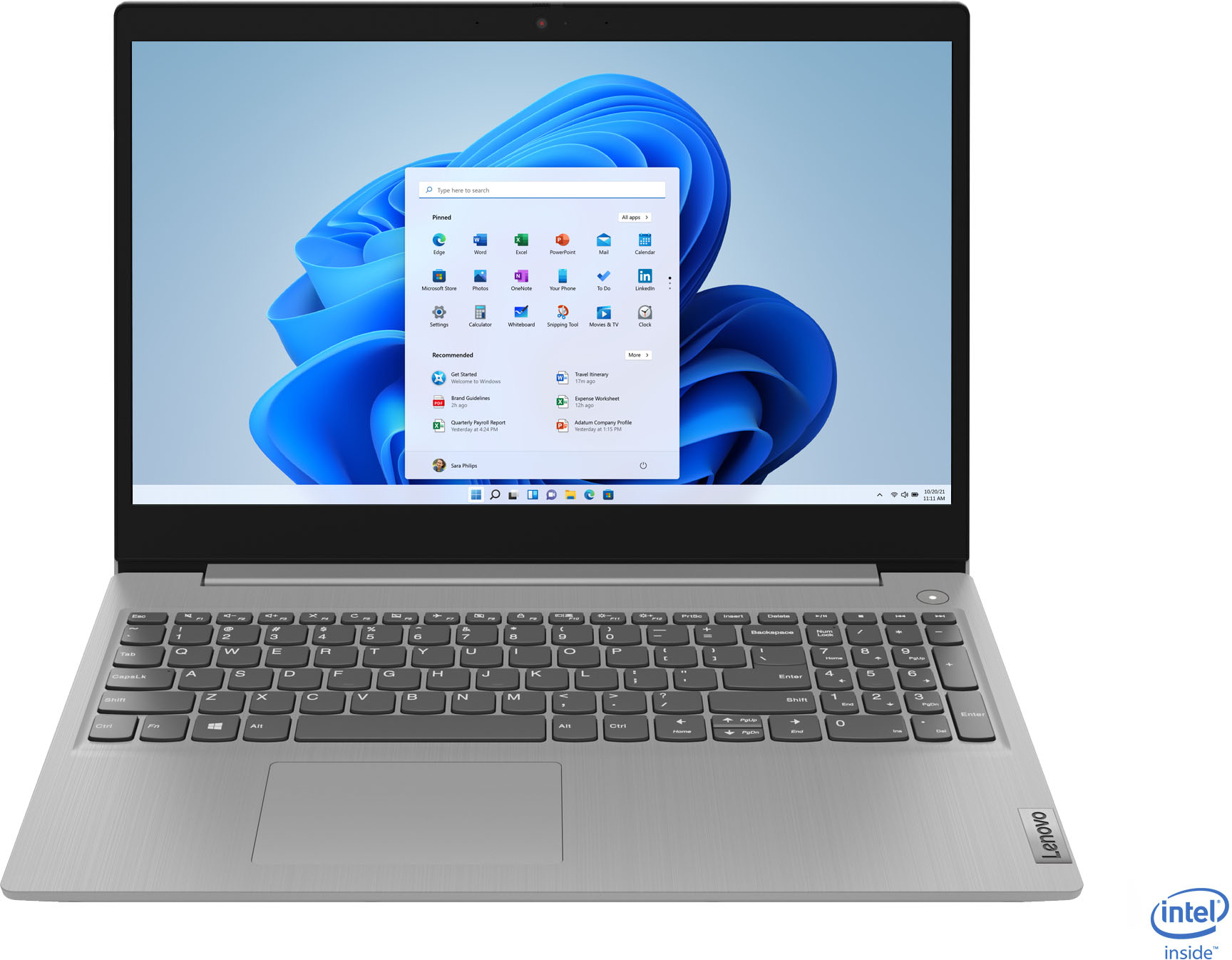
A:AnswerThe Lenovo IdeaPad 3 15 Laptop, model number 81WE00NKUS, ships with a 15.6-Inch (screen size measured diagonally) TN, LCD w/LED Backlight (Anti-glare) screen, with a resolution of 1366 X 768 (HD) and a brightness level of 220 nits.
A:AnswerHere is a link to instructions for switching from Windows 10 S-Mode to Windows 10 Home: https://support.microsoft.com/en-us/help/4456067/windows-10-switch-out-of-s-mode
A:AnswerThe Lenovo IdeaPad 3 15 Laptop model number 81WE00NKUS, has an HDMI-Out port for connecting an external monitor. You can attach an external monitor and use the laptop screen for two separate screens with this laptop.
A:AnswerIf you Google i5-9500 vs i5-1035G1, you will find many performance reviews. BTW, the i5-9500 is 6 core and faster than the i5- 1035G1 is 4-core.
Also, Google i5-1035G1 for gaming. You will see this link. https://laptoping.com/cpus/product/intel-core-i5-1035g1/
It says, The Intel UHD (G1) graphics of the Core i5-1035G1 brings better game rendering performance than the previous UHD 620, since it has 36 graphics processing units instead of previous 24. Anyway, both the UHD G1 and UHD 620 are basic graphics solutions. They are suitable only for light games and possibly for playing some heavier games on the lowest graphics detail settings. For more info on the Intel UHD G1 and videos of gameplays on it, you can visit this Intel UHD G1 page.
A:AnswerYes. Here is a link to instructions for disabling the touchscreen feature within Windows 10: https://support.microsoft.com/en-us/windows/enable-and-disable-your-touchscreen-in-windows-10-b774e29d-be94-990f-c20f-e02892e572fc
A:AnswerHello there! Here is a link to instructions for switching from Windows 10 S-Mode to Windows 10 Home: https://support.microsoft.com/en-us/help/4456067/windows-10-switch-out-of-s-mode
A:AnswerIt showed not available within 250 miles. When changed location to 120 miles away from mine, still showed the same message. Then few hours after that showed availability at the store 23 miles away but when I put it in basket and wanted to pay it retuned "not available, remove from the basket" yet it kept showing availability there for about an hour. Then showed an open box available for mailing but again, when tried to pay for it, showed "not available." Then went back to not available within 250 miles. Wasted my time! Very frustrating!
A:AnswerThe Lenovo IdeaPad 3 15 Laptop, model number 81WE00NKUS, does not have a Kensington Lock port. The IdeaPad 3 15 uses a barrel-type (computer-side attachment) 65W, AC adapter/charger which is included with the laptop.
A:AnswerIf you switch from Windows 10 S-Mode 64-bit Operating System to Windows 10 Home 64-bit Operating System, you will be switching to a full version of Windows 10 Home version. Here is a link to more information and instructions for switching from Windows 10 S-Mode to Windows 10 Home: https://support.microsoft.com/en-us/help/4456067/windows-10-switch-out-of-s-mode