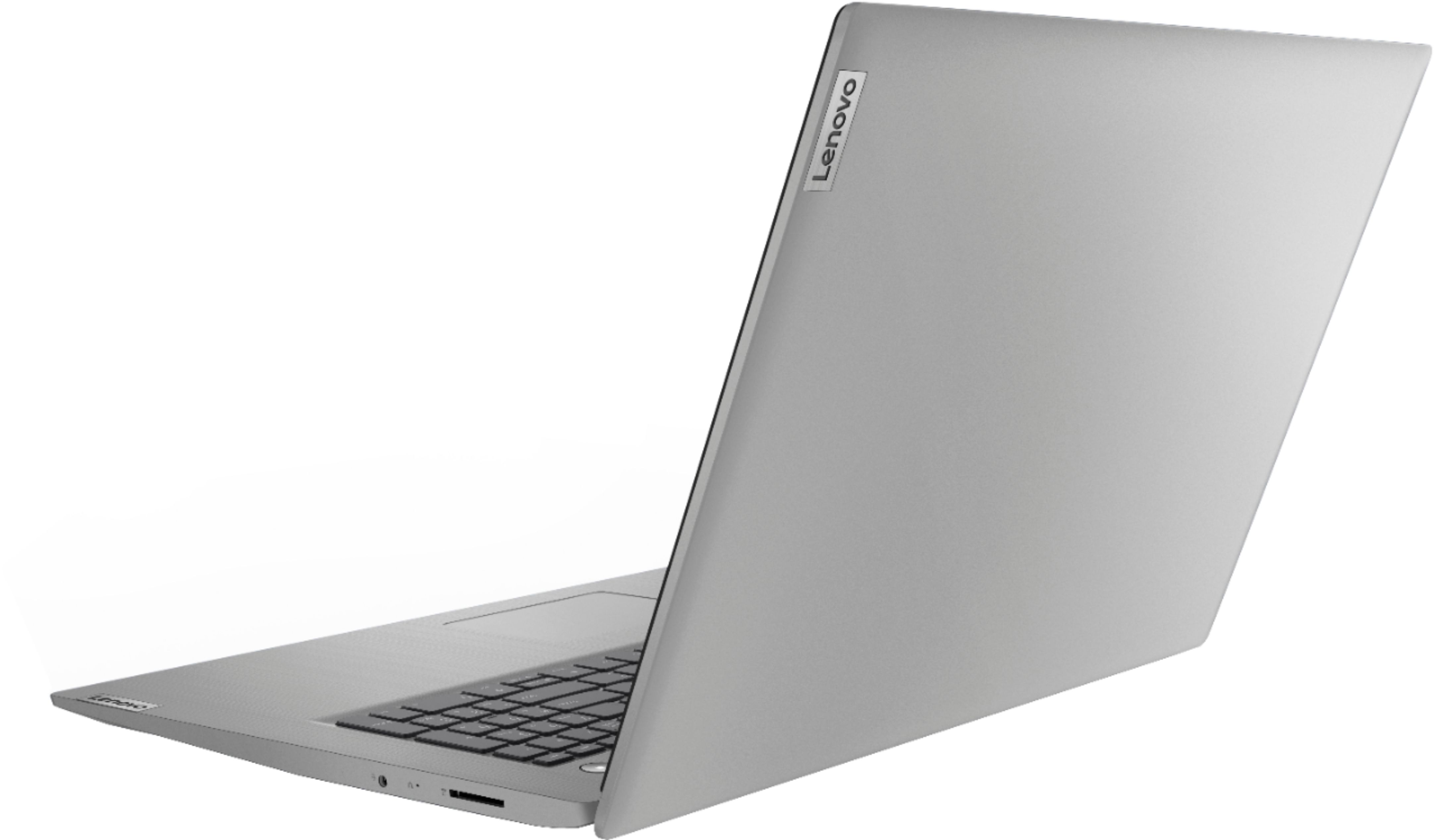
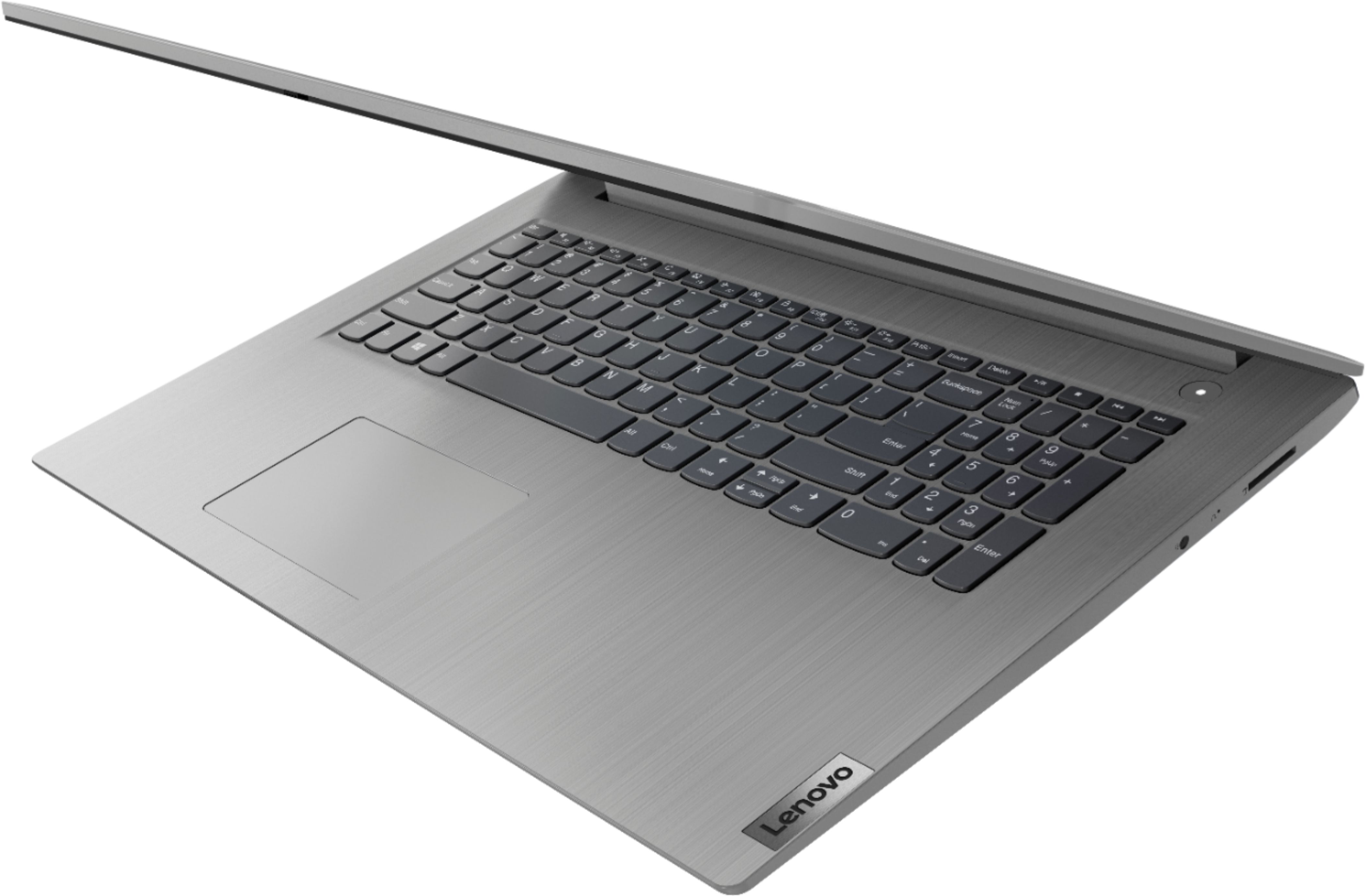
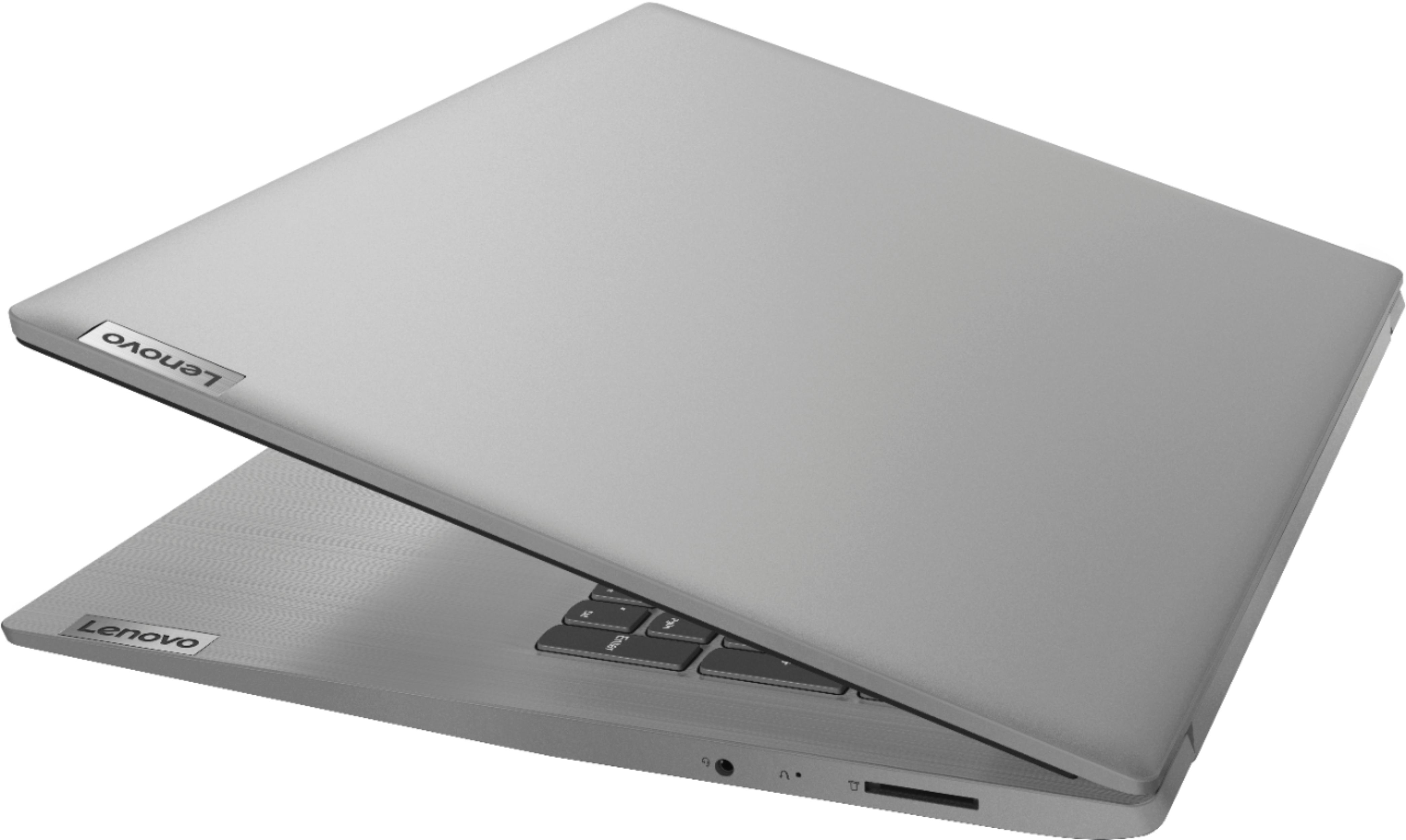
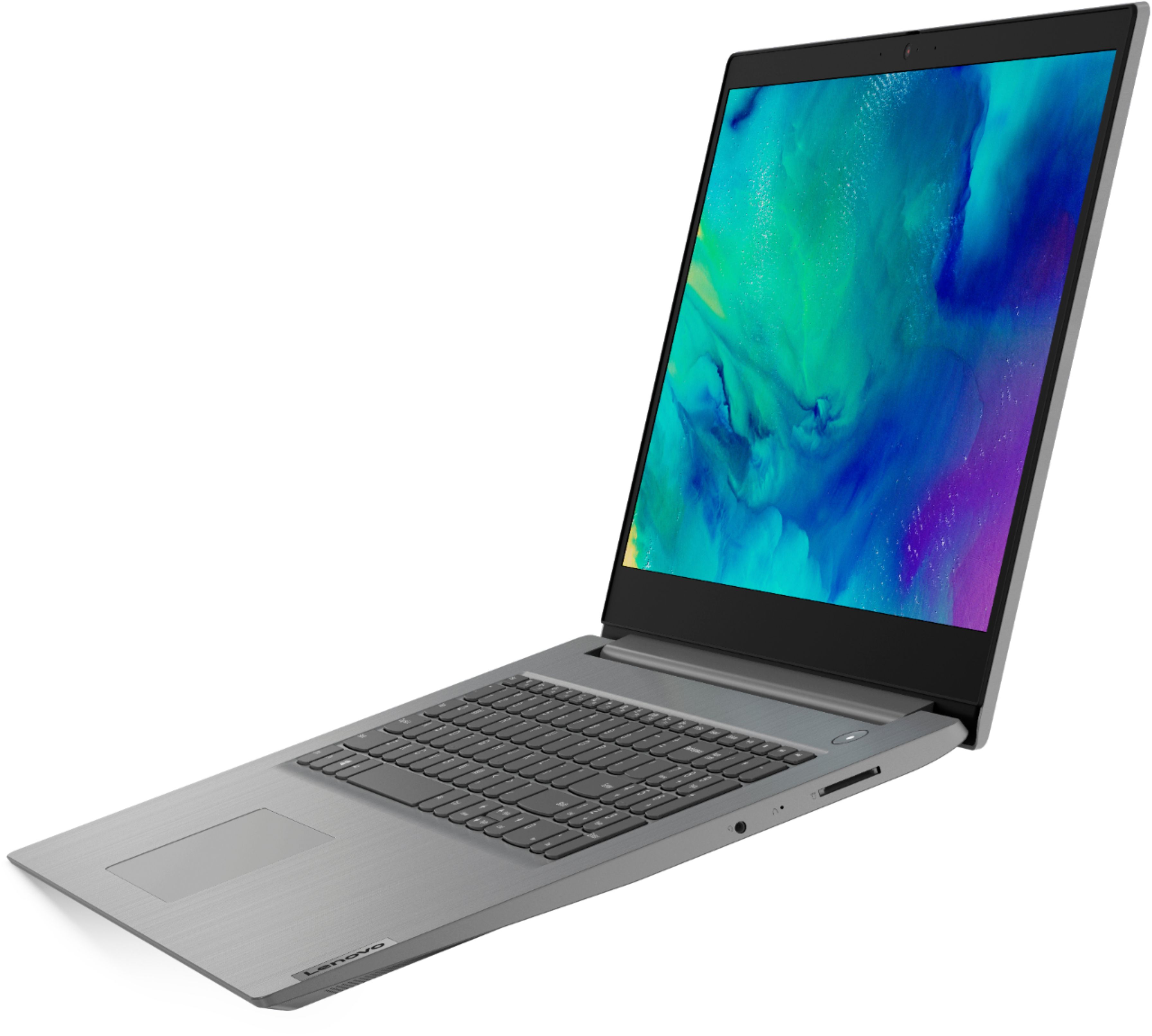
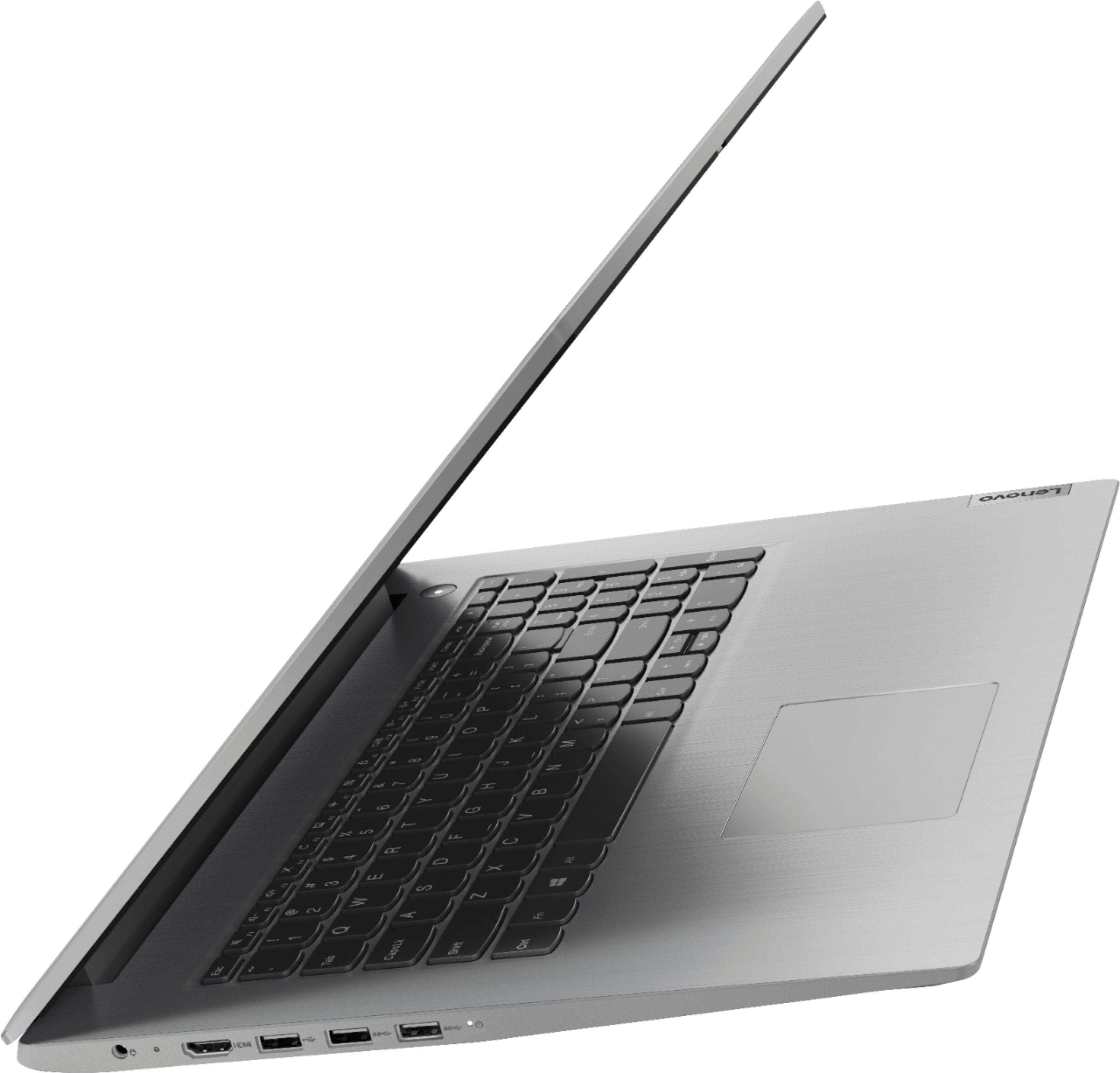
A:AnswerThe Country of Origin is China. Lenovo has production and assembly facilities all over the World. The specific manufacture/assembly location of every Lenovo computer is printed on the outside of the box the device ships in.
A:AnswerBecause the 1TB mechanical hard drive uses a spinning optical disc to store the data, you will be able to hear the drive as it works. If you have ready access to a Best Buy Store, we recommend you make an appointment with the Geek Squad there to examine your computer to be sure it is operating properly. Here is a link to more information about a mechanical hard drive making a clicking sound during use: https://www.securedatarecovery.com/blog/hard-drive-clicking
A:AnswerThe Lenovo IdeaPad 3 17 Laptop, model number 81W2004AUS, ships with 12GB DDR4-2400MHz RAM. 4GB is soldered to the motherboard and there is an additional 8GB DDR4-2400MHz RAM stick in the one available RAM memory slot within this configuration, which is the maximum manufacturer's Rating for RAM within this configuration.
A:AnswerLenovo Vantage APP installed within the Windows 10 S-Mode Operating System has fewer options available. There is no System Update option within the S-Mode version of Lenovo Vantage. To update your system,
1. Left click on the Windows Logo in the left corner of your laptop screen.
2. Type “System Update” in the Windows search window.
3. Select “Check For Updates” from the list above the search window.
4. Then left click on the “Check For Updates” within the window that opens.
If you need further assistance, you can contact Lenovo Tech Support at: 877-453-6686.
A:AnswerThe Lenovo Vantage user interface has been recently updated. You will find a System Update shortcut on the Dashboard screen now. You will also find System Update under the Device tab where it lists the individual elements of your computer. If you scroll down the Device page, you will find Updates last checked and a link to System Update there as well.
A:AnswerYes. You can use Lenovo Vantage Utility software installed on this computer to update drivers and the operating system for Windows 10 S-Mode Operating System.
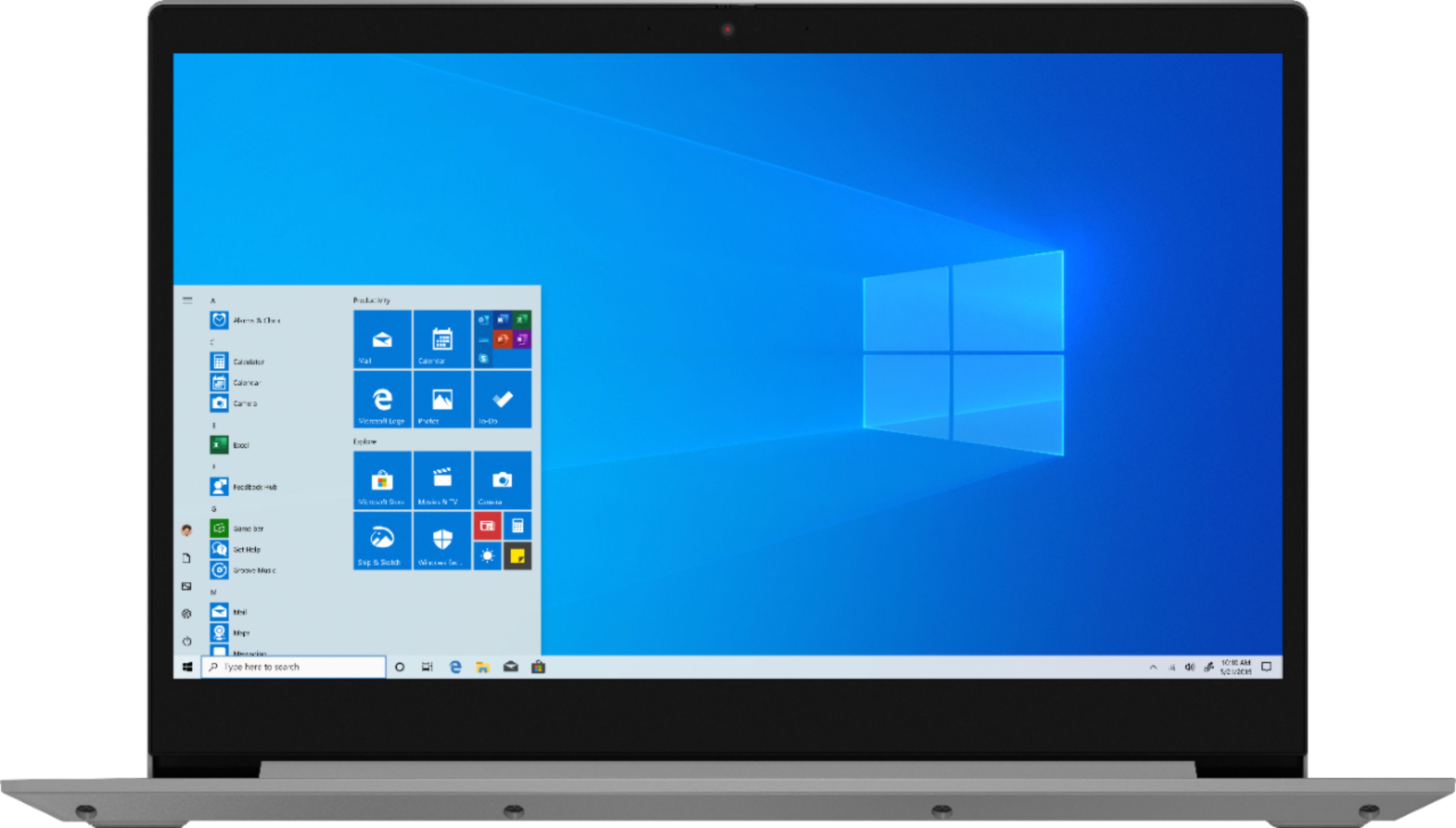
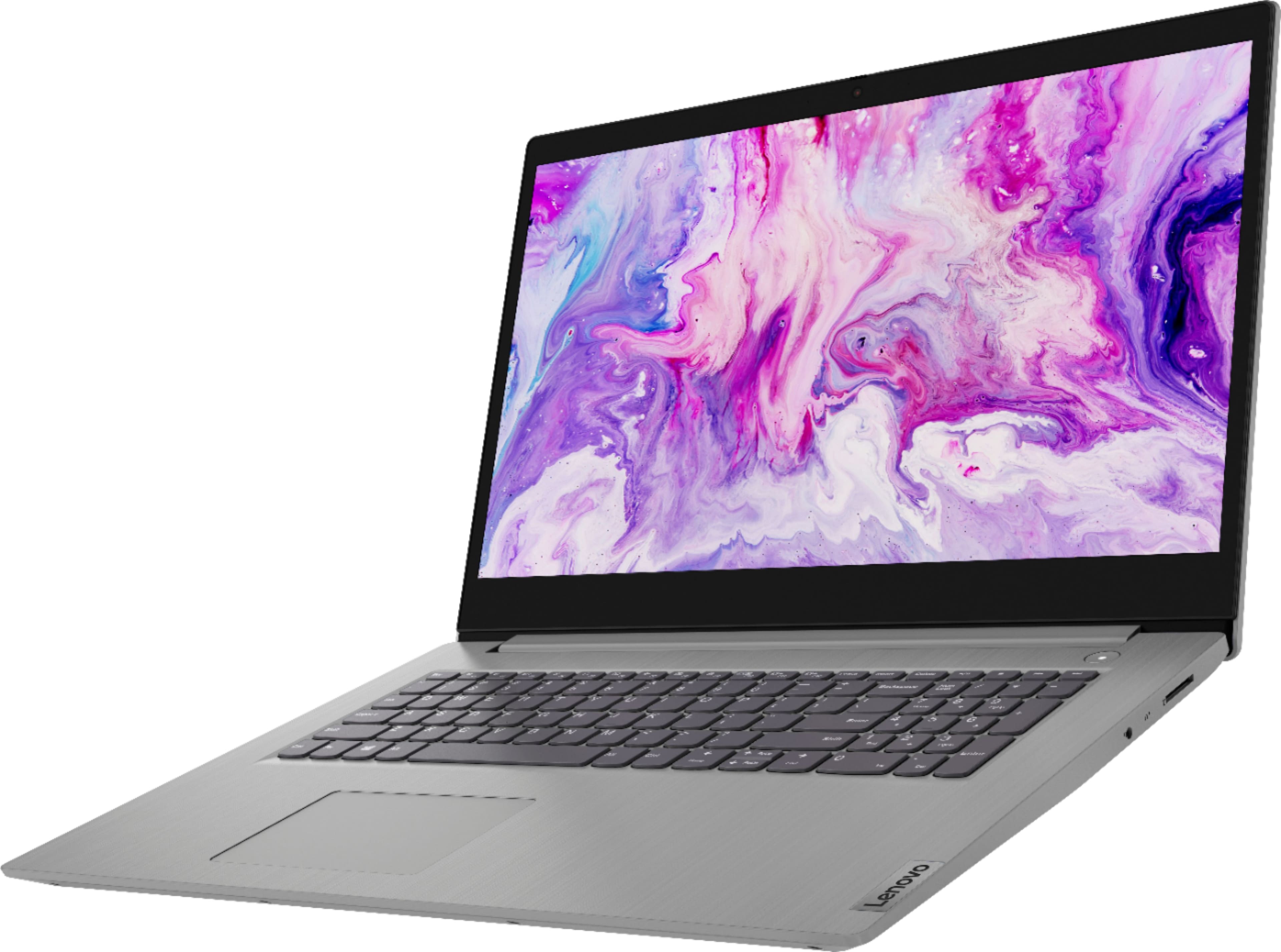
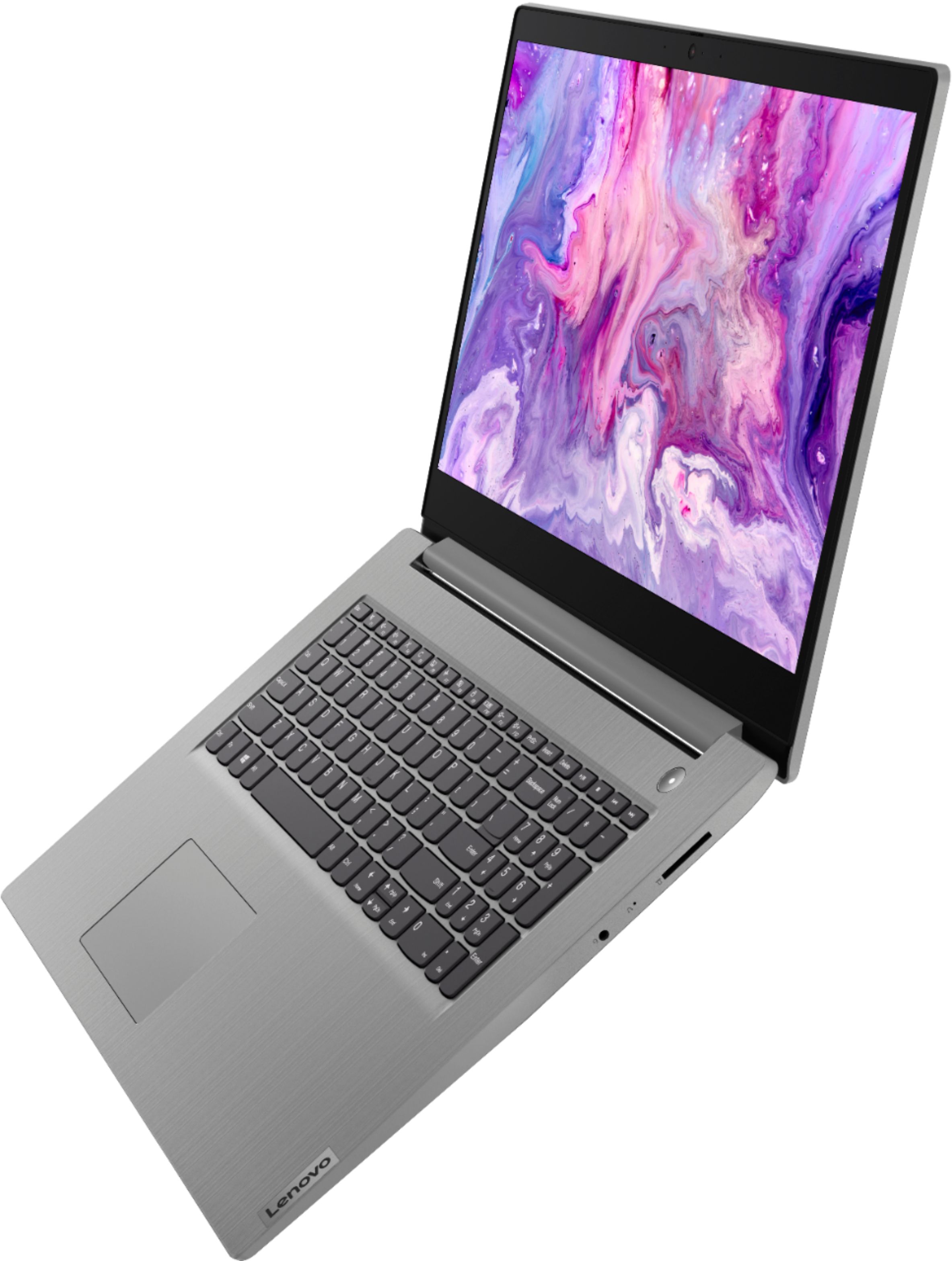
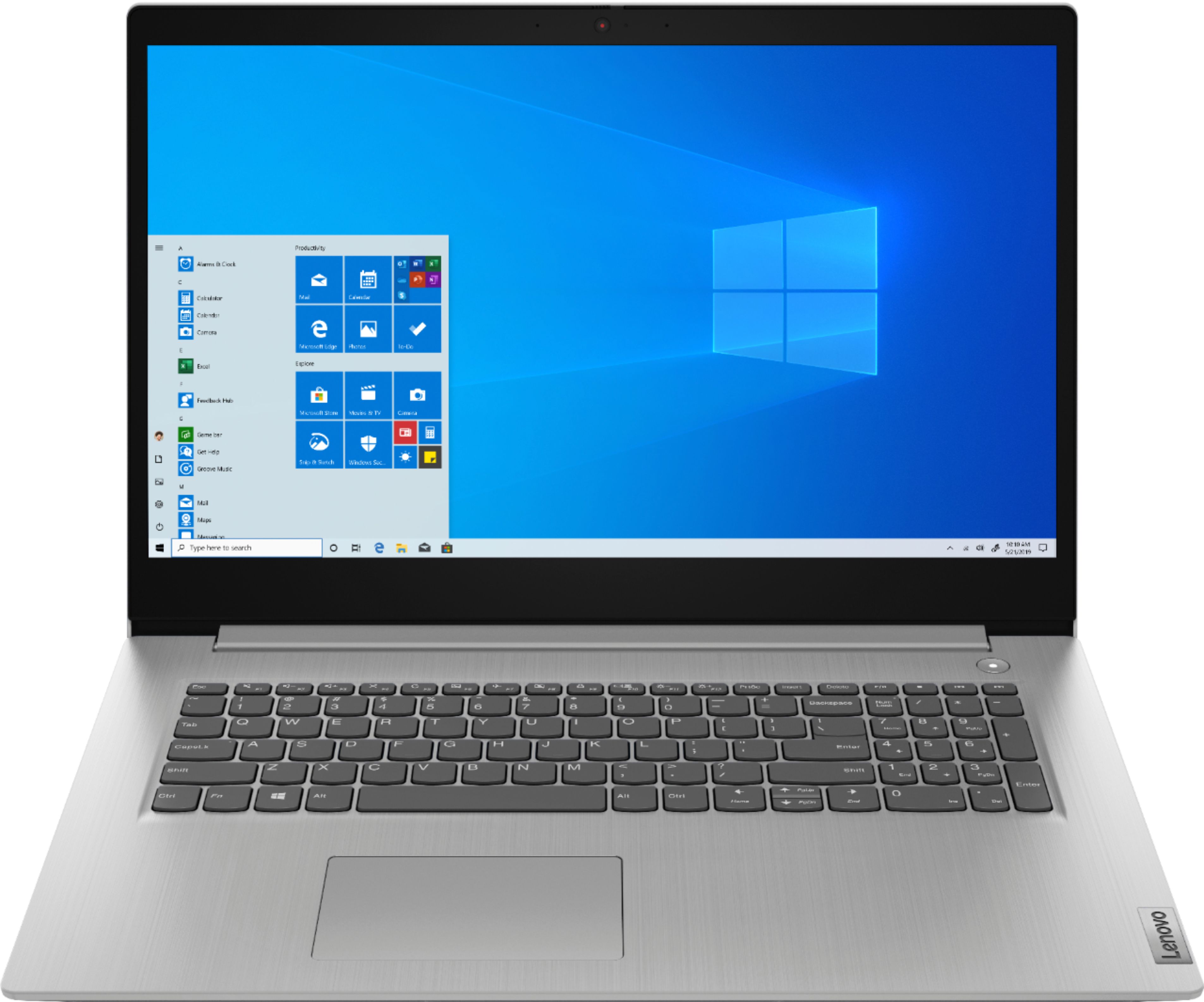
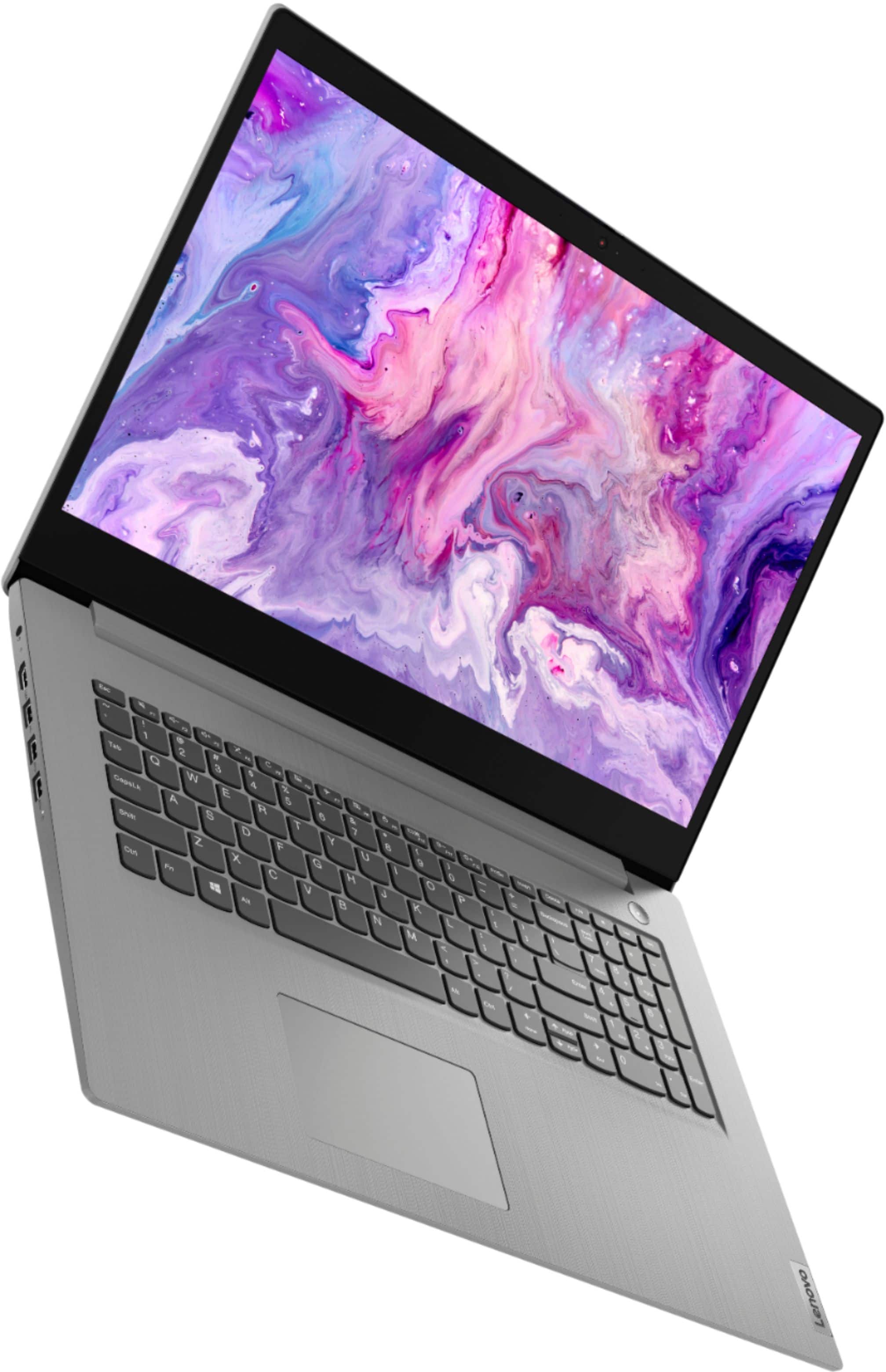
A:AnswerThe Lenovo IdeaPad 3 17 Laptop, model number 81W2004AUS, ships with a 17.3-inch (screen size measured diagonally) LCD w/LED Backlight (Anti-glare) screen, with a resolution of 1600 x 900 (HD+) and a brightness level of 250 nits.
A:AnswerIt sounds like your microphone is picking up the voice of the other person on the call with you. The Lenovo IdeaPad 3 17 model number 81W2004AUS, does ship with a Dual Array Microphone that can pick up your voice from any angle and at greater distance from the microphone than standard microphones. Here are some tips for reducing echo for other callers: https://support.microsoft.com/en-us/office/your-audio-device-may-cause-an-echo-124e3b6c-6d01-4db2-94a3-75c0ecc289c3
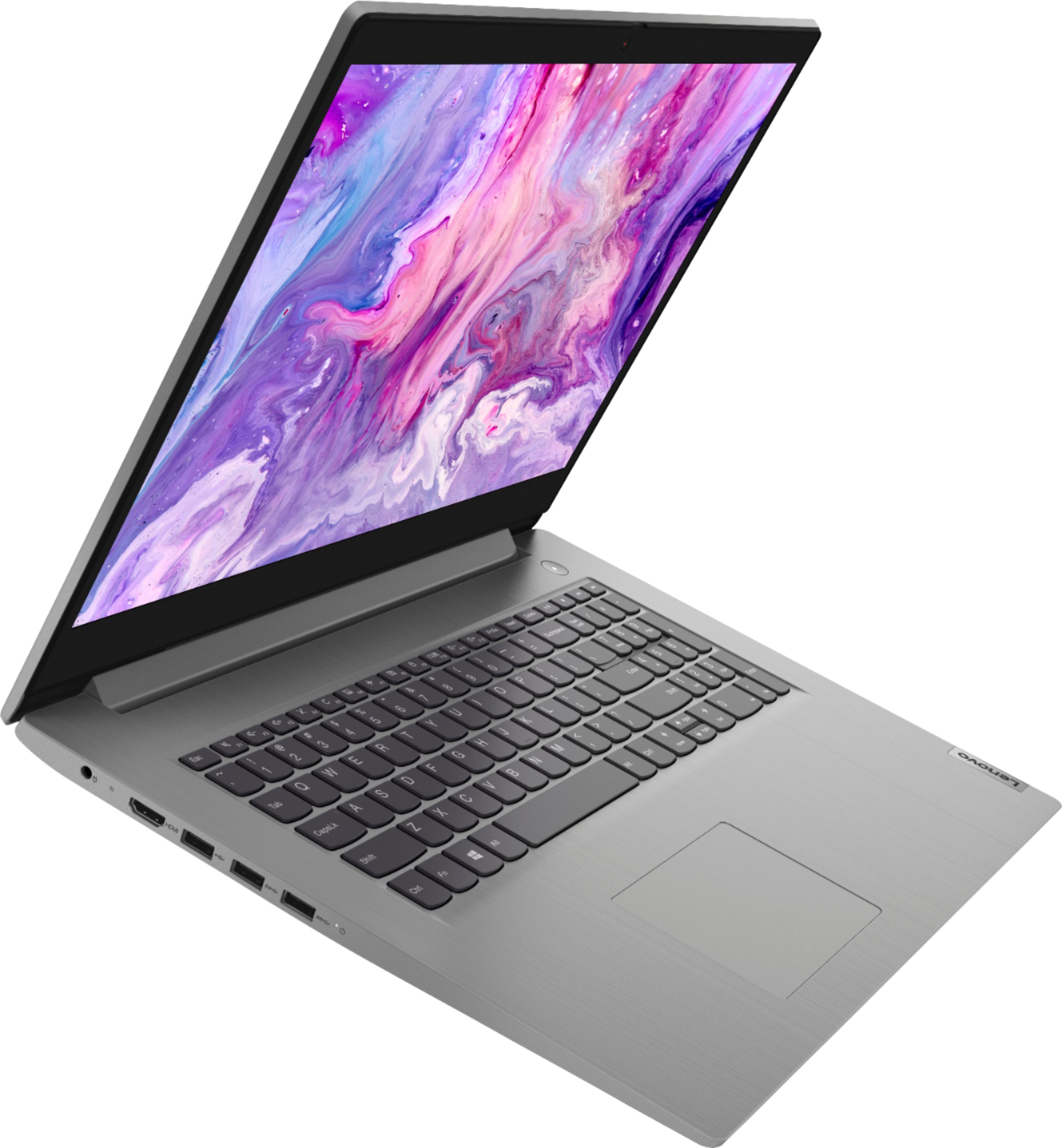
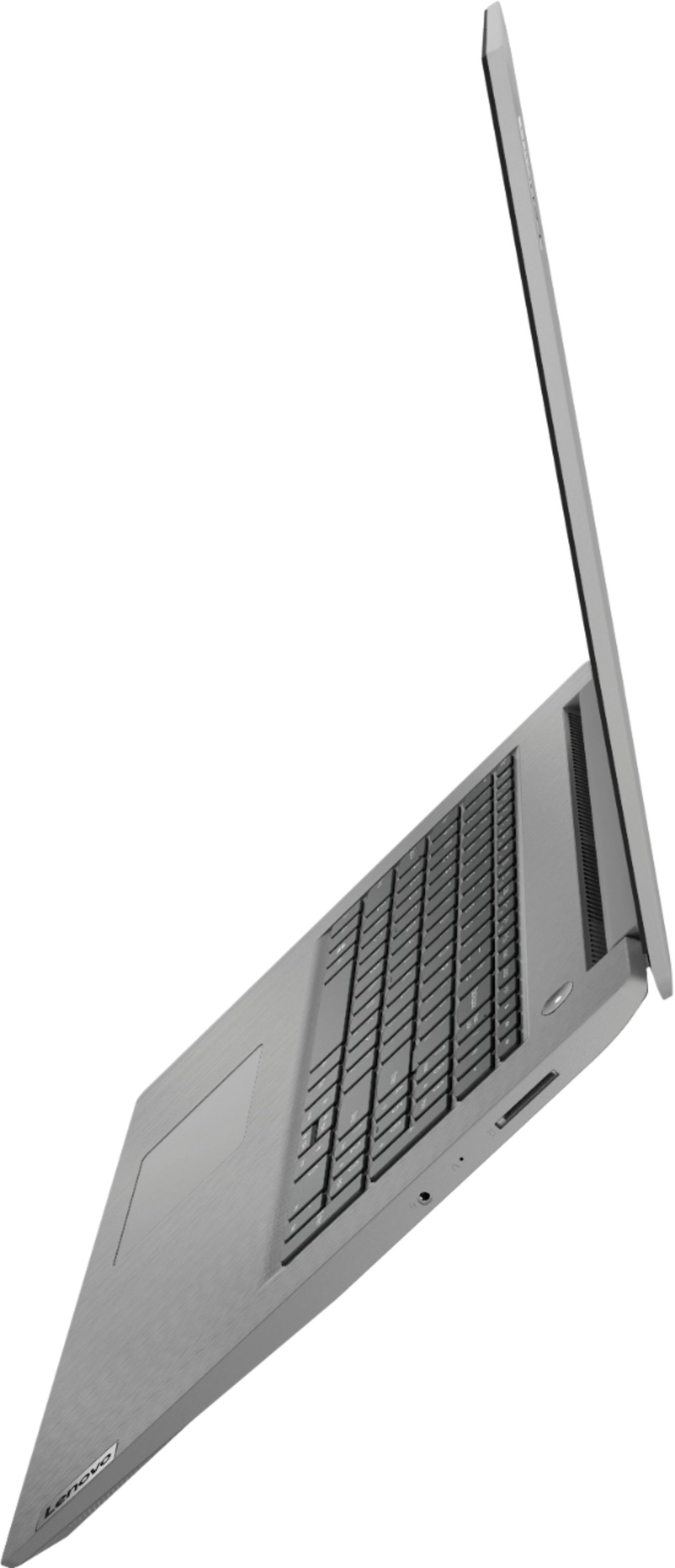
A:AnswerYes. The Lenovo IdeaPad 3 17 Laptop, model number 81W2004AUS, ships with an HDMI port for connecting an external monitor. This is a popular 24-inch external monitor: https://www.bestbuy.com/site/lenovo-q24i-10-24-ips-led-fhd-freesync-monitor-black/6404022.p?skuId=6404022
A:AnswerYes. The Lenovo IdeaPad 3 17 Laptop, model number 81W2004AUS, ships with a 720p (HD) webcam with manual Privacy Shutter and microphone built in.
A:AnswerYou can use a universal USB 3.0 dock with the Lenovo IdeaPad 3 17, model number 81W2004AUS, like this one. It uses DVI for video connection. You can use a DVI adapter to connect a HDMI or VGA monitor: https://www.bestbuy.com/site/startech-com-dvi-dual-monitor-usb-3-0-docking-station-black-silver/4686048.p?skuId=4686048
A:AnswerThe Lenovo IdeaPad 3 17 Laptop, model number 81W2004AUS, ships with the 4-Core/8-Thread AMD Ryzen 7 3700U processor, with a base speed of 2.3GHz and a boost speed of up to 4.0GHz.
A:AnswerThe Lenovo IdeaPad 3 17 Laptop, model number 81W2004AUS, ships with a 720p (HD) webcam with manual Privacy Shutter. First, be sure the Privacy Shutter is completely open before trying to use the webcam or the webcam will not operate. There is a small slider, directly above the webcam lens. Move the tab to the right to open the Privacy Shutter. There is a red dot over the webcam lens that will disappear when the Privacy Shutter is fully open. This will indicate that the webcam is really to use. You can close the Privacy Shutter when you are done with the webcam for your security, by sliding the tab to the left to close the Privacy Shutter. The Red Dot will appear over the webcam lens when the Privacy Shutter is closed. If the Privacy Shutter is fully open but the haze continues, check to be sure you have the latest version of Windows 10 on the computer, then update all of the BIOS files and drivers, including those for the webcam, up to that latest version of Windows 10. You can easily accomplish this by scanning the computer with the Lenovo Utility software available on this computer. This system has Lenovo utilities installed to help maintain the health of the device and keep the operating system software up to date. Type "Lenovo Vantage" in the Cortana Search window (if Lenovo Vantage is not installed on your device, you can download the APP and install it now). Select Lenovo Vantage from the list. In the window that opens, click on "Health and Support". In the expanded menu, select "Hardware Scan" In the window that opens, select "Run Quick Tests". This will scan your entire system for errors. Follow any directions that may pop up. If the problem continues after this scan, now click on "System Update". First select Windows update from the menu. Scan your system to be sure you have the latest version of Windows 10. Once that scan is complete, select "Additional Updates". This will scan your device to be sure there are no new BIOS/Driver updates needed. Follow any instructions that may pop up. If the issue still continues after these updates, we recommend you call Lenovo Tech Support at: 877-453-6686 for additional help.
A:AnswerThere is a 30-day trial of Microsoft Office 365 included as part of the Windows 10 operating system. In order to keep the program active after the trial period, you will need to purchase a product key. You will not need to download any additional software.