A:AnswerPerfect case is exact sticks, but you shouldn't have a problem mixing manufacturers with matching specs. There may be a small chance of incompatibility, but I believe this is rare. You can mix and match specs, but that will reduce performance.
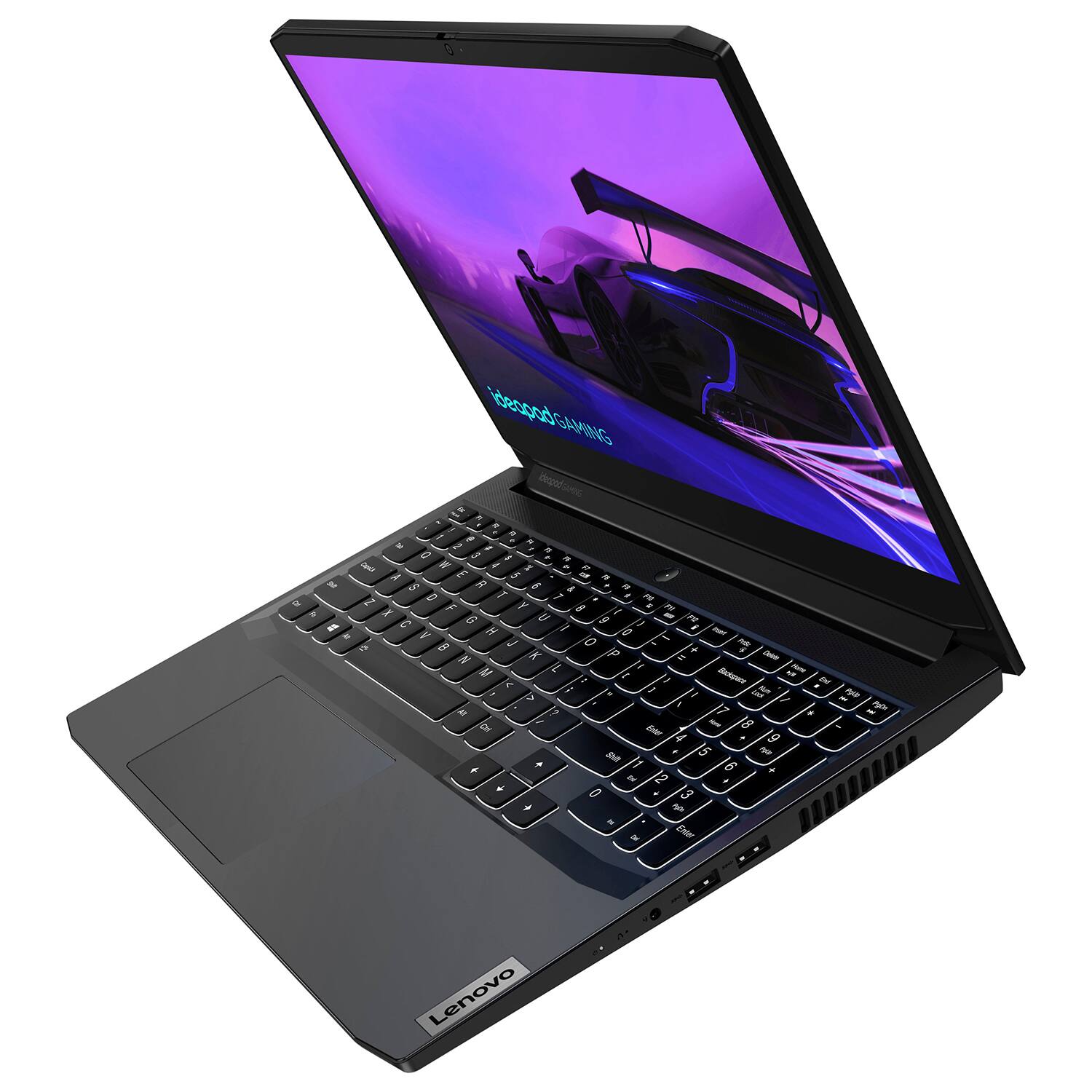
This laptop has ddr4 3200 sodimm.
A:AnswerThis Lenovo IdeaPad 3 15 Gaming Laptop, model number 82K1015EUS, ships with an Integrated 45Wh, Lithium-Polymer Battery, which within this model configuration, has a battery life of up to 6 hours, depending on the work the device is performing. If you are getting substantially less battery life, first, set your screen brightness at less than 100-percent - try 80-percent to start with. Then, be sure Battery Charge Threshold is turned off. This power management setting should only be used when the laptop is plugged in all the time. It will prolong overall battery life by only charging the battery to 60-percent of capacity. You can turn off Battery Charge Threshold within the Lenovo Vantage APP installed on this computer. In Vantage select Battery Settings and turn off Battery Charge Threshold, if turned on. Also check what programs are running in the background on the computer. Be sure only the programs you want running in the background are. These programs will drain the battery. Here is a link to information about how to find out what programs are running in the background on your Windows 11 computer and how to manage them for better system performance: https://websiteforstudents.com/how-to-find-what-is-running-in-windows-11/. Then, finally, be sure any software you installed is compatible with Windows 11. Incompatible software will drain the battery at a faster rate. There is no need to install Microsoft Office software. The software is already part of the operating system, you just need to activate the software with a purchased product key. If you have installed a copy of Microsoft Office, this is conflicting with the existing copy on the system and this will slow your system down. If you have installed a 3rd party anti-virus program, be sure that Windows Defender is turned off and that the trial version of McAfee Anti-Virus software is uninstalled. There can only be one anti-virus program on the system. You may need to restore your system to original factory default settings if any of the programming errors have occurred. You can do that by typing "restore" in the Cortana search window. Just click on the magnifying glass icon at the bottom of your Windows 11 Desktop. Click on "Reset This PC" Then click on "Get Started" and follow the on screen directions to restore to factory defaults. If the problem persists, we recommend you contact Lenovo Tech Support at: 877-453-6686.
A:AnswerHere is a link to the Best Buy return policy: https://www.bestbuy.com/site/help-topics/return-exchange-policy/pcmcat260800050014.c?id=pcmcat260800050014
A:AnswerThis laptop should be more than enough for minecraft. Heavily modded minecraft might not maintain the full 120hz of the display, but otherwise you should have no problem. I'm not sure about how ray tracing would run.
A:AnswerIf you mean the ability to switch between integrated and dedicated graphics, then yes. It will use the Intel integrated for regular tasks, and then switch to the RTX3050 for games, etc. You might have to adjust the settings for some applications, though. One thing I wanted to run on the dedicated graphics was using the integrated.