A:AnswerHey Soloman,
Yes, you can use the included power adapter to do so, as it will support 100-240V input.
Please feel free to reach out to us with any other questions!
A:AnswerThere is no mouse. I had a blue tooth mouse which works great.
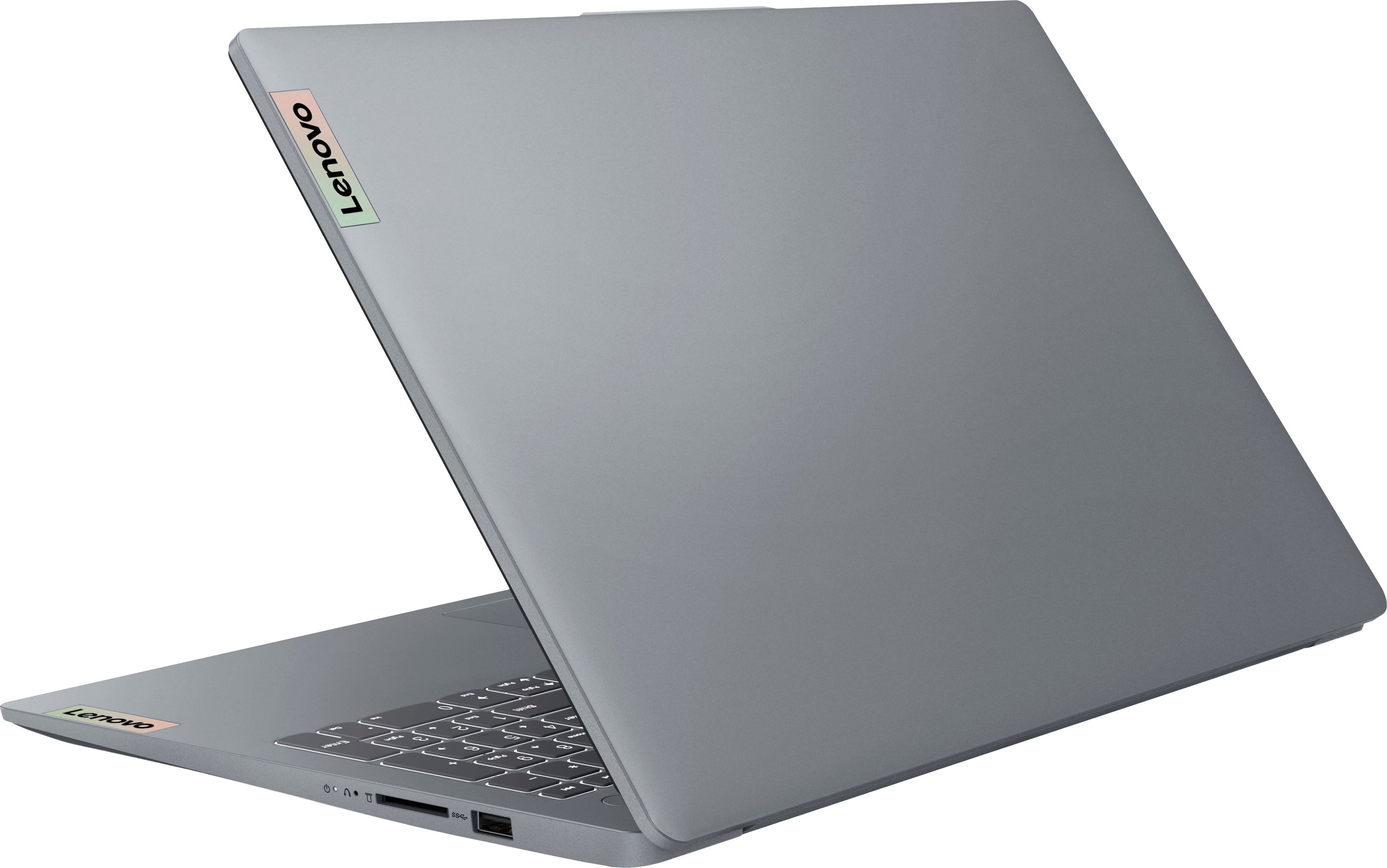
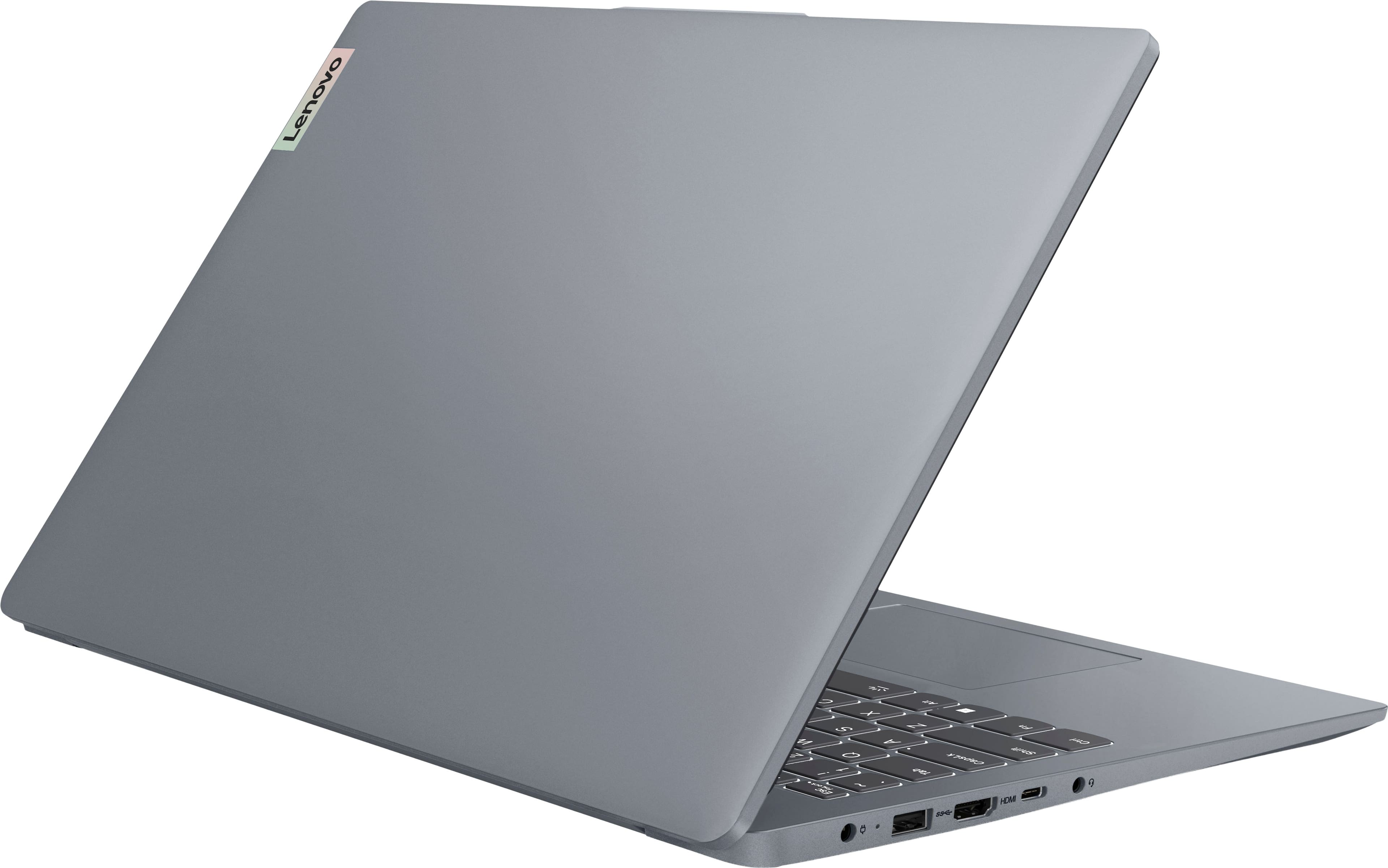
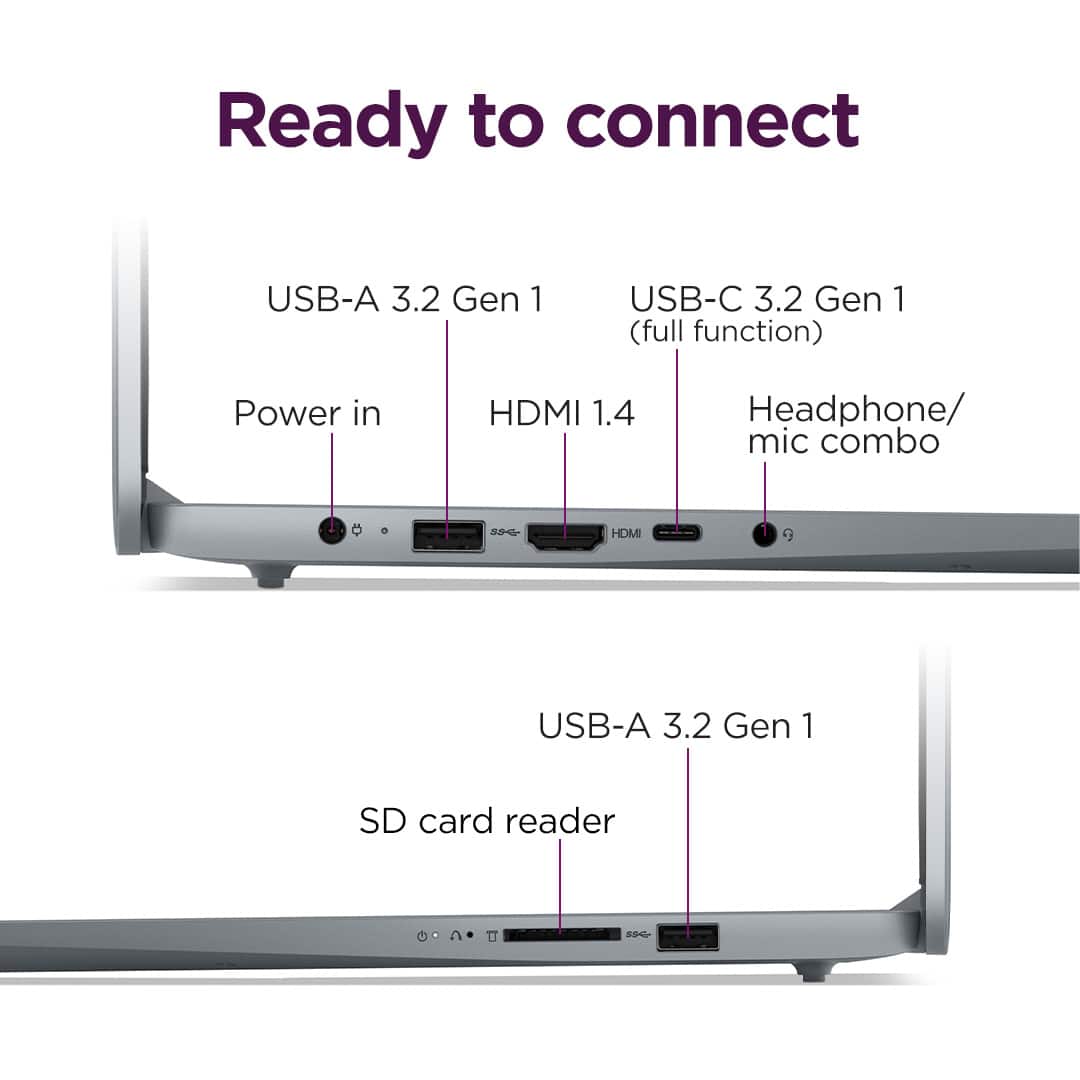
I am sure you can run an external DVD drive. There are USB types A & C and HDMI receptacles built in. This is one of the things I bought it for. But, I haven't bought a DVD drive yet.
A:AnswerAfter buying and testing this laptop, fortnite actually runs pretty well on it [depending on the graphics]
Performance mode - ran really well with max graphics [I got solid 60fps] and to be honest I recommend keeping it on if you care about fps more than graphics.
DirectX 12 mode - performance varied drastically depending on the settings. at minimum settings i got solid 60fps again, although it looks about the same as performance mode so there isn't much of a difference.
at above-minimum settings, i still got 40fps which in my opinion is still pretty good. at maximum settings, with nanite virtualized geometry on, i got absolutely terrible performance, with only about 5fps.
Hope this helped :)
A:AnswerHey Bob,
You can use a keyboard and speakers with this IdeaPad Slim 3, but by remote monitor, are you referring to a wireless monitor? If you could please expand on this point of your inquiry in another question, we can better understand your ask so that we can assist you more precisely.
Please feel free to reach out to us with any other questions!
A:AnswerHey ConsciousDesigns3,
Memory cannot be upgraded with this IdeaPad Slim 3, as it is soldered to the systemboard.
Please feel free to reach out to us with any other questions!
A:AnswerYes actually, i've tried games like fortnite, rocket league, and even forza horizon 4 and they all run pretty well
Fortnite runs best on performance mode [which isn't as bad as it sounds]
FH4 runs best with medium or high settings
Rocket League runs best even with maximum settings
Hope this helps :)
A:AnswerHey Jc,
You can do this with the IdeaPad Slim 3 by opening search and selecting the microphone for input to put into the search box. Also, you can use your voice when talking to Microsoft Copilot on the computer for searches or inquiries.
Please feel free to reach out to us with any other questions!
A:AnswerHey Tobinater,
You can expand storage with this model IdeaPad Slim 3, although since it features one M.2 storage slot, you'd have to swap out the preinstalled 512GB drive for one with a higher capacity.
Please feel free to reach out to us with any other questions!



![Sure, here is the corrected and grouped text from the image:
---
**Top Row:**
- Esc
- Fn
- F1
- F2
- F3
- F4
- F5
- F6
- F7
- F8
- F9
- F10
- F11
- F12
**Number Row:**
- 1
- 2
- 3
- 4
- 5
- 6
- 7
- 8
- 9
- 0
- -
- =
- Backspace
**Letter Row:**
- Tab
- Q
- W
- E
- R
- T
- Y
- U
- I
- O
- P
- [
- ]
- \
- Delete
**Letter Row:**
- Caps Lock
- A
- S
- D
- F
- G
- H
- J
- K
- L
- ;
- '
- Enter
**Letter Row:**
- Shift
- Z
- X
- C
- V
- B
- N
- M
- ,
- .
- /
- Shift](https://pisces.bbystatic.com/image2/BestBuy_US/images/products/f79b3ed3-e46f-4e66-923f-76d4538361a2.jpg)