A:AnswerHey Al,
Based on the information within this Google Support webpage detailing supported external devices and file types with Chromebooks: https://support.google.com/chromebook/answer/183093?hl=en, you shouldn't have an issue with completing this function on this IdeaPad Slim 3 Chromebook.
Please feel free to reach out to us with any other questions!
A:AnswerHey Ray,
If you're referring to office productivity software, yes. This Chromebook uses G-Suite for office type programs like Docs for word processing, Slides for presentations, Sheets for spreadsheets, and more. Most G-Suite apps are preinstalled on Chromebooks and are compatible with most Microsoft Office program file types. If you currently have a Microsoft Office 365 subscription, you can access that existing account and use the available apps via the Microsoft 365 app on your Chromebook.
Please let us know if we missed the mark on your inquiry and feel free to share any other questions!
A:AnswerHey JJW,
We're sorry to hear that you ran into this issue with your IdeaPad Slim 3 Chromebook. You could file a PC warranty request online via pcsupport.lenovo.com or contact Lenovo Support at this number: 877-453-6686, should you wish to see if your battery could be replaced when staying in the US.
Please feel free to reach out to us with any other questions!
A:AnswerHey lew,
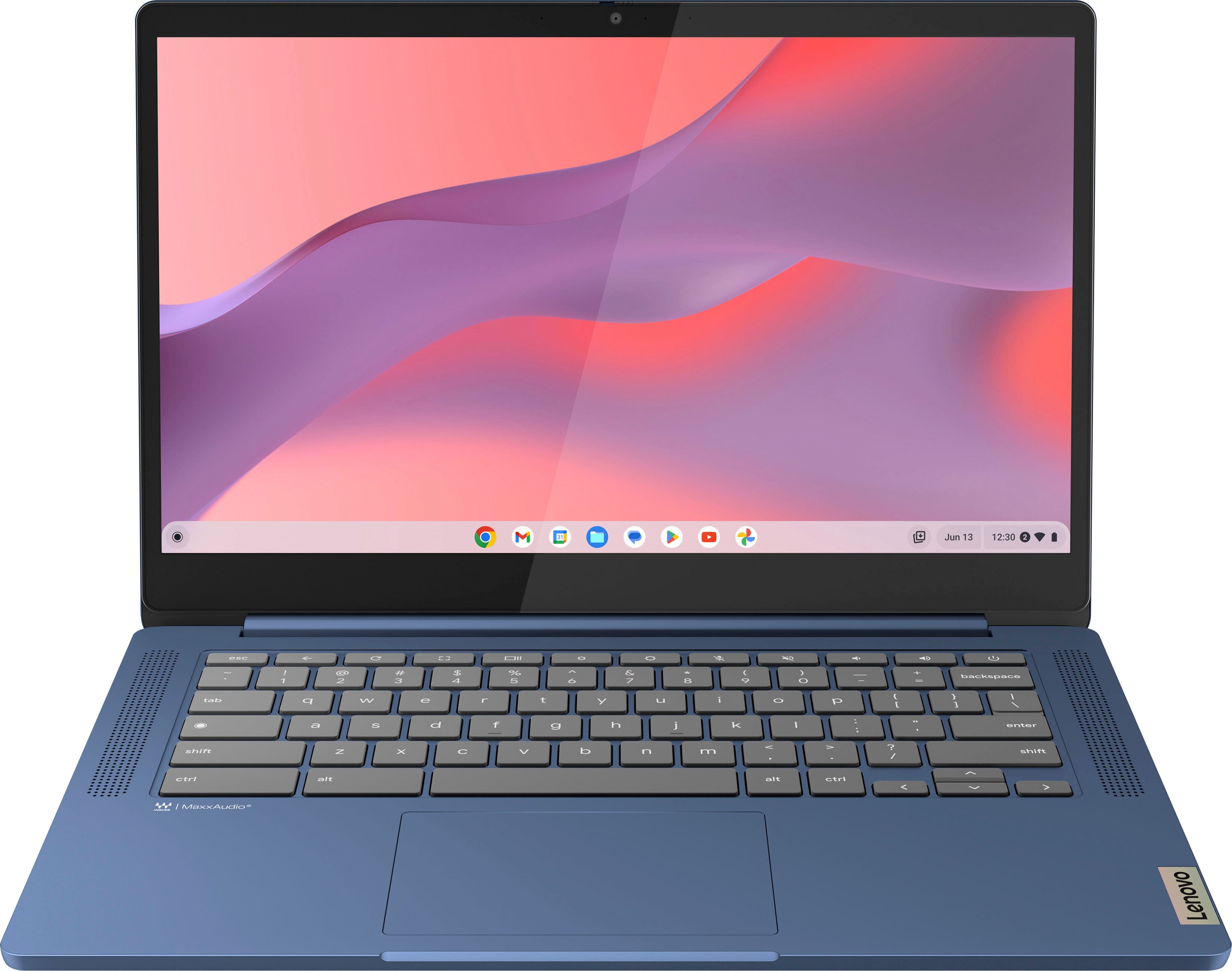
This IdeaPad Slim 3 Chromebook does not run Windows, but rather ChromeOS as its operating system, which you'll find as the standard operating system for all Chromebooks.
Please feel free to reach out to us with any other questions!
A:AnswerHey Rick,
The Duet 11 Chromebook does not run on Windows, as it features ChromeOS as its operating system (OS)--the inherent platform that Chromebooks run on.
Please feel free to reach out to us with any other questions!
A:AnswerHey Kika,
This model IdeaPad Slim 3 Chromebook was announced in July 2023, but since this series continues to be produced, the year and month of manufacture will vary and is labeled on the box and underside of the unit you receive.
Please feel free to reach out to us with any other questions!
A:AnswerHey Sax6,
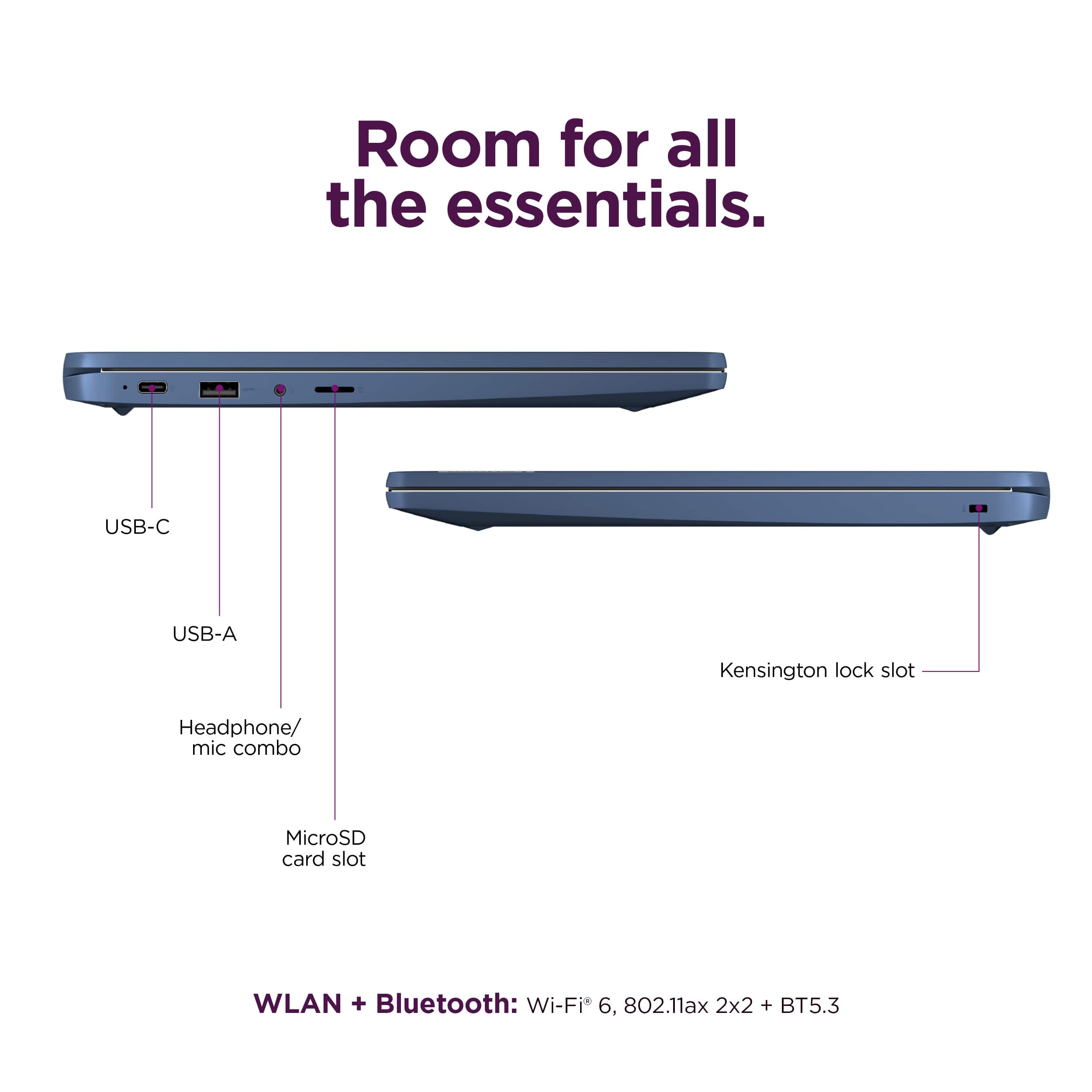
This specification point isn't stated on the specifications records we have in PSREF for this IdeaPad Slim 3 Chromebook regarding the max storage capacity for microSD cards that this system. However, the maximum supported microSD card size is usually around 512GB depending on card formatting.
Unfortunately, this information can sometimes be a bit tricky to find, but we appreciate your inquiry regarding this. We have noted this point as we look to provide more depth to the specification points that can be easily accessible for all.
Please feel free to reach out to us with any other questions!
A:AnswerHey Jess,
We are sorry to hear that this happened with your IdeaPad Slim 3 Chromebook. If the screen was damaged due to an accident or handling, you could work with Best Buy to help determine if your purchase is protected by their device support and protection coverage. If this is not the case and your device is not covered, you can contact Lenovo Support online at pcsupport.lenovo.com or at this number: 877-453-6686, to work with someone who can share your repair options with you.
Please feel free to reach out to us with any other questions!
A:AnswerHey,
This IdeaPad Slim 3 Chromebook features ChromeOS as its operating system, not Windows.
Please feel free to reach out to us with any other questions!