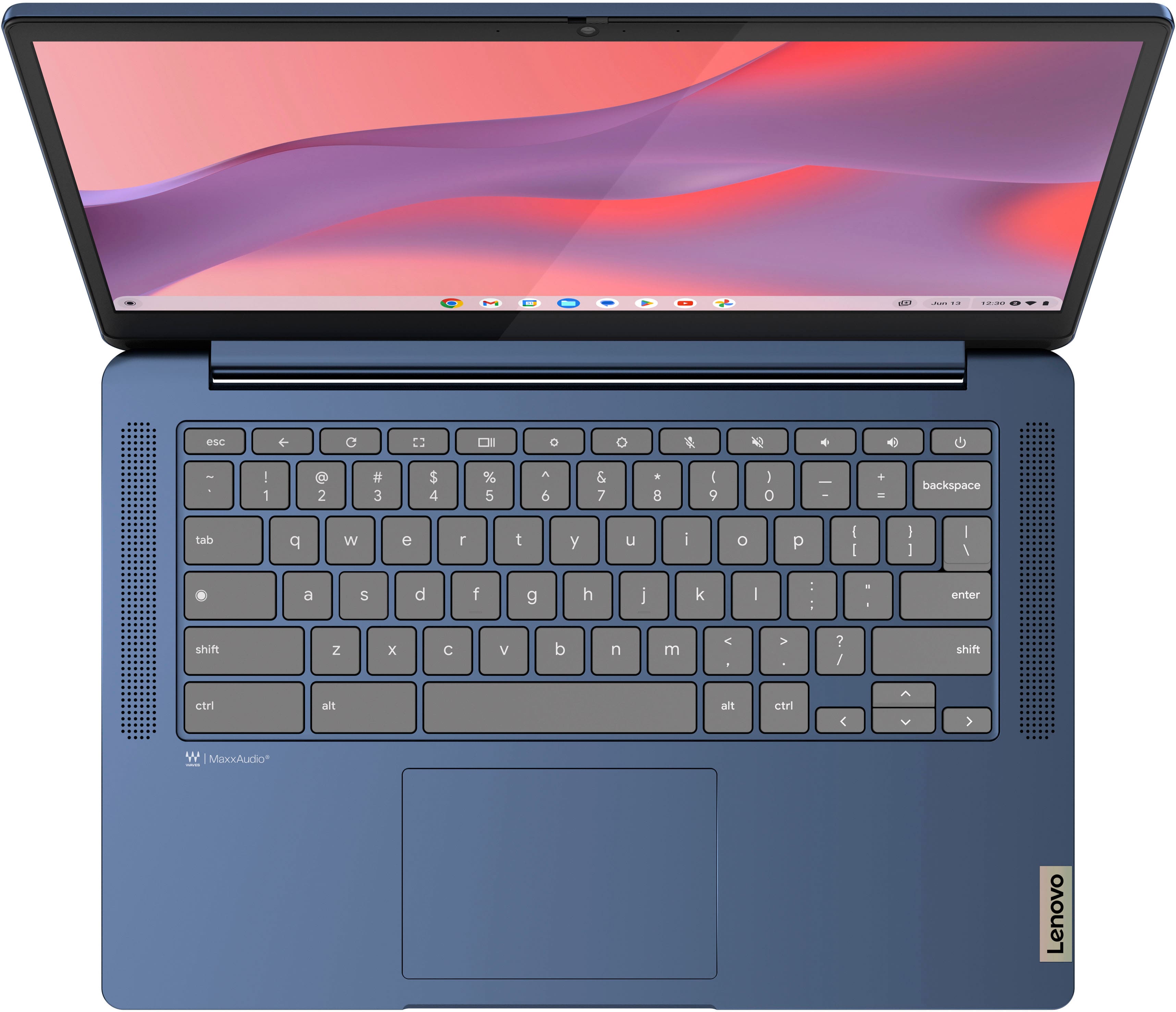
A:AnswerMine has these installed
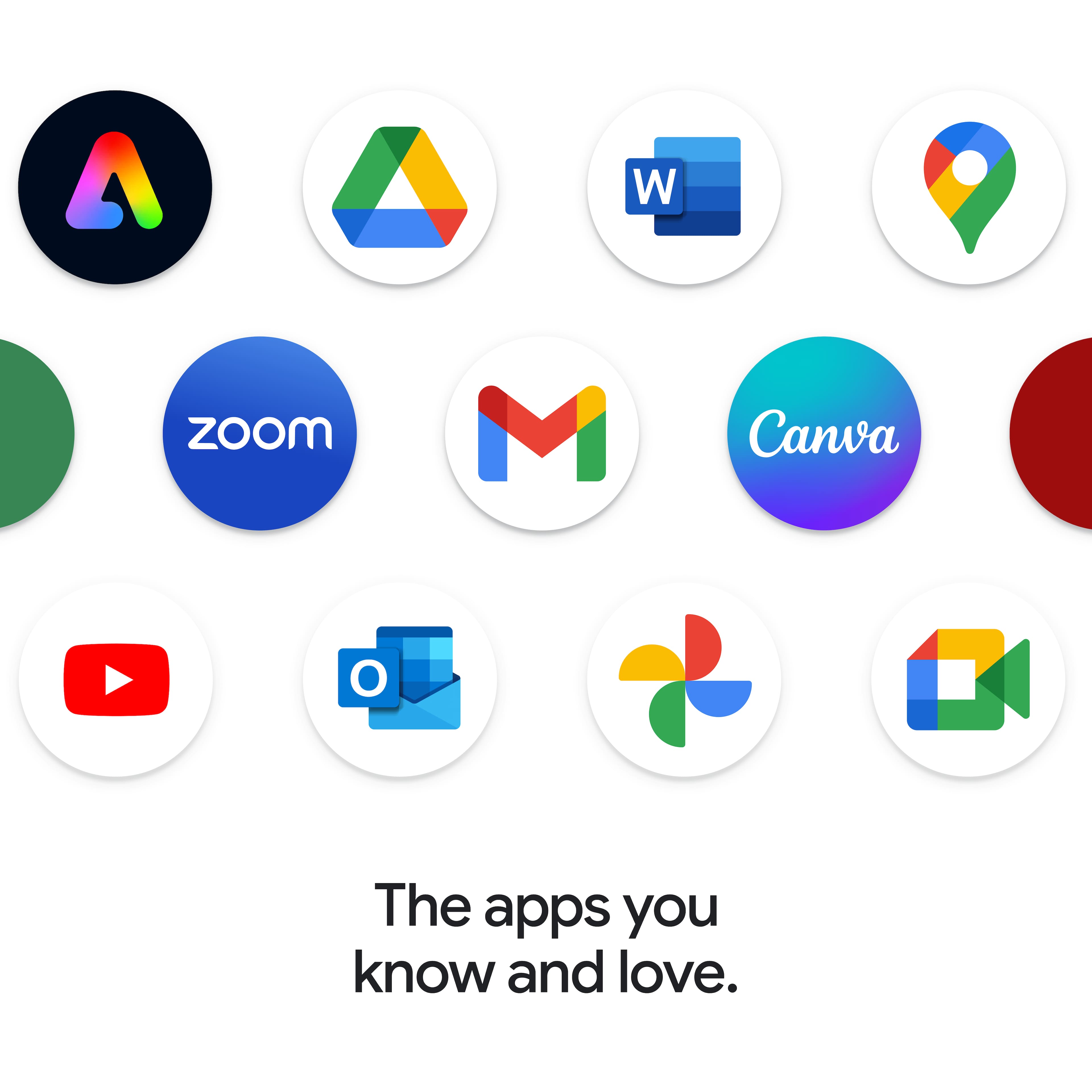
Blogger
Calculator
Chrome browser
Chromecast
Camera
File Manager
Gmail
Gallery (view photos, videos, audio, PDFs)
Google Books
Google Calendar
Google Chat
Google Contacts
Google Drive
Google Forms
Google Keep
Google Meet
Google Maps
Google News
Google Password Manager
Google Docs
Google Photos
Google Sheets
Google Voice
Google Website designer/editor
Messages
Google Slides
Print
Play Store
Scan
Terminal
YouTube Music
Web Store
A:AnswerHi, Hil. You can run Roblox, but as a disclaimer, there may be times when the game could become a bit sluggish since the processing power on this Chromebook is more entry level. Also, yes, there is an app store where you can download the Roblox app called Google Play Store and it is preinstalled.
A:AnswerYes, you can get on Facebook and play the games as well as access messenger. However it does run on the Google chrome browser, which many think is the superior browsing platform. Hope this answers your question. :)
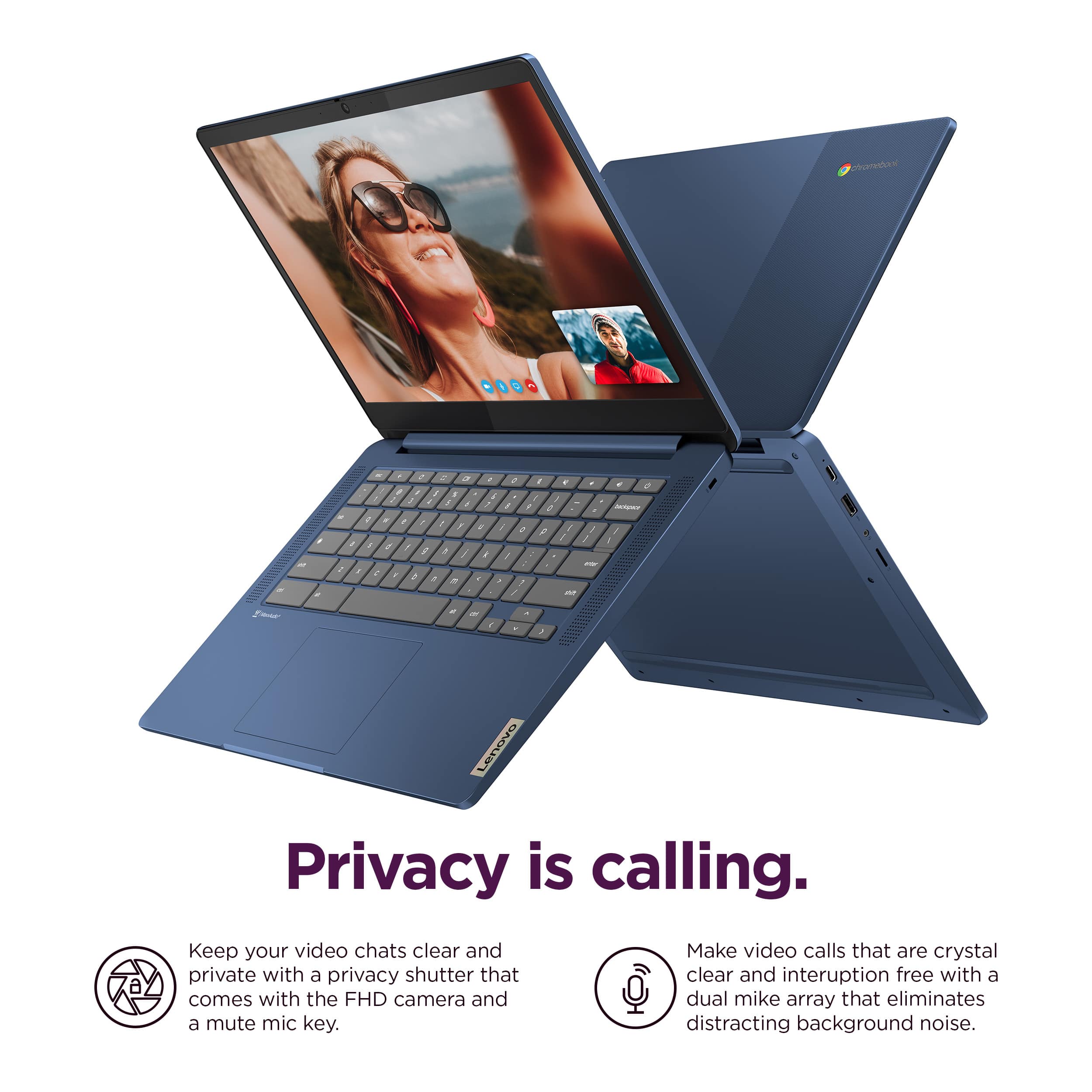
A:AnswerYes indeed. It does well in web meetings. The camera is pretty good for the price. I used it in a job interview the other day and worked great.


A:AnswerHey Reillyhouse,
Generally speaking, the biggest difference is the operating system that each category of device is designed to use; ChromeOS for Chromebooks and Windows for the other, and with that, there's also differences in specifications to run each operating system smoothly. For a Q&A that talks through some of these key differences, please visit the following Lenovo webpage for details: https://www.lenovo.com/us/en/glossary/chromebook-vs-windows-laptops/?orgRef=https%253A%252F%252Fwww.google.com%252F&srsltid=AfmBOorfLmYbjr-2TcFnaSzMmNEinqgngm3-iGLJDM6d2W8XBEmIJVFr |
Please feel free to reach out to us with any other questions!
A:AnswerHi Cindy,
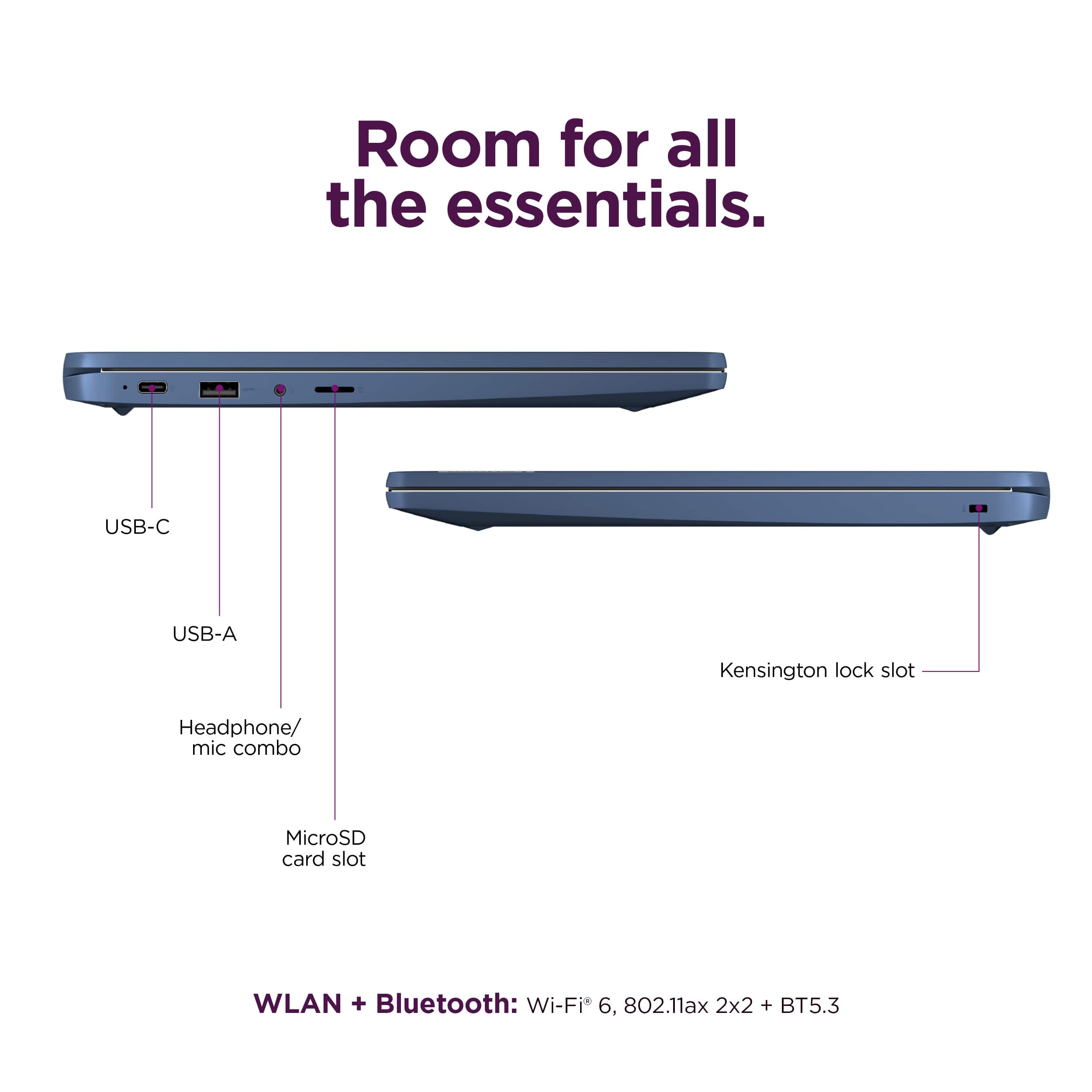
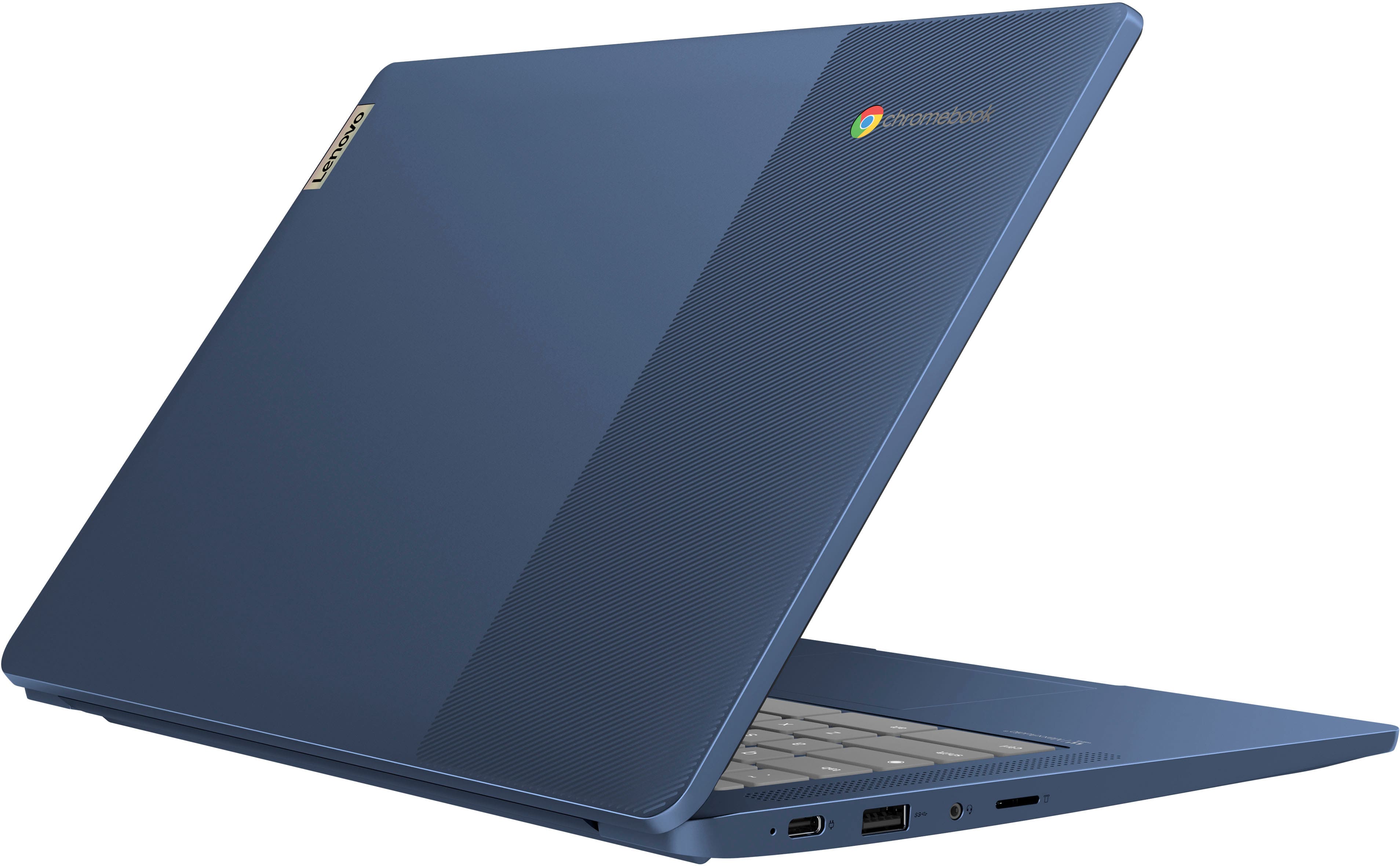
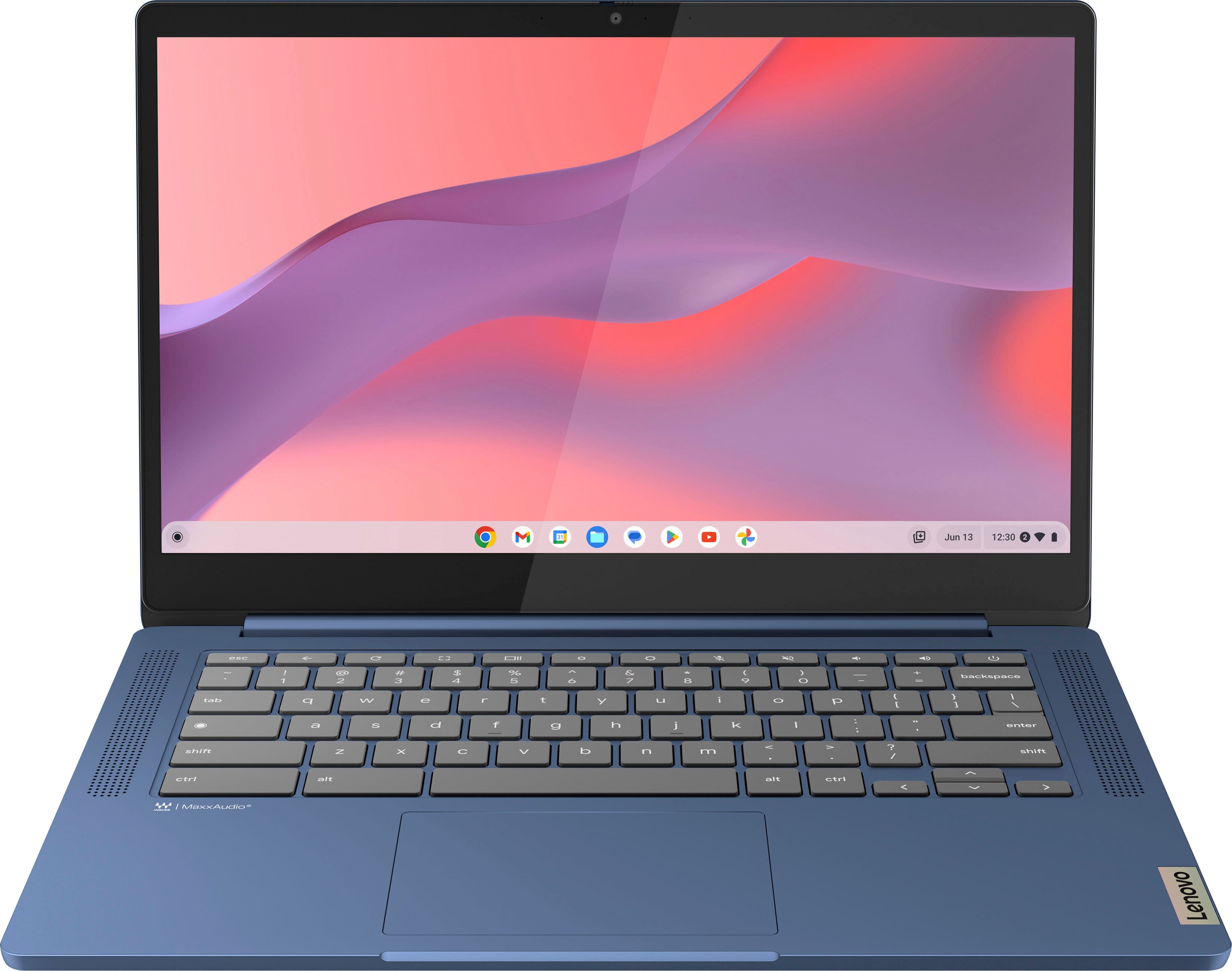
Yes, you can use a wired or wireless (via USB receiver and Bluetooth) keyboard and mouse with this IdeaPad Slim 3 Chromebook.
To help ensure you find the right fit for you, here's a link to a Google webpage that helps you find accessories that are certified to work with Chromebooks: https://www.google.com/chromebook/workswithchromebook/
A:AnswerHey, TG. Yes, you can. You could either stream the titles online via a web browser or PWA, or you can download their corresponding apps from the Google Play Store.