A:AnswerHi, toby1111. That will depend on if this title is available in the Google Play Store, as all Chromebook devices can only download applications that are accessible in the Play Store.

A:AnswerHi, Enj0308. That would depend on the availability of the applications you plan to use on the. This IdeaPad Slim 3 is a Chromebook, which uses the Google Play Store for downloading apps. We recommend that you check using Google’s online Play Store website to search and see if the applications you plan to use are offered there.
A:AnswerProbably not the product you’re looking for. For day trading, you will have to load a lot of data which would require more processing power. Consider buying a real laptop?
A:AnswerHey Phxnative57,
Based on what's listed on the HP Support webpage for the model printer you shared (can be viewed here: https://support.hp.com/us-en/product/product-specs/hp-deskjet-2700-all-in-one-printer-series/29378157), it should work with ChromeOS.
Please feel free to reach out to us with any other questions!
A:AnswerHey BDNick,
You can play games that align with this IdeaPad Slim 3 Chromebook's system requirements, like Minecraft for Chromebooks, and more.
Please feel free to reach out to us with any other questions!
A:AnswerHey,
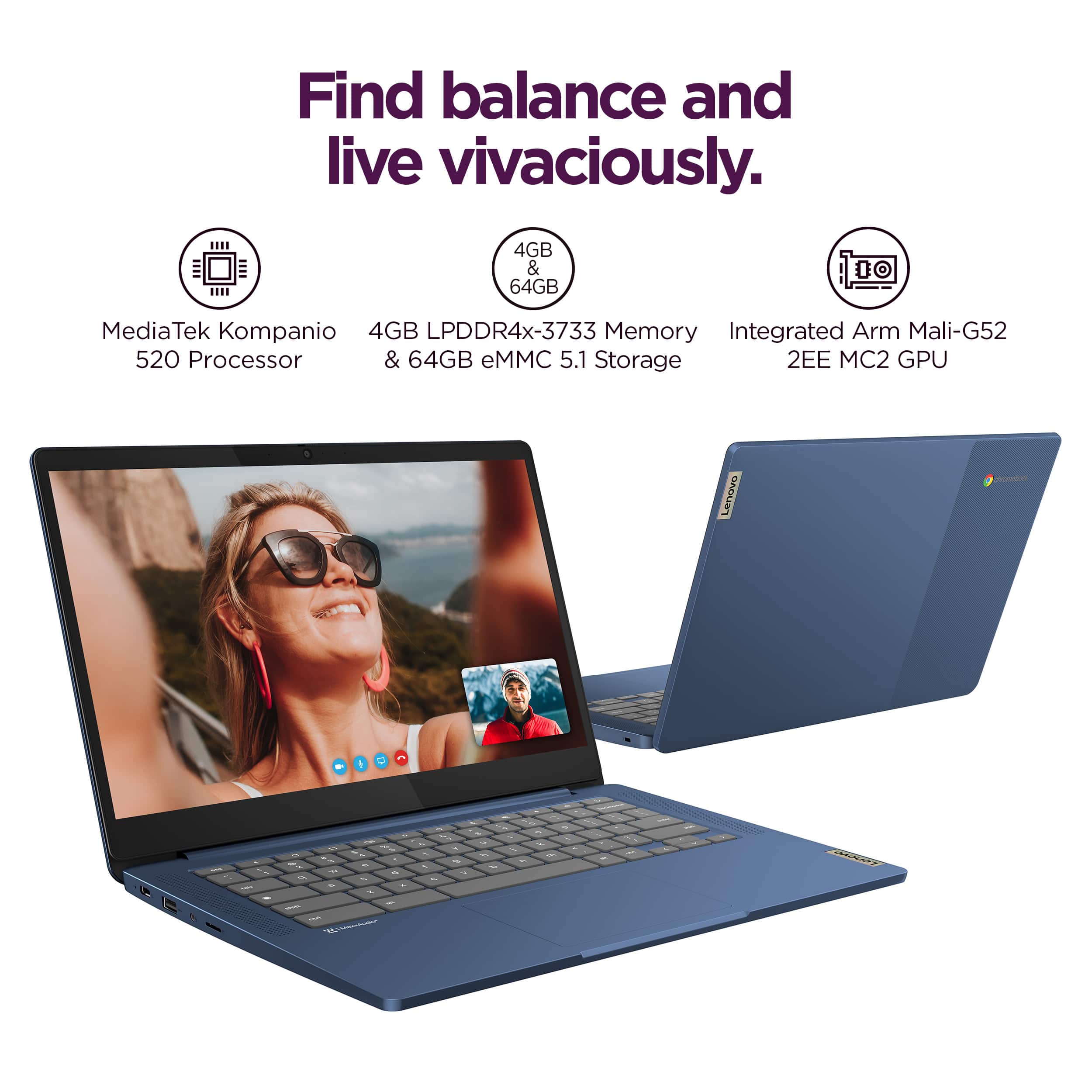
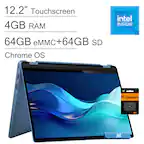
This IdeaPad Slim 3 Chromebook features 4GB of memory and 64GB of internal storage.
Please feel free to reach out to us with any other questions!
A:AnswerHey PAM,
You can use all of the proposed services, apps, and platforms on this IdeaPad Slim 3 Chromebook.
Please feel free to reach out to us with any other questions!
A:AnswerHey again PAM,
This IdeaPad Slim 3 Chromebook can complete these proposed functions.
Please feel free to reach out to us with any other questions!
A:AnswerHey SeannaW,
This IdeaPad Slim 3 Chromebook can handle basic Roblox game modes and functions when using the Roblox app optimized for Chromebooks. If you're looking to use some of the more moderate and higher game mods or Roblox creator modes, this system will not be sufficient based on the game developer's recommended system requirements.
Please feel free to reach out to us with any other questions!
A:AnswerHey JB070,
Games are a variable here, but the other use cases you mentioned can be tackled easily with the IdeaPad Slim 3 Chromebook. If you have any titles in mind, feel free to share them and we'd be happy to help determine compatibly with this IdeaPad or any of our laptops.
Please reach out to us with any other questions!
A:AnswerHey Mars,
You can download certain kid games via the Google Play Store. Also, you can use a wireless or wired mouse with the laptop.
Please feel free to reach out to us with any other questions!
A:AnswerHey Christmas,
So long as Chromebook are supported by the school or school-district, this IdeaPad Slim 3, like many others have shared in their reviews, will work well for common schooling.
Please feel free to reach out to us with any other questions!
A:AnswerHey AnnetteW,
You can browse the web on this IdeaPad Slim 3 Chromebook, and you can download many things: apps, files, photos, and more.
Please feel free to reach out to us with any other questions!