A:AnswerHey,
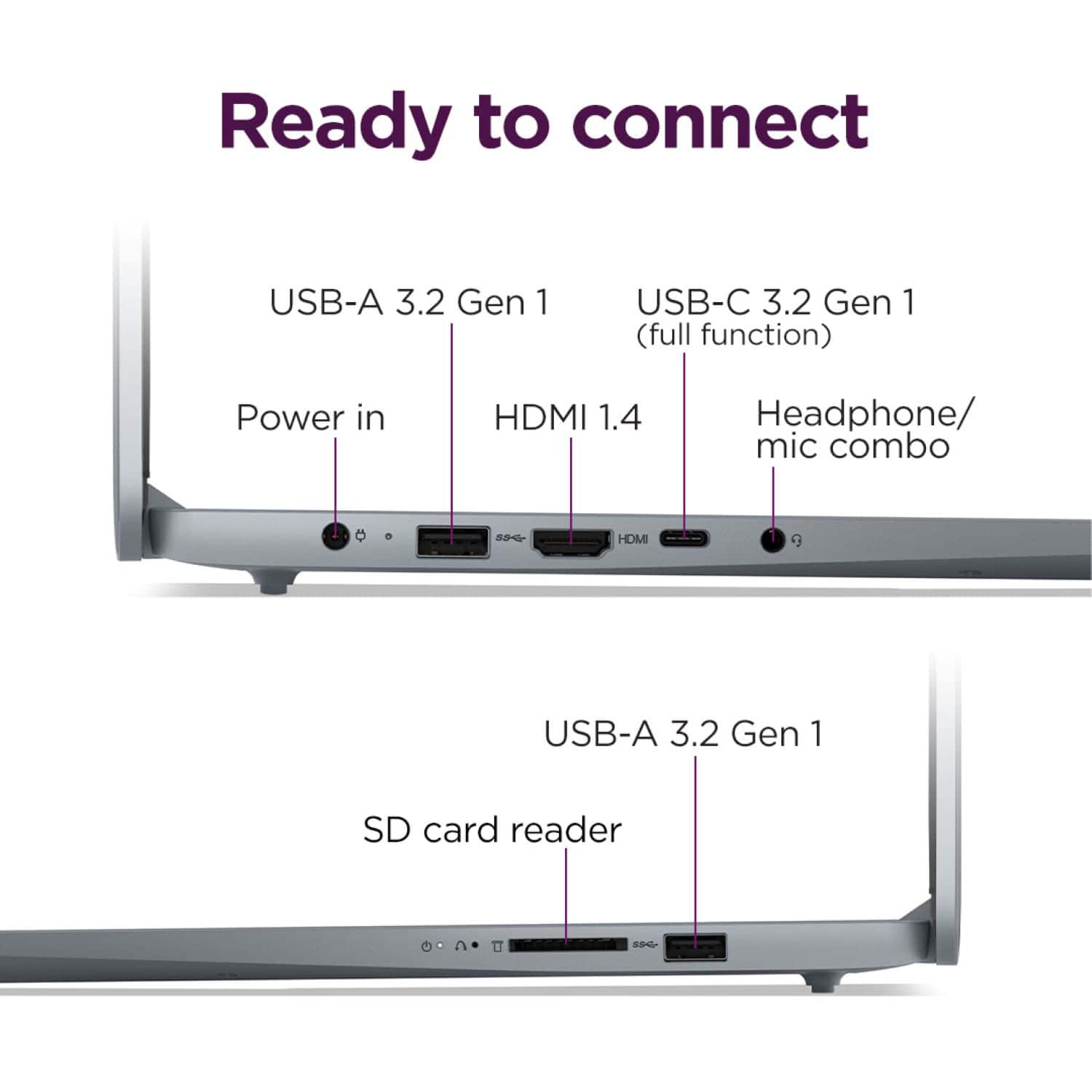
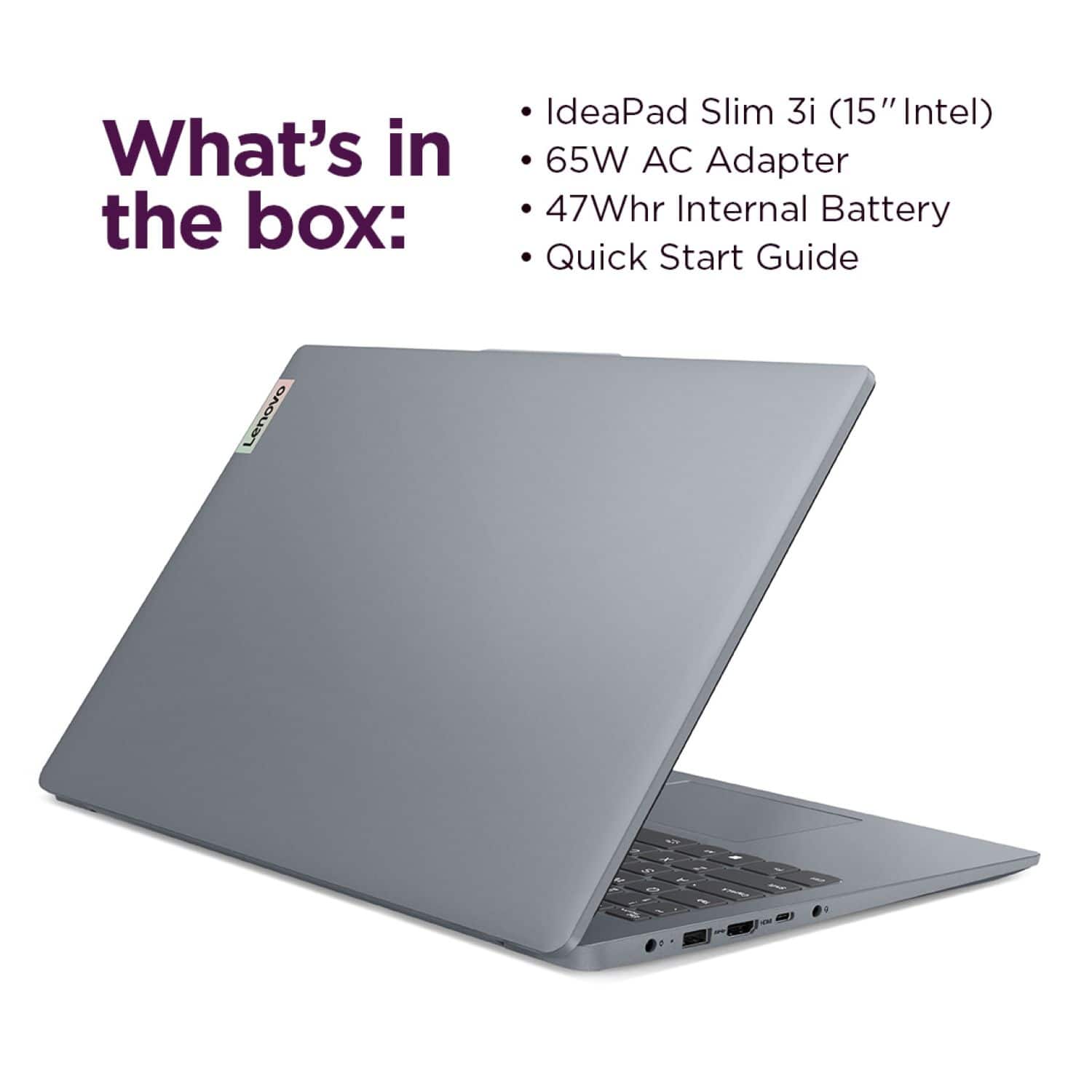
You can connect a wireless keyboard and mouse simultaneously, but connecting two monitors will need additional hardware. You can connect monitor A via the laptop's HDMI port, but monitor B will need to be connected via an adapter (USB-A or USB-C) that does not rely on DP Alt Mode to enable video output.
Please feel free to reach out to us with any other questions!
A:AnswerHey there,
This IdeaPad Slim 3i does feature the new Media Player, but you can use the Legacy Windows Media Player app as well.
Please feel free to reach out to us with any other questions!
A:AnswerHi El,
Yes, this IdeaPad Slim 3i features Windows 11 Home in S mode. Should you wish to learn more about S-mode, please read below:
Windows 11 in S mode offers a more secure, lighter version of the Windows 11 Operating System that only allows the downloading of applications from the Microsoft Store. If you try to launch or install an executable or .exe file, the system prevents it. Should you desire to switch to Windows 11 Home, here is a link to a Microsoft webpage that shares how to do so: https://support.microsoft.com/en-us/windows/windows-10-and-windows-11-in-s-mode-faq-851057d6-1ee9-b9e5-c30b-93baebeebc85
Please feel free to reach out to us with any other questions!
A:AnswerHi GoJLD74,
You can wirelessly connect this PC to external displays that support Miracast. To learn more, please visit this Microsoft Support webpage: https://support.microsoft.com/en-us/windows/screen-mirroring-and-projecting-to-your-pc-or-wireless-display-5af9f371-c704-1c7f-8f0d-fa607551d09c
Please feel free to reach out to us with any other questions!
A:AnswerHi Photomanliny,
This IdeaPad Silm 3i does not feature an additional storage slot for expansion, and the preinstalled storage drive cannot be swapped out as it is installed on the systemboard.
Please feel free to reach out to us with any other questions!
A:AnswerHi Billy,
Based on the user reviews this IdeaPad Slim 3i has received thus far, there are many users who feel their laptop is easy to use. If you run into any issues with navigating the system or wishing to learn where certain features can be accessed, we're happy to help.
Please feel free to reach out to us with any other questions!
A:AnswerHi Shall,
The system comes with McAfee Security preinstalled (30-day trial), along with Windows Security that's built into the system operating system. Here's a link to learn more about Windows Comprehensive Security: https://www.microsoft.com/en-us/windows/comprehensive-security?r=1
Regarding basic programs, the system comes with many that are standard for Windows systems, like the Microsoft Edge browser, but Google Chrome is not preinstalled, as it is not a Microsoft partnered product. Although, you can download the app yourself after device setup.
Please feel free to reach out to us with any other questions!
A:AnswerHey Adriel,
The system comes with McAfee Security preinstalled (30-day trial), along with Windows Security that's built into the system operating system. Here's a link to learn more about Windows Comprehensive Security: https://www.microsoft.com/en-us/windows/comprehensive-security?r=1
Please feel free to reach out to us with any other questions!
A:AnswerHi Diaz91,
Yes, you can switch from Windows 11 Home in S mode to standard Windows 11 Home. If you would like assistance with understanding the process, please visiting this Microsoft Support webpage: https://support.microsoft.com/en-us/windows/windows-10-and-windows-11-in-s-mode-faq-851057d6-1ee9-b9e5-c30b-93baebeebc85, as it shares the respective steps to follow to complete the process.
Please feel free to reach out to us with any other questions!
A:AnswerHi Rr,
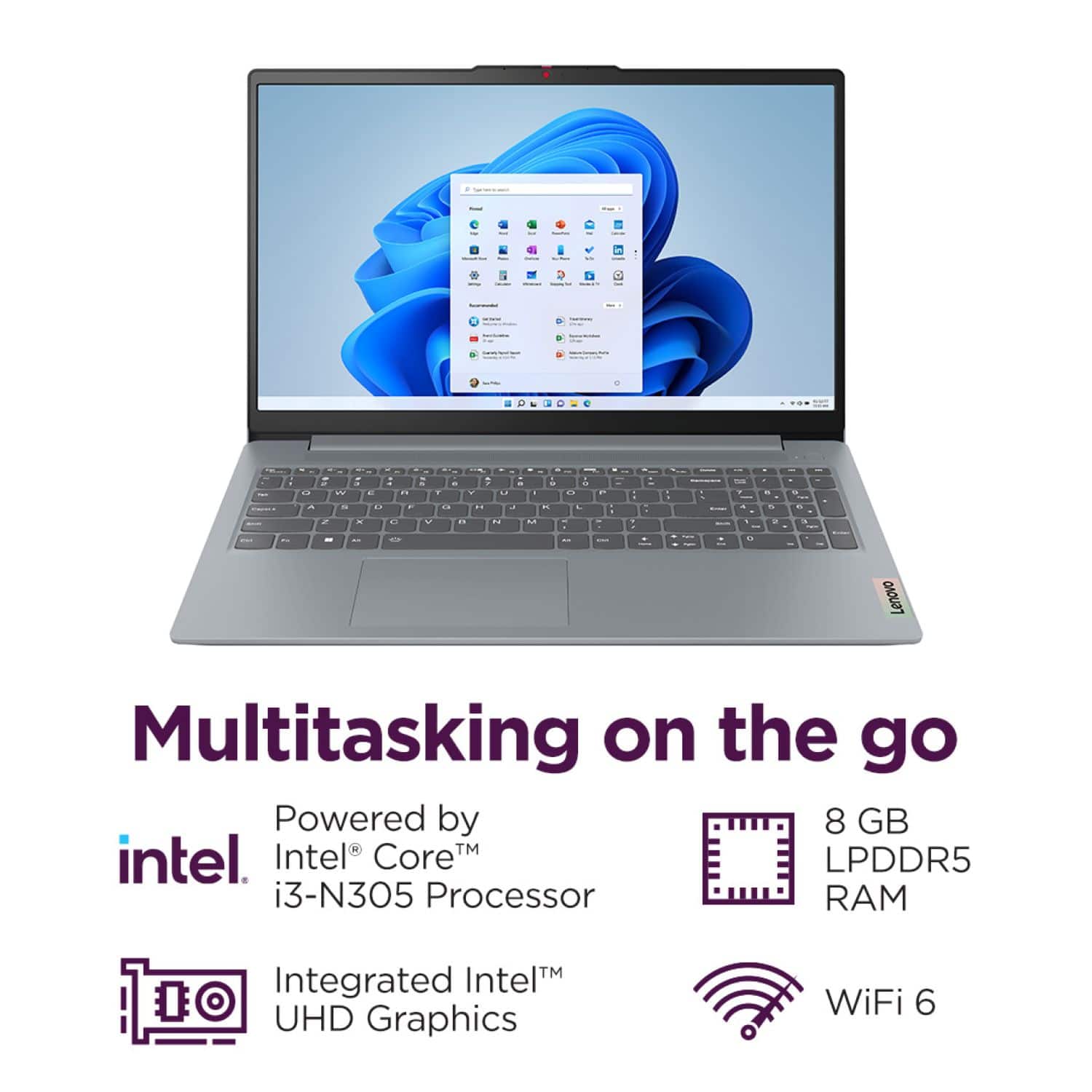
By wireless, if you're referring to cellular connectivity, this system does not support this function. If you are referring to a Wi-Fi connection--yes, this IdeaPad Slim 3i features Wi-Fi 6 connectivity, which can be used during device setup.
Please feel free to reach out to us with any other questions!
A:AnswerHi kimdup66,
Although this IdeaPad Slim 3i does not feature an ethernet port, you can achieve a wired internet connection by using a USB-C or USB-A to ethernet adapter.
Please feel free to reach out to us with any other questions!
A:AnswerHey Asmare,
The system's included power adapter should handle this, as it is designed to operate between 100-240V.
Please feel free to reach out to us with any other questions!
A:AnswerHi there,
This is not possible for this model IdeaPad Slim 3i, as it does not feature keyboard backlighting.
Please feel free to reach out to us with any other questions!
A:AnswerHey Flaco,
This IdeaPad Slim 3i does not feature a fingerprint reader or facial recognition to support biometric login.
Please feel free to reach out to us with any other questions!
A:AnswerHey KO,
Yes, this IdeaPad Slim 3i and most other Lenovo IdeaPad laptops will support this use.
Please feel free to reach out to us with any other questions!