Year-End SaleEnds 1/1/26. Limited quantities. No rainchecks.

Main Content

Questions & Answers

Your price for this item is $977.99
Clearance
The comparable value price is $1,149.99
Page Showing 21-30 of 30 questions
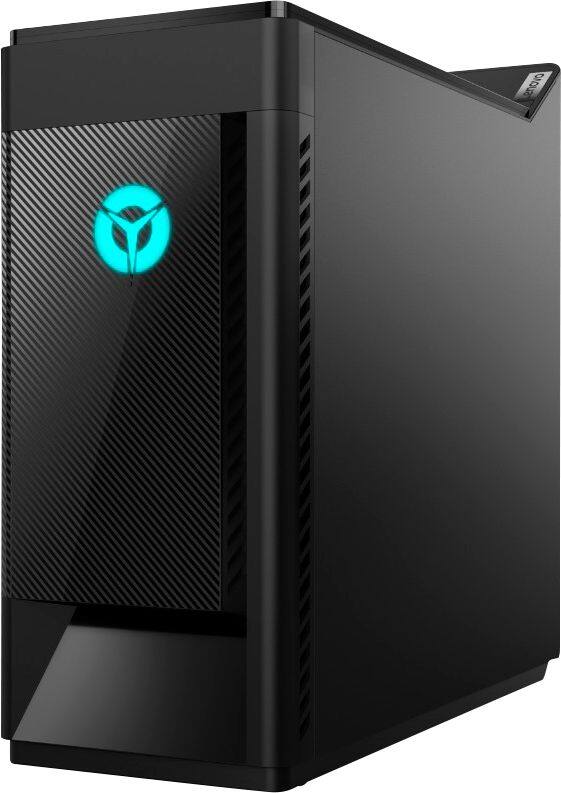
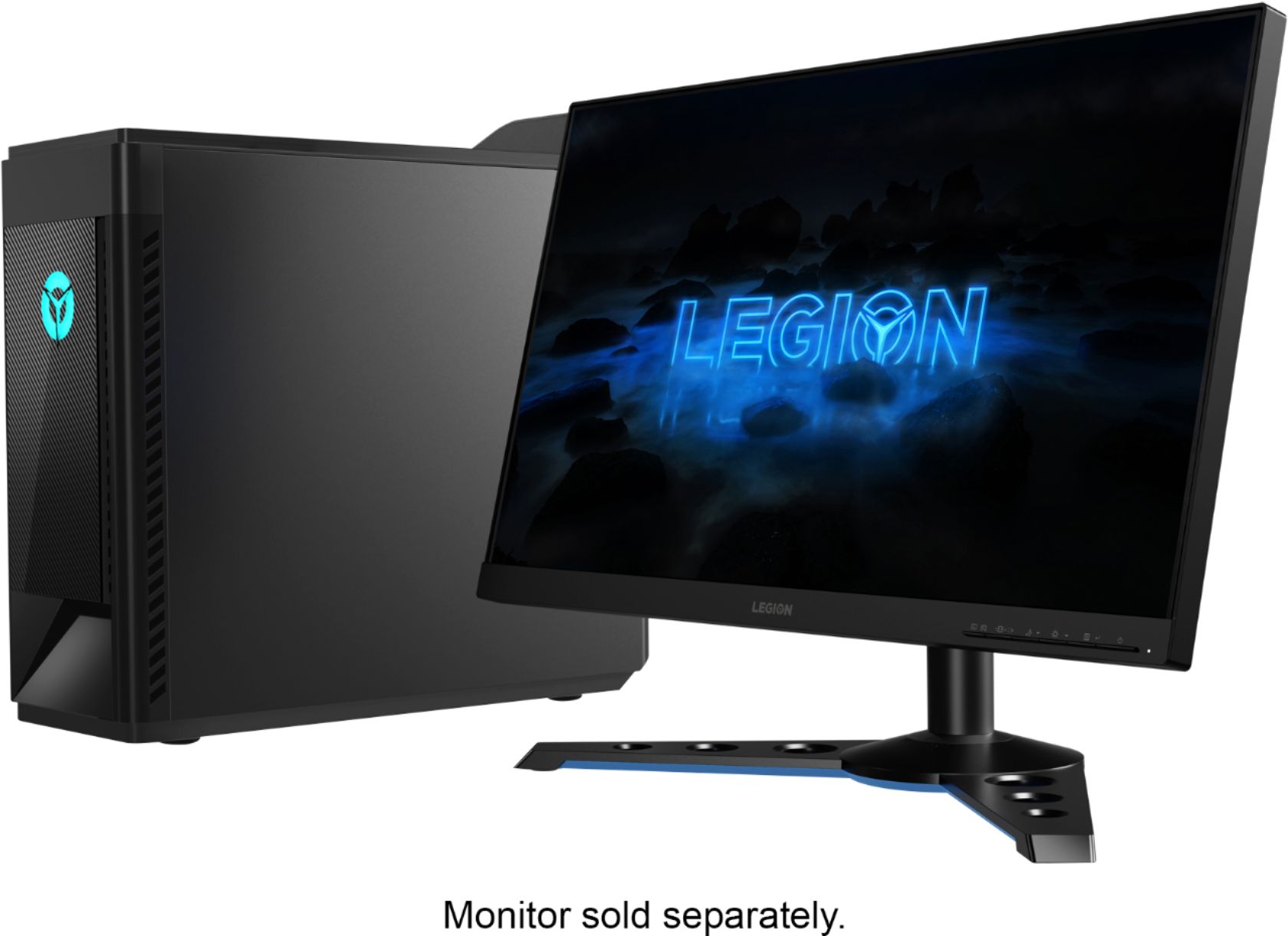
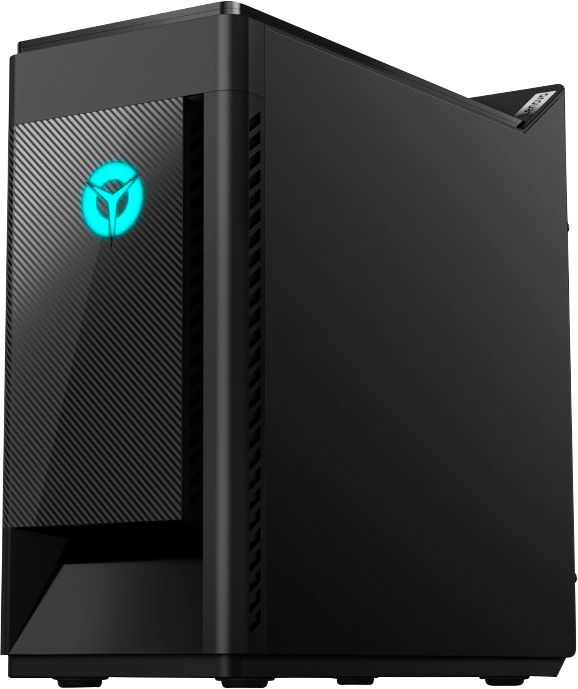
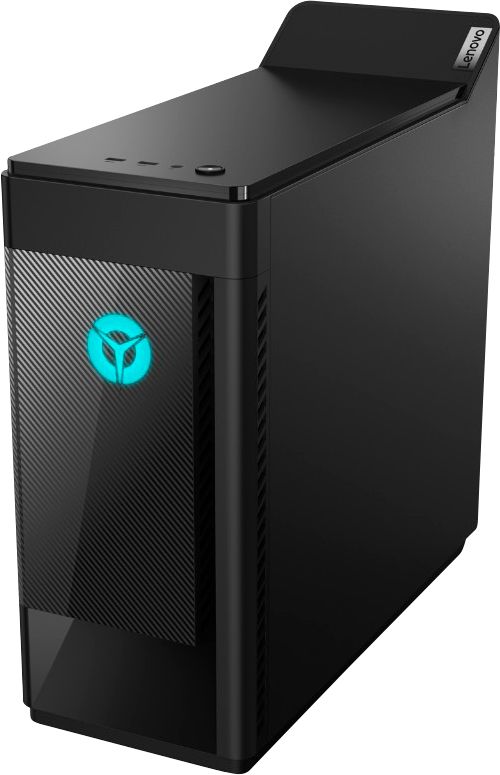
  • QuestionIn the overview section it states that the Lenovo pc is included and a mouse and keyboard, my question is, how do they look like because it doesn't show on the images of the pc?

    Asked by WhatsIncluded.

    • Answer I wouldn't even call them a keyboard and mouse. They are both terrible. Invest in a gaming keyboard as the one included is super thin, the keys aren't responsive and just feels super cheap. The mouse isn't good either, plain jane mouse with an orange wheel in the middle. Neither light up like so many other companies have nowadays. I would include a photo but I donated mine to a good will because they suck. As a matter of fact, one of my older keyboards I purchased from Big Lots a few years ago for $8 was 10x better! The mouse isn't great for pin point tracking either. I bought a Logitech mouse for $25 and was great. I have purchased 7 machines from Lenovo so far and I am really disappointed with this particular model.

      Answered by Nick

  • QuestionHello, What about 220 v?

    Asked by Eziz.

    • Answer The Lenovo Legion Gaming Desktop, model number 81VS0001US, ships with a USA wall side plug and runs on 110V power. To use with 220V, you will need a power converter to 110V and a compatible wall side plug for the country the computer will be used in.

      Answered by Lenovo Product Expert

  • QuestionDoes this Pc have wifi in it?

    Asked by Anonymous.

    • Answer yes

      Answered by Nick

  • QuestionCan u run 144fps on fortnite without FPS drop??

    Asked by Anonymous.

    • Answer That will depend on the requirements and compatibility of the specific game. We recommend you check with the game's software publisher's web site for their compatibility with Windows 10 Home 64-bit operating system and the minimum/recommended hardware requirements (Is a Graphics card required, the processor speed and the minimum required system RAM and the minimum available hard drive space) to run their program, then compare those requirements to this system's configuration.

      Answered by Lenovo Product Expert

  • QuestionIs the Lenovo - Legion Gaming Desktop still being made or has this desktop been discontinued?

    Asked by JoeMaxx.

    • Answer I just purchased mine last week. I haven't noticed any reviews on YouTube on this particular machine so I might just do one because I have a YouTube channel.

      Answered by Nick

  • QuestionCan a CD /DVD burner be added?

    Asked by Jimbo.

    • Answer sure, plenty of room inside but I use an external to keep the inside clean

      Answered by Nick

  • QuestionIs this PC easily customizable? Can I easily switch out the CPU, GPU, and RAM?

    Asked by Cleb.

    • Answer This PC is customizable. The RAM can be upgraded through Lenovo (I don't know if you can upgrade it with third party RAM). The GPU can be upgraded (I don't know if you can do it through Lenovo). I'd recommend getting the best GPU you can if you're going to get this computer, otherwise I believe you have to swap out the motherboard (and likely other things) as well. It also looks like you can buy a lot of different parts for this computer through Lenovo (if I remember right, Lenovo calls them CUP's or something like that) as I saw on the Lenovo website so this computer should be a good investment for a few years or more.

      Answered by MikeyTheGreat

  • QuestionHow many RAM slot does this particular model have? And what is the max RAM the machine can handle?

    Asked by MaxRam.

    • Answer This model has only 2 ram slots and it can handle 32gb ram. It comes with 16gb; I upgraded mine to 32gb with x2 16gb sticks.

      Answered by LexiLuProductions

  • QuestionCan the lights on the inside (side) be customized? If so, how?

    Asked by anon.

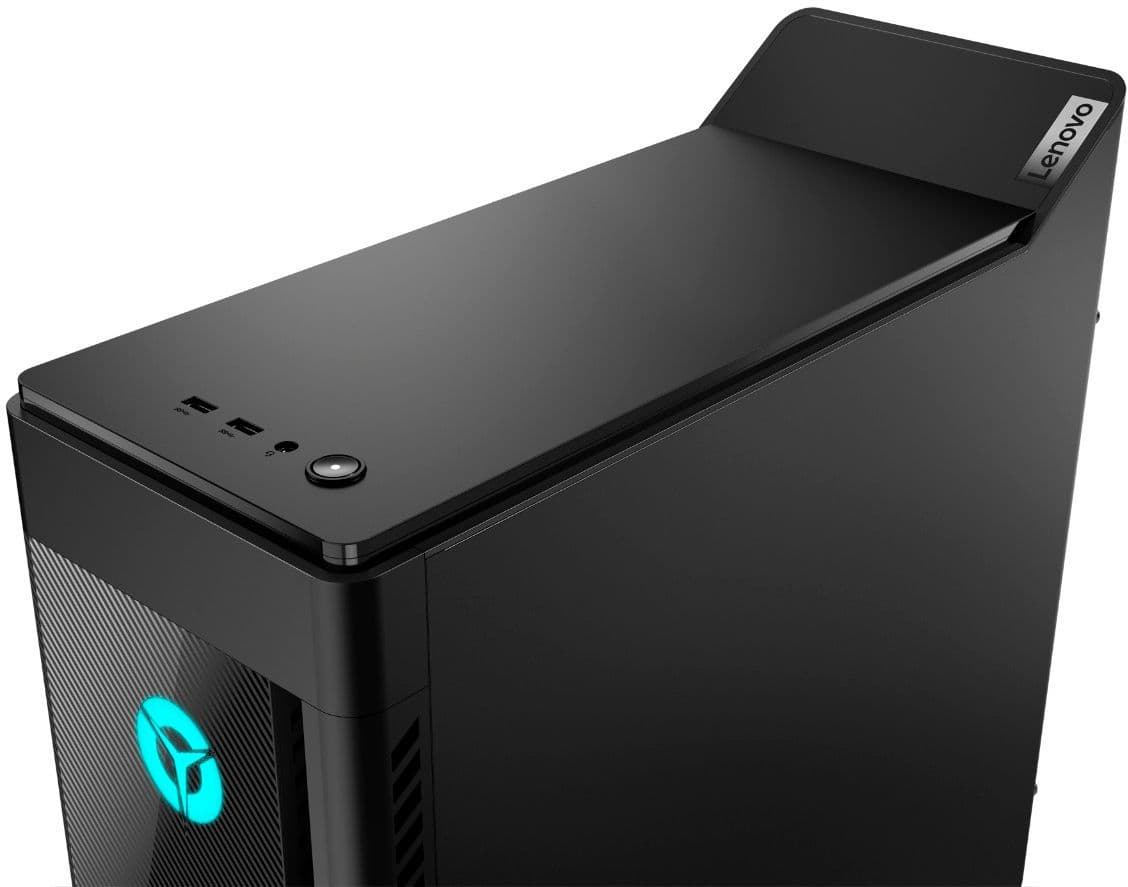
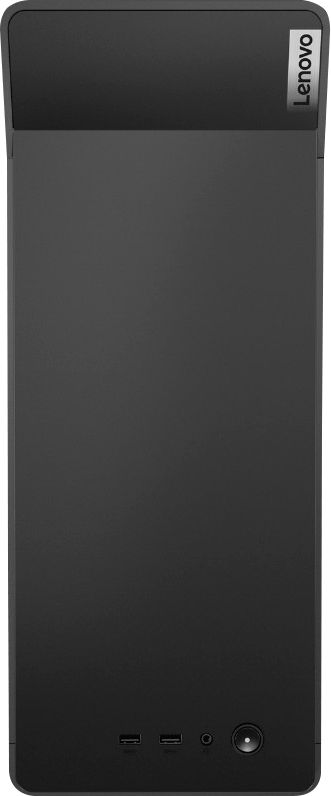
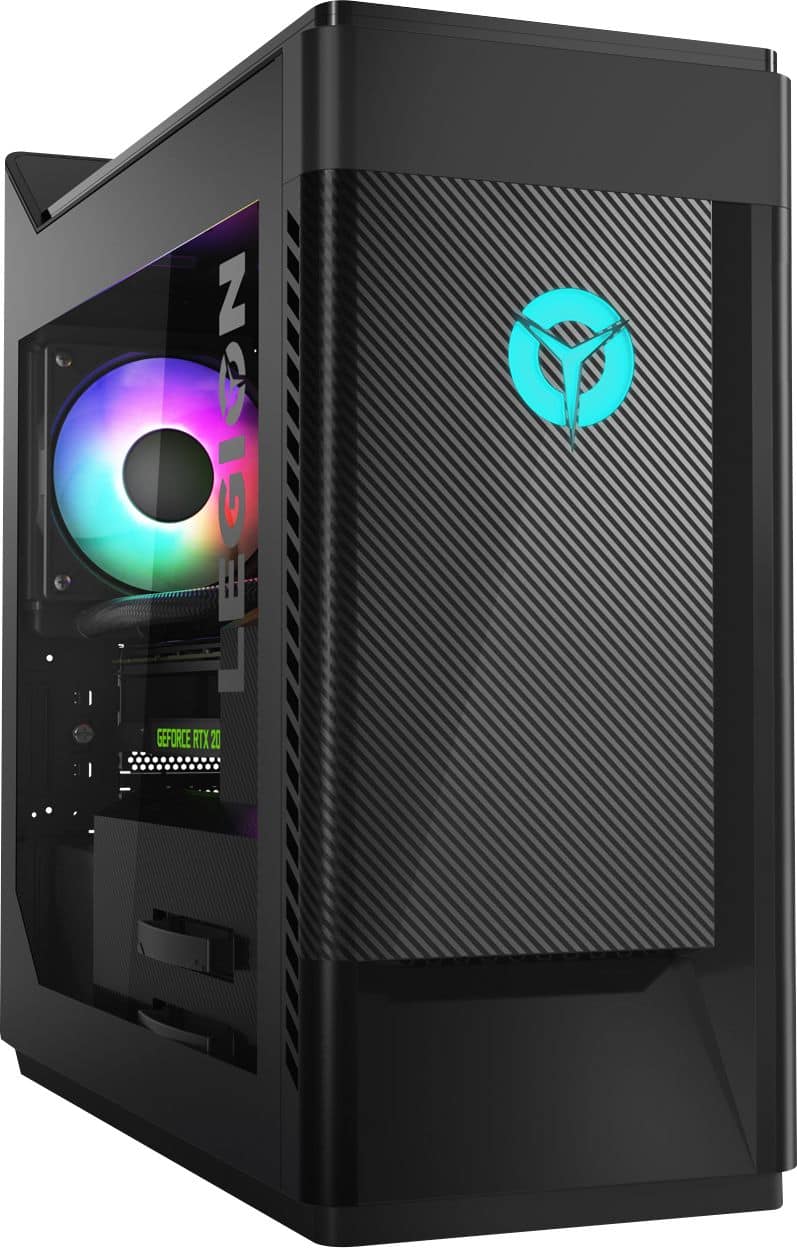
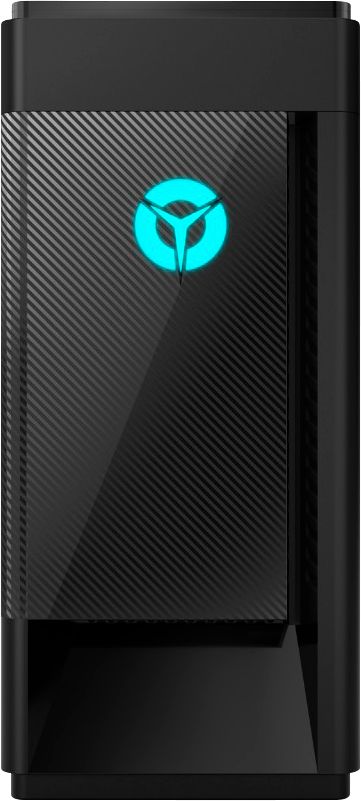
    • Answer The lights on the inside of the computer can be customized, but the logo on the front can't be (as far as I'm aware of). There's a problem with my computer though as I often have to reset my RGB LED lights back to Cyan after they keep defaulting to Rainbow colors after I shut down and turn my computer back on. The computer also keeps resetting the color configuration I've chosen (Cyan) on my G513 Carbon Logitech Keyboard to it's default as well. Last, the online manual shows you two buttons on the back, but doesn't explain how to use them. I haven't found a solution so far to these problems online or through the computer manual. Disappointing, but I'm putting up with it for now.
      Answered by MikeyTheGreat

  • QuestionHow do I keep my RGB LED's on my PC and keyboard from resetting? About every time I shutdown and turn back on my computer, my keyboard and computer LED lights reset. They don't stay the way I want them to.

    Asked by MikeyTheGreat.

    • Answer You can control the lighting effects through your Lenovo Vantage Dashboard. You can get more information by talking with a Legion Gaming Expert at Legion Ultimate Support at: 888-278-9707.

      Answered by Lenovo Product Expert