A:AnswerThe motherboard is the desktop. I think maybe you mean is there CPU's that are compatible with this motherboard? Yes each motherboard has a certain chipset that is compatible with a certain CPU. If you are keeping the CPU look for a mother board that supports that chip set.
A:AnswerHonestly I don’t know but I have 2 144 fps monitors and it runs perfectly fine so I think it can run more than 200 if u have the right monitor and settings
A:Answerno it should work fine. Did you keep the original in there? because you should there are two slots. put the 2nd one in the lower one under the graphics card. if you pulled the original one out you also pull out windows.,
A:Answerabsolutely not. it supports up to 124GB of ram but at speeds closer to 2133MHz. The OME stick is the fastest Ive seen. im running 32GB 3200 sticks at 2133
A:AnswerIt's a B550 motherboard, with a ryzen 2 chip in it. Ryzen 5 3600X
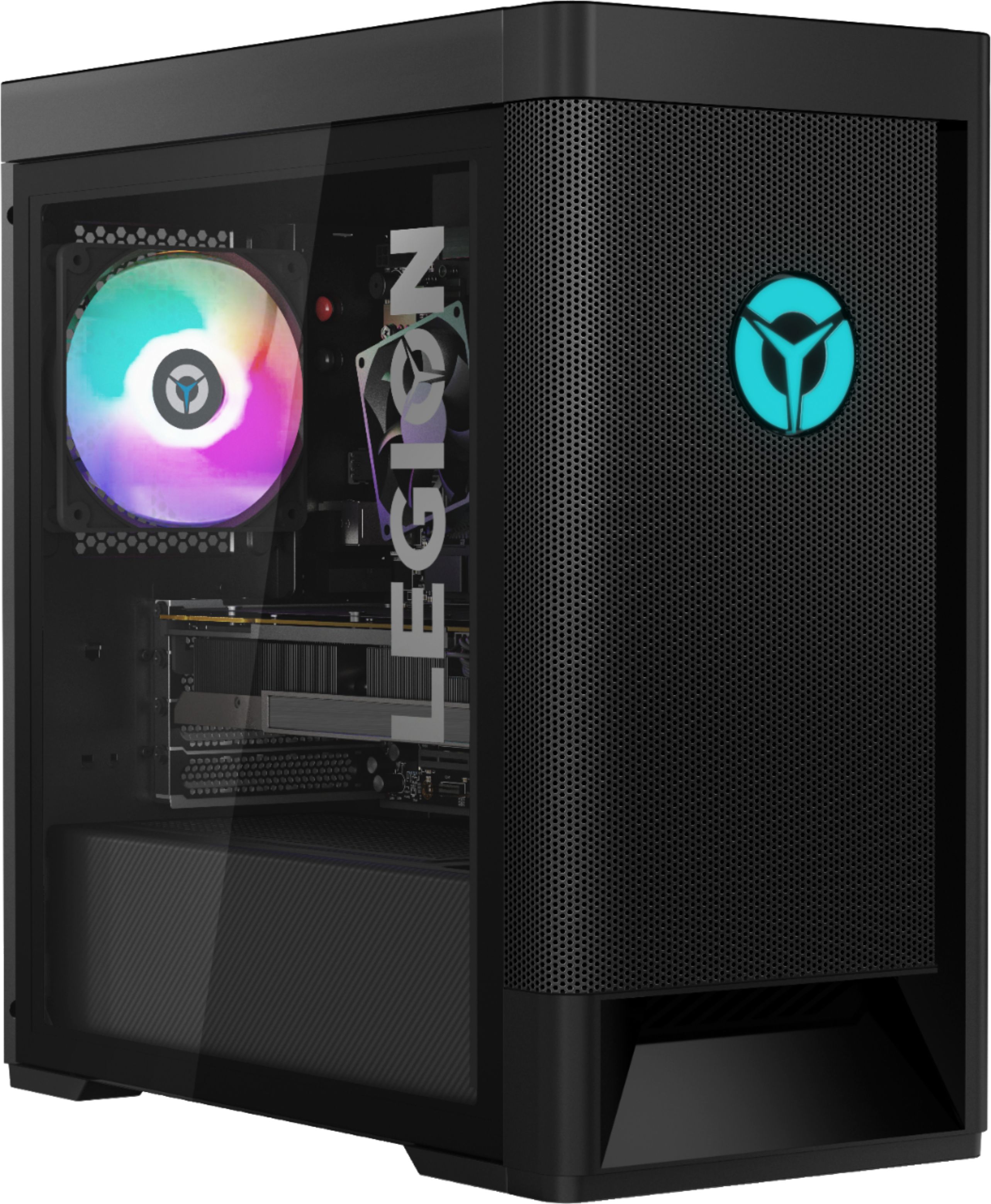
The only thing that would make me question whether the 3070 would work is the power supply. Not sure if it's big enough to handle the power draw of a 3070. It did have a 1650 super in it, though
A:AnswerHold the “shift” key and press to restart computer — Next you will select “troubleshoot” and then “advanced options” and finally “UEFI Firmware Settings” — select “restart”
At the UEFI setting screen when your PC restarts you will select “Devices” and then “Lighting Setup”. Make sure that the OY Lighting mode is on.
From there you can exit.
There may be an easier way but this is what I have found.
A:AnswerThe socket does have an Intel style mounting that uses M2.5 bolts. Make sure to get a cooler that supports both Intel and AMD sockets and the swap is possible, although you may have to install differently than specified in the manual. I also had to buy my own bolts as the kit I purchased did not include the size I needed and swapping the back plate is not feasible. FYI I used a Scythe Mugen 5 black edition (set up for push/ pull) and was able to get the bolts and washers I needed from the local Ace Hardware store.