Questions & Answers
- Model:
- 66AAGAC6US
- |
- SKU:
- 6430977
Highly rated by customers for: Refresh rate, Picture quality, Price
Page Showing 41-50 of 50 questions
Q: QuestionDoes it support gsync
Asked by Anonymous.
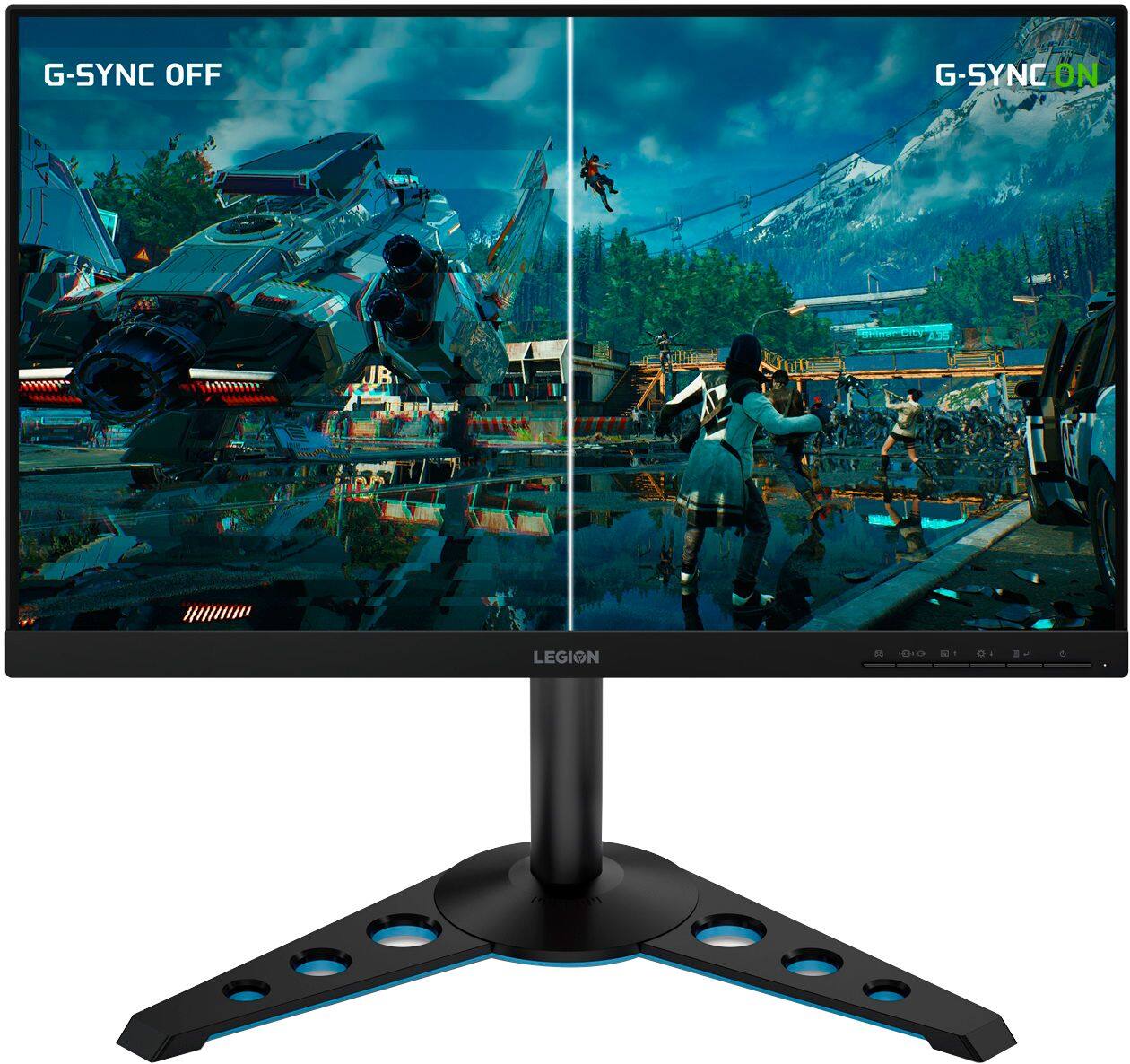
- A:Answer Yes. The Lenovo Legion Y25-25 Monitor, model number 66AAGAC6US is compatible with both: AMD FreeSync Premium / G-SYNC Compatible. Here is a link to more information about this monitor: https://psref.lenovo.com/Detail/Lenovo%20Monitors/Lenovo_Legion_Y2525?M=66AAGAC6US
Answered by Lenovo Product Expert

Q: QuestionWhy does it say this is a 144hz but you guys say it’s 240? Is this 100% a 240 monitor
Asked by Jak.
- A:Answer Yes the Legion Y25-25 Gaming monitor model #66AAGAC6US is a 240Hz Display. You can find this information and more on our official Lenovo Product Page by following this link https://psref.lenovo.com/Detail/Lenovo_Monitors/Lenovo_Legion_Y2525?M=66AAGAC6US
Answered by Lenovo Product Expert

Q: QuestionDose it run 240hz
Asked by Andrew.
- A:Answer Hi Andrew! Yes the Lenovo Legion y25-25 monitor model # 66AAGAC6US features 240hz refresh rate, FHD, IPS panel.
Answered by Lenovo Product Expert

Q: Questionwhat is the refresh rate on this panel?
Asked by sizz.
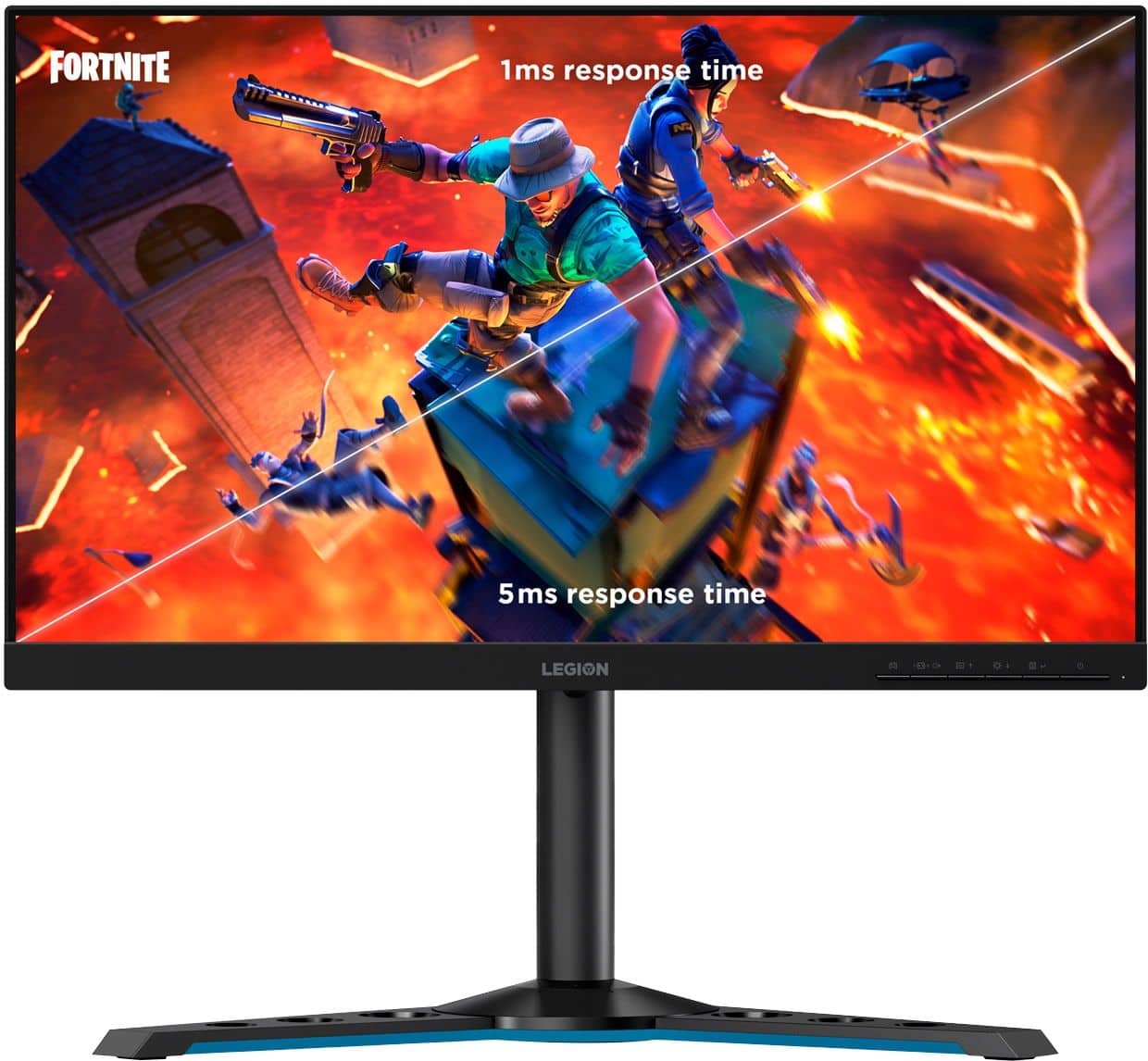
- A:Answer The Lenovo Legion Y25-25 model # 66AAGAC6US features a Full HD 1920 x 1080 resolution, 1 ms response time, with a 240 Hz refresh rate. Full specs can be found on the product page here https://www.bestbuy.com/site/lenovo-legion-y25-25-24-5-ips-led-fhd-freesync-gaming-monitor-raven-black/6430977.p?skuId=6430977
Answered by Lenovo Product Expert

Q: QuestionSetting up the monitor now and the brightness contract and color settings are grayed out. Anyone else have this happen and find a fix? Thanks!
Asked by RomJames.
- A:Answer Make sure your connecting your monitor directly to your GPU port and not on the motherboard. See if this helps.
Answered by John
Q: Questionis there a place where I can plug in my mouse or keyboard on the monitor?
Asked by Richar.
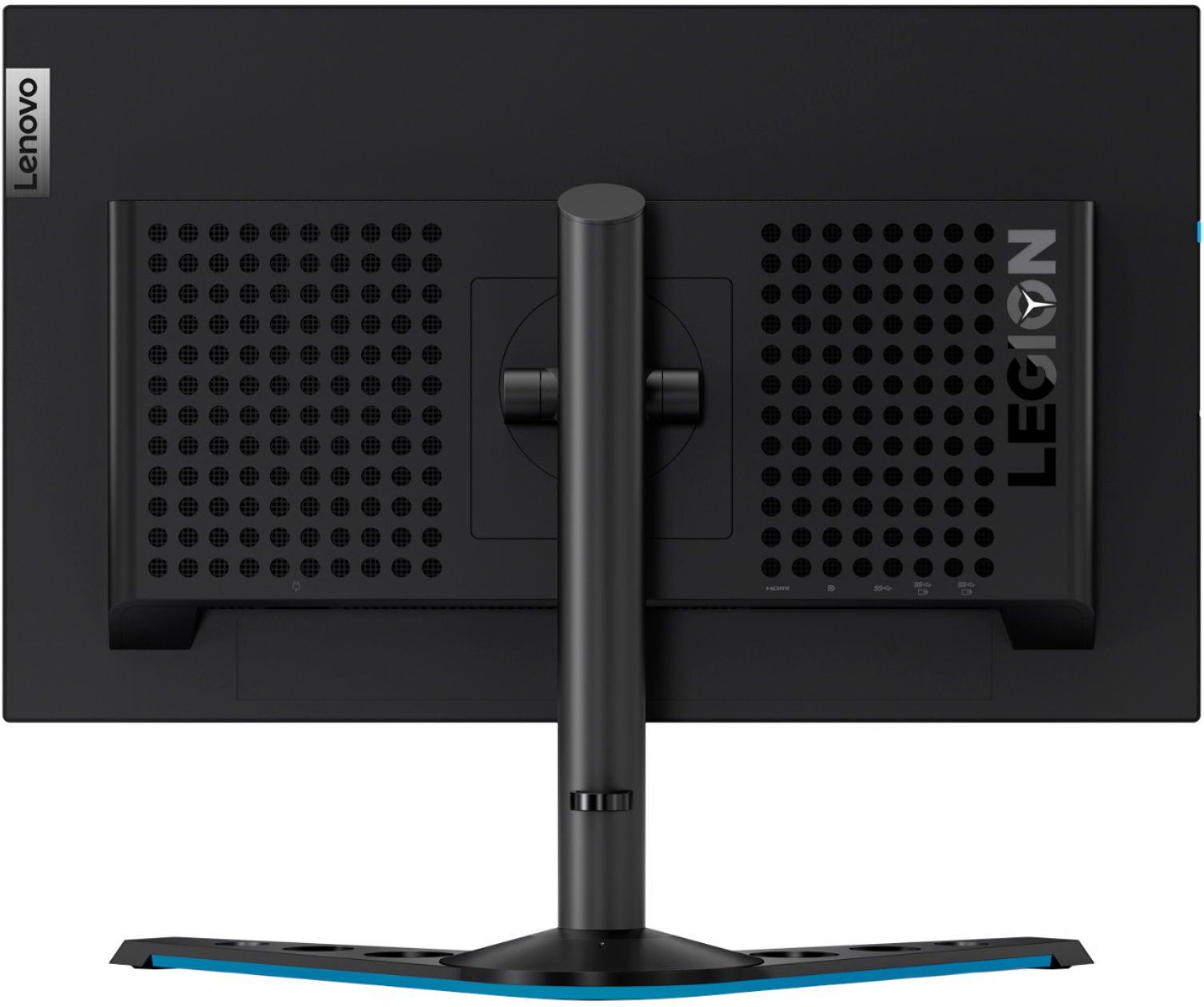
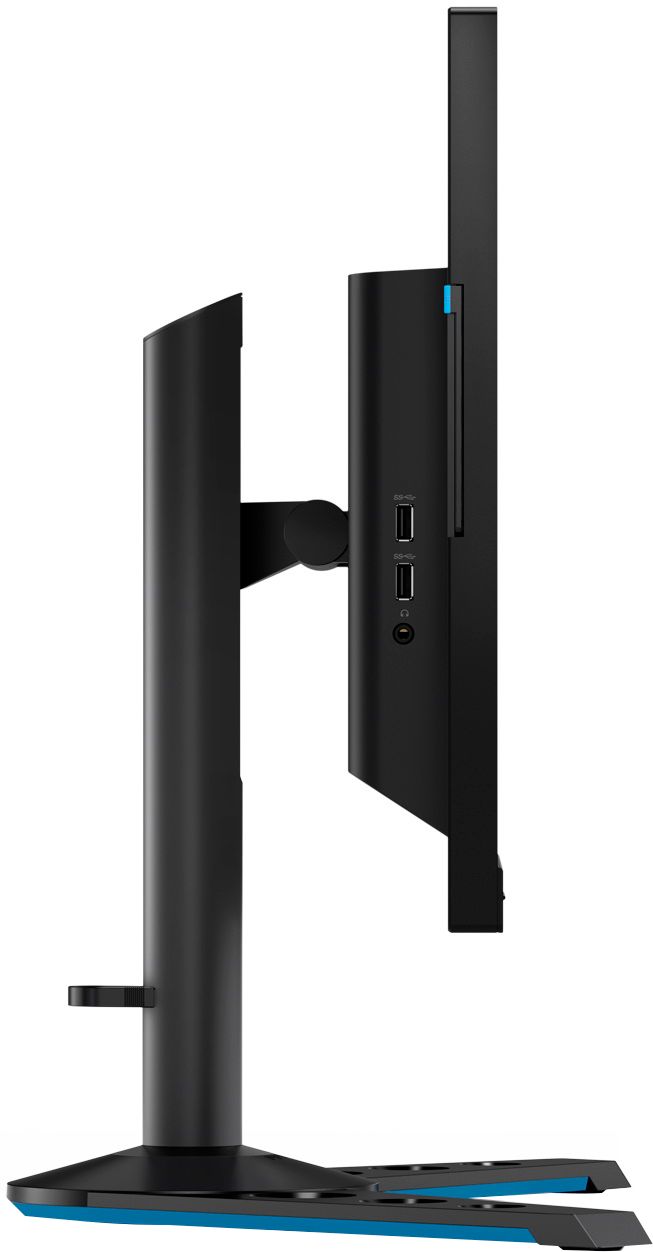
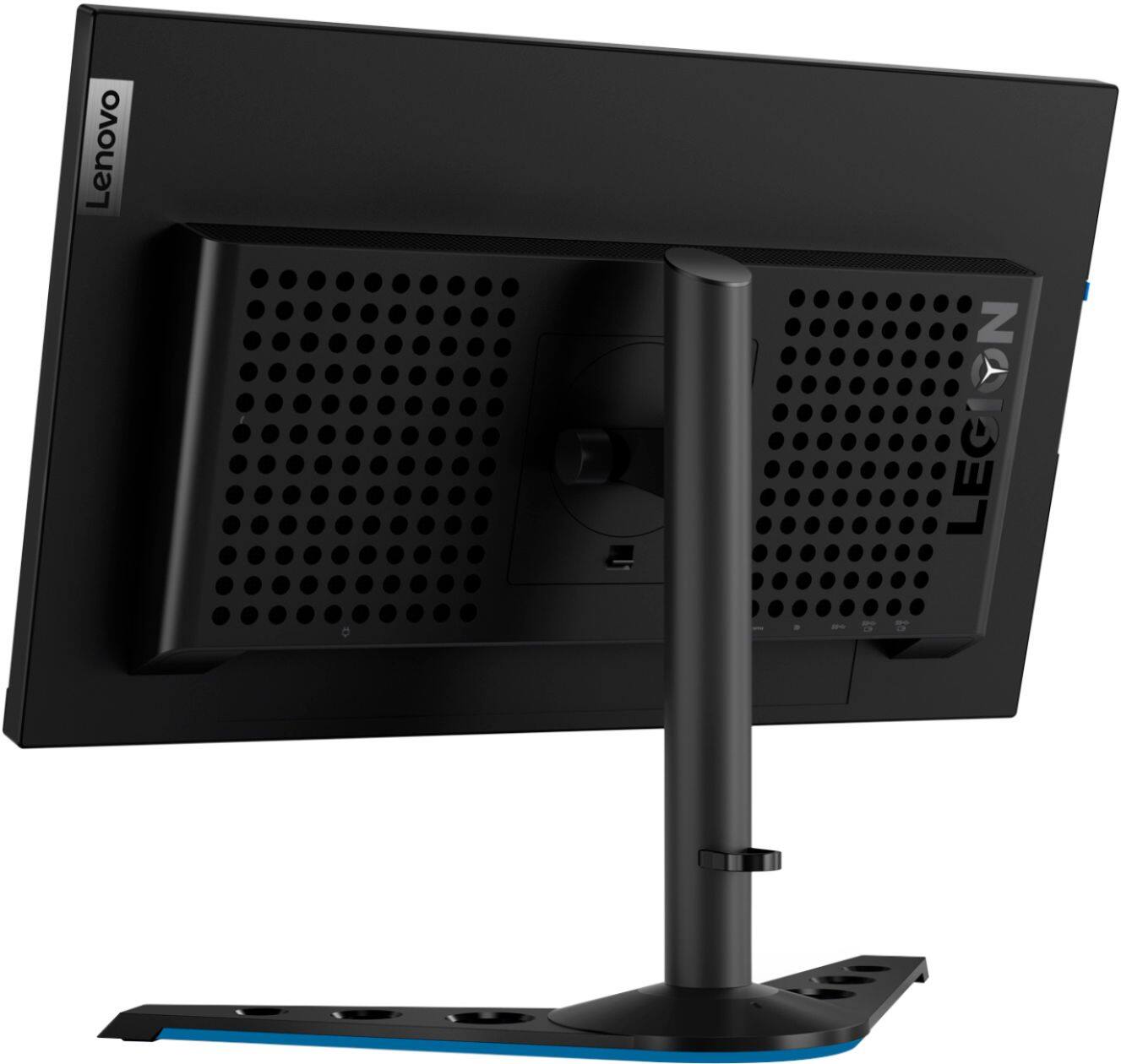
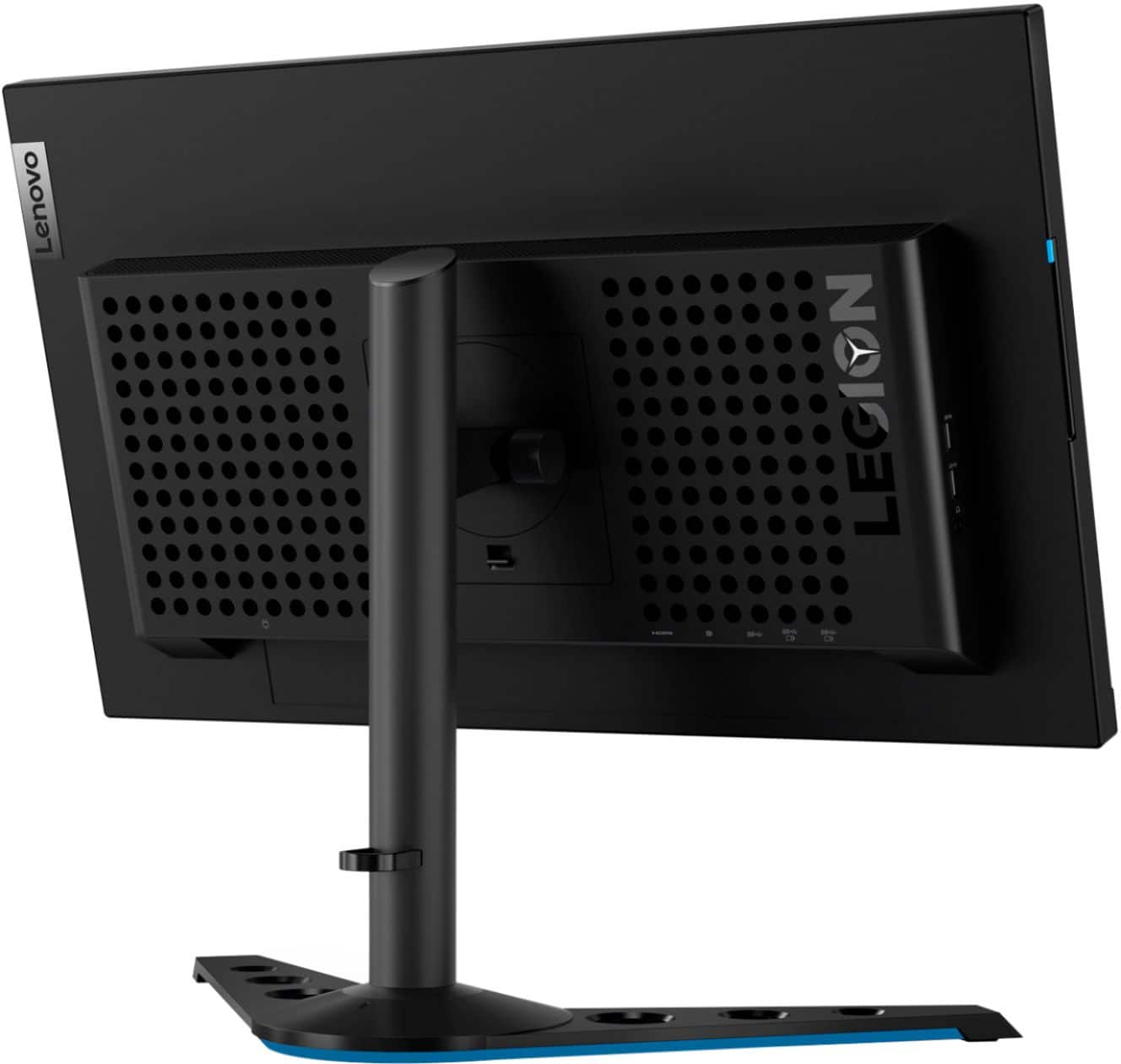
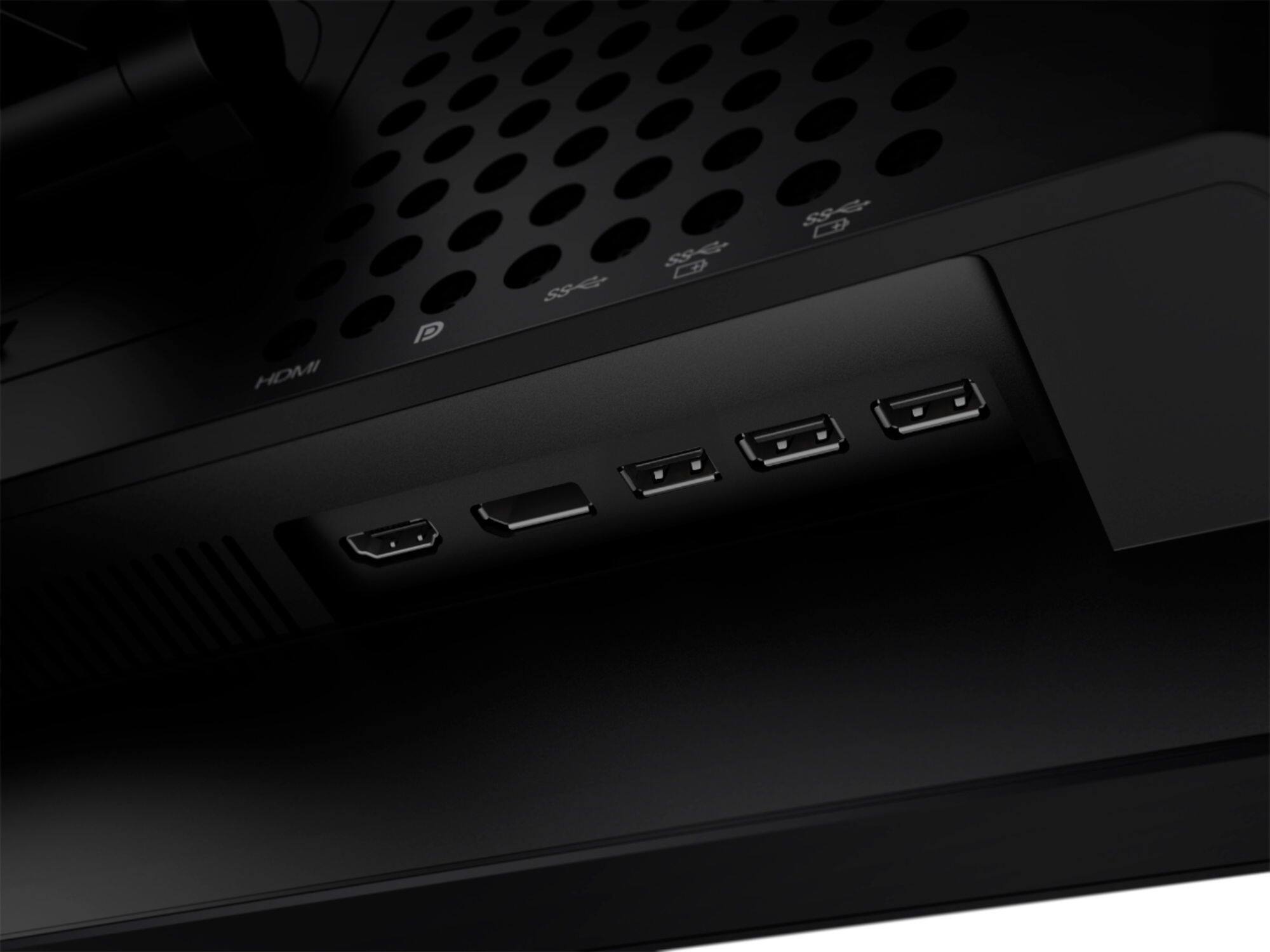
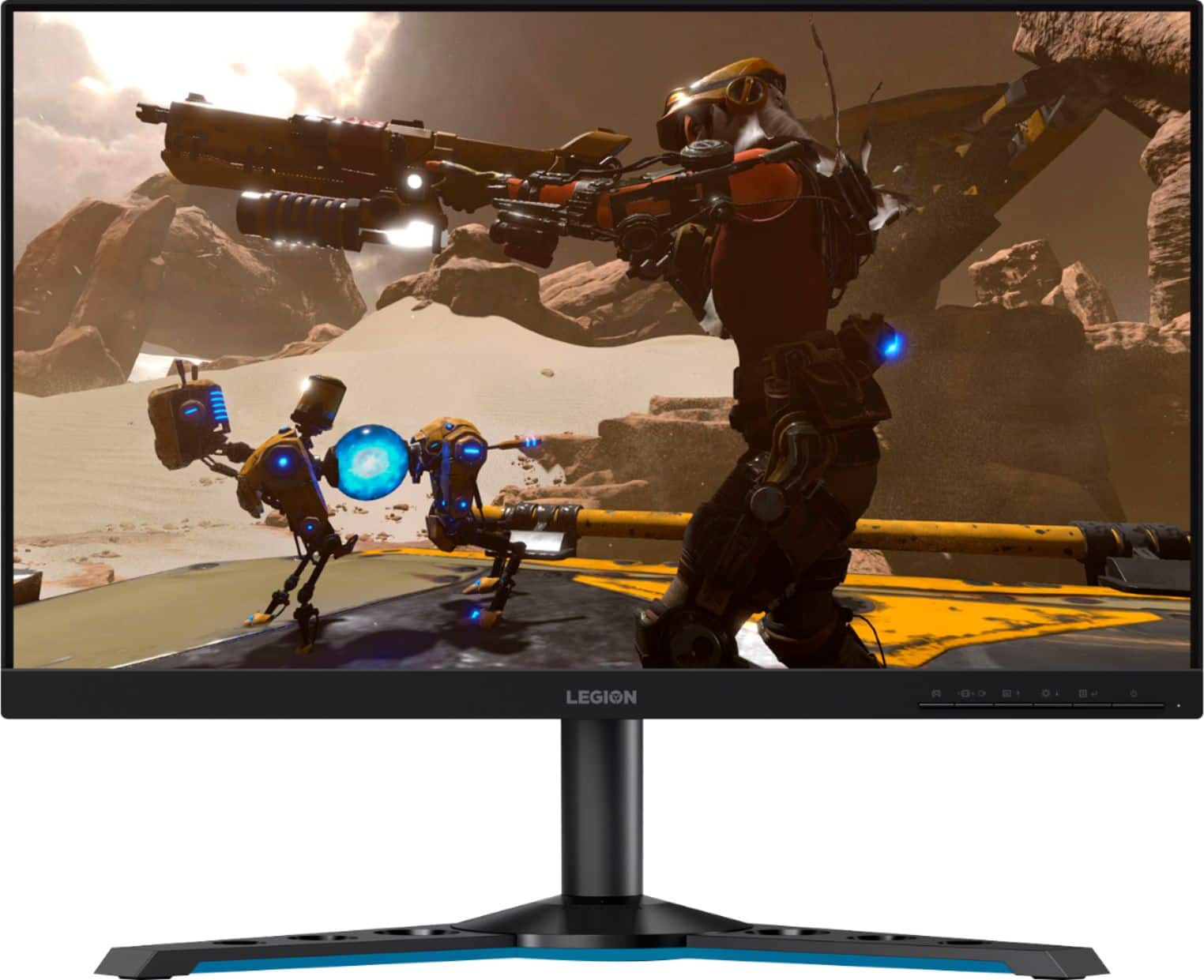
- A:Answer Yes. This Lenovo Legion Y25-25 Monitor, model number 66AAGAC6US, ships with USB-Hub feature and has 4x USB 3.2 Gen 1 (2x Battery Charge Capable 1.2) ports. Here is a link to the User Guide for this Legion Y25-25 monitor, which illustrates the USB-Hub features of this monitor on page 1.6: https://download.lenovo.com/consumer/monitor/y25_25_ug_en.pdf
Answered by Lenovo Product Expert

Q: QuestionWhy does the monitor info accessed via the menu button say that the max refresh rate is 60Hz
Asked by ysera.
- A:Answer Adjust your resolution through your GPU settings (NVDIA Control Panel or RADEON Control Panel). And also, check your Display and gpu settings on your Windows settings. Make sure they are both set to 240hz to get the most out of this beast of a monitor.
Answered by John
Q: QuestionDoes Y25-25 support HDR over its DisplayPort 1.2 connection, or only via HDMI? I've read HDR requires DP 1.4 to work. Also since G-Sync requires DP, will both HDR and G-Sync work at the same time?
Asked by Dasmius.
- A:Answer This Lenovo Legion Y25-25 Monitor, model number 66AAGAC6US has both 1 x HDMI 2.0 and 1 x DisplayPort 1.2 connections. HDR is available through either connection. This Legion Y25-25 Monitor has NVIDIA G-SYNC Compatibility, built in but NVIDIA G-SYNC only works through NVIDIA GeForce graphics cards. Check the specifications and capability of the specific NVIDIA Model GPU you will be using.
Answered by Lenovo Product Expert

Q: QuestionWhenever I move a game over onto this moniter screen and try to full screen or window full screen it the whole screen goes black. What should I do
Asked by Riley.
- A:Answer I’m pretty sure you have a stretch res on
Answered by Nobody
Q: QuestionCan I connect my usb keyboard and mouse to this monitor?
Asked by max.
- A:Answer No. You will need to connect the keyboard and mouse to the computer.
Answered by Lenovo Product Expert

Page 3, Showing 41-50 of 50 questions
Top Rated
- Tech Fest Deal$99.99