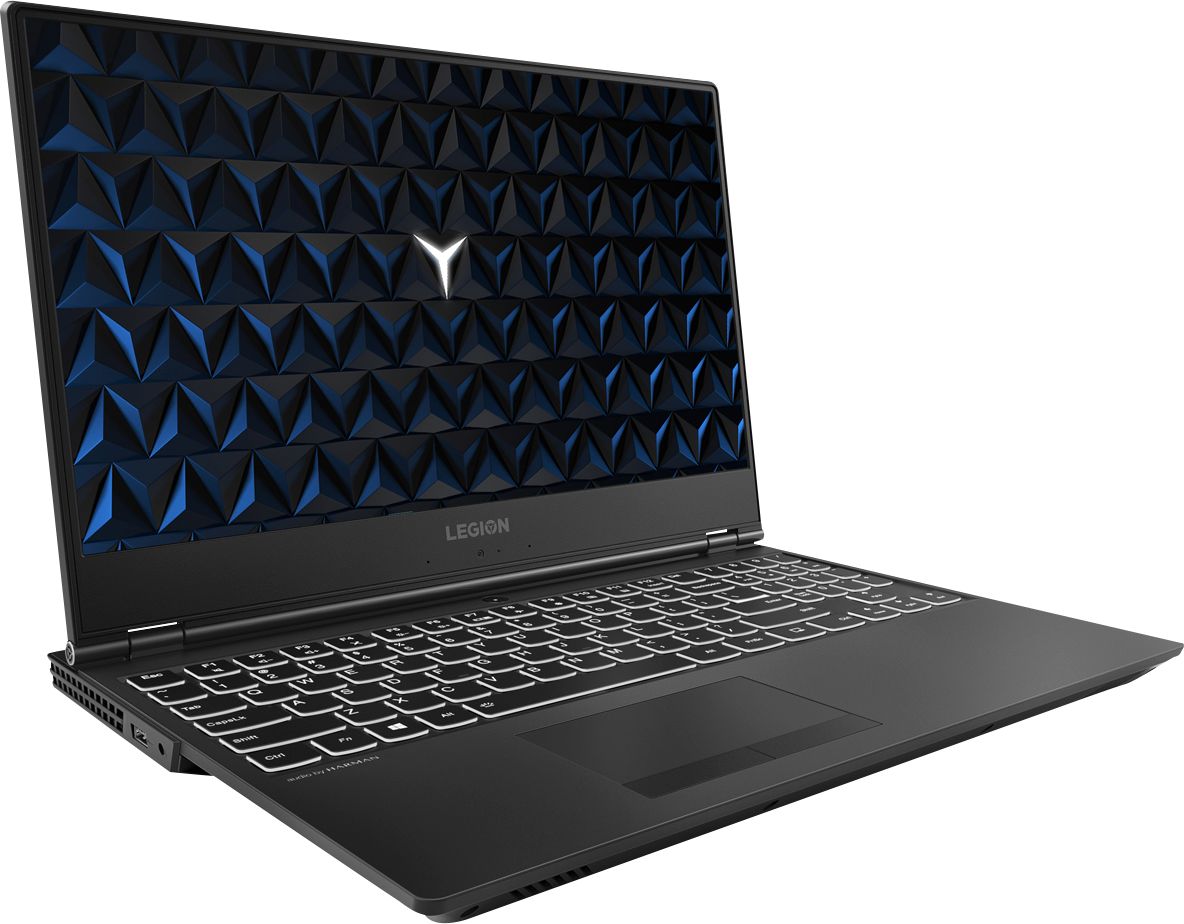
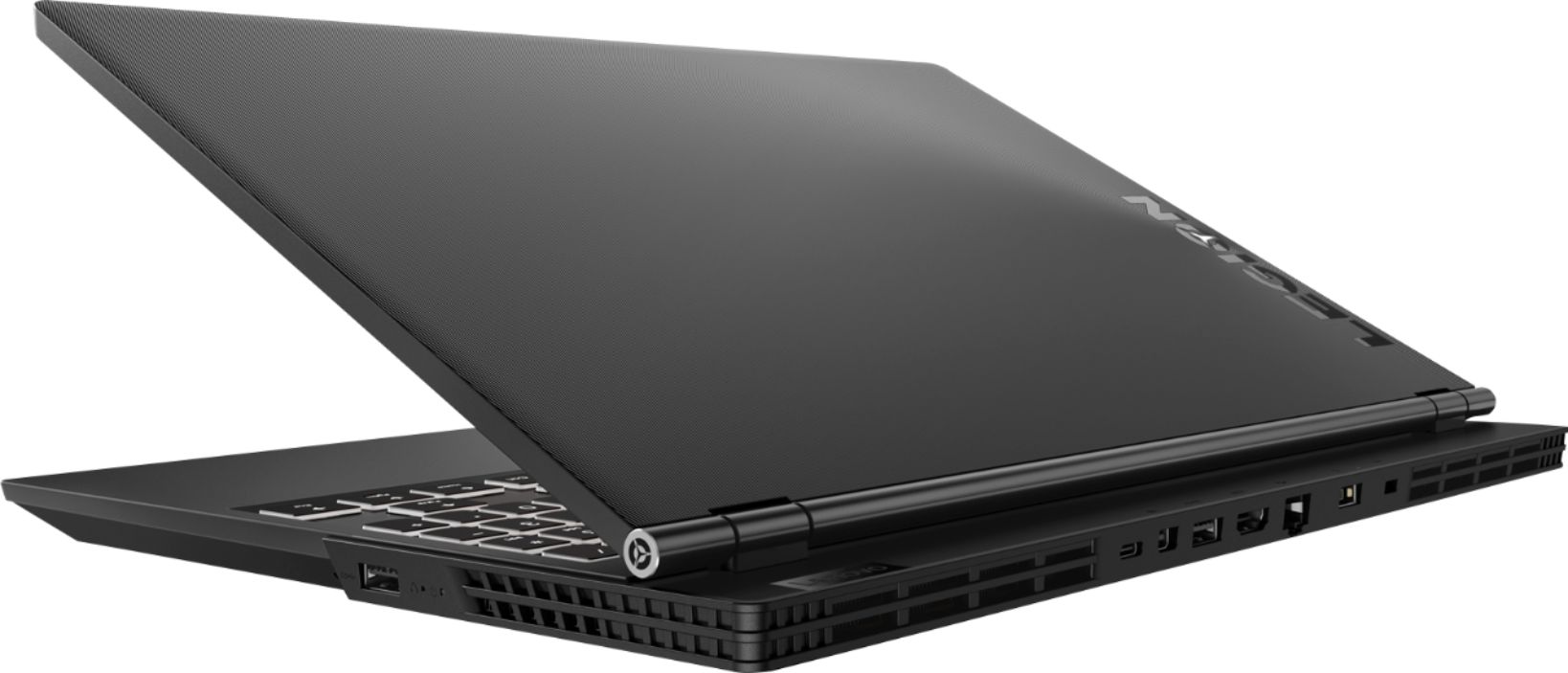
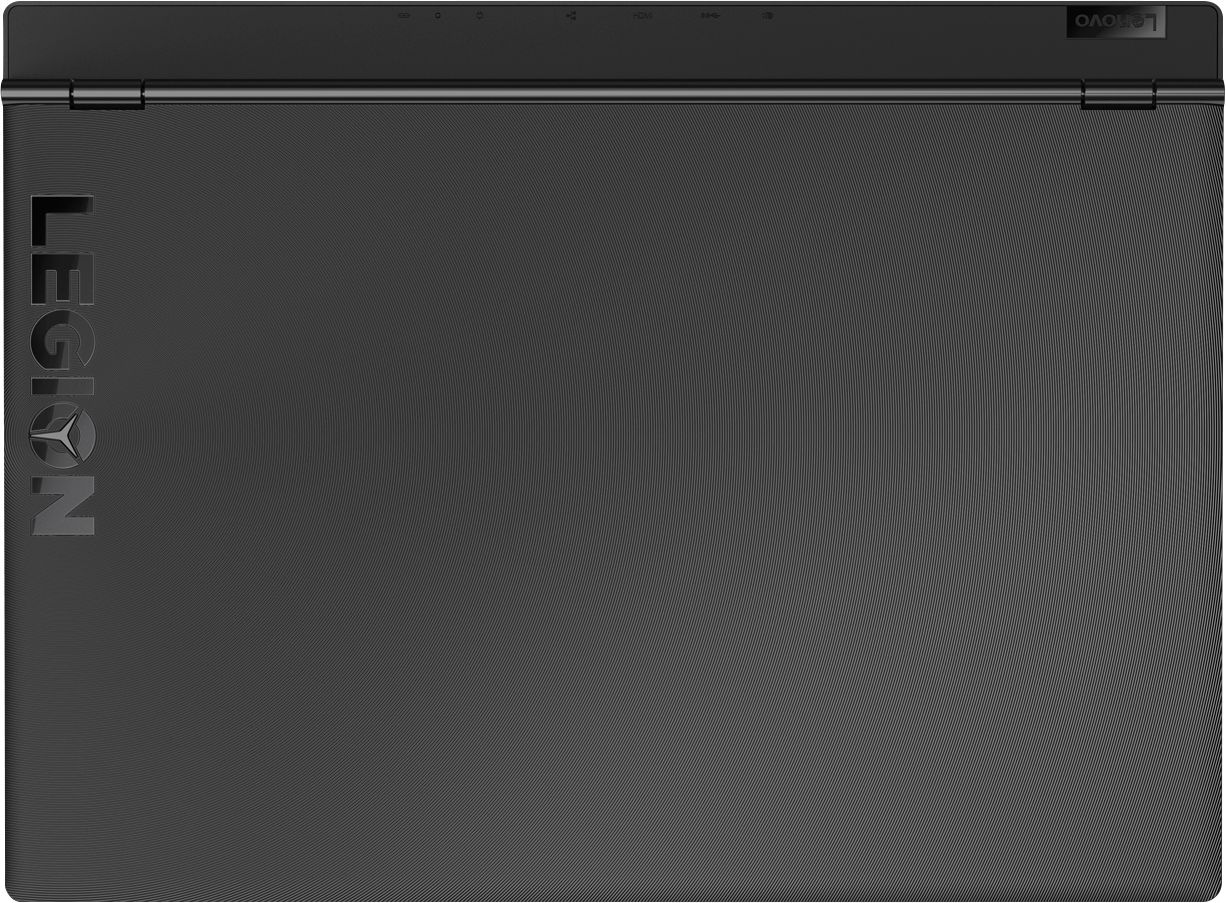
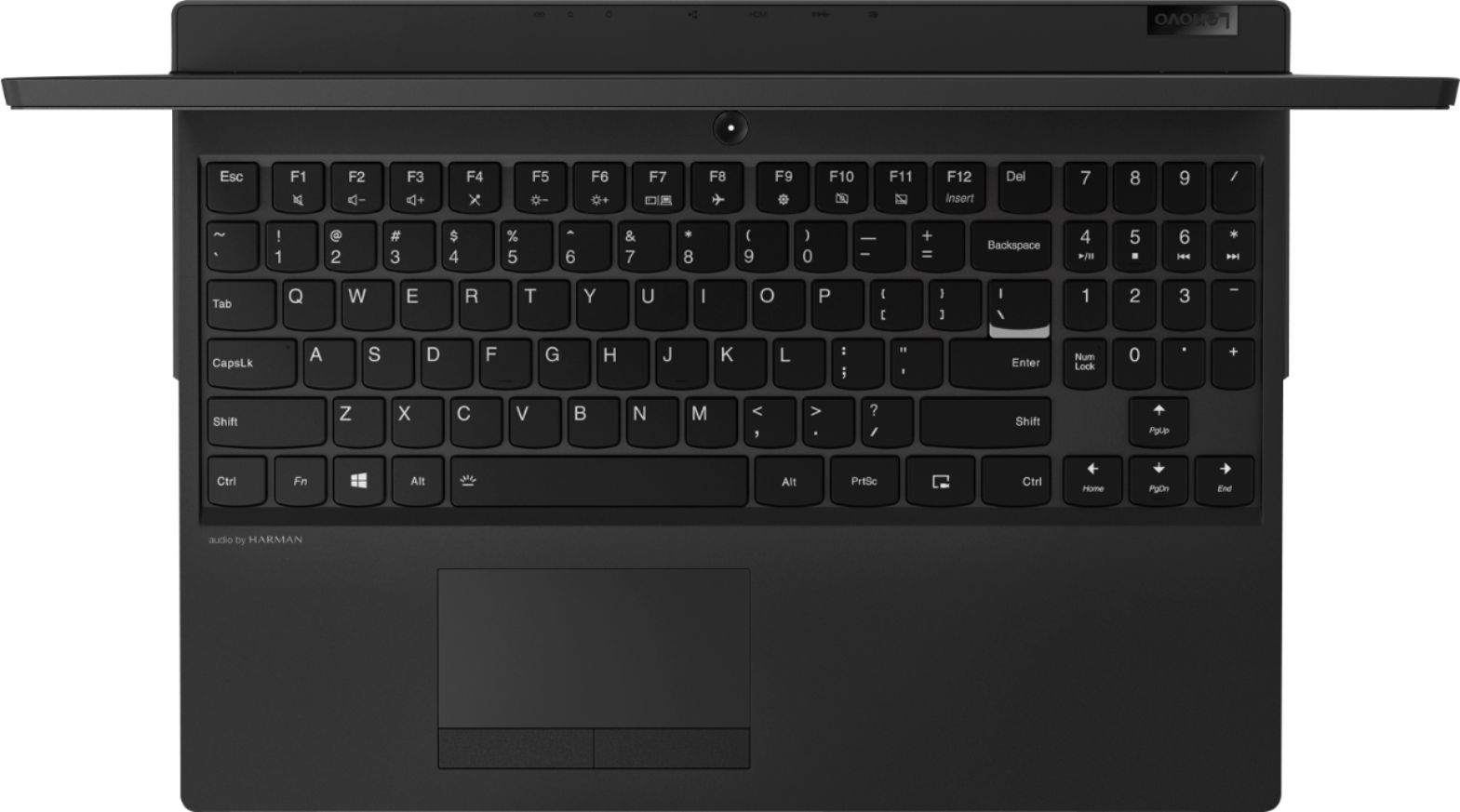
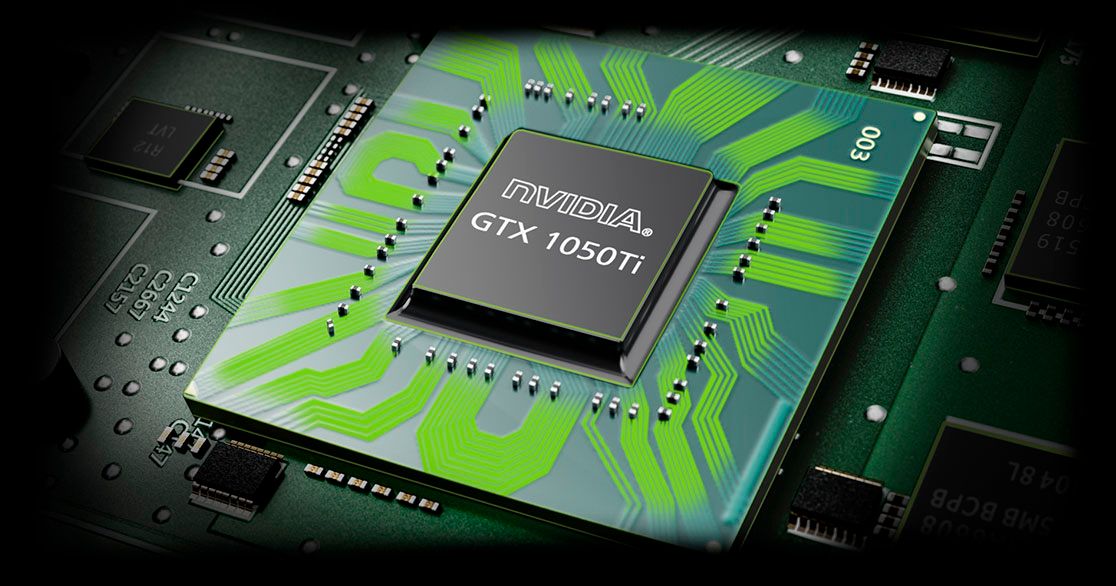
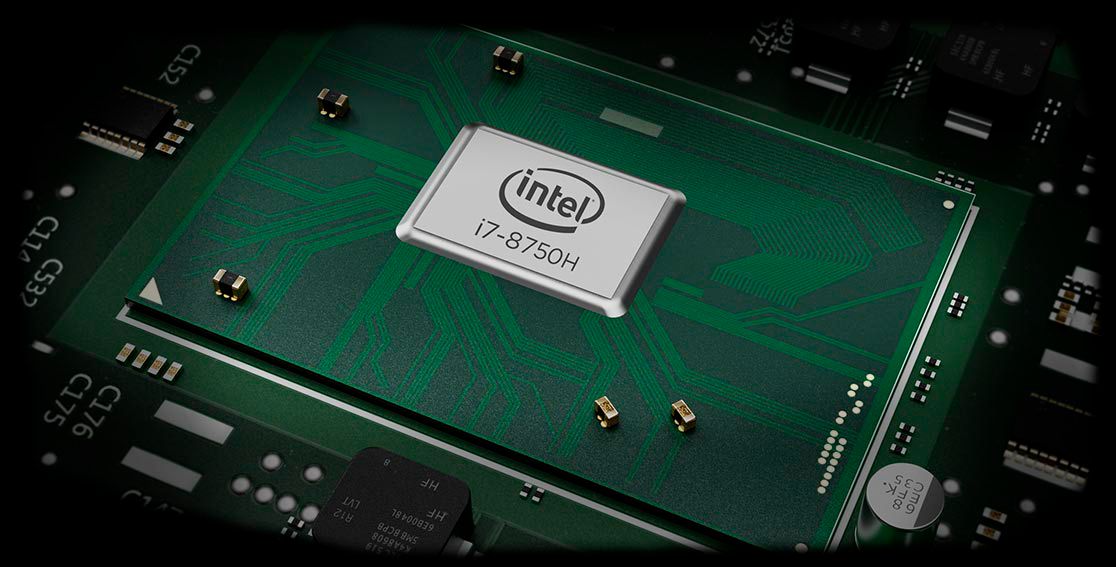
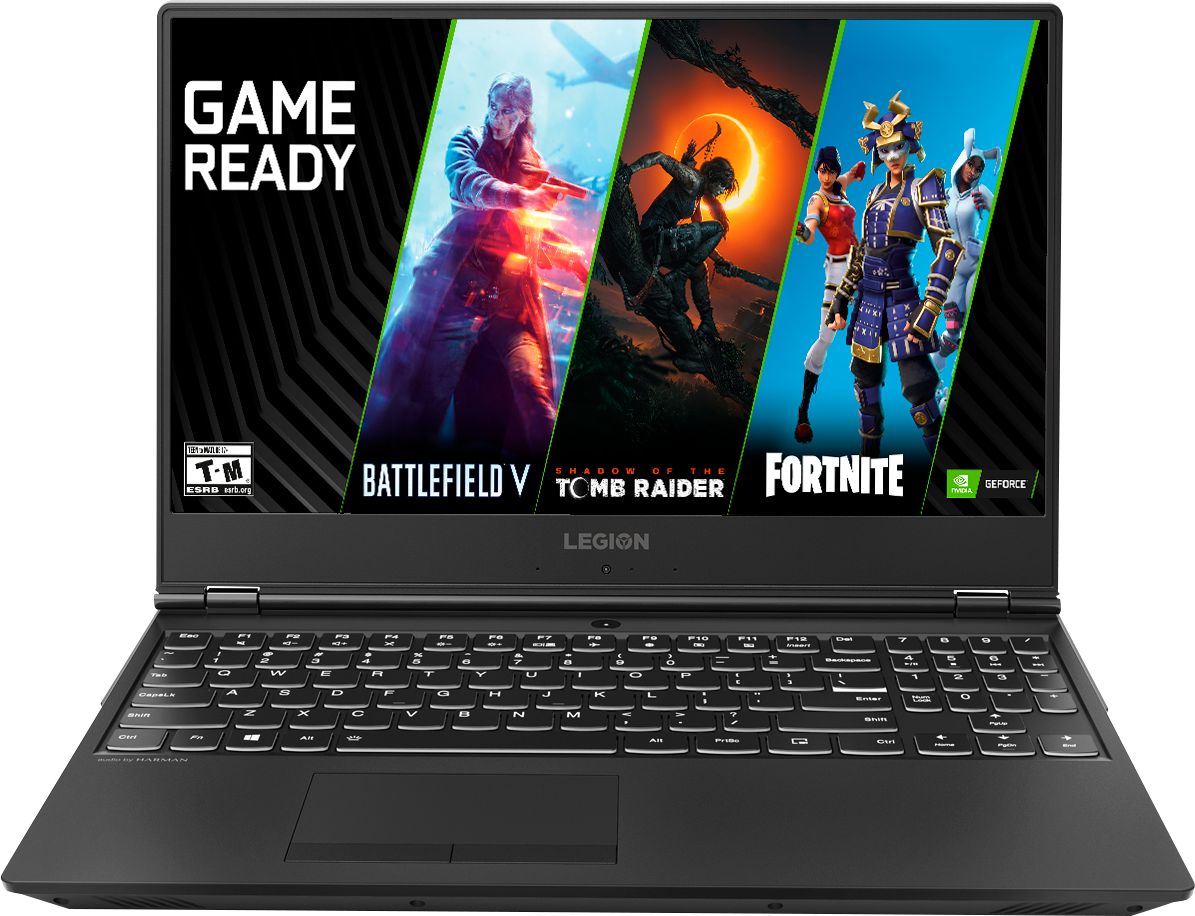
A:AnswerWhile the 1050Ti (and the integrated Intel Graphics) are capable of driving 60Hz 4k video, both are limited to a maximum of 8-bits for Dynamic Range. So, no HDR10 and no HDR10+ on any external 4k monitor.
4k game play will fall far below 60fps, somewhere between 30-45fps, depending on game graphics settings.
A:AnswerThat will depend on the requirements of the specific game and its compatibility. We recommend you check with the game's software publisher's web site for their compatibility with Windows 10 Home 64-bit operating system and the minimum/recommended hardware requirements (Is a Graphics card required, the processor speed and the minimum required system RAM and the minimum available hard drive space) to run their program, then compare those requirements to this system's configuration.
A:AnswerThis model is not user upgradable. A certified technician must do all of the work, so as to not void the warranty. We recommend you check with your certified technician for your options.
A:AnswerThe Call of Duty, Black Ops offer is bundled by Best Buy. As stated on the Best Buy web page, "Experience a fully optimized Call of Duty experience for PC with this Black Ops 4 bundle. The digital deluxe enhanced version comes with a download of the base game along with the pass to access all of the available additional content, including Zombies and Blackout. This Black Ops 4 bundle gives you 8,500 Call of Duty points to buy items in the game, as well as bonus items." The game version is optimized for PC and should run well on this configuration. For more information we recommend you contact Best Buy directly or check the game's web site for details.
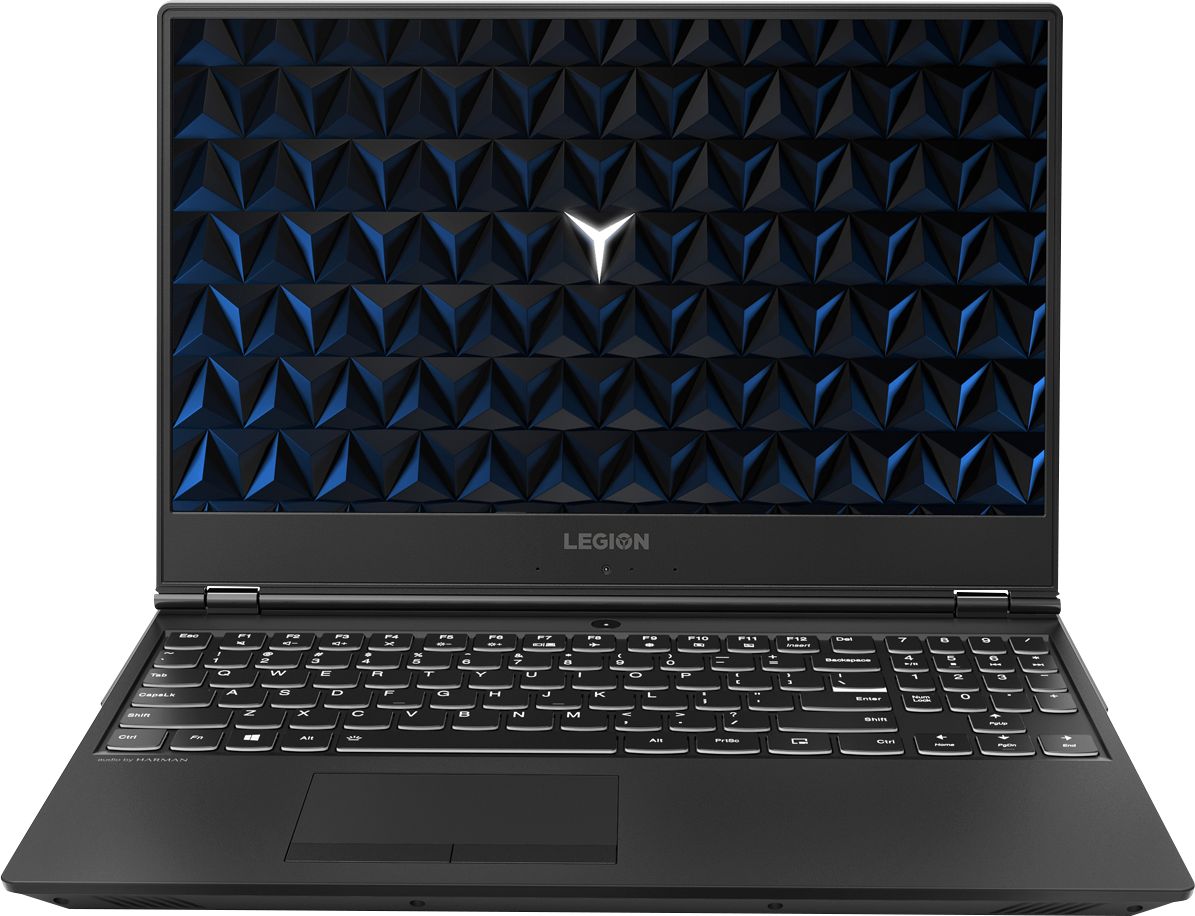
A:AnswerThat will depend on the requirements of the software and its compatibility. We recommend you check with the software publisher's web site for their compatibility with Windows 10 Home 64-bit operating system and the minimum/recommended hardware requirements (Is a Graphics card required, the processor speed and the minimum required system RAM and the minimum available hard drive space) to run their program, then compare those requirements to this system's configuration.
A:AnswerReally that will depend on the software you will need to use and the requirements and compatibility of that software. We recommend you first find out what software programs will be needed for your course of study, then check with the specific software publisher's web sites for their compatibility with Windows 10 Home 64-bit operating system and the minimum/recommended hardware requirements (Is a Graphics card required, the processor speed and the minimum required system RAM and the minimum available hard drive space) to run their program, then compare those requirements to this system's configuration. You might want to check with your school's web site for your curriculum and see what software will be used and see if the school has a recommendation for computer configuration.
A:AnswerI bought mine for $900.99 during back to school. I upgraded it to the 16gb model as well and got $100 for the student coupon. I didn't need to be a student I just had to sign up and get the coupon code but the best buy rep helped me do everything.
A:AnswerWe are sorry to hear that you are having an issues with charging your Lenovo Legion Y530 laptop. The battery is not removable, so follow this link to instruction for performing a hard reset of a nonremovable batter. Here is a link to instructions for resetting a non-removable battery. If you need further assistance, we recommend you call Lenovo Tech Support at: 877-453-6686. Here is the link: https://www.techwalla.com/articles/how-to-reset-a-laptop-battery
A:AnswerHere is the link to that model: https://www.bestbuy.com/site/lenovo-legion-y530-15-6-laptop-intel-core-i7-8gb-memory-nvidia-geforce-gtx-1050-ti-1tb-hard-drive-black/6219202.p?skuId=6219202