A:AnswerHere is a link to information about connecting an external monitor to your Lenovo All-In-One system: https://support.lenovo.com/us/en/solutions/ht004036
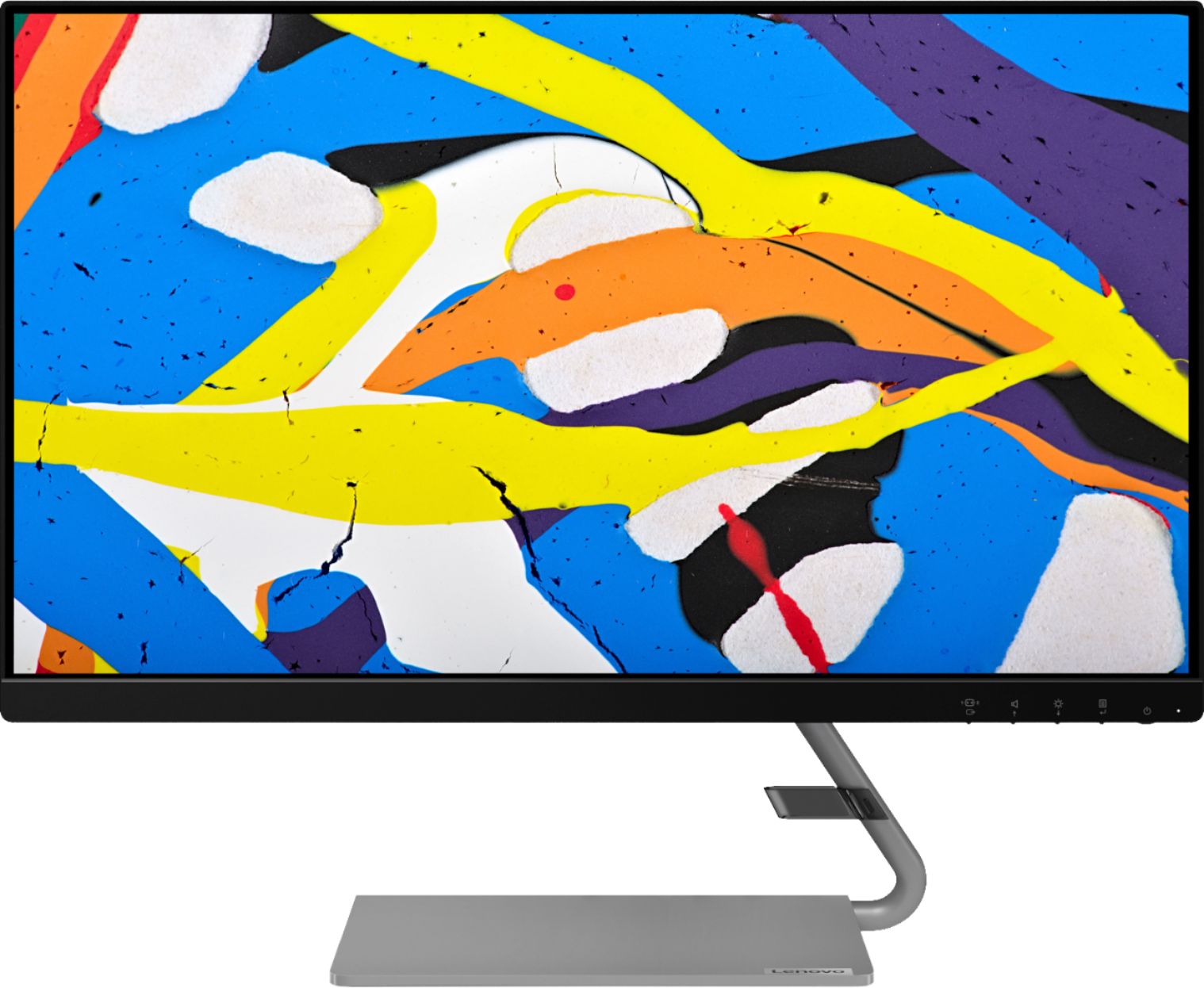
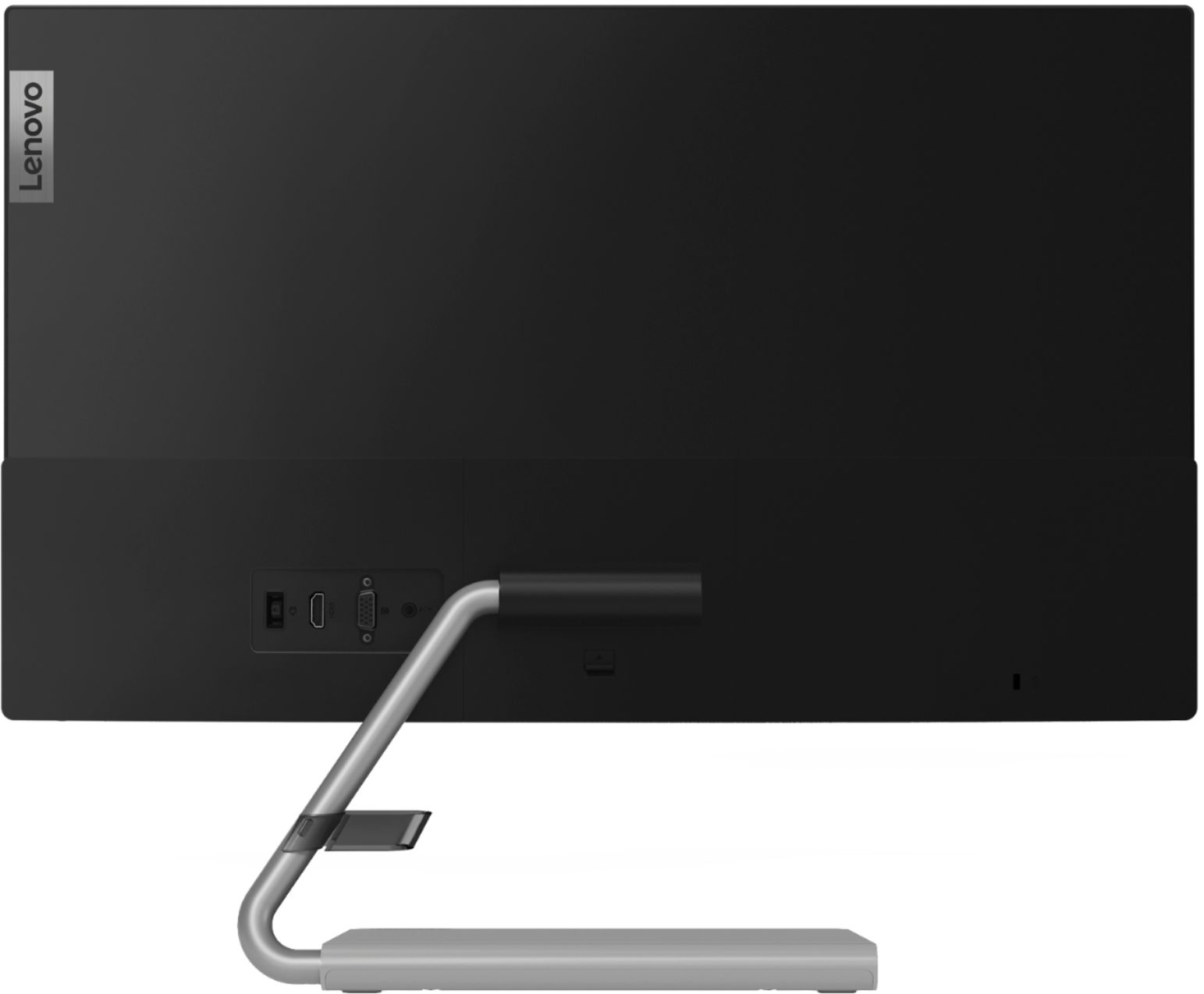
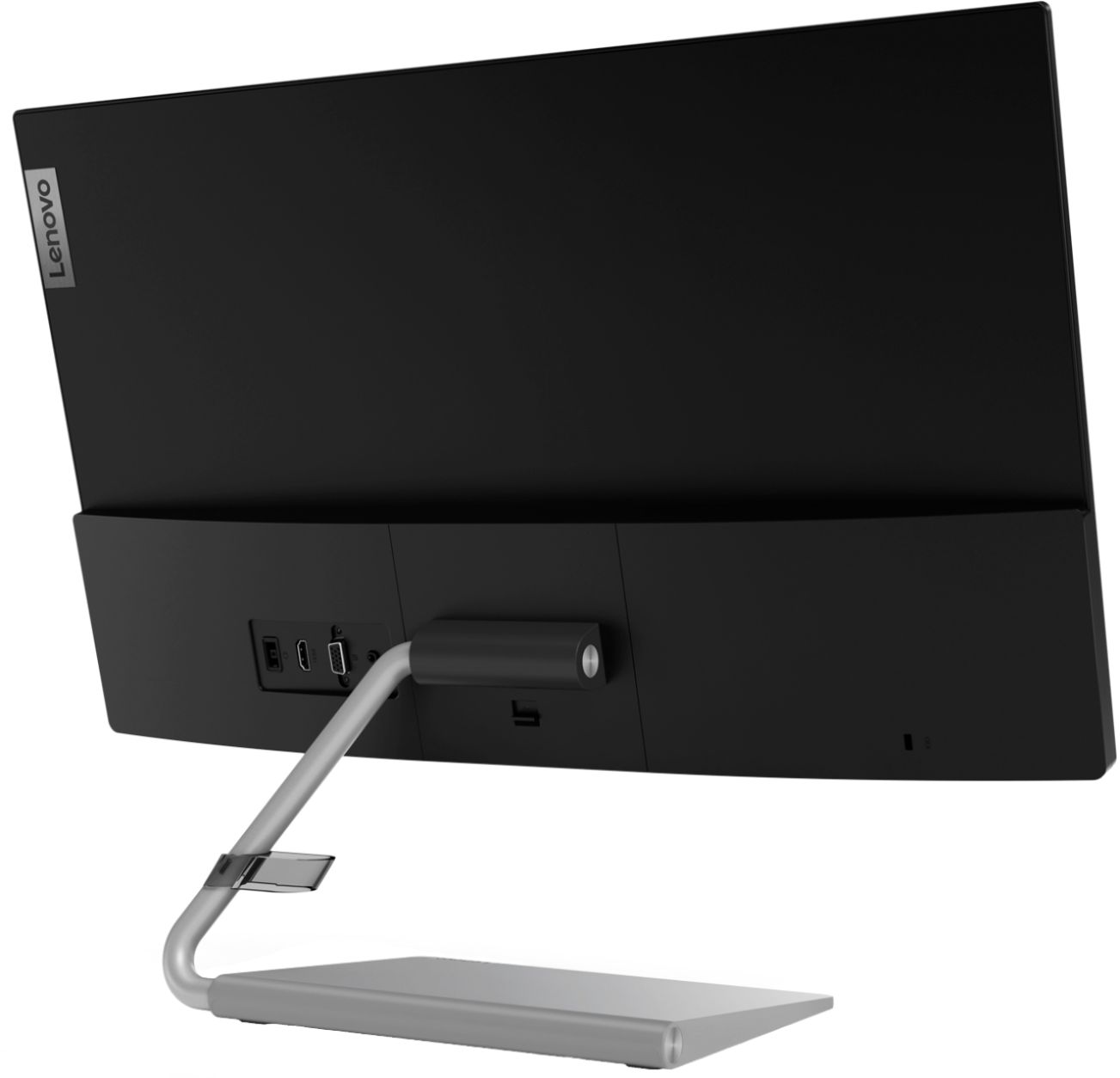
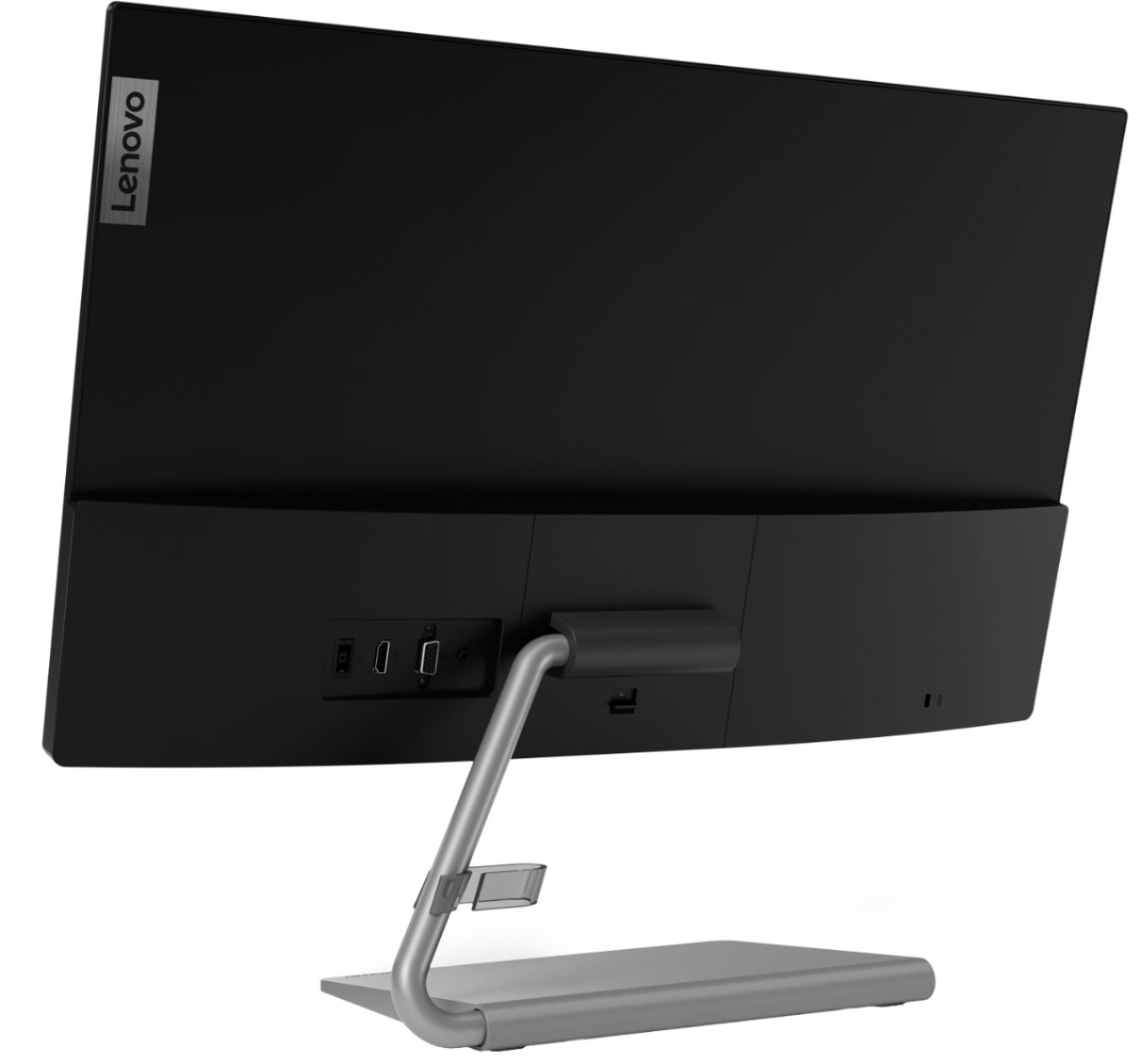
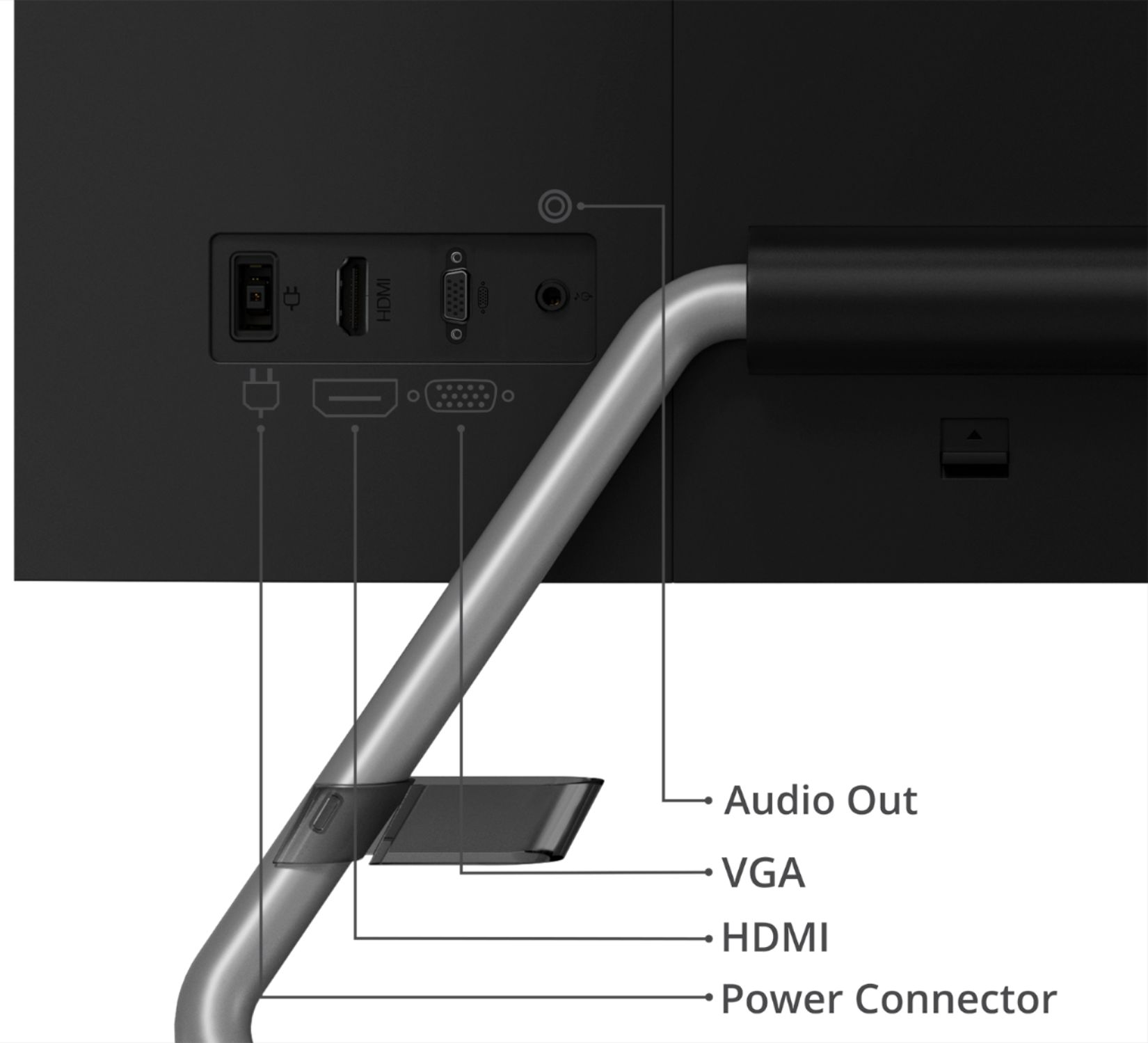
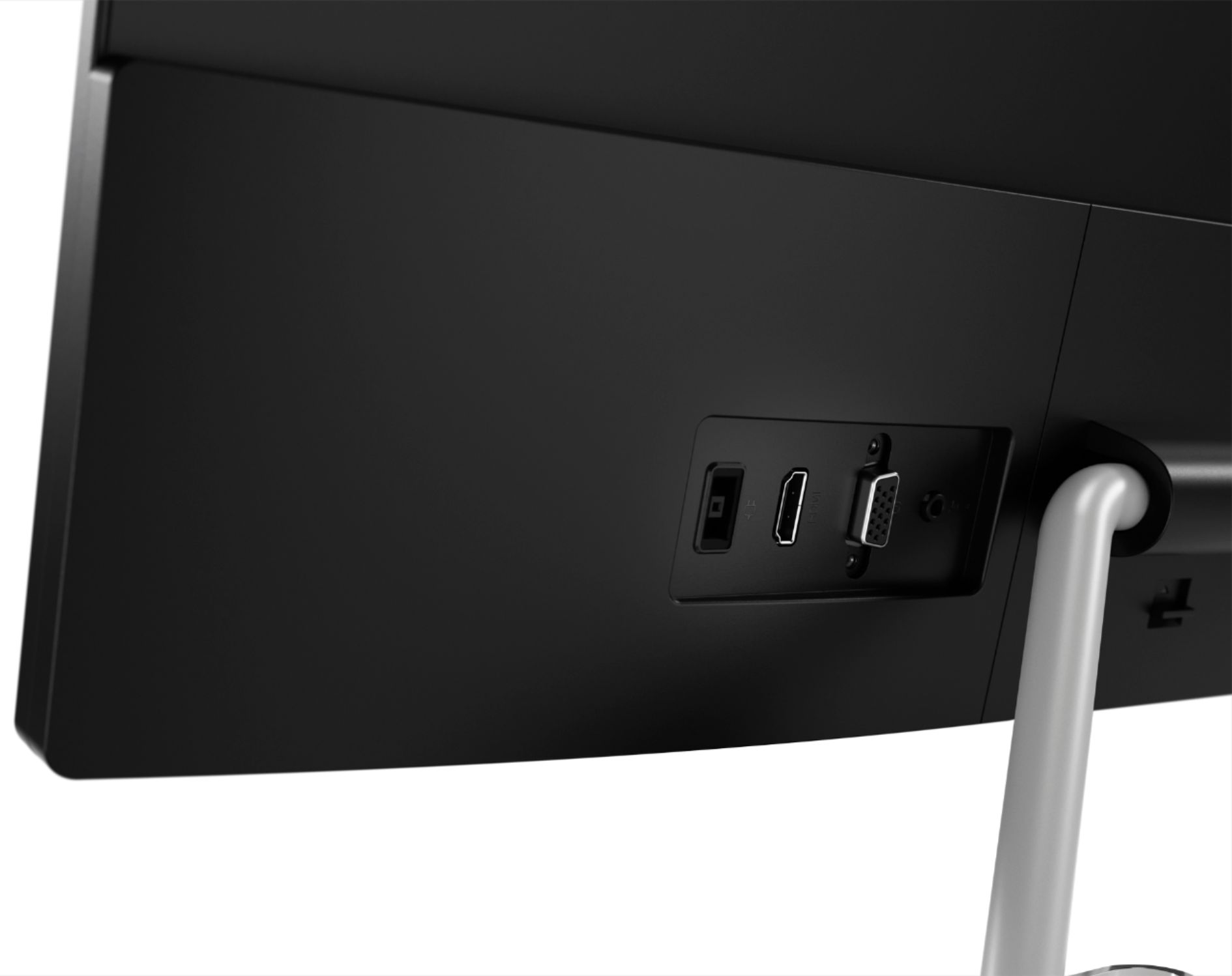
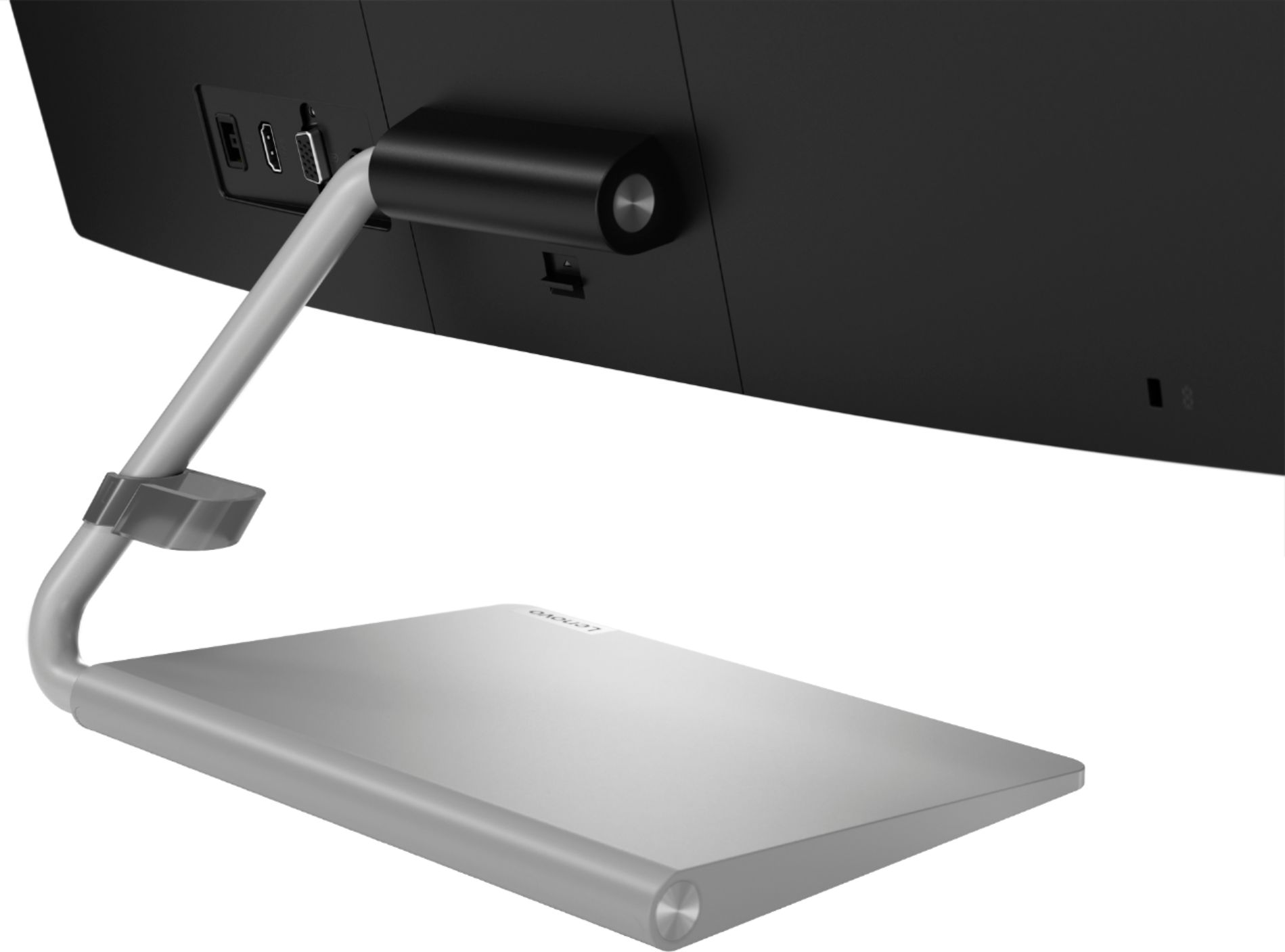
A:AnswerThe Lenovo Lenovo Q24i-10 Monitor is OS Independent. It connects to a computer via either HDMI and VGA inputs. We recommend you check with the manufacturer of the computer you want to connect for their compatibility and connectivity for video.
A:AnswerThe Lenovo Q24i-10 Monitor is Operating System independent. You will only need an adapter if the computer does not have an HDMI or DisplayPort connection.
A:AnswerThe Lenovo Q24i-1L Monitor is Operating System independent and connects to a computer via either HDMI 1.4 version port or VGA. We recommend you check with your computer manufacturer's web site for the requirements and compatibility of your specific model computer, with an external monitor, then compare those requirements and compatibility to the Q24i-1L Monitor configuration.
A:AnswerThe Lenovo Q24i-1L Monitor is Operating System independent. It connects to a compatible computer via either VGA or HDMI 1.4 version port. We recommend you check with your computer manufacturer for the requirements and compatibility of your specific computer model with an external monitor, then compare those requirements to this Lenovo Q24i-1L Monitor.
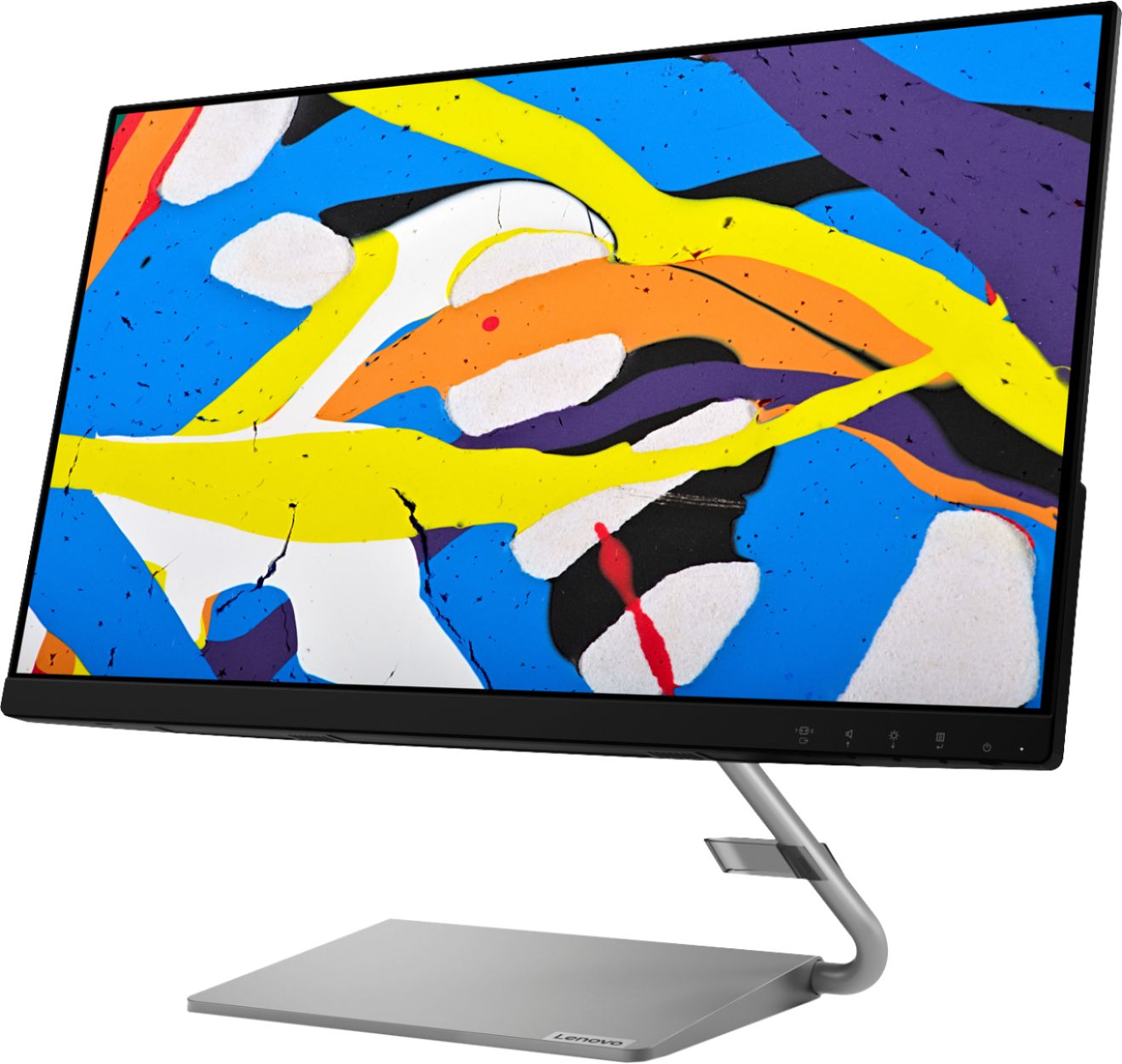
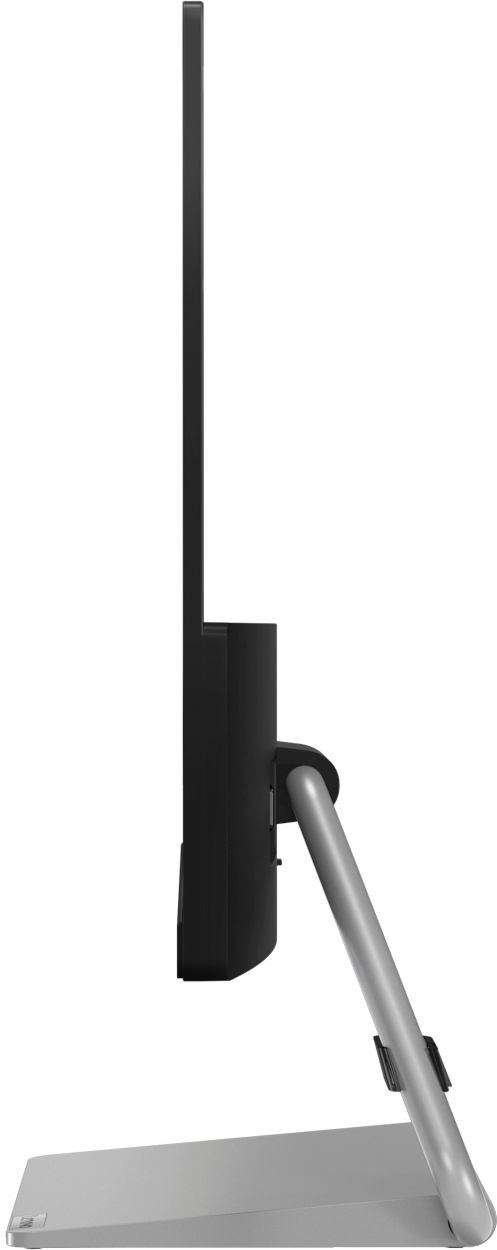
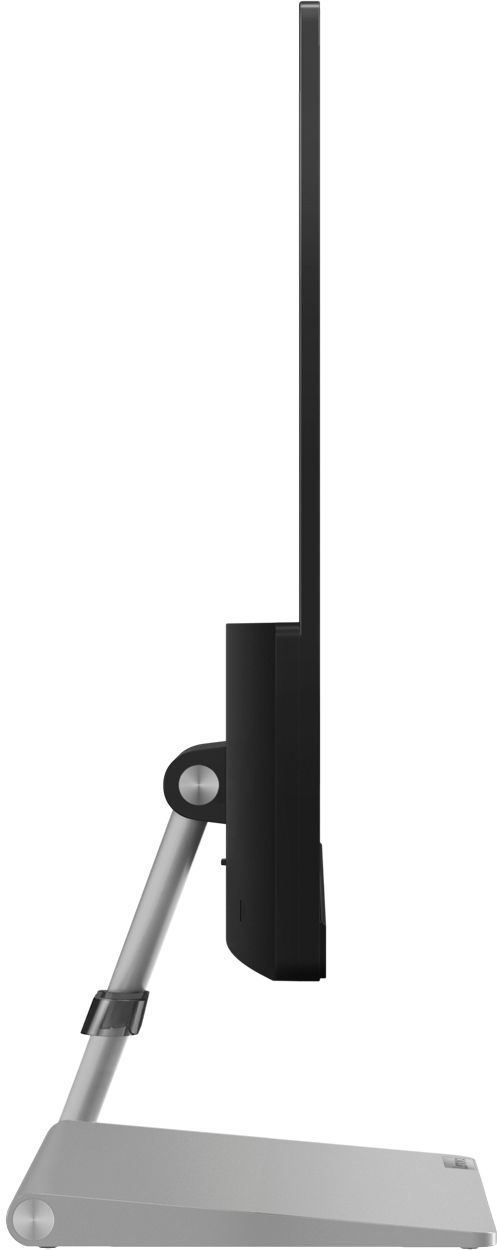
A:AnswerYes, but you would have to get an aftermarket arm separately that would allow you to mount it vertically. The base and stand that come with the monitor in the box only allow horizontal mounting.
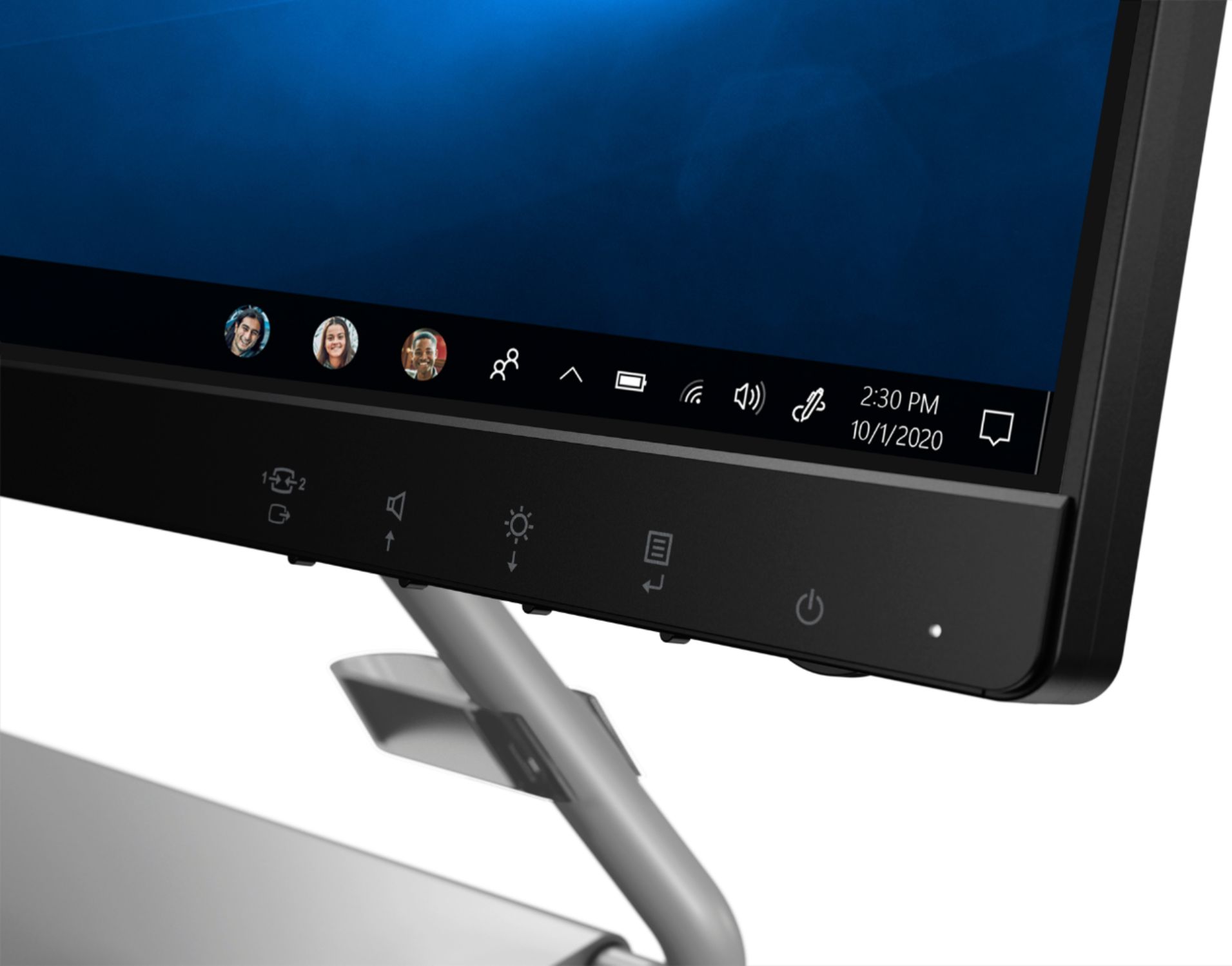
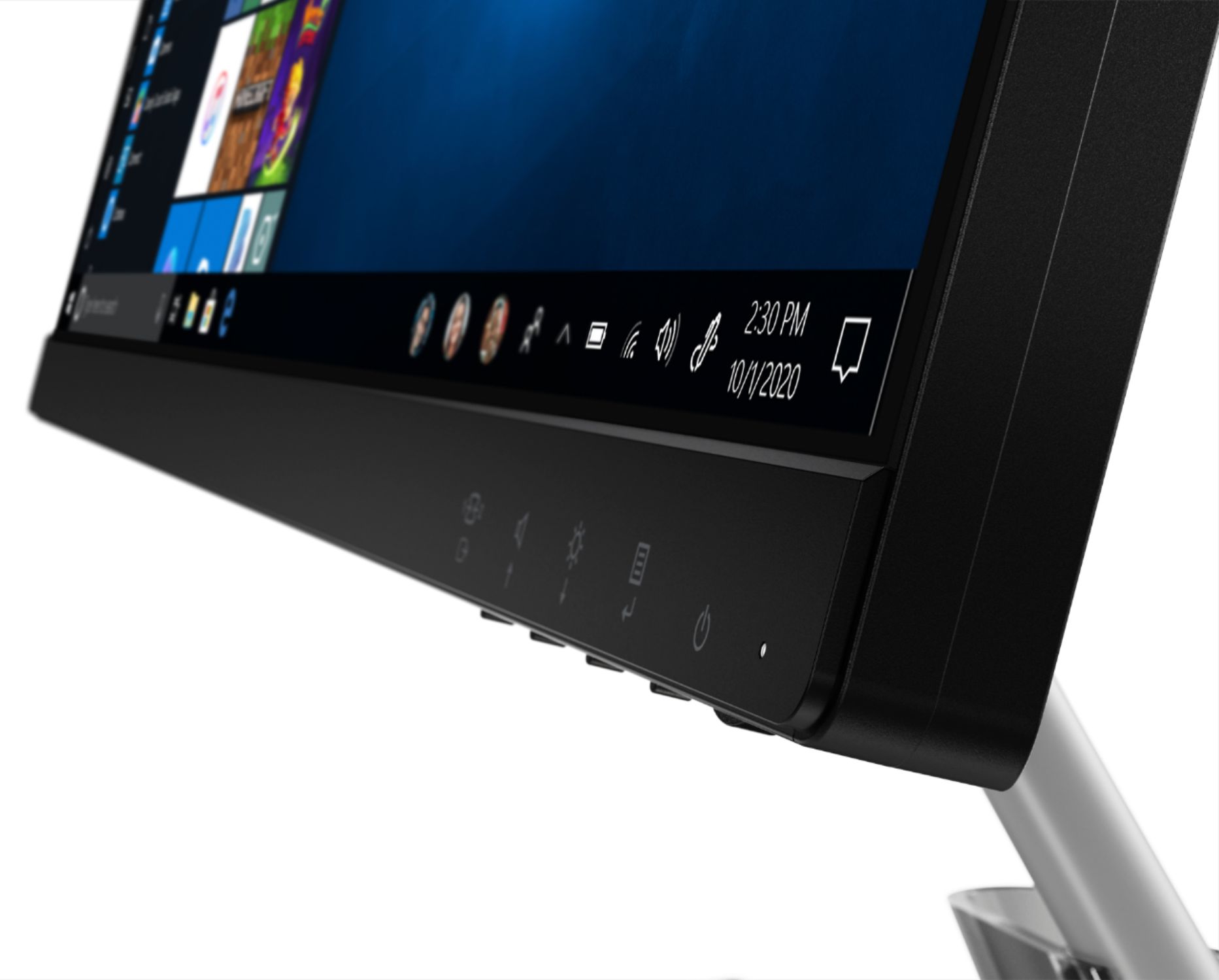
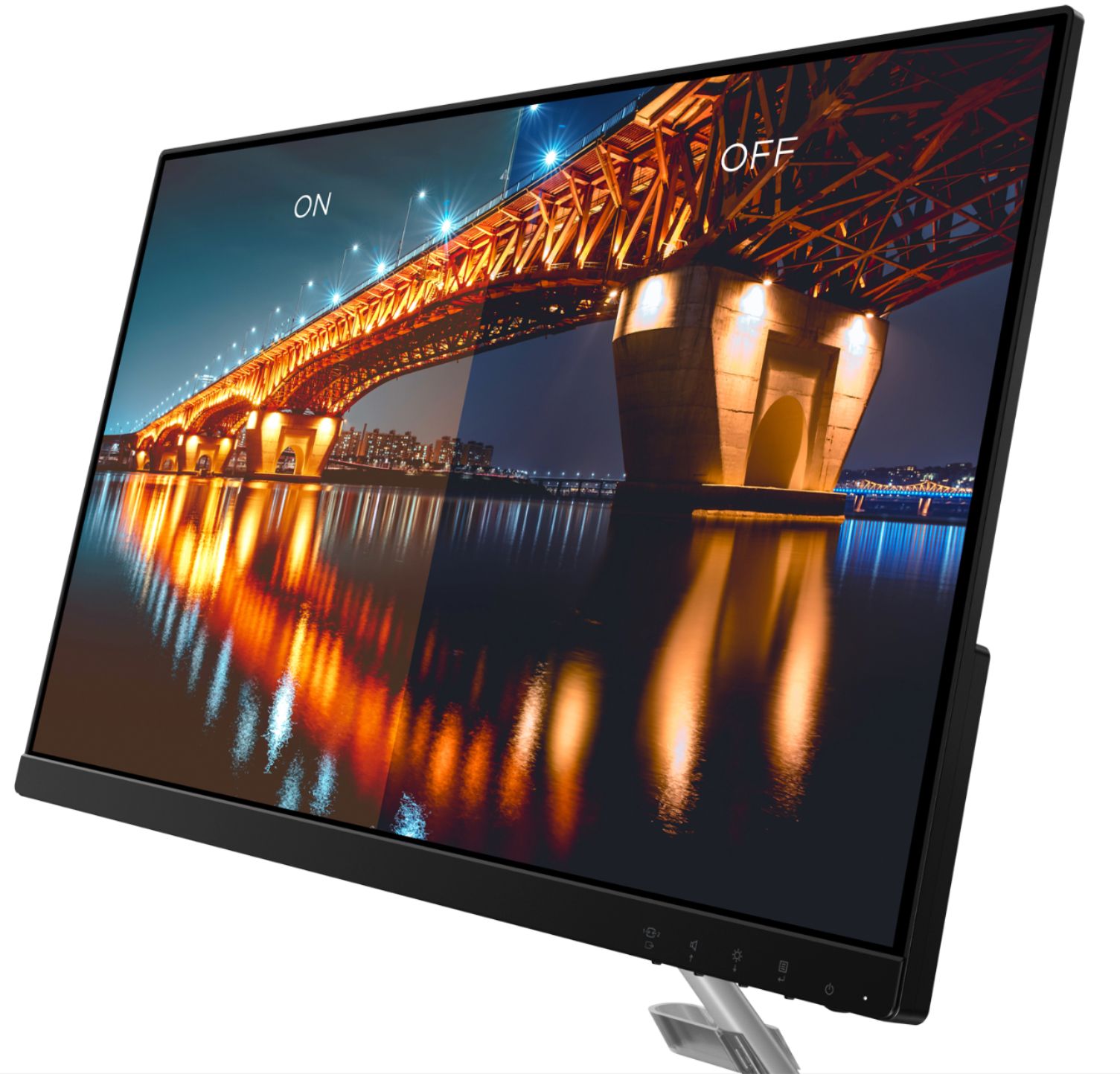
A:AnswerBe sure you have auto brightness/adaptive brightness turned off within Windows 10 and the monitor. Here is a link to instruction for turning off auto brightness within Windows 10: https://www.tenforums.com/tutorials/70157-enable-disable-adaptive-brightness-windows-10-a.html. Also check your settings within the monitor's On-Screen Settings Menus. Here is a link to the User Guide for this monitor which illustrates the settings available within the On-Screen Settings Menus: https://download.lenovo.com/consumer/monitor/lenovo_q24i-10_ug_201907_version1_en.pdf. If the issue continues, we recommend you contact Lenovo Tech Support for monitors at: 866-426-0911.
A:AnswerThe Lenovo Q24i-10 Monitor, model number 66C0KCC3US, has a has a Panel Bit Depth of 8 bits. For more information about this specific model: https://www.displayspecifications.com/en/model/1c4d1b63
A:AnswerThat will depend on the requirements and compatibility of the computer you are attaching. The Lenovo Q24i-10 Monitor is Operating System independent and connects to a compatible computer with either HDMI 1.4 version or VGA. We recommend you check with your computer manufacturer for the requirements and compatibility of your specific computer model.