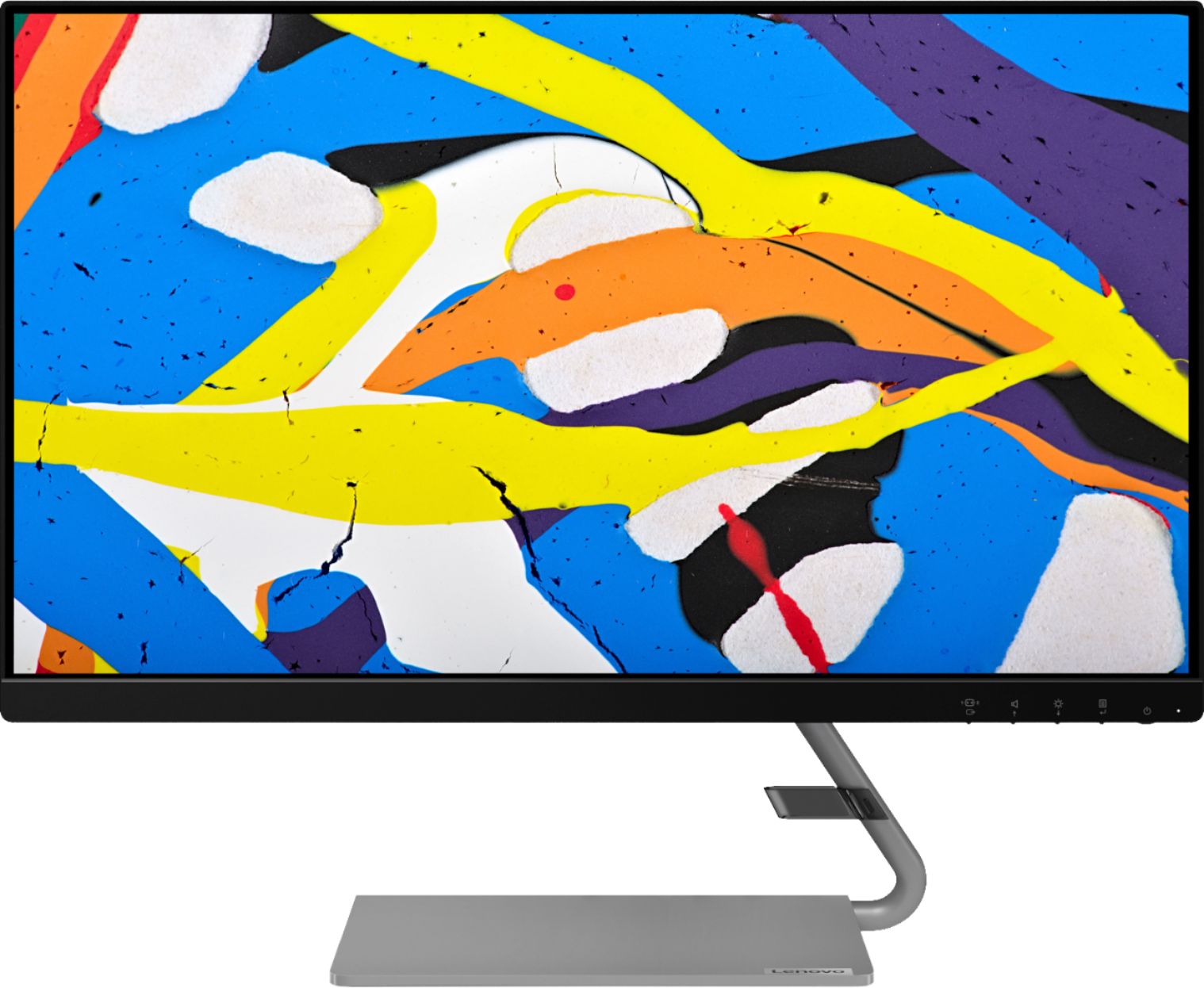
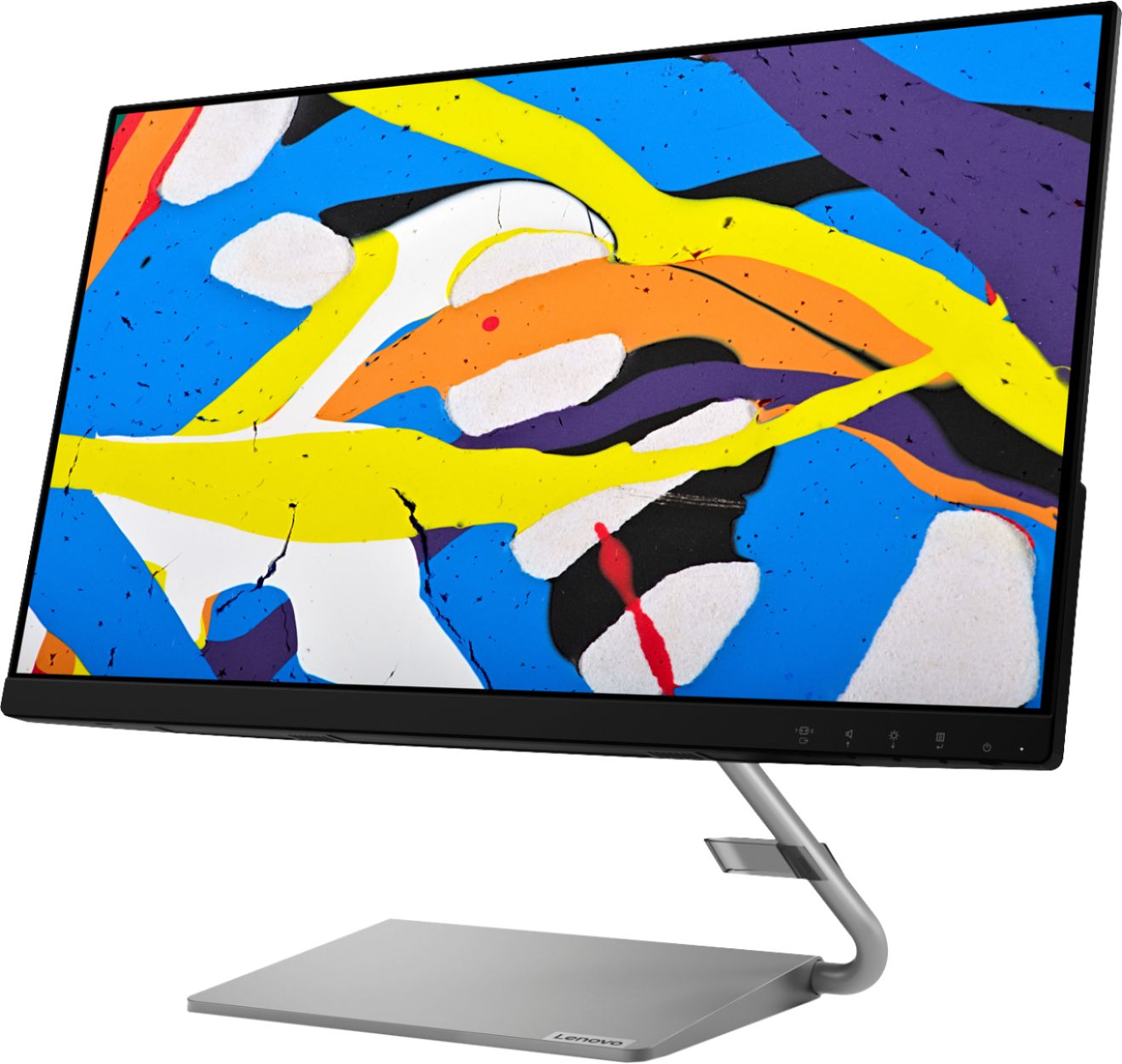
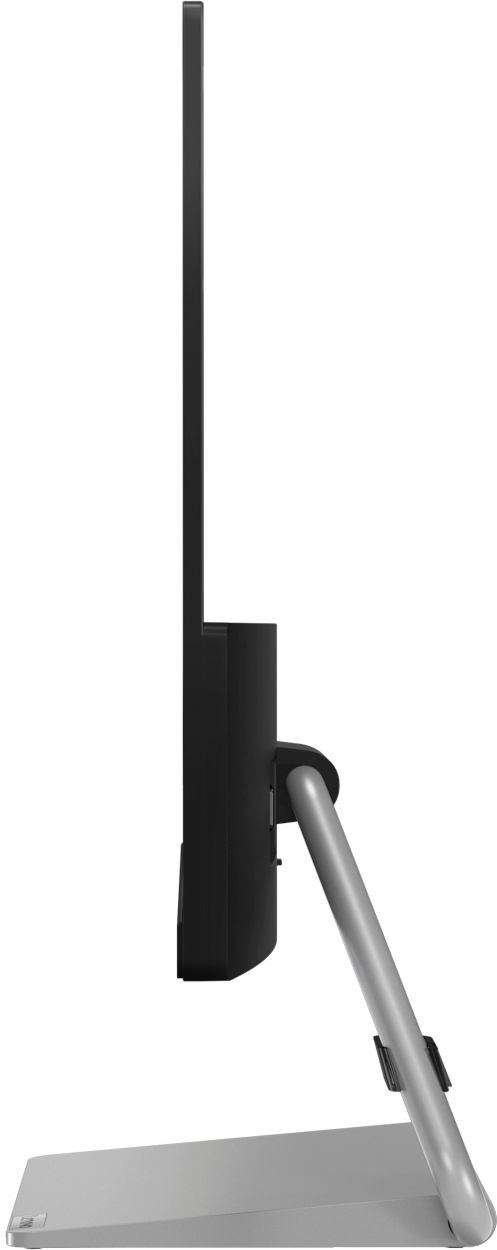
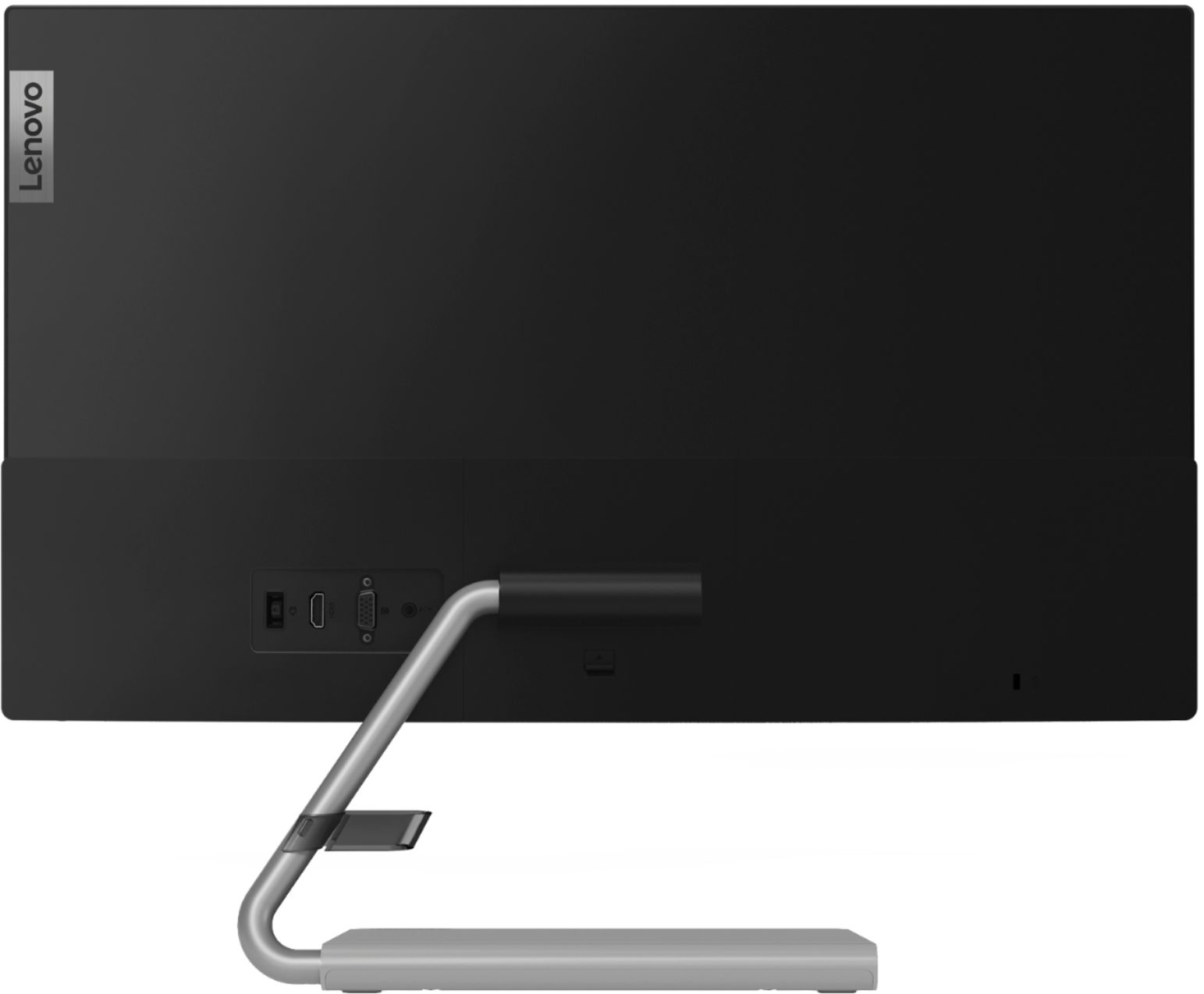
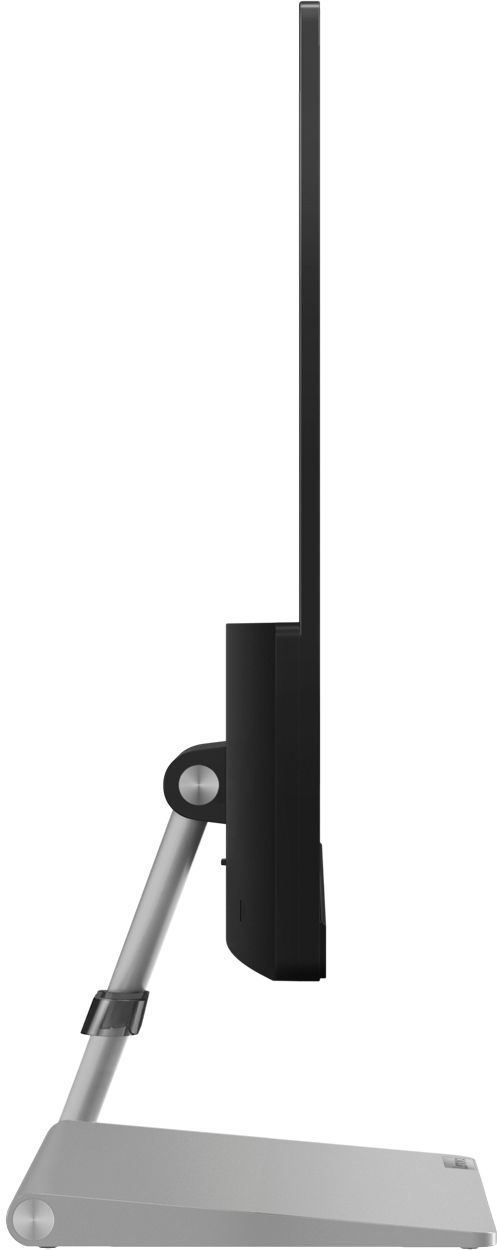
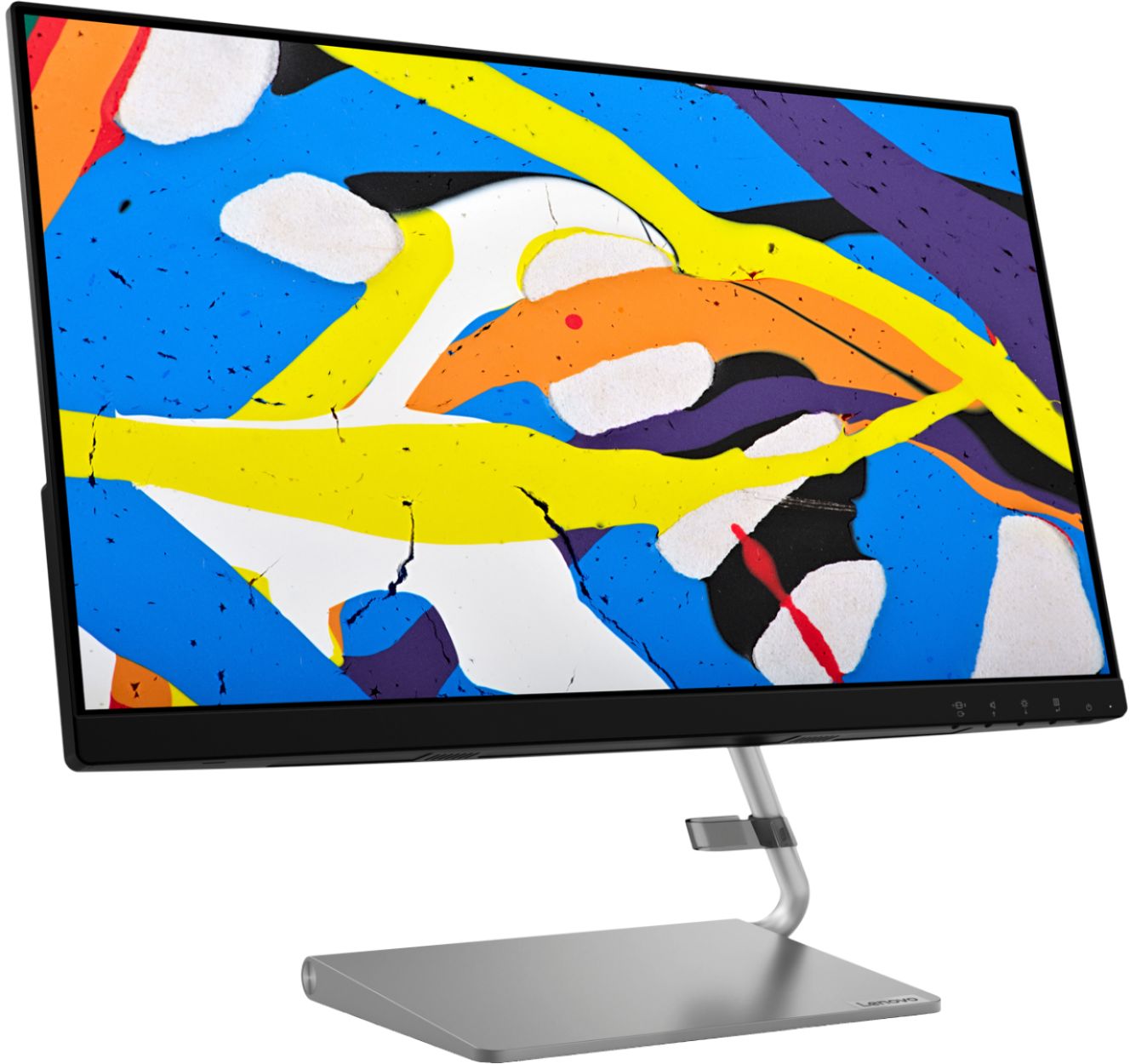
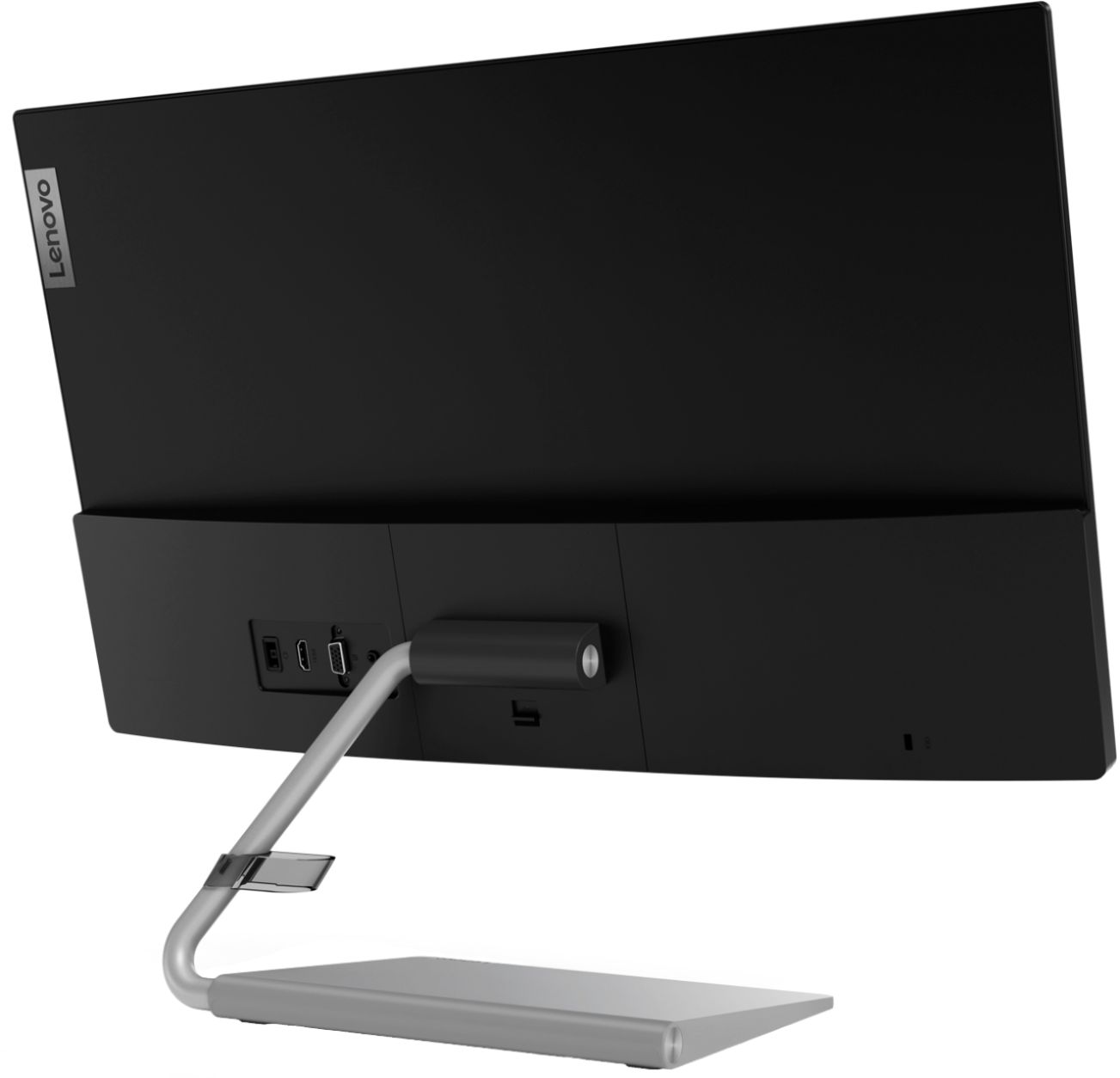
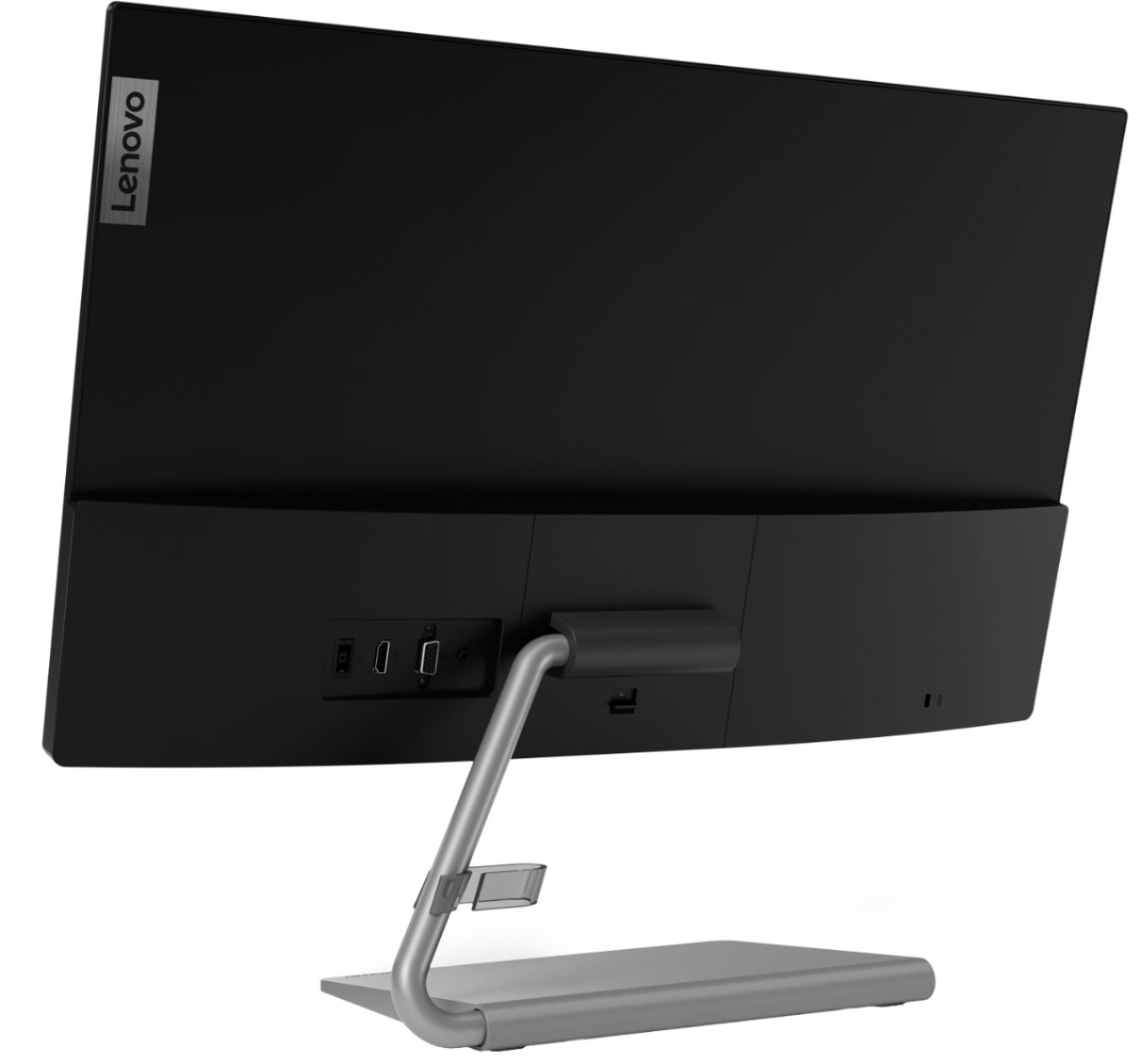
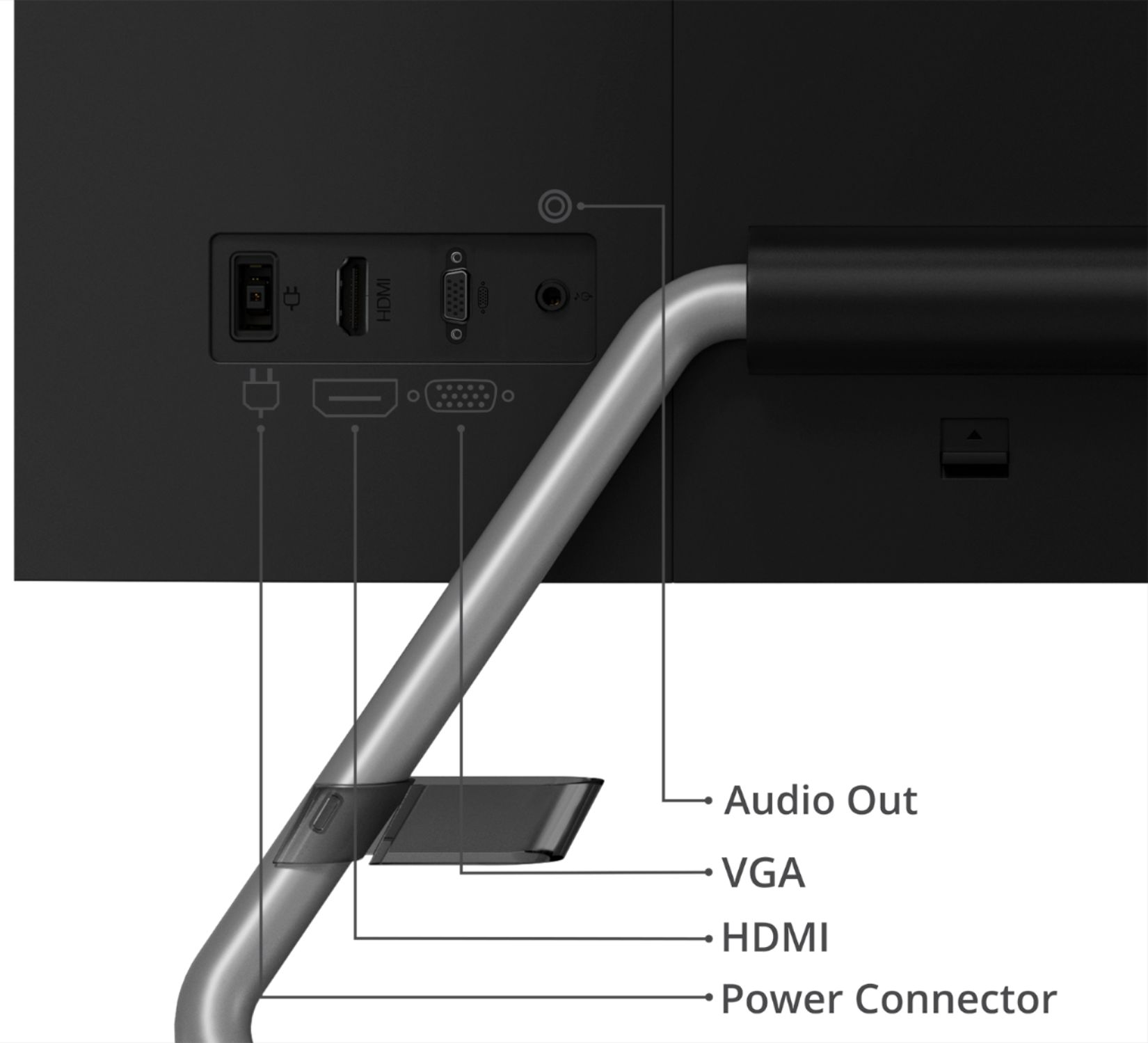
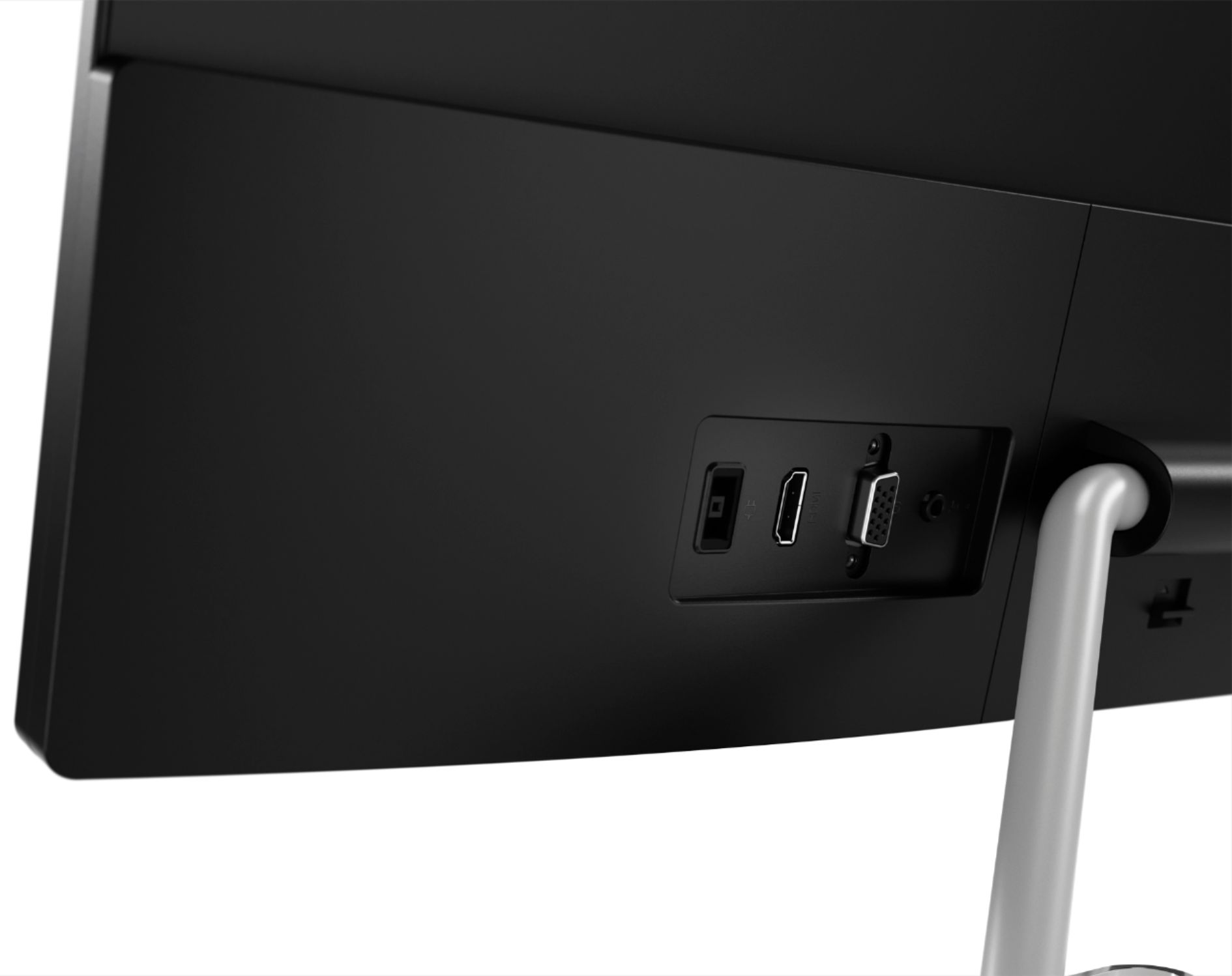
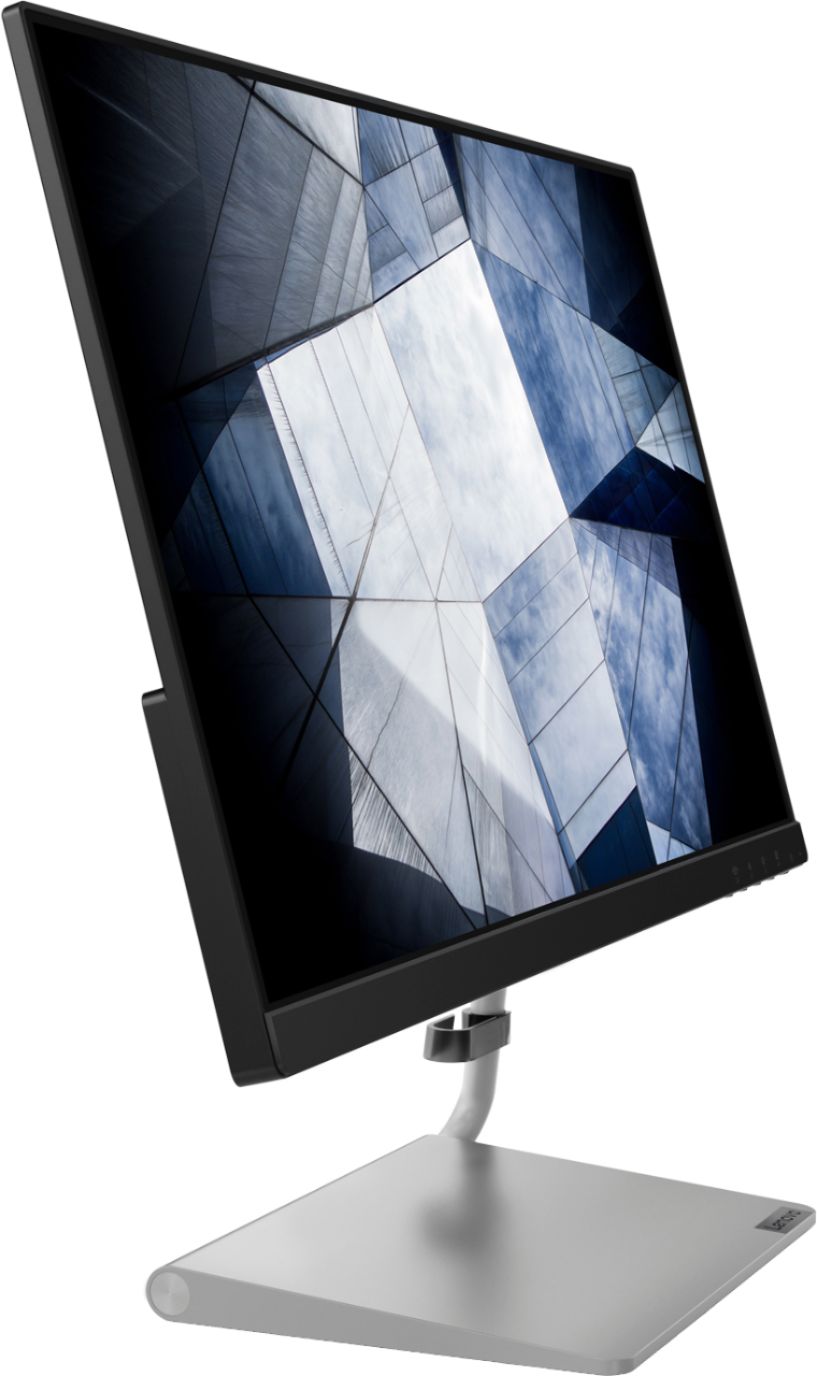
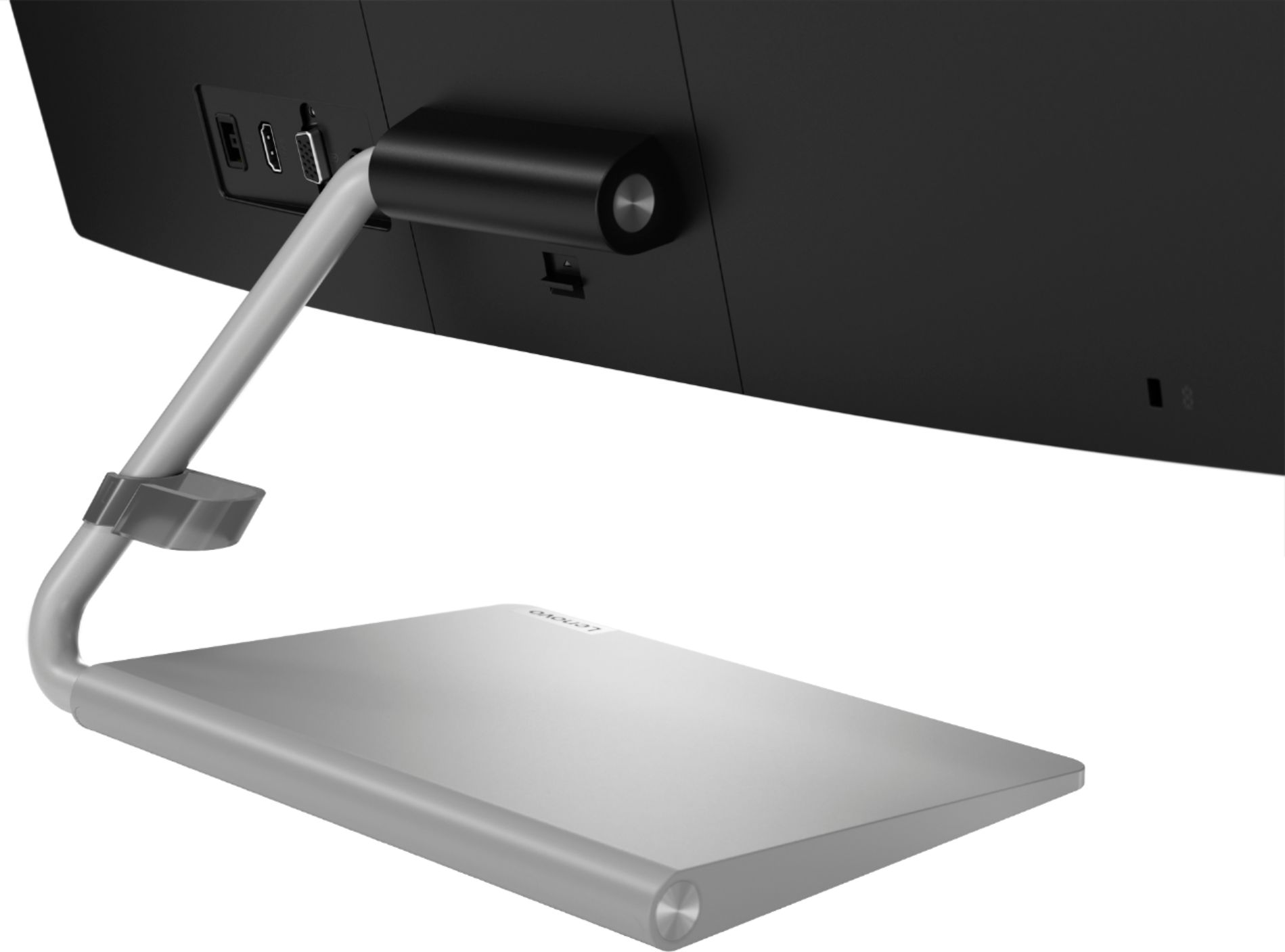
A:AnswerThe Lenovo Q24i-10 Monitor, model number 65F3KCC3US, is Operating System independent and connective to a computer via HDMI or VGA. We recommend you check with your computer manufacturer for the compatibility of your specific model.
A:AnswerThe Lenovo Q24i-10 Monitor is Operating System independent. It connects to a compatible computer via either HDMI or VGA connection or an adapter as required by your specific computer configuration. We recommend you consult the manufacturer of your specific computer model for connection requirements and compatibility.
A:AnswerI've had mine for a month and it's done this exact same thing 3 times already. It seems to be a common issue.
What worked for me the first two times was to open Settings -> Sound -> Sound Control Panel
Select the monitor in the menu in the playback tab. Properties -> Properties -> Driver ->Update driver.
Like I said, this worked twice but unfortunately is not working right now. I'm checking my warranty to see what I can do to return this thing or at the least get a replacement. Audio issues with this monitor are pretty frustrating.
A:AnswerThe Lenovo Q24i-10 Monitor ships with AMD FreeSync technology built in and will work automatically with a compatible AMD processor and or discrete GPU. You will not need to do anything.
A:AnswerThe Product web page for this monitor list the resolution of this monitor, model number 65F3KCC3US, as Full HD 1920 x 1080 resolution. Here is a link to this product's web page: https://www.bestbuy.com/site/lenovo-q24i-10-24-ips-led-qhd-freesync-monitor-black/6404022.p?skuId=6404022
A:AnswerWe recommend you contact Lenovo directly as the parts list for this monitor does not have any listing for the screws you mention. You can contact Lenovo directly here: https://www.lenovo.com/us/en/contact
A:AnswerThat will depend on the requirements and compatibility of the gaming console you want to connect. The Lenovo Q24i-10 Monitor, model number 65F3KCC3US, ships with one HDMI 1.4 version port and one VGA port for connecting a video source like a gaming console. We recommend you check with the gaming console's manufacturer's web site for requirements and compatibility with a monitor.
A:AnswerThat will depend on the requirements of your computer. The Lenovo Q24i-10 Monitor, model number 65F3KCC3US, is OS independent and uses VGA and HDMI 1.4 version connections to a computer. We recommend you check with your computer manufacturer for requirements and compatibility.
A:AnswerHere is a link to some trouble shooting tips for external screen errors with a MacBook: https://discussions.apple.com/thread/5564243. If the issue continues we recommend you contact the computer manufacturer for further assistance.
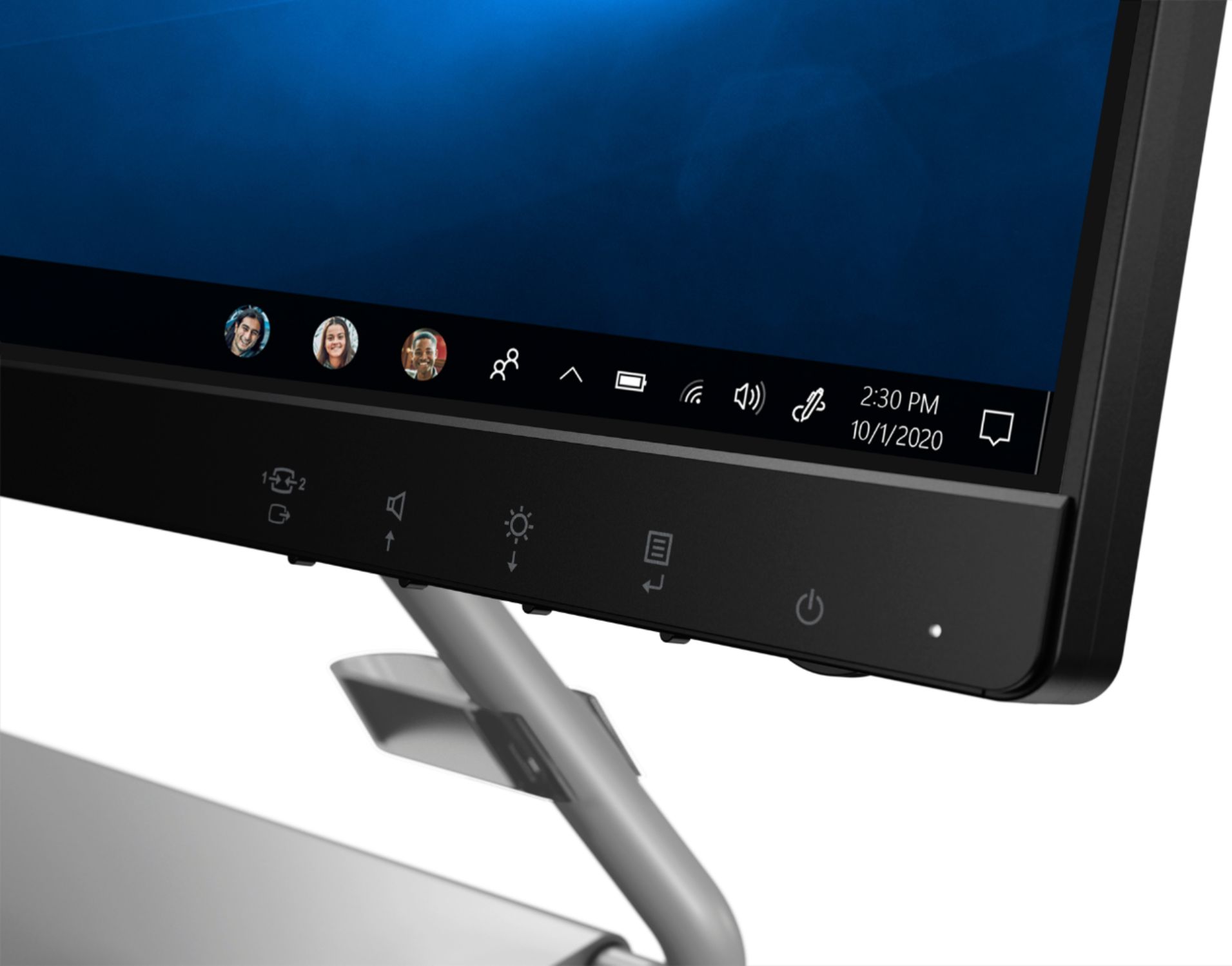
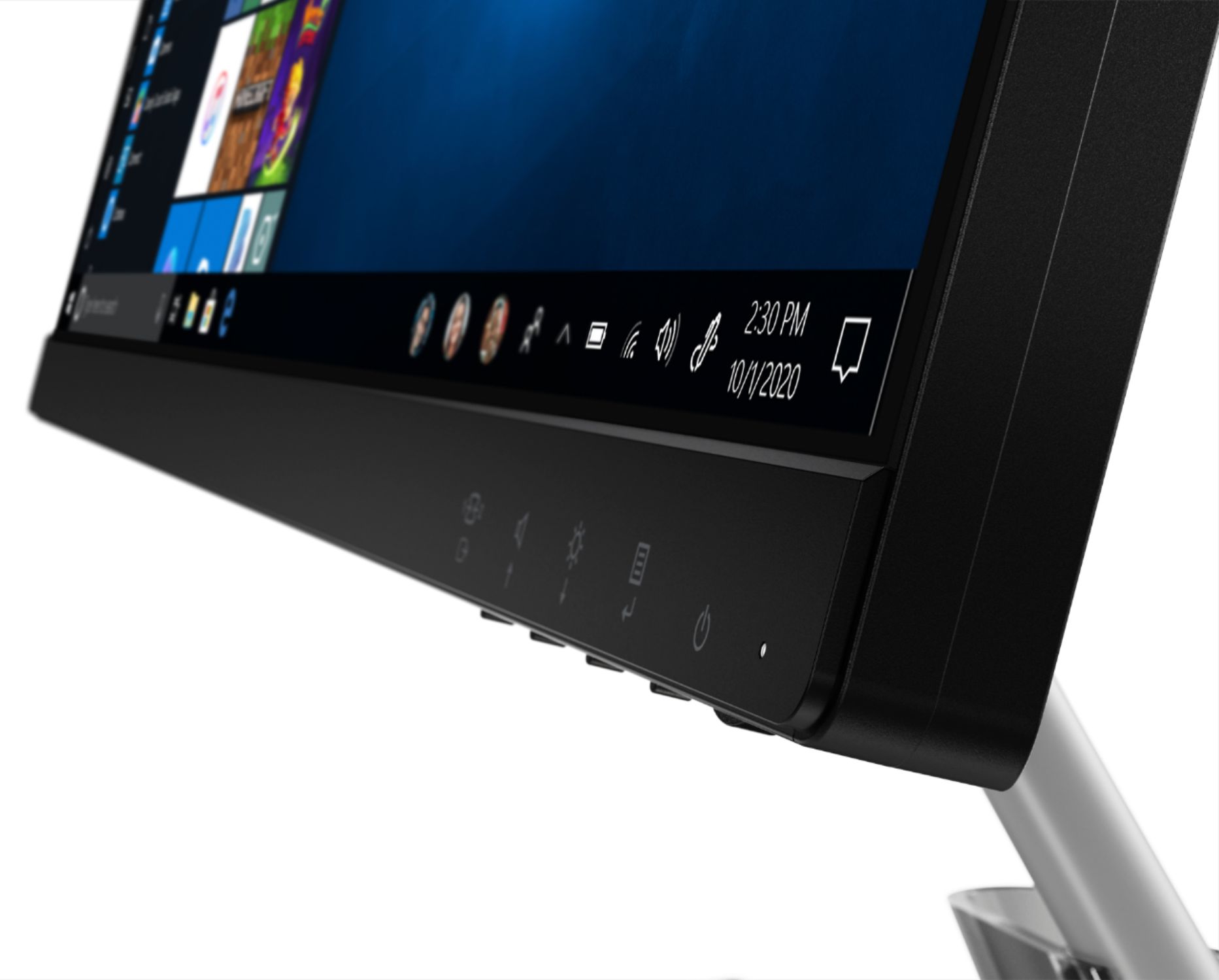
A:AnswerThere is a brightness control on the bottom right front edge of the monitor screen. Here is a link to the User Guide for this monitor with more information and illustrations: https://download.lenovo.com/consumer/monitor/lenovo_q24i-10_ug_201907_version1_en.pdf
A:AnswerThe Lenovo Q24i-10 Monitor is operating system independent. Whether it is compatible with the operating system you will be using depends on the specific requirements and compatibility of that operating system. We recommend you contact the publisher of the operating system you will be using for compatibility. The Lenovo Q24i-10 Monitor has 1 x HDMI 1.4 and 1 x VGA connectors available.