Questions & Answers
Q: QuestionI understand that not all laptops with COPILOT allow you to have a conversation. Does the COPILOT on this laptop allow you to have a real-time conversation with AI? I like to use this feature to practice my Spanish.
Asked by Ali.
- A:Answer Hey Ali, You can converse with Copilot using the voice chat feature. To do so, open the Copilot app, enable Copilot to have access to your microphone so that the system can hear you, then select the voice chat option to have a conversation with the AI. Please feel free to reach out to us with any other questions!
Answered by Lenovo Product Expert
Q: QuestionI want to know does this laptop charging plug-in supposed to be loose on both sides of the computer? I just finally turned on my computer and start up updated and I noticed that when you plug-in the power cord into the laptop, both sides wiggle
Asked by Dom.
- A:Answer Hey Dom, Thank you for your inquiry. We understand your concern and to address this completely, we'll include as much detail as possible. First, for context on our product standards, each Lenovo product line undergoes durability testing, including a simulation of the rigors of day-to-day use, like flipping and folding your laptop or even plugging in and unplugging your charger. While you may feel that there is some 'wiggle room' at the connector, this is a deliberate design feature that can help prevent your laptop from taking fall damage. For example, something that would often happen is that a charging cable connected to a laptop would be tripped over, pulling the cable and the connected laptop to the ground, resulting in laptop damage. If the charging connection isn't as cemented when connected and there's quick tension to the charging cable, it will likely unplug from the laptop before being brought to the ground. If you feel that your system may have a defect in the charging connector, you could contact Lenovo Support over the phone at: 877-453-6686, to discuss having your system shipped out to be reviewed by our Customer Care team for any hardware issues. Please feel free to reach out to us with any other questions!
Answered by Lenovo Product Expert
Q: QuestionDoes this include or allow for Google items (maps, docs, etc)
Asked by Lynn.
- A:Answer All of those items live in the cloud, so as long as you have an internet connection you can access these.
Answered by ChristyL
Q: QuestionHow old is this?
Asked by buyer.
- A:Answer I just purchased it in February 2026
Answered by ladyccc
Q: QuestionHey there, my boxer pups chewed up my power cord : ( Where do I order a new one from and exactly what do I order?
Asked by Boxer.
- A:Answer Hey, We're sorry to hear that this happened. Any Lenovo 65W USB-C power adapter will work with the system. Best Buy currently offers one like what shipped with your Yoga 7, which can be viewed at this web address: https://www.bestbuy.com/product/lenovo-65w-usb-c-wall-adapter-black/JJGCYLWY8V | Please feel free to reach out to us with any other questions!

Answered by Lenovo Product Expert
Q: Questiondoes the Yoga 7 come with an OS
Asked by jbandsher.
This question was asked about the related product: Lenovo - Yoga 7 2-in-1 - Copilot+ PC - 16" Full HD LCD Touchscreen Laptop - AMD Ryzen AI 7 350 2025 - 16GB Memory - 1TB SSD - Seashell
- A:Answer Windows 11
Answered by EdwardB
Q: QuestionCan I transfer files from my MacBook to this computer easily?
Asked by Lesli.
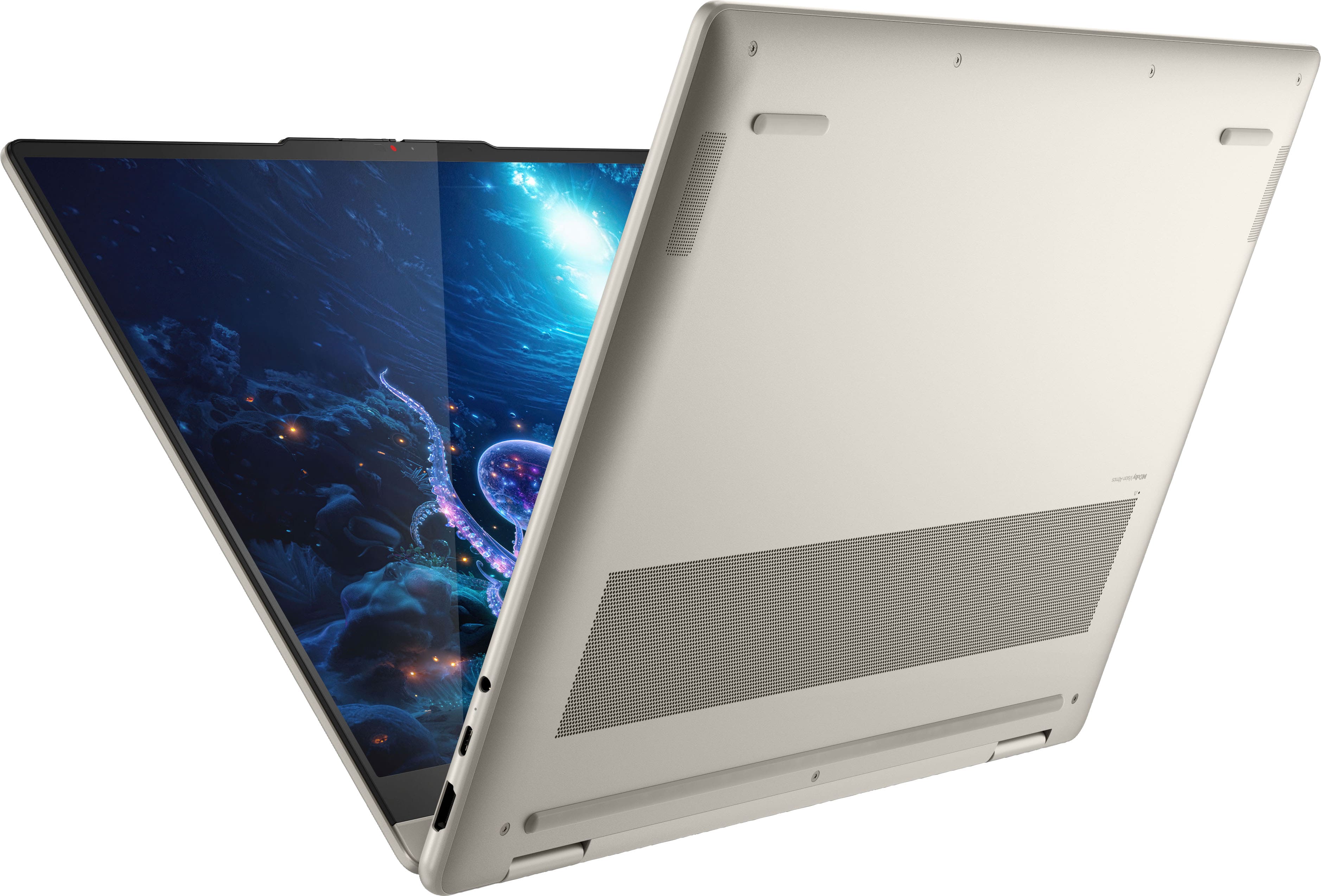
- A:Answer Hey Lesli, For the most part, you shouldn't have any trouble transferring files, especially if the files are common file types like pptx., docx., PDF. If there are unique file types tied to unique software for Mac, then these may transfer but not be compatible with the Yoga 7 2-in-1. Please feel free to reach out to us with any other questions!
Answered by Lenovo Product Expert
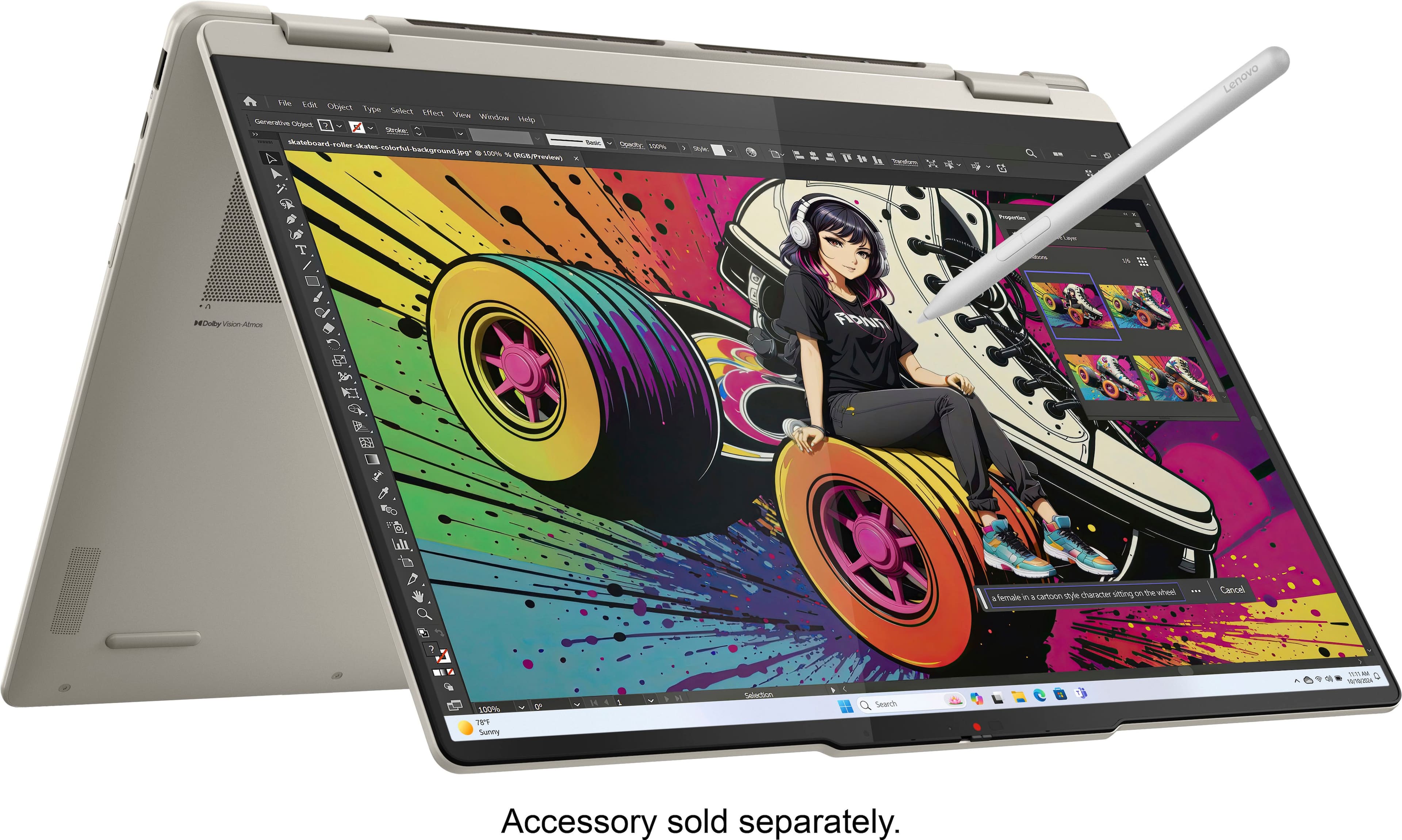
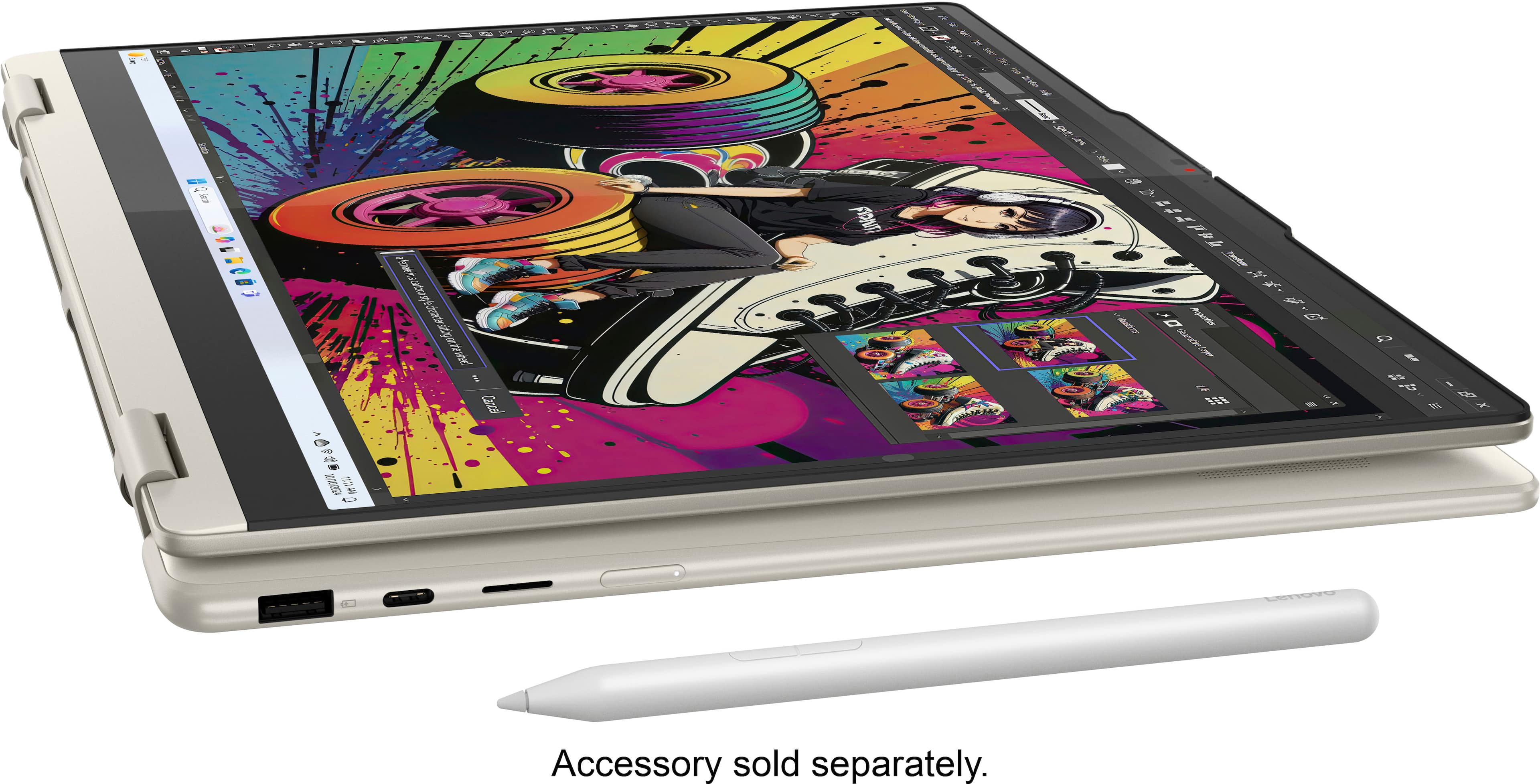
Q: QuestionWhich pen should I purchase for this laptop?
Asked by Mike.
- A:Answer https://www.bestbuy.com/site/lenovo-digital-pen-2-gray/6580719.p?skuId=6580719
Answered by Anonymous
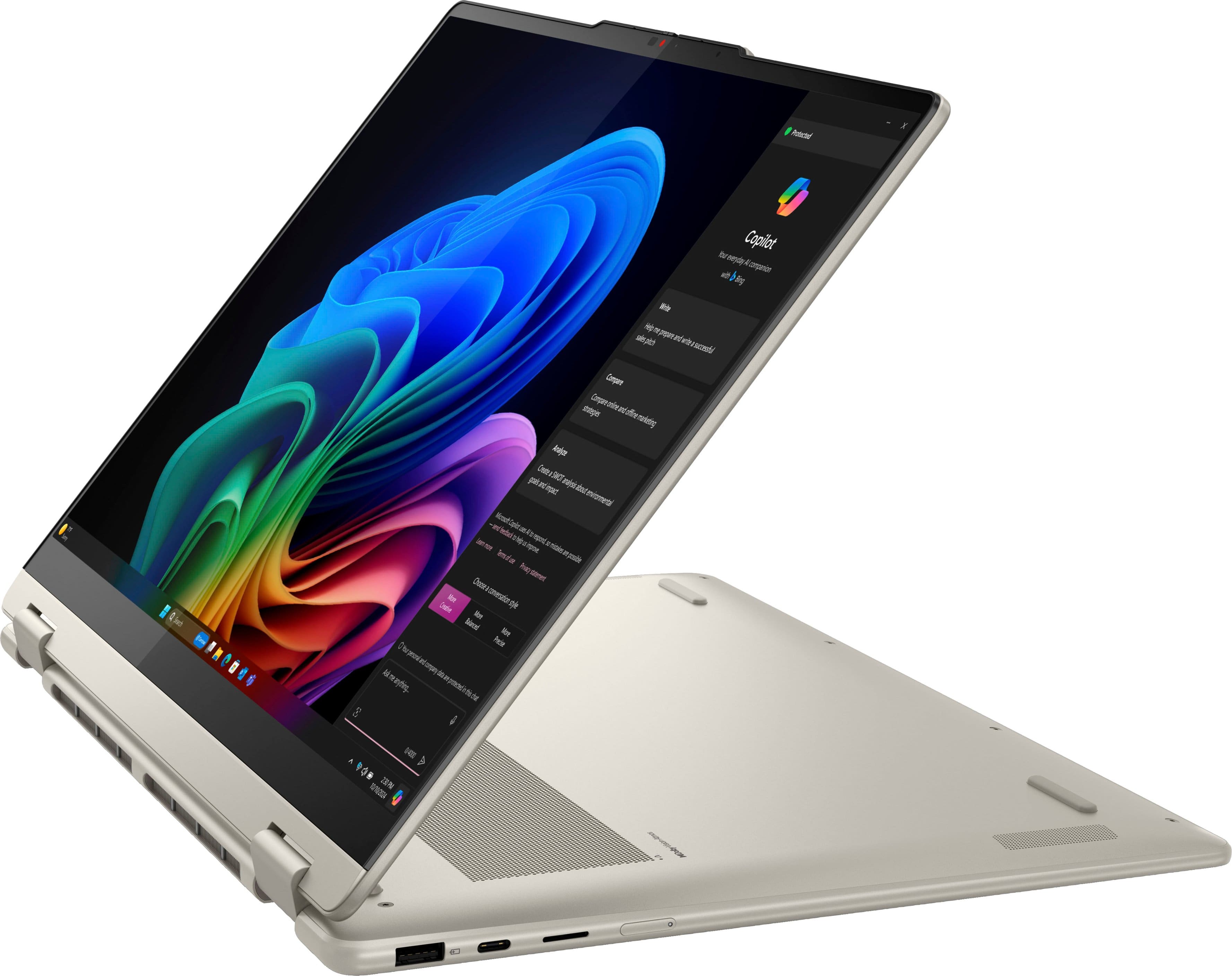
Q: QuestionAuto rotate does not work on my device, does that mean it's defective? I have to go into settings and manually change the orientation and lock it or I'll be looking at an upside down screen when I have it set like a tent instead of like a regular laptop
Asked by Uhmm.
This question was asked about the related product: Lenovo - Yoga 7 2-in-1 - Copilot+ PC - 16" Full HD LCD Touchscreen Laptop - AMD Ryzen AI 7 350 2025 - 16GB Memory - 1TB SSD - Seashell
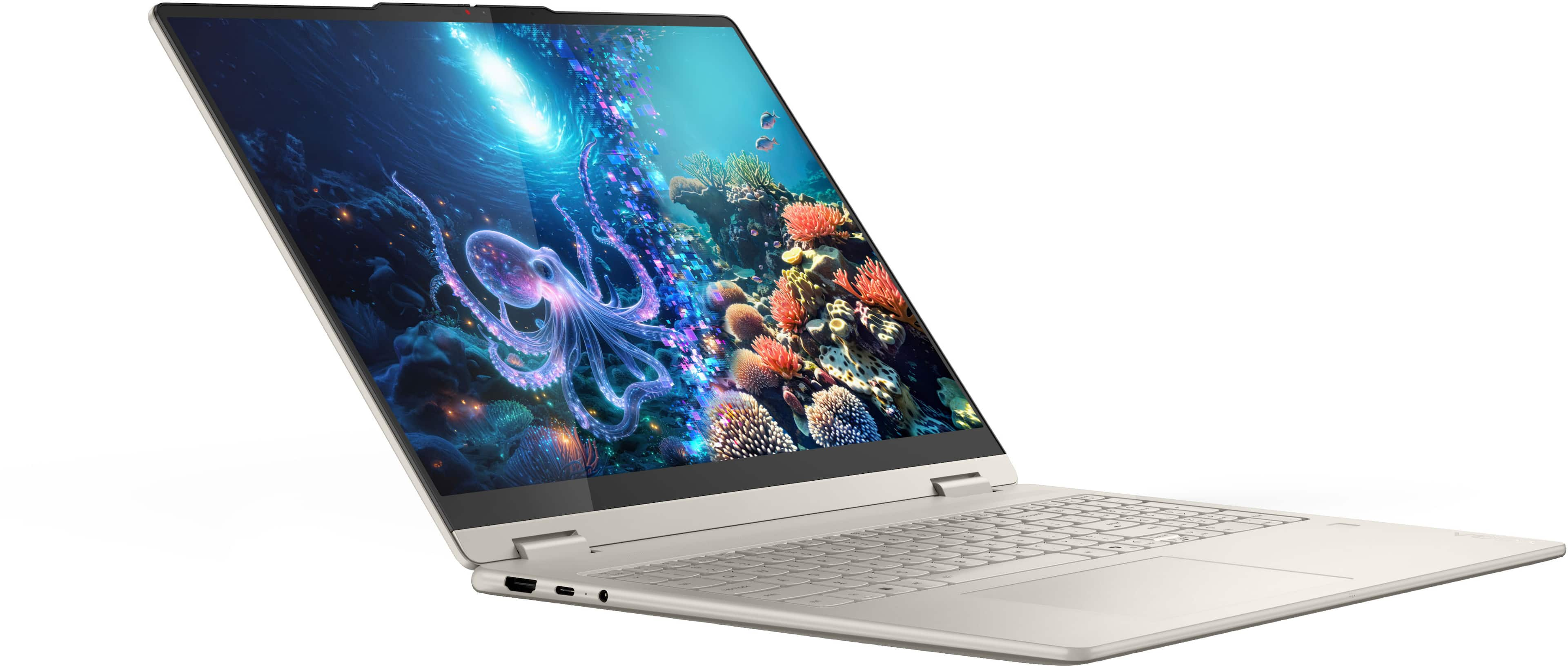
- A:Answer Hey, We're sorry to hear that you've ran into trouble with your laptop. This seems to be a Windows software bug based on what you've shared. To try to resolve this, we recommend ensuring you have the latest software by checking for updates, as this could correct the issue. To do so, first, open the Settings app > Select the Windows update tab > Select the Check for updates button, apply all available updates. You may need to repeat this step several times for all updates to populate and apply. After system restart once all the updates are applied, this problem should plague you no longer. Please feel free to reach out to us with any other questions!
Answered by Lenovo Product Expert
Q: Questionit has a sd card reader?
Asked by barwick.
This question was asked about the related product: Lenovo - Yoga 7 2-in-1 - Copilot+ PC - 16" Full HD LCD Touchscreen Laptop - AMD Ryzen AI 7 350 2025 - 16GB Memory - 1TB SSD - Seashell
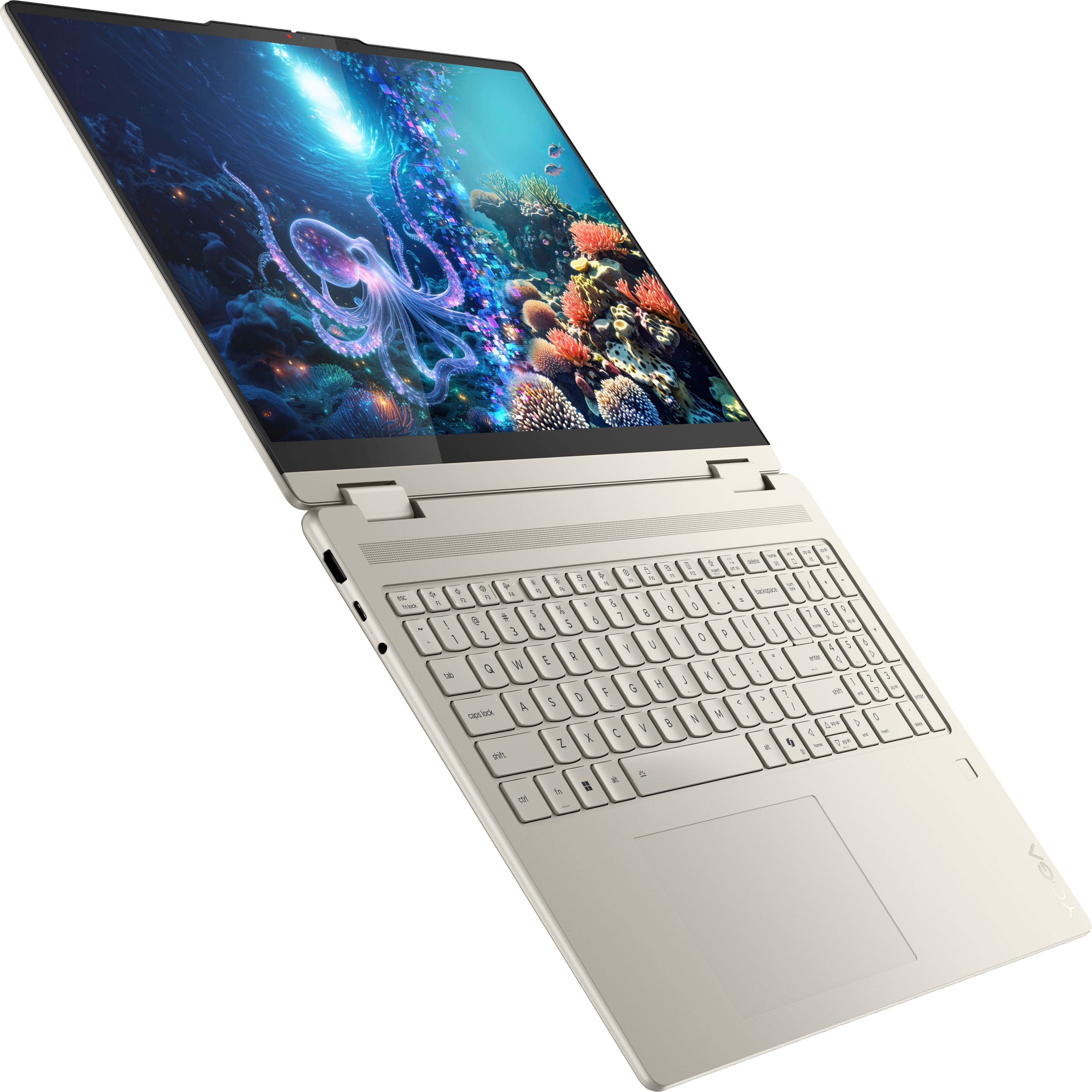
- A:Answer Hey barwick, This Yoga 7 2-in-1 features a microSD card reader. Please feel free to reach out to us with any other questions!
Answered by Lenovo Product Expert
Q: QuestionIs this laptop sufficient for journalism student?
Asked by Mike.
- A:Answer I don't know if journalism student has any special needs. I would think this laptop would work well for any student.
Answered by FloridaGirl
Q: QuestionWhich lenovo docking station works best with this computer?
Asked by Anonymous.
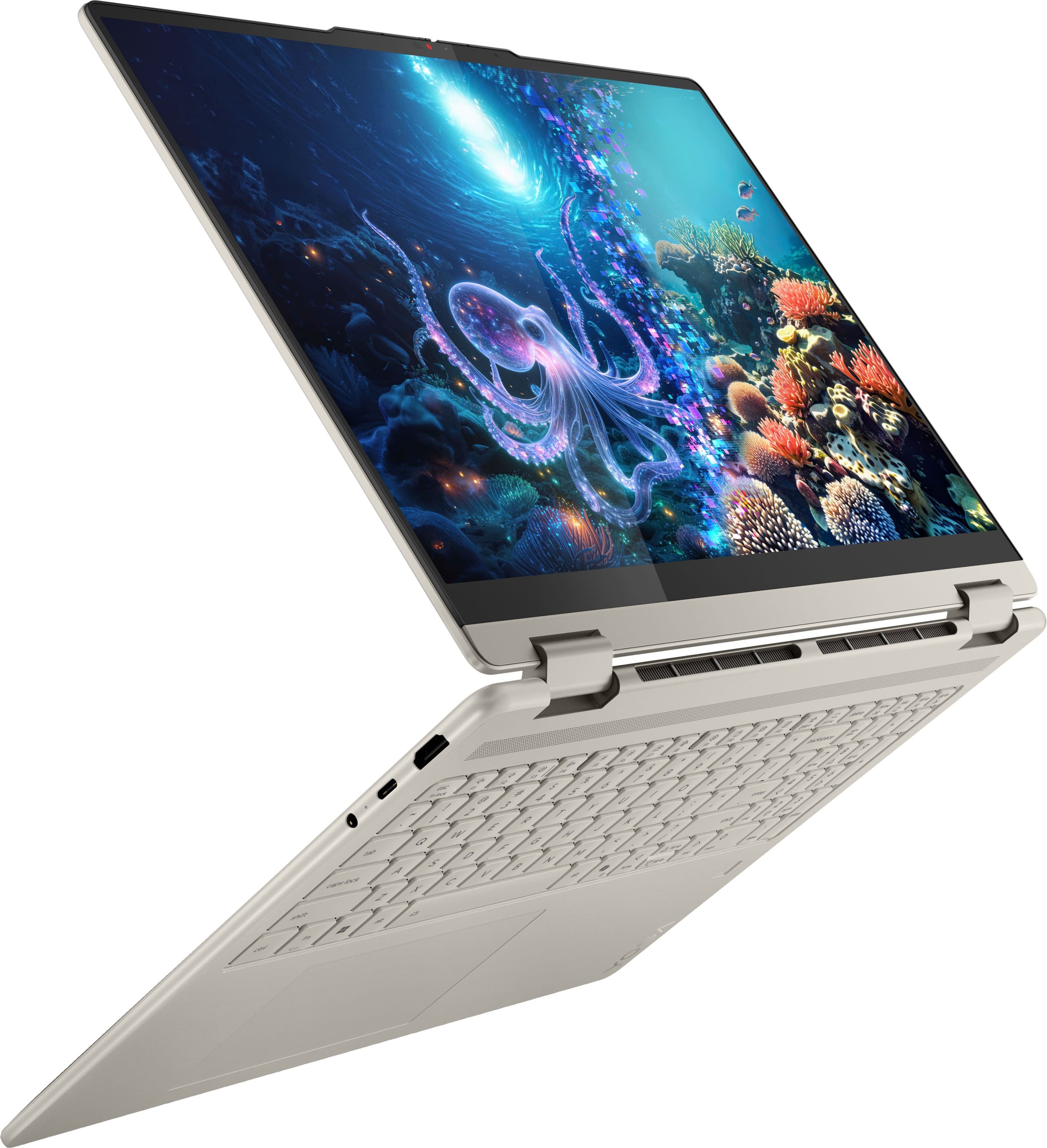
- A:Answer Hey, Given the system's specifications, a Lenovo USB-C Docking Station or Hub would be the most optimal solution, but any USB-C dock that supports USB Power Delivery for charging the laptop when connected, and whatever else you may need, like dual-display outputs or certain USB ports, is what we'd recommend. Please feel free to reach out to us with any other questions!
Answered by Lenovo Product Expert
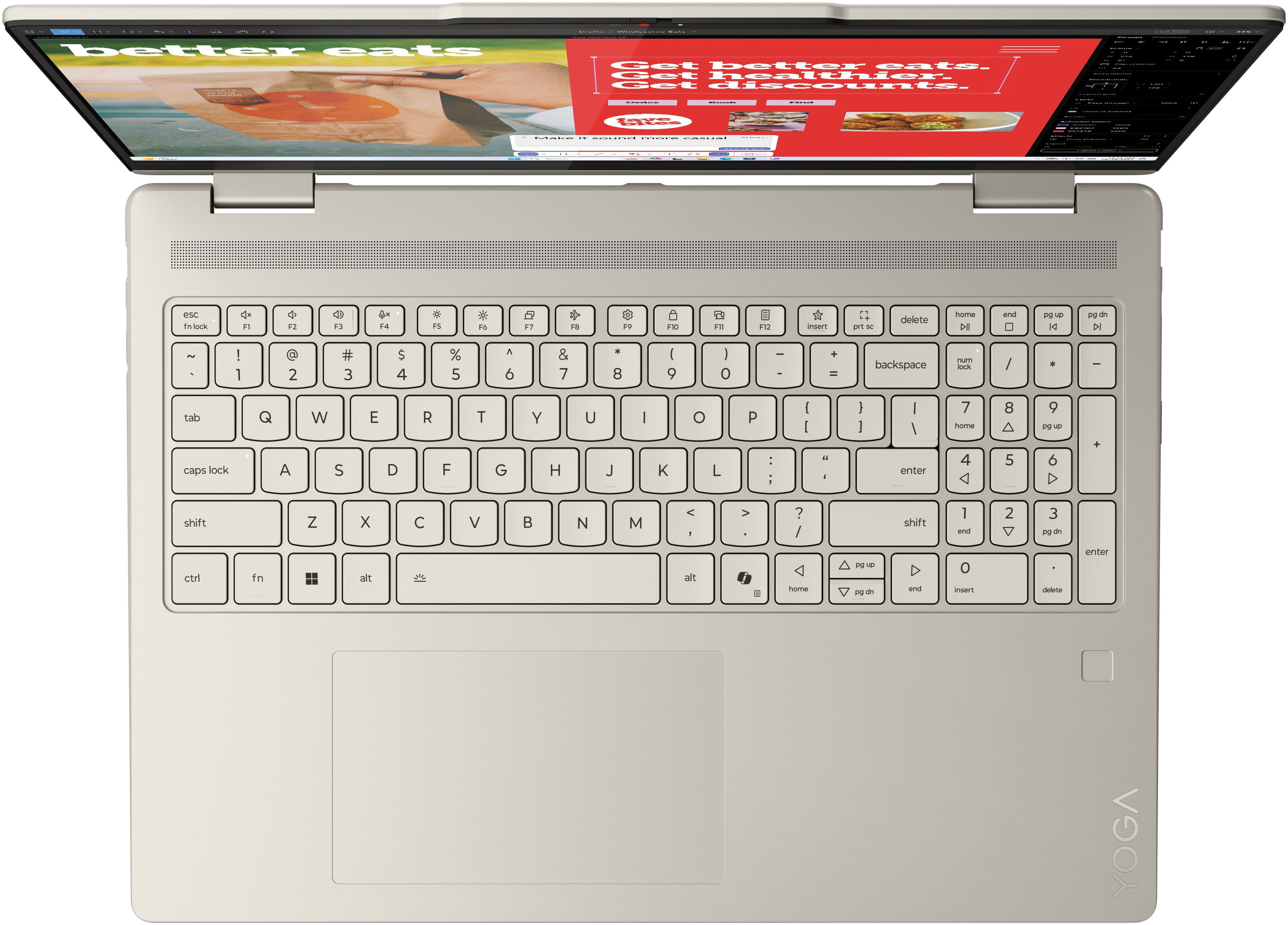
Q: QuestionDoes this model have a backlight keyboard
Asked by RalphDog.
- A:Answer Yes, light comes on when you start to type or when you touch the built in touch pad.
Answered by FloridaGirl
Q: QuestionAny security upgrades, fingerprint sensor to be exact..thx
Asked by KC.
- A:Answer It does have the fingerprint sensor
Answered by BobbieW
Most-viewed items
- $679.99$679.99The price was $999.99
- $799.99$799.99The price was $1,299.99