A:Answer Hey PeterPeter,
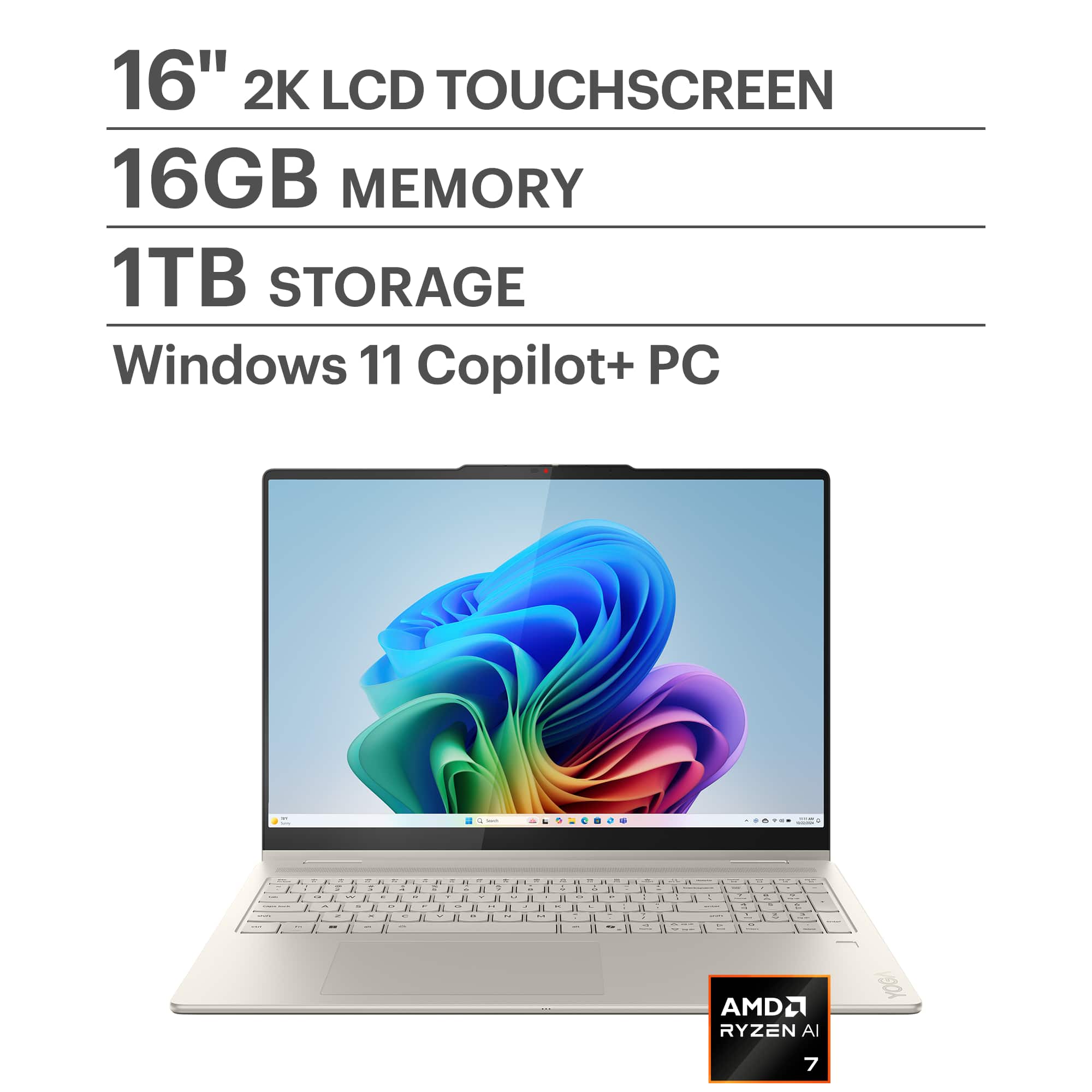
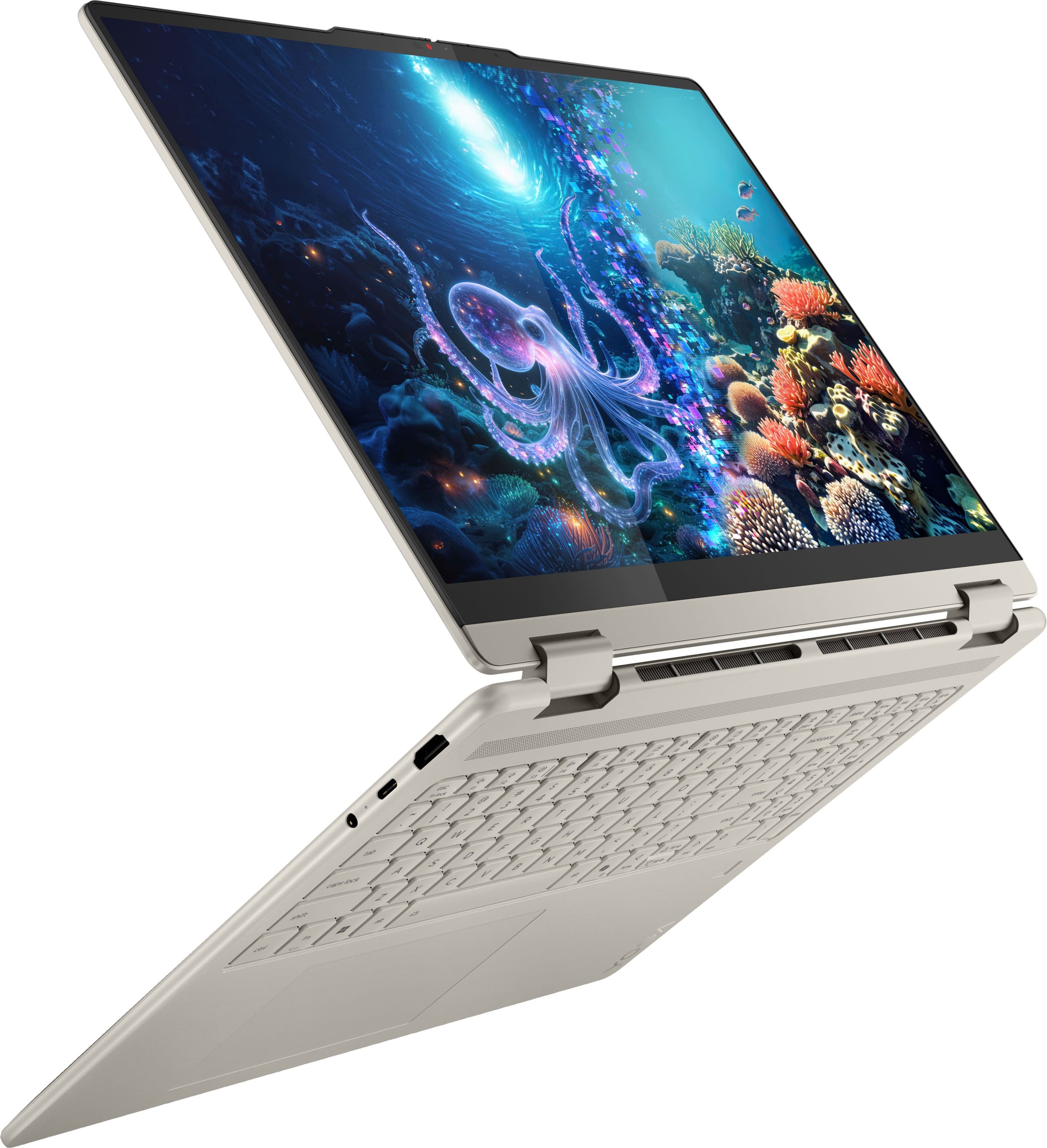
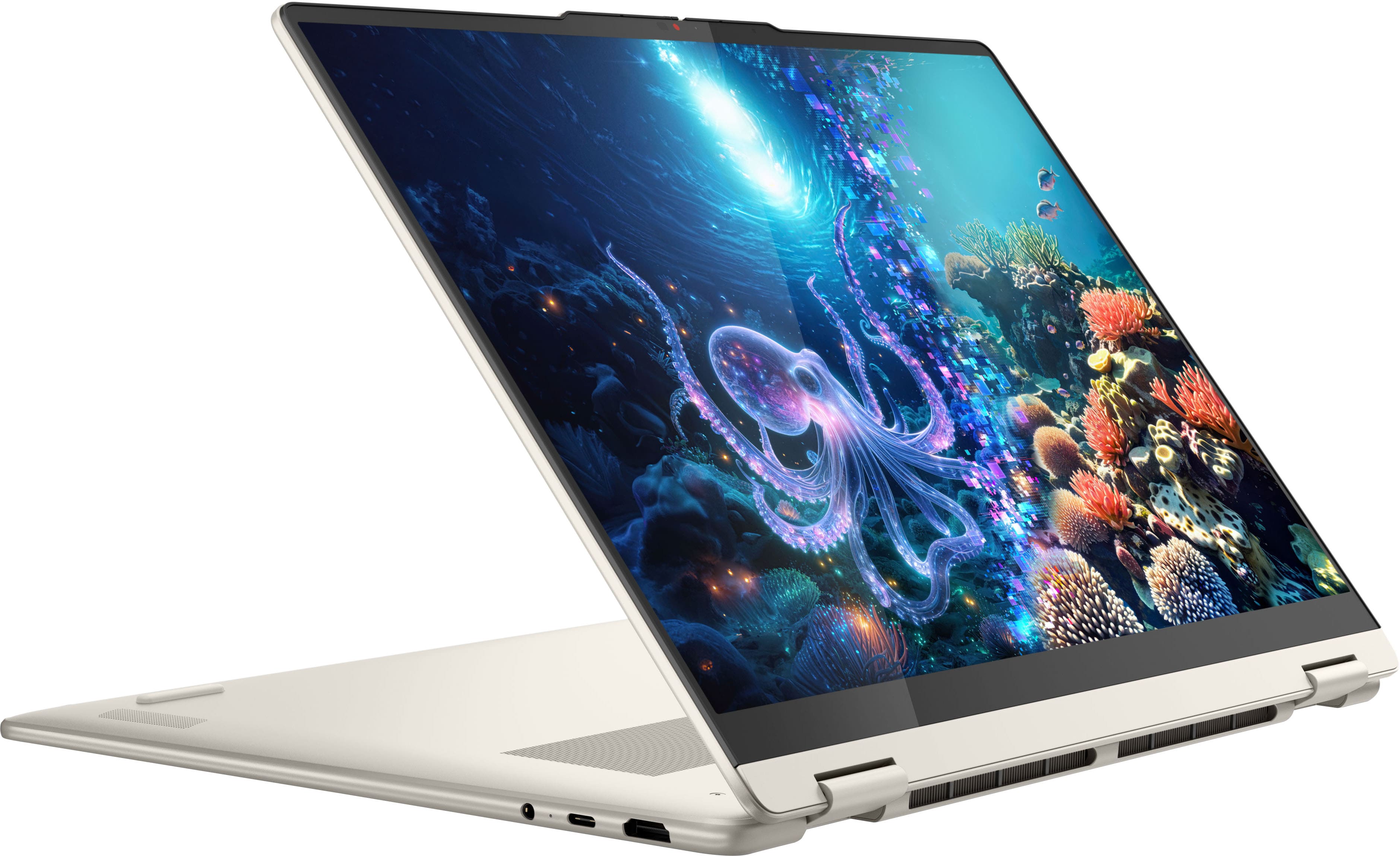
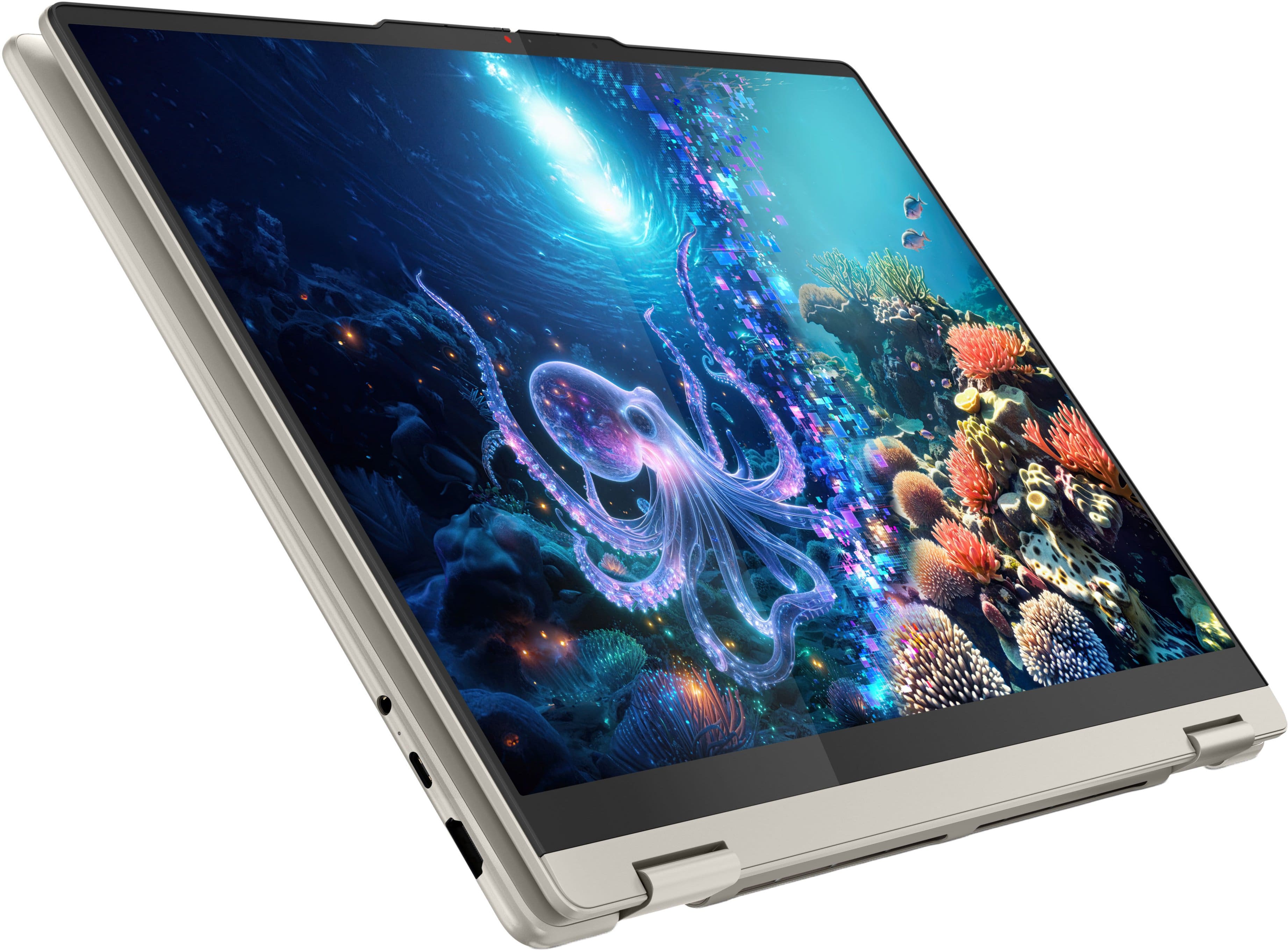
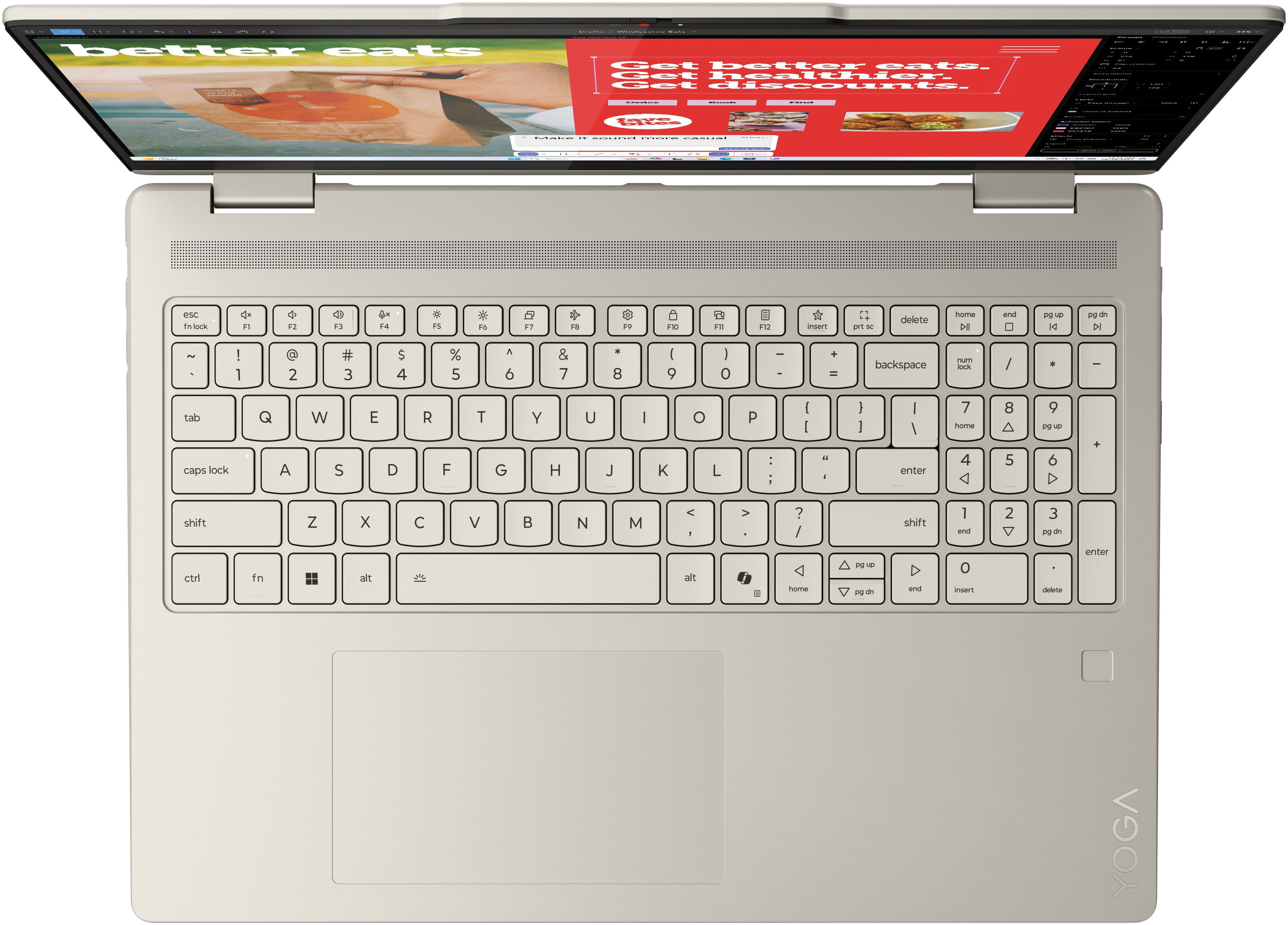
We're sorry to hear that you're having a problem with viewing text on your Yoga 7 2-in-1 Copilot+ PC. You can make adjustments to system fonts by opening the Settings app > Selecting Personalization from the list on the left > Fonts > and making adjustments here.
Also, is anything else within the display seem blurred? If so, this could be a graphics issue. To resolve this, we recommend checking for updates in the Settings app > Windows Update > Check for updates, then apply all available updates. Next, please open the Lenovo Vantage app > Select the Check for Updates button and ensure all available updates are installed successfully.
We hope that this helps, and please reach out to us again should you have any other questions or need further assistance.
Best regards,
Lenovo