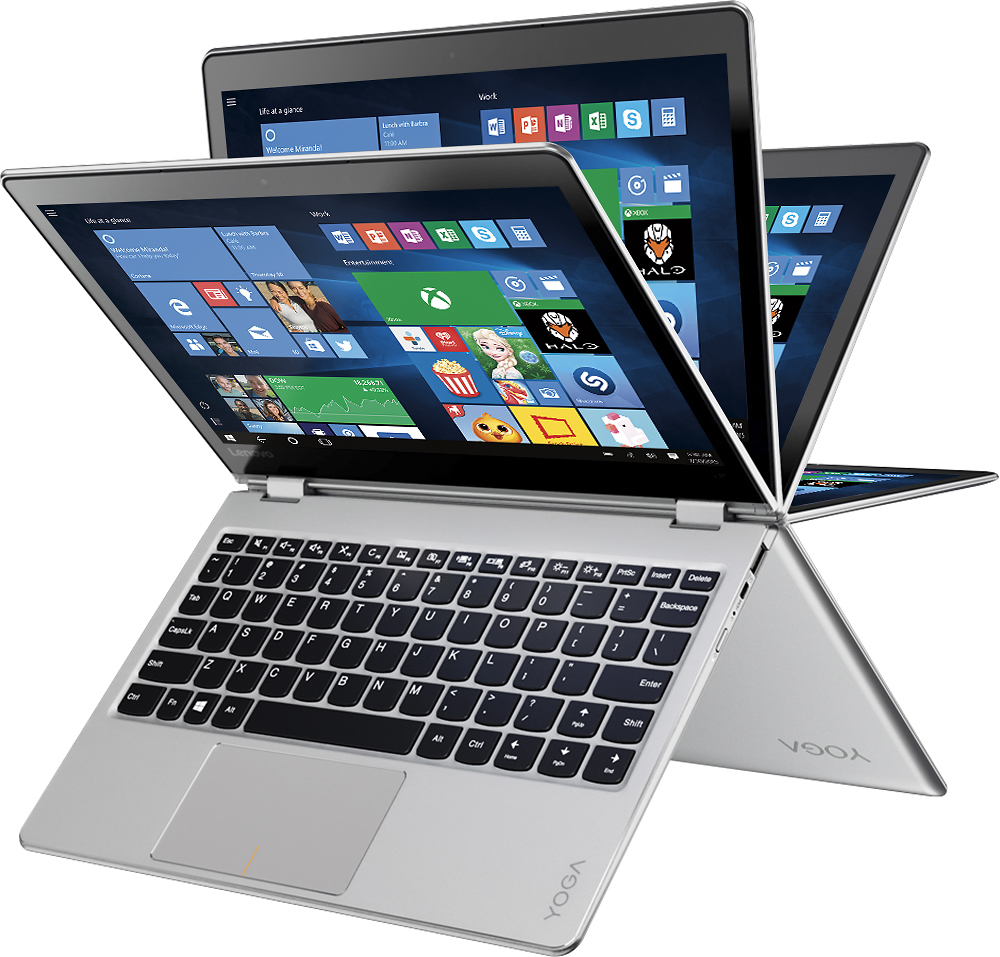
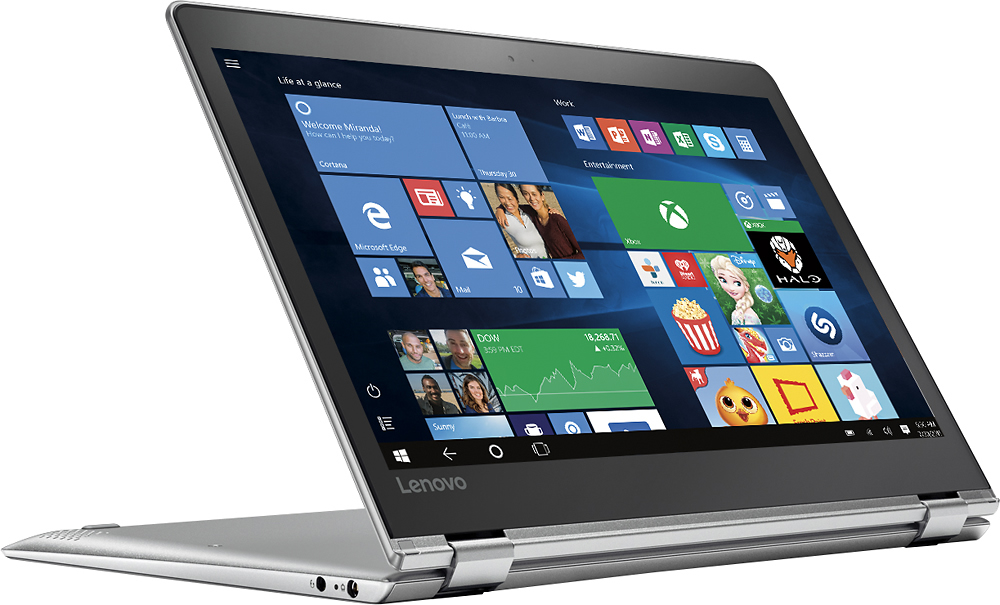
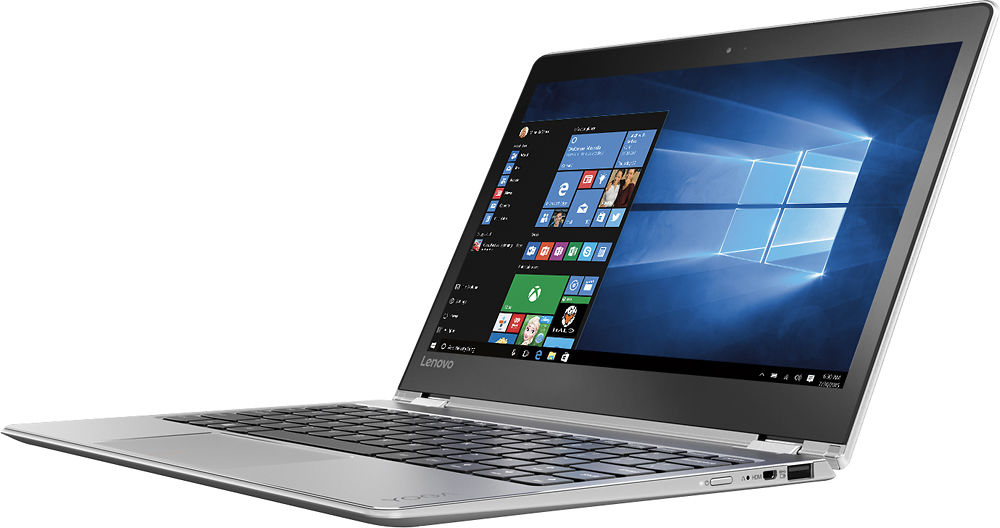
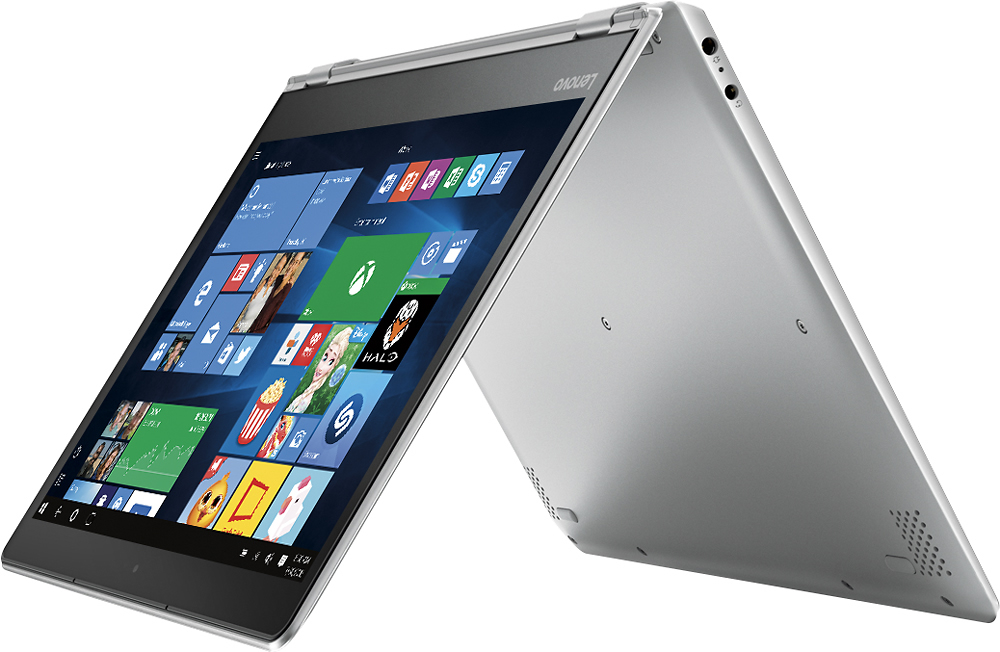
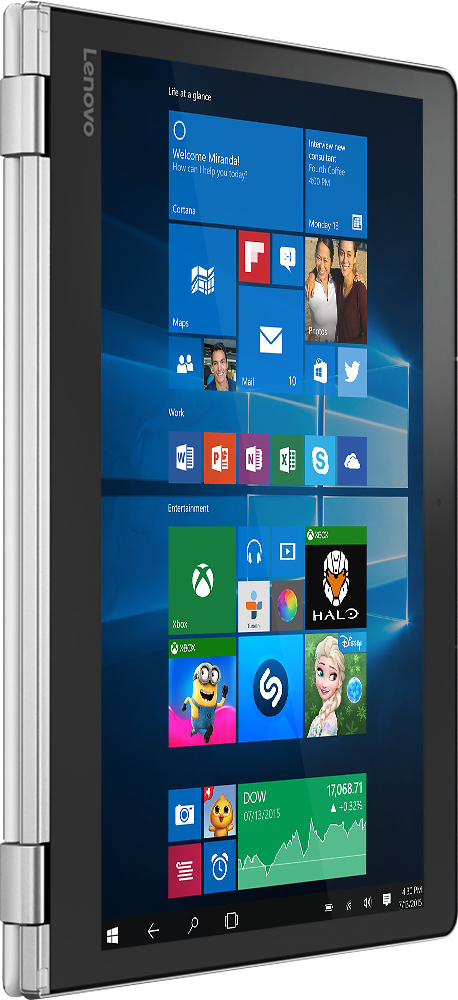
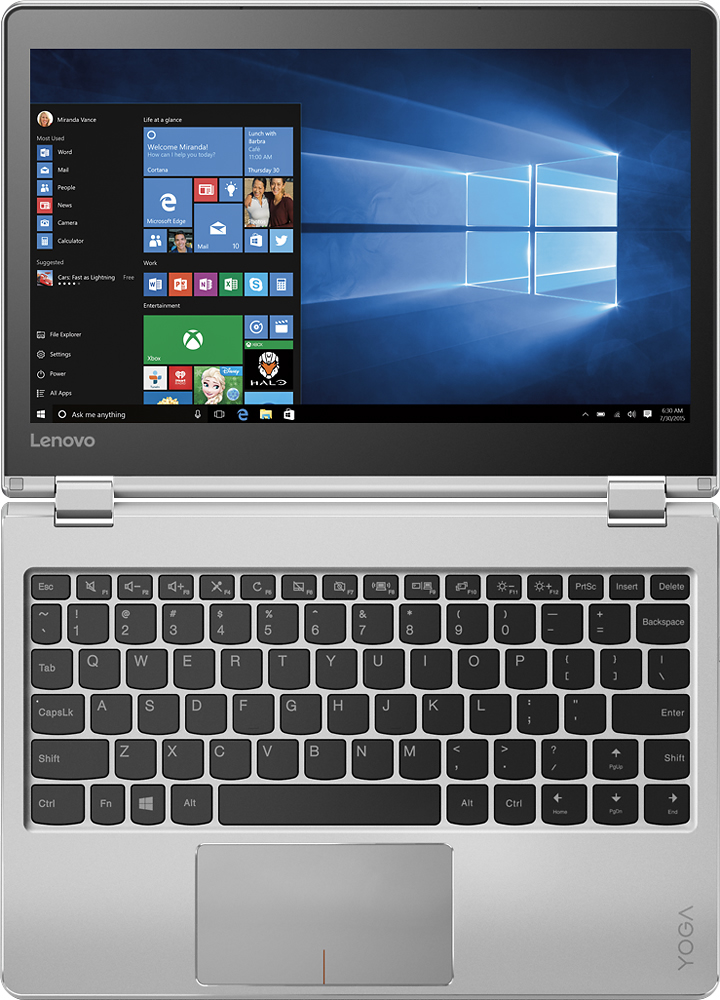
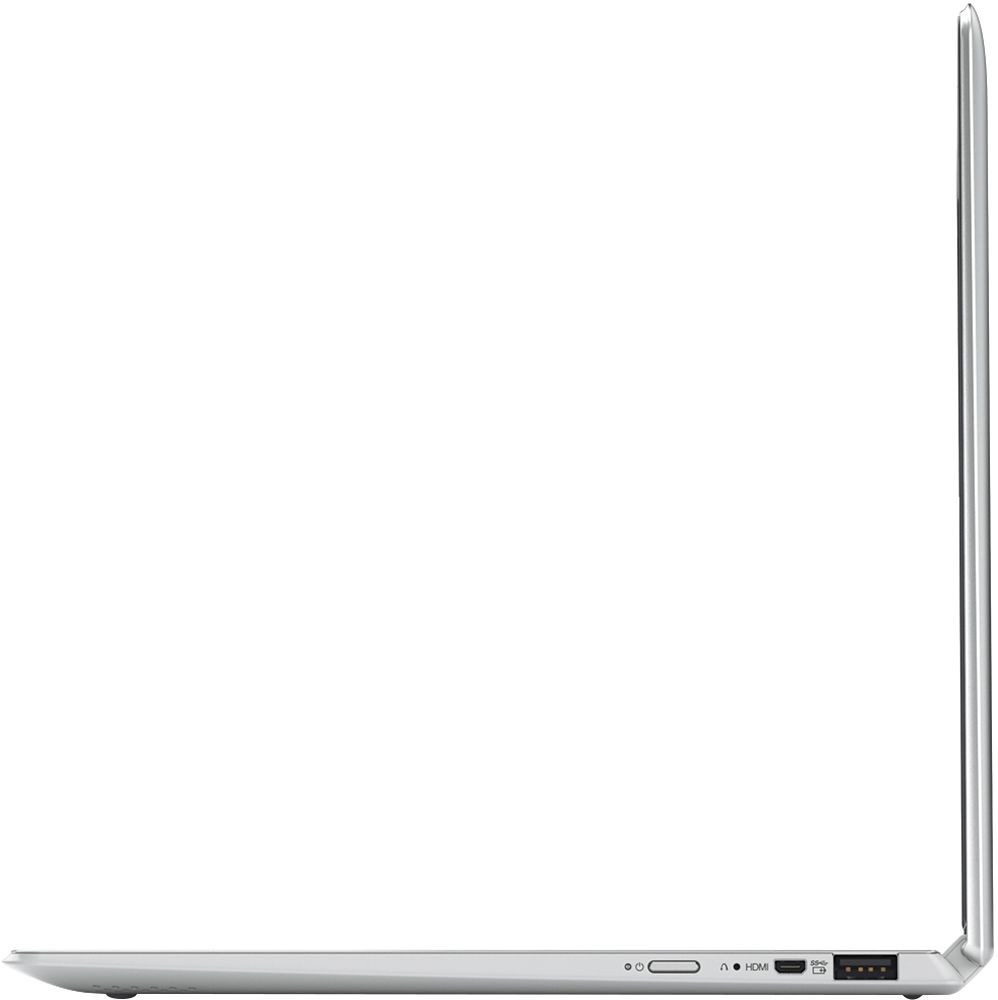
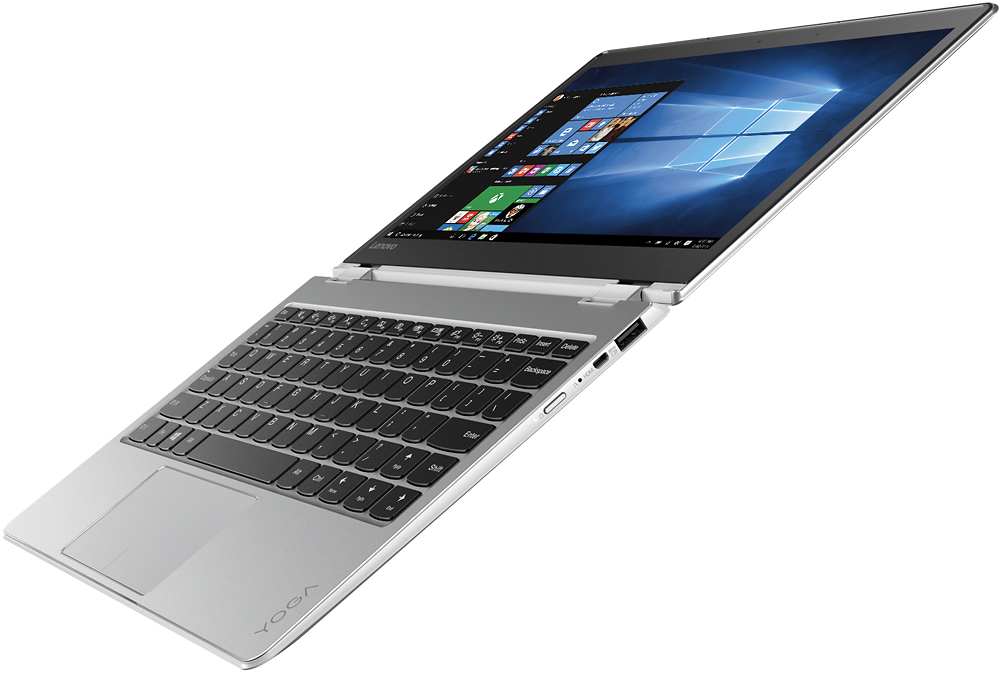
A:AnswerThis system comes with a signature edition of Windows 10 Home 64-bit. That means it is a clean install with no adware. There is a trial version of Microsoft Office 365 installed within the operating system. After the 30-day trial you need to make a purchase of a product key to maintain the software as active.
A:AnswerOne thing i found for split screen is that there is an option of an icon displaying the screen split in two with a vertical line in the middle but if you do not see this icon for the program you opened, then split screen will not work.
I forgot if the icon is in the upper or lower right corner.
A:AnswerA slight delay waking from sleep is normal. Not waking or taking more than 15 seconds to wake and you might want to check for driver updates for your system. Follow the link below to look for new driver updates for your specific system. As always, be sure to create a restore point on your system before you make any changes. Here is the link:
http://support.lenovo.com/us/en/products/Laptops-and-netbooks/Yoga-Series/yoga-710-11isk?linkTrack=Homepage%253ABody_Search%2BProducts&beta=false
A:AnswerYes it's good for homework. I purchased for my son that started high school this year. He can do all his work and easily send to all his teachers. I'm glad I purchased, he just gets right on it & do is homework.
A:AnswerThe 710 model is the newest version. It is an aluminum body design versus plastic with a totally new style. This 710 has a solid state hard drive for quicker program and file response.
A:AnswerI know if you have a device that allows like your phone being a hotspot, the laptop will connect via Bluetooth and wifi i believe i used it before on a different laptop. I just remember that connecting it, it turned on Wi-Fi when i needed to turn on bluetooth to connect that way.