A:AnswerMike, that totally depends on the video editing software you plan on using. I use Sony Vegas software, and so far not a problem. If you are using the average video editing software you will be fine. If you plan on going professional grade, then I would suggest a bit more RAM and an i7 processor. But for the average video editor, this one has plenty of computing power.
A:AnswerThis really depends on the game's requirements and the streaming services you will be using. We recommend you check with both the game's software publisher and the streaming services you will be using for their compatibility with Windows 10 Home 64-bit operating system and the minimum/recommended hardware requirements (Is a Graphics card required, the processor speed and the minimum required system RAM what internet speed is needed for the streaming services to eliminate buffering) to run their program, then compare those requirements to this system's configuration.
A:AnswerAll the work on this device must be done by a certified technician, so as to not void the warranty. A certified technician can replace the existing hard drive with a compatible replacement drive.
A:AnswerNo. You can swap out what's there and there is also an expansion slot. For example, if you buy the 8gb version you could remove the 8gb stick and install a 16 or you could purchase a second 8gb stick and install it. Pull up a YouTube video. It's not difficult to do but you will void your warranty if you self install. Best Buy charges $49.99 to install a RAM stick for you and they are an authorized repair service for Lenovo (i.e. Best Buy Geek Squad can open your computer and install the RAM without voiding your warranty).
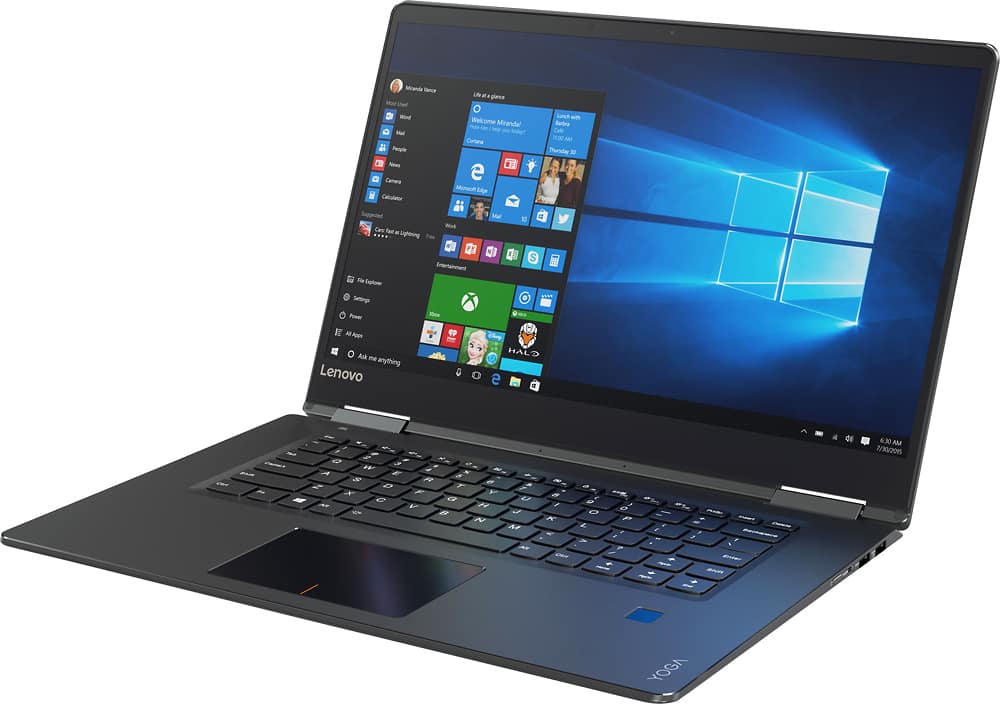
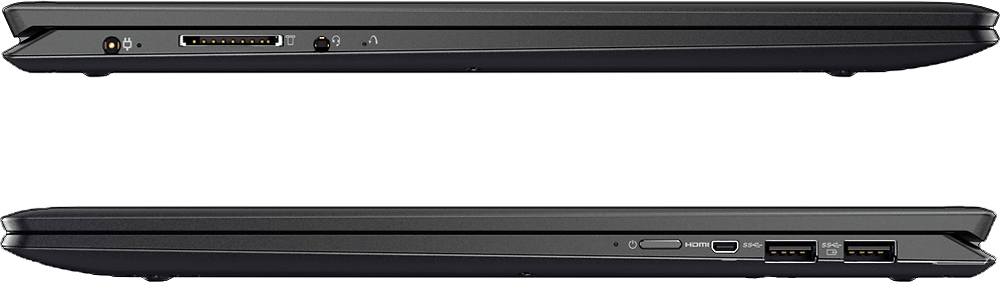
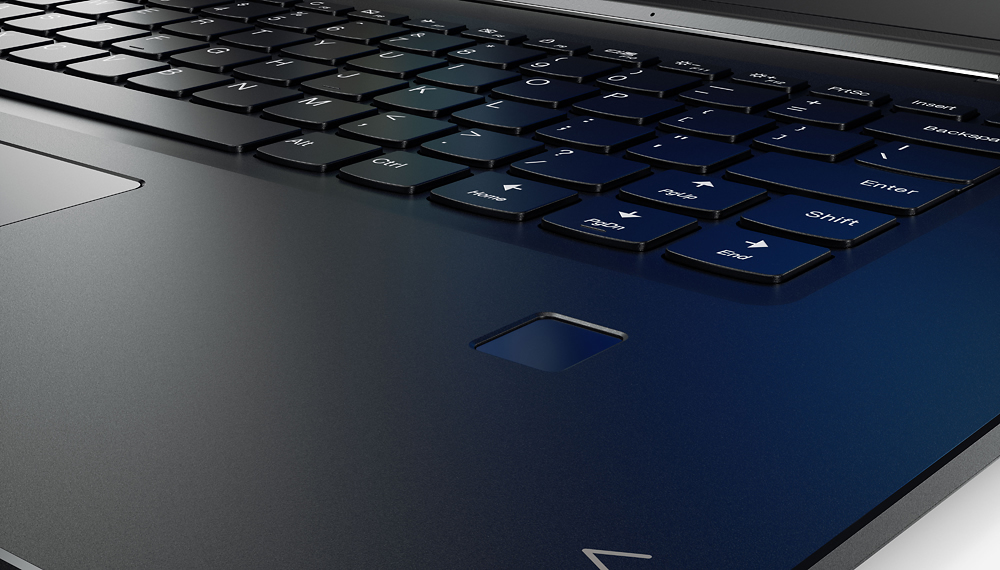
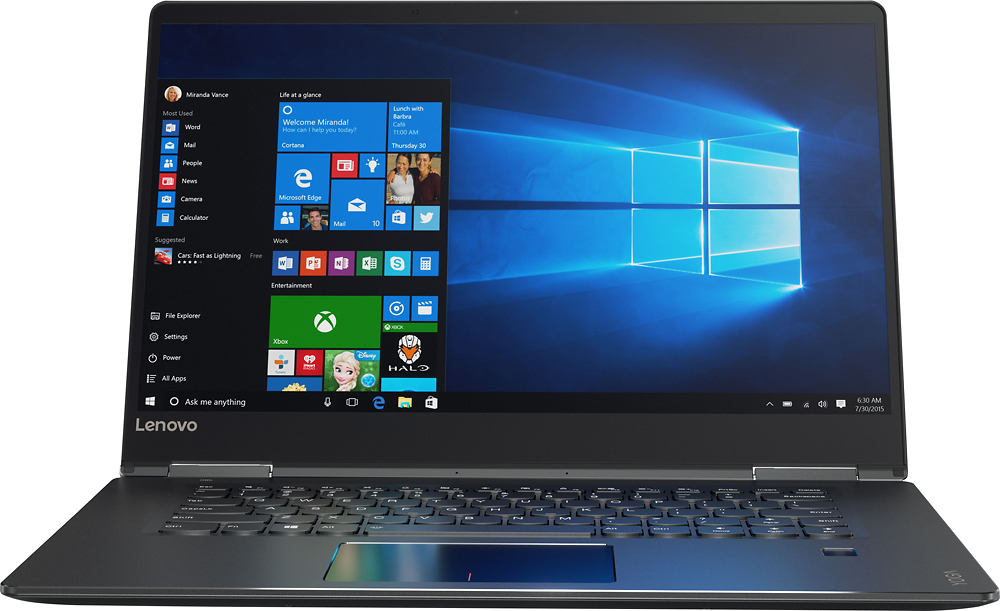
A:AnswerIt's not a gaming computer but you can play Skyrim or Assassin's Creed on low-medium settings using the 940MX. If you want to play Skyrim Special Edition and take advantage of the 4K option, this is not a 4K screen but you can connect to a 4K monitor by purchasing a cheap mini HDMI to HDMI adapter (costs about $10). It is more than sufficient for school purposes. The keyboard is the Lenovo Ideapad "hugged" keys which help speedy typing and the hardware included can get you through any basic Office applications with ease. I'm not sure what you mean by a weird zoom feature but if you're referring to the feature where you can pinch to zoom you can turn that off by pressing F6. You can try this out in Best Buy using the display model.
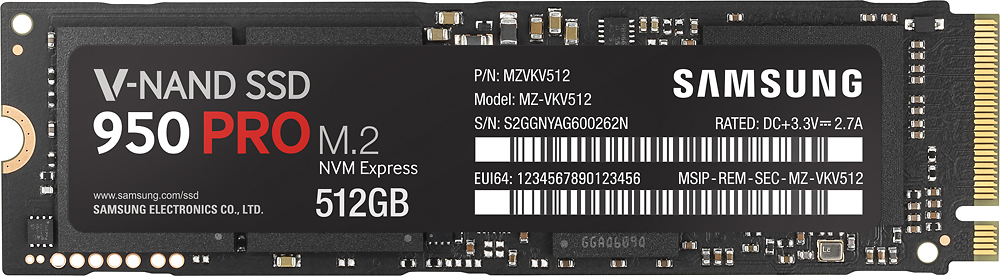
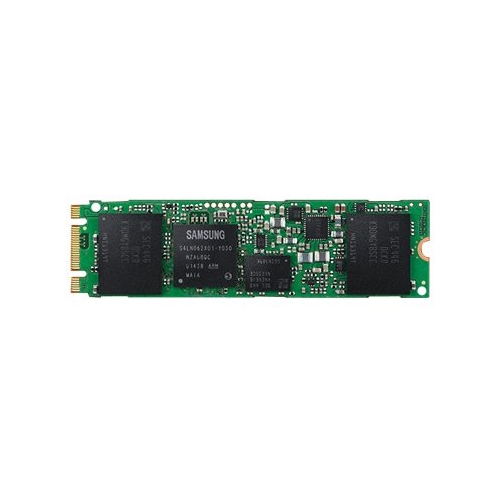
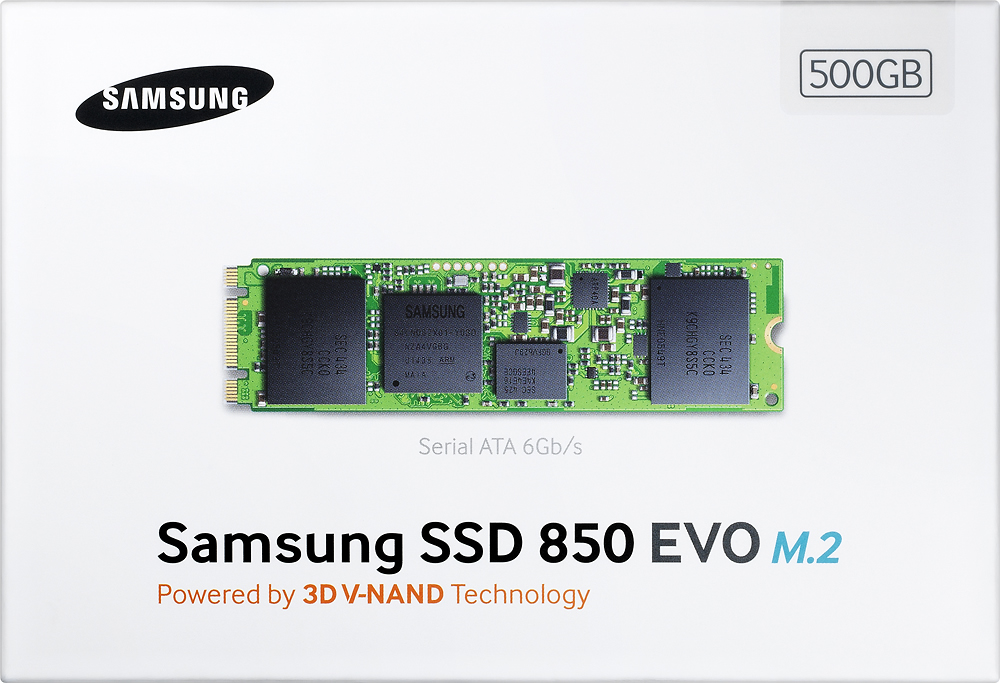
A:AnswerYes, you can upgrade the SSD to 512GB or 1TB, the system uses M.2 SSDs. I would recommend the Samsung 850 Evo M.2 drives, they're fast and reliable, or if you want even more performance from it, try the Samsung 950 Pro M.2 SSDs.