Questions & Answers
- Model:
- 81CU000CUS
- |
- SKU:
- 6201046
Highly rated by customers for: Fast, Screen, 4k screen
Page Showing 21-26 of 26 questions
Q: QuestionCan the operating system be downgraded to Win 7 pro? I realize I may need to buy a copy of Win 10 pro at additional expense. My question is, “will the laptop function running Win 7 pro?” Mission critical work app that won’t run on anything higher.
Asked by Caveman.
- A:Answer We recommend you check with Microsoft to see if this version of Windows 10 can be replaced with Windows 7 Pro.
Answered by Lenovo Product Expert

Q: QuestionDoes it support USB-C PD Charging? Don't wanna carry large brick around
Asked by noname.
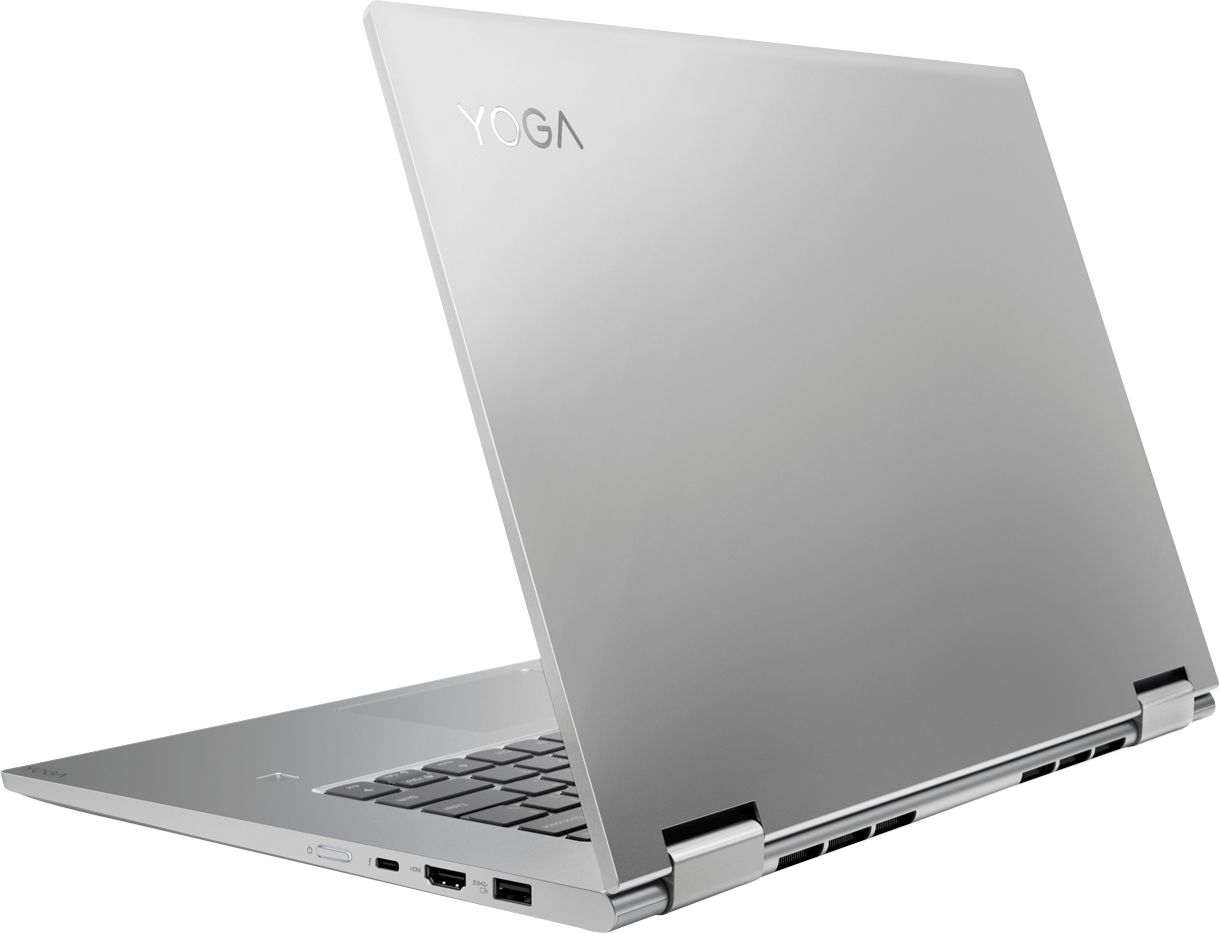
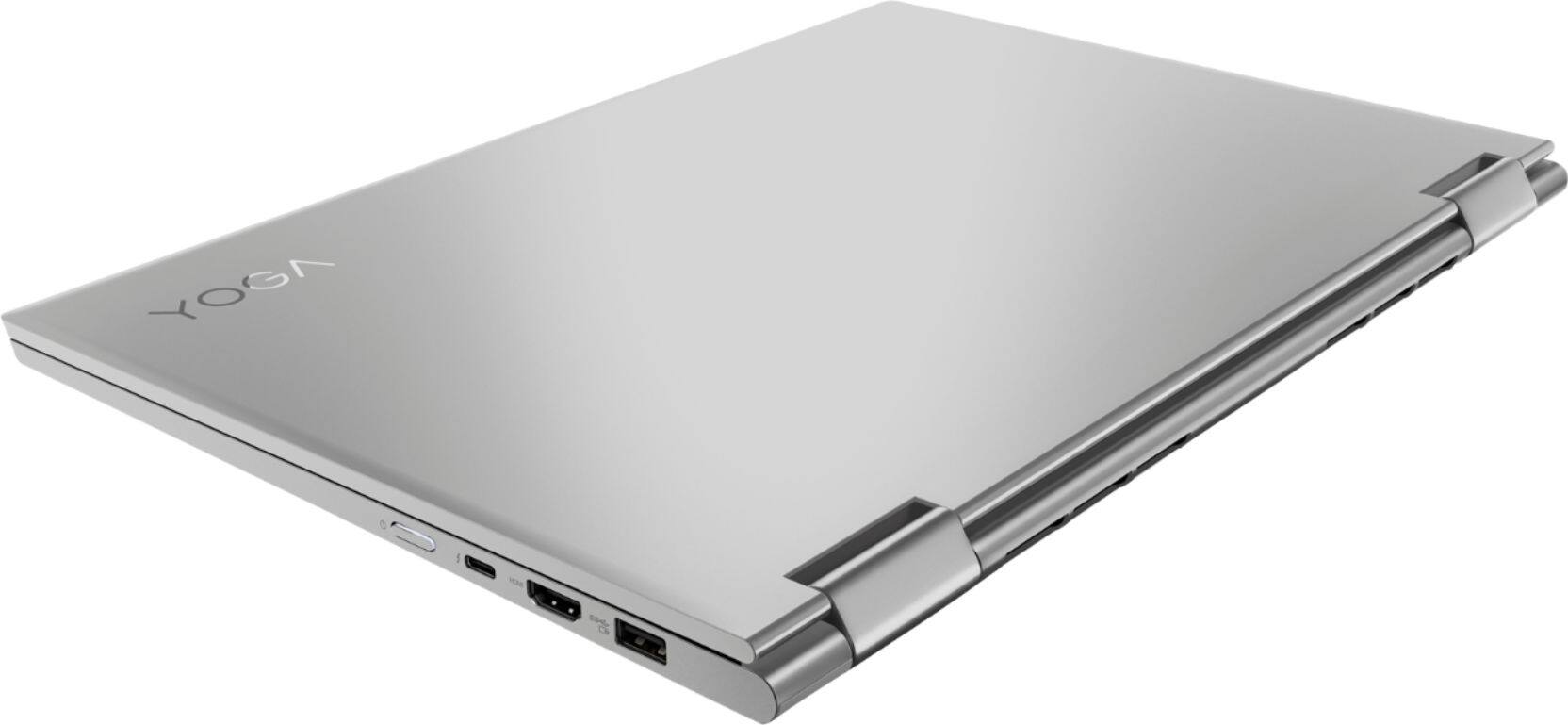
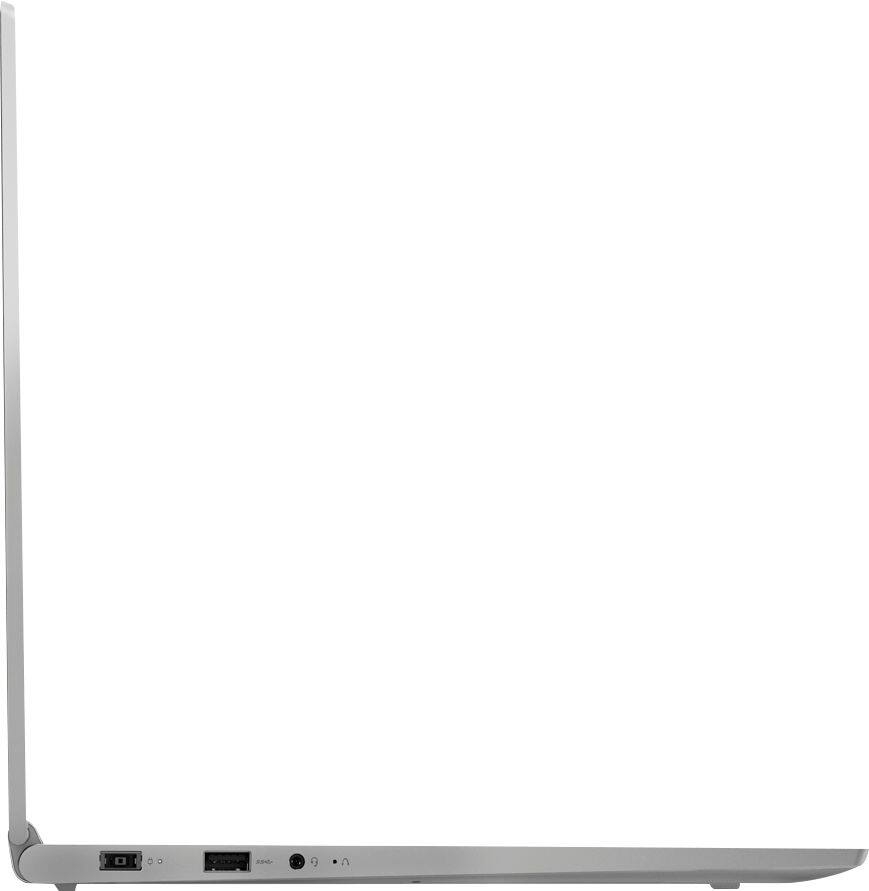
- A:Answer No, you can't charge through the USB-c port. There is a dedicated, proprietary power port on the device.
Answered by Lenovo Product Expert

Q: QuestionCan I buy this laptop with a numeric keypad on it?
Asked by Anonymous.
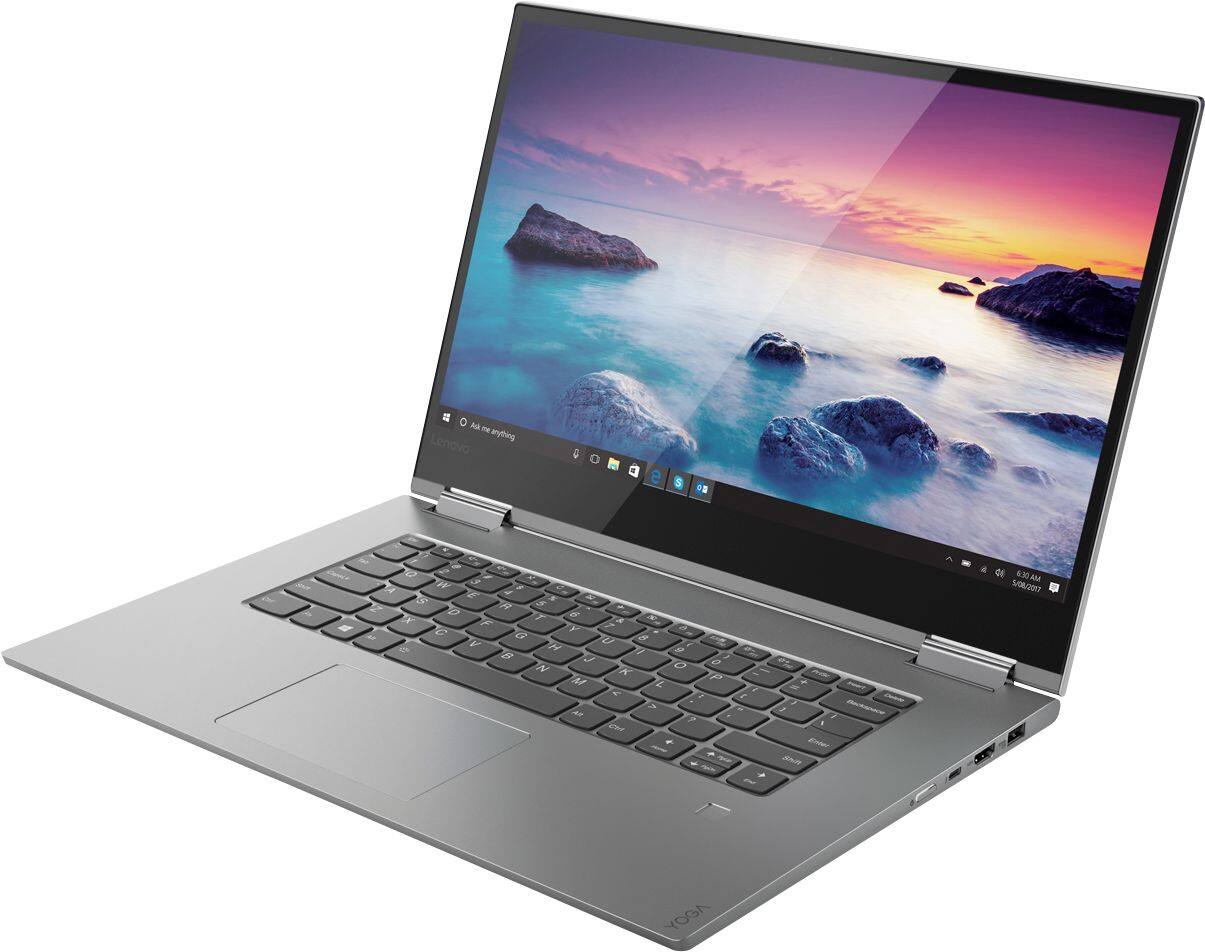
- A:Answer No, both the 15 & 13 inch do not have a numeric keypad and is not able to be customized through Lenovo.
Answered by xR3DxArrow
Q: QuestionDoes the HDMI port support HDMI 2?
Asked by Anonymous.
- A:Answer No, to support 4K video out you will need to use the Thunderbolt port on this device.
Answered by Lenovo Product Expert

Q: QuestionI am concerned about the screen flickering issue that everybody is complaining about, do you know if it is fixed? are people still returning their laptops due to this issue? This is the only thing that is keeping me from buying this laptop
Asked by Ambi.
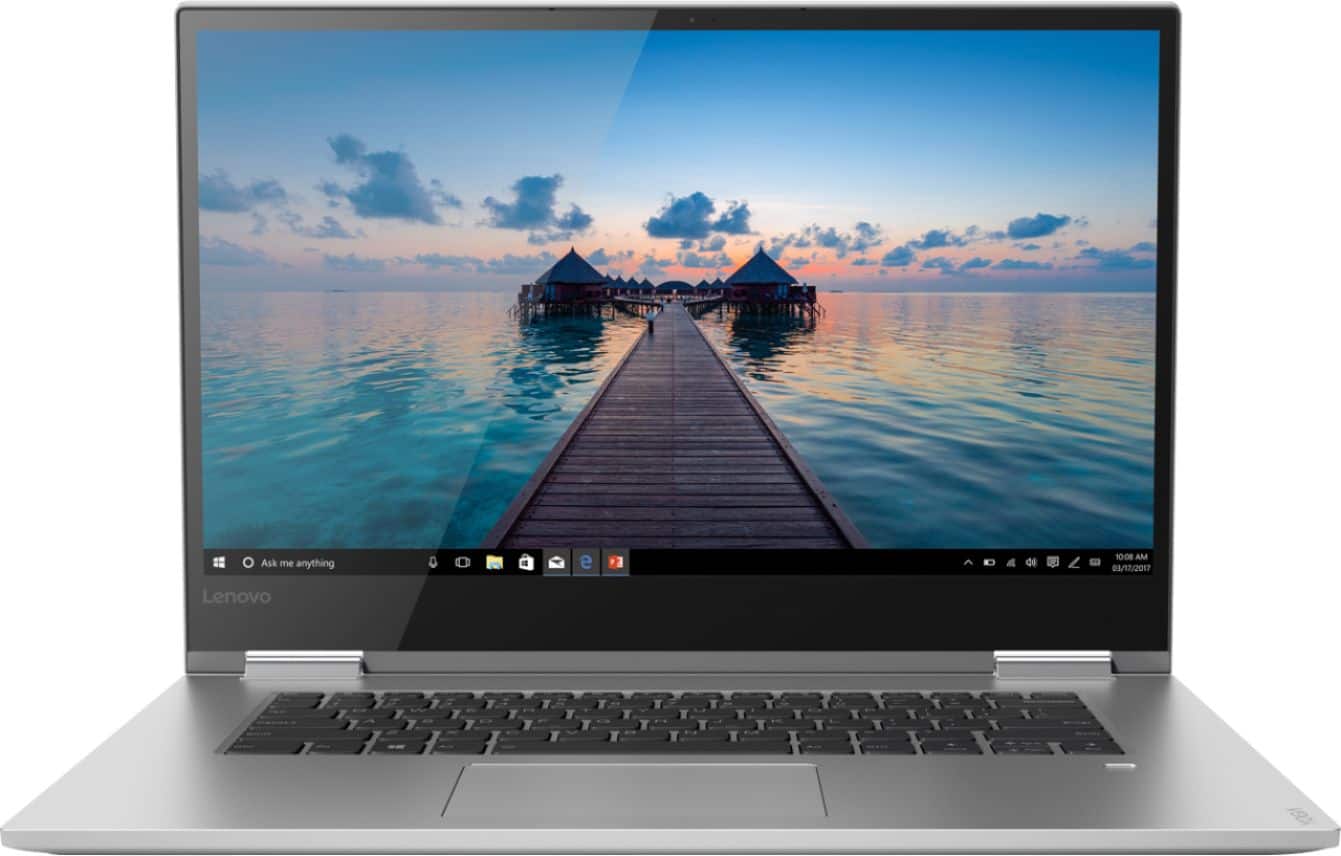
- A:Answer i purchased Lenovo Yoga 730-13 from Bestbuy and have been experiencing screen flickering problem. I tried all the fixing tips posted on Youtube, including uninstalling programs, disabling services, etc. Nothing worked. Lately i noticed the flickering stops when i pressed the bottom left of the screen with my thumb. The flickering comes back when i remove my thumb. i have determined it's a hardware problem, and will take it back to Bestbuy for a permanent solution. I liked the laptop until this problem surfaced.
Answered by Sahlu
Q: QuestionAm I able to increase the system memory to 1 tb? If so, how can that be done?
Asked by Mira.
- A:Answer As a Technician the answer is yes how ever I do-not recommend .It is physically possible to do so how ever you need to check the physical size of the current hard drive and make sure the replacement is the same size .You must also considered the brand of the hard drive ,the heat it produces, read and write speeds etc.The most important reason for why I don't recommend it is because any alterations will void Warranty . If you want more memory I recommend for you to get a external SSD ,basically its a huge USB thump Drive .You can purchase at best buy etc.Since its not a alteration warranty is not void ,they are really light weight and portable and you can connect it to your pc with a USB cable .They usually cost around 50 Dollars depending on the Brand .As a bonus you can use it to back up your PC so in case you loose your pc or your Hard drive crashes you still have your data.
Answered by Freddy
Page 2, Showing 21-26 of 26 questions
Best-selling Best Buy
- $99.00$99.00The price was $129.00
- $14.99$14.99The price was $19.00
- $24.99$24.99The price was $29.99
- $14.99$14.99The price was $19.00