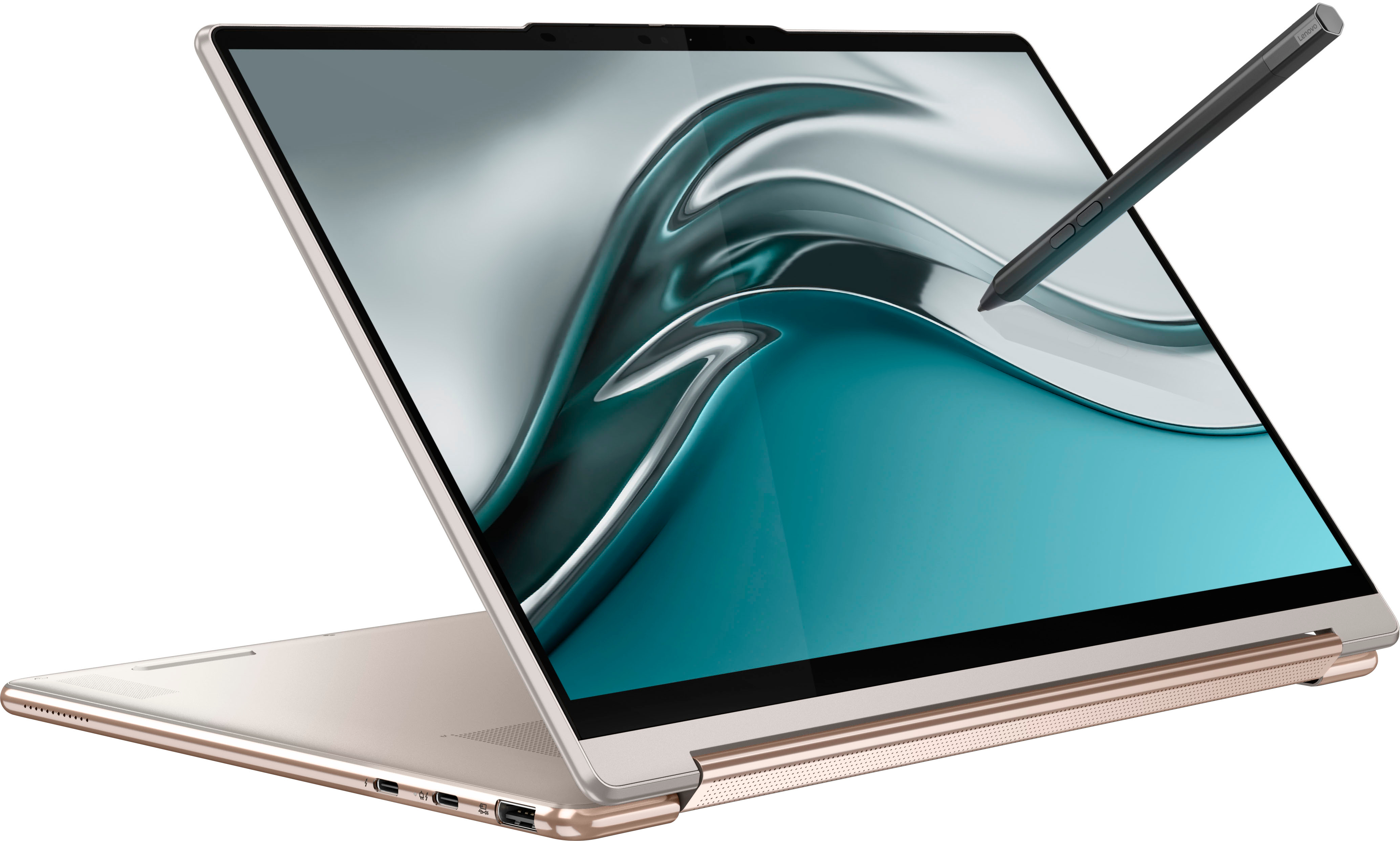
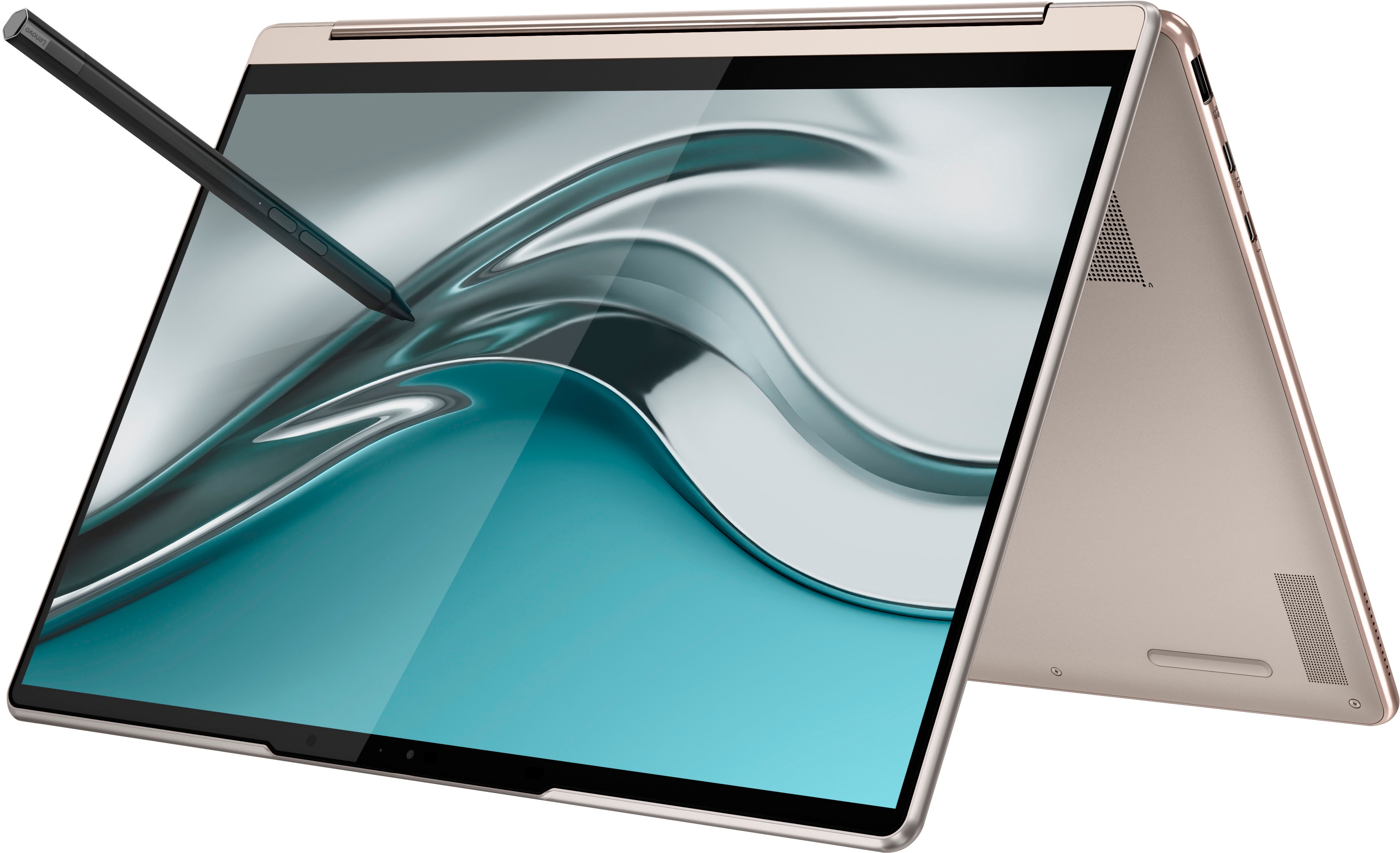
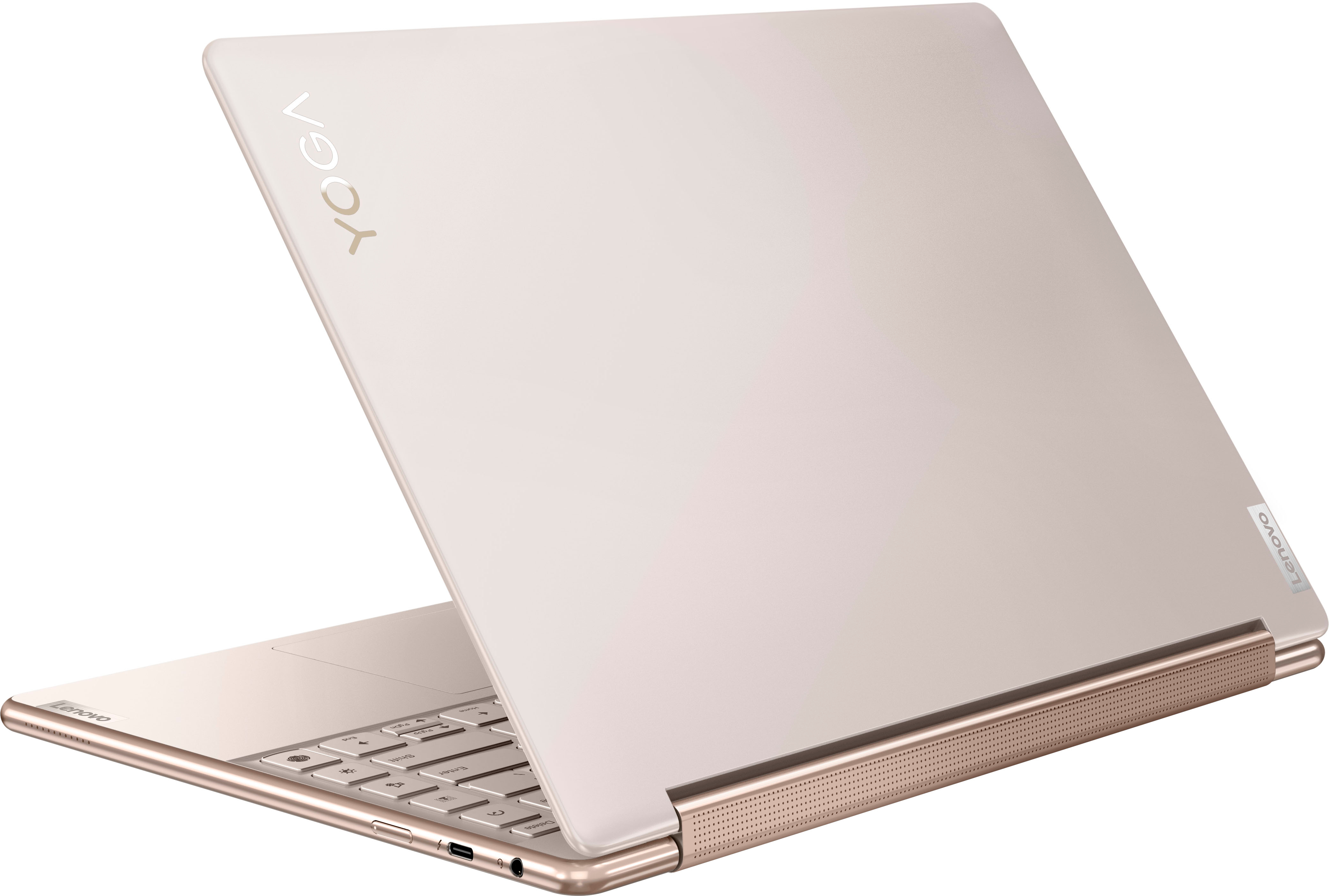
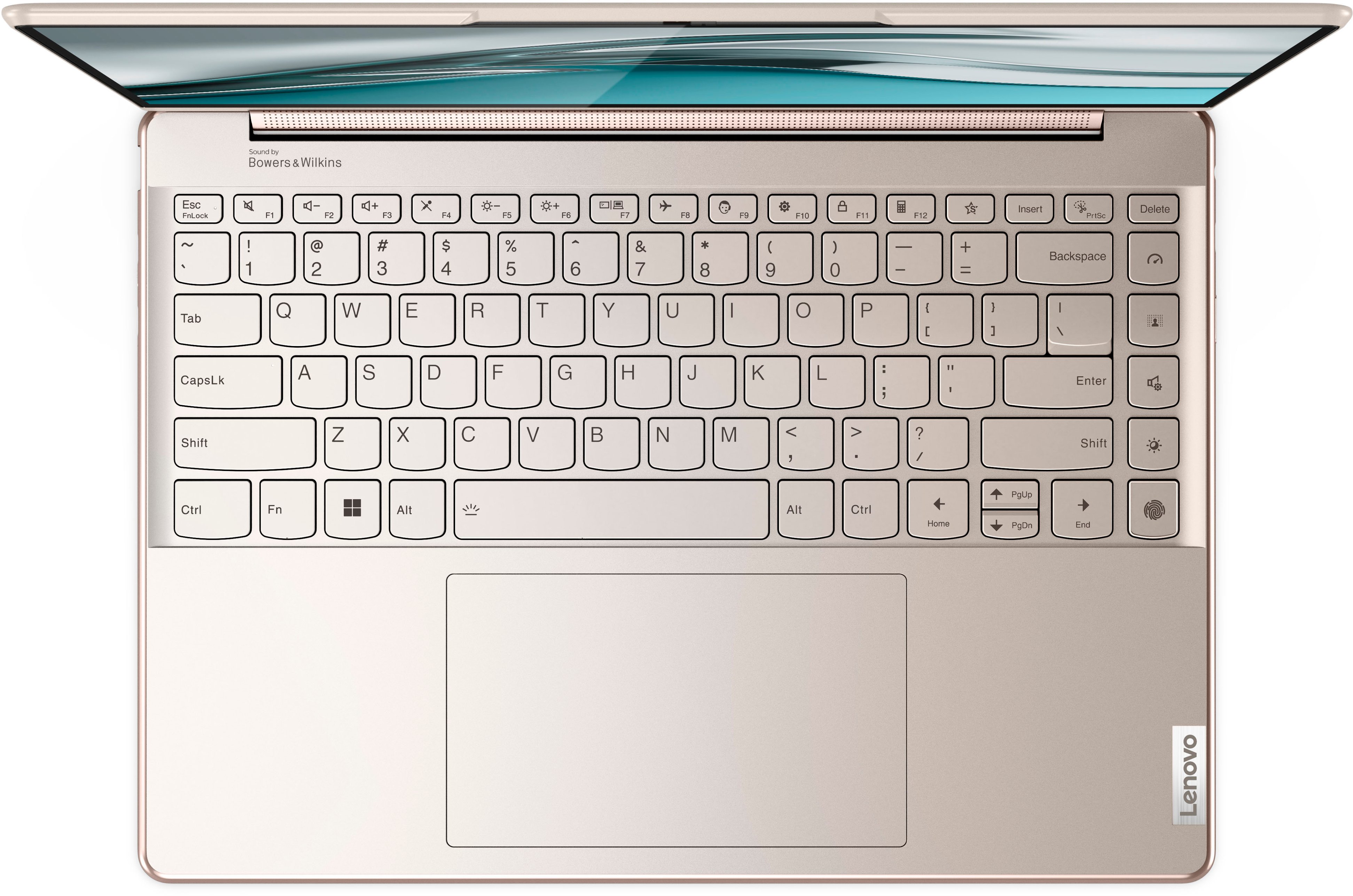
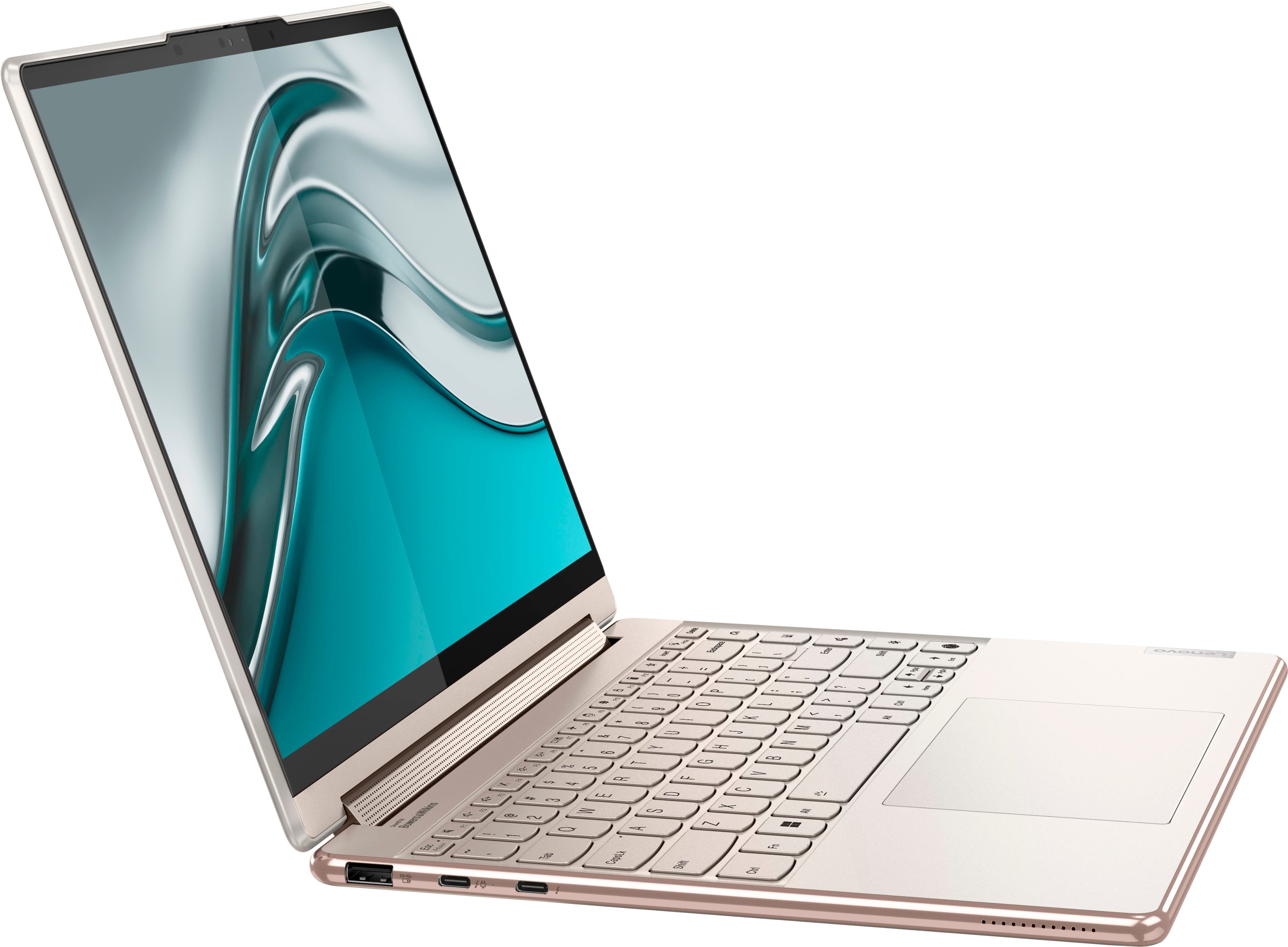
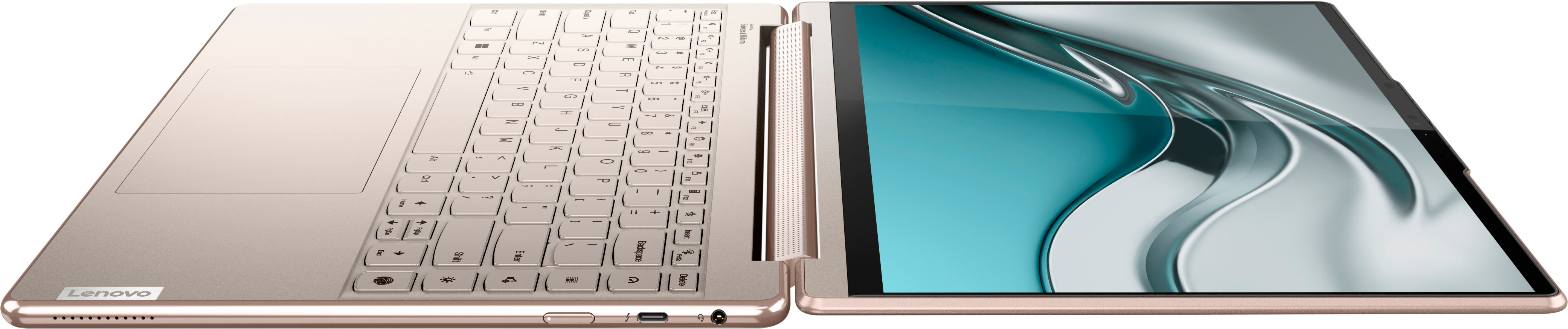
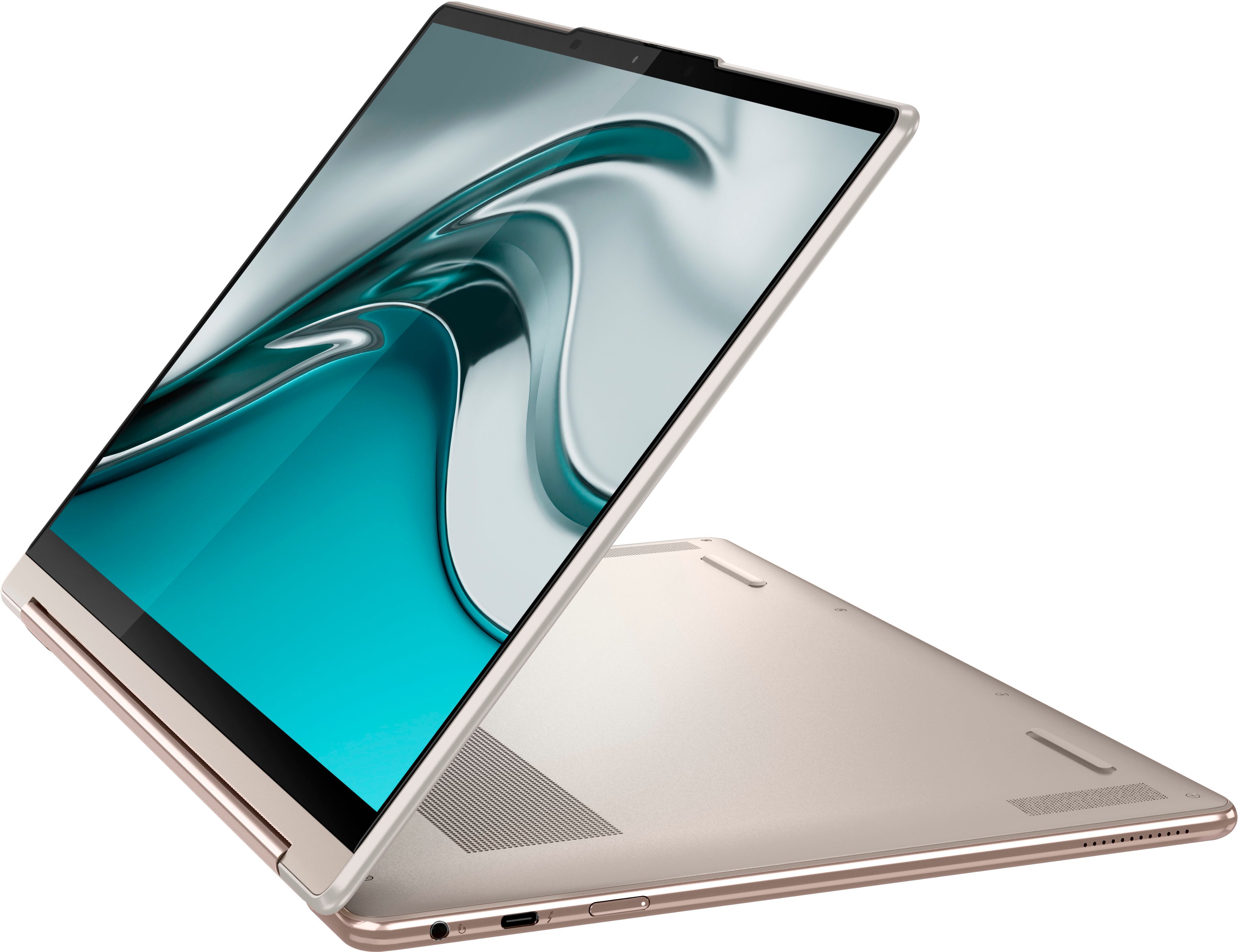
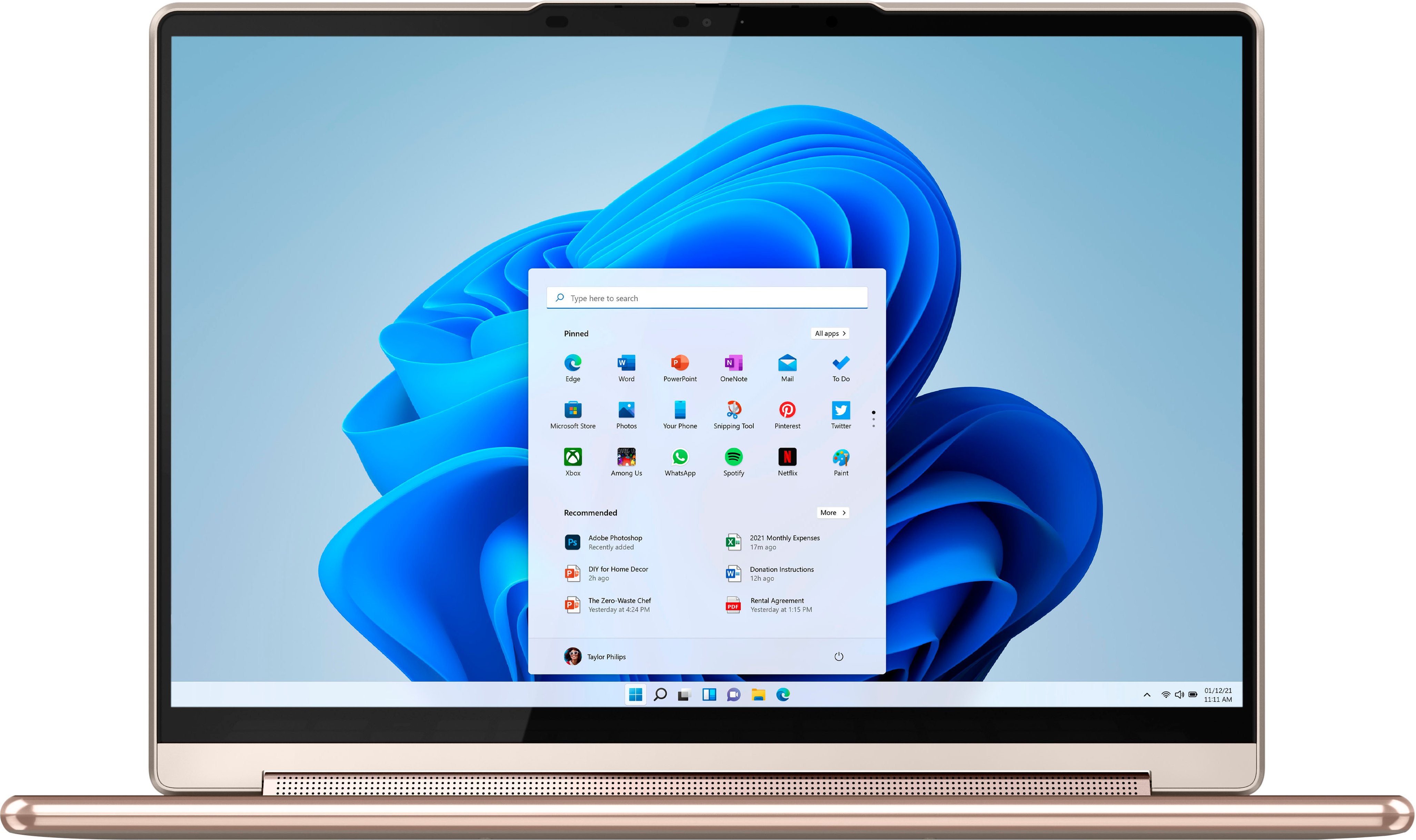
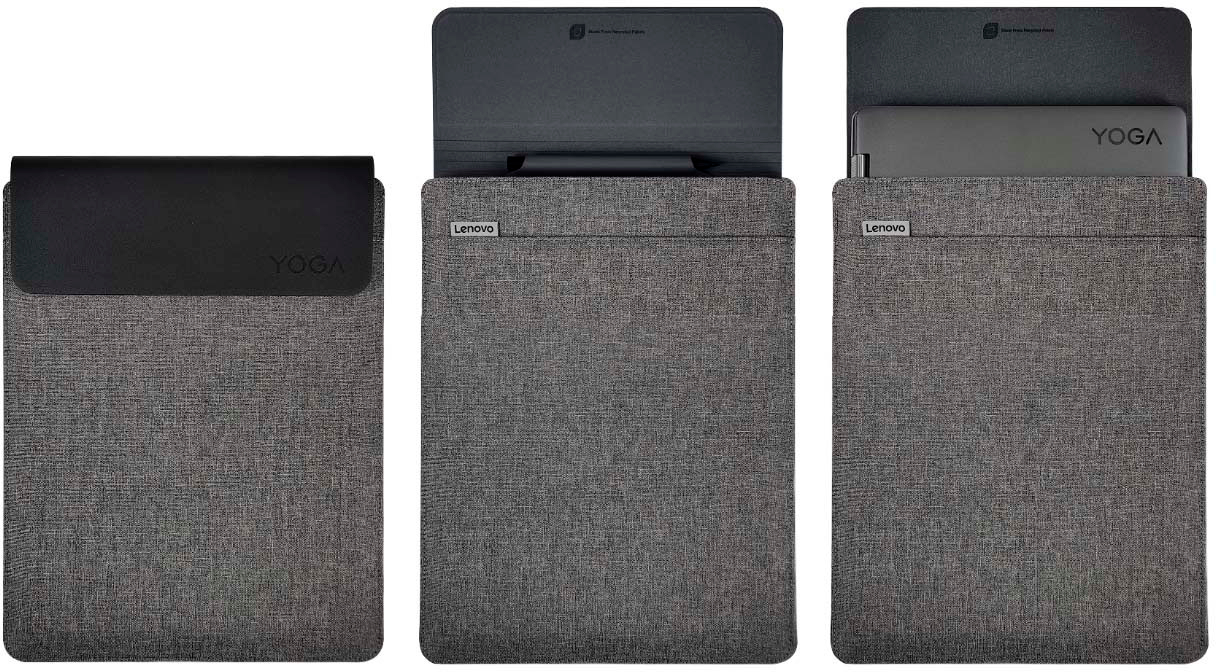
A:AnswerYes. This Intel Evo-Certified, lenovo Yoga 9i 14, model number 82LU0001US, ships with both a Lenovo Precision Pen 2 and a sleeve for the laptop, included within the box.
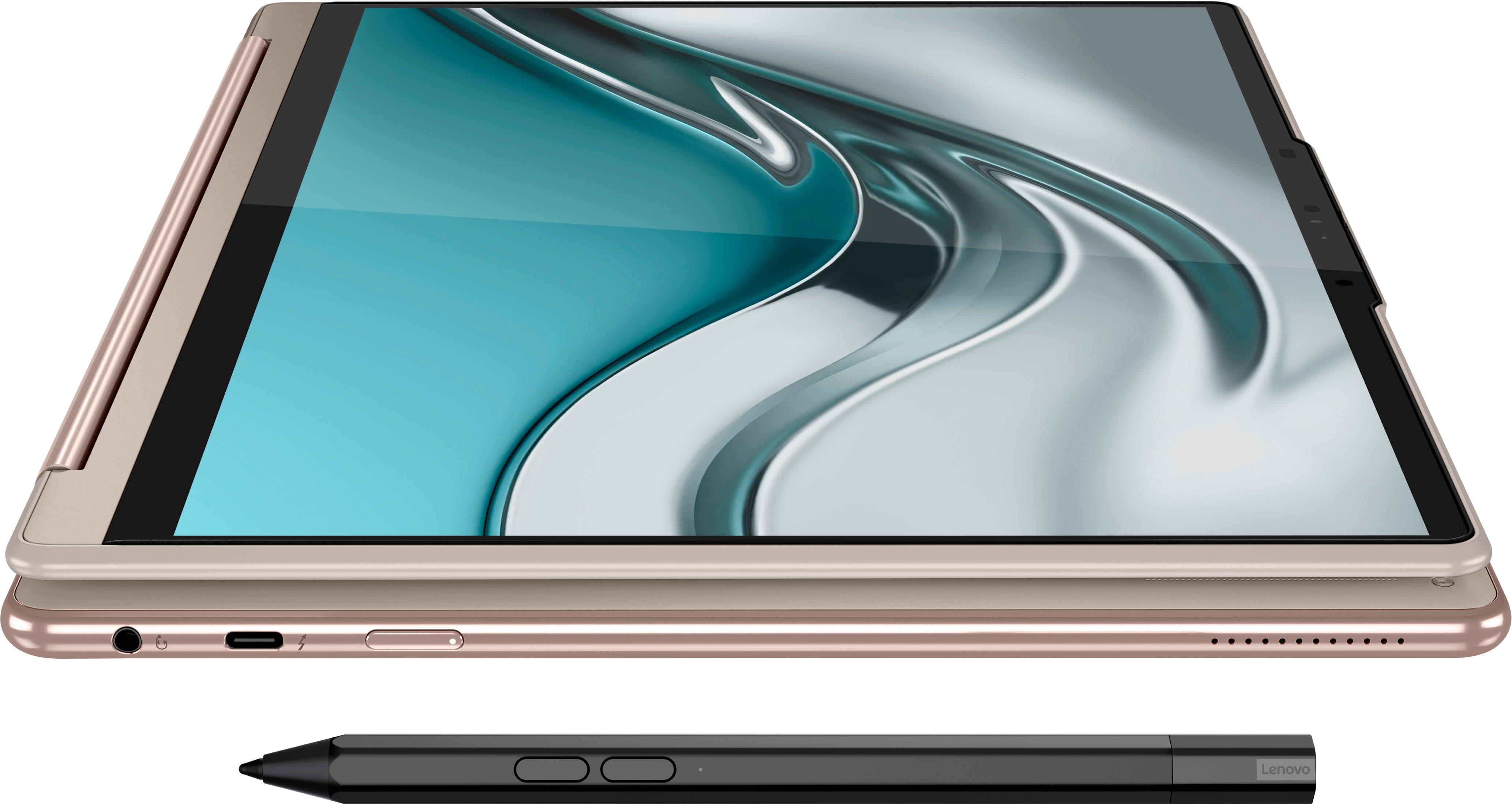
A:AnswerThe Precision Pen 2 that ships with the Lenovo Yoga 9i 14, model number 82LU0001US, is an active stylus that features 4,096 levels of pressure and tilt detection with up to 100 hours usage and is rechargeable via its built-in USB-C port.
A:AnswerYes. This Lenovo Yoga 9i 14, model number 82LU0001US, ships with a 16:10 aspect ratio, 14 inch (screen size measured diagonally) OLED - 2.8K WQHD+ (2880x1800) 10-point Multi-touch screen, with a brightness level of 400 nits, has a Glossy finish, a refresh rate of 90Hz. This screen provides 100 Percent of the DCI-P3 color gamut for excellent color accuracy. This screen is Display-HDR, HDR 500 and Dolby Vision Certified.
A:AnswerYes. This Intel Evo-Certified, Lenovo Yoga 9i 14, model number 82LU0001US, ships with these ports: 1x USB 3.2 Gen 2, 1x USB-C 3.2 Gen 2 (support data transfer, Power Delivery 3.0 and DisplayPort 1.4), 1x Headphone / microphone combo jack (3.5mm), 2x Thunderbolt 4 (support data transfer, Power Delivery 3.0, and DisplayPort 1.4).
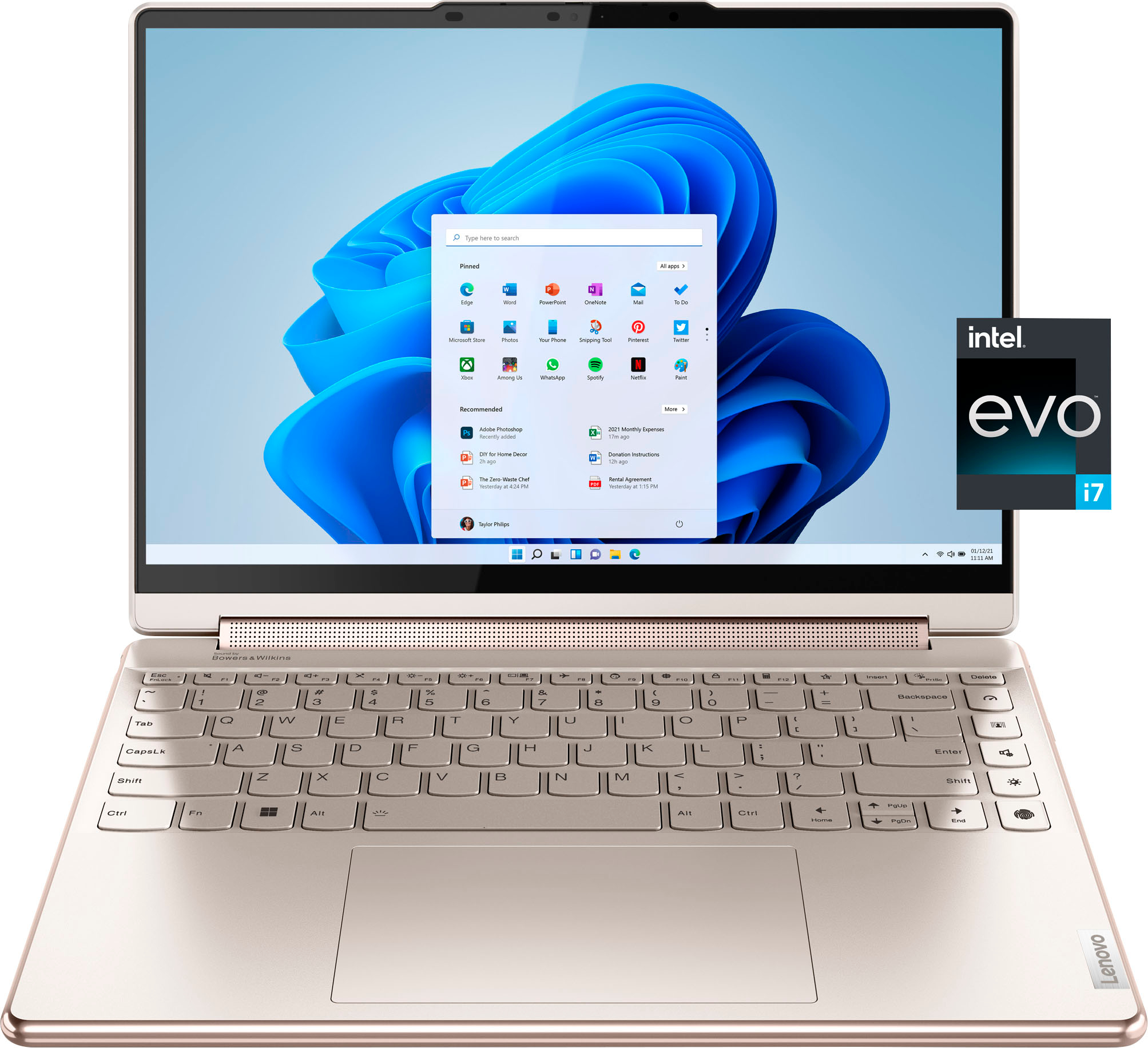
A:AnswerThis Intel Evo-Certified, lenovo Yoga 9i 14, model number 82LU0001US, has International Manufacturer's Warranty Coverage, depending on the Country where the Yoga 9i 14 will be used. You can check for specific coverage details for your Country at this web site: https://pcsupport.lenovo.com/us/en/iwslookup#/ideapad. Just input the product's model number into the space provided at the web site, then select your Country from the available dropdown menu for specific warranty details for your Country. Here is a link to the Intel Evo-Certified, Lenovo Yoga 9i 14 in Shadow Black case color, model number 82BG0091US: https://www.bestbuy.com/site/lenovo-yoga-9i-14-2-in-1-14-4k-hdr-touch-screen-laptop-intel-evo-platform-core-i7-16gb-memory-512gb-ssd-shadow-black/6479683.p?skuId=6479683
A:AnswerI bought this two weeks ago and it’s a power house. I have a gaming pc and considering it’s a laptop it can keep up. You will have no problem running sims.