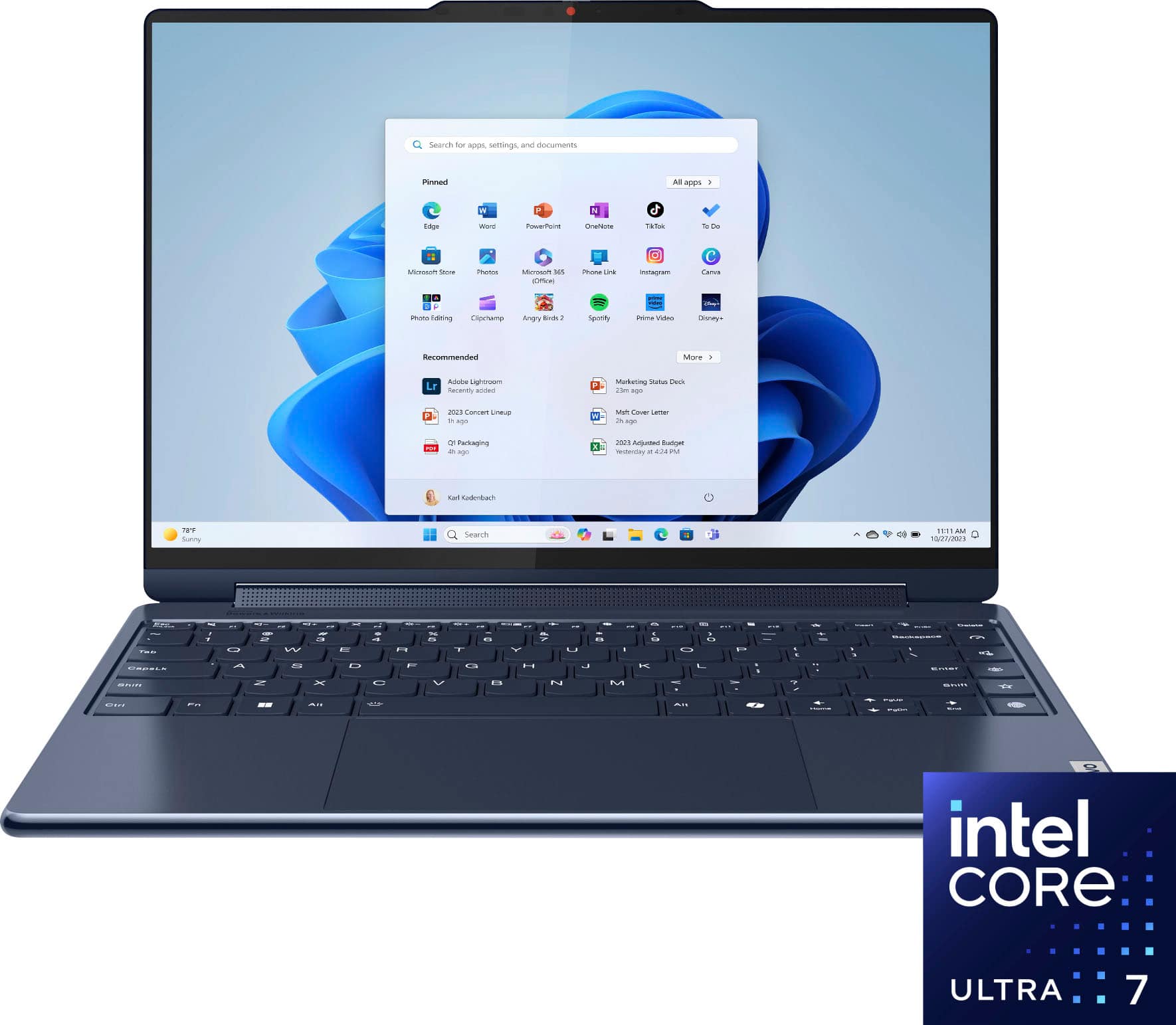
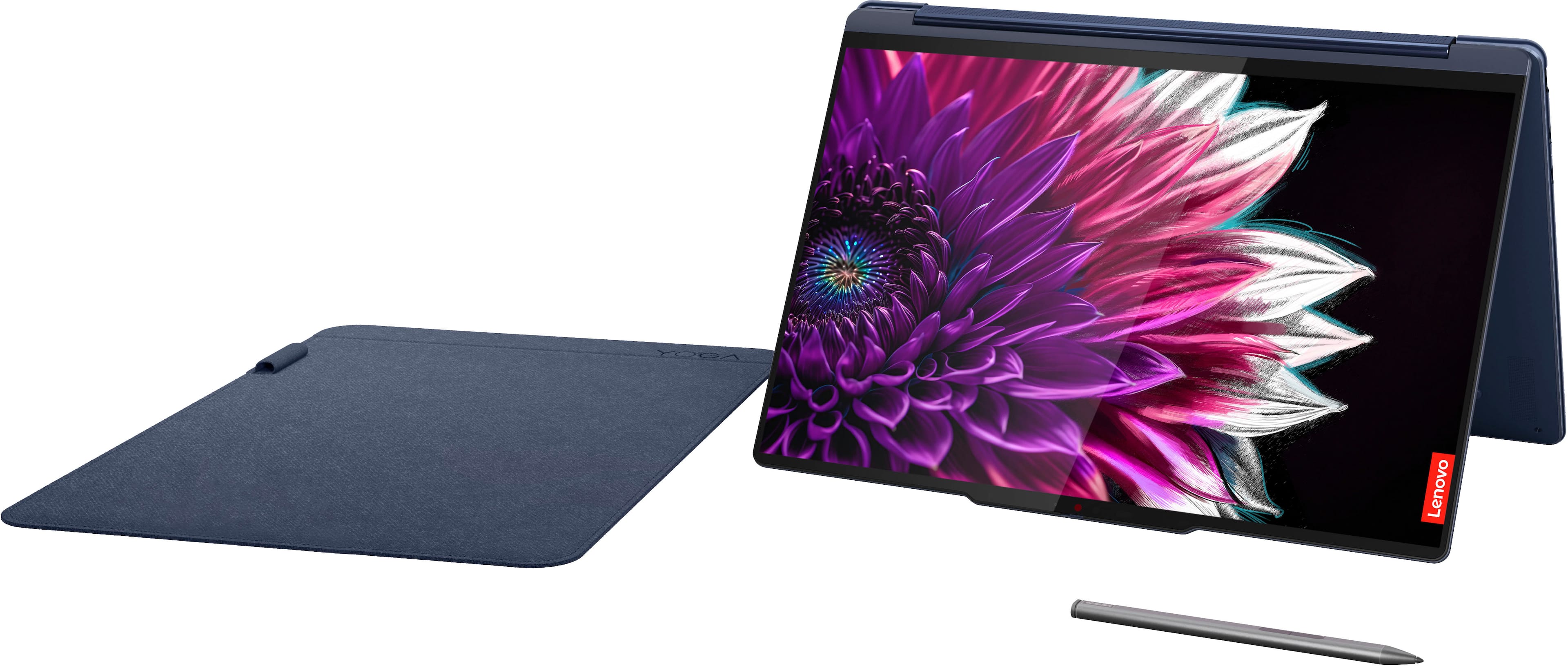
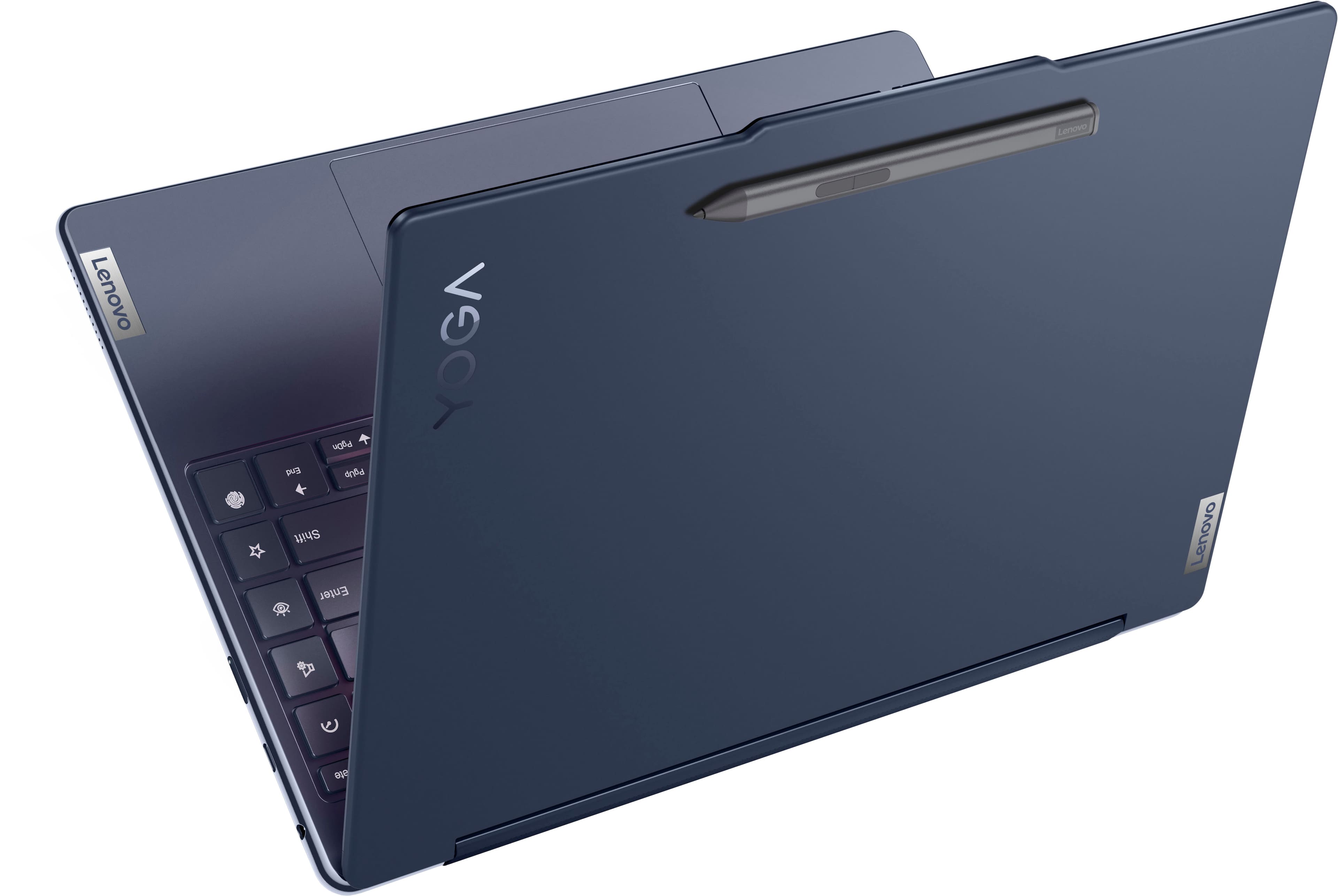
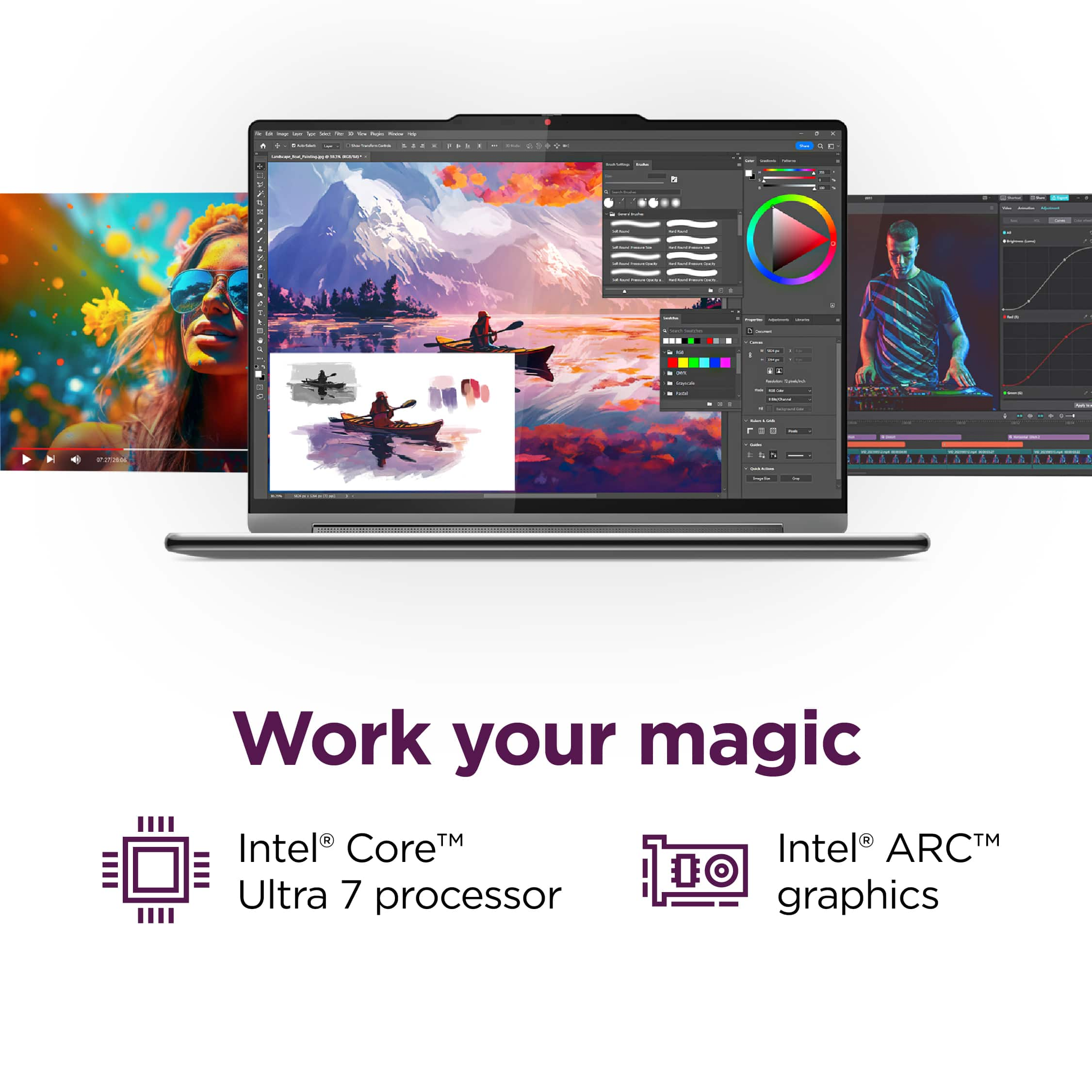
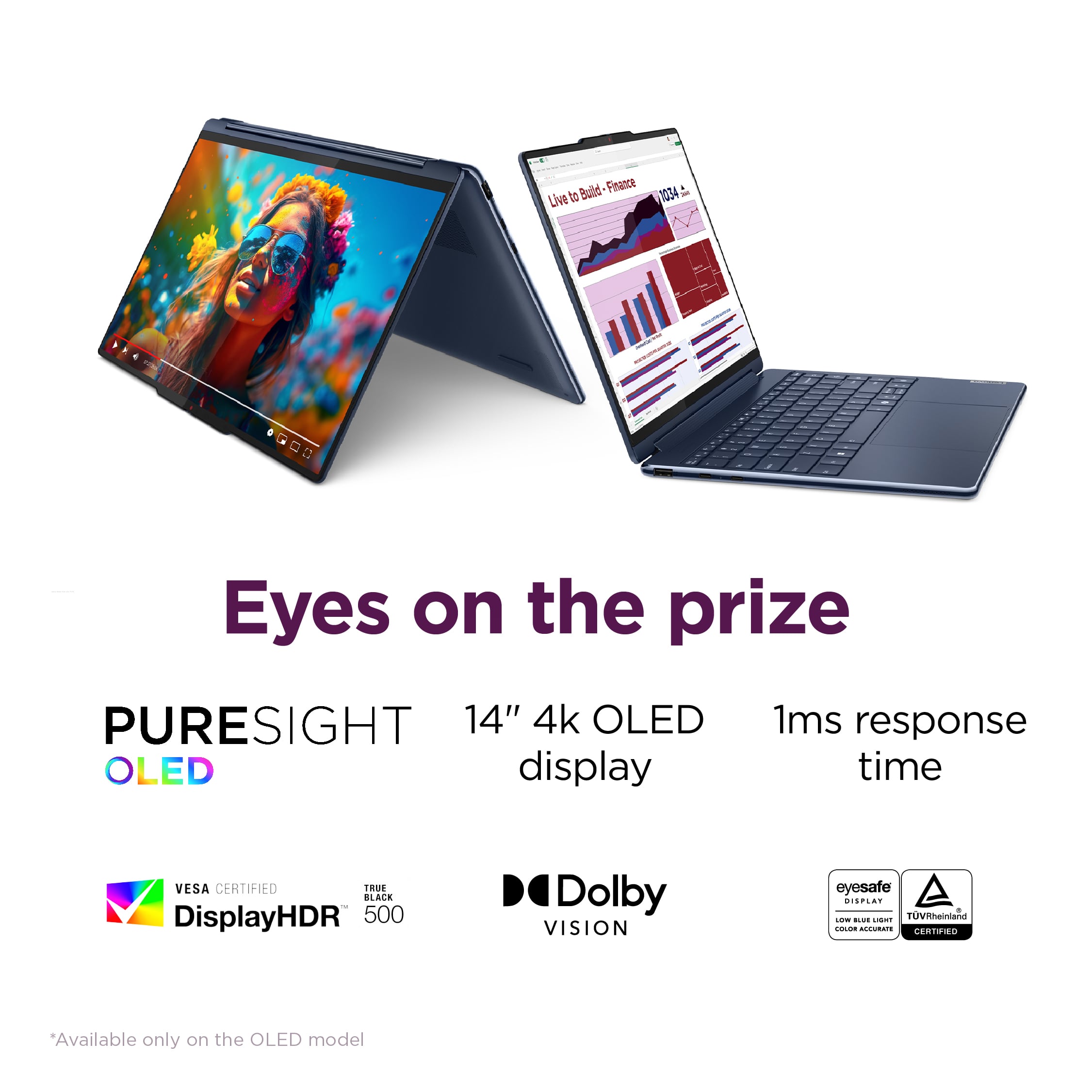
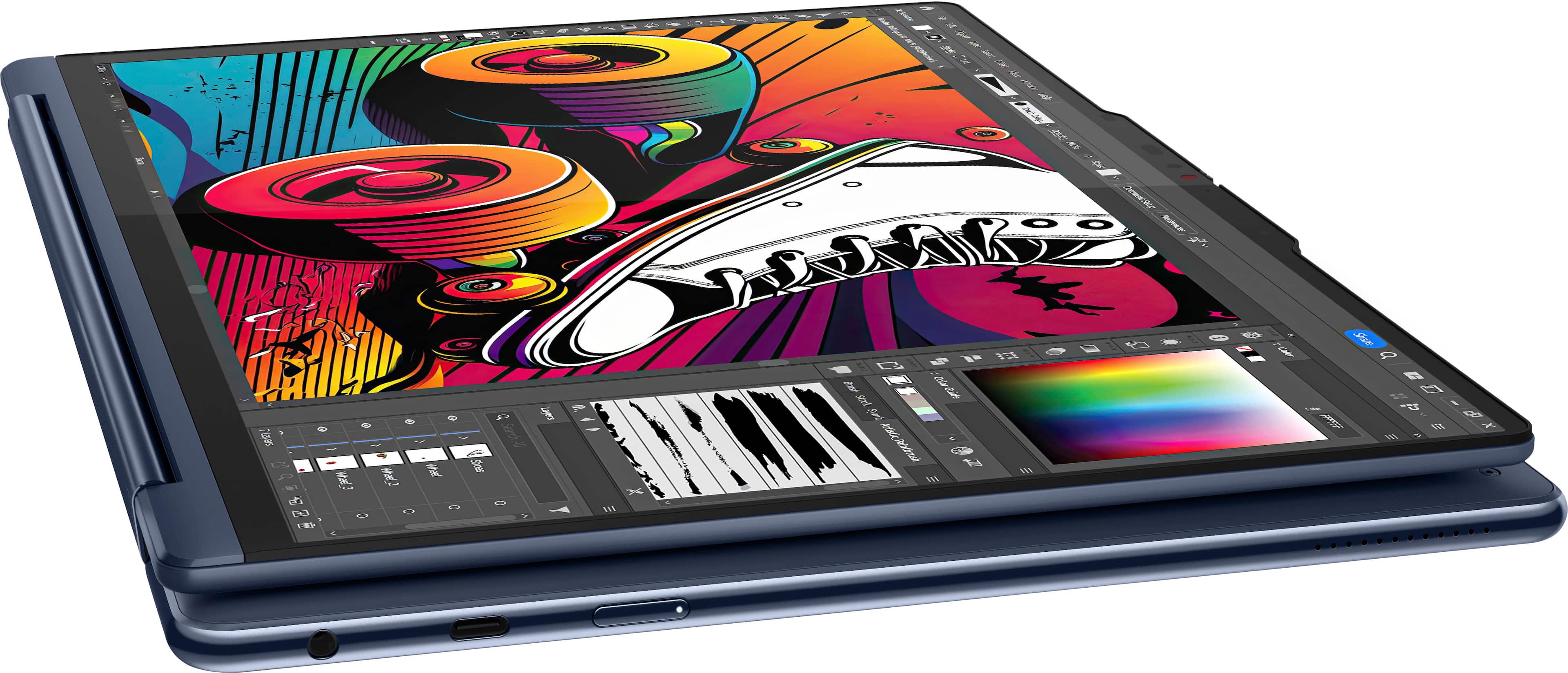
A:Answer Hi, rfw. There are quite a few differences between the Yoga 9i and Yoga 7i 14 2-in-1 devices. For a visual of such differences, here's a link to a Best Buy webpage that compares the two models: (https://www.bestbuy.com/site/compare?skus=6571368,6571371). These differences include an elevated design with the Yoga 9i, a sharper, brighter, OLED display, improved system performance thanks to a more robust processor and improved graphics processing. The Yoga 9i also features an included, magnetic-attaching pen and sleeve in the box. Hopefully this helps!