A:AnswerHey cb,
Unfortunately, we cannot verify the point of origin of the unique Yoga Book 9i laptop that you would receive as the place of manufacture and assembly can vary by shipments. The point of origin
Please feel free to reach out to us with any other questions!
A:AnswerHey there,
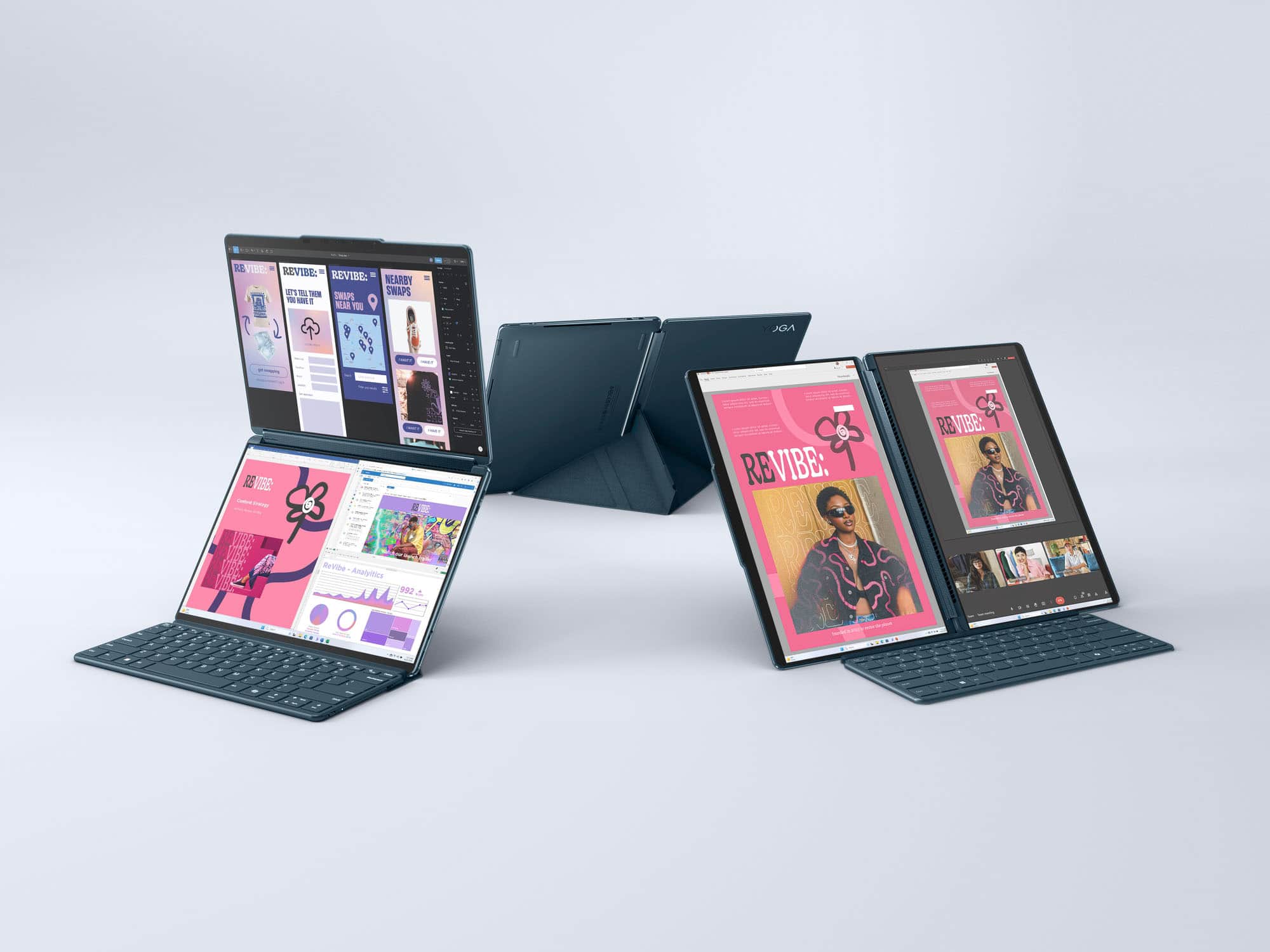
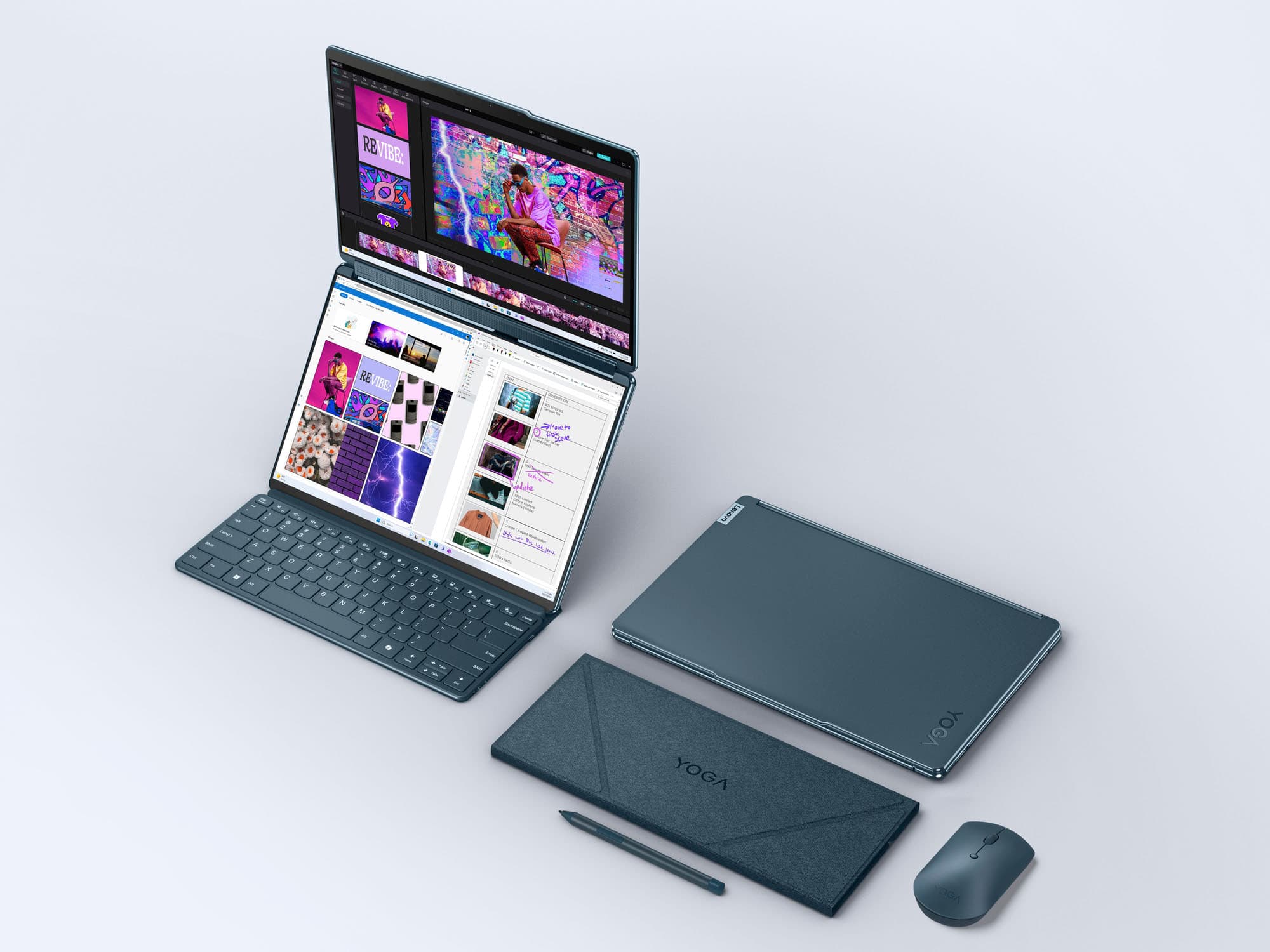
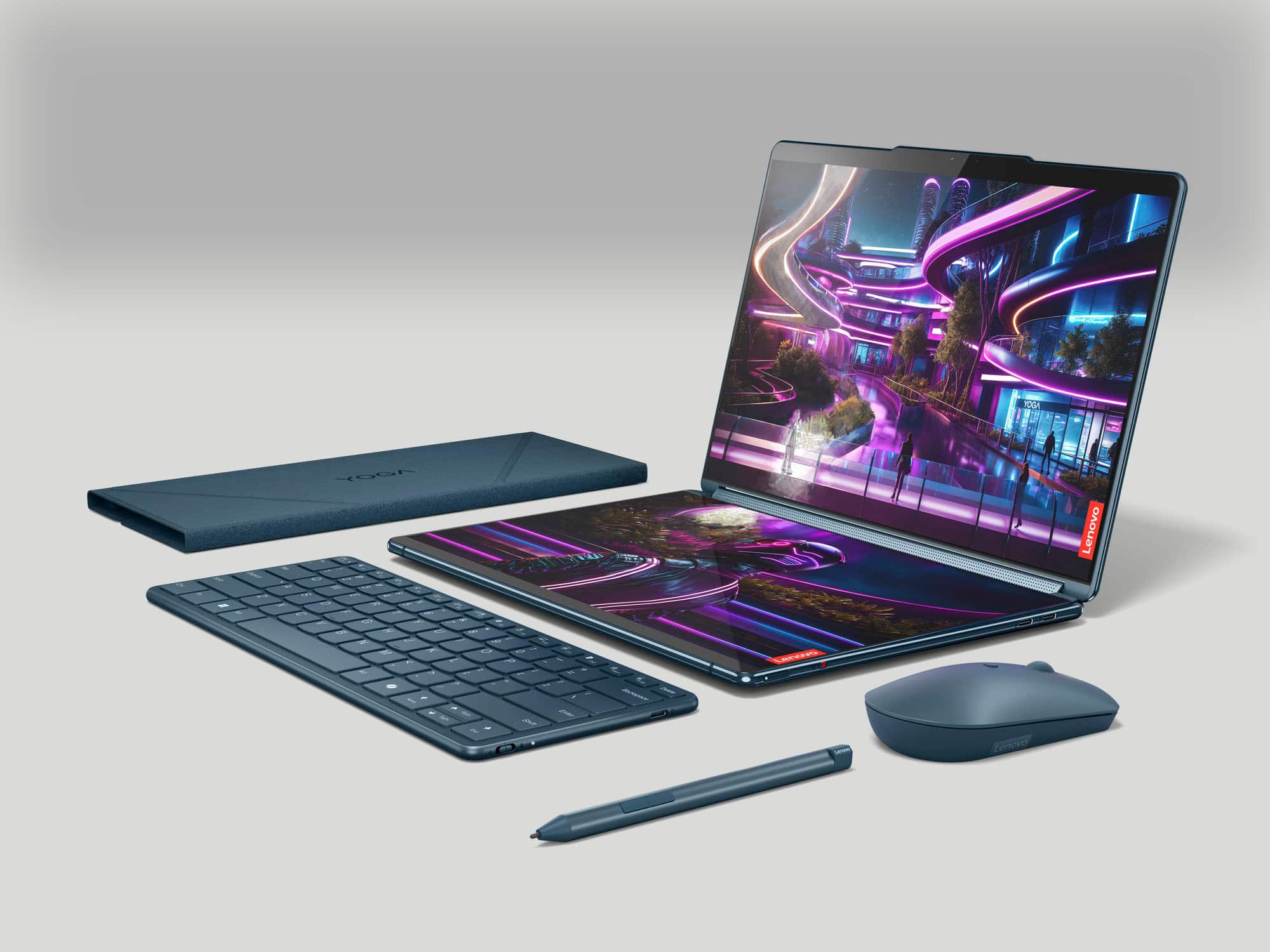
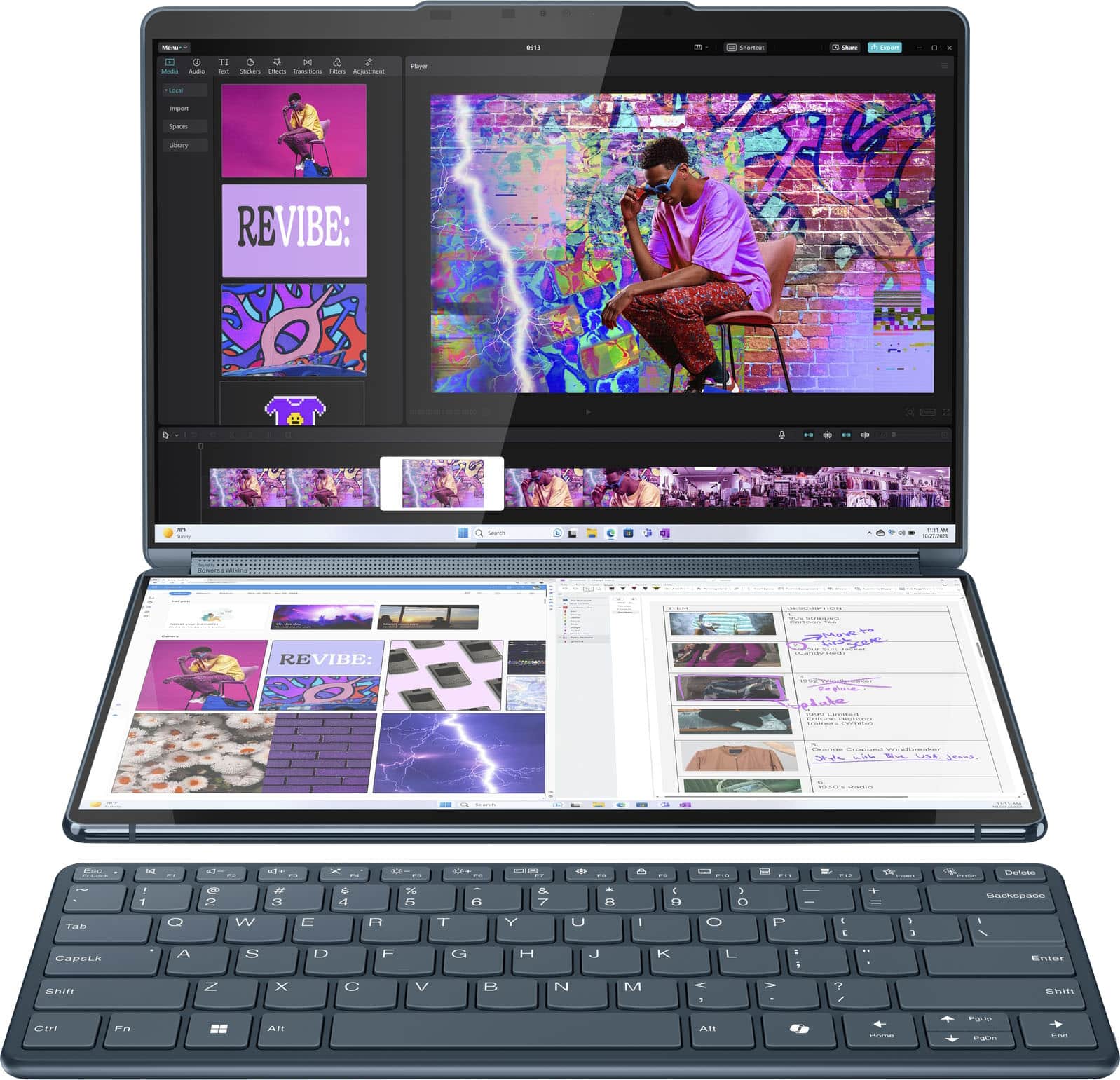
The Yoga Book keyboard cannot magnetically adhere to the outside of the laptop, even when housed in the folio. You can fold the keyboard within the magnetic folio stand, along with the folio holding the pen, giving you the ability to hold the three items together alongside the laptop.
Please let us know if you may have any other questions!
A:AnswerHi there,
Thank you for your question.
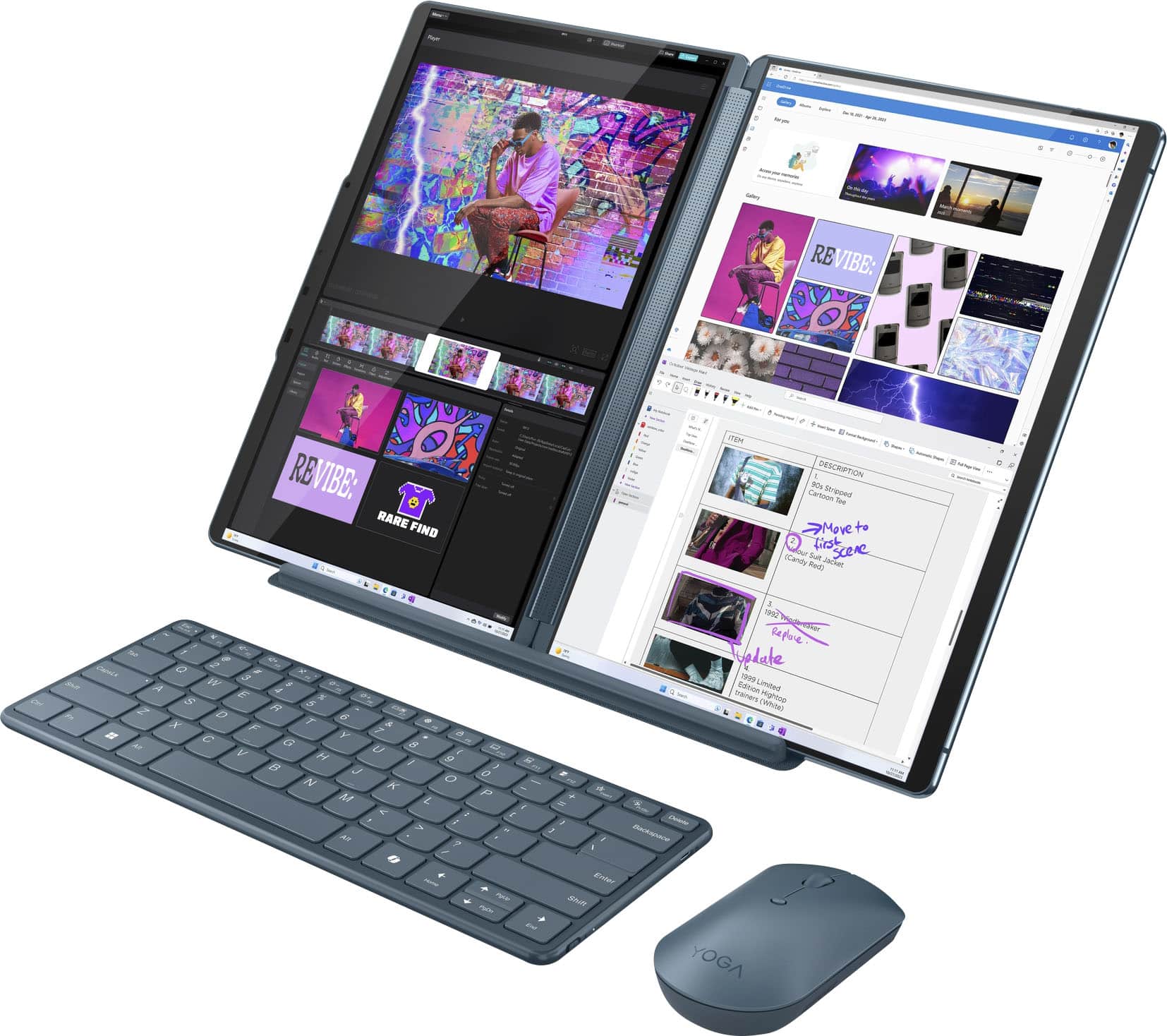
In theory, if the number of displays including the two built into the Yoga Book total 4, it should work. To note, the system cannot support another display outside of the desired setup (a 5th screen).
Please let us know if you have any other questions.
A:AnswerHey Joe,
Based on the system requirements for popular lockdown browsers like LockDown Browser from RespondUS, this Yoga Book 9i should be compatible with the software.
Please let us know if you have any other questions!
A:AnswerHi Brad,
Thanks for your inquiry.
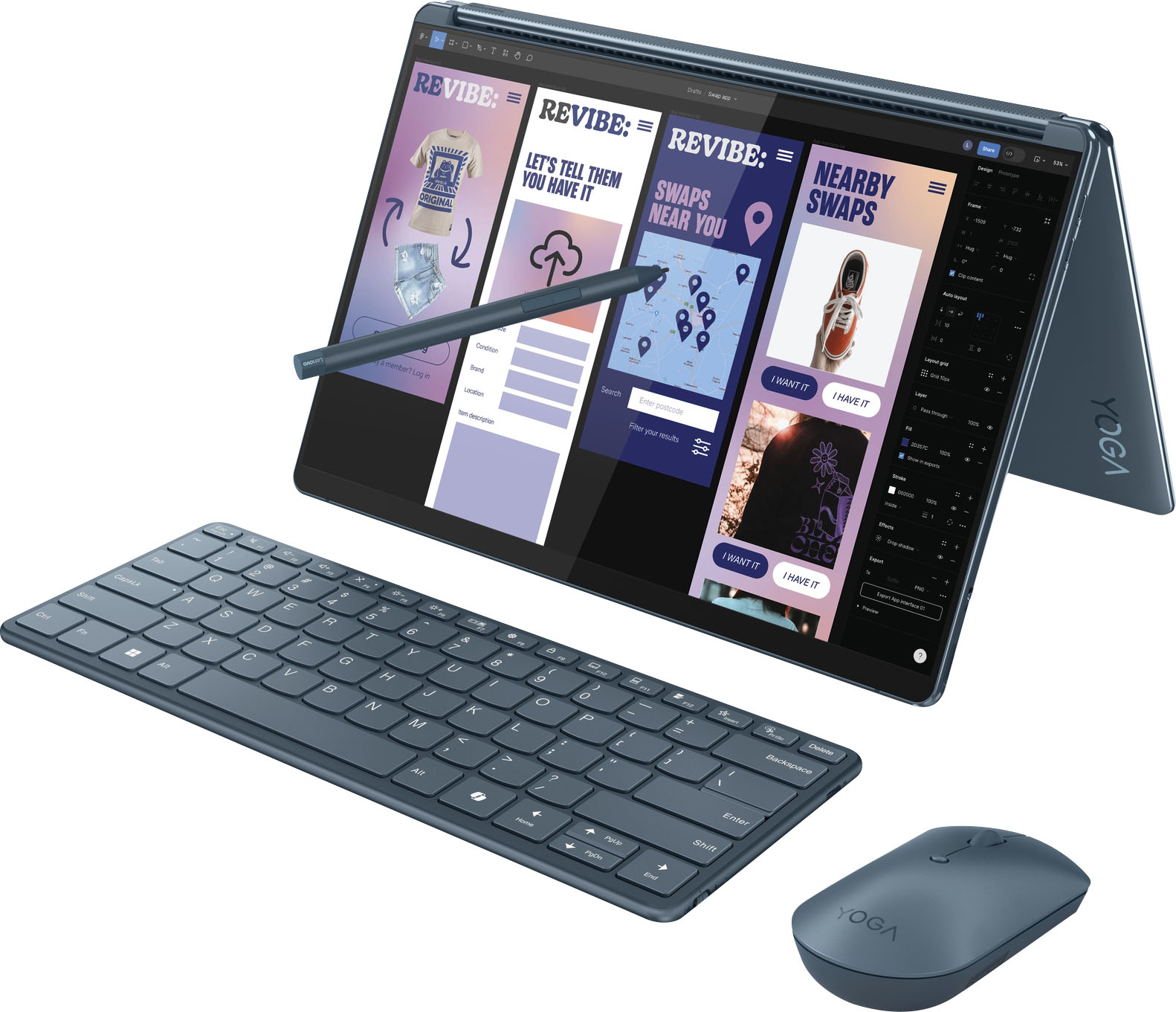
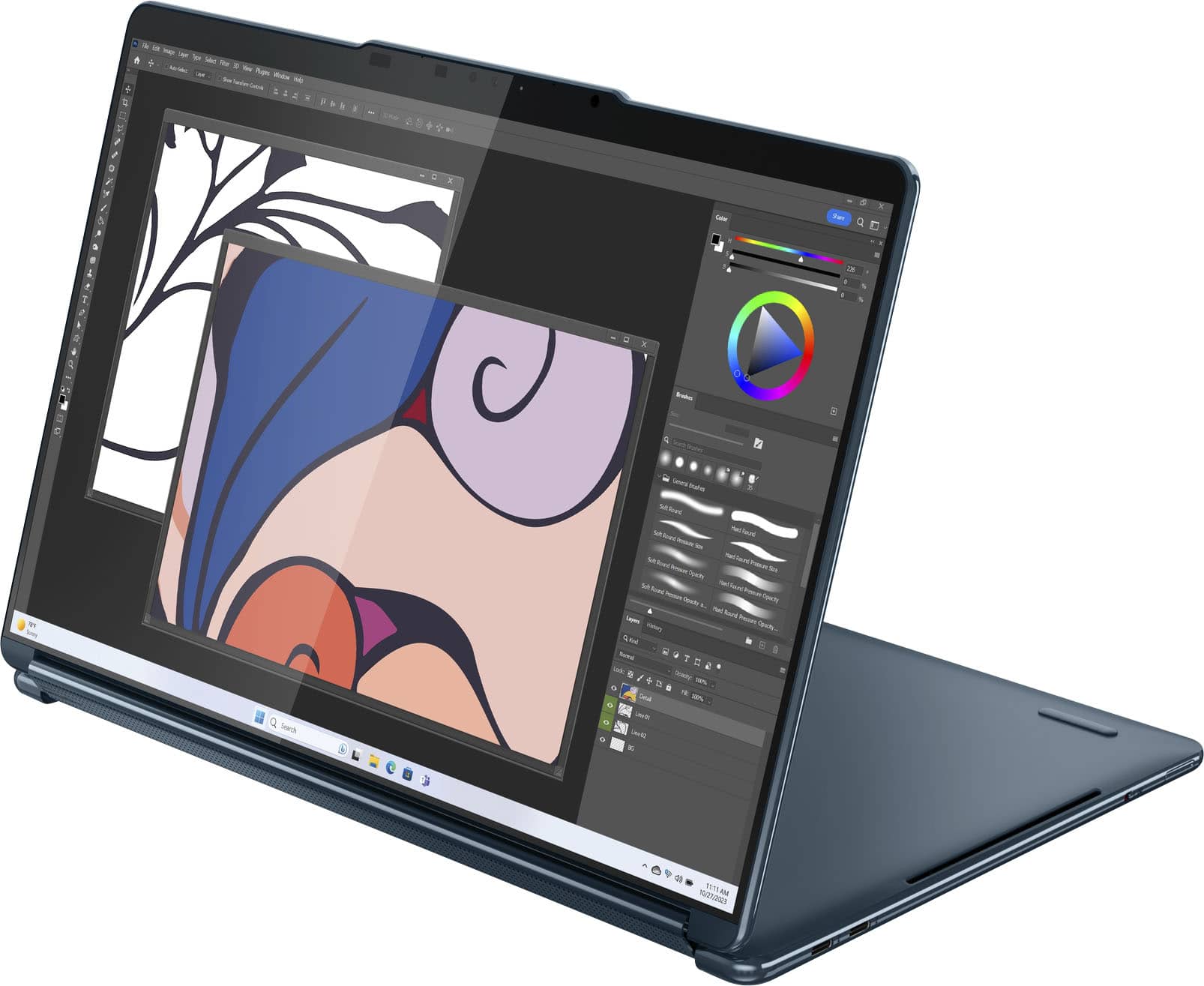
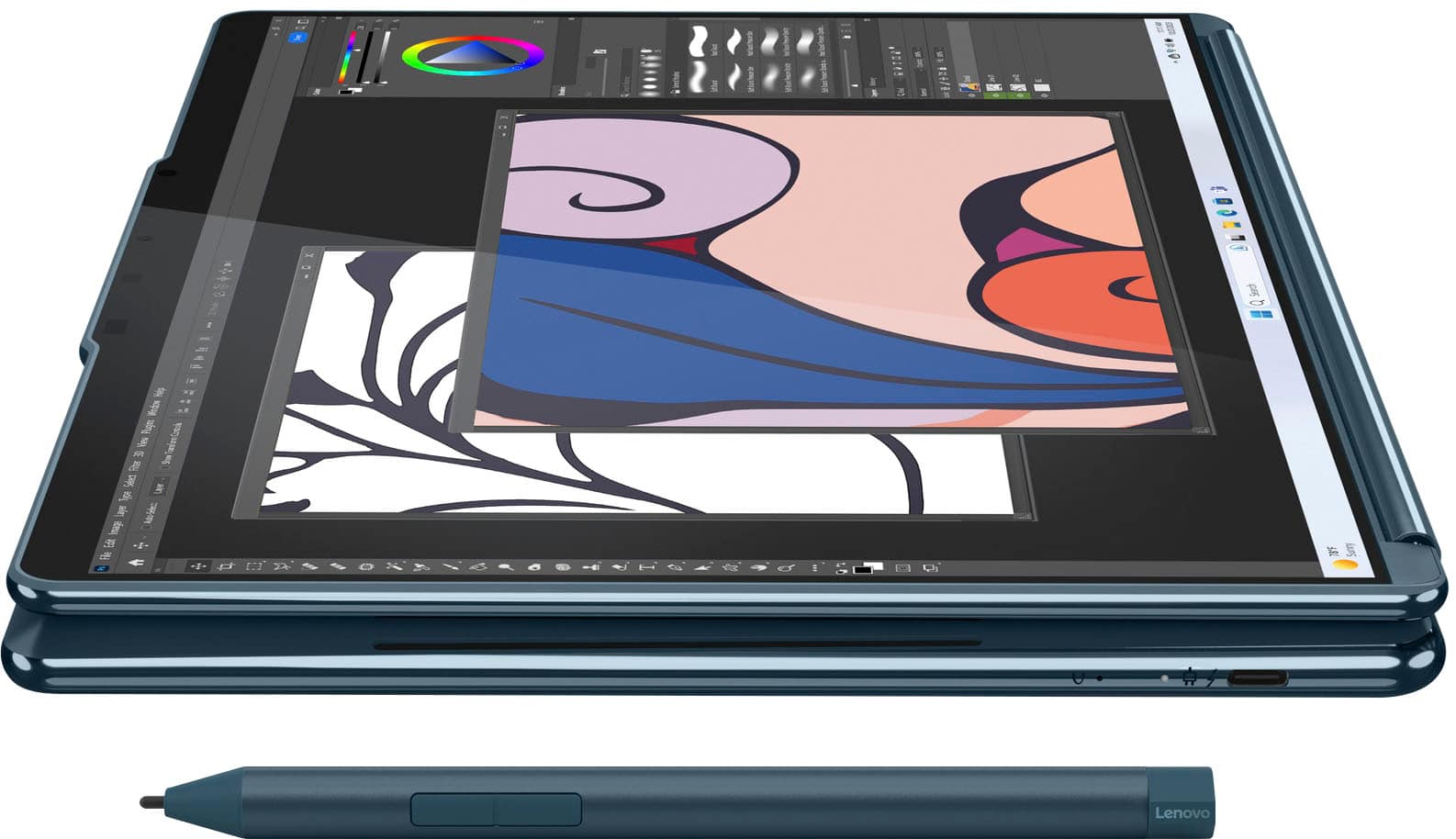
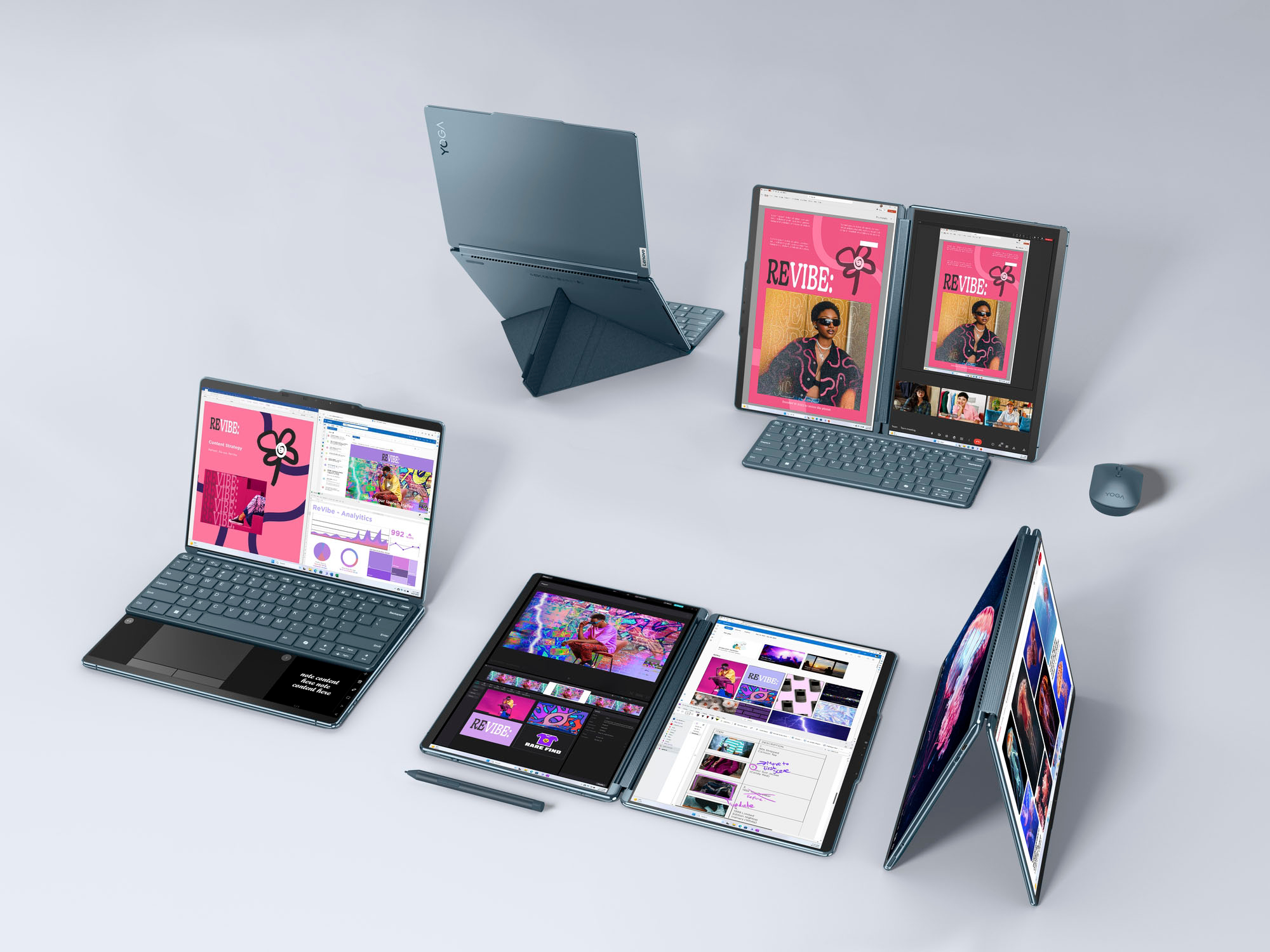
The Yoga Book 9i is a 2-in-1 that can flip and fold into other modes like tablet and stand mode.
Let us know if you have any other questions!
A:AnswerHi satin,
Based on the system requirements of World of Warcraft and what most needs are for homework, the Yoga Book 9i should be a great fit for you. There are many users that have the Yoga Book for similar reasons and are enjoying it.
Let us know if you have any other questions!
A:AnswerHey Kasthuri, what we can share is that the Yoga Book 9i laptop itself weighs about 2.948 pounds, and the package itself with all its accessories and packaging weighs about 8.25 pounds.
A:AnswerHi, nick. We recommend consulting Best Buy customer service for the most precise guidance regarding this as Best Buy manages the open-box products.
A:AnswerHi, TB. Yes, other Bluetooth keyboards will work with the system, but you would lose the on-screen feature functionality you get when magnetically connecting the keyboard to the Yoga Book.
A:AnswerHi, Microfono. If you're looking to see the Yoga Book 9i on display, on the product page under the "Availability" section to the right just above the "Add to Cart" button, you should a line that says, "See it in-store:". Next to this, if you enable your zip code or precision location, the size will let you know where the closest Best Buy store is that has the item on display for you to interact with.
A:AnswerHey, Sim, based off the resources we could find, this Yoga Book should be able to run the software you're looking to use. To verify this yourself, you can locate the system requirements for the software via search, then compare them to the specifications of any computer you're interested in to confirm compatibility.

A:AnswerHey, FrancisF. This has been tested and the feature functioned as it was intended to. To try to resolve this, we recommend ensuring you're using the latest Zoom software if not online, checking for updates in Lenovo Vantage by > Opening Vantage > Check for updates button on the home page, and Windows updates by > Opening Settings > Windows Updates > Check for updates. Please let us know if this doesn't resolve your issue so we can investigate and help you further.
A:AnswerHey, Dazza1968. While there are currently no accessory options for protection and travel from Lenovo currently offered by Best Buy, there are some bags and cases that will accommodate the Yoga Book and its accessories.