Black Friday is hereShop new DoorbustersShop now

Main Content

Questions & Answers

Your price for this item is $629.99
Clearance
The comparable value price is $699.00
Page Showing 21-40 of 71 questions
  • QuestionWould this laptop support moderate gaming, like The Sims?

    Asked by Anonymous.

    • Answer Yes. I use it for War Robots. Performs well, but does get a little hot and uses more battery.

      Answered by Brian

  • QuestionDoes this model have a builtin microphone

    Asked by Sue.

    • Answer Yes. And speakers

      Answered by Sweets

  • Questiononly familiar with desk top, can one use a mouse with this?

    Asked by patruski.

    • Answer Yes you can.

      Answered by Lenovo Product Expert

  • QuestionWe use Microsoft Office 365 and want to download the app to the desktop. Will this allow this?

    Asked by kobrien.

    • Answer You can use the web component. https://support.microsoft.com/en-us/office/how-to-install-and-run-microsoft-office-on-a-chromebook-32f14a23-2c1a-4579-b973-d4b1d78561ad

      Answered by Moejj

  • QuestionDoes this product work with TWAIN scanners - specifically a photo scanner?

    Asked by RTL.

    • Answer That will depend on the requirements and compatibility of the hardware and the software drives the device uses. The Lenovo Yoga C630 Chromebook uses the Chrome Operating System and is compatible with Google Play Store and Chrome Web Store APPs. We recommend you check with both the hardware manufacturer the driver software publisher's web sites for their compatibility with the Chrome operating system and the minimum/recommended hardware requirements (Is a Graphics card required, the processor speed and the minimum required system RAM and the minimum available hard drive space) to run their program, then compare those requirements to this system's configuration.

      Answered by Lenovo Product Expert

  • QuestionWould windows load on this with no issue or are there components not supported with a standard driver?

    Asked by penname.

    • Answer No. This is a Chromebook. It uses the Chrome Operating System.

      Answered by Lenovo Product Expert

  • Questionhow rugged is the laptop.. asking as a child needs to use

    Asked by gs.

    • Answer my grandson has had his just over a week and hes in second grade, were on 20 acres and he is using it inside and out. today it was used outside on a scavenger hunt for his p.e. class still working great and he can have a huge amount of windows open for all his classes

      Answered by del03

  • QuestionDoes this laptop work with Microsoft Office 365 personal?

    Asked by MicrosoftOffice.

    • Answer This is a Chromebook. It uses Google Docs for office type programs. Google Docs is completely compatible with Microsoft Office Programs and this is a free service through the Google Server. If you must have the actual Microsoft Office Programs, you can purchase Microsoft Office 365 for this Chromebook at the Google Play Store.

      Answered by Lenovo Product Expert

  • QuestionWhat version of Windows is installed on this?

    Asked by Beth.

    • Answer This is a Chromebook. It uses the Chrome Operating System.

      Answered by Lenovo Product Expert

  • QuestionWhat kind of battery does it use ? I have been having trouble finding a charger ! Help

    Asked by Help.

    • Answer The Lenovo Yoga C630 Chromebook uses an internal, rechargeable battery. The AC adapter/charger for this model a a 45W USB-c format. Here is the replacement AC adapter/charger for this model: https://www.bestbuy.com/site/lenovo-power-adapter-for-tablet-10-thinkpad-11-11e-chromebook-thinkpad-13-13-chromebook-thinkpad-a275-a285-and-a475-black/5969701.p?skuId=5969701

      Answered by Lenovo Product Expert

  • QuestionDoes this laptop come with an option for 4g LTE ?

    Asked by Chris.

    • Answer No. It is WiFi only for internet connectivity.

      Answered by Lenovo Product Expert

  • QuestionSorry if this is repetitive, but I am wondering if i could use this google chrome with a 'stylus' to annotate my ppt slides/pdfs etc. digitally? I keep reading it doesnt have an active pen but idk what the difference between an active pen and a stylus is.

    Asked by annieawesome.

    • Answer An active pen works digitally with the screen to allow you to write on the screen. The advantage of a digital pen is the pen/screen combination can sense the pressure you apply to the pen, just like a regular writing instrument on paper. A non-digital stylus is basically a finger replacement on a touchscreen. There is no pressure sensitivity. You can use the non-digital stylus in place of your finger. The non-stylus can do the same things your finger can do on a touchscreen. The Lenovo Yoga C630 Chromebook is not compatible with any active/digital pen. You can use a non-digital stylus with the Yoga C630 Chromebook as a finger replacement.

      Answered by Lenovo Product Expert

  • QuestionIs it fully loaded

    Asked by Anonymous.

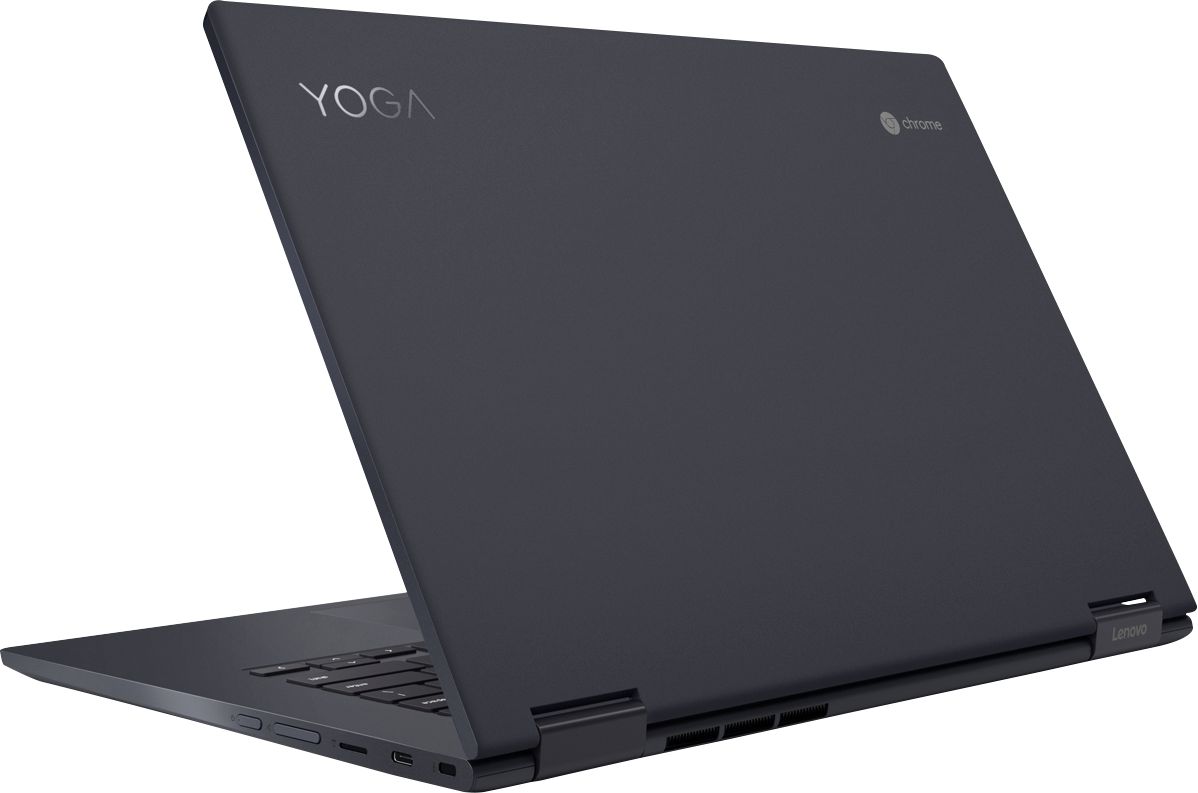
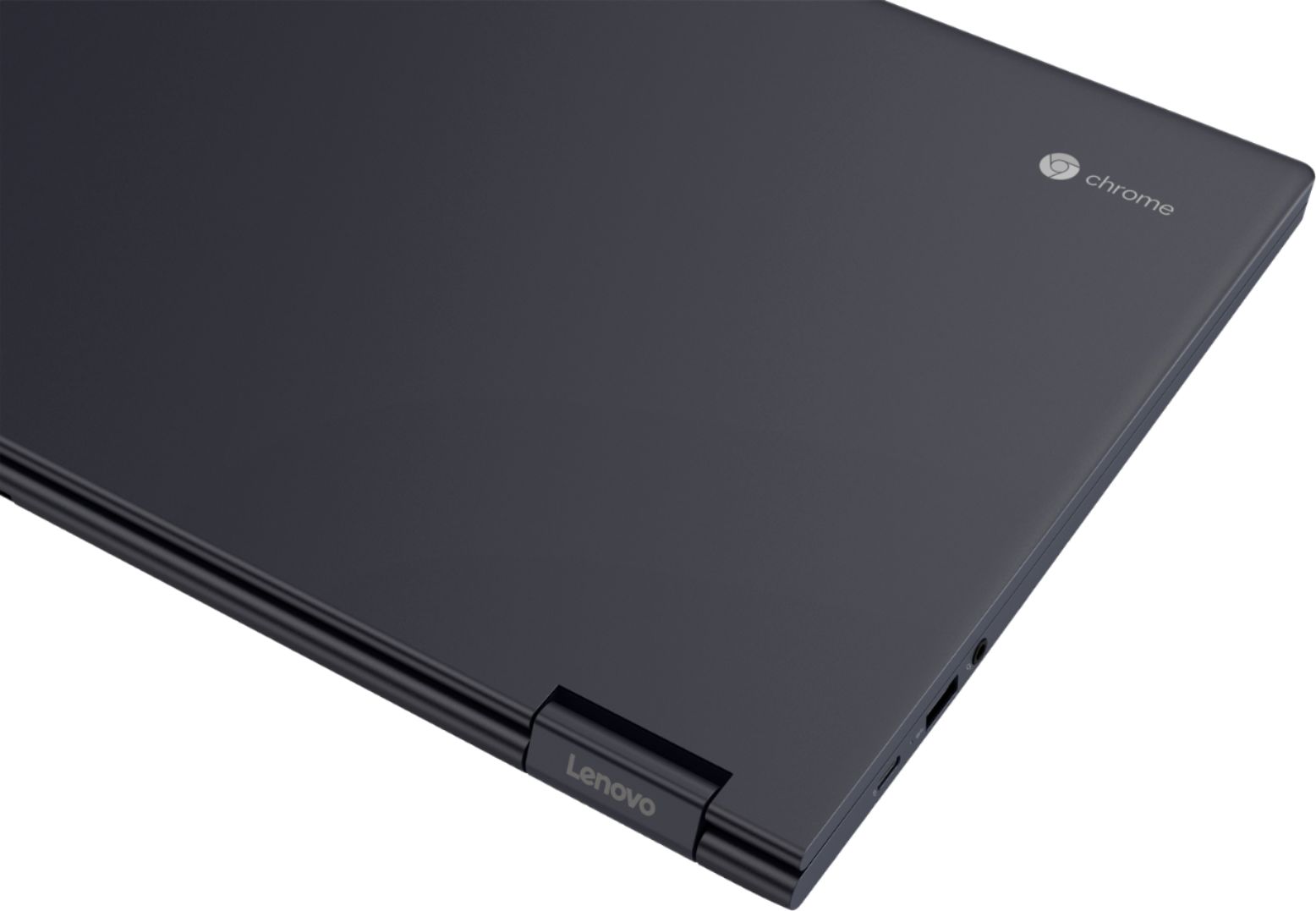
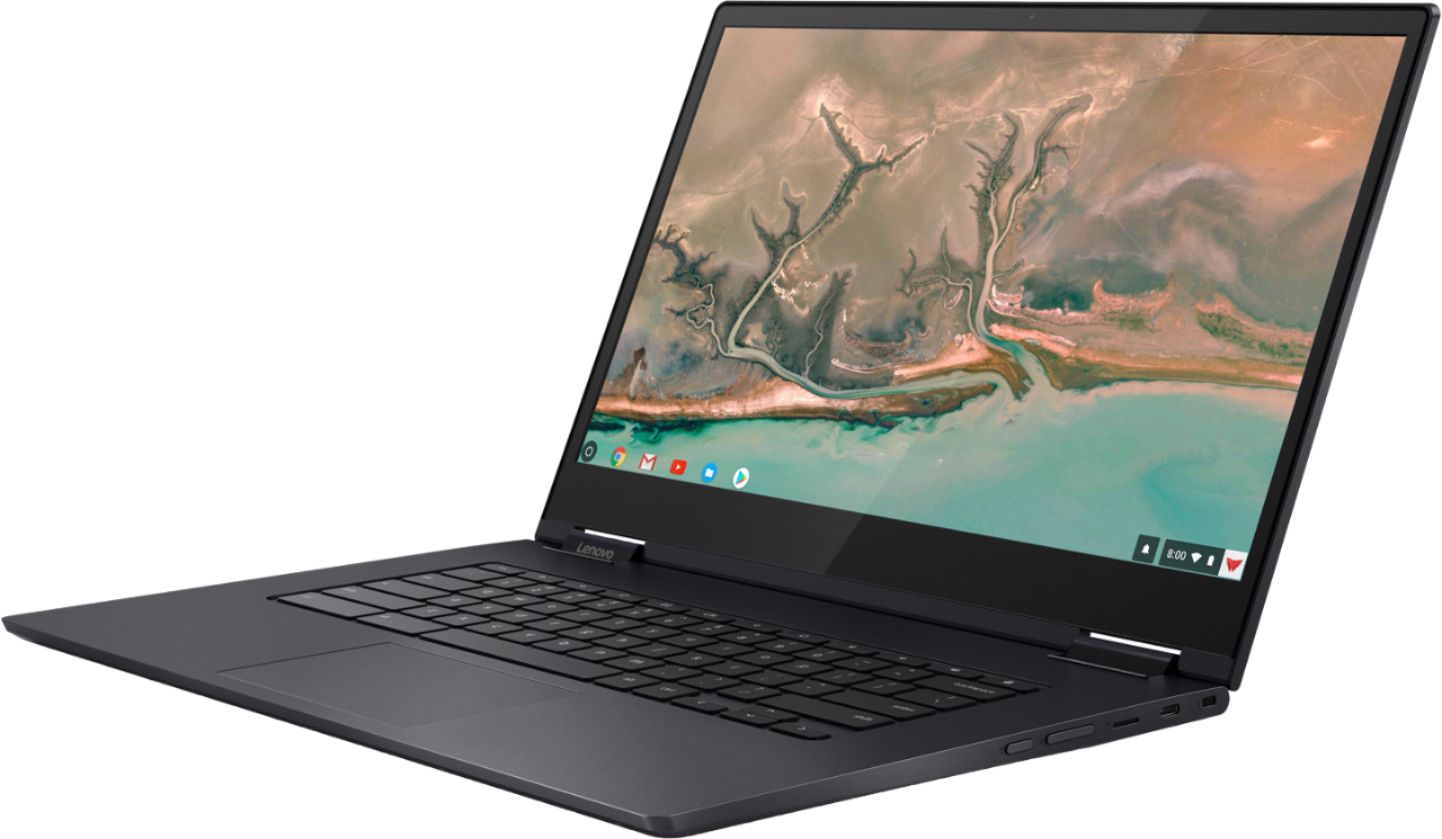
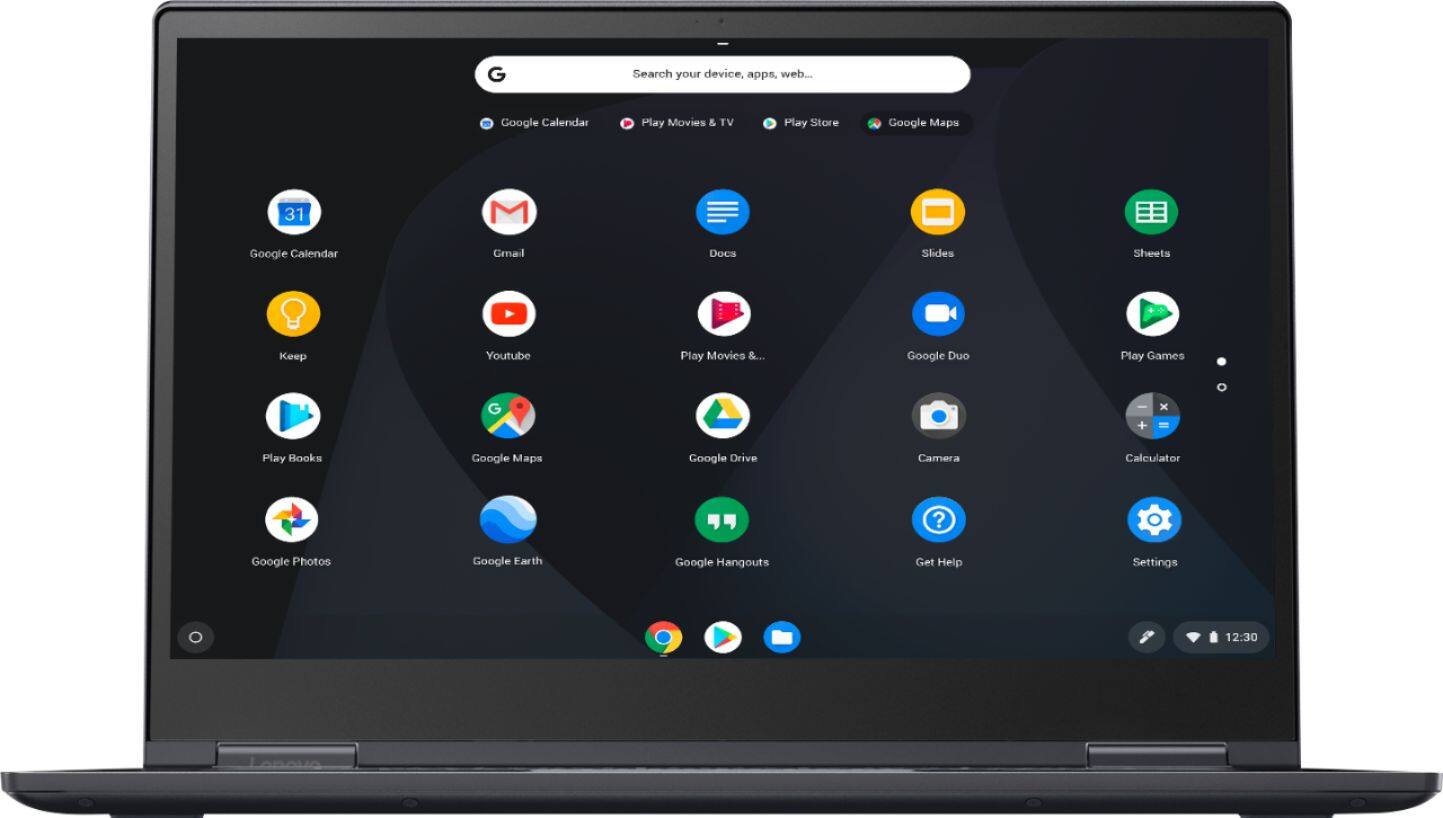
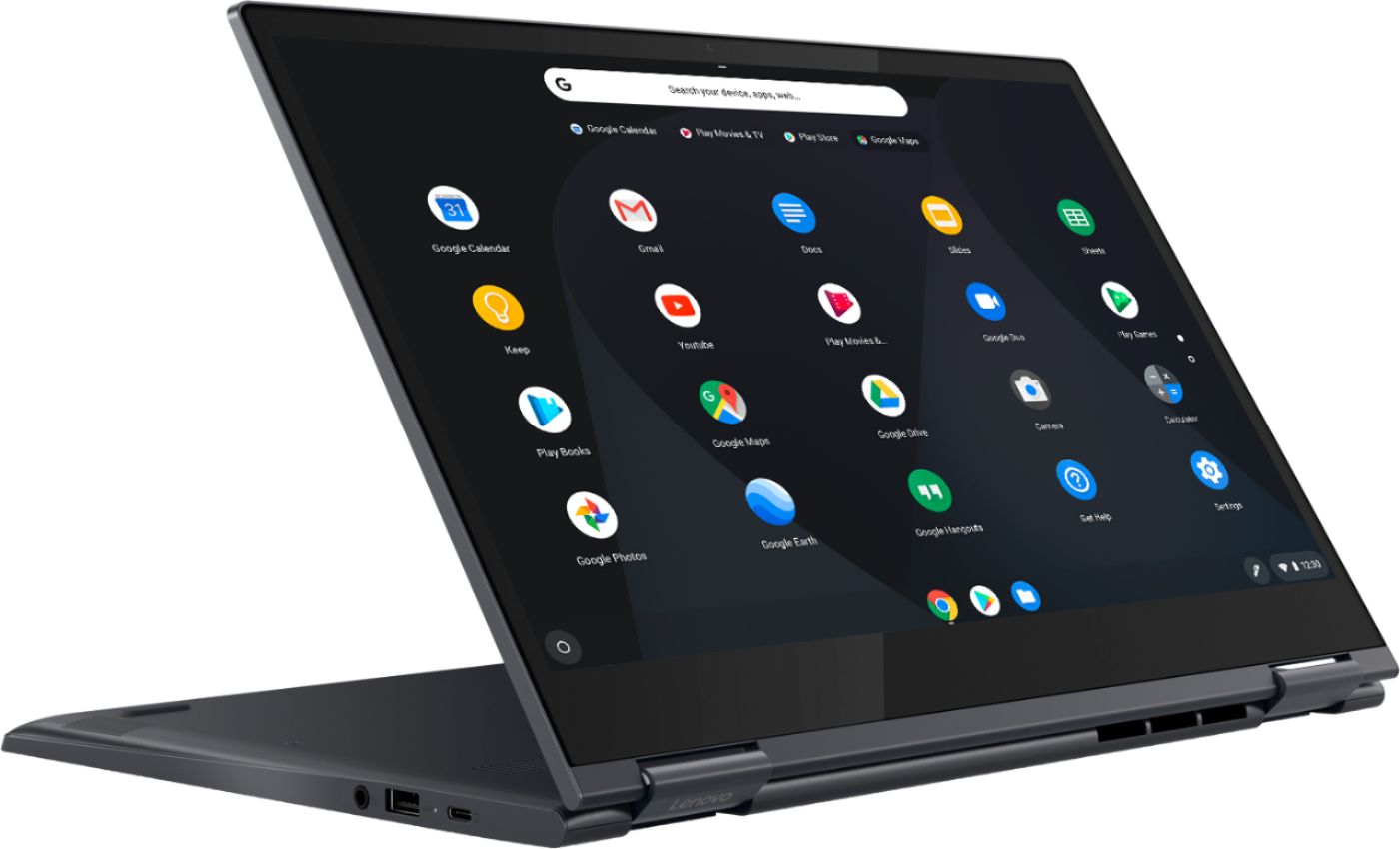
    • Answer The Lenovo Yoga C630-15 Chromebook, has a 2 in 1 capability. The touchscreen has 360-degree hinges so you can flip the screen to traditional laptop mode or tablet mode. From tablet to tent, to stand to laptop mode, the Yoga Chromebook is a 360-degree convertible 2-in-1. Wrapped in an anodized aluminum, Midnight Blue finish, it's elegantly thin at .70-inch and surprisingly light at 4.2lbs. As well as a 15.6-inch near-edgeless, 10-point touchscreen display. It also places the latest, streamlined Chrome OS interface at your fingertips—including the Google Play Store, custom Google Maps wallpapers, images, and more. There is no backlit keyboard on this model.
      Answered by Lenovo Product Expert

  • QuestionIs there a website with set-up instructions?

    Asked by Hayduke.

    • Answer One of the good things about Chromebooks is that there's really not a lot to setup. Pretty much when you open the lid it comes on, you answer a few questions regarding which account attached and thats it. if you already have a PC or a previous Chromebook it will actually load everything and make it look exactly the same that's the beauty of it. There are a lot of tutorials online. I've posted some myself.

      Answered by TheHiTechNomad

  • QuestionHow can I start using disney plus app free 3 months?

    Asked by Goddess.

    • Answer Yes, the instructions for activating are in the box.

      Answered by Clint

  • QuestionDoes it have DDR4 RAM? If so, what speed is it?

    Asked by BenDover.

    • Answer Yes. The Lenovo Yoga C630 Chromebook, model number 81JX0000US, ships with 8GB DDR4-2133MHz RAM.

      Answered by Lenovo Product Expert

  • QuestionCan I set up multiple screens with this? if so would you please provide a link for a tutorial?

    Asked by NoobEyeAm.

    • Answer Here is a link to information about connecting external displays to a Chromebook: https://www.howtogeek.com/262282/how-to-connect-an-external-monitor-to-a-chromebook/

      Answered by Lenovo Product Expert

  • QuestionWhat is the battery life? I purchased in April, 2019. It was working fine and when I turned it on it was like the battery was dead. I plugged it in using the power adapter and it still wouldn't turn on nor was the power indicator light on. Two hours-0

    Asked by Angel.

    • Answer The Lenovo Yoga C630 Chromebook ships with a 4CELL_56WH_INTERNAL, Lithium Polymer Battery, with a battery life of up to 10 hours, depending on the work the device is performing. Here are some trouble shooting tips for you to try: 1. Ensure the power cable and adapter that were provided with the Chromebook are being used to charge it. Substitute cables by other manufacturers may deliver either more or less power than the Chromebook is engineered for. 2. Verify the power cable and adapter are securely plugged in to a power source like a wall outlet or charging cart. 3. Try charging from a different outlet or location. 4. Is the charging port LED indicator illuminated? A green light indicates a full charge, while an orange light indicates the Chromebook is in the process of charging. If the charging LED is not illuminated, the Chromebook is not charging. 5. Try a hard reboot of the Chromebook while plugged in. This may resolve any battery software issues. To perform a hard reboot, press the refresh key and power key at the same time. 6. Swap out the power cable and adapter for another one. 7. If all other suggestions fail, please contact Lenovo Tech Support for further, more specific help at: 877-453-6686.

      Answered by Lenovo Product Expert

  • QuestionWhat’s the biggest GB it comes in???

    Asked by DH48315.

    • Answer 128GB solid state eMMC hard drive.

      Answered by Lenovo Product Expert

  • Questiondoes it have a usb port

    Asked by bob38.

    • Answer Yes, there is one standard USB port on this device.

      Answered by Lenovo Product Expert