


Questions & Answers
- Model:
- S20A
- |
- SKU:
- 6620450
Highly rated by customers for: Sound Quality, Size, Connectivity
$99.99Your price for this item is $99.99
Comp. Value: $119.99
The comparable value price is $119.99
Page Showing 1-20 of 27 questions
Q: QuestionHow do I connect the soundbar to my LG TV?
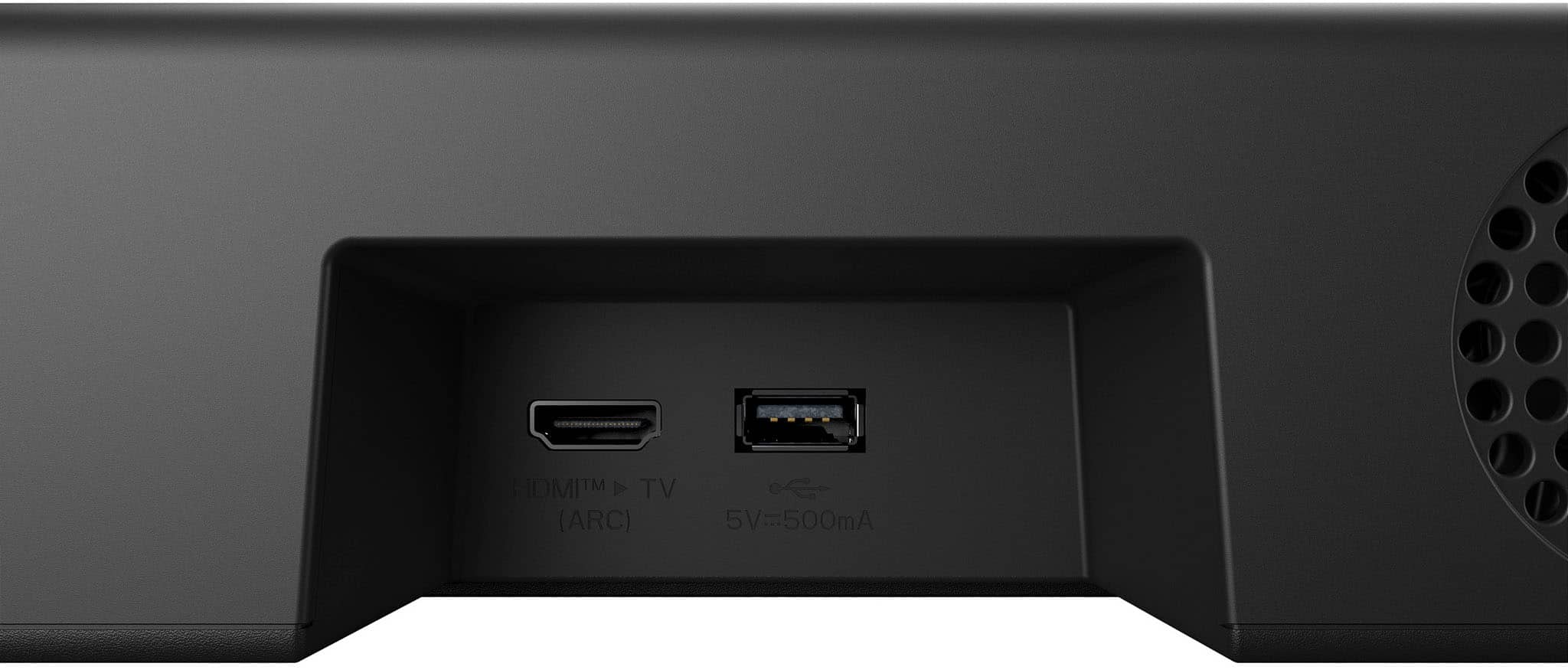
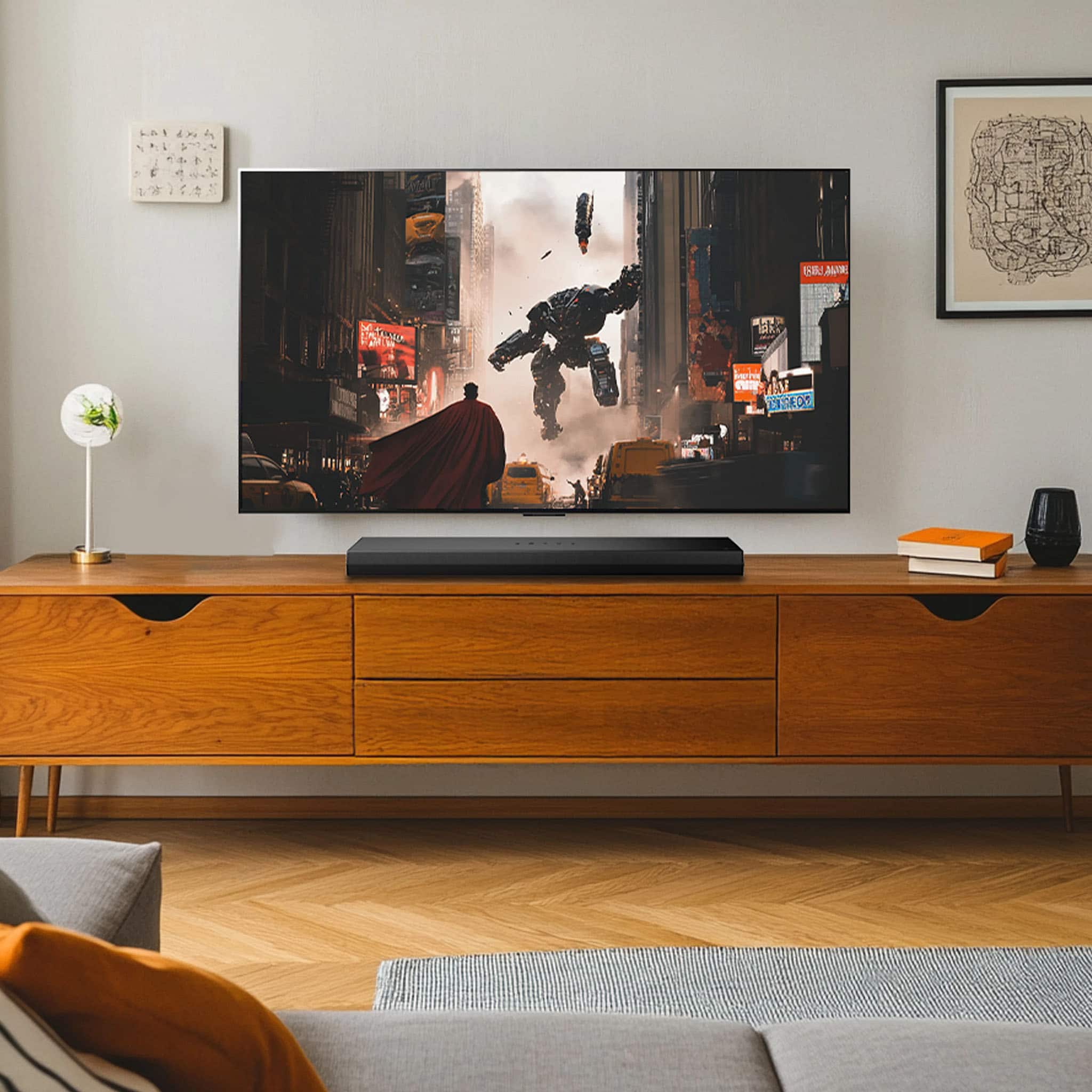
- A:Answer You can connect your LG TV and LG Soundbar with a single HDMI Arc cable.
This question and answer was generated by AI based on customer and product data.Q: QuestionDoes this soundbar have a built-in woofer?
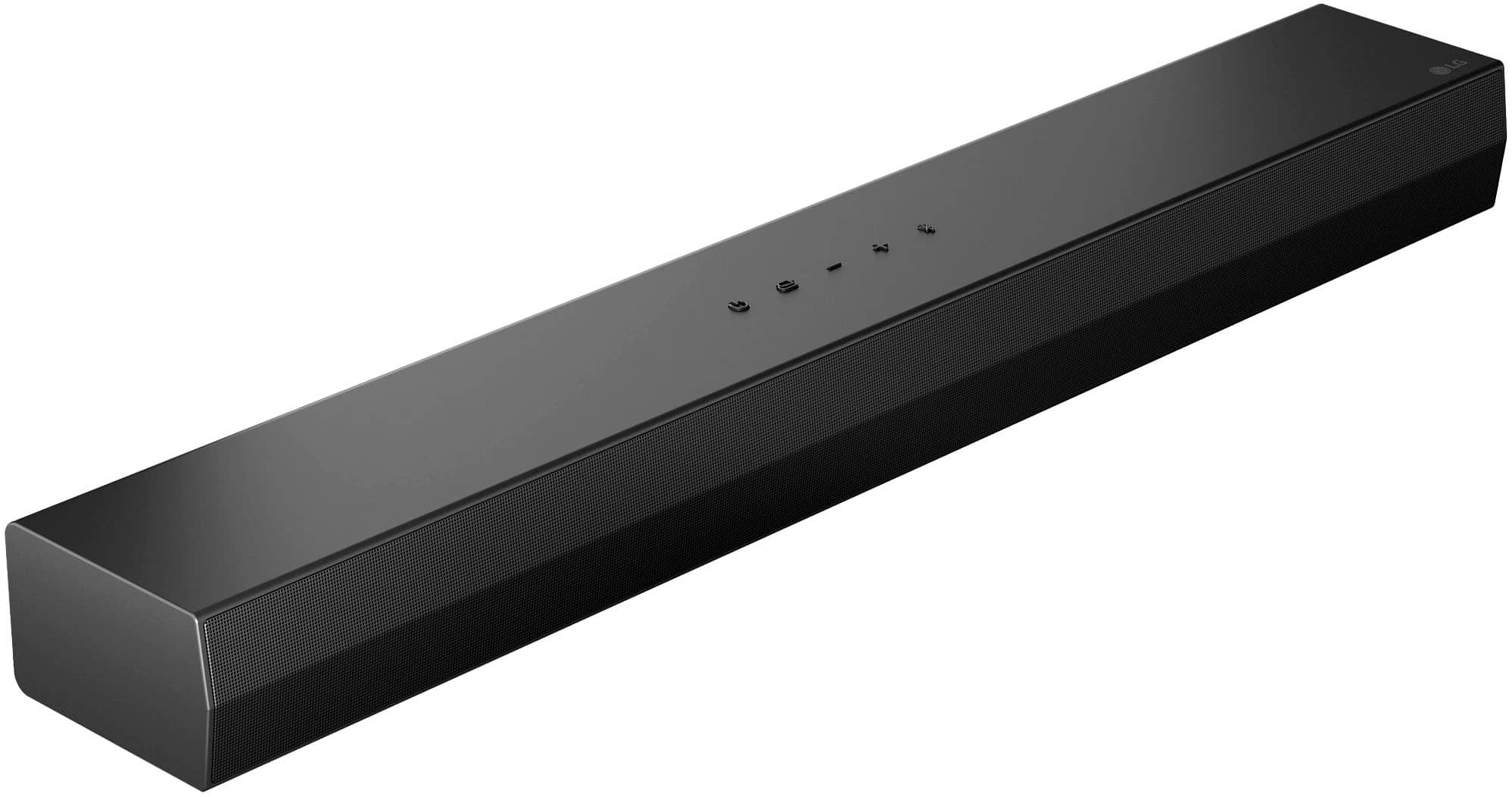
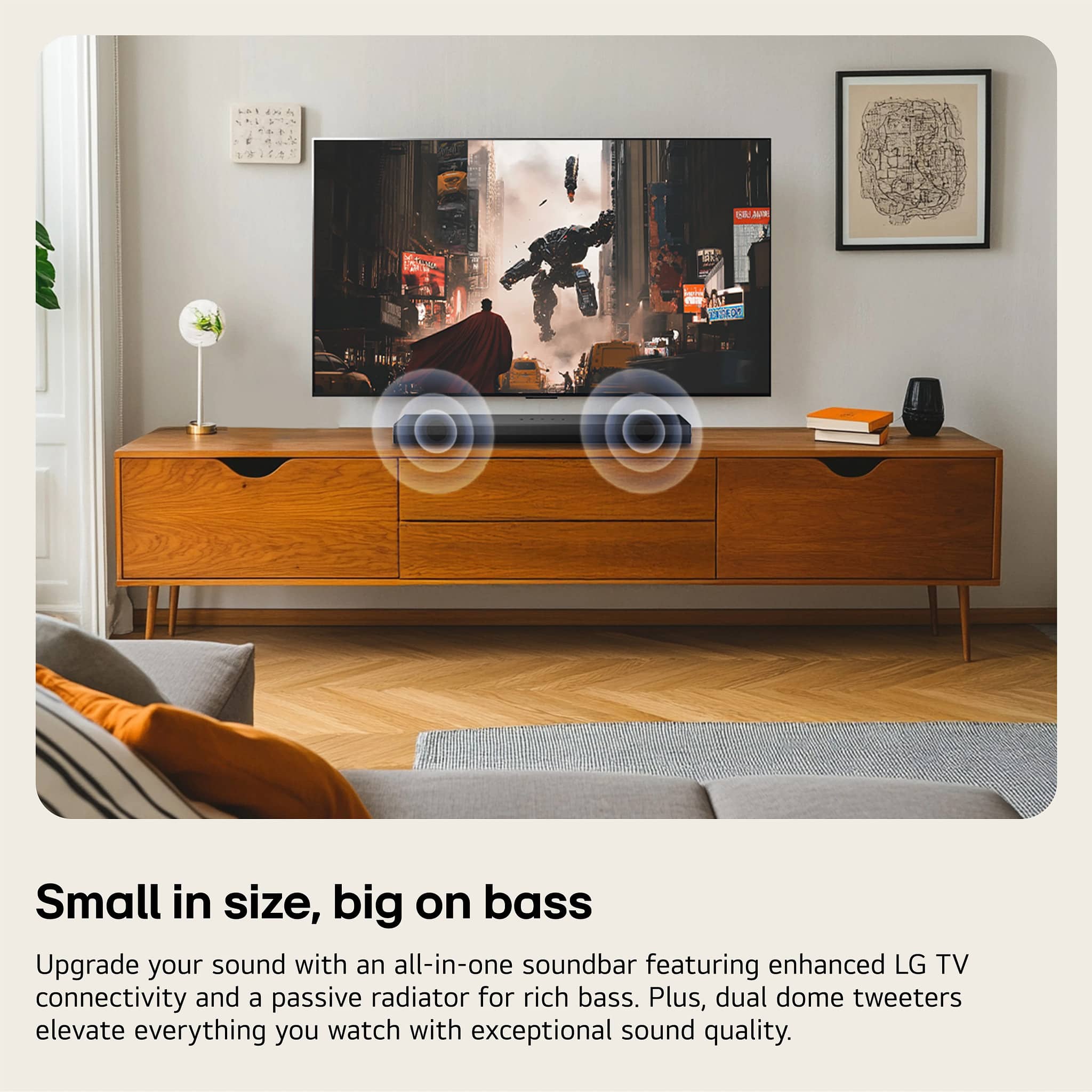
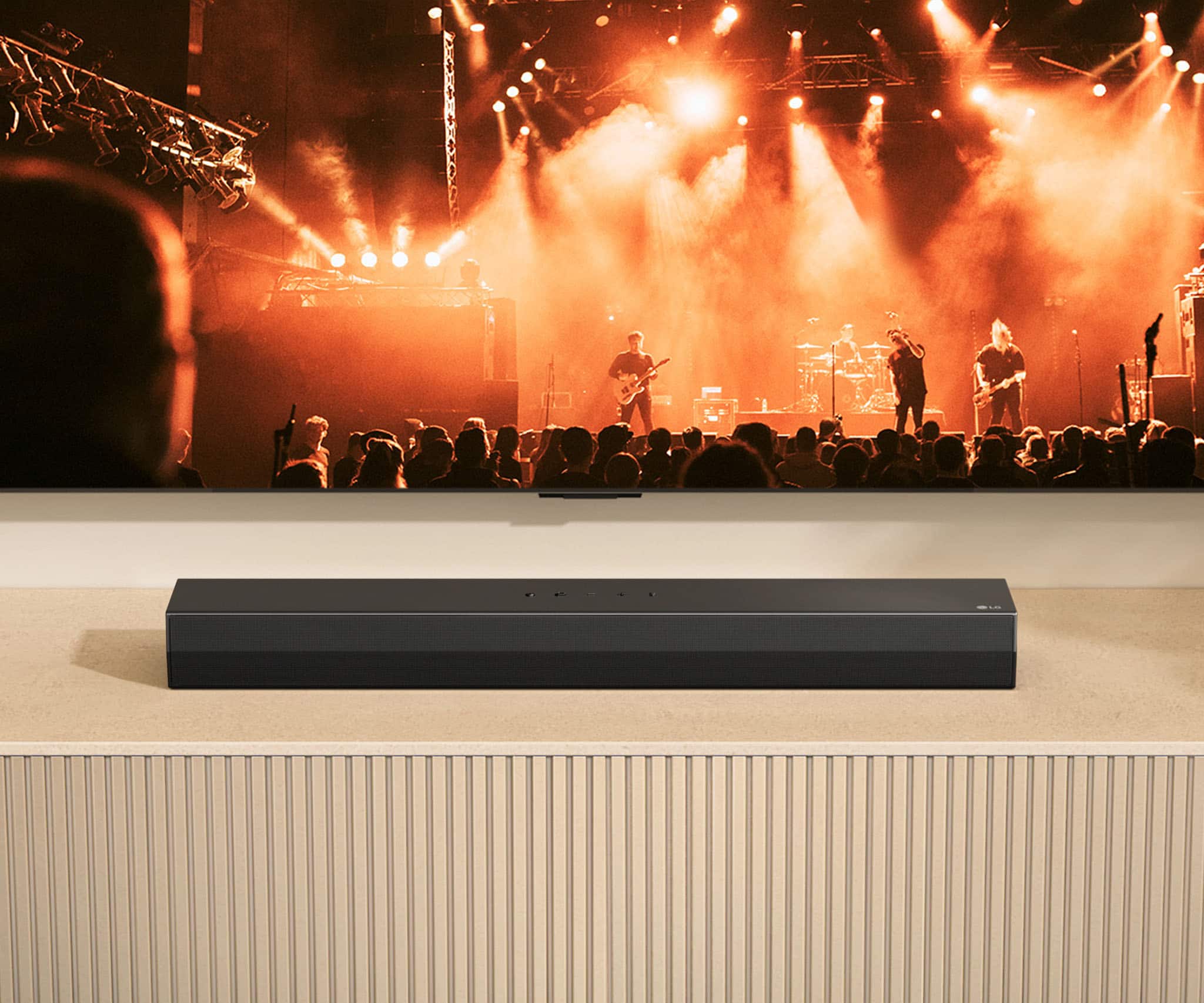
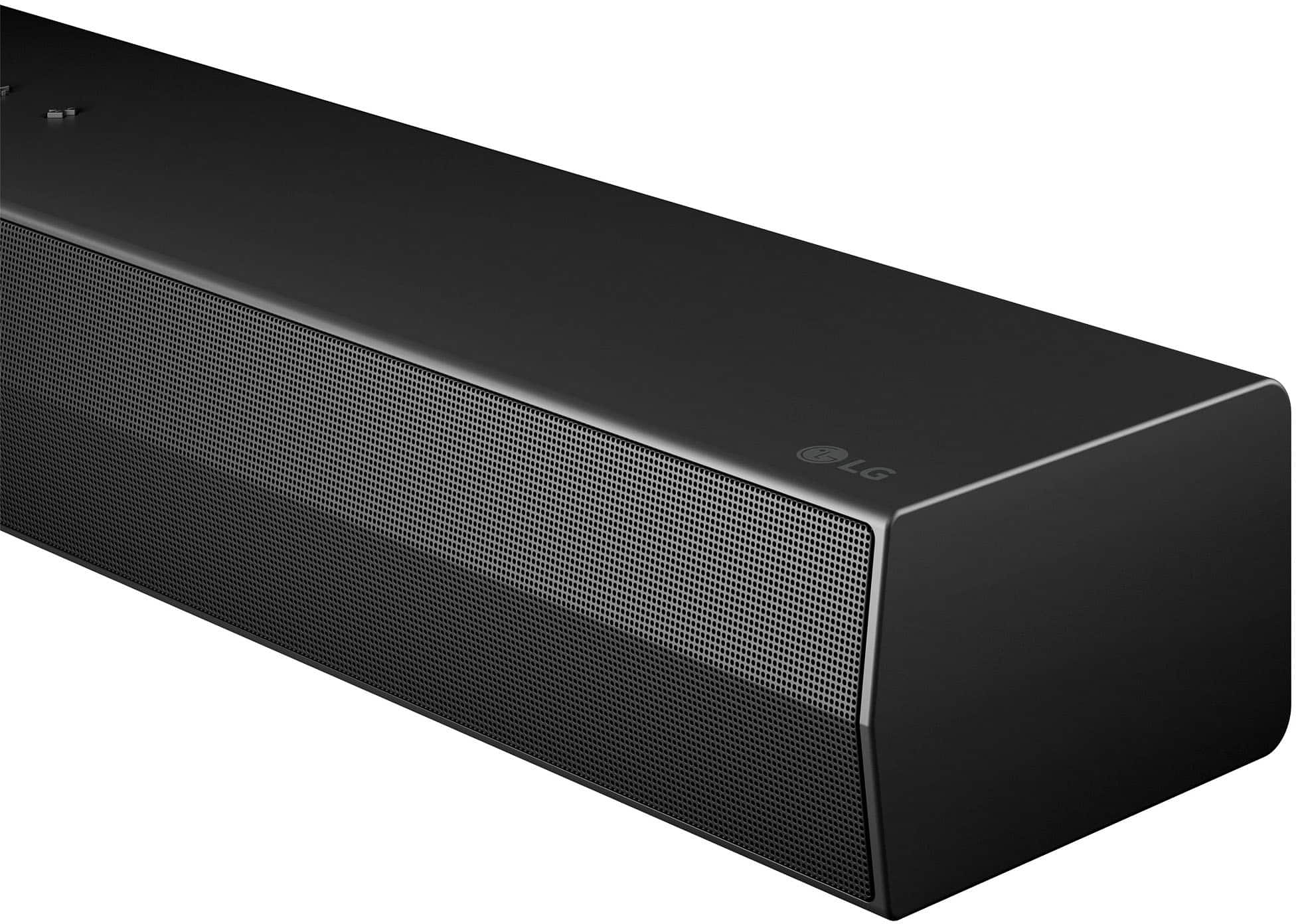
- A:Answer Yes, this is an all-in-one soundbar with a built-in passive radiator that delivers rich bass.
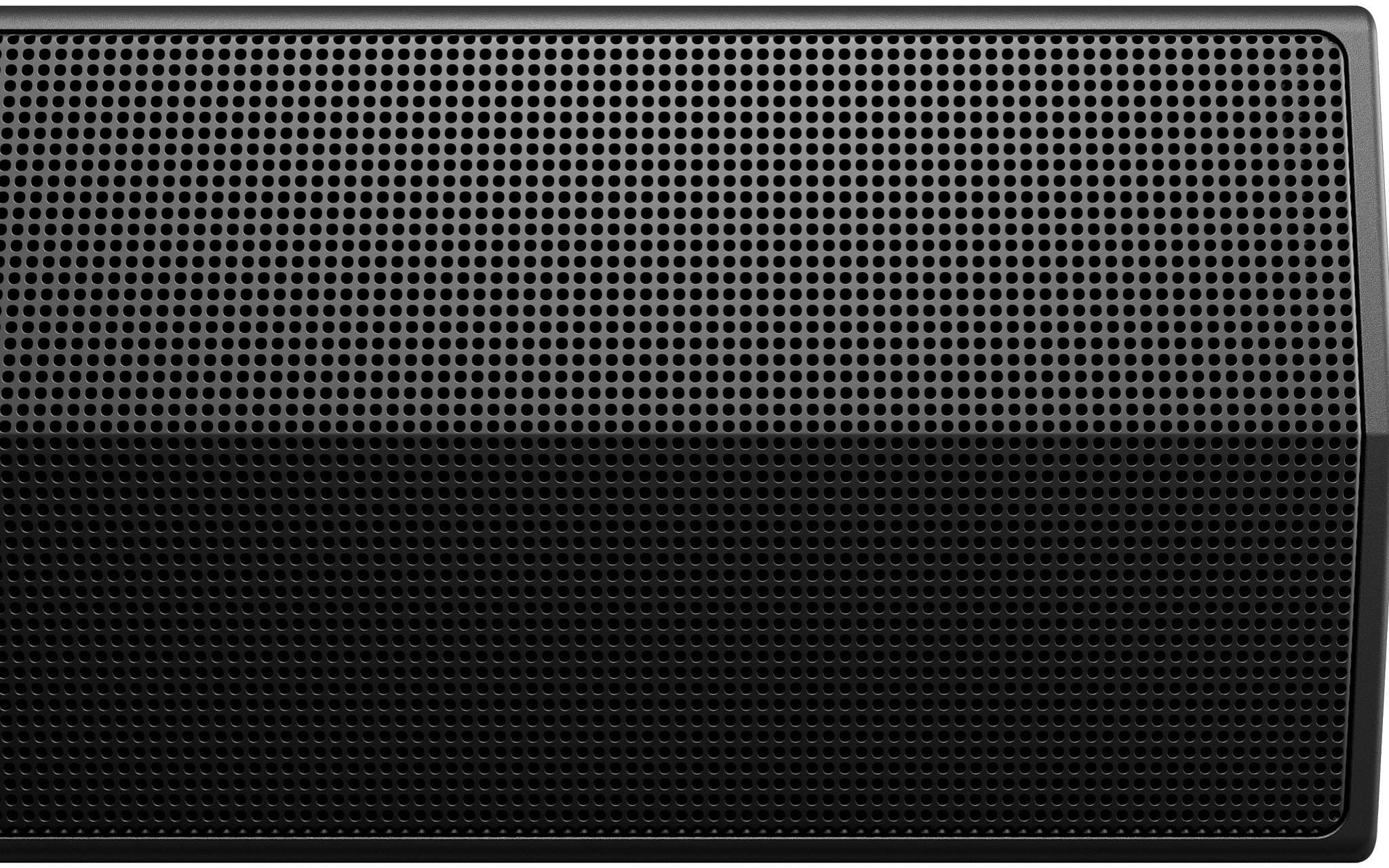
This question and answer was generated by AI based on customer and product data.Q: QuestionWhat is the purpose of the metal grill on the soundbar?
- A:Answer The metal grill contributes to the soundbar's sleek design and helps prevent dust and debris from entering.
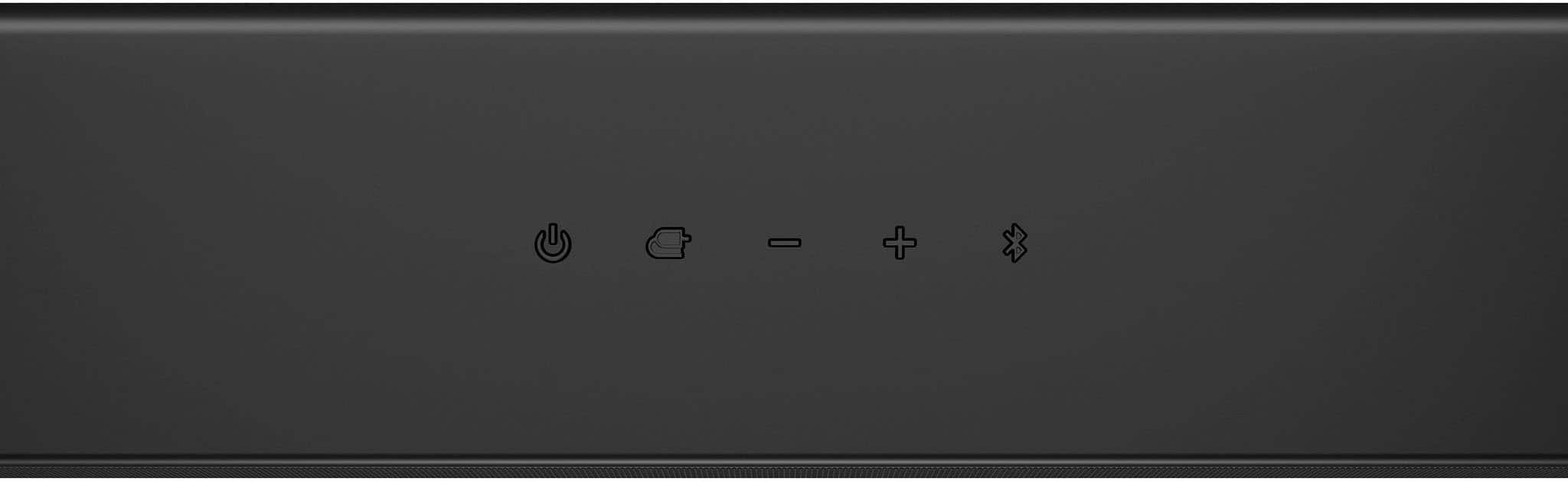
This question and answer was generated by AI based on customer and product data.Q: QuestionHow can I control the volume and audio settings of the soundbar?
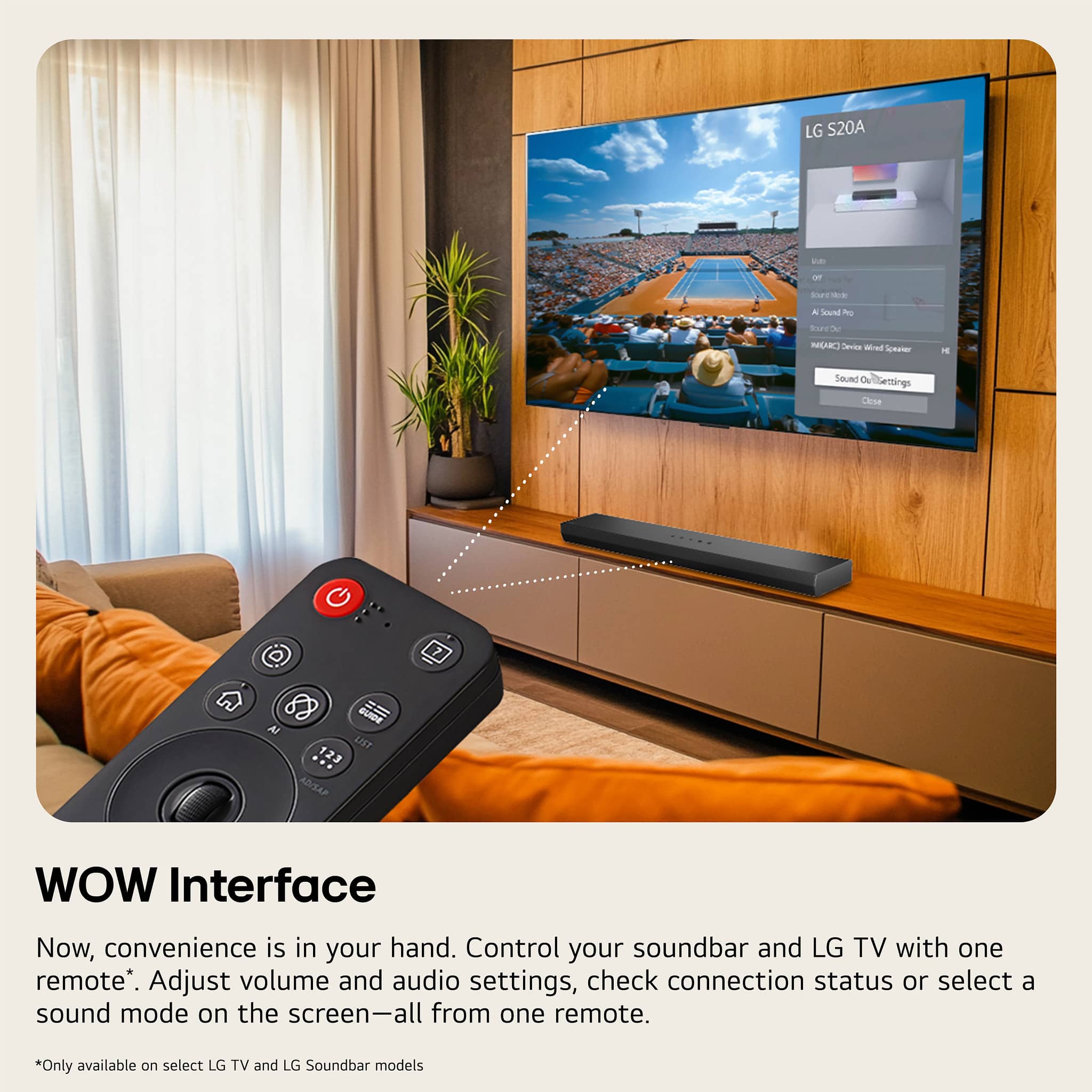
- A:Answer You can control your LG Soundbar and LG TV with one remote. Adjust the volume and audio settings, check the connection status and even select a sound mode on the screen, all from the TV remote.
This question and answer was generated by AI based on customer and product data.Q: QuestionWhat audio format does this LG soundbar support?
- A:Answer This LG Soundbar supports Dolby Audio.
This question and answer was generated by AI based on customer and product data.Q: QuestionCan I customize the equalizer settings?
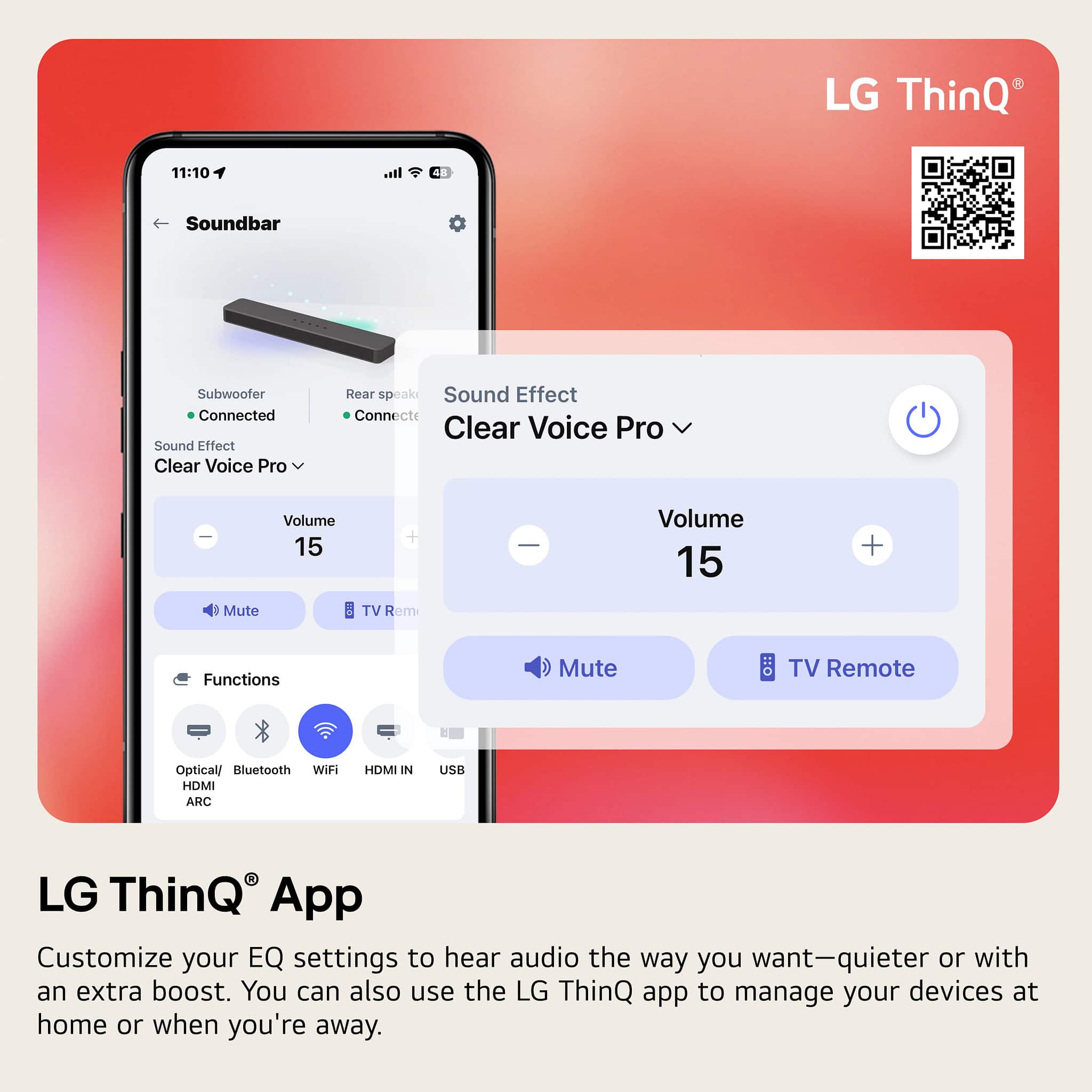
- A:Answer Yes, you can customize the 3-band equalizer settings (bass, treble, and mid-range) using the LG ThinQ app on your smart device.
This question and answer was generated by AI based on customer and product data.Q: QuestionHow does the AI Sound Pro feature work?
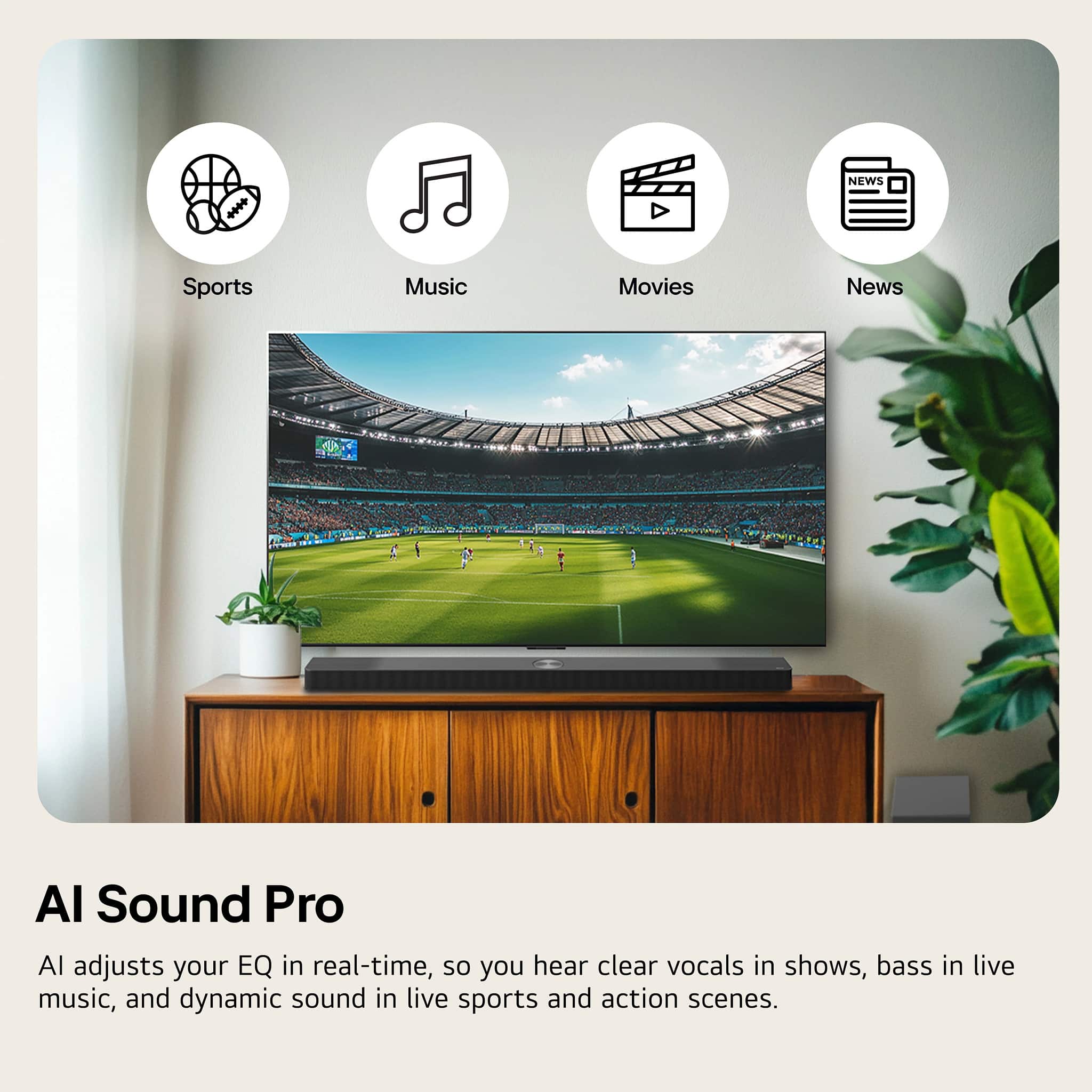
- A:Answer The AI adjusts the EQ in real-time to provide clear vocals in shows, enhanced bass in live music, and dynamic sound during live sports and action scenes.
This question and answer was generated by AI based on customer and product data.Q: QuestionIs there a sub woofer that can be paired with this soundbar
Asked by Toni.
- A:Answer LG does not make a compatible subwoofer for the LG 2.0-Channel S20A Soundbar with Built-in Woofer, DTS Digital Surround, Bluetooth Connectivity - Black, Model # S20A...^Ivan.
Answered by LG Digital Customer Care
Q: QuestionWill this work with an LG 65UM6900PUA tv?
Asked by Anonymous.
- A:Answer Hello there! We understand your inquiry about whether the LG S20A 2.0-Channel Soundbar will work with your LG 65UM6900PUA TV. Great news—it’s fully compatible and you have two easy ways to connect: HDMI ARC (Recommended) • Use an HDMI cable to connect the soundbar’s HDMI OUT (ARC) port to your TV’s HDMI 2 (ARC) port. • On your TV, go to Settings > Sound > Sound Out, and select HDMI ARC. • On the soundbar remote, ensure HDMI ARC is selected as the input. This setup also lets you control volume with your TV remote via HDMI-CEC. Wireless Bluetooth • On the soundbar, press and hold the Bluetooth button until the LED flashes. • On your TV: Settings > Sound > Sound Out > Bluetooth, then select LG S20A from the list. • Once paired, audio will stream wirelessly from your TV to the soundbar. Troubleshooting Tip: If you don’t hear sound after connecting via HDMI ARC, first verify that SimpLink (HDMI-CEC) is enabled on your TV (Settings > General > SIMPLINK (HDMI-CEC)). Then power-cycle both devices: turn them off, unplug from power for 30 seconds, plug back in, and restart. This refreshes the HDMI handshake and often resolves handshake issues. https://www.bestbuy.com/site/lg-2-0-channel-s20a-soundbar-with-built-in-woofer-bluetooth-connectivity-black/6620450.p?skuId=6620450 For any additional assistance or personalized setup guidance, please send us a private message on social media @LGUSSupport, and our team will be more than happy to help you get everything sounding perfect. We appreciate your patience. —Renzo
Answered by LG Digital Customer Care
Q: Questionhow many watts does this soundbar put out?
Asked by Anonymous.
- A:Answer Regrettably, in accordance with the FTC’s updated Amplifier Rule (16 CFR Part 432), effective August 12, 2024, LG does not divulge information about the wattage for the LG - 2.0-Channel S20A Soundbar with Built-in Woofer, DTS Digital Surround, Bluetooth Connectivity - Black, Model # S20A, in its specifications...^Ivan.
Answered by LG Digital Customer Care
Q: QuestionWhat cable is needed for lg soundbar to lg tv
Asked by Brando.
- A:Answer The LG - 2.0-Channel S20A Soundbar with Built-in Woofer, DTS Digital Surround, Bluetooth Connectivity - Black, Model # S20A, has an HDMI In ► TV (ARC) port that requires an HDMI cable to connect it to a TV's HDMI ARC/eARC port...^Ivan.
Answered by LG Digital Customer Care
Q: QuestionMy current LG soundbar seems to switch from stereo to mono during scenes for some reason. Will this sound bar prevent that?
Asked by RK.
- A:Answer Hi there. Thank you for sharing your experience with us. We understand your inquiry regarding the audio performance of the LG S20A soundbar and how it handles audio transitions during different scenes. We want to ensure you have a consistent and high-quality listening experience with our products. The LG S20A is a 2.0-channel system specifically designed to provide a stable stereo soundstage. This model features AI Sound Pro, which uses artificial intelligence to analyze the content you are watching in real-time. By identifying voices, effects, and frequencies, the system automatically optimizes the audio output to ensure the sound remains clear and balanced regardless of the scene. This technology is intended to provide a seamless transition between different types of audio without a perceived loss in channel depth. To ensure you receive the most consistent performance with this unit, we recommend using the HDMI ARC connection and setting the sound mode to "Standard" or "AI Sound Pro" via the LG Soundbar app to maintain the intended stereo balance. We are committed to providing you with a reliable home theater solution that meets your needs. https://www.bestbuy.com/product/lg-2-0-channel-s20a-soundbar-with-built-in-woofer-dts-digital-surround-bluetooth-connectivity-black/JJ8VPZT5CP If you have any further questions about its features or setup, please contact us on [email protected], and our team will be more than happy to assist you. —Renzo
Answered by LG Digital Customer Care
Q: QuestionDoes this support LG Sound Sync?
Asked by bdwauer.
- A:Answer Hello there. Thank you for reaching out to us. We understand your inquiry regarding the features of the S20A soundbar. According to the product specifications, yes, this model supports LG TV Sound Sync via Bluetooth, allowing you to connect wirelessly to compatible LG TVs. https://www.bestbuy.com/product/lg-2-0-channel-s20a-soundbar-with-built-in-woofer-dts-digital-surround-bluetooth-connectivity-black/JJ8VPZT5CP If you have any further questions about its features, please contact us on [email protected], and our team will be more than happy to assist you. —Renzo
Answered by LG Digital Customer Care
Q: QuestionThe last sound bar I hooked up to my LG TV had a gap between the lips of people on the television and the sound that came out. Will this eliminate that problem?
Asked by Mark.
- A:Answer What you are referring to as "a gap between the lips of people on the television and the sound that comes out" is known as Lip Sync or Audio Delay. The most common cause of audio-sync problems is a connection to external devices. HDMI cables, in particular, can introduce delays due to the separate processing of audio and video signals. Check the cables from your TV to your sound system and make sure they are securely connected. Also, check to make sure the connection from any external sources (such as cable boxes and video game consoles) is also securely connected. The LG 2.0-Channel S20A Soundbar with Built-in Woofer, DTS Digital Surround, Bluetooth Connectivity - Black does not have a Lip Sync or Audio Delay setting, but your TV should have it in its settings menu. You can also check your cable set-top box, if you have cable service programming, or if your Blu-Ray Player, if you are using one, has this feature...^Ivan.
Answered by LG Digital Customer Care
Q: QuestionCan this soundbar be connected to the LG tv wirelessly, without hdmi cable?
Asked by GaryK.
- A:Answer Hi there, GaryK. We understand your inquiry about connecting the LG S20A Soundbar wirelessly to your LG TV. The LG S20A Soundbar does feature Bluetooth connectivity. If your LG TV also has Bluetooth capabilities, you can connect the soundbar to the TV wirelessly using the LG Sound Sync (Wireless) feature, which is a simple process in the TV's sound settings menu. https://www.bestbuy.com/product/lg-2-0-channel-s20a-soundbar-with-built-in-woofer-dts-digital-surround-bluetooth-connectivity-black/JJ8VPZT5CP If you need any guidance on setting up the wireless connection, please send us a private message on Social Media @LGUSSupport and our team will be more than happy to explore possible solutions. We appreciate your patience. —Renzo
Answered by LG Digital Customer Care
Q: Questionwhat are the watts?
Asked by nope.
- A:Answer The S20A LG Soundbar for TV with Dolby Audio™ 2.0 channel, has a wattage of 50 watts...^Ivan
Answered by LG Digital Customer Care
Q: QuestionThere were no brackets included in the box with the soundbar. Is there a separate kit that can be purchased so it can be wall mounted?
Asked by Electrician.
- A:Answer The LG 2.0-Channel S20A Soundbar with Built-in Woofer, DTS Digital Surround, Bluetooth Connectivity, WOW Orchestra - Black, is not designed for wall mounting which is why there are no wall brackets supplied with the soundbar. You can inquire from Best Buy if they still sell wall mounted shelves that you can use to install the soundbar on that can be mounted on the wall under a TV...^Ivan.
Answered by LG Digital Customer Care
Q: QuestionCan this sound bar work with my 86 LG television
Asked by DJ.
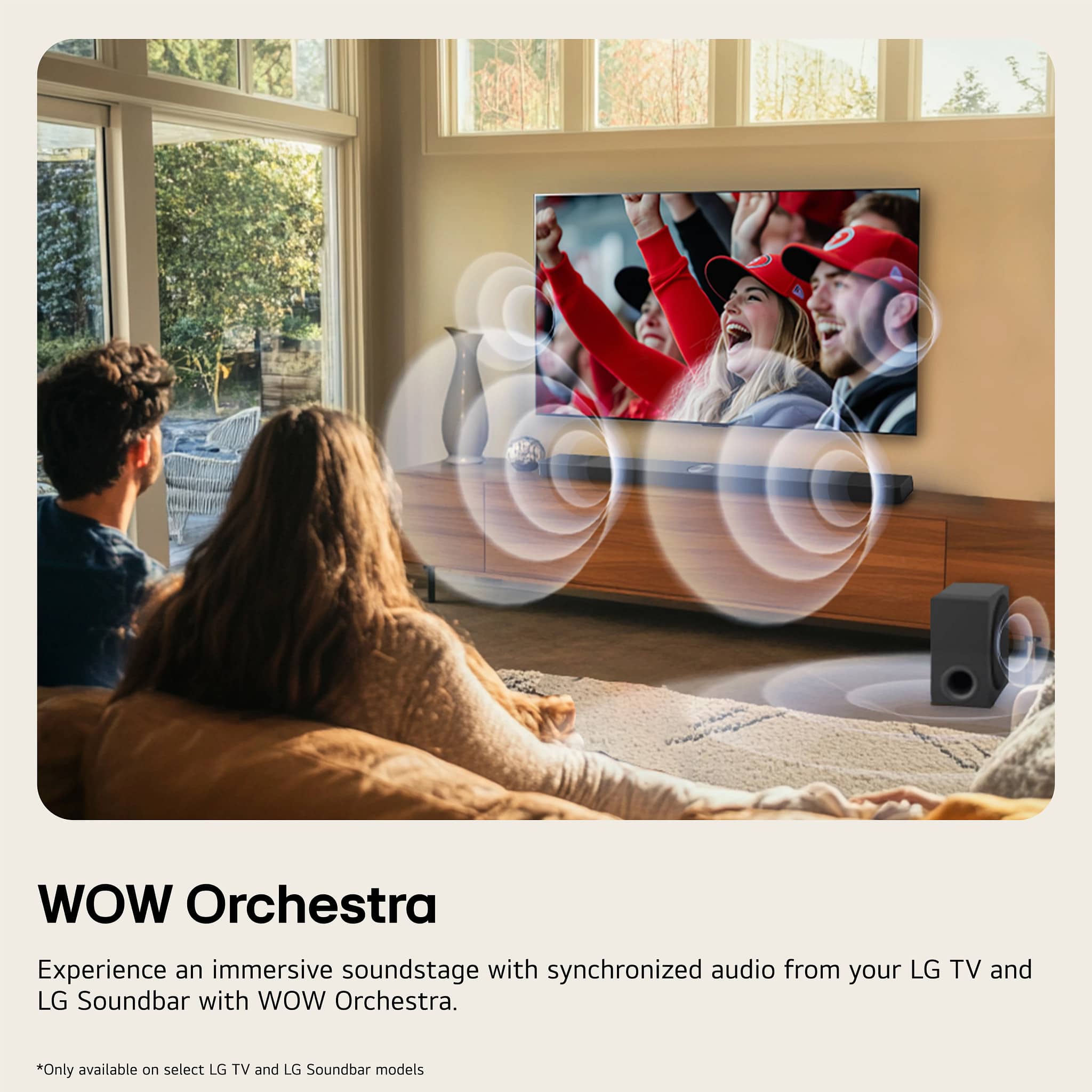
- A:Answer The LG 2.0-Channel S20A Soundbar with Built-in Woofer, DTS Digital Surround, Bluetooth Connectivity, WOW Orchestra - Black, will work with any LG TV and can be connected to an LG TV via Bluetooth or via its HDMI ARC port. Regrettably, without knowing the model number for the '86 LG television' in question, we cannot determine whether it supports the WOW Orchestra feature that is supported on the soundbar...^Ivan.
Answered by LG Digital Customer Care
Q: QuestionWould it provide good sounds for a LG 65"OLED TV?
Asked by Borst.
- A:Answer Yes! I have a 65' sounds great
Answered by ToniA
Q: QuestionCan this speaker be connected to a speaker group in Google Home?
Asked by JJ.
- A:Answer Hello there, JJ. Thank you for sharing your inquiry with us. We understand you're asking if the LG 2.0-Channel S20A Soundbar (Model: S20A) can be connected to a speaker group in Google Home. Your feedback is important, and we'd like to assist you further. The LG S20A soundbar supports Bluetooth connectivity and works with Google Home via a compatible Google Assistant-enabled device. However, only devices with Chromecast built-in can be directly added to Google Home speaker groups for multi-room audio. The specifications for the S20A do not indicate that it has Chromecast built-in. While you can often control individual LG soundbars with Google Assistant, adding them to a multi-room speaker group for synchronized playback with other Google Home devices might not be supported unless the soundbar explicitly features Chromecast built-in. https://www.bestbuy.com/site/lg-2-0-channel-s20a-soundbar-with-built-in-woofer-dts-digital-surround-bluetooth-connectivity-black/6620450.p?skuId=6620450 Please send us a private message on Social Media @LGUSSupport and our team will be more than happy to explore possible solutions. We appreciate your patience. —Renzo
Answered by LG Digital Customer Care

Page 1, Showing 1-20 of 27 questions
Top Rated
- $199.99Your price for this item is $199.99$279.99The comparable value for this item is $279.99
- $249.99Your price for this item is $249.99$399.99The comparable value for this item is $399.99
- $129.99Your price for this item is $129.99$159.99The comparable value for this item is $159.99
- $99.99Your price for this item is $99.99$119.99The comparable value for this item is $119.99
- $399.99Your price for this item is $399.99$549.99The comparable value for this item is $549.99
- $349.99Your price for this item is $349.99$499.99The comparable value for this item is $499.99
- $999.99Your price for this item is $999.99$1,999.99The comparable value for this item is $1,999.99
- $79.99Your price for this item is $79.99$99.99The comparable value for this item is $99.99
- $699.99Your price for this item is $699.99$899.99The comparable value for this item is $899.99
- $699.99Your price for this item is $699.99$799.99The comparable value for this item is $799.99
- $1,699.99Your price for this item is $1,699.99$1,999.99The comparable value for this item is $1,999.99
- $499.99Your price for this item is $499.99$699.99The comparable value for this item is $699.99
- $249.99Your price for this item is $249.99$349.99The comparable value for this item is $349.99
- $219.00Your price for this item is $219.00
- $229.99Your price for this item is $229.99$299.99The comparable value for this item is $299.99
- $199.99Your price for this item is $199.99$249.99The comparable value for this item is $249.99
- $179.99Your price for this item is $179.99$229.99The comparable value for this item is $229.99
- $29.99Your price for this item is $29.99$39.99The comparable value for this item is $39.99
- $899.99Your price for this item is $899.99$1,199.99The comparable value for this item is $1,199.99
- $34.99Your price for this item is $34.99$59.99The comparable value for this item is $59.99
















