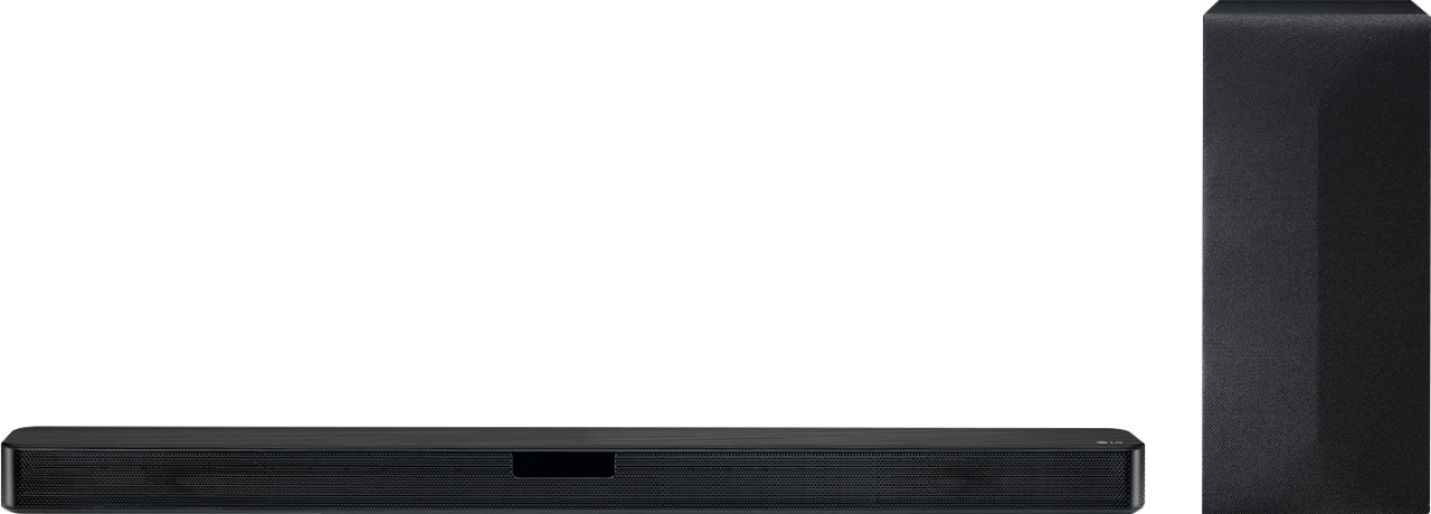
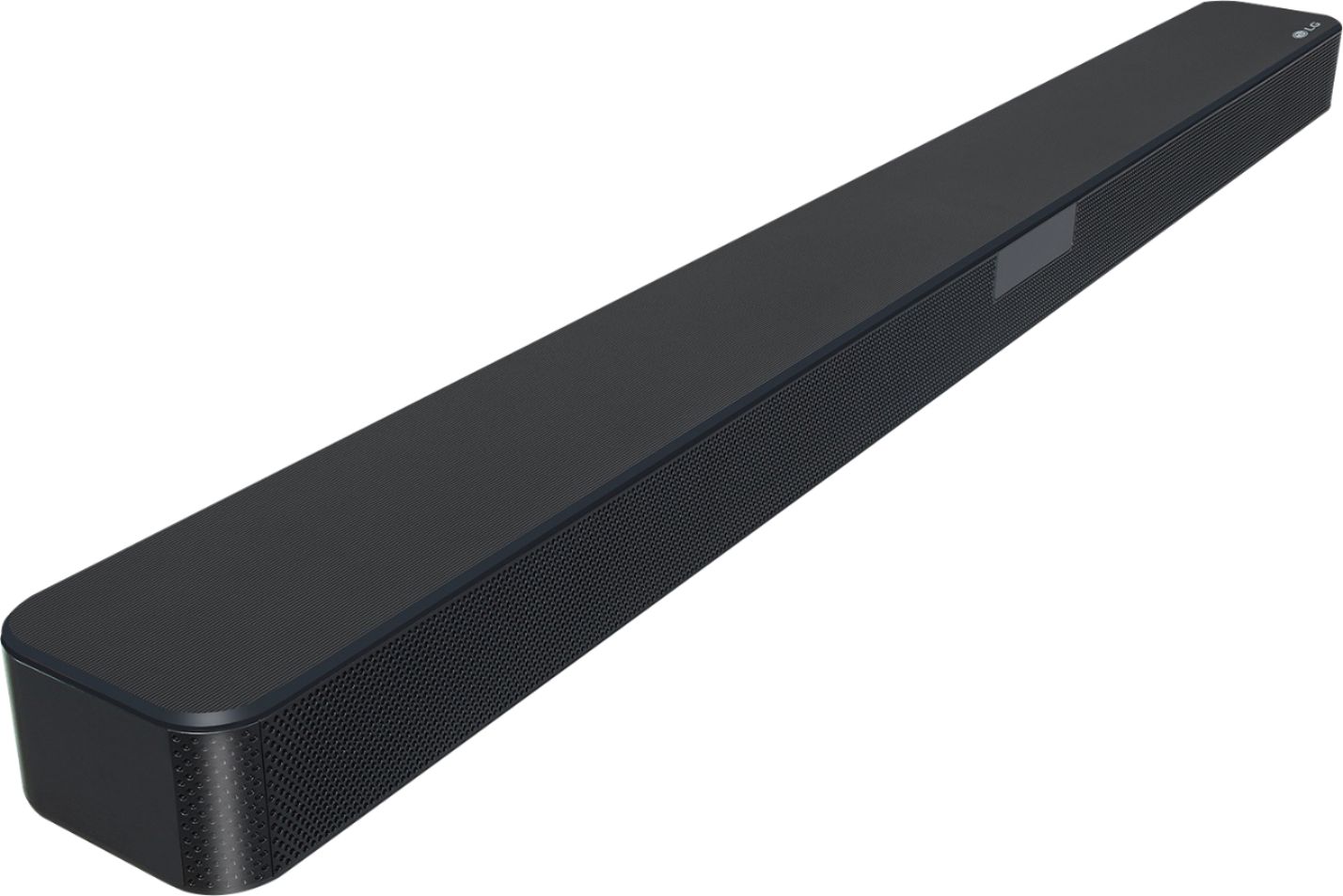
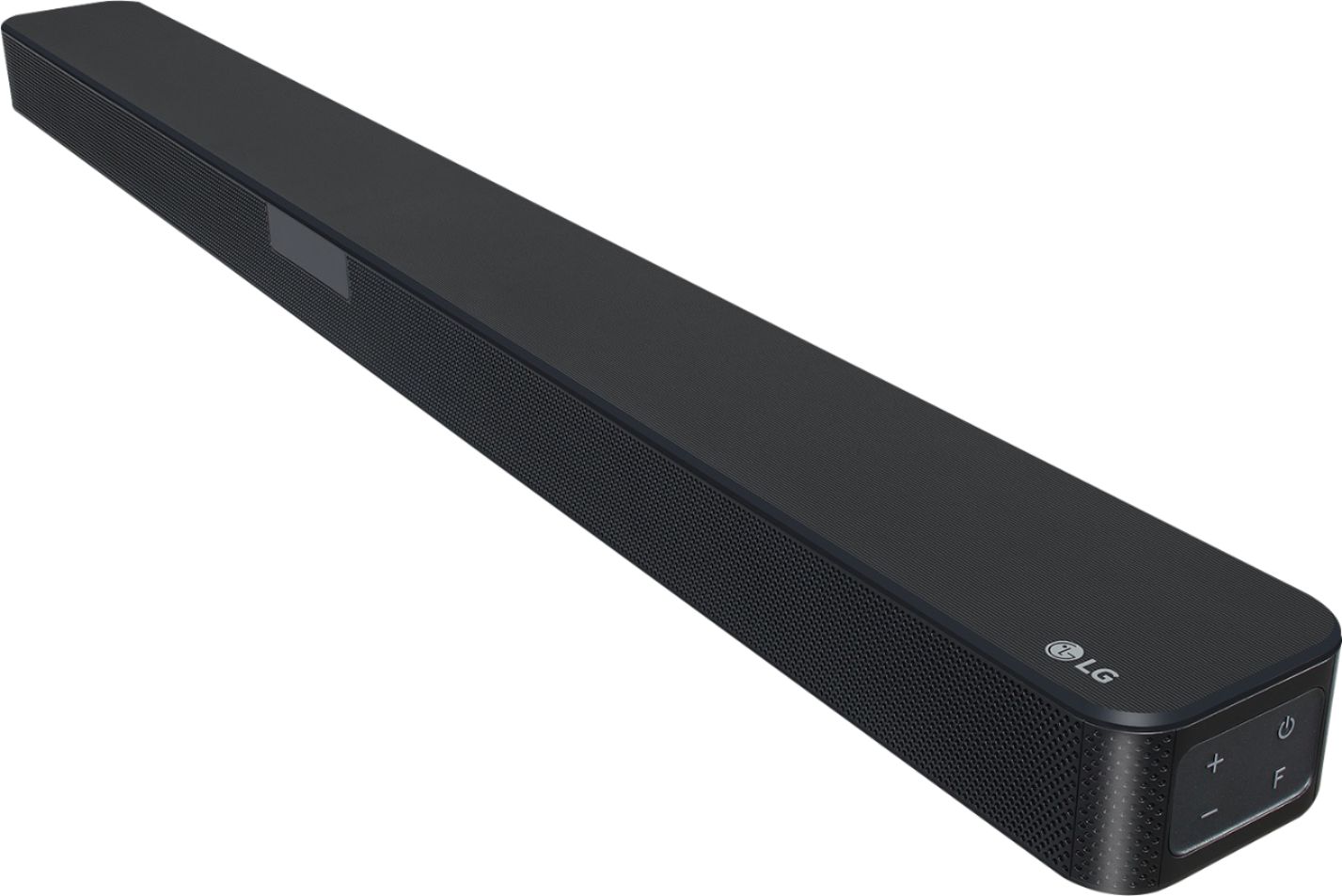
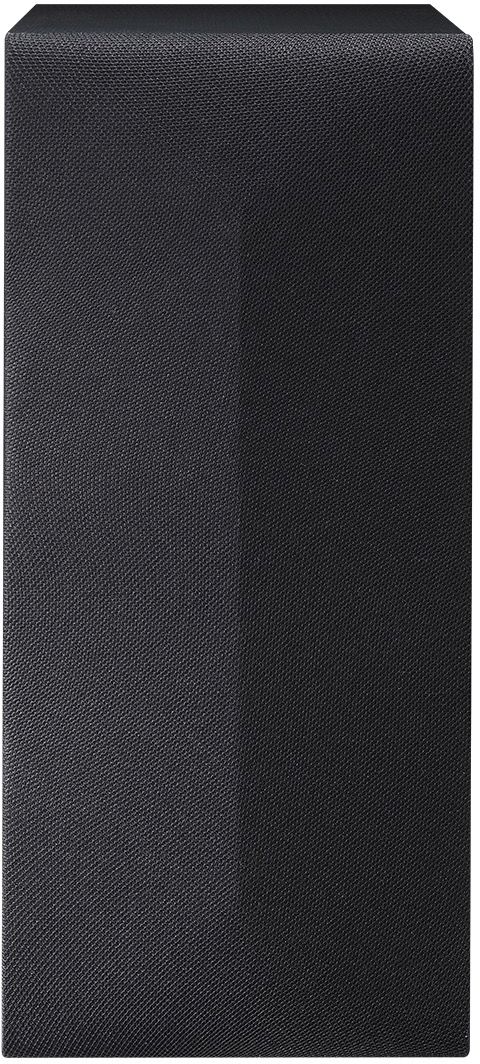
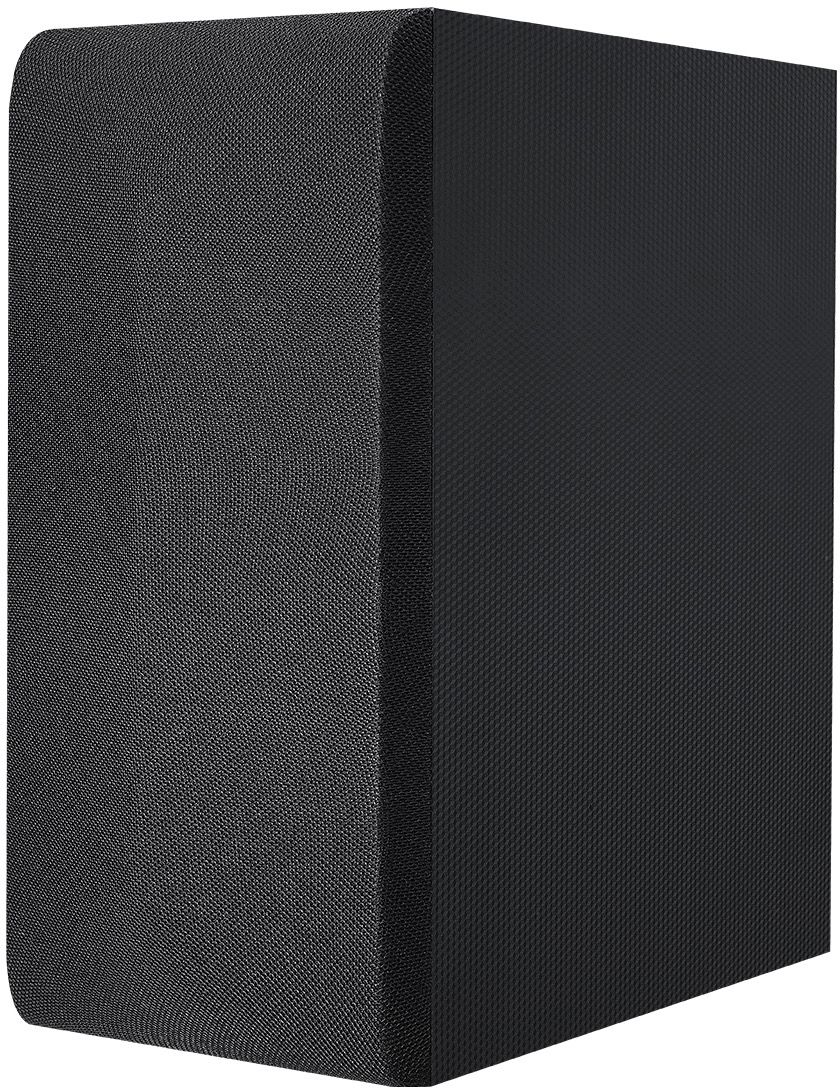
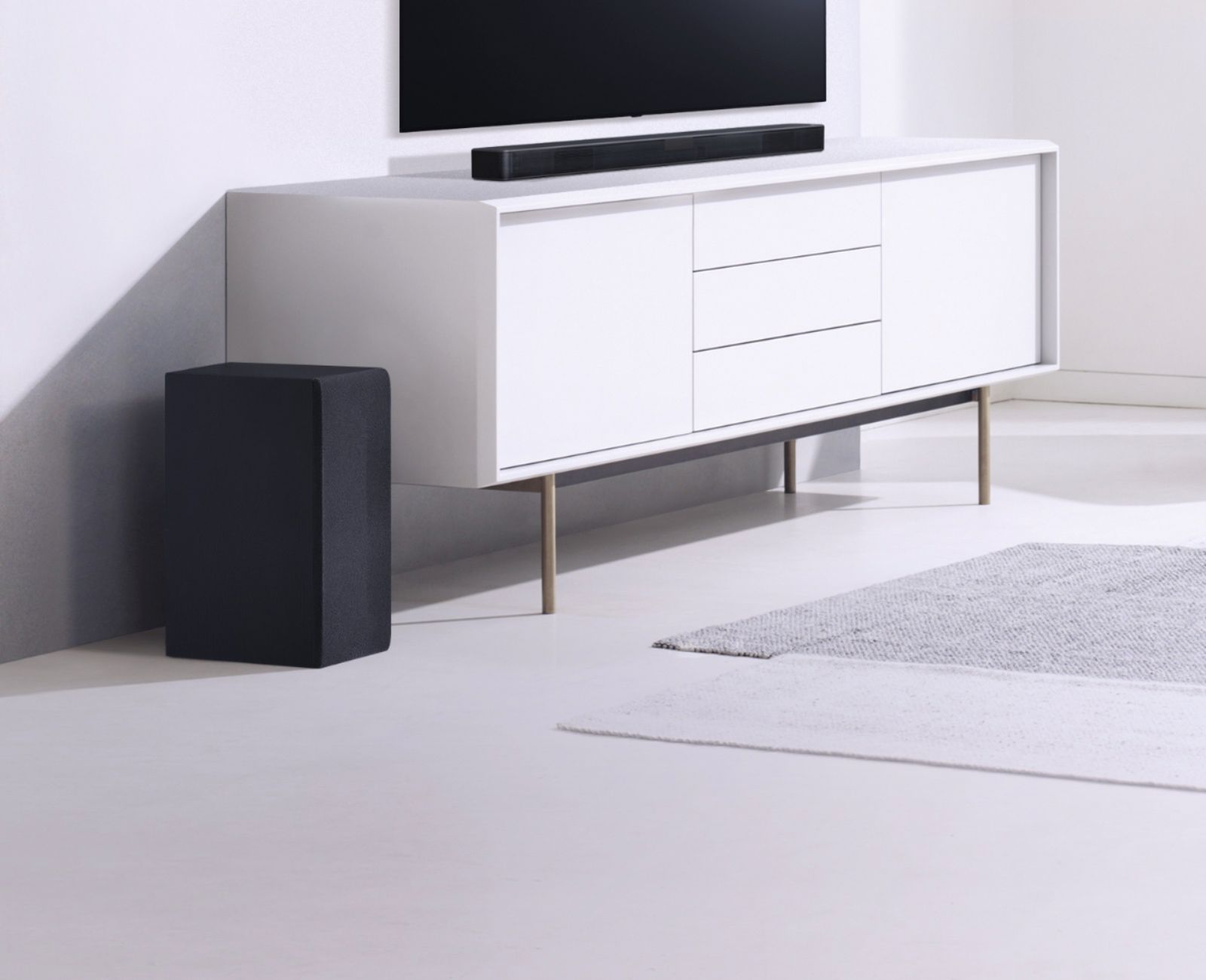
A:Answer Page 16 in your owner's manual for the LG SL4Y 2.1 Channel 300W Sound Bar w/ Bluetooth Streaming states that when your connection is not completed for the Subwoofer, it will show a red light and that to solve the issue, 1) Press PAIRING on the rear of the wireless subwoofer. The yellow - green LED on the front of the wireless subwoofer blinks quickly.(If the yellow - green LED does not blink, press and hold the PAIRING.) then 2) Turn on the sound bar. -Pairing is completed. The yellow - green LED on the front of the wireless subwoofer turns on. It takes a few seconds (and may take longer) for the main unit and the subwoofer to communicate with each other and make sounds. The closer the main unit and the subwoofer, the better sound quality. It is recommended to install the main unit and the subwoofer as close as possible and avoid having an obstacle between the main unit and the subwoofer. Make sure there isn't a device using same frequency with this wireless connection such as a medical equipment, a microwave or a wireless LAN device. Keep the sound bar and the subwoofer away from the device (ex. wireless router, microwave oven, etc.) over 1 m to prevent wireless interference....^IFV