A:AnswerI'm not sure about your picture but as far as the sound goes you have to turn your TV's volume all the way down to zero and go into settings, then select audio and disable your TV speakers. Then once you connect your RCA cable included with the soundbar to the audio output on the back of the TV you should get really good sound. The picture should not have anything to do with the soundbar.
A:AnswerThe feedback sound can happen if the television sound is on while you are using the sound bar speakers. You are hearing the speakers from the TV and the soundbar. Turn off the TV sound.
A:AnswerOn the volume remote you have to find the button that scrolls over to blue tooth. The icon will light up on the front of the soundbar when it's connected to Bluetooth.
A:AnswerI found it very easy to set to my remote after a little messing around. I did have to go into my TVs setting and turn off remote volume. Once I found that it worked fine. Hope that helps
A:AnswerI have the same problem Bob and simply turning up the TV volume wasn't making it all that much easier to understand the words. I'm not going to suggest that I can how make out every last word but the quality of the audio is very impressive and the sub-woofer fills in perfectly. Do yourself a favor and ask the sales person for a demo. I also had a 7.1 Yamaha system with speakers all around but this 2.1 LG made it so much easier to understand the words that the Yamaha is now in storage.
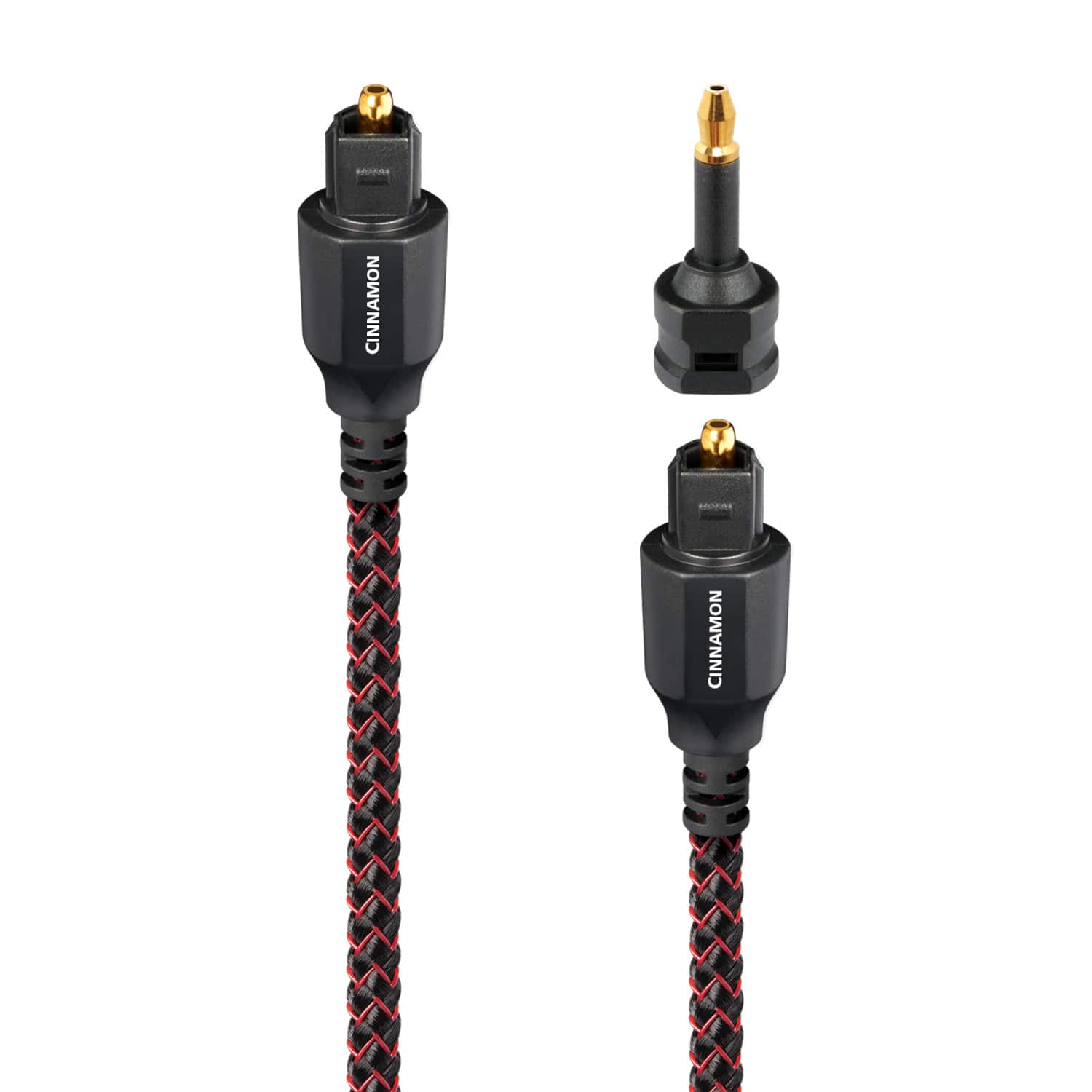
A:AnswerIt worked well with my 47" Insignia TV. It should work with your LG especially since it's the same manufacturer. Comes with the optical cable too.