A:AnswerThis is a Plug and Play monitor and doesn't require drivers. If you are in need of assistance with using a monitor, give our computer specialists a call at 800-243-0000. ^Daphane
A:AnswerThis is a Plug and Play monitor and doesn't require drivers. If you are in need of assistance with using a monitor, give our computer specialists a call at 800-243-0000. ^Daphane
A:AnswerYes but is the HP Windows 7 laptop able to produce 4K HDR, It would be pointless to spend this amount on a monitor if you are not utilizing its full potential.
A:AnswerThis is a Plug and Play monitor and doesn't require drivers. If you are in need of assistance with using a monitor, give our computer specialists a call at 800-243-0000. ^Daphane
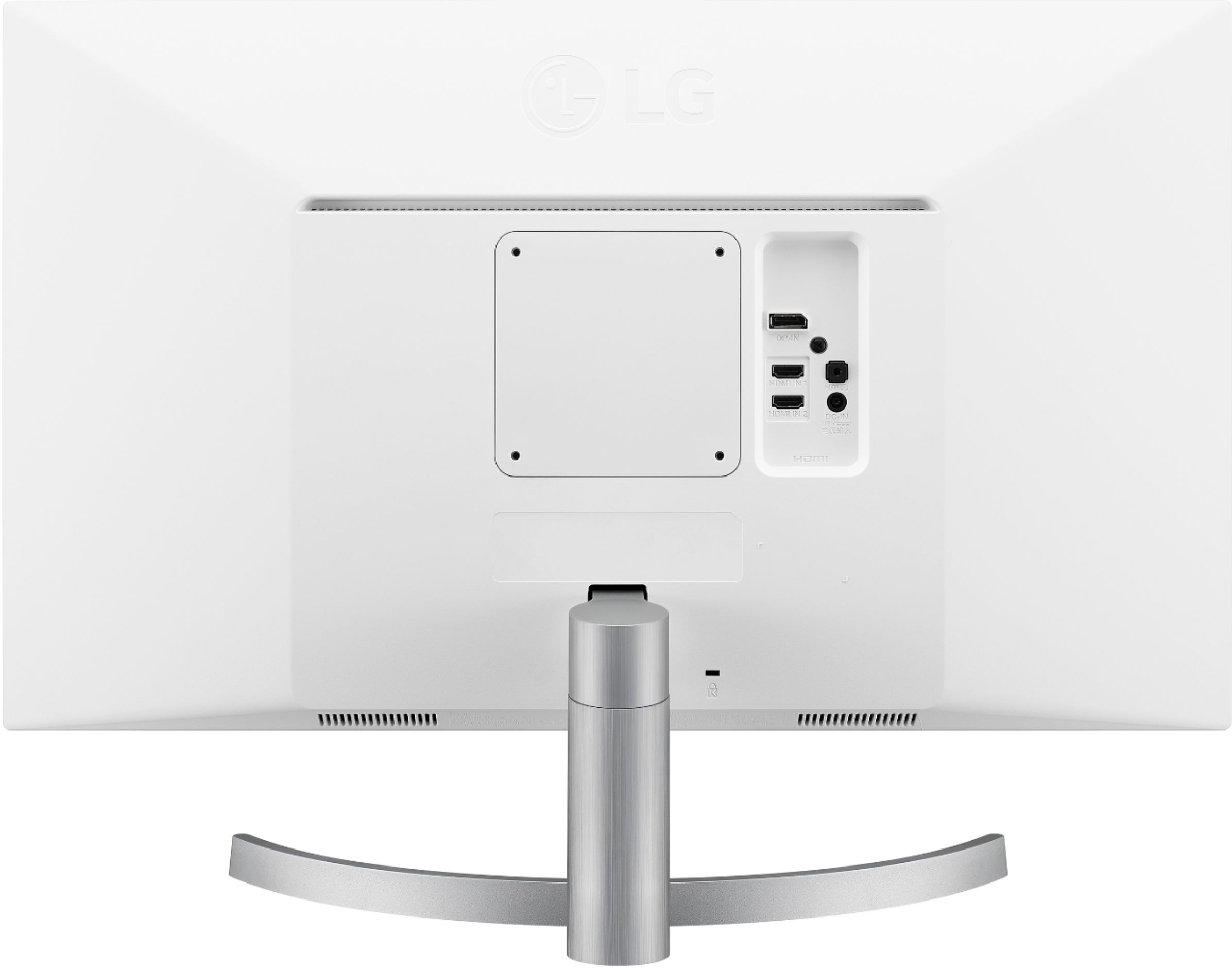
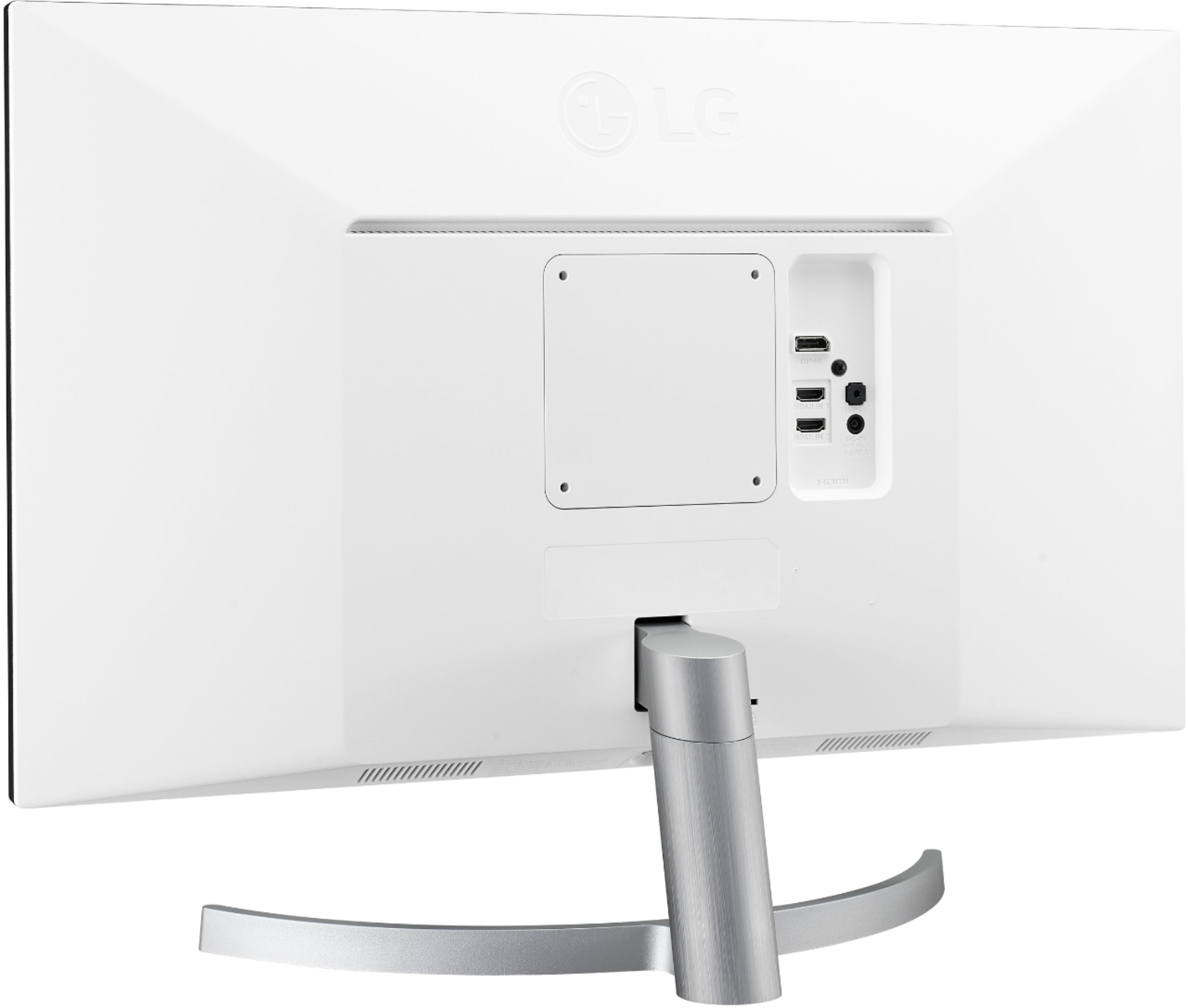
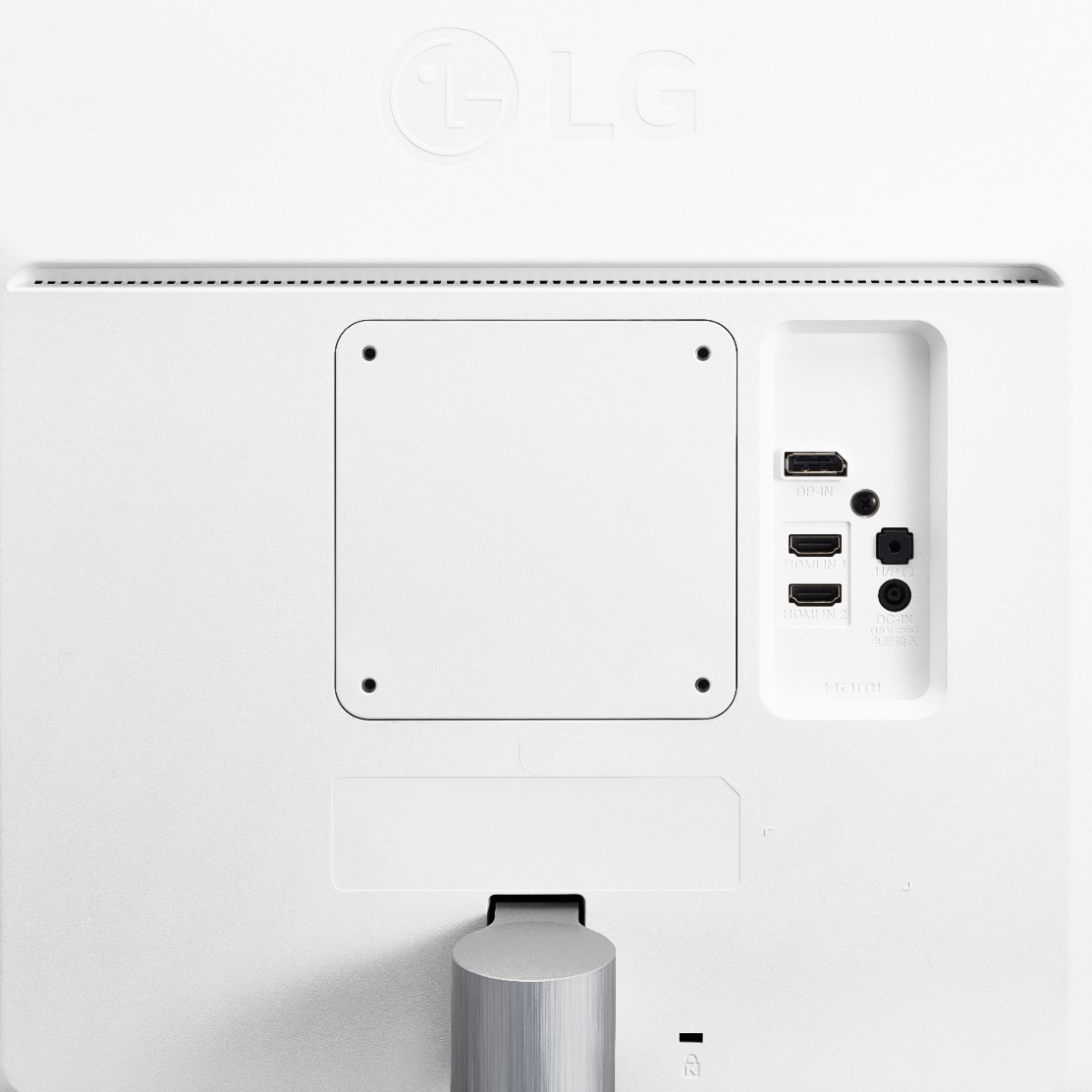
A:AnswerThe Owner's Manual does not detail connecting the monitor to a mobile device. It only explains connecting to AV devices, PC and Peripherals such as headphones. Typically, you can connect a cell phone via USB-C to HDMI. This monitor does not have an USB-C port. ^Daphane
A:Answerresolution would be even better. my native display is 2560 x 1600 on my MBP. the LG HDR has a native display of 3840 x 2160. Now I don't usually use it at 4k, but even when I just it at the "scaled" version i can't tell the difference.
A:AnswerAll the ports on the LG 27'' Class 4K UHD IPS LED Monitor with VESA Display HDR 400 (27'' Diagonal), Model # 27UL600-W are HDCP 2.2 compliant...^IFV