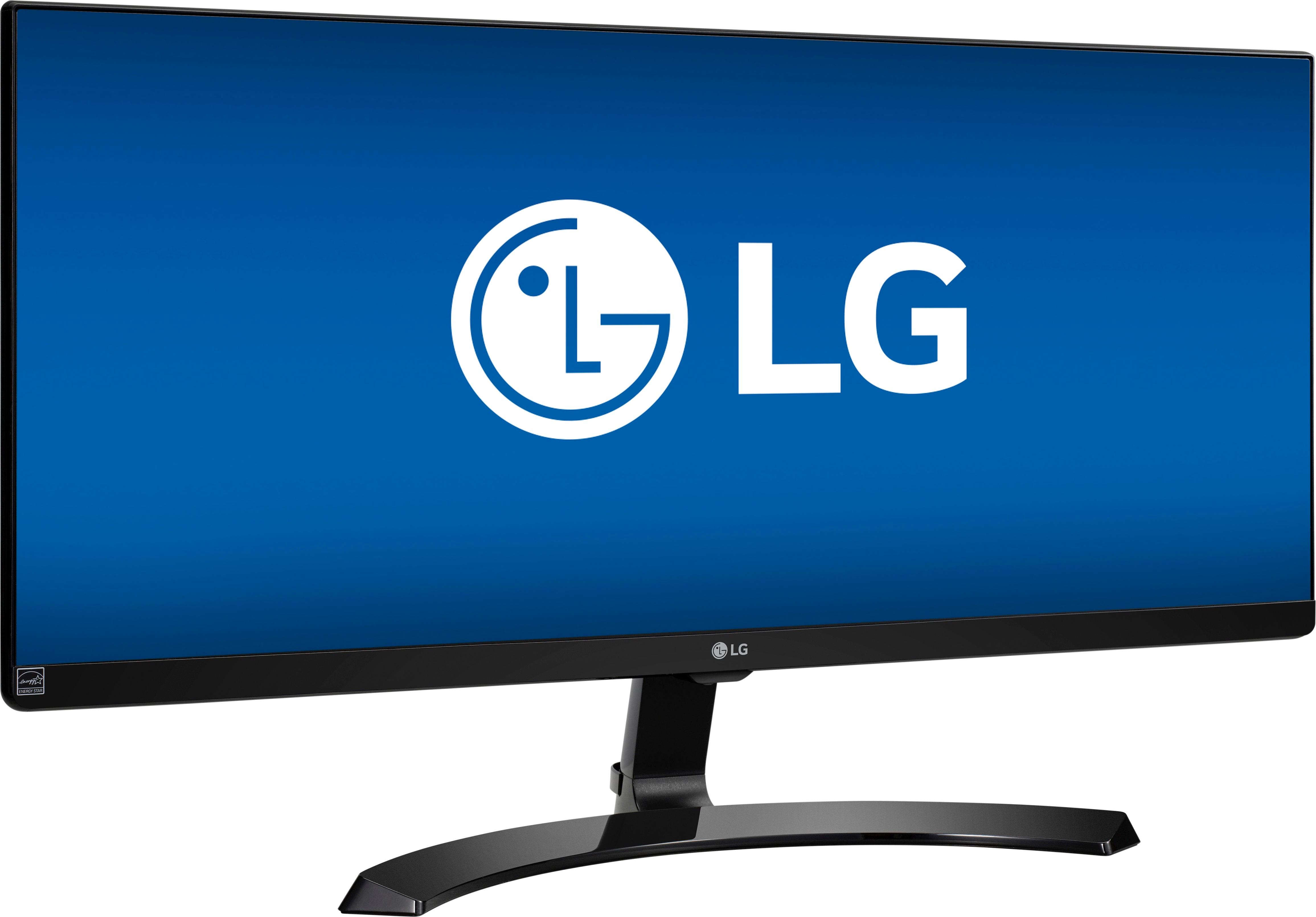
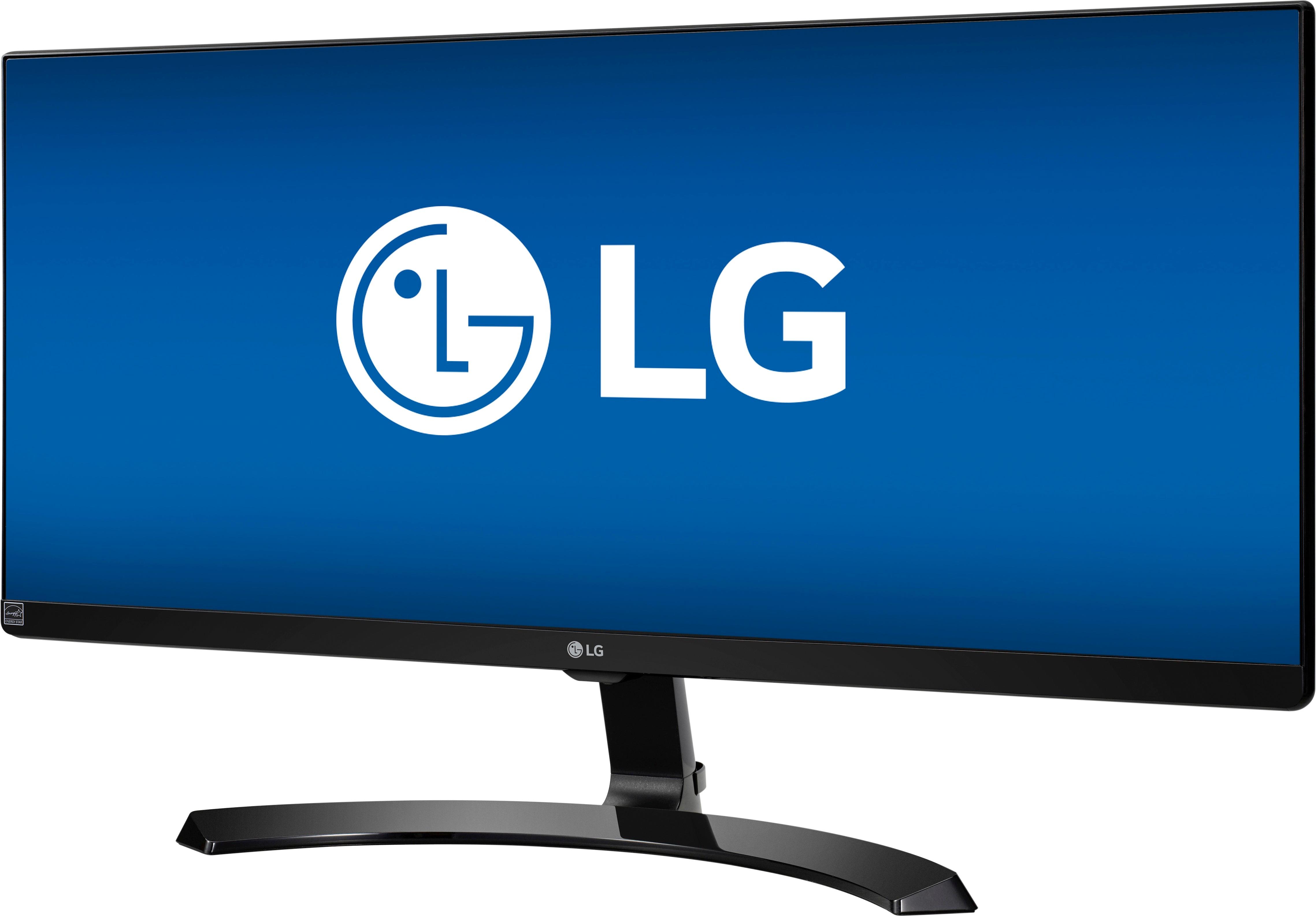
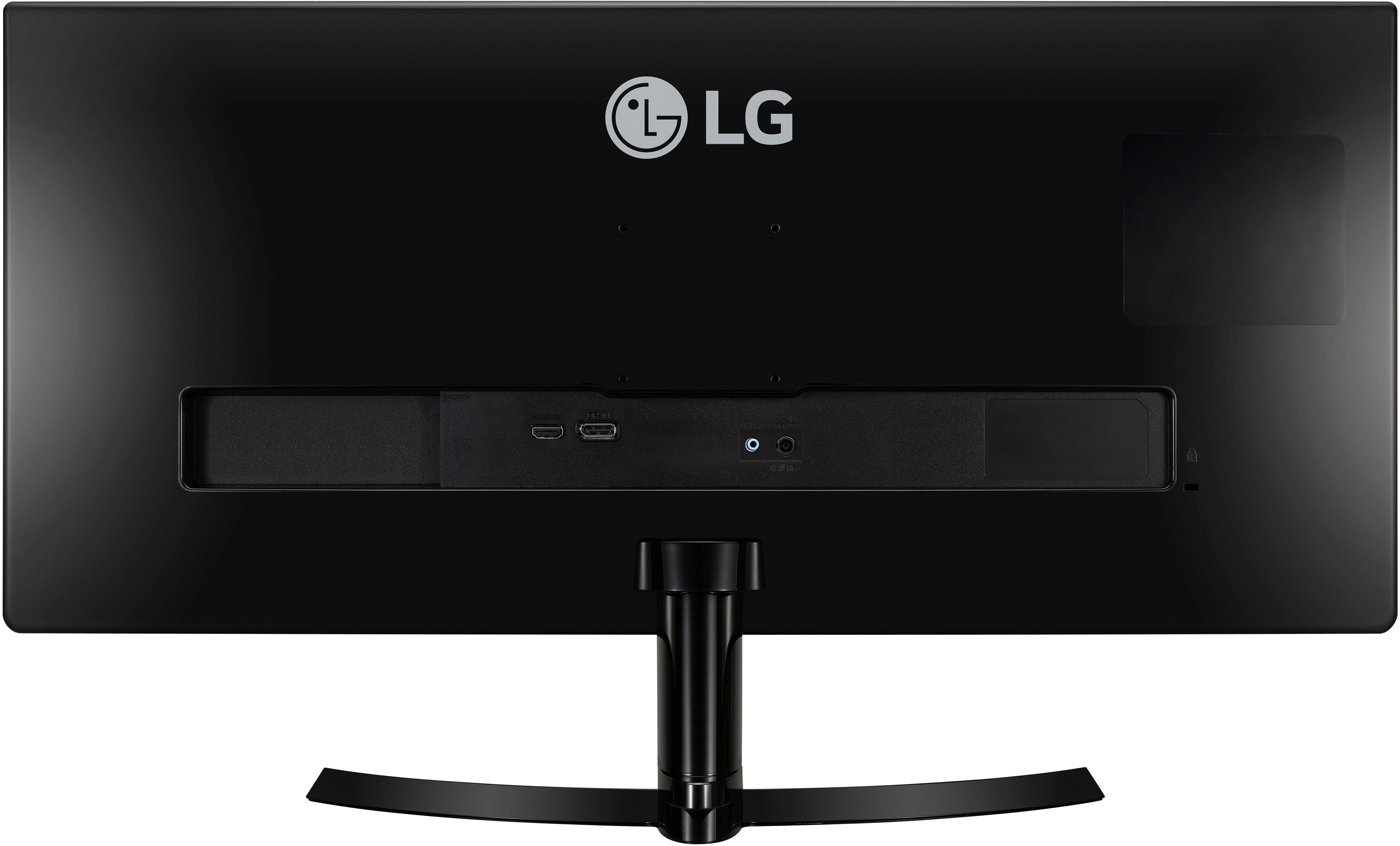
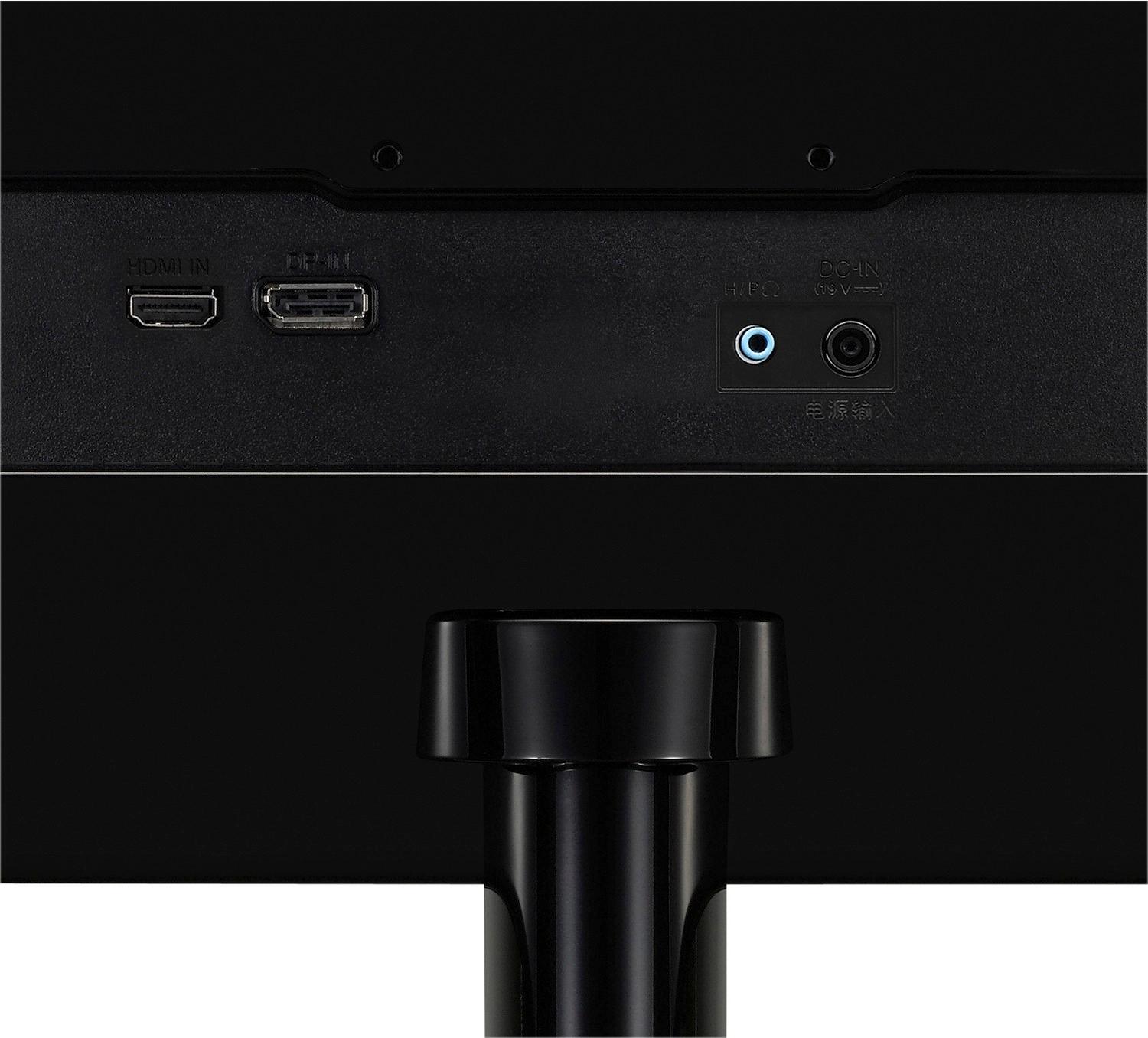
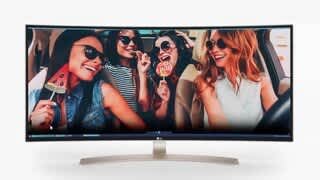
A:AnswerI use it with my Asus laptop, and was concerned whether the resolution would be supported. I used a normal direct HDMI cable, and it launched with correct ultrawide (double width) resolution immediately. I could not be more pleased. I did not try the mini-hdmi connection. I would imagine your laptop would support it too. Perhaps BestBuy would let you plug your laptop to it in the store. You cannot beat this price. Best wishes.
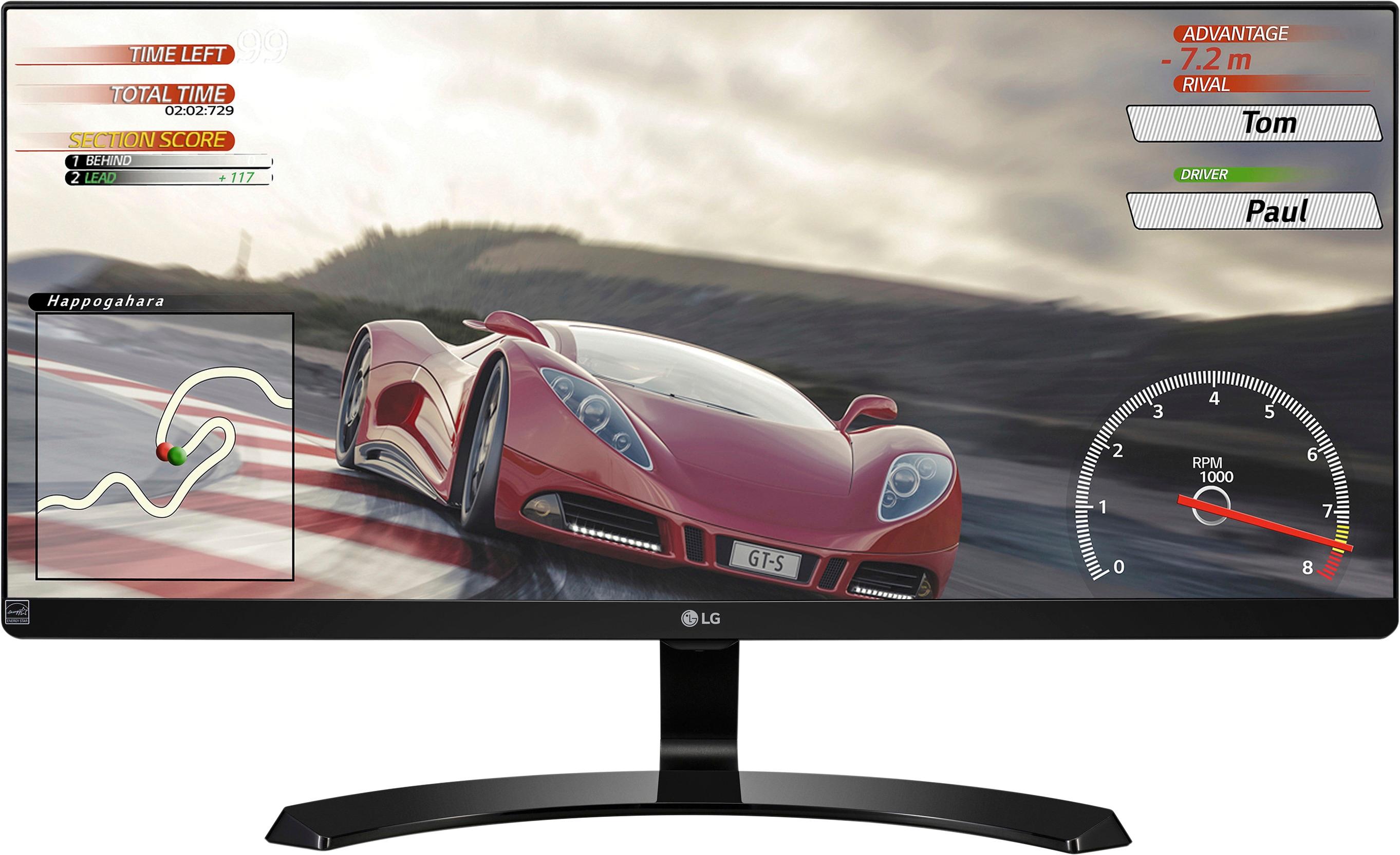
A:AnswerIn my opinion the iMac and all of its color settings on the 5K display are much better than this monitor. While this monitor is great it will not match Apple's display if you are going for the 5K iMac.
A:AnswerA monitors refresh rate will determine how fast your monitor can display each frame, which means your fps is limited by the monitors refresh rate. If you are just a casual gamer this monitor should work fine as it is a 60hz monitor (60fps) but a 144hz one is great for a serious gamer
A:AnswerYes, the button under the middle of the monitor frame adjusts the volume (and all of the other settings, via Menu).
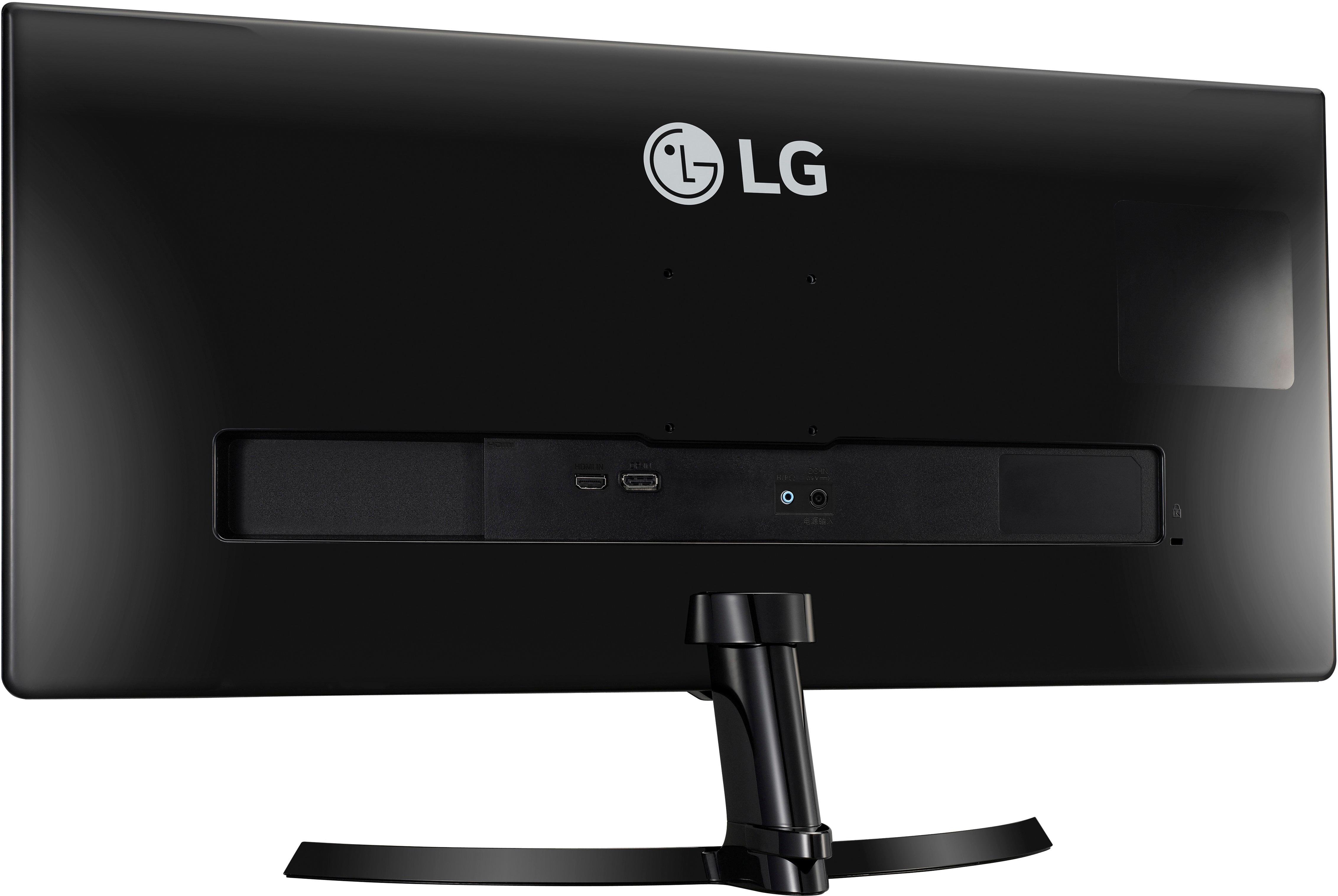
You would need to connect your audio from the socket in the back.
A:AnswerGot the monitor and figured out the answer myself - it does support FreeSync through HDMI; just make sure your framerate is limited appropriately to 75 fps, because the freesync range only goes up to 75hz.