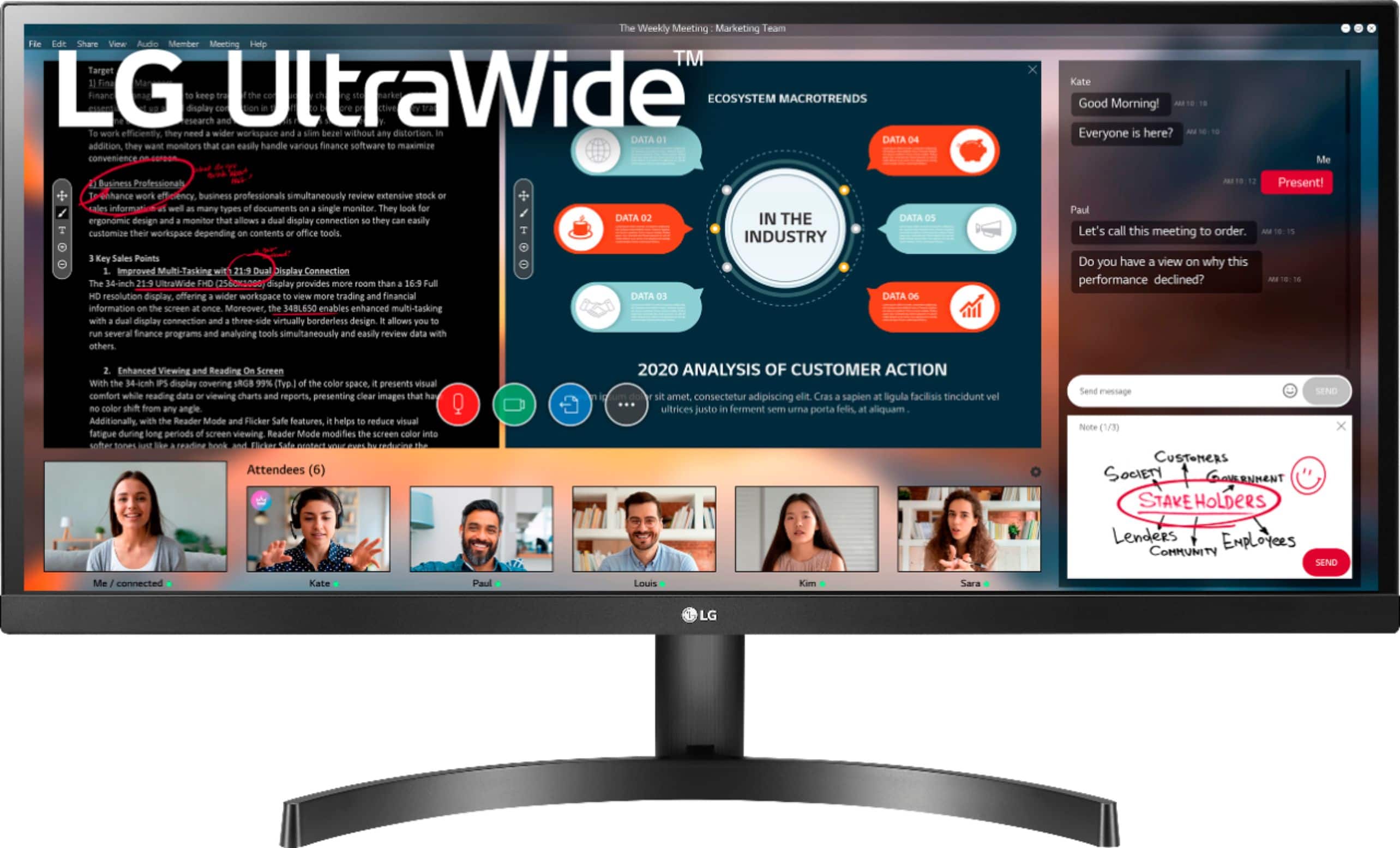
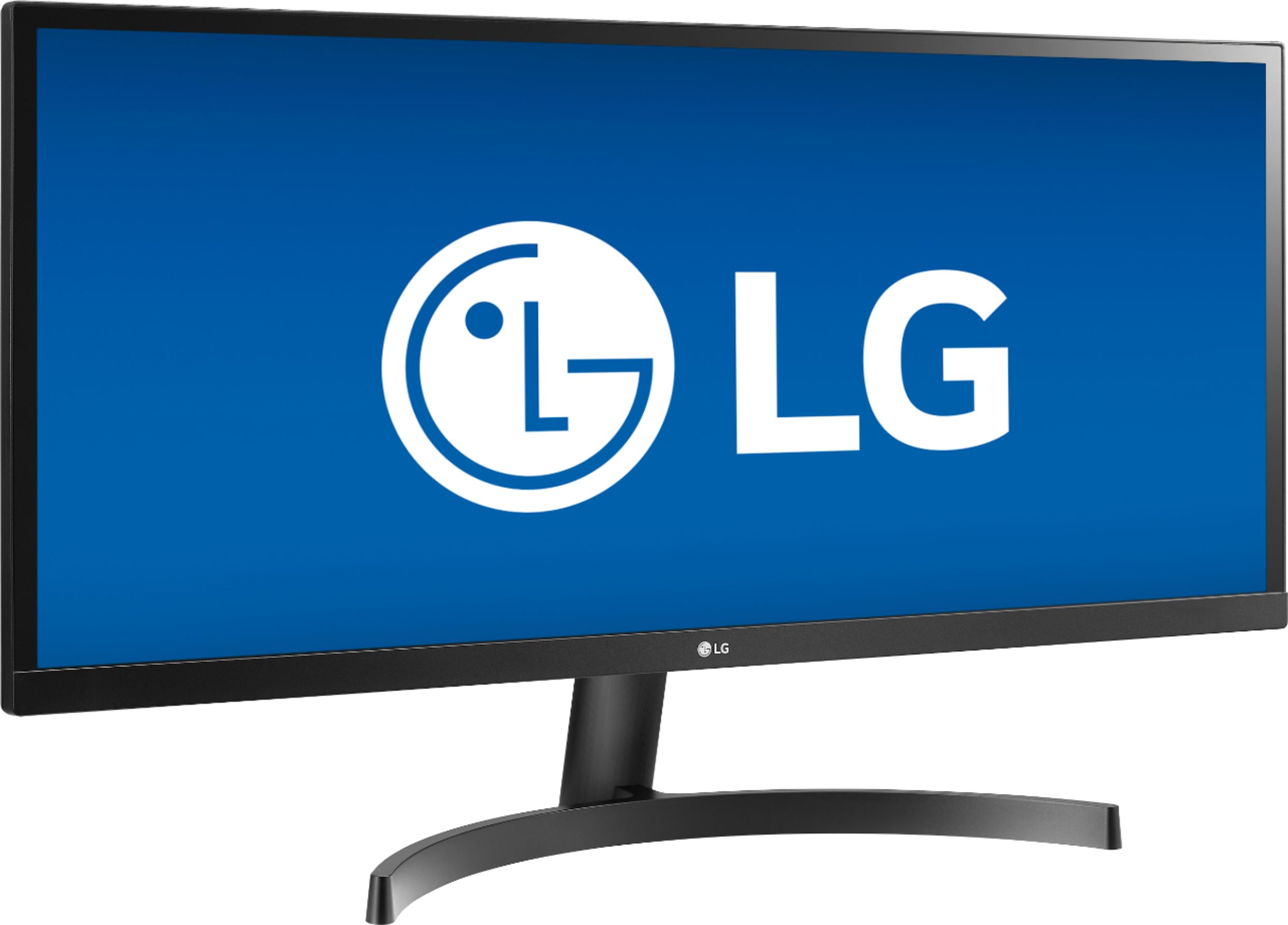
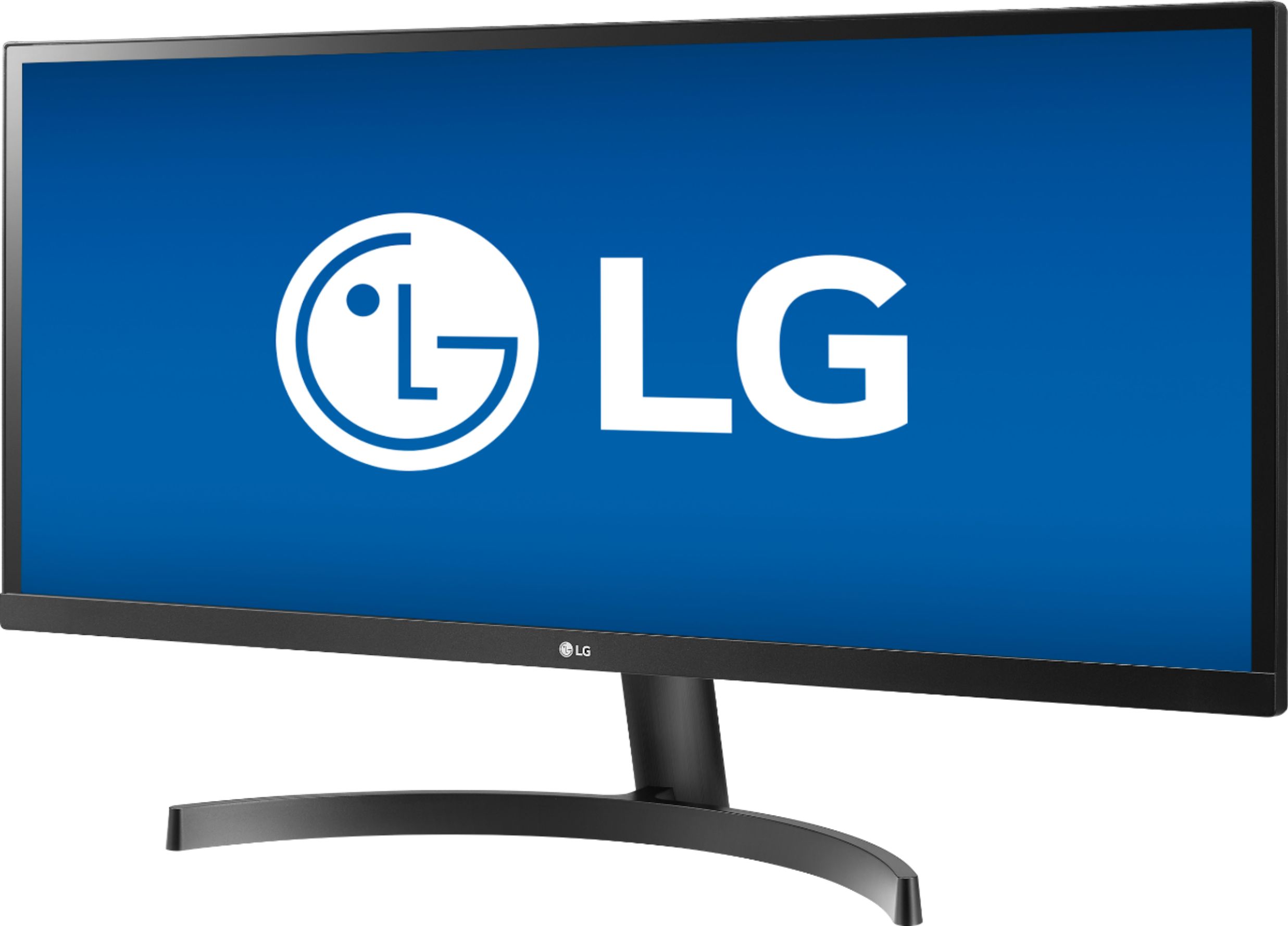
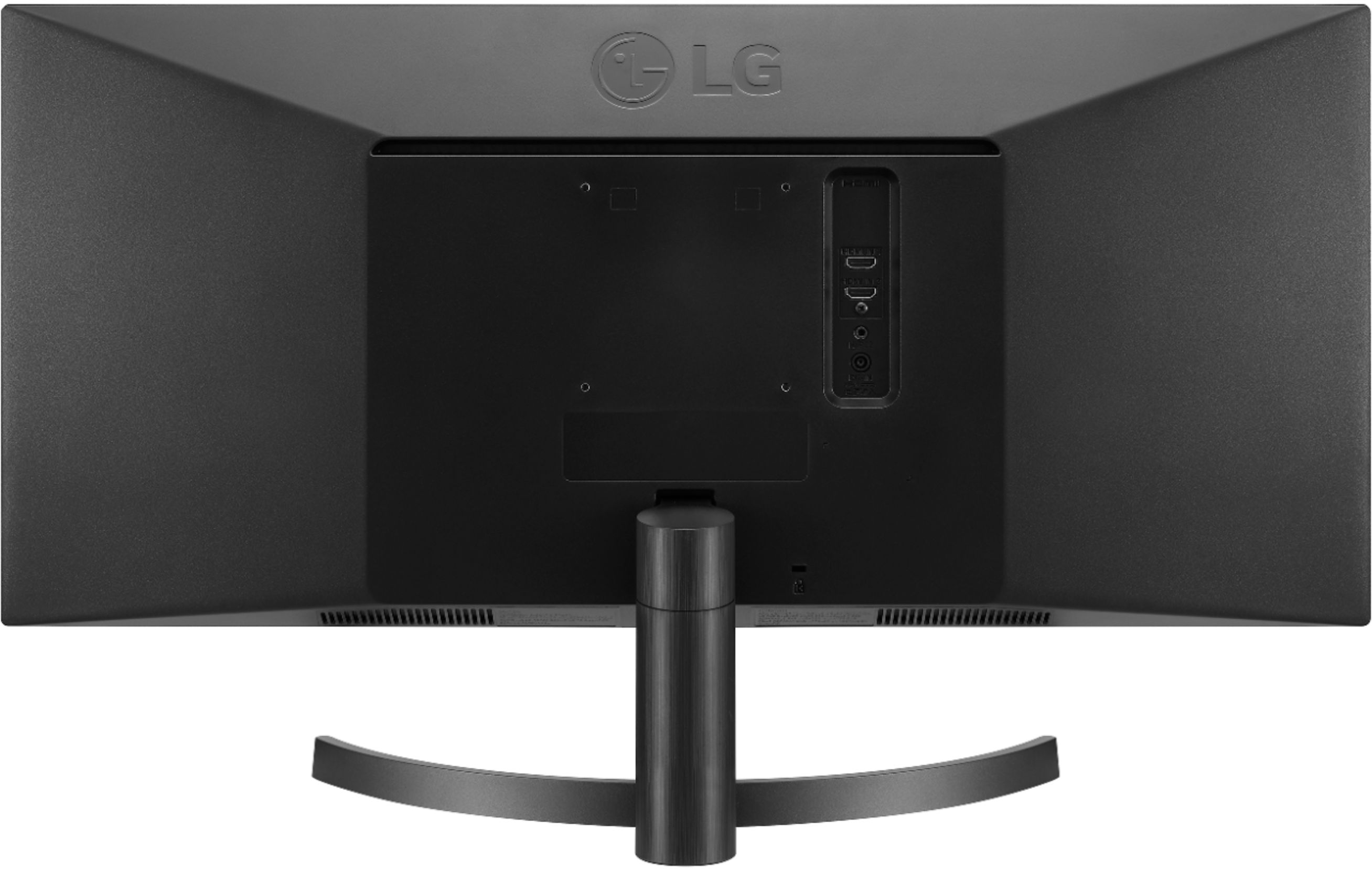
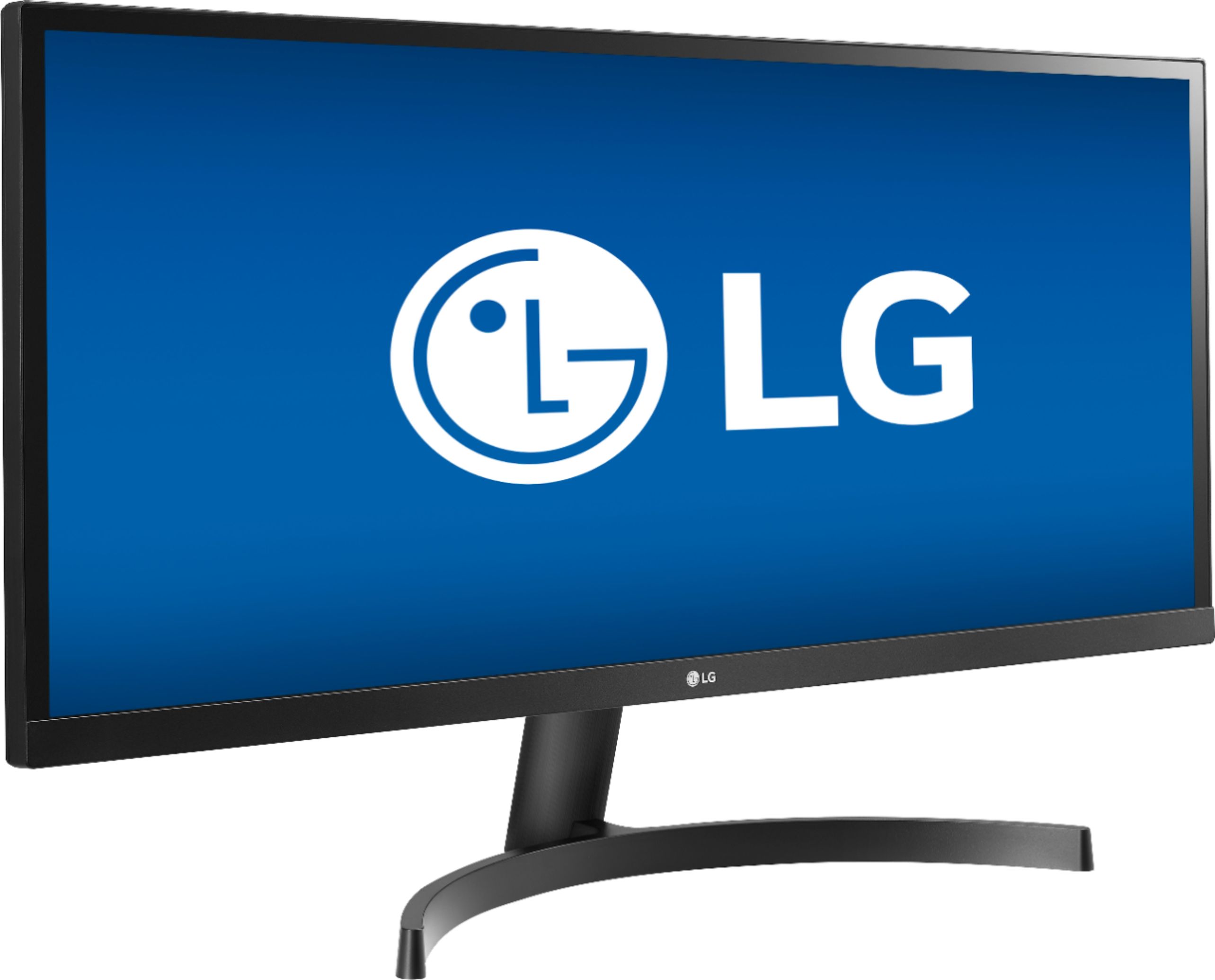
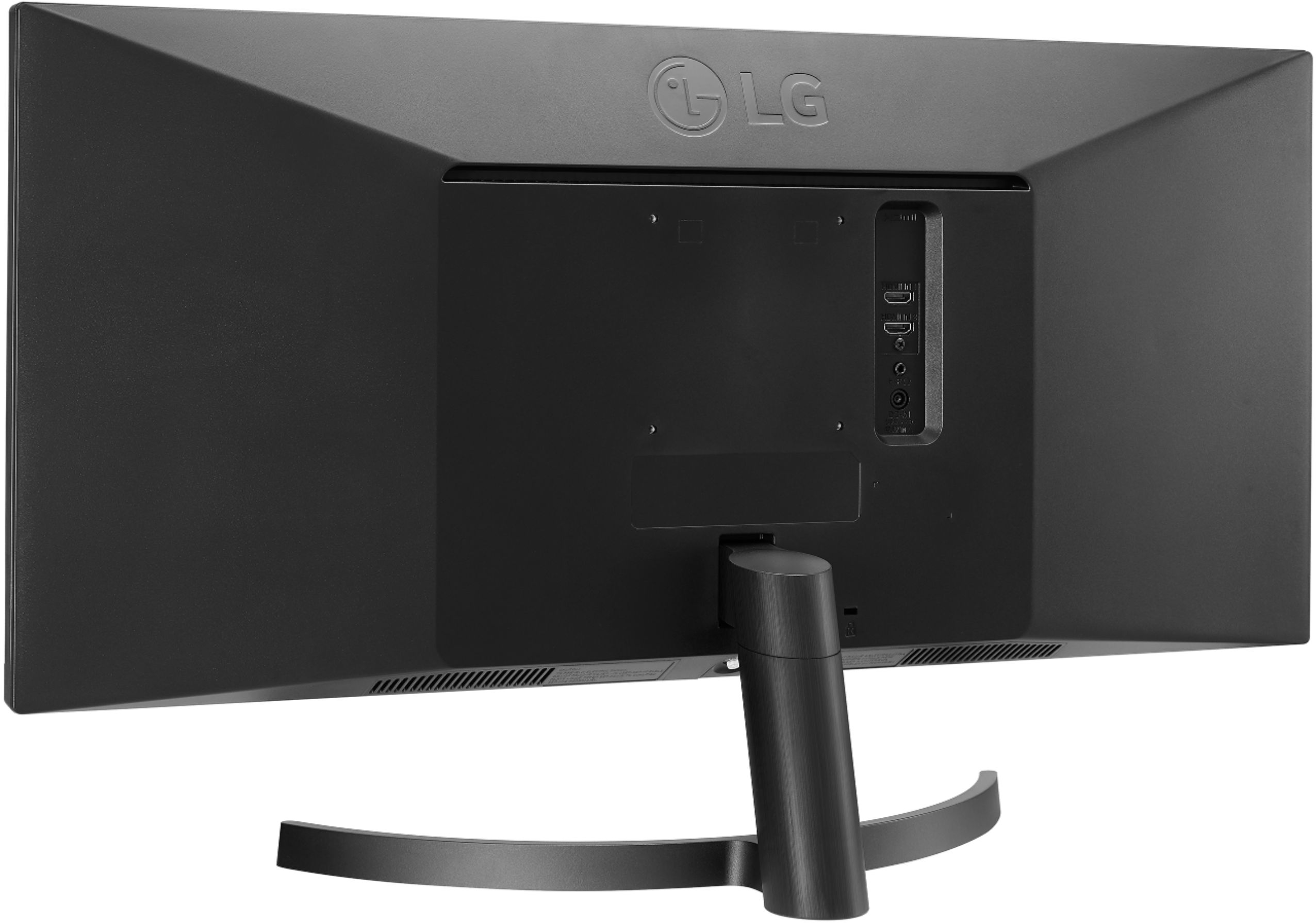
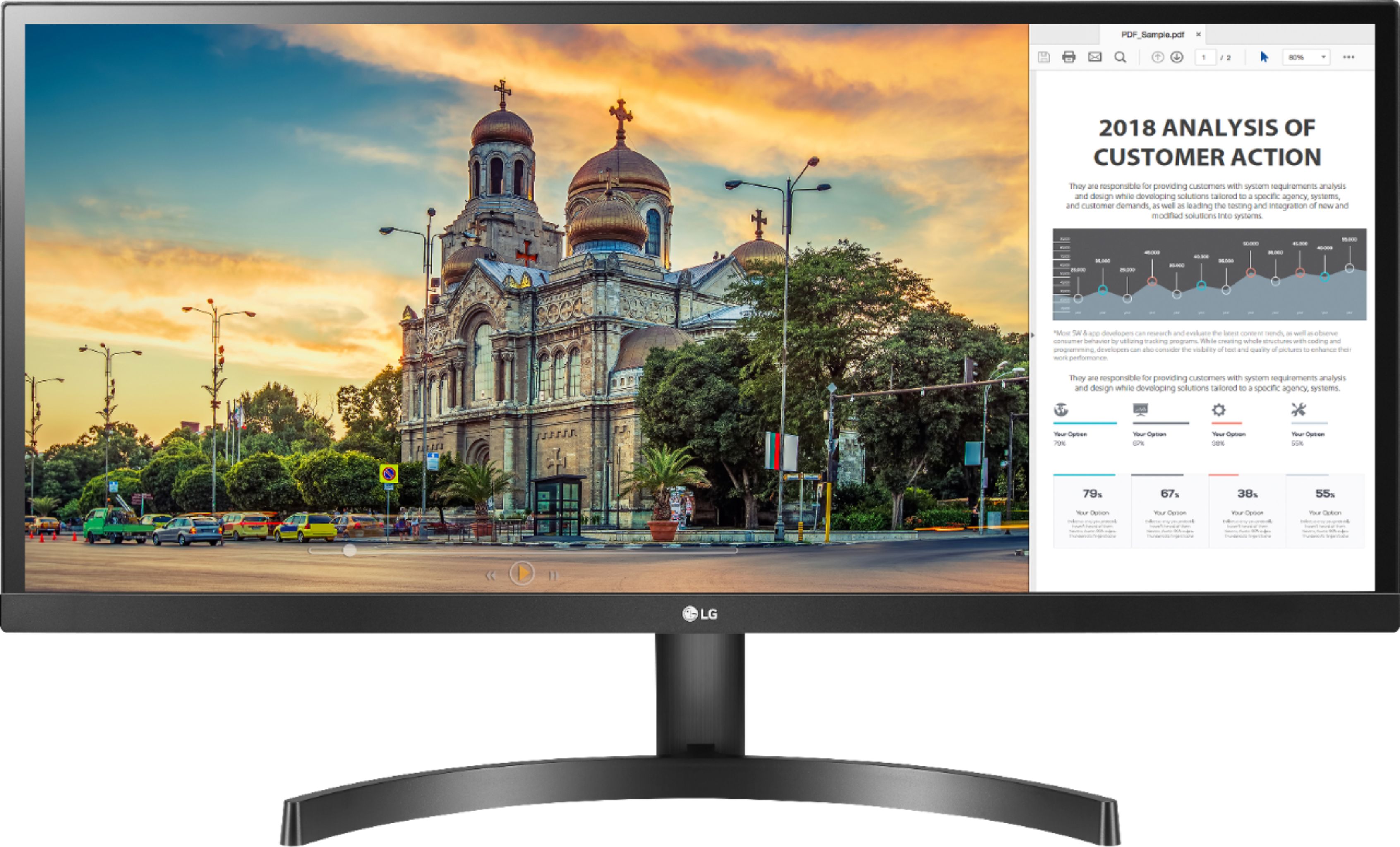
A:AnswerIf the LG 29'' Class 21:9 UltraWide FHD IPS Monitor with HDR 10 (29'' Diagonal), Model # 29WL500-B is not turned off manually and goes into sleep mode when it doesn't detect a signal from a connected laptop, it will wake from sleep mode when it detects a signal from the connected PC/Laptop regardless of which ports you are using. This is not a setting in the monitor that you can disable...^IFV
A:AnswerPush a stick hid behind the LG logo, and then select 'setting' by tilt the stick to the right side. then you should be able to find appropriate menu to select.
A:AnswerOpen Box monitors at BestBuy could be either floor models or models returned by customers that, inspected by BestBuy and then resold at a discount instead of being returned to LG...^IFV
A:AnswerThis depends on the settings of the PS4 and the monitor. This monitor should be able to display a full screen picture. If you need assistance with using a monitor, give our computer specialists a call at 800-243-0000. ^CP
A:AnswerThank you for reaching out. For best assistance with your inquiry, we recommend reaching out to Best Buy directly. Their phone number is 1-888-BEST BUY (1-888-237-8289). ^CP
A:AnswerThis is the same person that asked this question. So I found the reason why everything was red for me. I have Night Light enabled on my PC all the time and that for some reason messes with the color of the HDR giving it a very red hue to everything, turning it off solved the issue.