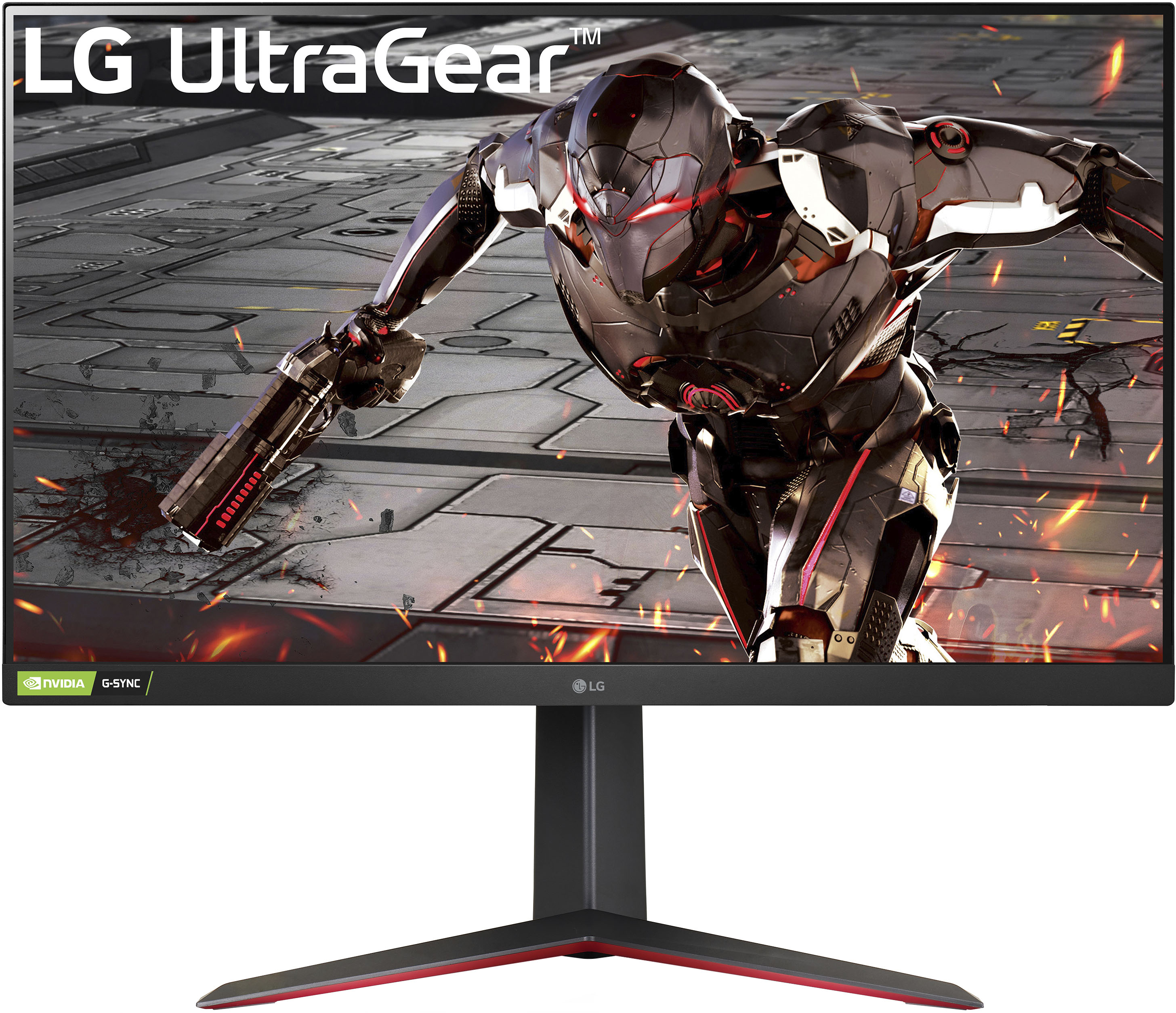
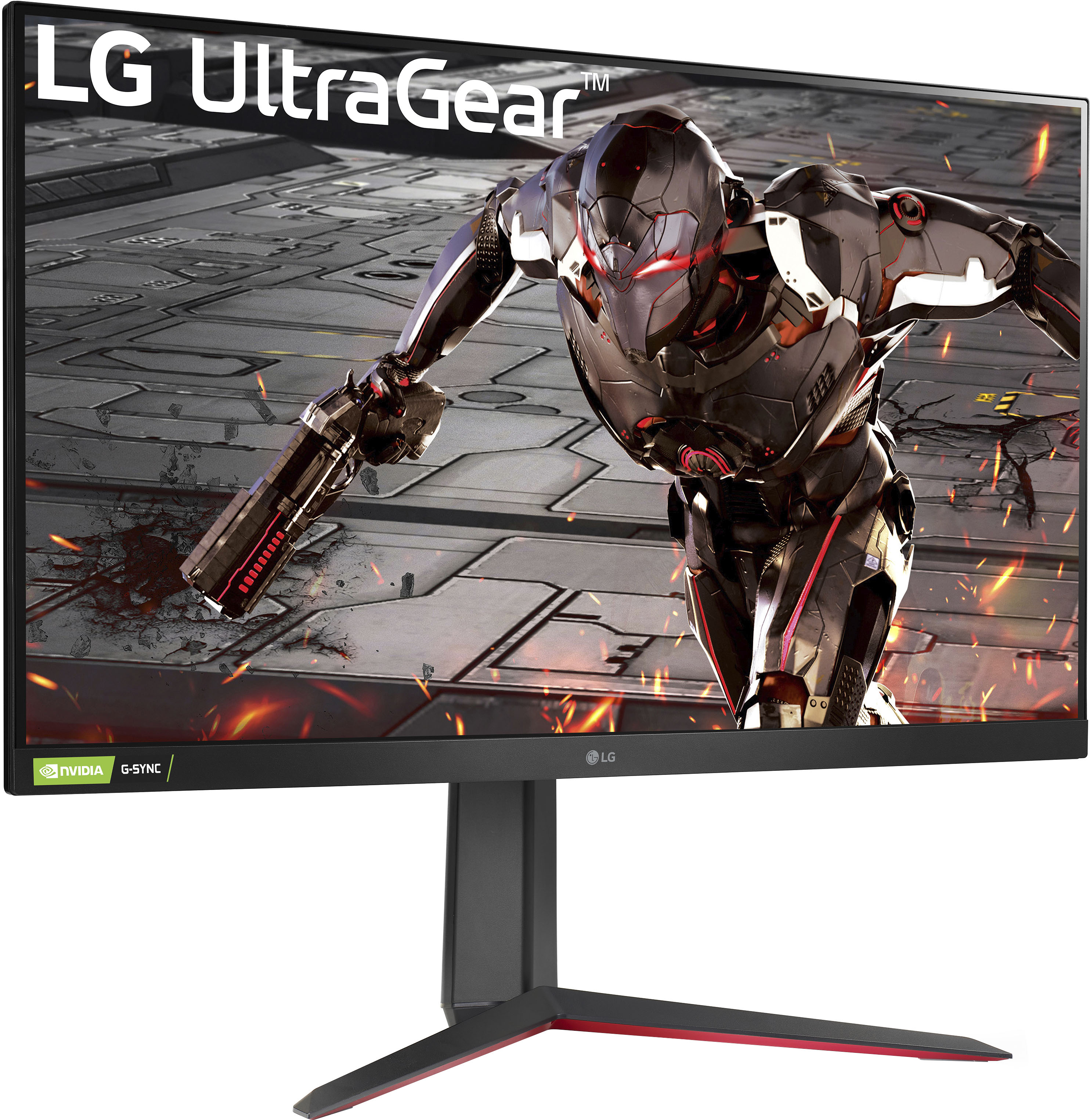
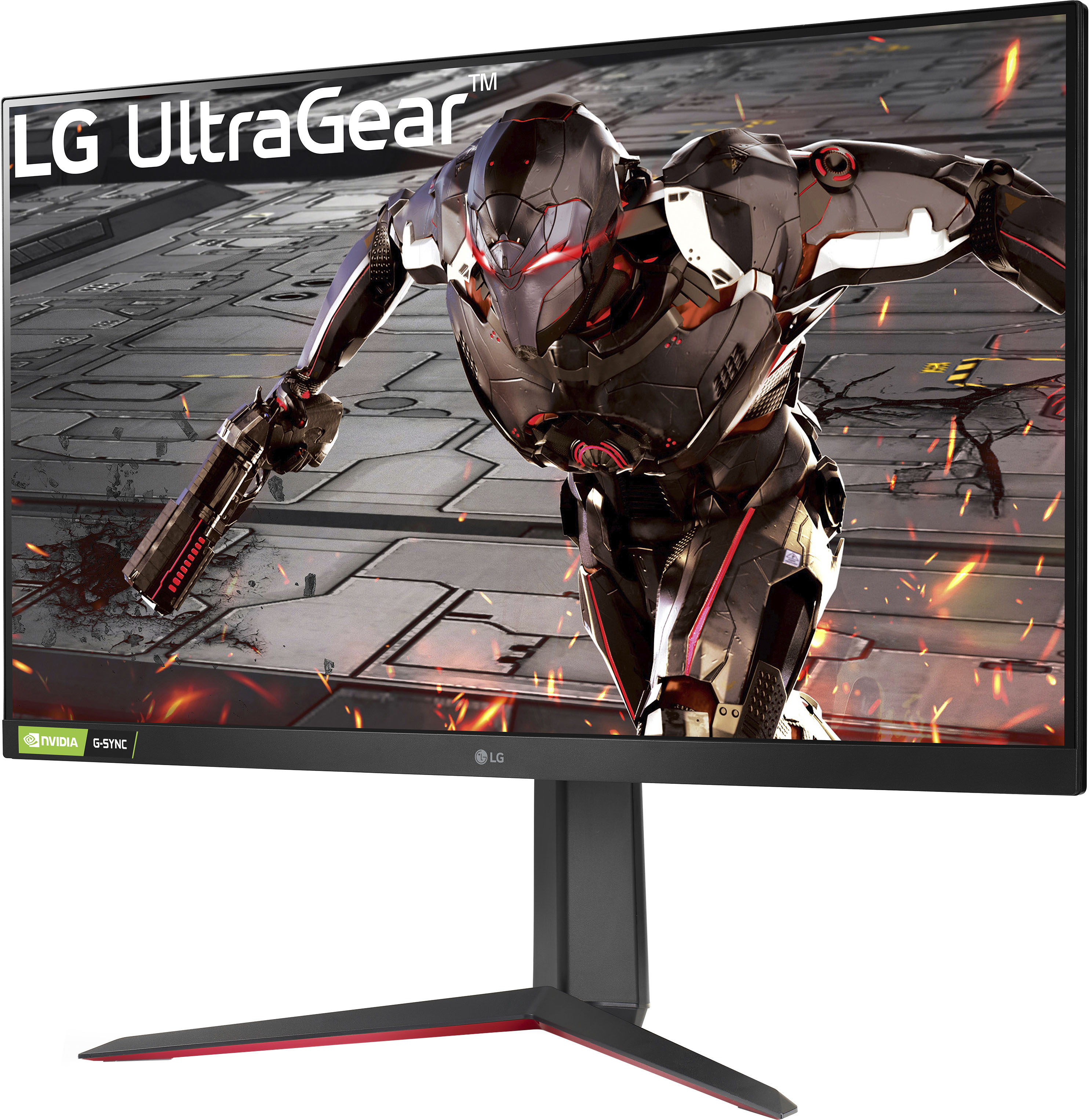
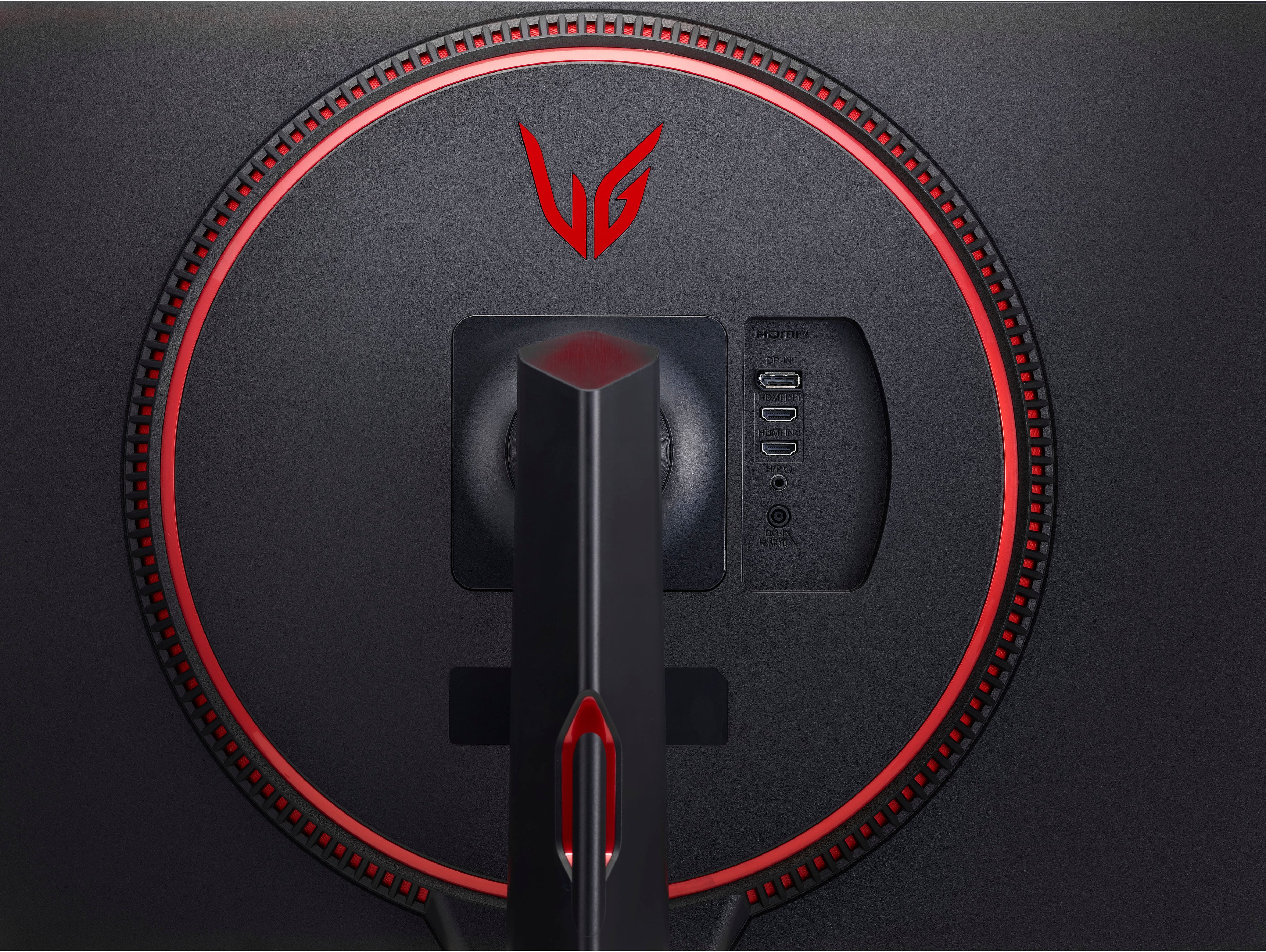
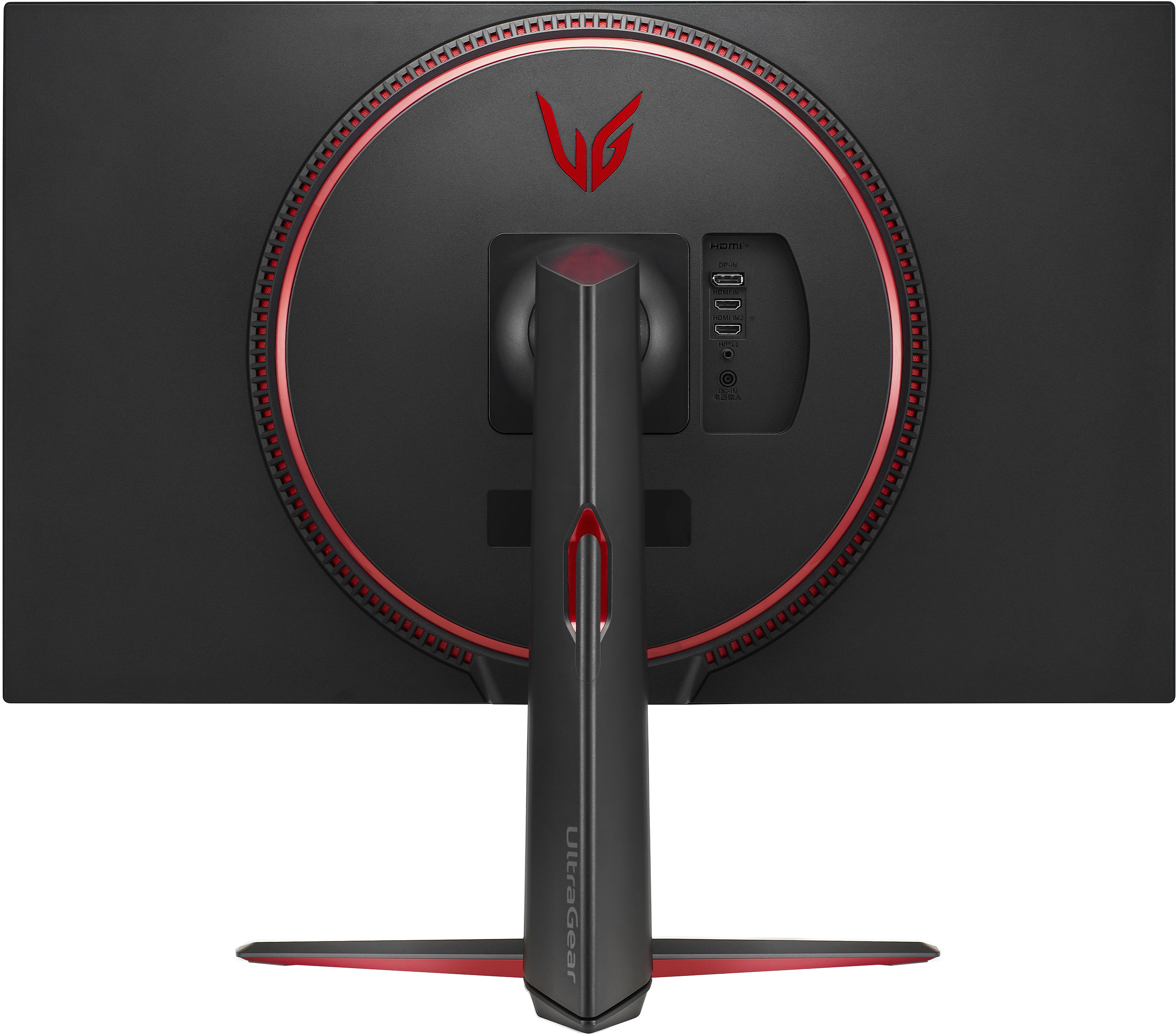
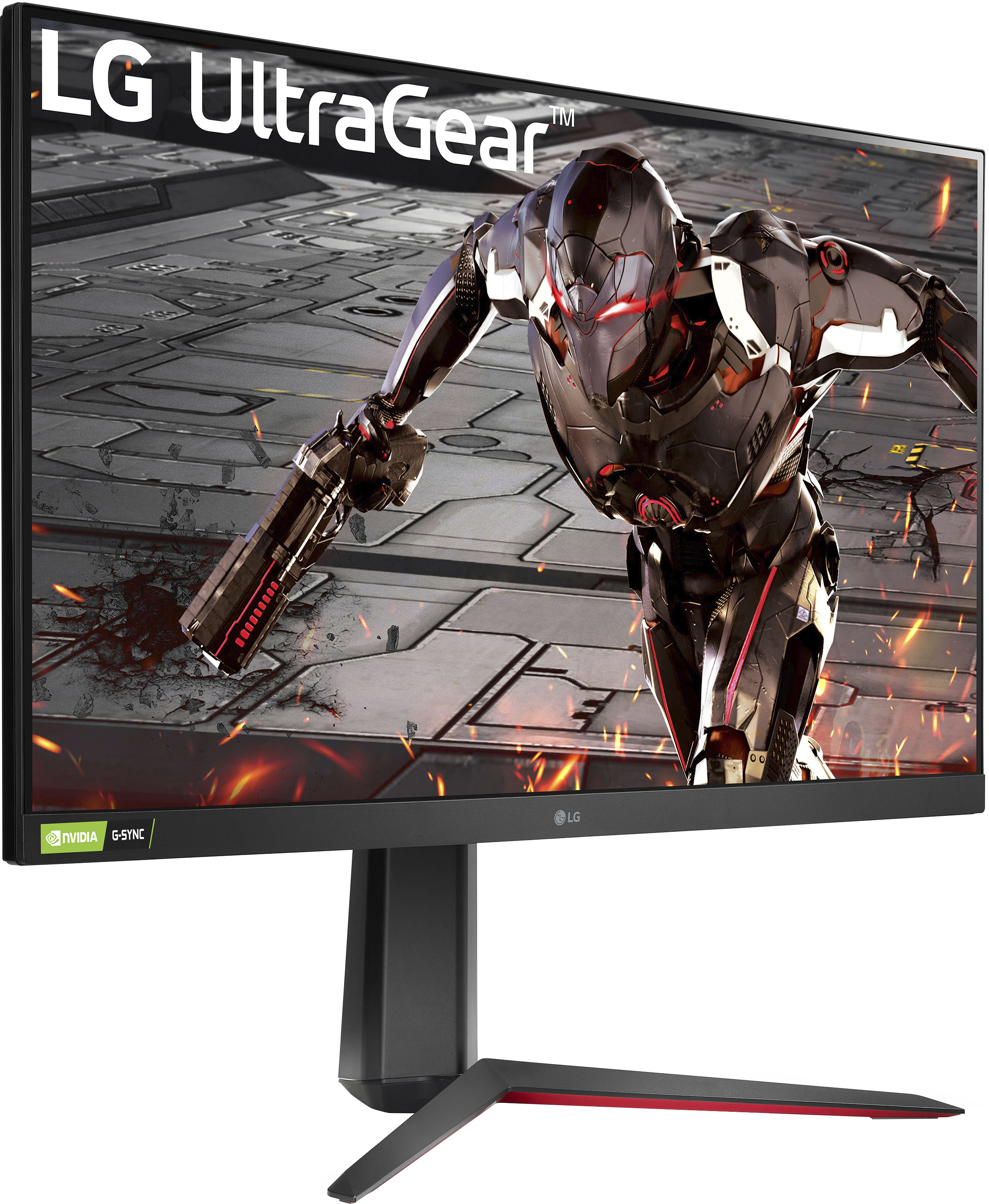
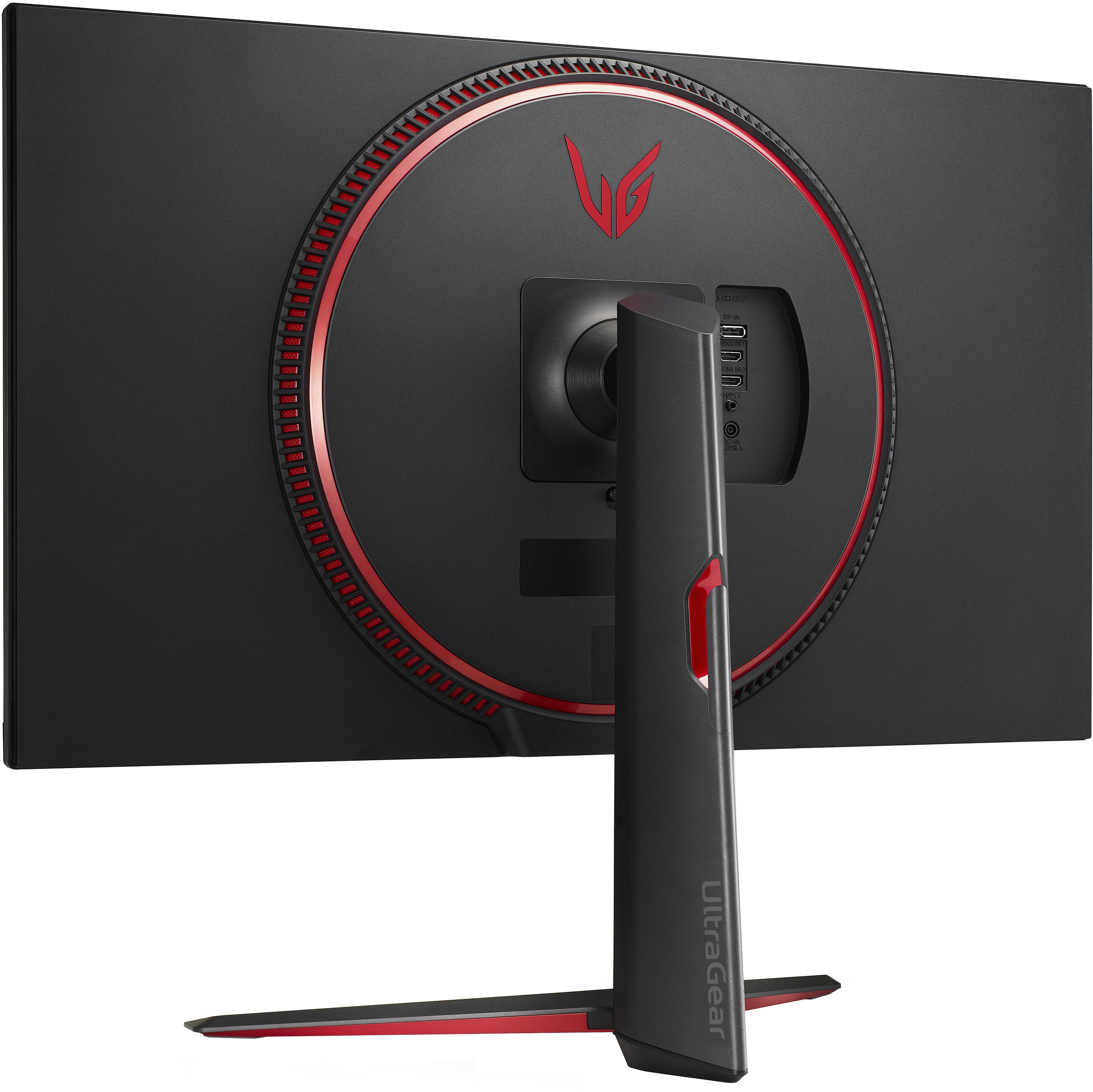
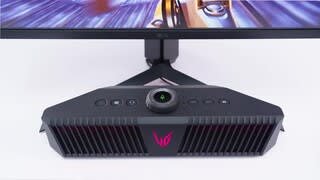
A:AnswerIt will work with Xbox Series S. Monitor 32GN550-B has a recommended resolution of 1920 x 1080 @ 165Hz. This monitor does not have HDMI 2.1 and will not support 4K@120Hz. ^Daphane
A:AnswerMonitor 32GN550-B has a recommended resolution of 1920 x 1080 @ 165Hz. This monitor does not have HDMI 2.1 and will not support 4K@120Hz. ^Daphane
A:AnswerPlease seek recommendations/opinions on the forums at https://www.facebook.com/LGUSA; they are a great resource for getting help from other LG customers. Thank you. ^Daphane
A:AnswerThis is a Plug and Play monitor (32GN550-B) and doesn't require drivers. It has a recommended resolution of 1920 x 1080 @ 165Hz. For further assistance, please reach out to our technical support team via private message on Facebook @LGUSSupport and use #VOC in your first message to our social media support team or call at 800-243-0000. ^Daphane
A:AnswerWell I personally enjoy bigger screens. I own the 32in one and it supports up to 165hz. Refresh rate and FPS are essentially the same thing, it's just 165hz locks that as your highest frame rate you can get. I believe PS5 is supported anywhere from 60-120 frames so I'd say the 32in is the better option!
A:AnswerMonitor 32GN550-B does not have an option to adjust the user setting for font size of on screen dis-play. It only list brightness and contrast for picture adjustments. For further assistance, please reach out to our technical support team via private message on Facebook @LGUSSupport and use #VOC in your first message to our social media support team or call at 800-243-0000. ^Daphane
A:AnswerMonitor 32GN550-B is a Plug and Play monitor and doesn't require drivers. For further assistance, please reach out to our technical support team via private message on Facebook @LGUSSupport and use #VOC in your first message to our social media support team or call at 800-243-0000. ^Daphane
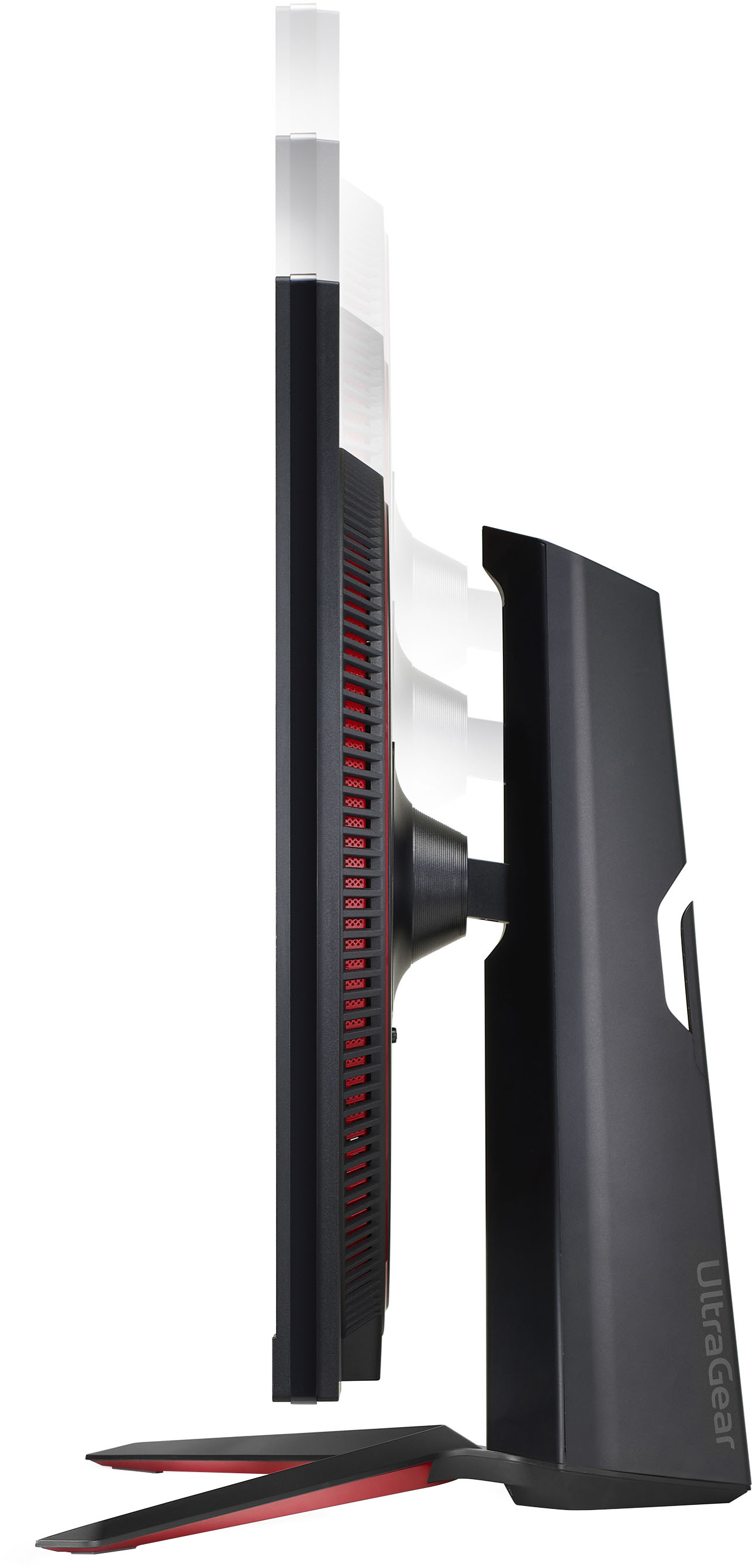
A:AnswerMonitor 32GN550-B will pivot and can be used in portrait mode. Auto Pivot feature of the display is not supported. The screen can be rotated easily using the screen pivot shortcut key provided with your Windows operating system. Note that some Windows versions and some graphics card drivers may use different settings for the screen pivot key or may not support the pivot key at all. ^Daphane
A:AnswerI can only confirm this monitor (32GN550-B) has NVIDIA G-SYNC Compatible with With AMD FreeSync Premium. Please seek recommendations/opinions on the forums at https://www.facebook.com/LGUSA; they are a great resource for getting help from other LG customers. Thank you. ^Daphane
A:AnswerThis is a Plug and Play monitor and doesn't require drivers. For further assistance, please reach out to our technical support team via private message on Facebook @LGUSSupport and use #VOC in your first message to our social media support team or call at 800-243-0000. ^Daphane
A:AnswerThe monitor is VESA mount compatible 100 x 100. Please note that the wall mounting bracket is optional. You can obtain optional accessories from your local dealer. ^Daphane
A:AnswerPlease reach out to our technical support team via private message on Facebook @LGUSSupport and use #VOC in your first message to our social media support team or call at 800-243-0000. Also, be sure to provide your contact information, model/serial numbers and date of purchase. ^Daphane