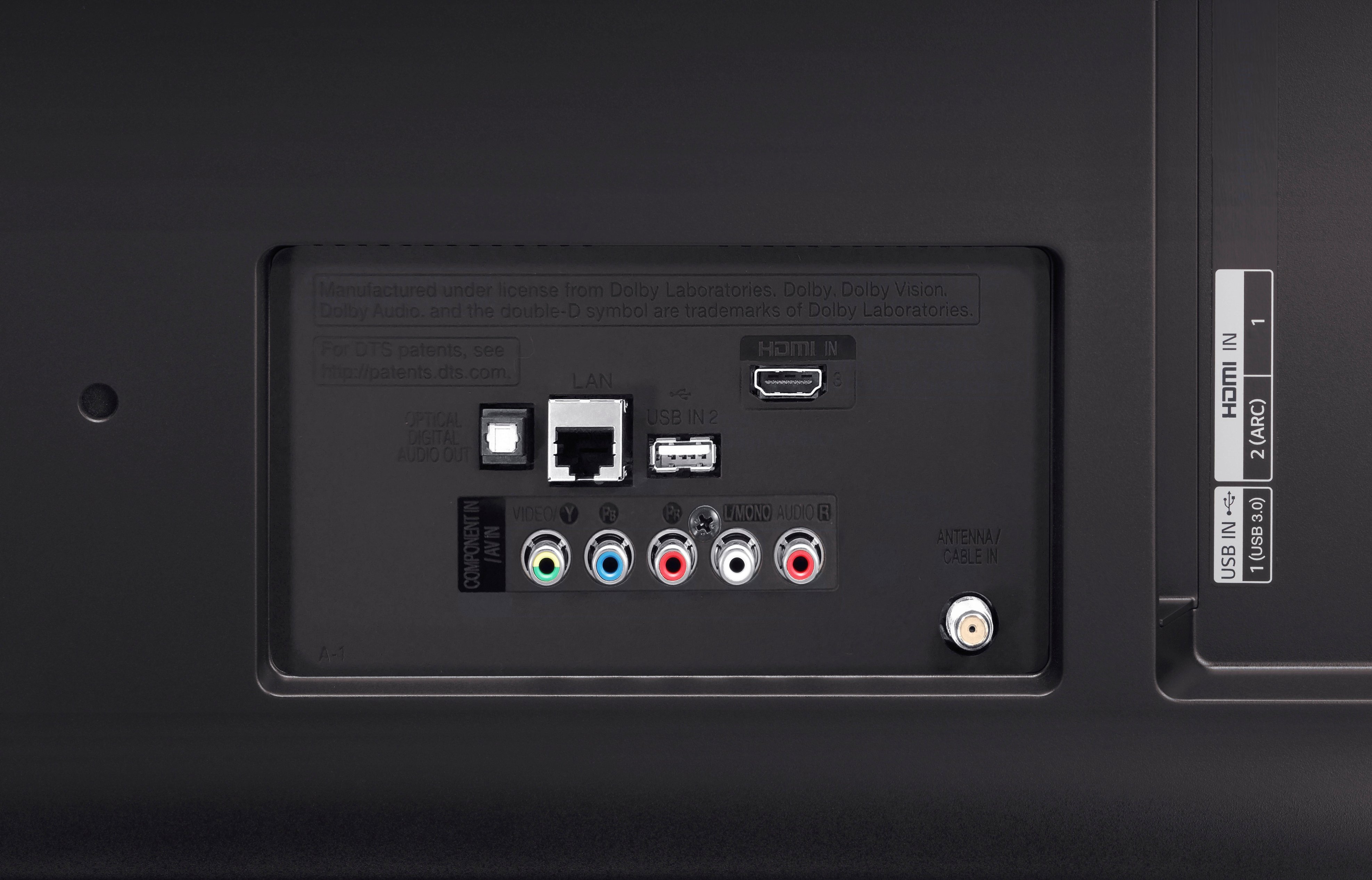
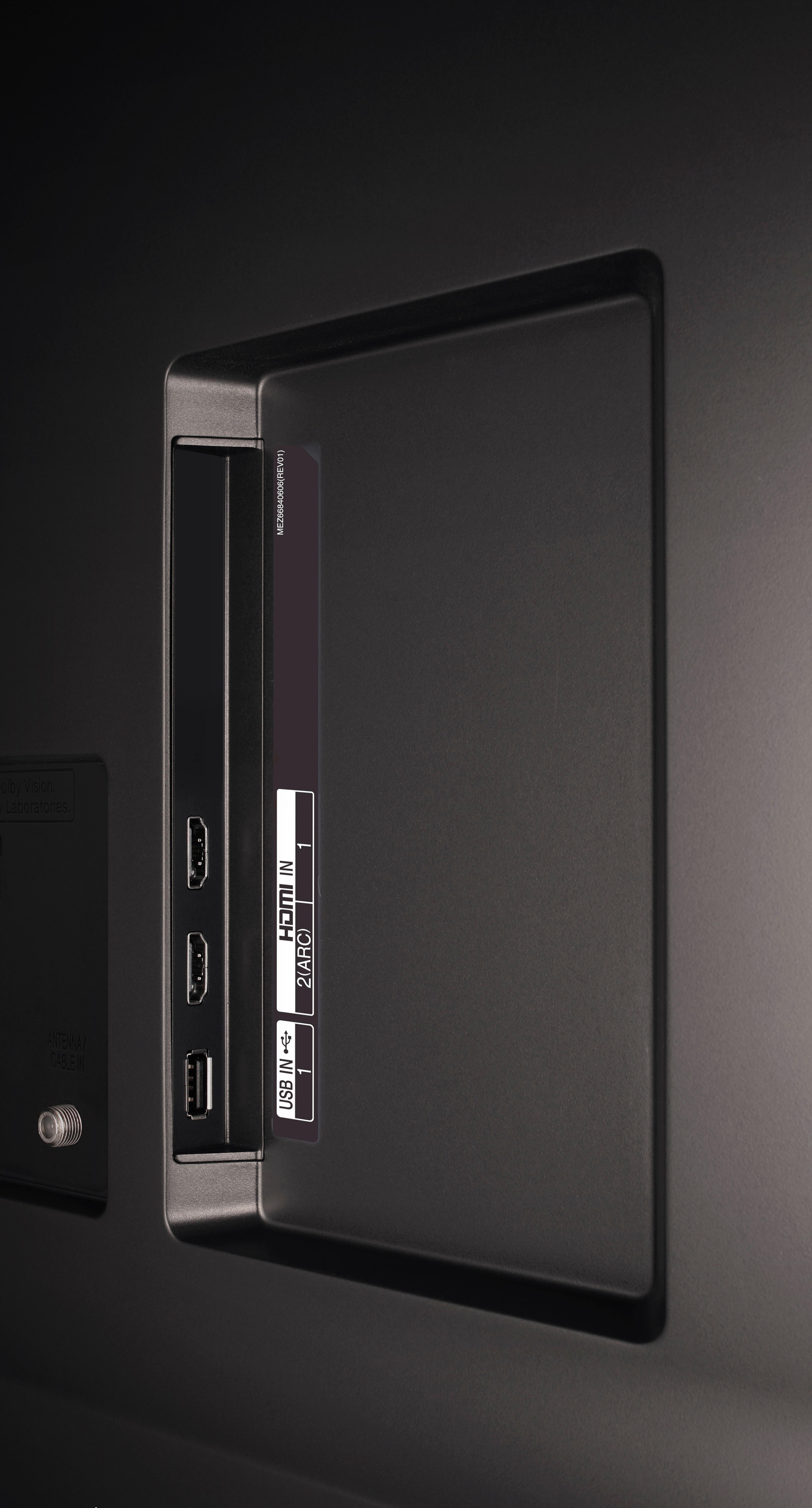
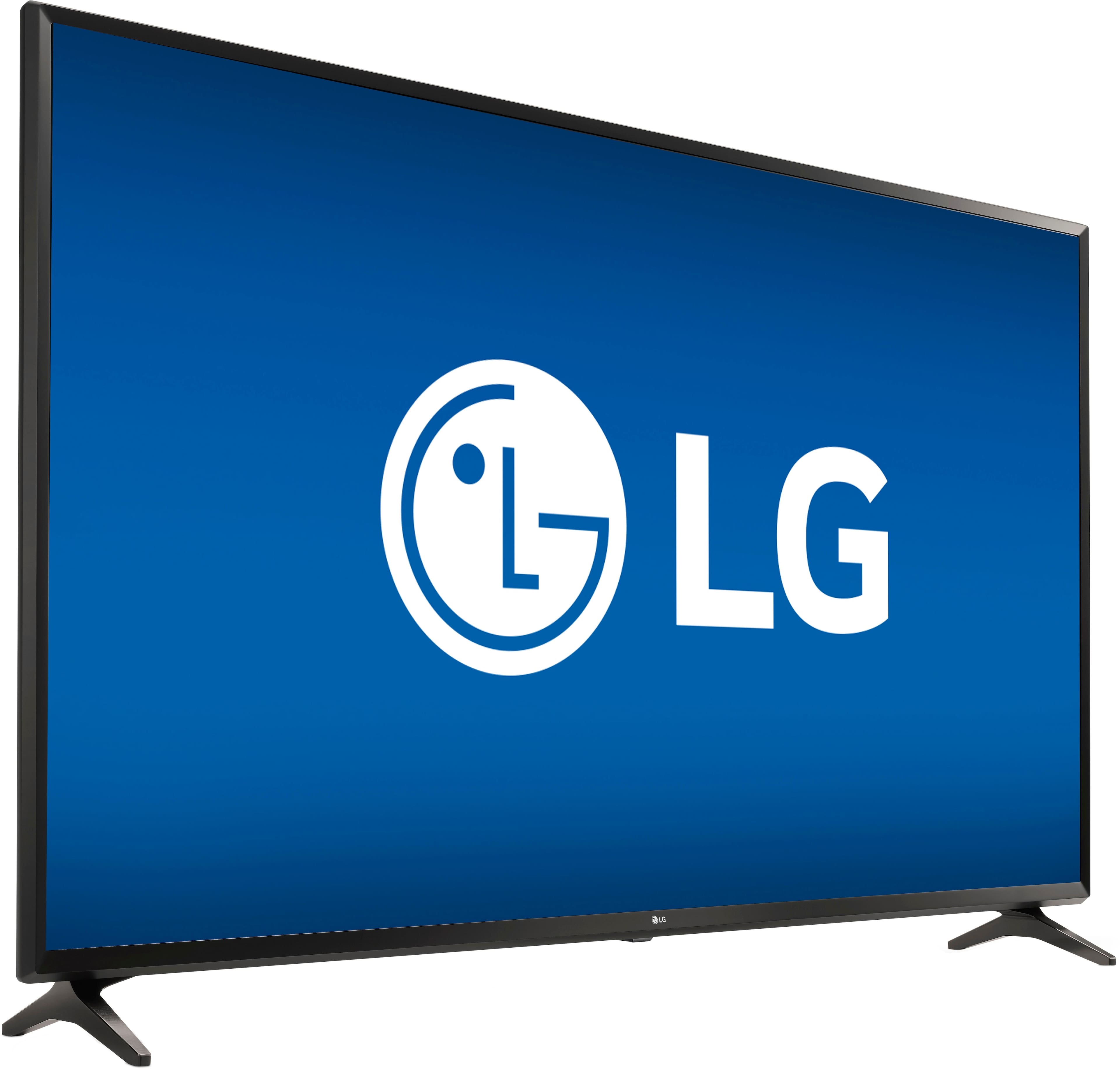
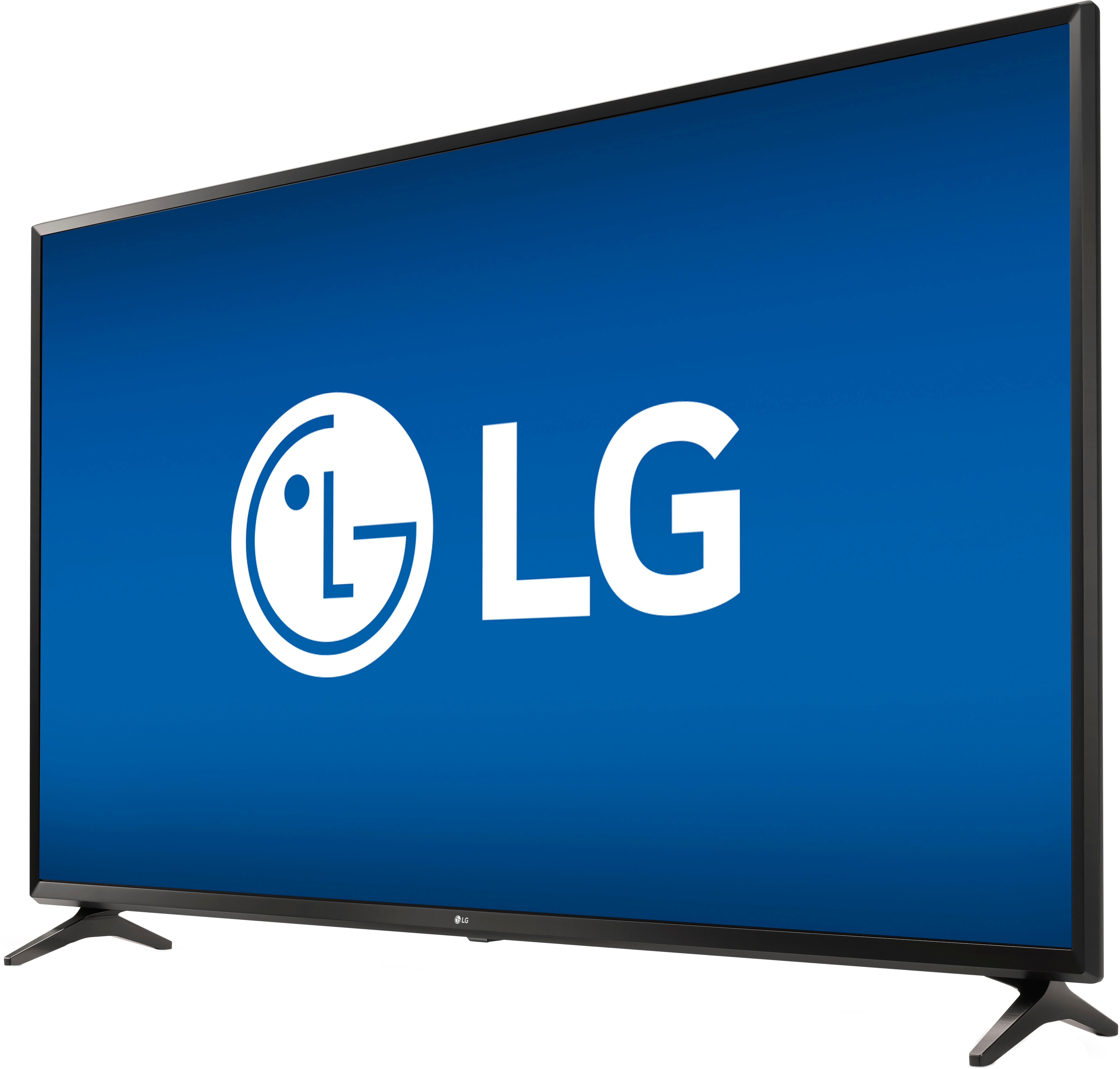
A:AnswerI believe there are 2 HDMI inputs and they are on the back left-hand side facing to the left. (left-hand side and facing to the left is as if you are looking at the front of the TV and they would be on your left-hand side.)
A:AnswerWe some how had this really fast talking voice going on during set-up and it was so annoying, but I also could not stop laughing. We figured out how to start the set-up process over and made sure we read the direction more thoroughly and did not turn on the voice. Try resetting all settings to factory and start the set-up over.
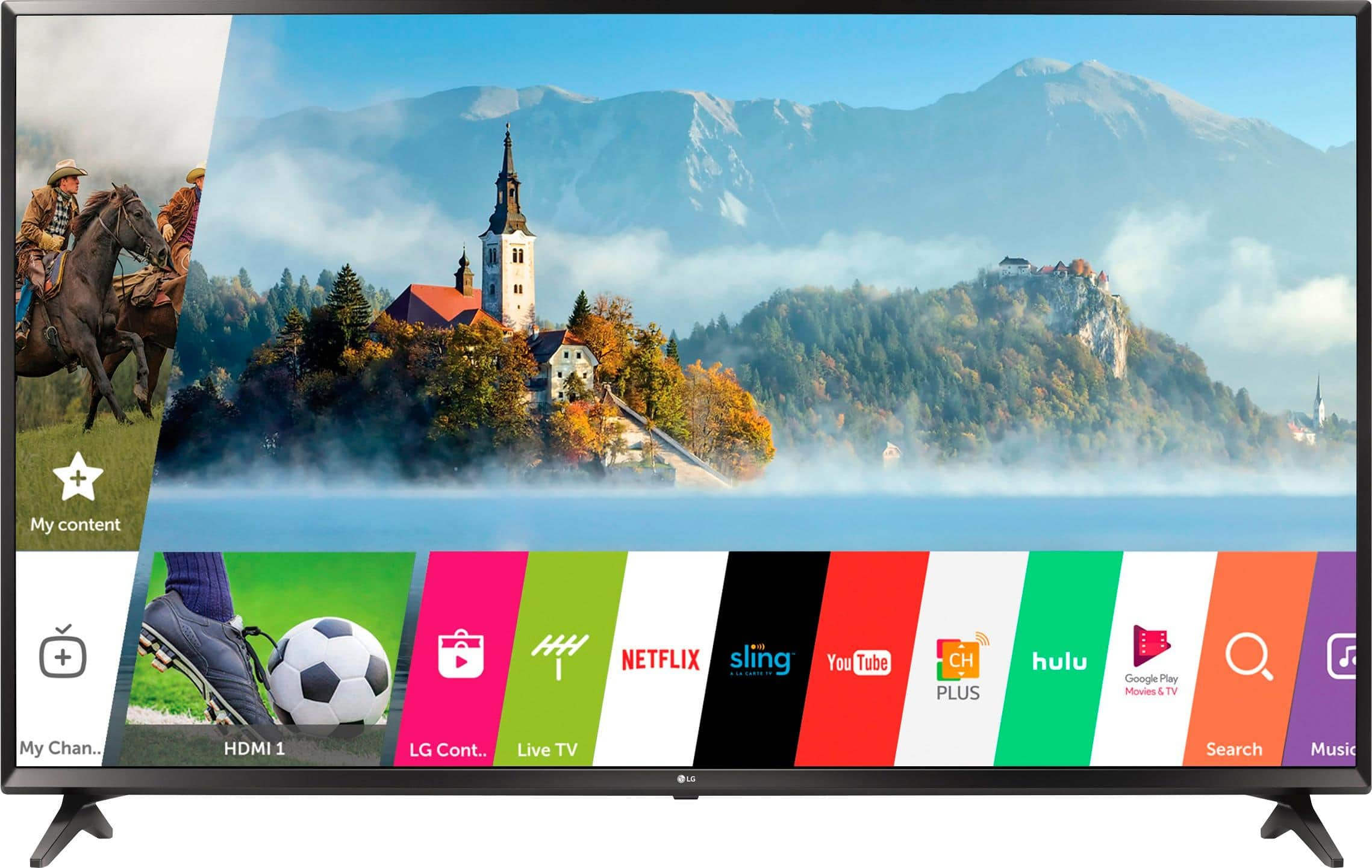
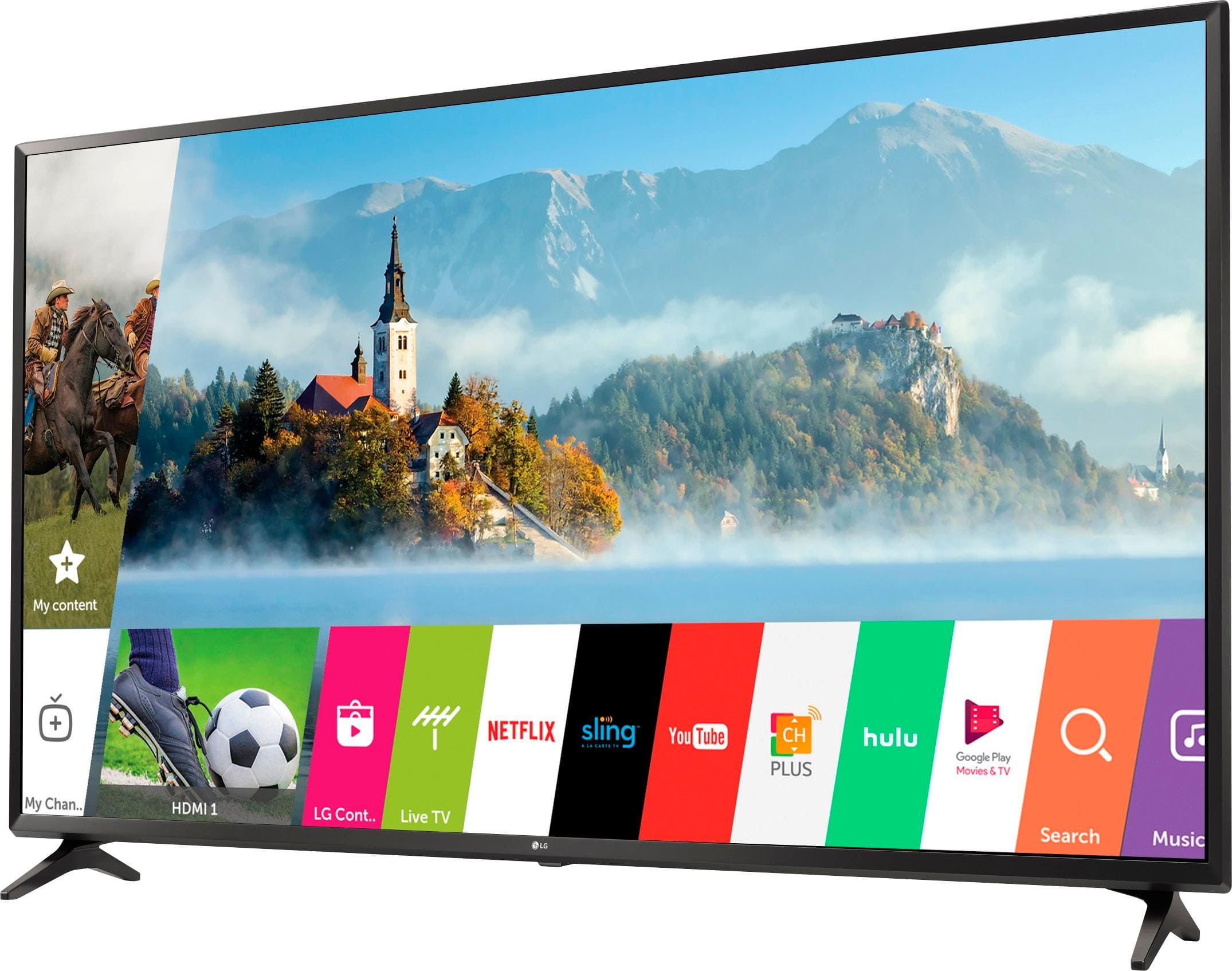
A:AnswerYes you can do that by either downloading the LG smart remote app onto your tablet or your cell phone and then you can go into your tv settings and then select mirror an image or video from my device and then you enter the code the tv gives you so both of the devices can communicate with eacthother and then you should be able to do it and if not you could always do it via YouTube and just set the videos to private and then stream it that way to your Tv as another option hope that helps.
A:AnswerEasiest way to do YouTube is to go in settings on the TV and get the passcode to link your phone's YouTube app. The built-in Wi-Fi receiver isn't the best on the TV, but it will work. I've managed to screen-share my laptop on several occasions to view pics, movies, Pandora, and other music. For a budget 4k, it's not gonna be the best, but it definitely does the job. I hope this helps!