A:AnswerIf you experience noises during the cycle, you can troubleshoot them from our help article: https://www.lg.com/us/support/product-help/CT10000010-20150712816129-others If you are in need of any assistance, have additional questions, or would just like to see our helpful tips, check us out on Twitter @LGUSSupport Facebook https://www.facebook.com/LGUSA/ or you can give us a call at 800-243-0000. ^CP
A:AnswerYou wouldn't want Turbo Wash anyway. It puts so little water into the tub that the top of a small load never went under the soapy water. Might work for a couple pairs of socks.
A:AnswerWe have not encountered this issue in our 3 months of ownership. our unit came with a drain hose and had no damage when delivered. If you are still within your first year of ownership i would contact LG to ask for a replacement hose.
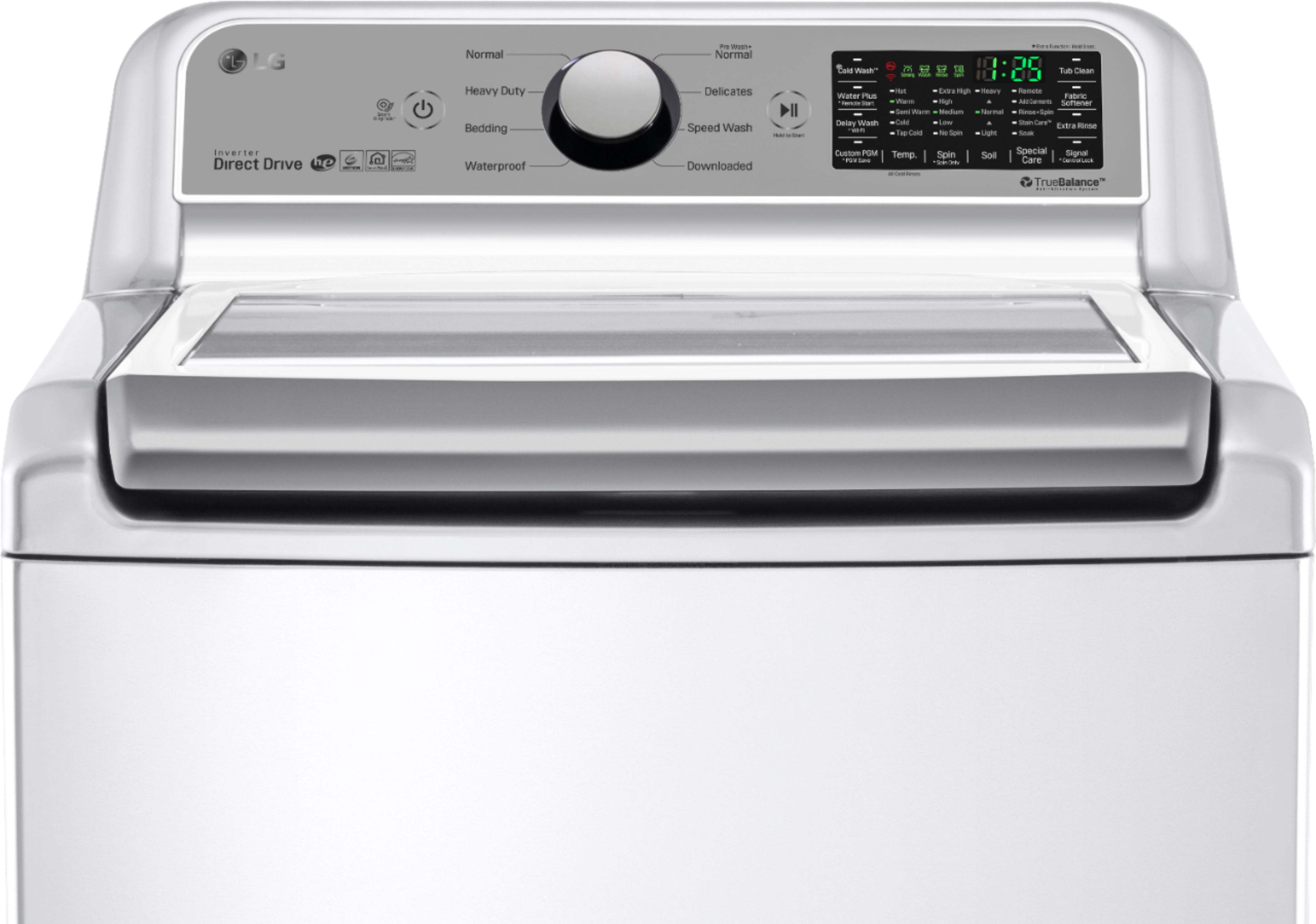
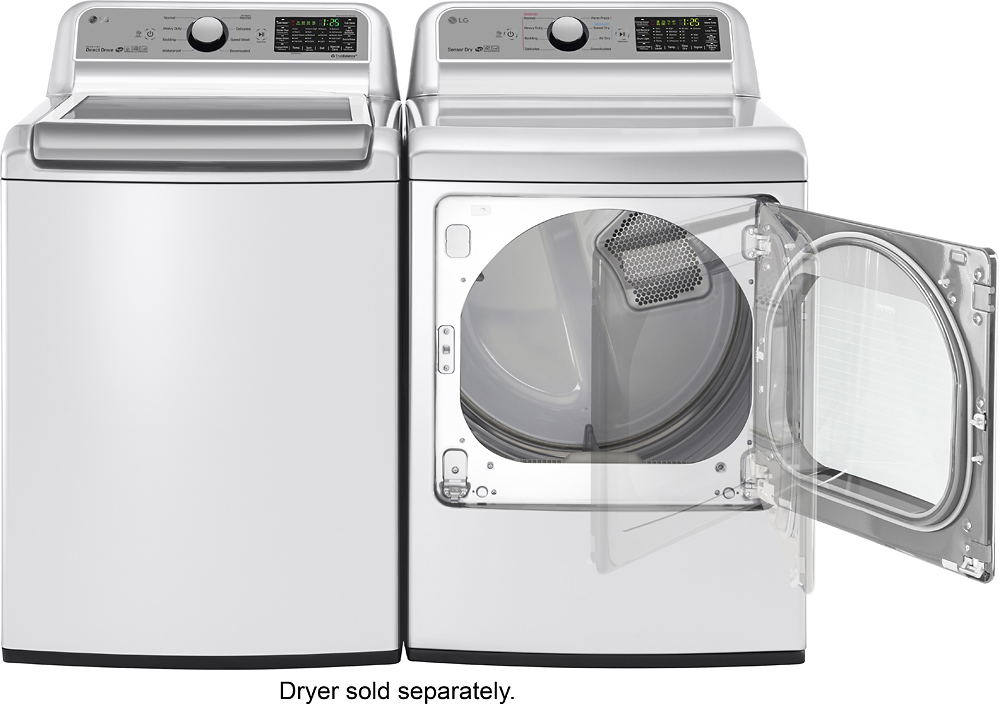
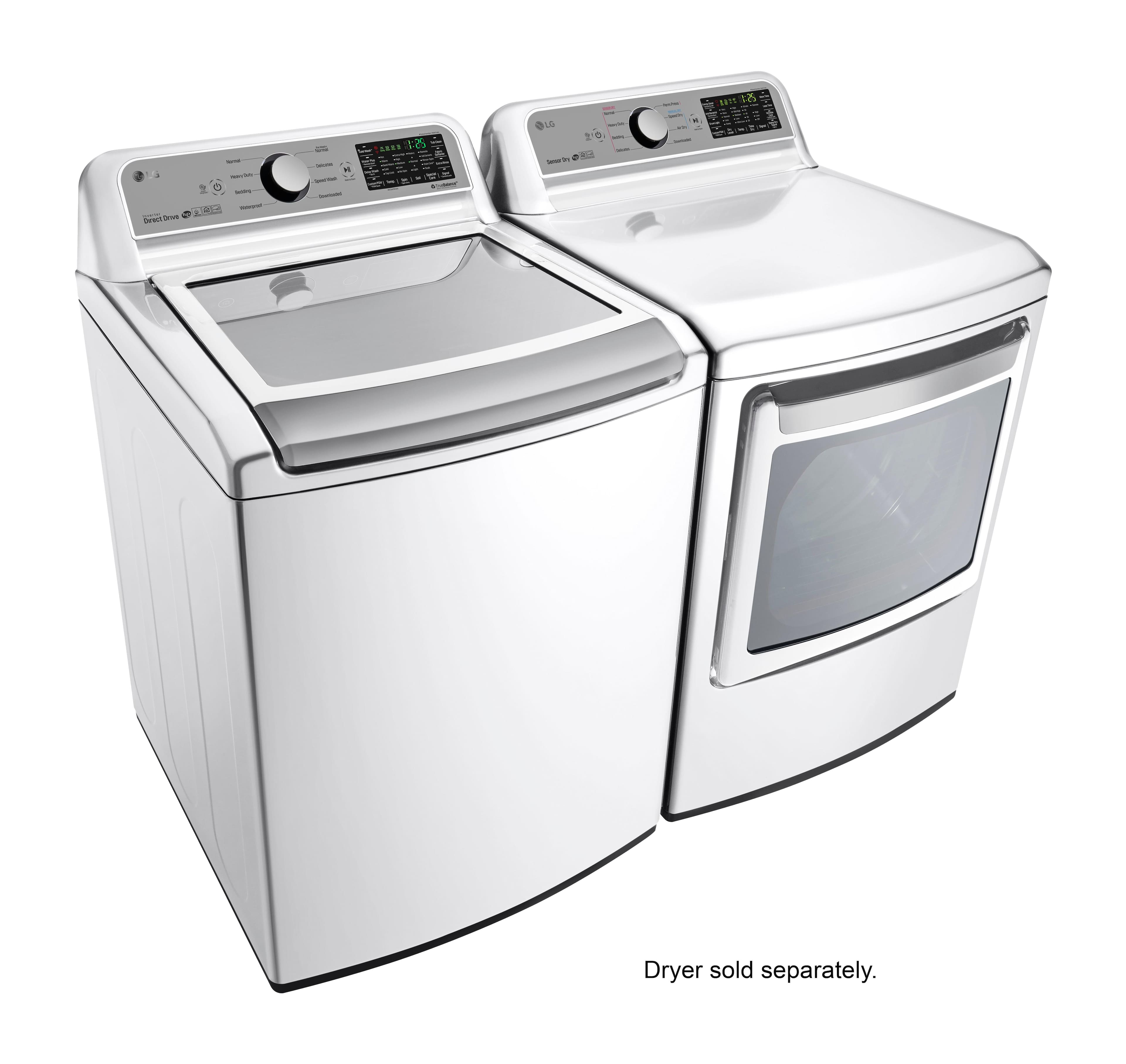
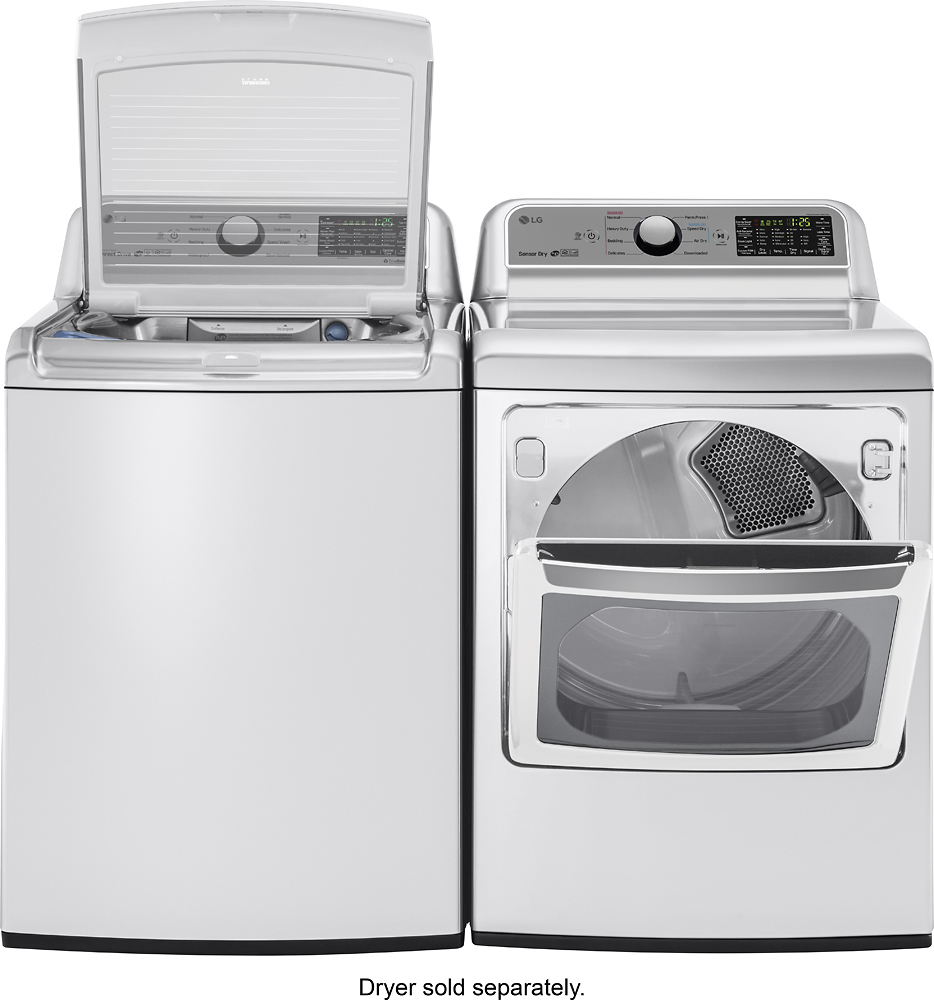
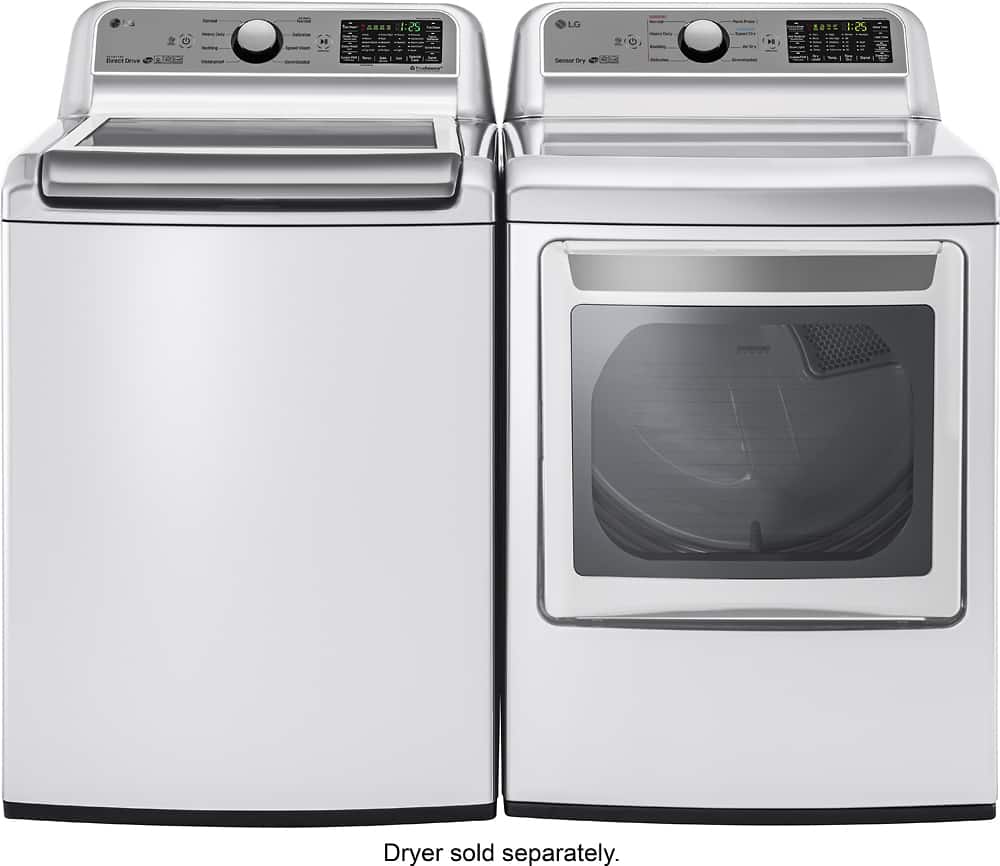
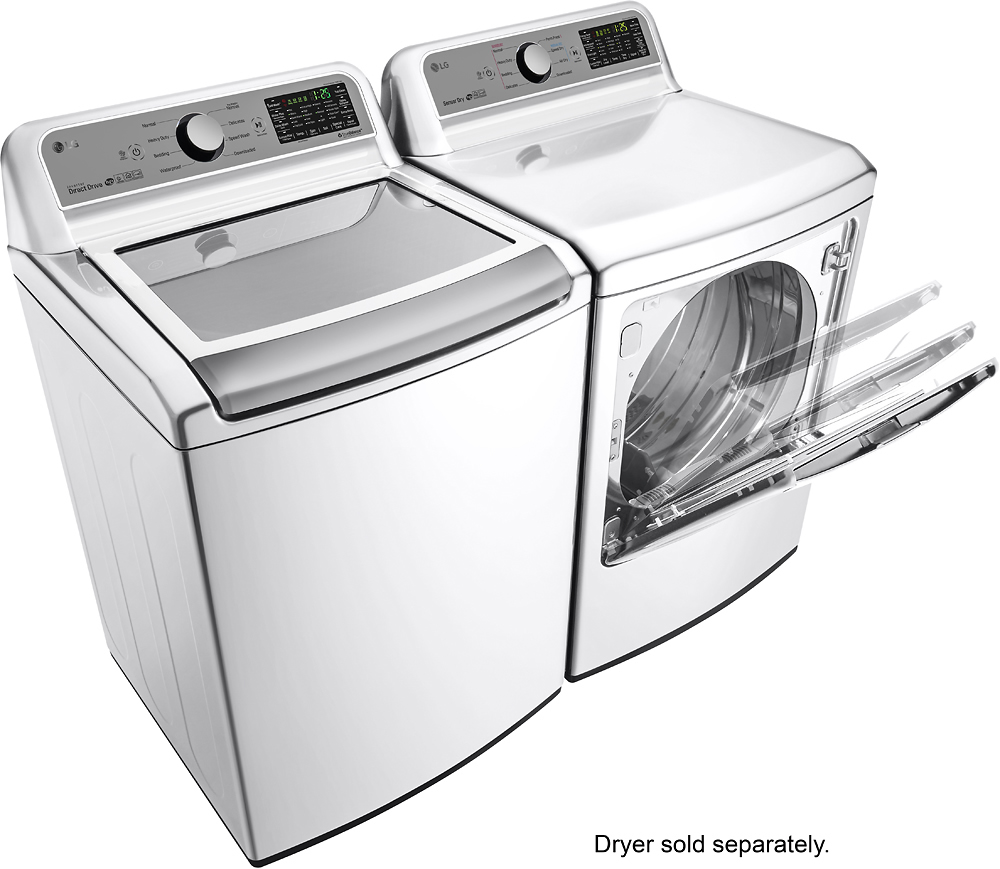
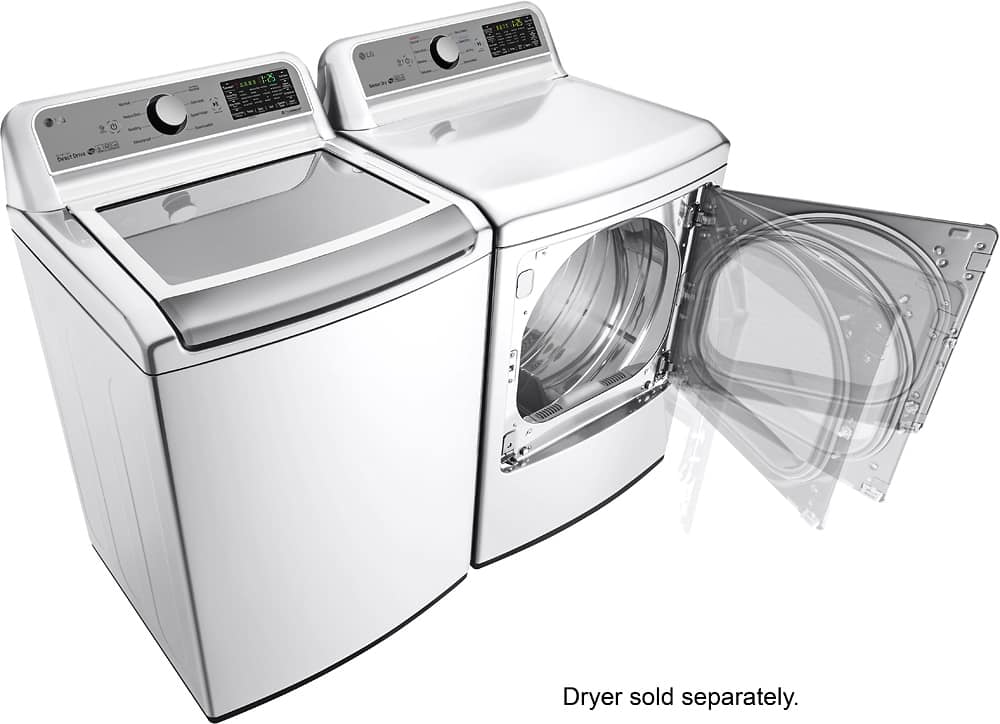
A:AnswerWe regret to read about the issues that you are experiencing with the ENERGY STAR® Qualified LG 5.0 cu. ft. Large Capacity Smart wi-fi Enabled Top Load Washer, Model # WT7200CW and apologize for any inconvenience. Regrettably, if the machine is not showing any error codes, it is hard to determine what the issue might be without having to inspect the machine. Your washer has the capability of transmitting data via your telephone to the Smart Diagnosis team so you can speak to our specially trained technicians when you experience any problems with it. You can call them at 1-800-243-0000 and use the SmartDiagnosis™ system when they instruct you to. If instructed to use this system, you will hear transmission sounds similar to a melody and those are normal. SmartDiagnosis™ is a troubleshooting feature designed to assist and not replace the traditional method of troubleshooting through service calls. It effectiveness will depend on various factors, including, but not limited to the reception of your cell phone, any external noise that may be present during the transmission and your laundry room's acoustics...^IFV
A:AnswerIt sounds like we'll need to walk through some troubleshooting for your Top Loader. Please head over to our support team via @LGUSSupport on Twitter so that we can dig into this a little more for you. ^CP
A:AnswerThere is a button that says "wifi" on your washer or dryer. You need to press it longer because it's a second function. Make sure their app ("smarthinQ") is already on your phone. Once the wifi light flashes red, you ask the app to connect. It takes a while. Once it's done, it'll tell you, and you can pick the right wifi and the right password for it; then it takes a little while longer for your machine to update itself and configure itself. I think that took almost 5 minutes, so I just left my phone on the machine and left.. Once finished, the dryer or washer is connected forever to your wifi, so you don't need to do that again. It'll send you its information (when it's done etc) over wifi to their app servers, and then it'll notify you at the same time, regardless of where you are. So you don't need to be in the house for it to work.
P.S. If you don't have a mention of wifi on your machine anywhere (check small print on the touchpad-things on your machine!), you don't have the right model number.