



Black Friday is hereShop new DoorbustersShop now

Main Content

Questions & Answers

Your price for this item is $549.99
The comparable value price is $849.99
Page Showing 1-20 of 49 questions
  • QuestionDoes this soundbar support high resolution audio?

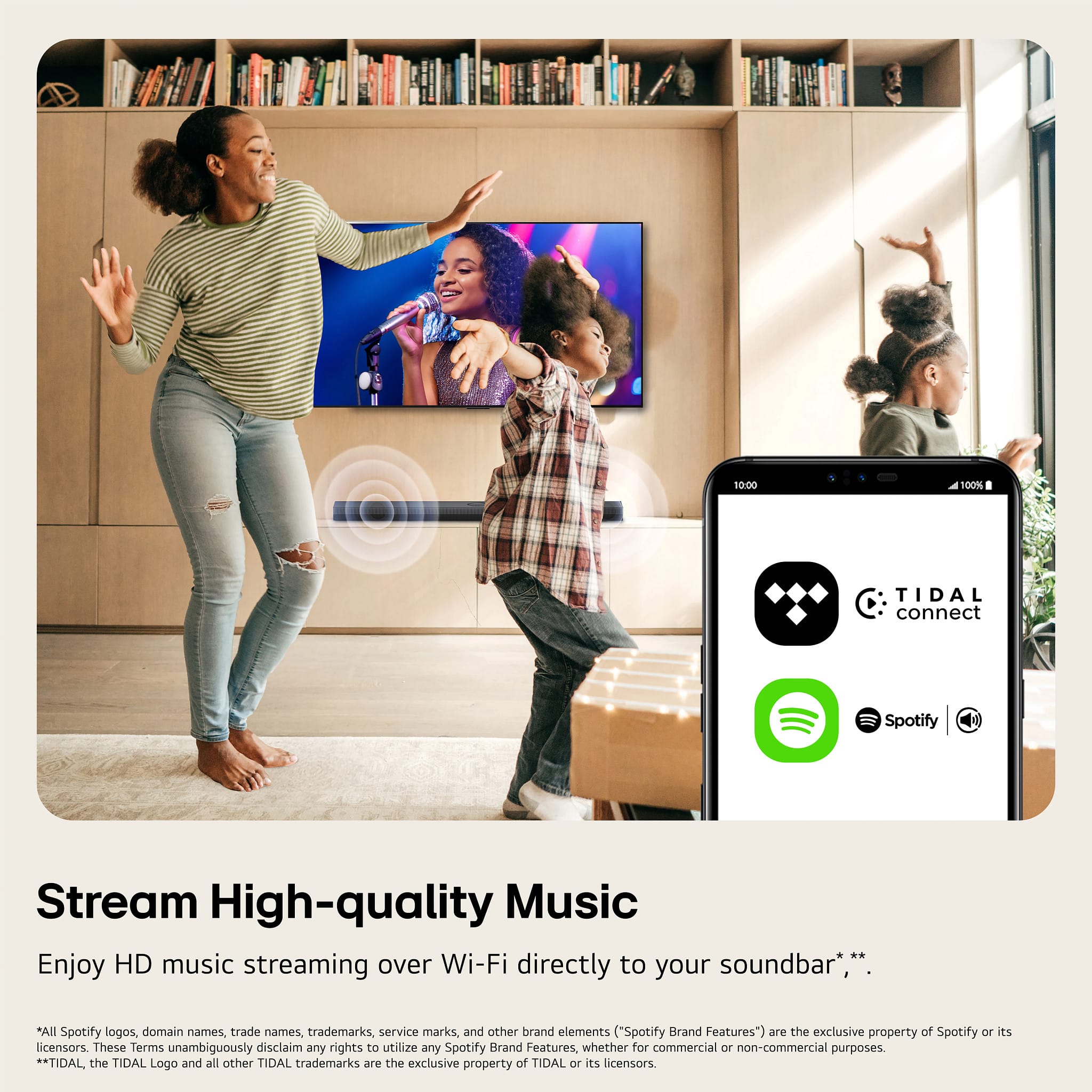
    • Answer Yes, this soundbar supports high resolution audio.
    This question and answer was generated by AI based on customer and product data.
  • QuestionCan I control this soundbar with a voice assistant?

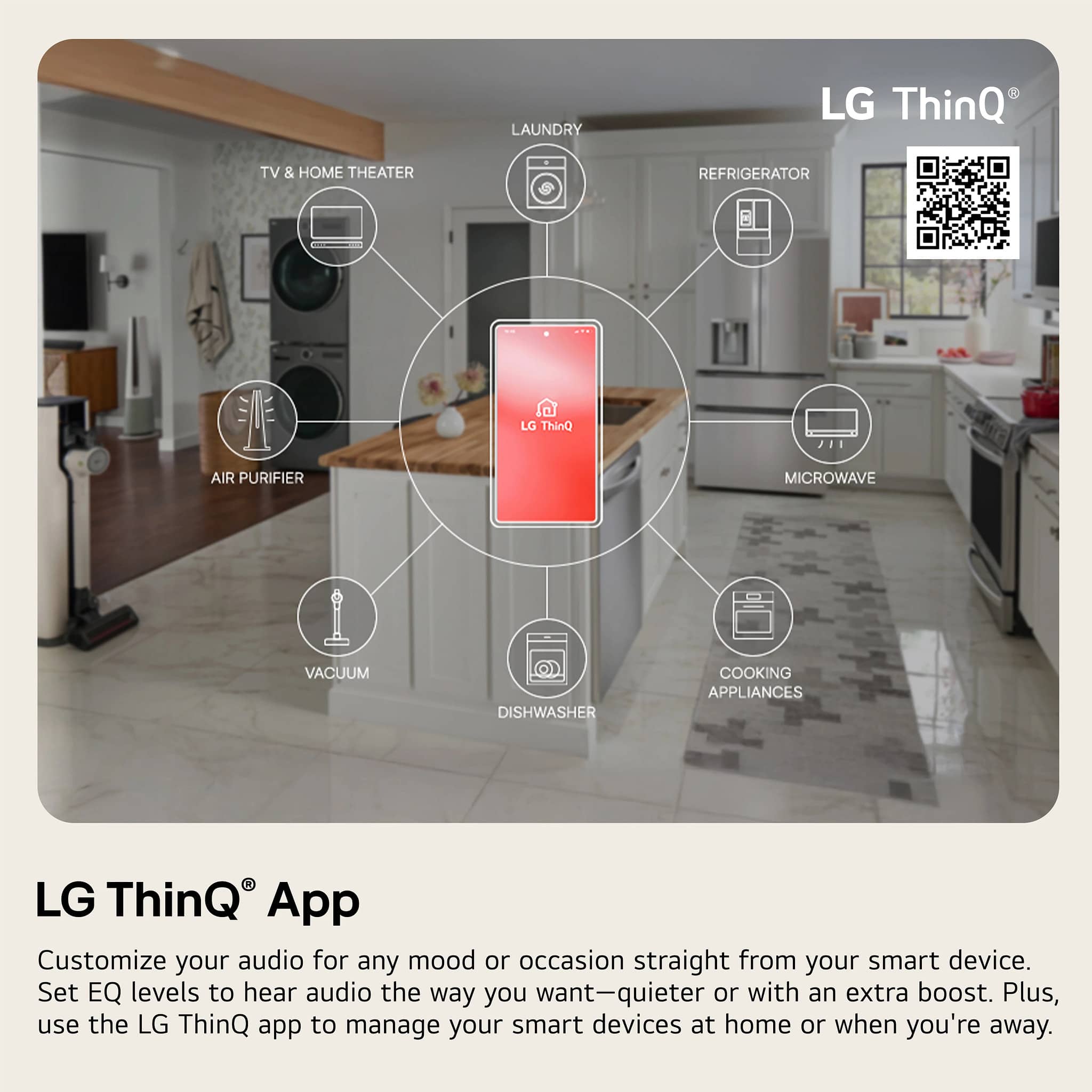
    • Answer Yes, you can use Google Assistant or Alexa to control this soundbar.
    This question and answer was generated by AI based on customer and product data.
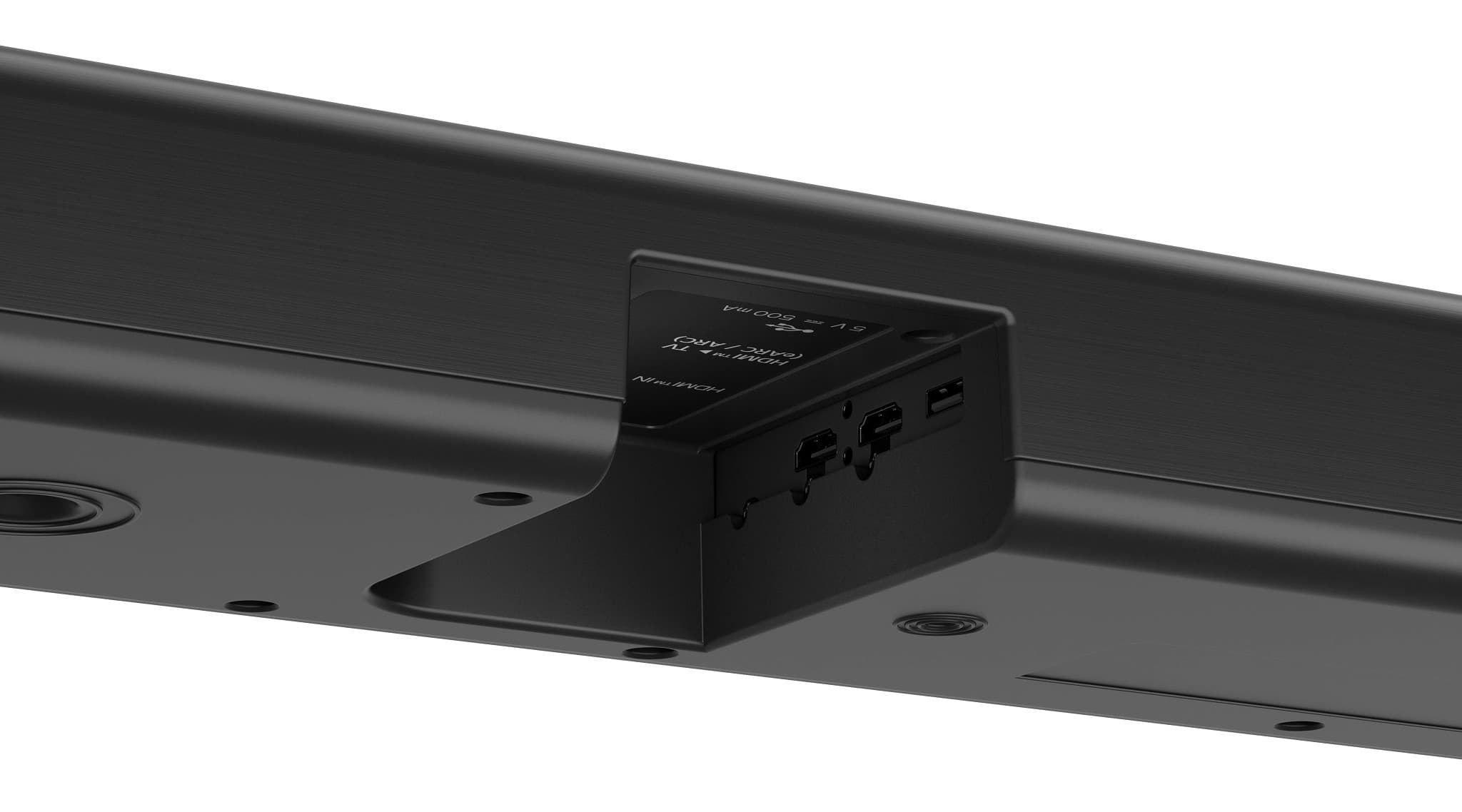
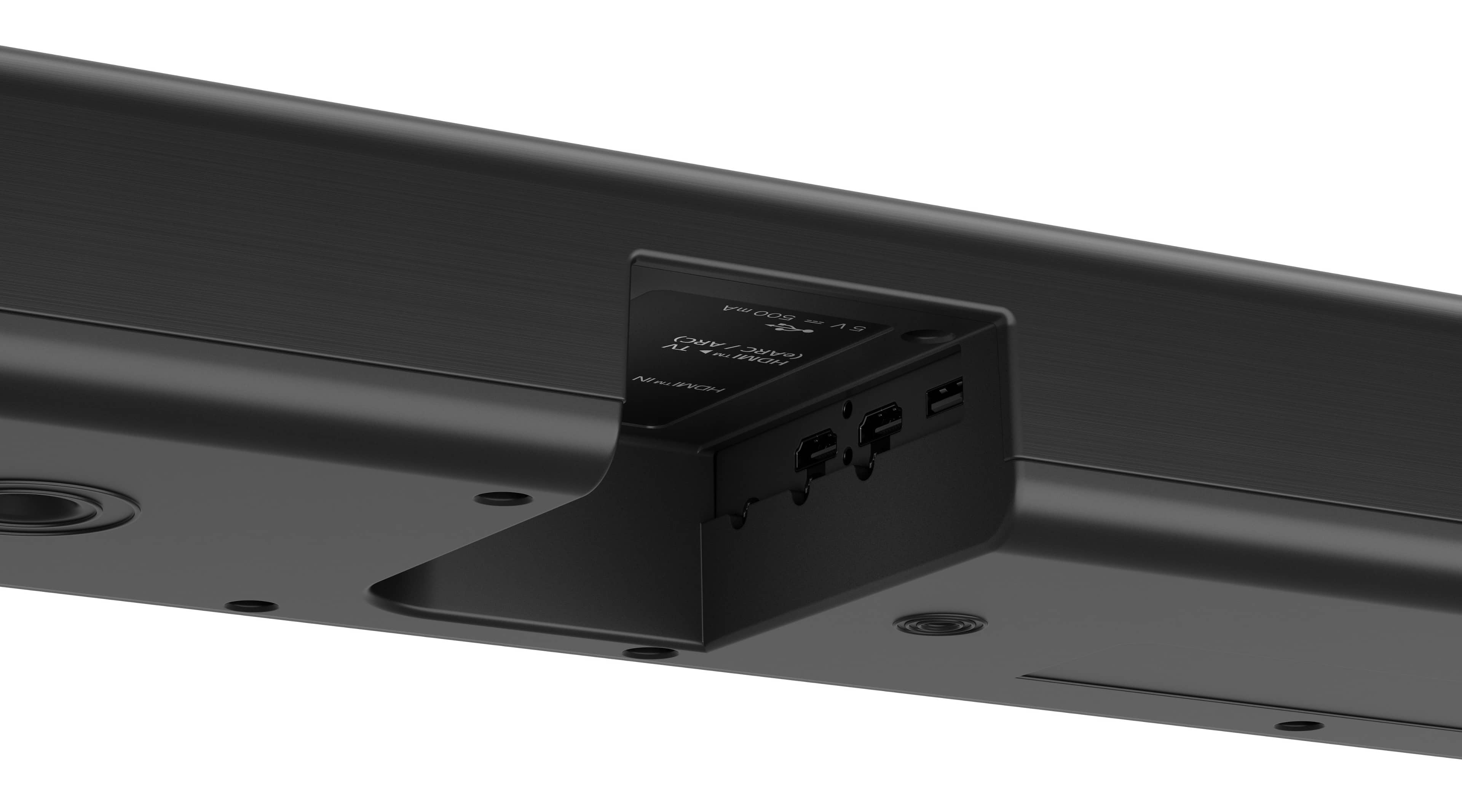
  • QuestionWhat is the total number of HDMI inputs on this soundbar?

    • Answer This soundbar has a single HDMI input.
    This question and answer was generated by AI based on customer and product data.
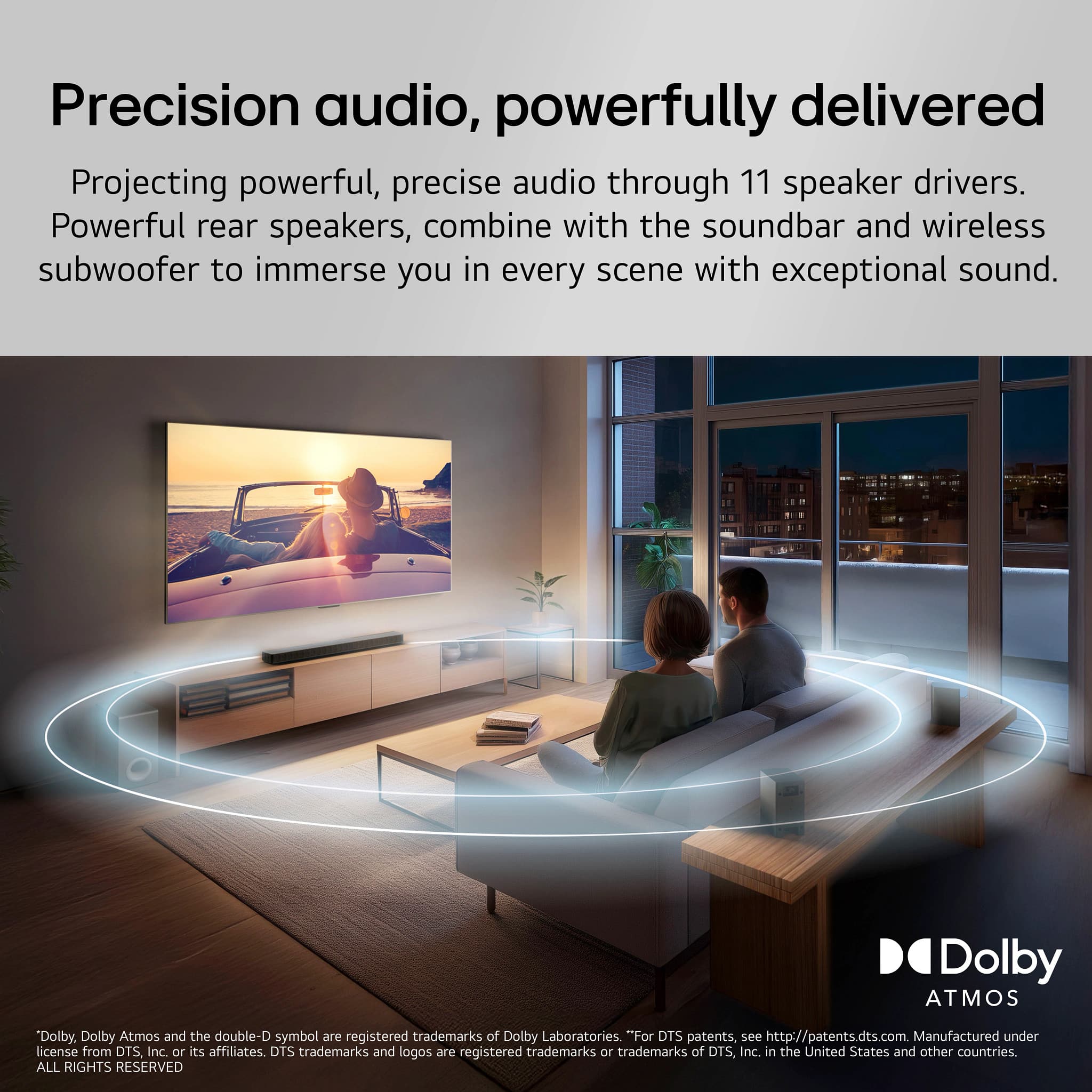
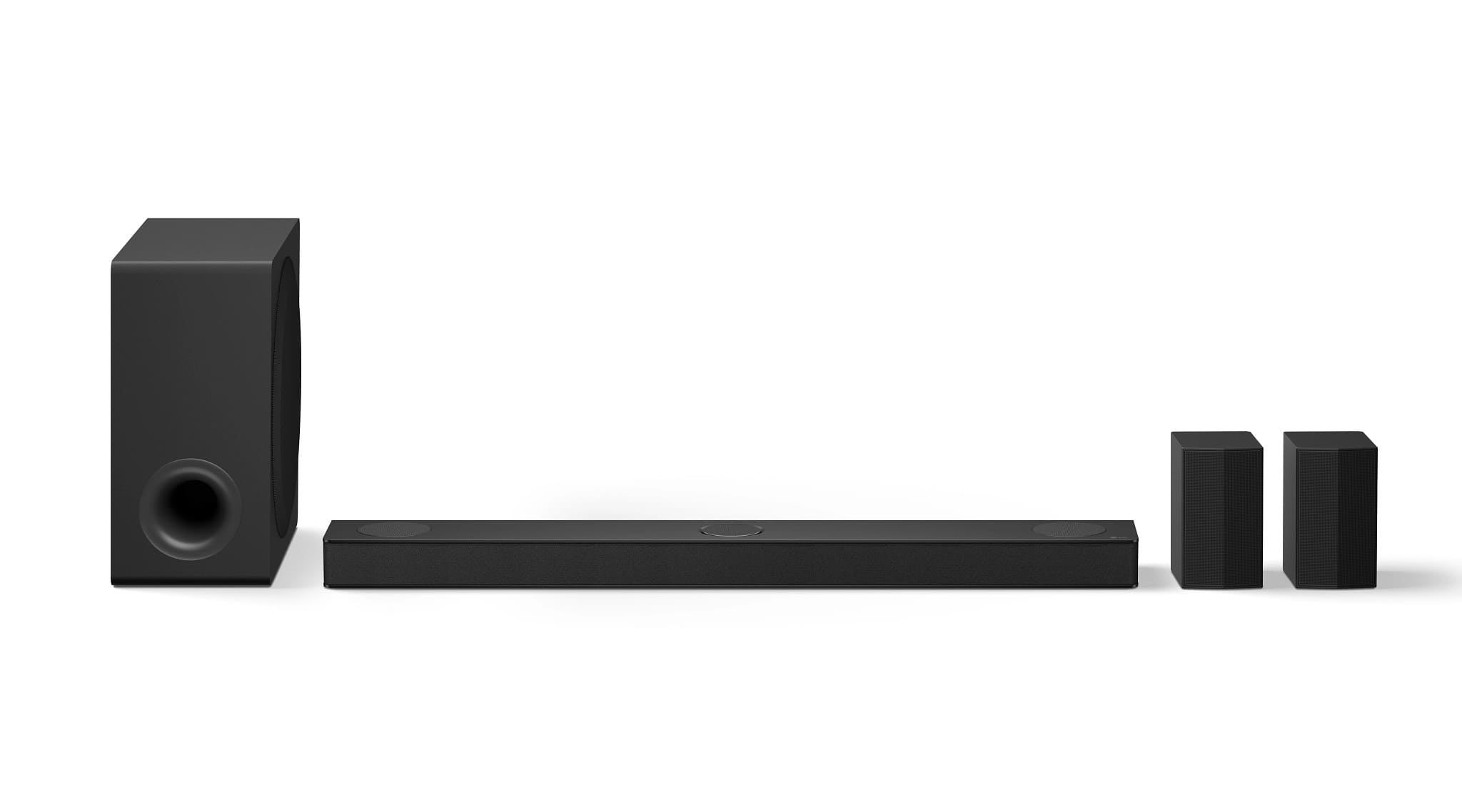
  • QuestionHow many channels does this LG soundbar have?

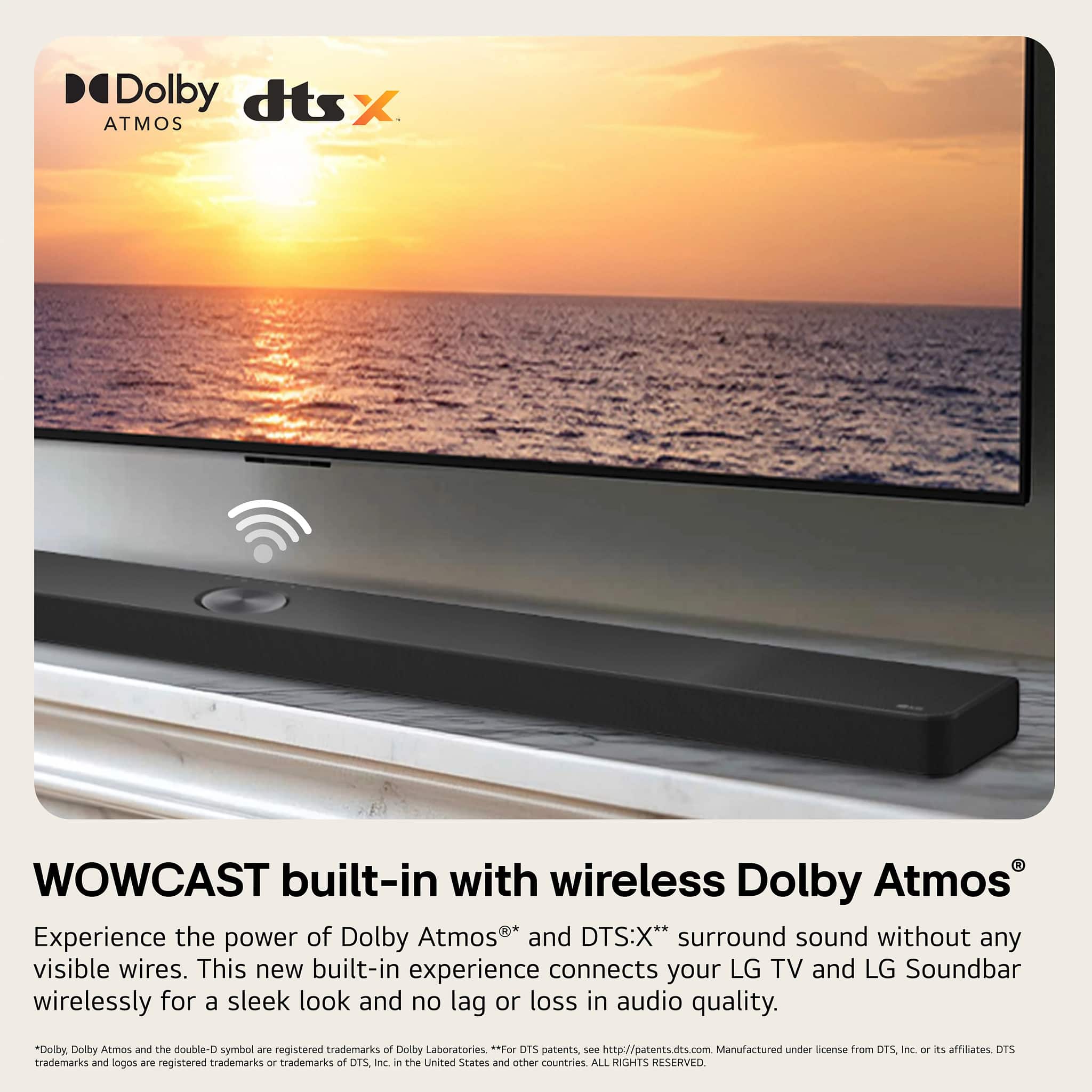
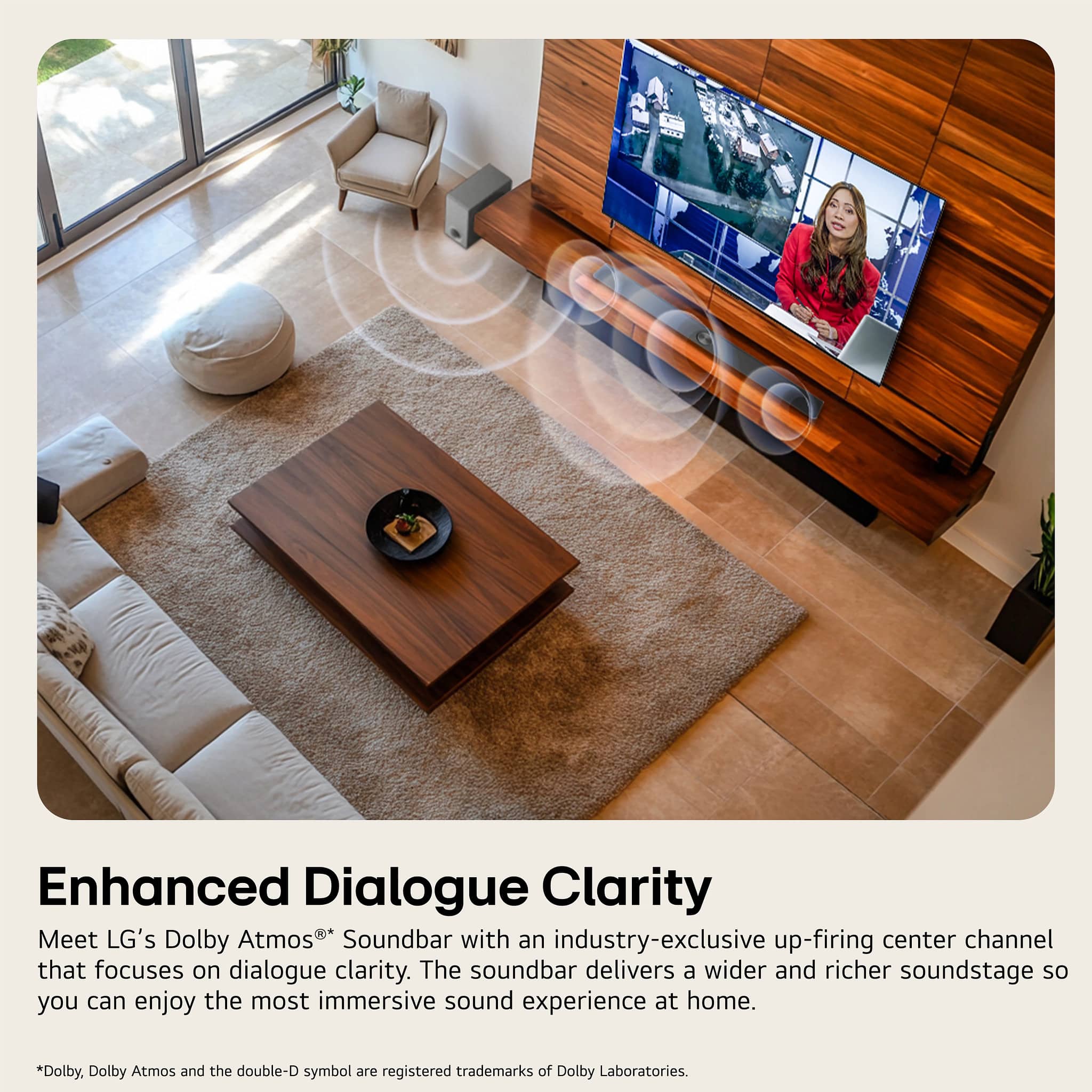
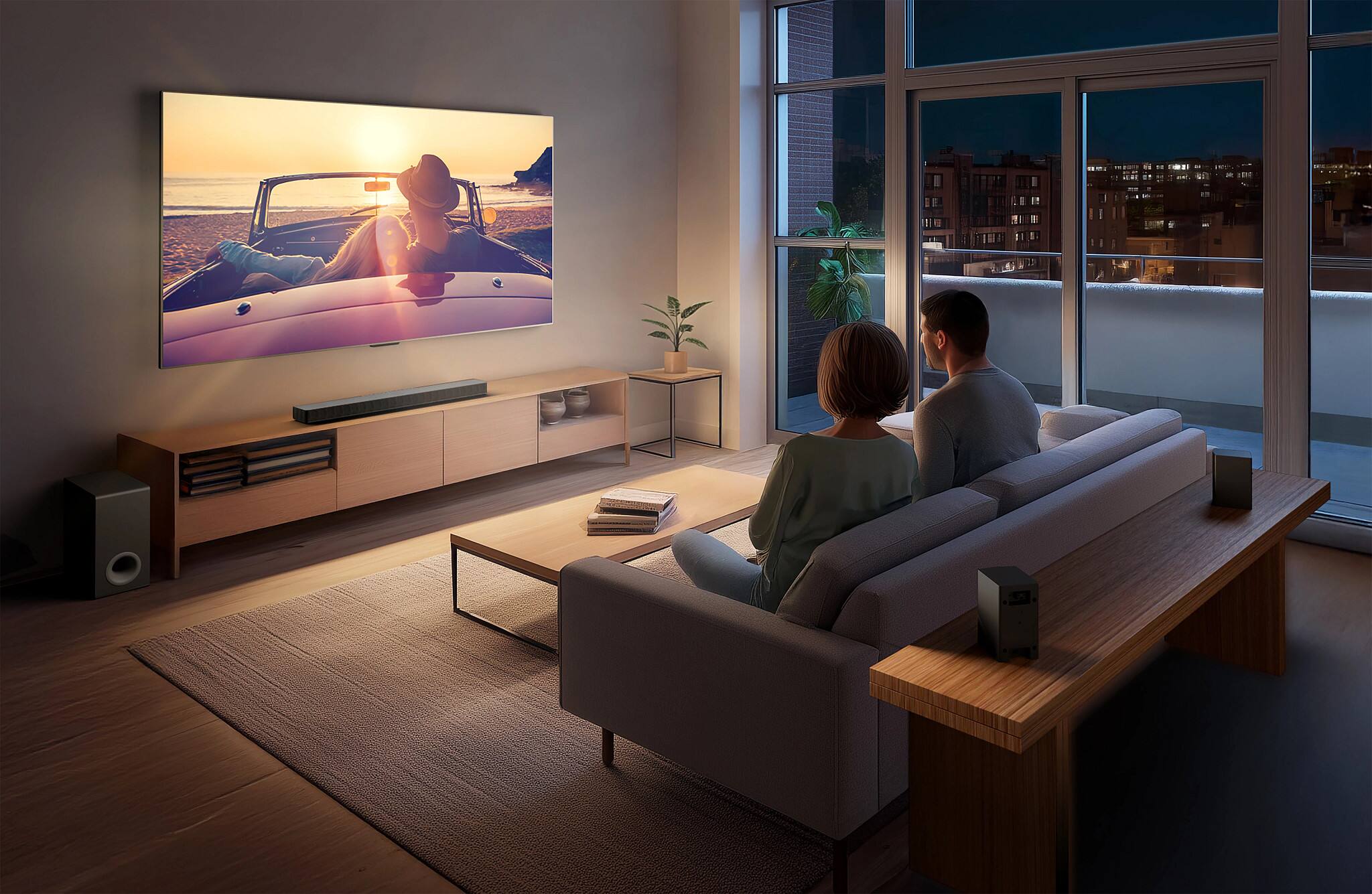
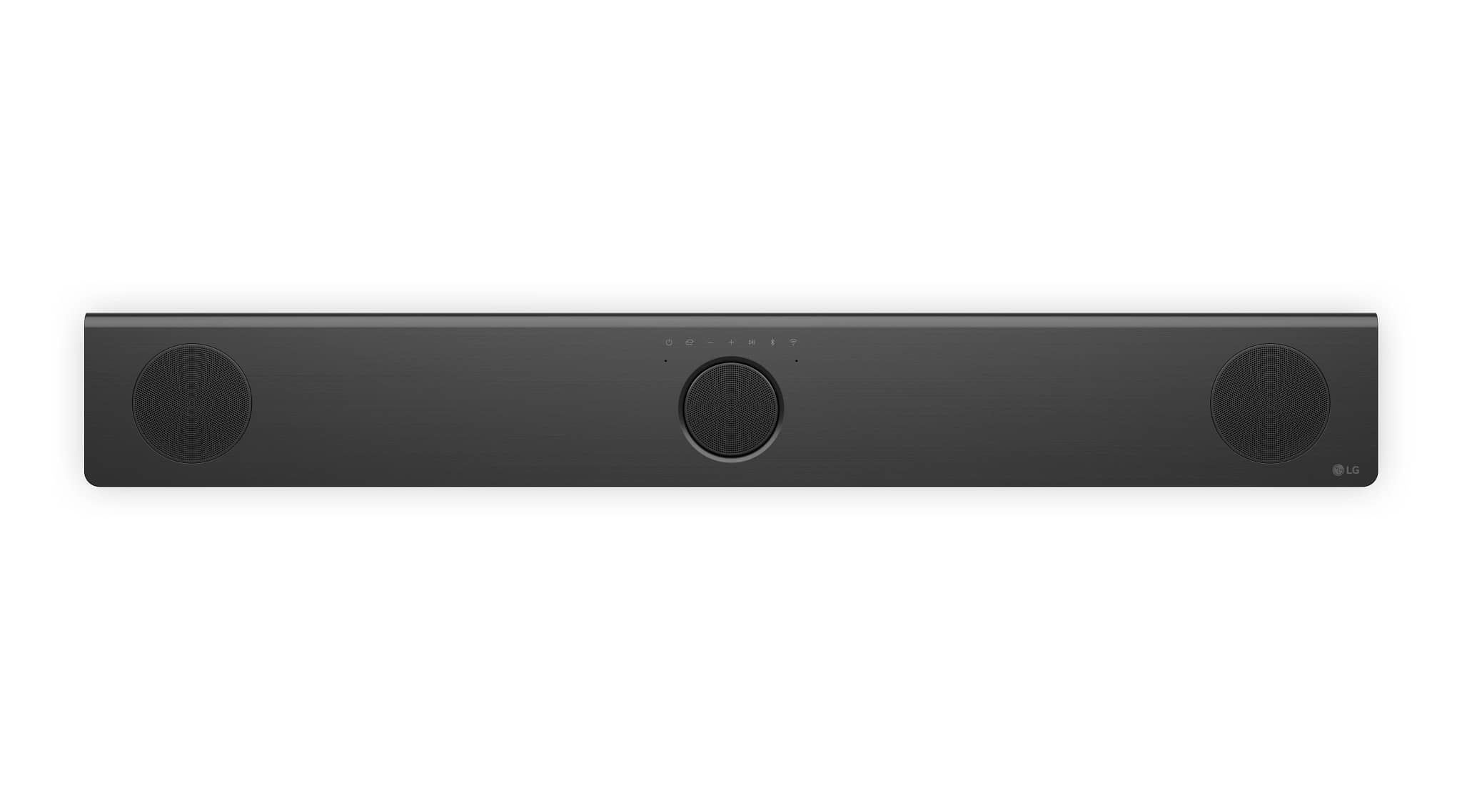
    • Answer This LG soundbar has 5.1.3 channels.
    This question and answer was generated by AI based on customer and product data.
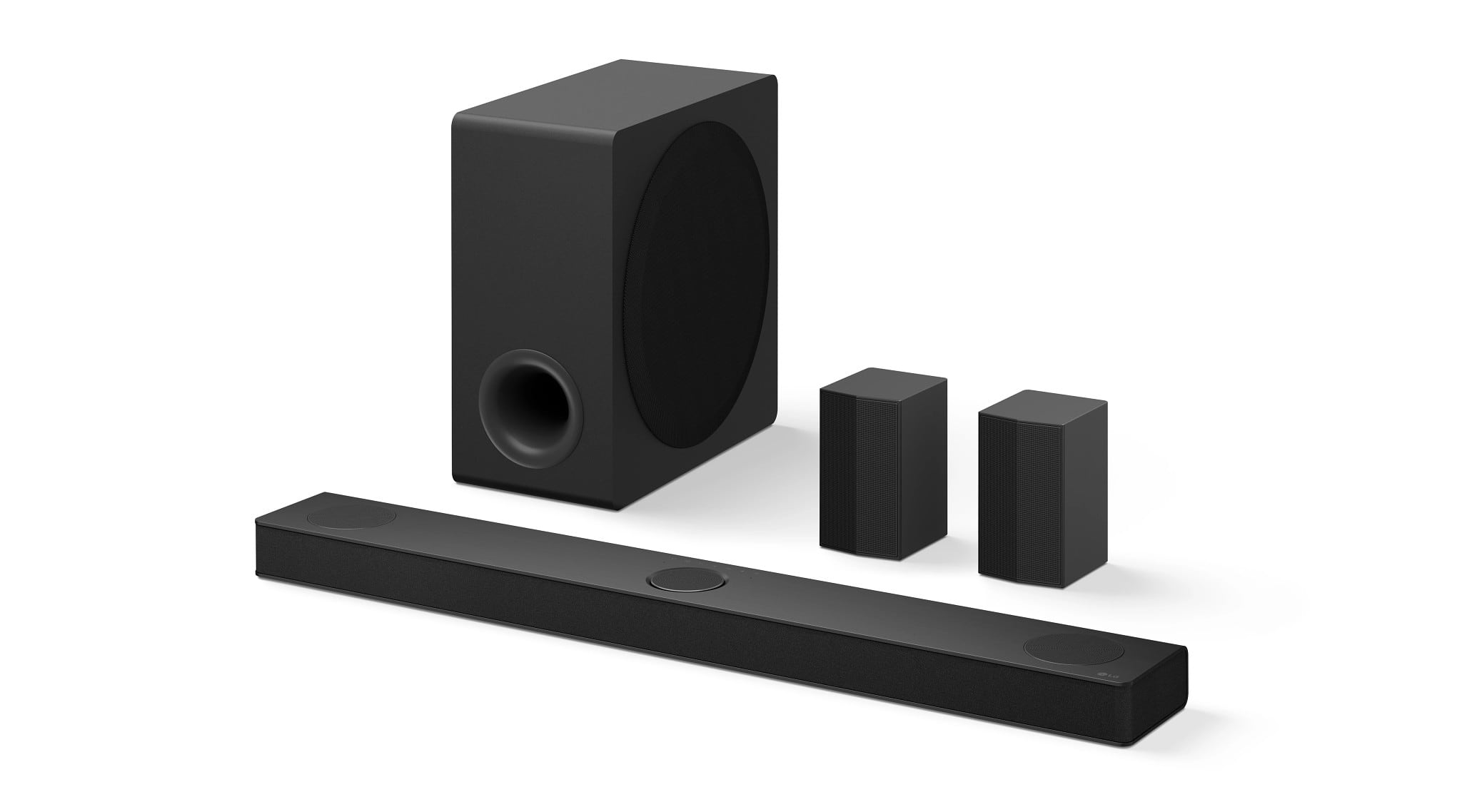
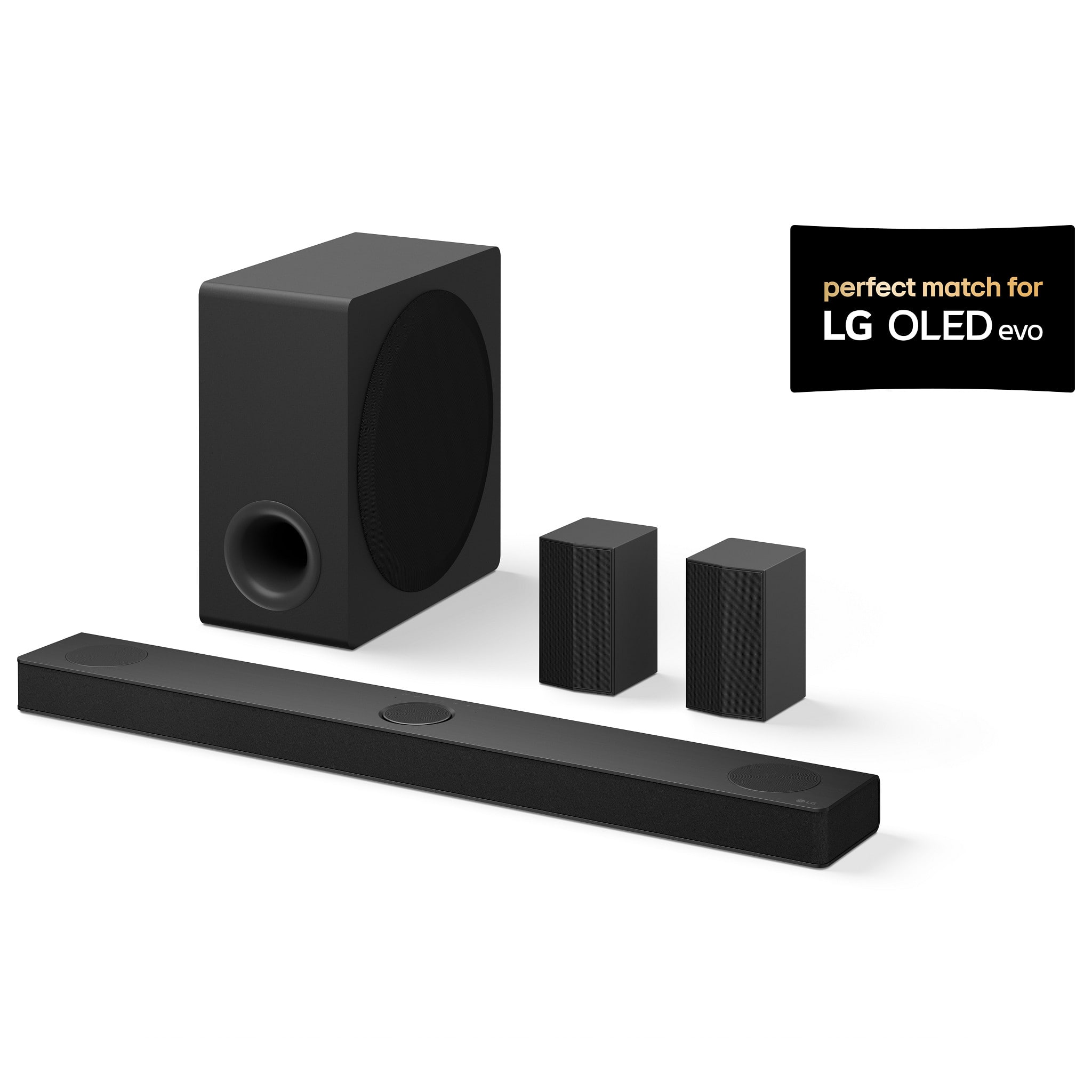
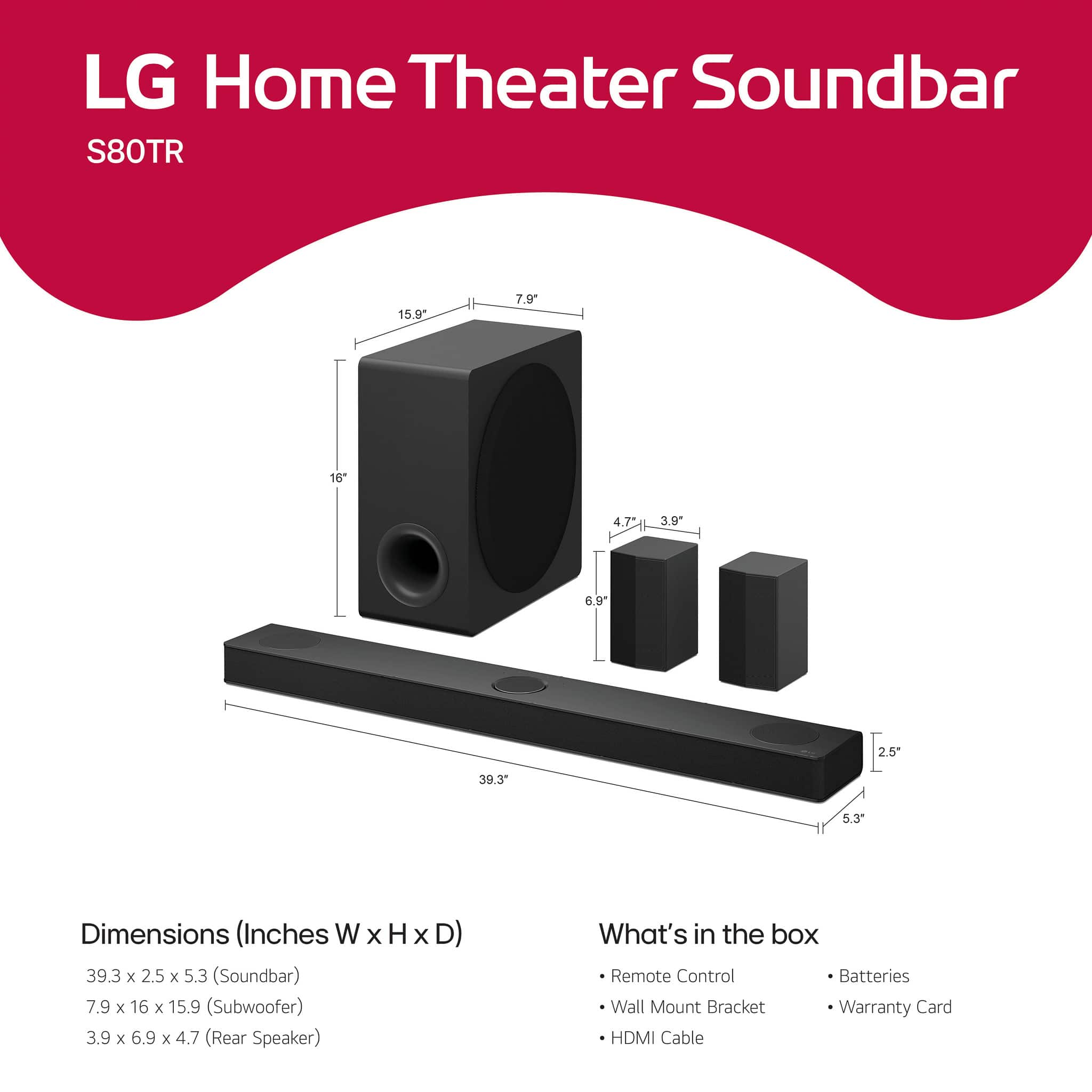
  • QuestionDoes this soundbar come with a subwoofer?

    • Answer Yes, the subwoofer is included with this soundbar.
    This question and answer was generated by AI based on customer and product data.
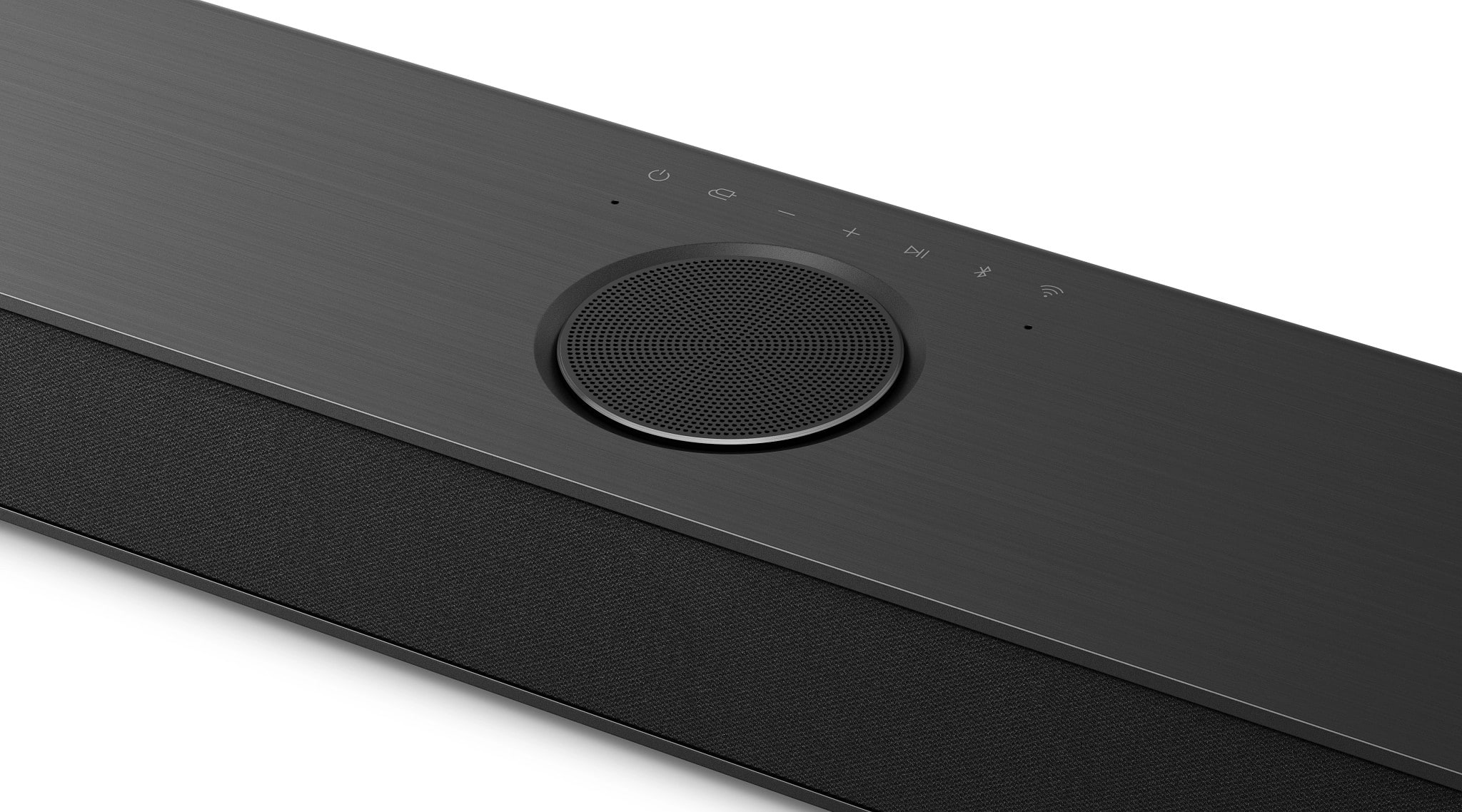
  • QuestionWhat type of wireless connectivity does this soundbar have?

    • Answer This soundbar is equipped with Bluetooth wireless connectivity.
    This question and answer was generated by AI based on customer and product data.
  • QuestionTwo questions. 1. What are the EQ settings? What does WF mean? R? The manual does not state this. 2. Do rear speakers only work in Bass Boost mode? That is VERY deceptive marketing if so.

    Asked by Ebiru2387.

    • Answer Hi there! Thank you for reaching out with your questions about the LG S80TR Sound Bar. Let's address each one: EQ Settings: The LG S80TR offers multiple EQ modes, including Standard, AI Sound Pro, Bass Blast, Bass Blast+, Cinema, Clear Voice, Game, Music, and Sports. These settings allow you to customize the sound output to match your preferences or the type of content you're enjoying. WF: This typically refers to the woofer level control, allowing you to adjust the bass output from the subwoofer. R: This generally represents the rear speaker levels, enabling you to balance the surround sound effect by adjusting the volume of the rear speakers. Rear Speakers in Bass Boost Mode: The rear speakers should work across all sound modes, not just in Bass Boost mode. If you find that the rear speakers are only functioning in Bass Boost mode, this could be a setup or configuration issue. We recommend checking the sound bar settings via the remote or app to ensure the rear speakers are enabled for all modes. You can also try resetting the system to factory settings and reconfiguring it to see if that resolves the issue. https://www.lg.com/us/sound-bars/lg-s80tr-sound-bar#pdp_specs If the problem persists or if you need further assistance, please send us a private message on Social Media @LGUSSupport. Our team is ready to help you get the best experience from your LG sound bar. We appreciate your feedback and are here to assist you further! —Renzo

      Answered by LG Digital Customer Care

  • QuestionI am considering purchasing this system but want to know if anything has to be connected to the TV in order for this system to ?

    Asked by Sgdrums.

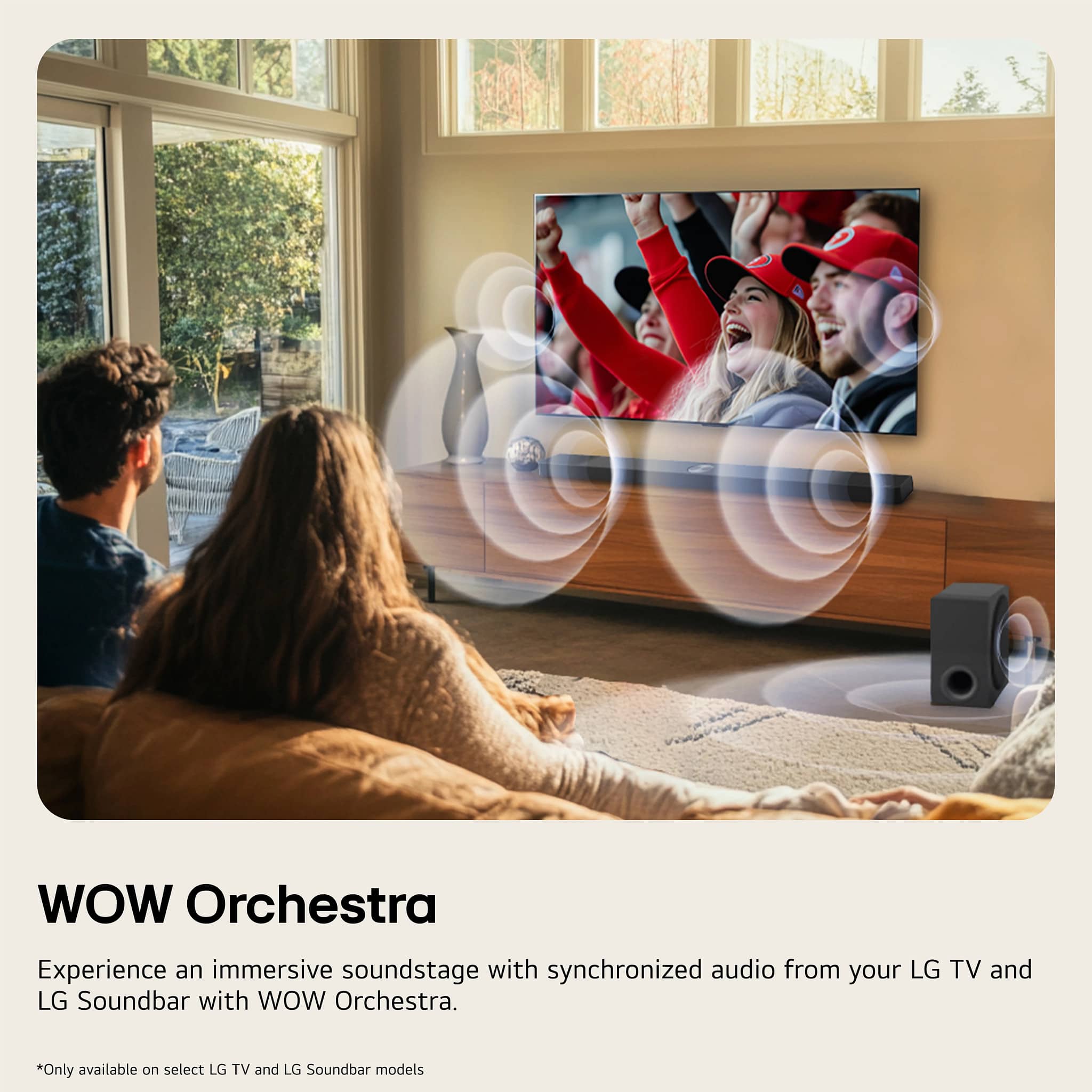
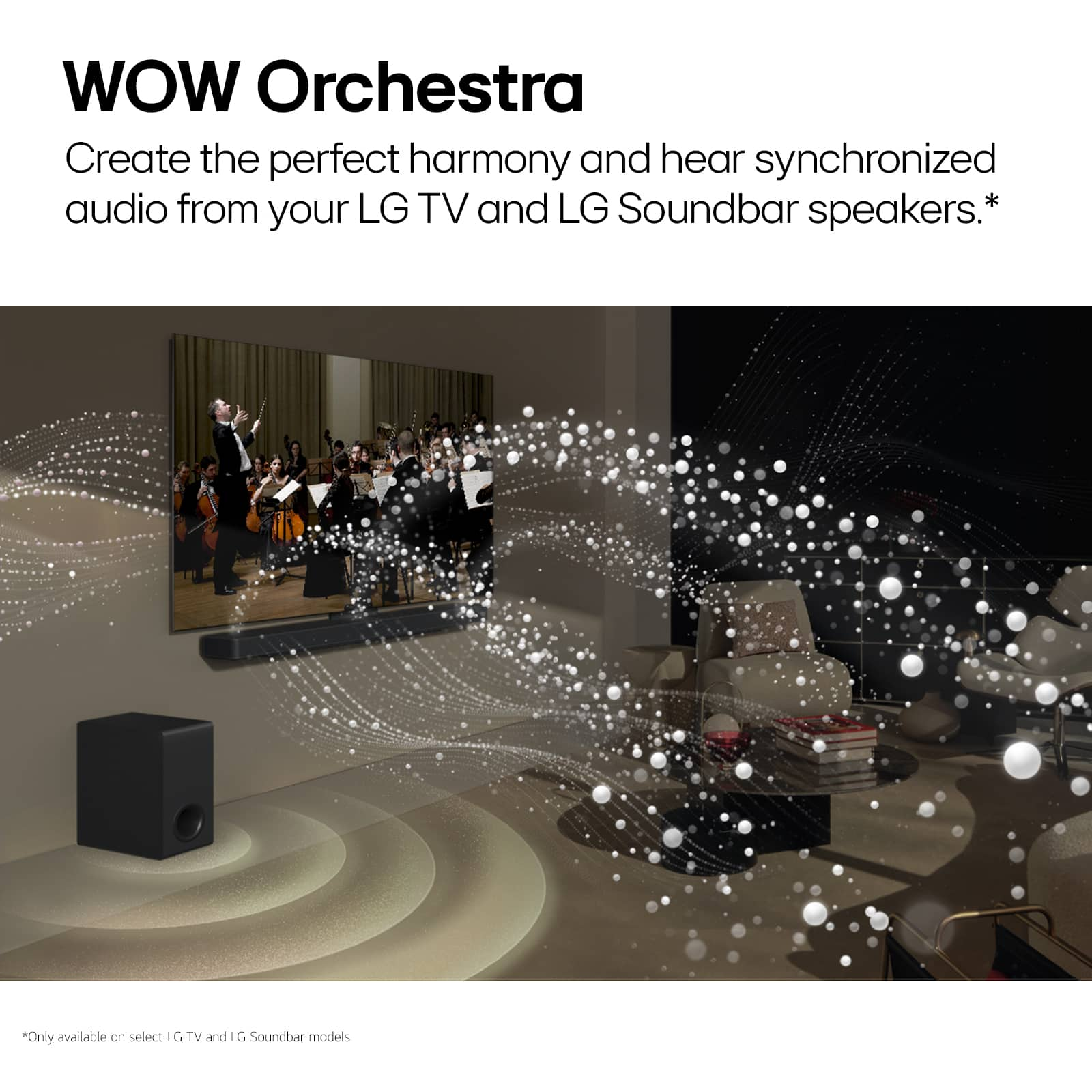
    • Answer Hi there! Thank you for considering the LG S80TR sound bar. We understand your question regarding the connections needed for this system to work with your TV. To get the best performance from the S80TR, it will need to be connected to your TV. You can do this using several connection options, including: HDMI eARC: This provides a high-quality audio return channel, making it easy to connect and control your sound bar. Optical Input: You can also connect via the optical input if your TV supports it. LG TV Sound Sync: This allows for seamless integration with compatible LG TVs for a hassle-free setup. Additionally, the S80TR features wireless connectivity options like Bluetooth and Wi-Fi, allowing for easy streaming and use with compatible devices. For a truly immersive experience, pairing it with an LG OLED B4, C4, or G4 Series TV is highly recommended, as it enhances the soundstage through our WOW Orchestra technology. https://www.lg.com/us/sound-bars/lg-s80tr-sound-bar#pdp_specs If you have any further questions or need assistance with your purchase, please send us a private message on Social Media @LGUSSupport, and our team will be delighted to assist you! We appreciate your interest in our products! —Renzo

      Answered by LG Digital Customer Care

  • QuestionAre rear speakers wireless?

    Asked by Luis.

    • Answer Only need to plug in the power cords

      Answered by alexx

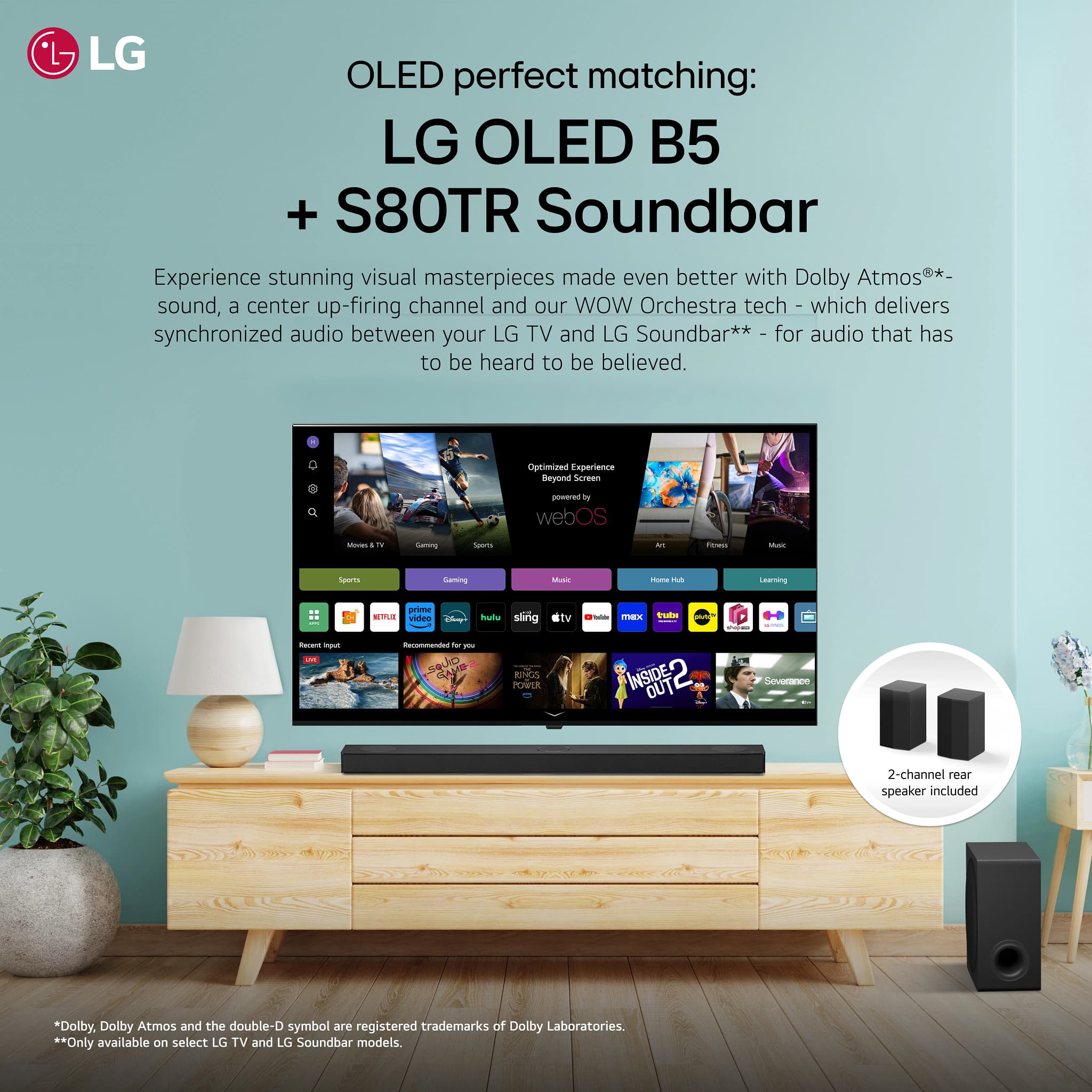
  • QuestionDoes the LG S80TR work with the LG OLED65CXPUA? Will my TV have the WOW interface?

    Asked by RandyD123.

    • Answer Hello there, Randy. Thank you for sharing your inquiry regarding the compatibility of your soundbar and television setup. We understand that you are asking if the LG S80TR soundbar works with your LG OLED65CXPUA TV and if you will have access to the WOW Interface feature. Your feedback is important, and we'd like to assist you further. We can certainly confirm the compatibility between these two LG products, which is designed to offer a fantastic shared experience. Compatibility: Yes, the LG S80TR soundbar is fully compatible with your LG OLED65CXPUA television. WOW Interface: Based on the specifications, the LG S80TR soundbar does support the WOW Interface feature, which is designed to integrate seamlessly with compatible LG TVs, allowing for easier control and on-screen display integration. Furthermore, since your television is an LG OLED model, it is one of the models designed to fully utilize this feature alongside the soundbar. https://www.bestbuy.com/product/lg-5-1-3-channel-s80tr-home-theater-soundbar-with-wireless-subwoofer-and-rear-speakers-dolby-atmos-wow-orchestra-black/JJ8VPZHLTT Since you inquired about compatibility and feature access, which is now confirmed, we believe this addresses your main questions directly. If you have any further questions about setting up the WOW Interface, utilizing features like WOW Orchestra (which is also supported by this soundbar), or optimizing the sound settings on your LG OLED65CXPUA TV, please send us a private message on Social Media @LGUSSupport, and our team will be more than happy to assist you with the configuration details. —Renzo

      Answered by LG Digital Customer Care

  • QuestionDoes the S80TR soundbar come with screw holes for mounting? What is the best mount for installing it below tv?

    Asked by Papa.

    • Answer Yes it comes with screws, theres a couple cheap universal mounts on amazon… any of which should work its not that heavy

      Answered by alexx

  • QuestionI have an older 55" LG C9. Will this sound system (LG - 5.1.3-Channel S80TR Home Theater Soundbar with Wireless Subwoofer and Rear Speakers, Dolby Atmos, WOW Orchestra - Black) be compatible with my tv?

    Asked by phil.

    • Answer The S80TR LG Home Theater Soundbar with Dolby Atmos® and Rear Speakers, 5.1.3 channel, will work with your LG C9 55-inch Class 4K Smart OLED TV w/ AI ThinQ® (54.6'' Diag), Model # OLED55C9PUA, but the WOW Orchestra and WOW Interface features on the sound bar will not work with your TV since it does not support those features...^Ivan.

      Answered by LG Digital Customer Care

  • QuestionDoes this soundbar support all DTS formats including DTS audio, DTS-HD, True-HD etc?

    Asked by DJRC.

    • Answer Supported audio formats on the S80TR LG Home Theater Soundbar with Dolby Atmos® and Rear Speakers, 5.1.3 channel, Best OLED matching are: AAC / AAC+, AAC C4A /USB, Dolby Atmos®, Dolby Digital, Dolby Digital Plus, Dolby TrueHD, DTS Digital Surround, DTS:X, DTS-HD High Resolution, DTS-HD Master Audio, LPCM, MP3 C4A / USB, and WAV C4A / USB...^Ivan.

      Answered by LG Digital Customer Care

  • QuestionThere is only 1 additional HDMI input. How can I connect 2 additional 4K sources, for example a set-top box & blu-ray player?

    Asked by LDB.

    • Answer Hello there! Thank you for reaching out with your question. If you're looking to connect two additional 4K sources (such as a set-top box and a Blu-ray player) to your LG S80TR sound bar, but there is only one additional HDMI input, there are a couple of ways you can make the connections: HDMI Switcher: You can use an HDMI switch that allows you to connect multiple HDMI devices to a single HDMI input on your sound bar. A 4K-compatible HDMI switch will enable you to connect both your set-top box and Blu-ray player to the switch, and then connect the switch to the HDMI input on your sound bar. Be sure to select an HDMI switch that supports 4K resolution and HDMI 2.0 or higher for full compatibility. Connect Directly to the TV: You can also connect your 4K sources (set-top box and Blu-ray player) directly to your TV using HDMI ports, and then use the HDMI Audio Return Channel (ARC) or eARC to send the audio from the TV to the sound bar. This way, the sound bar will still handle the audio while the video sources are connected to the TV. https://www.lg.com/us/sound-bars/lg-s80tr-sound-bar#pdp_specs Please send us a private message on Social Media @LGUSSupport, and our team will be happy to assist you further. We appreciate your inquiry and look forward to helping you! —Renzo

      Answered by LG Digital Customer Care

  • QuestionHi, Is this compatible with the LG C3 OLED? The product description states it pairs well with the C4, so figured I'd ask. Thanks.

    Asked by Dreban.

    • Answer Hi there, Dreban. Thank you for reaching out to us about the LG S80TR Sound Bar! We understand you’re curious about its compatibility with the LG C3 OLED. Yes, the S80TR is compatible with the LG C3 OLED. It features HDMI eARC and WOW Orchestra, which are designed to deliver seamless connectivity and enhanced audio performance when paired with LG OLED TVs, including the C3. While the product description highlights its pairing with the C4, it works equally well with the C3 for immersive sound quality and advanced features. https://www.lg.com/us/sound-bars/lg-s80tr-sound-bar#pdp_specs If you have further questions or need assistance with setup, feel free to send us a private message on social media @LGUSSupport. We’re here to help! —Renzo

      Answered by LG Digital Customer Care

  • QuestionWhat year was this unit produced?

    Asked by Harry.

    • Answer Hello there, Harry. We understand your inquiry about the S80TR 5.1.3 Channel Home Theater Soundbar. The LG Soundbar, Model S80TR, is a unit that was released as part of our 2024 lineup. This unit is designed to offer a dynamic audio experience with features like Dolby Atmos, DTS:X, and WOW Orchestra compatibility, which pairs seamlessly with our OLED and QNED TVs from 2024, like the B4, C4, and G4 series, as well as some 2023 models. https://www.bestbuy.com/product/lg-5-1-3-channel-s80tr-home-theater-soundbar-with-wireless-subwoofer-and-rear-speakers-dolby-atmos-wow-orchestra-black/JJ8VPZHLTT If you have any further questions about the features of your S80TR Soundbar or need assistance with its setup, please send us a private message on Social Media @LGUSSupport, and our team will be more than happy to assist you. —Renzo

      Answered by LG Digital Customer Care

  • QuestionIs this the current 2025 model shown?

    Asked by OldMan.

    • Answer You can contact the Customer Support for your local Best Buy location to inquire if they have the LG 5.1.3-Channel S80TR Home Theater Soundbar with Wireless Subwoofer and Rear Speakers, Dolby Atmos, WOW Orchestra - Black displayed on their showroom floor. The Soundbar is NOT a 2025 model. It was released in late 2022...^Ivan.

      Answered by LG Digital Customer Care

  • QuestionWhy are the reviews on the bass sound not good

    Asked by Tooms.

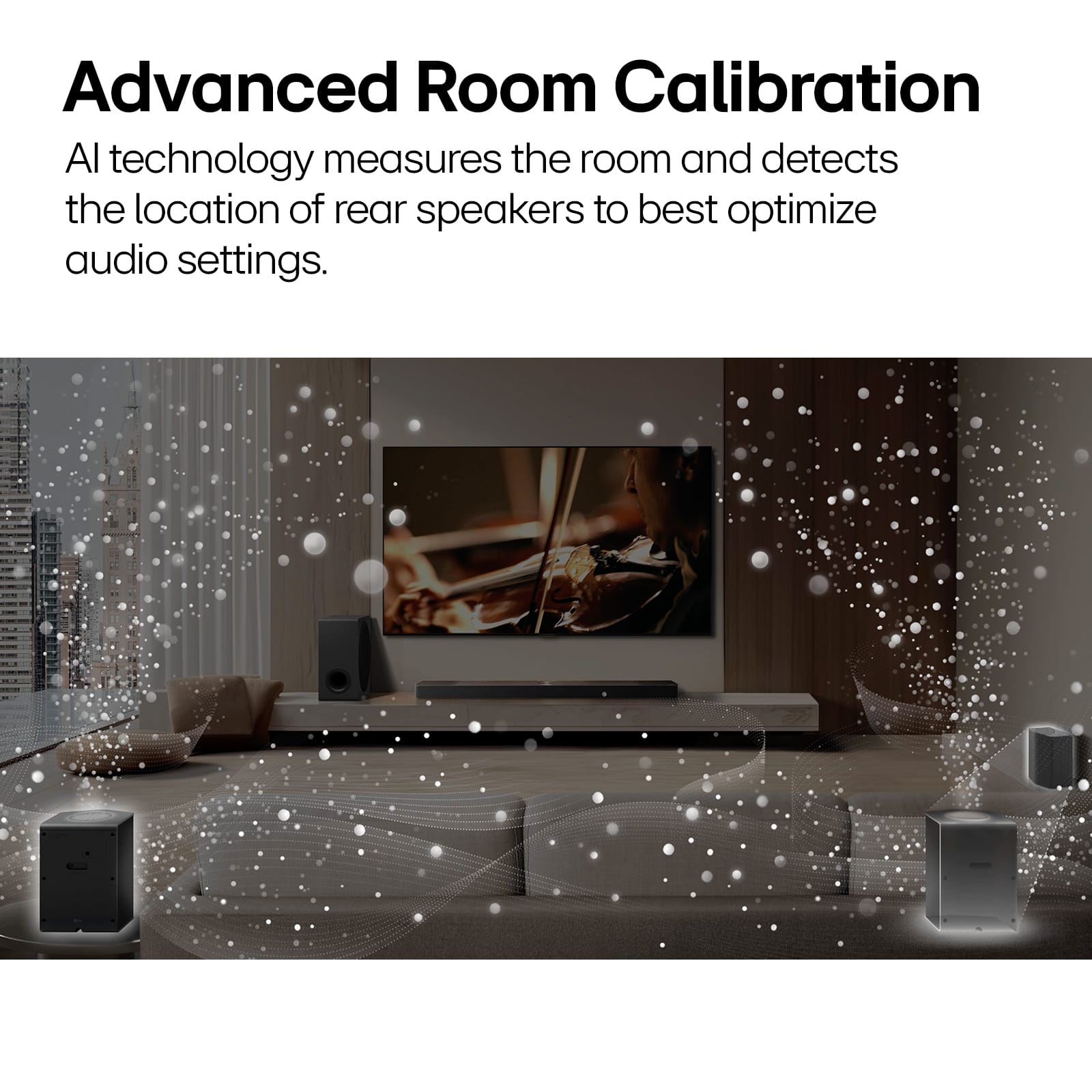
    • Answer Hello there, Tooms. Thank you for sharing your inquiry about the LG S80TR Soundbar. We understand you're curious about some reviews regarding the bass performance. The LG S80TR is designed to provide an immersive audio experience with its wireless subwoofer and AI Room Calibration feature, which optimizes the sound to your specific room environment. To get the best bass performance, we recommend ensuring the subwoofer is placed correctly and utilizing the AI Room Calibration feature through the LG Sound Bar app. This feature helps the soundbar measure your room's dimensions and adjust settings for richer, clearer sound. You can also fine-tune the bass levels within the soundbar's settings or through the LG Sound Bar app to match your personal preference. https://www.bestbuy.com/site/lg-5-1-3-channel-s80tr-home-theater-soundbar-with-wireless-subwoofer-and-rear-speakers-dolby-atmos-wow-orchestra-black/6578024.p?skuId=6578024 If you have further questions or would like assistance with optimizing your soundbar's bass, please send us a private message on Social Media @LGUSSupport and our team will be more than happy to explore possible solutions. We appreciate your patience. —Renzo

      Answered by LG Digital Customer Care

  • QuestionCan I pair SPT9-S's to this soundbar? I've unfortunately received the wrong speakers (SPT9-S's) from my open box order and there are no more correct rear speakers for this product in stock.

    Asked by Tim.

    • Answer The compatible rear speakers that are included with a new LG S80TR LG Home Theater Soundbar with Dolby Atmos® and Rear Speakers, 5.1.3 channel, are the LG SPT8-S 2.0 Ch. Wireless Rear Surround Speakers, which are currently out of stock The soundbar is incompatible with the SPT9-S rear speakers...^Ivan.

      Answered by LG Digital Customer Care

  • QuestionCan I hook up my ~1978 refurbished Marantz turntable?

    Asked by MaMaJo.

    • Answer What connectivity does your 1978 refurbished Marantz turntable have? The LG 5.1.3-Channel S80TR Home Theater Soundbar with Wireless Subwoofer and Rear Speakers, Dolby Atmos®, WOW Orchestra - Black, Model # S80TR, does not have any analog, stereo RCA audio barrel ports. It has an HDMI eARC port, an HDMI input, and an Optical Digital Audio Input...^Ivan.

      Answered by LG Digital Customer Care