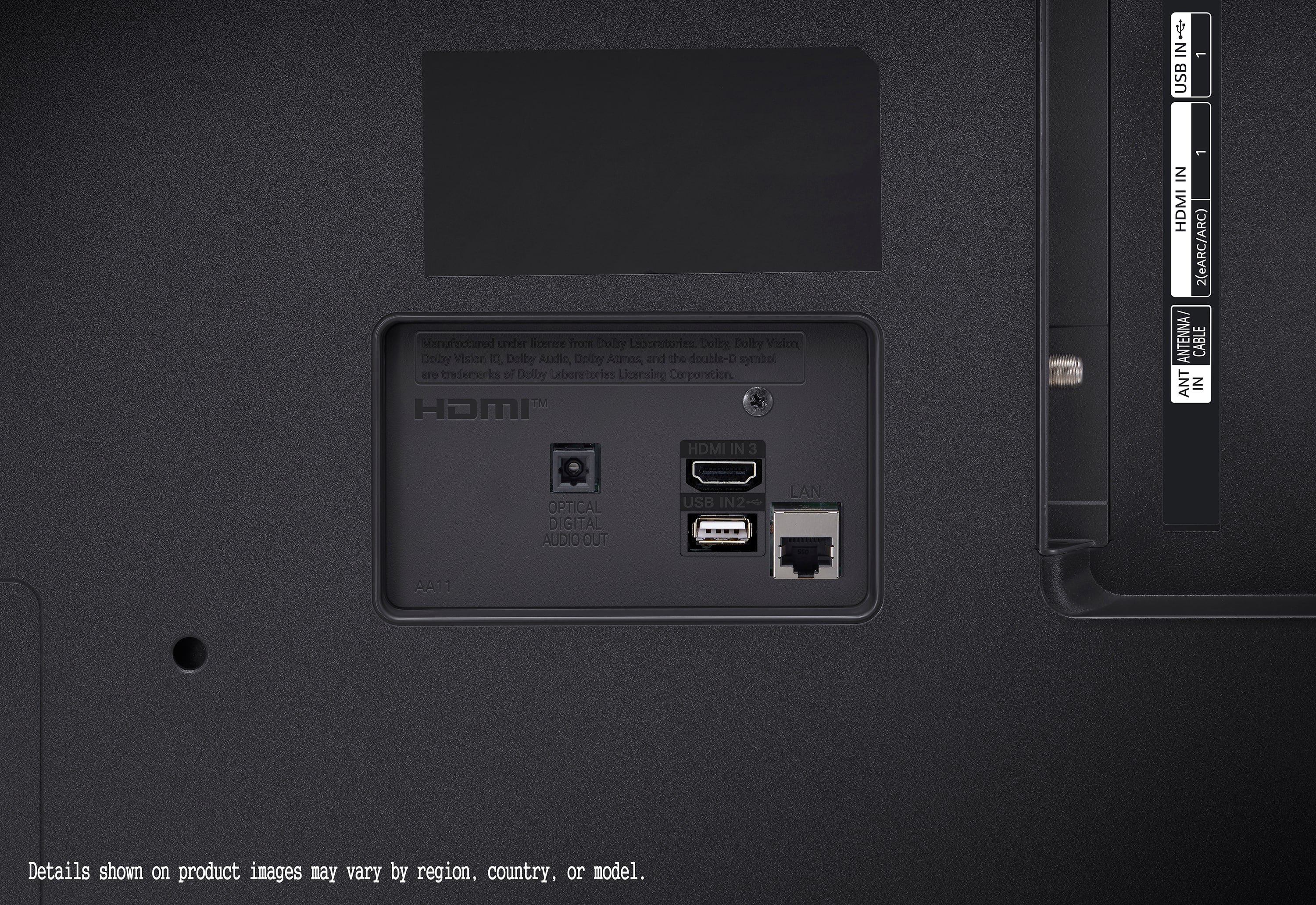
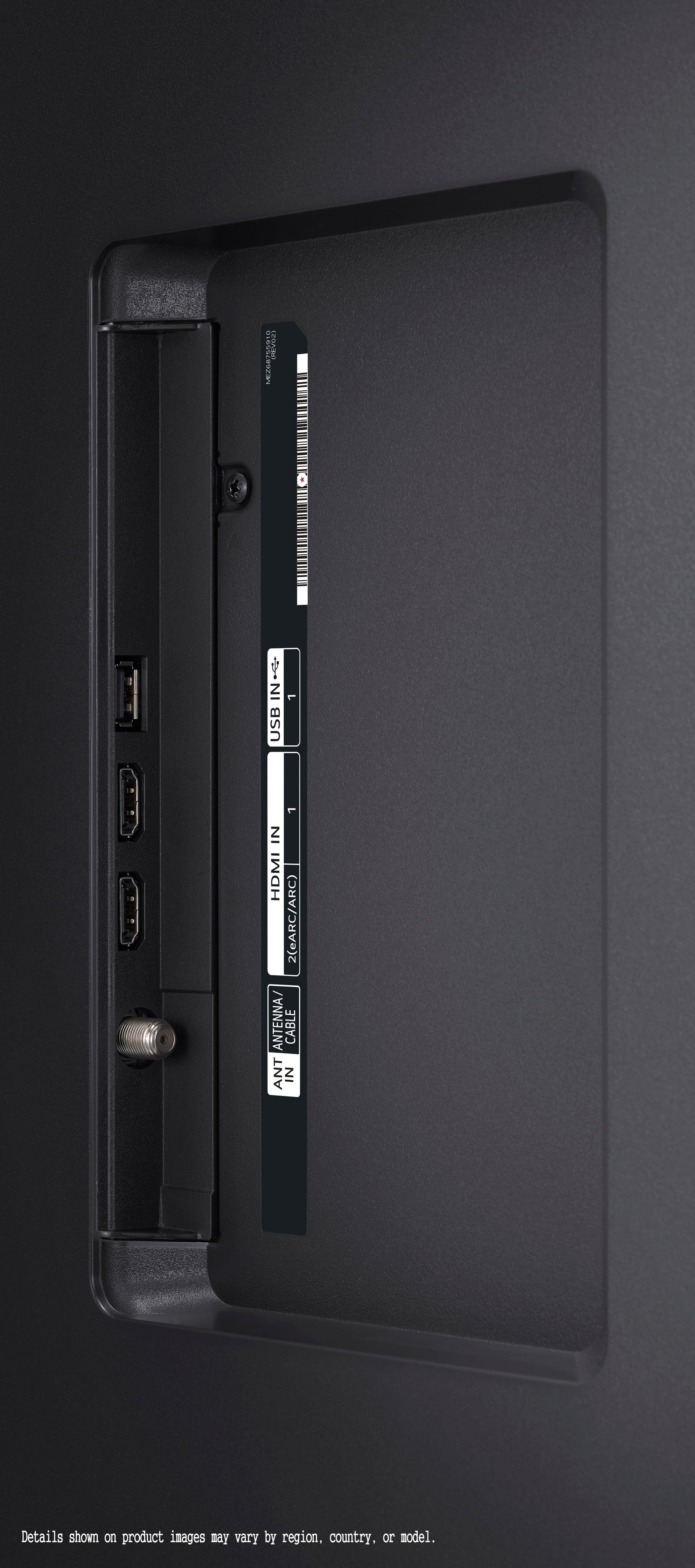
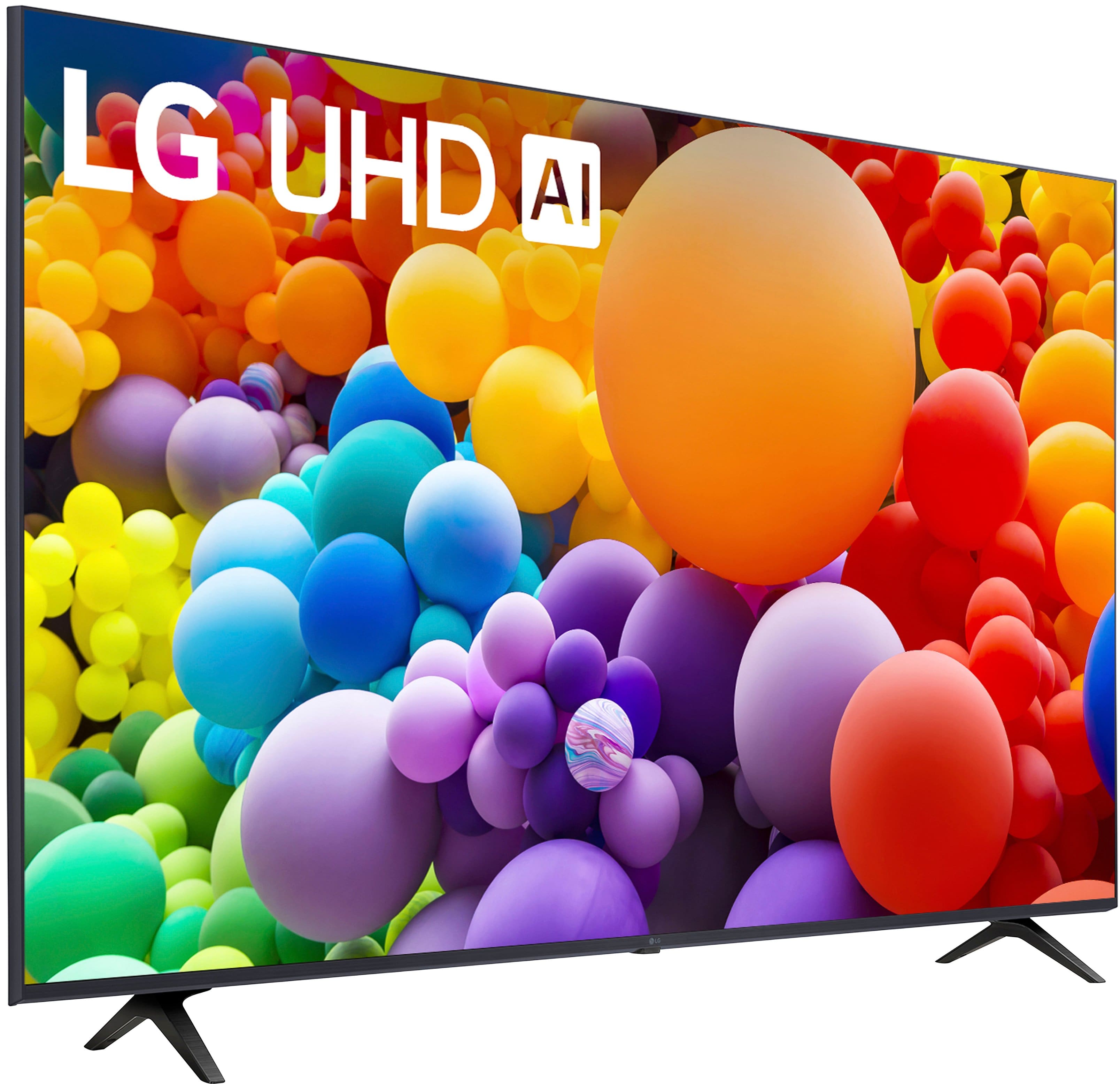
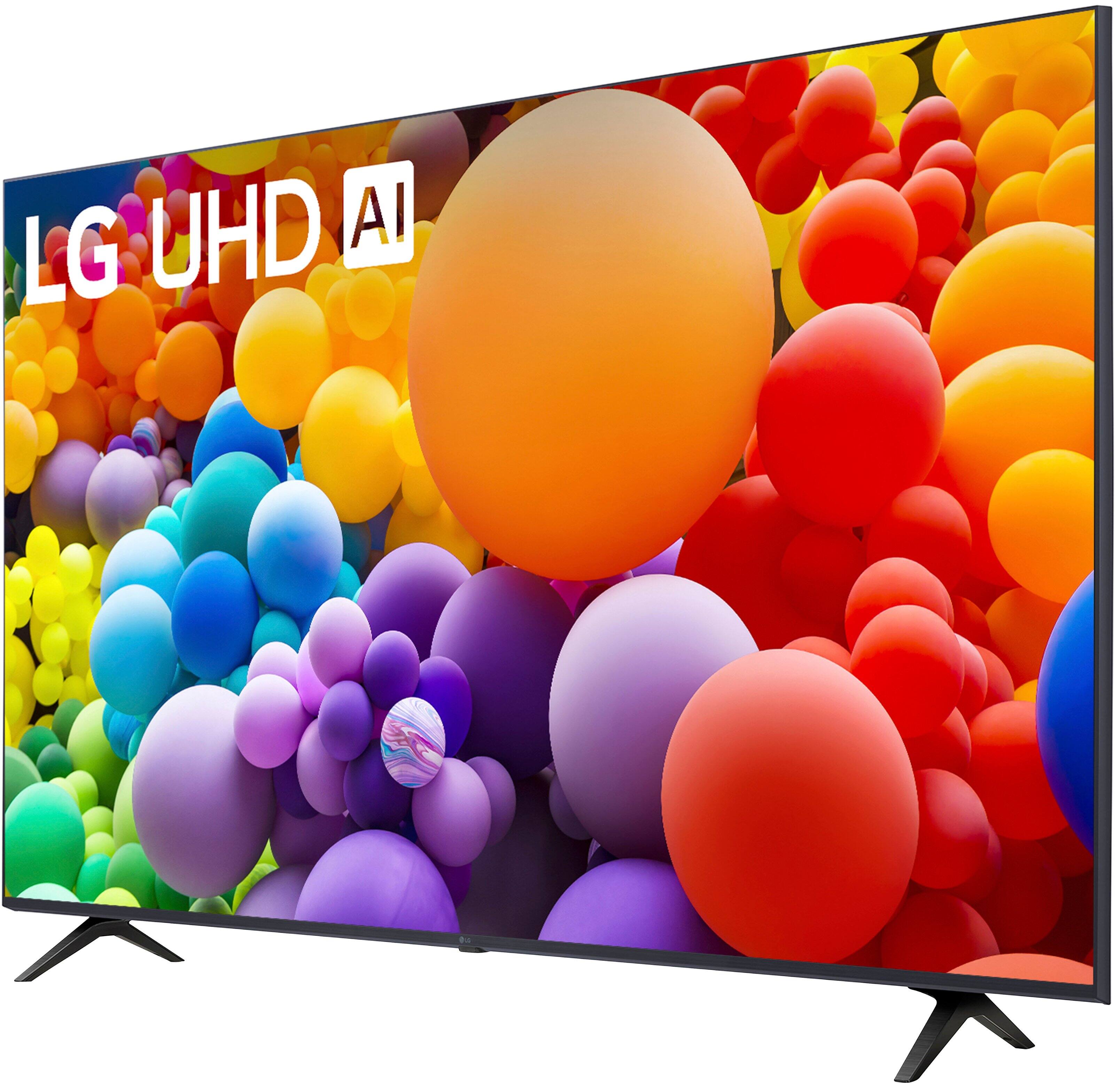
A:AnswerHi there! The LG 50UT7570PUB does not support HDMI 2.1. It features HDMI 2.0 with support for eARC (Enhanced Audio Return Channel) on HDMI 2, as well as ALLM (Auto Low Latency Mode), which are key features for gaming and audio performance, but HDMI 2.1 is not listed as part of the connectivity specs.
https://www.lg.com/us/tvs/lg-50ut7570pub-4k-uhd-tv#pdp_specs
If you need more details or help with another query, feel free to reach out to @LGUSSupport on social media!
We hope this helps! —Renzo
A:AnswerHello there, Raul! Thank you for reaching out with your question about the 50UT7570PUB. This model does not support Picture-in-Picture (PiP) with multiple HDMI inputs. PiP functionality is typically limited on many recent TV models, as it depends on both software and hardware capabilities. You may access this link for more information, go to "All Specs": https://www.lg.com/us/tvs/lg-50ut7570pub-4k-uhd-tv. For more information on models that may support PiP or split-screen features, feel free to reach out to us on Social Media @LGUSSupport. We’ll be happy to explore options to find the best match for your needs!
—Avril
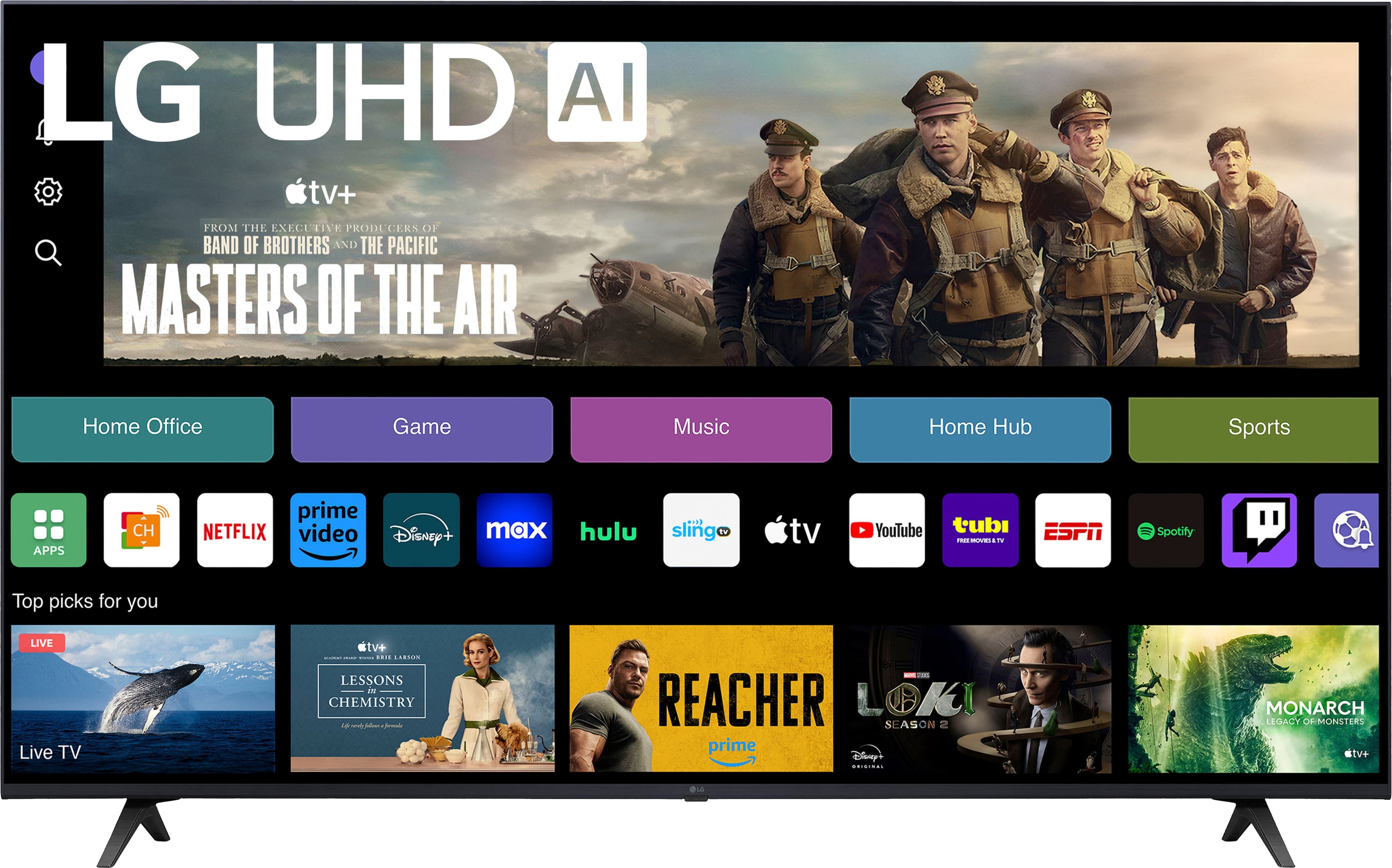
A:AnswerHi there, Ollie! Thank you for reaching out about streaming Fox Sports on your 50UT7570PUB TV. To stream Fox Sports, start by accessing the Home screen and navigating to the LG Content Store. From there, use the search function to find and install the Fox Sports app. Once installed, open the app and log in with your credentials. If you’re attempting to use a QR code, make sure to follow the instructions carefully, as issues can arise if the code isn’t scanned correctly. You may access this link related to your concern: https://www.lg.com/us/support/help-library/lg-tv-how-to-installdelete-apps-on-my-lg-smart-tv--20153096004539. If you continue to experience any issues, please feel free to send us a private message at @LGUSSupport. We're here to help you get streaming smoothly!
—Avril
A:AnswerHi there, Jameo. Thank you for reaching out with your question about the comparison between the LG 50UT7570PUB and the UT80 version. We understand that choosing the right TV is important to you!
Comparison Overview:
Display & Picture Quality:
Both models feature a 4K Ultra HD resolution (3,840 x 2,160) and a Direct Backlight Type. They also support HDR10 and HLG for enhanced dynamic range and picture quality.
The 50UT7570PUB uses the α5 AI Processor 4K Gen7 for picture processing, while the 55UT80006LA offers AI Upscaling and has the AI Brightness Control feature.
Refresh Rate:
Both models have a 60Hz native refresh rate, providing smooth motion during fast-paced scenes.
Audio:
The 50UT7570PUB features a 2.0 Channel speaker system, while the 55UT80006LA has a 2.0 channel speaker system but with AI Sound Pro, which enhances audio quality.
Smart Features:
Both TVs come with ThinQ® Smart Technology, supporting voice recognition and various smart features, including compatibility with Amazon Alexa and Apple Airplay2.
Size and Weight:
The 50UT7570PUB has a screen size of 50 inches with a total weight of 19.4 lbs with the stand, while the 55UT80006LA is 55 inches and weighs approximately 14.2 lbs with the stand.
In summary, while both models share many features, the 55UT80006LA offers slightly advanced audio capabilities and AI features. If you have any further questions or need assistance, please send us a private message on Social Media @LGUSSupport, and our team will be more than
happy to assist you. We appreciate your engagement and look forward to helping you!
https://www.lg.com/us/tvs/lg-50ut7570pub-4k-uhd-tv#pdp_specs
https://www.lg.com/eastafrica/tvs/lg-55ut80006la
—Renzo
A:AnswerWe set up without a sound bar and the integral speakers sound very good as is. Probably a sound bar would be an enhancement but we do not need it.
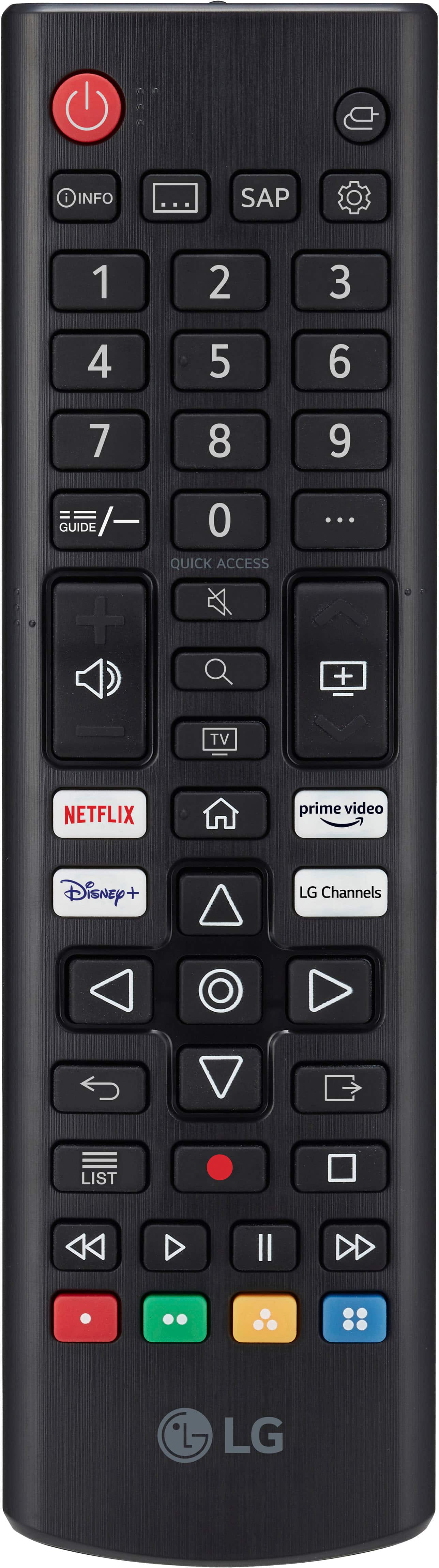
A:AnswerHi there, Kris. Thank you for your question regarding the LG 50UT7570PUB TV. Voice-assisted remotes for LG TVs are typically available through authorized LG retailers or the LG website. If you're interested in a compatible remote, this is part number: MR24GN.
Feel free to send us a private message on social media @LGUSSupport for further help!
Thanks again for reaching out.
—Avril
A:AnswerHi there! Thank you for your feedback regarding the LG 50UT7570PUB TV. We understand your concerns about ghosting and motion blur, especially during gaming, and this is not the typical performance we expect. To address this, please check the Picture Settings menu and ensure the "TruMotion" feature is turned on, adjusting the De-Judder and De-Blur settings as needed. Additionally, verify your HDMI connections and ensure your gaming console or PC is set to the TV's native resolution. If the issue persists, please send us a private message on Social Media @LGUSSupport, and our team will be more than happy to assist you further. We appreciate your patience! —Avril
A:AnswerHi there, if you purchased the LG TV Model 50UT7570PUB from Best Buy, their return policy typically allows returns within 15 days from the date of purchase. Here’s what you should know:
For Returns Due to Disliking the TV: If you decide you don't like the TV, you can return it within the 15-day window. Ensure that the TV is in its original condition and packaging. Best Buy may charge a restocking fee depending on their policy.
For Damaged Delivery: If the TV arrived damaged, contact Best Buy’s customer service as soon as possible. They often offer a replacement or a refund if the product is reported damaged within the specified return period.
For the most accurate information and to initiate a return, please contact Best Buy customer service directly or visit their website for their return policy details.
If you need further assistance, feel free to send us a private message on social media @LGUSSupport, and we’ll be happy to help!
—Renzo
A:AnswerHey there! That's a great question. While we can't confirm or guarantee compatibility with your Fire TV Stick, this LG TV does include 3 HDMI ports. We recommend reaching out to Amazon directly for more information on the compatibility and usage of your Fire TV Stick.
If you have any questions about your LG TV, you can reach us on social media @LGUSSupport. We're always happy to help! *Joseph
A:AnswerHi there,
Thank you for reaching out! Let’s address your questions:
YouTube TV App: The LG 50UT7570PUB TV should support the YouTube TV app, as it is available in the LG Content Store for many recent LG TV models. If you do not see the app pre-installed, you can download it from the LG Content Store on your TV. Simply navigate to the store, search for "YouTube TV," and follow the prompts to install it.
Unboxing: When unboxing a TV, it’s important to handle it carefully to avoid damage. Typically, the box is moved over the TV rather than moving the TV itself from the box, especially for larger sizes. The TV should be carefully lifted out of the box to ensure it doesn’t get scratched or damaged. It’s best to follow the manufacturer's unboxing instructions to ensure safe handling.
If you have any further questions or need assistance, please feel free to send us a private message on social media @LGUSSupport. We’re here to help!
We appreciate your patience and thank you for choosing LG.
—Renzo
A:AnswerThank you for your interest in the LG Smart webOS TV. The LG 50UT7570PUB model features a total of 3 HDMI ports. You can download its owner's manual through this link for more information: https://www.lg.com/us/support/product/lg-50UT7570PUB.AUSQ. For additional assistance, please reach out to us on social media @LGUSSupport so we can help you further. ^Cris