Questions & Answers
- Model:
- 55QNED75URA
- |
- SKU:
- 6535918
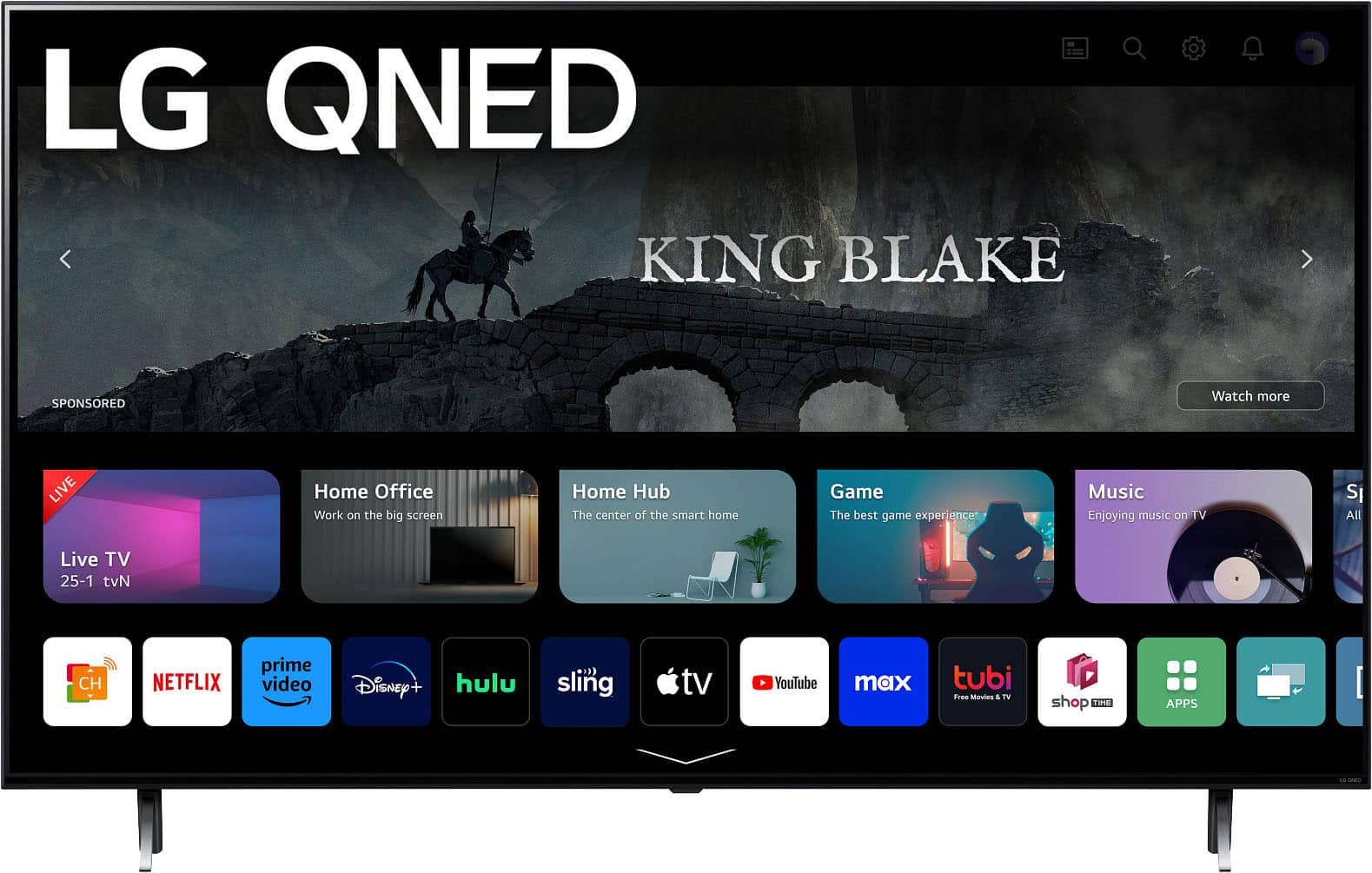
Q: QuestionWe previously had a Fire TV and have The Weather Channel subscription through Prime. We cannot find a way to add this to our new TV. Is that because LG does not support The Weather Channel? Can you help?
Asked by JamesKaye.
- A:Answer I wouls see about purchasing a HD antenae ans plug into your antennae connection on the back of your tv,I have one on my new tv and have many free channels including ABC,CBS NBC fox and many others,They are roughly 35.00 to 40.00 at Best buy and Wallmart,,Easy directions,, Hope this helps,
Answered by Anonymous
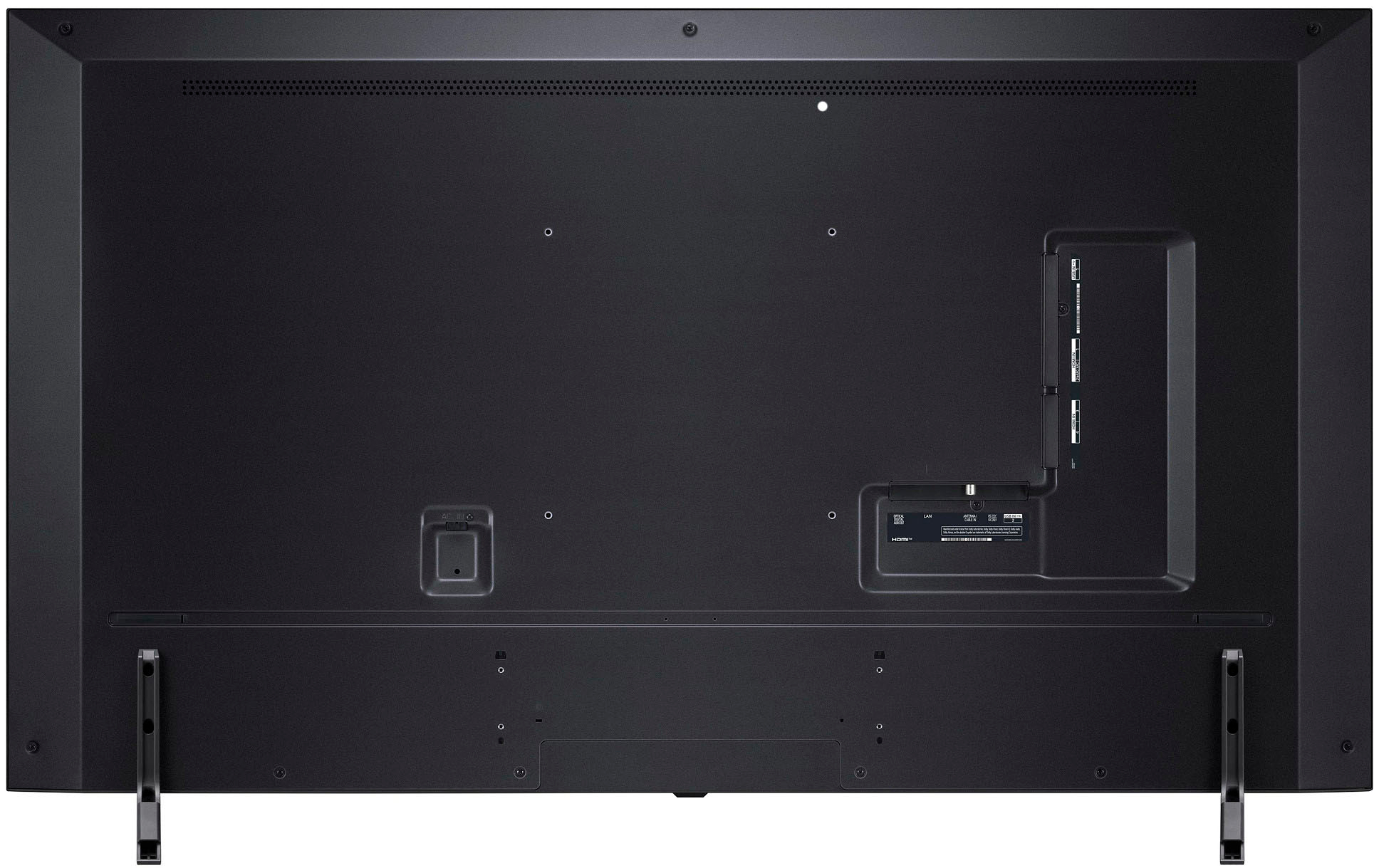
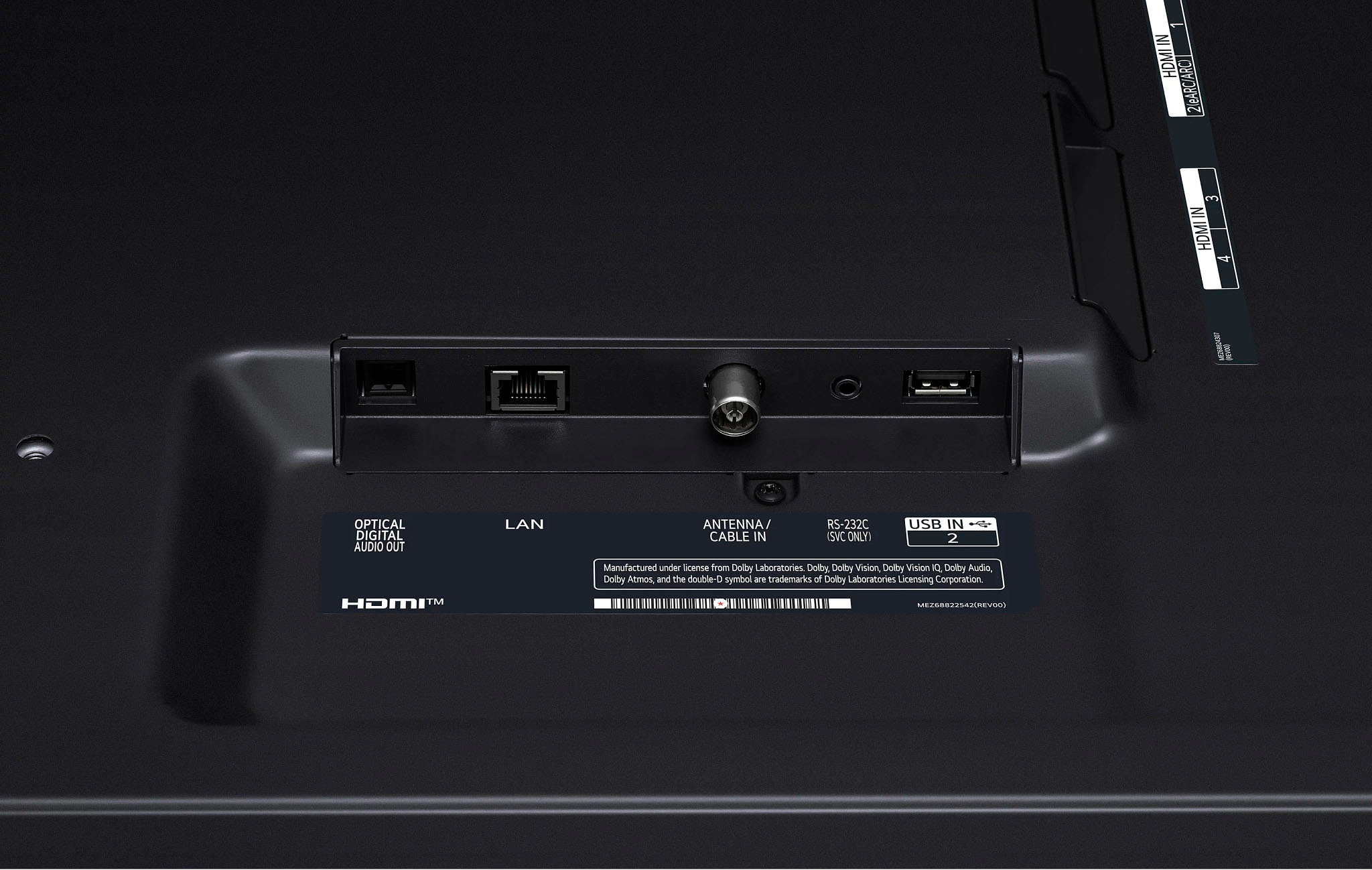
Q: QuestionDoes it have a composite a/v port for dvd/vhs input?
Asked by Rocman.
- A:Answer Thank you for your interest in the LG 55 Inch Class QNED75 series LED 4K UHD Smart webOS 23 w/ ThinQ AI TV (55QNED75URA) model. The LG 55QNED75URA does not have a composite A/V port for DVD/VHS input. You can download its owner's manual through this link for more information: https://www.lg.com/us/support/product/lg-55QNED75URA.AUS. ^Cris
Answered by LG Digital Customer Care

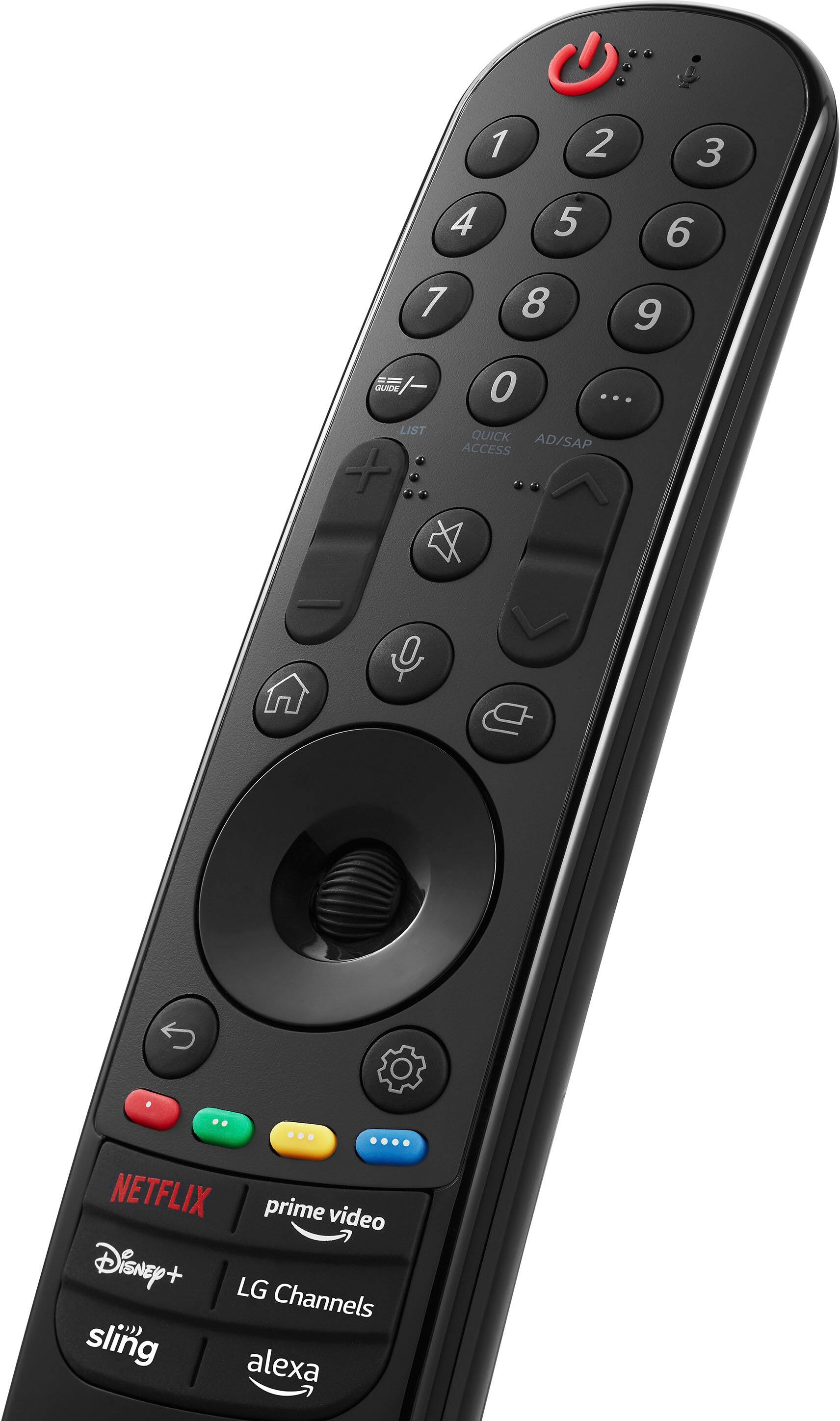
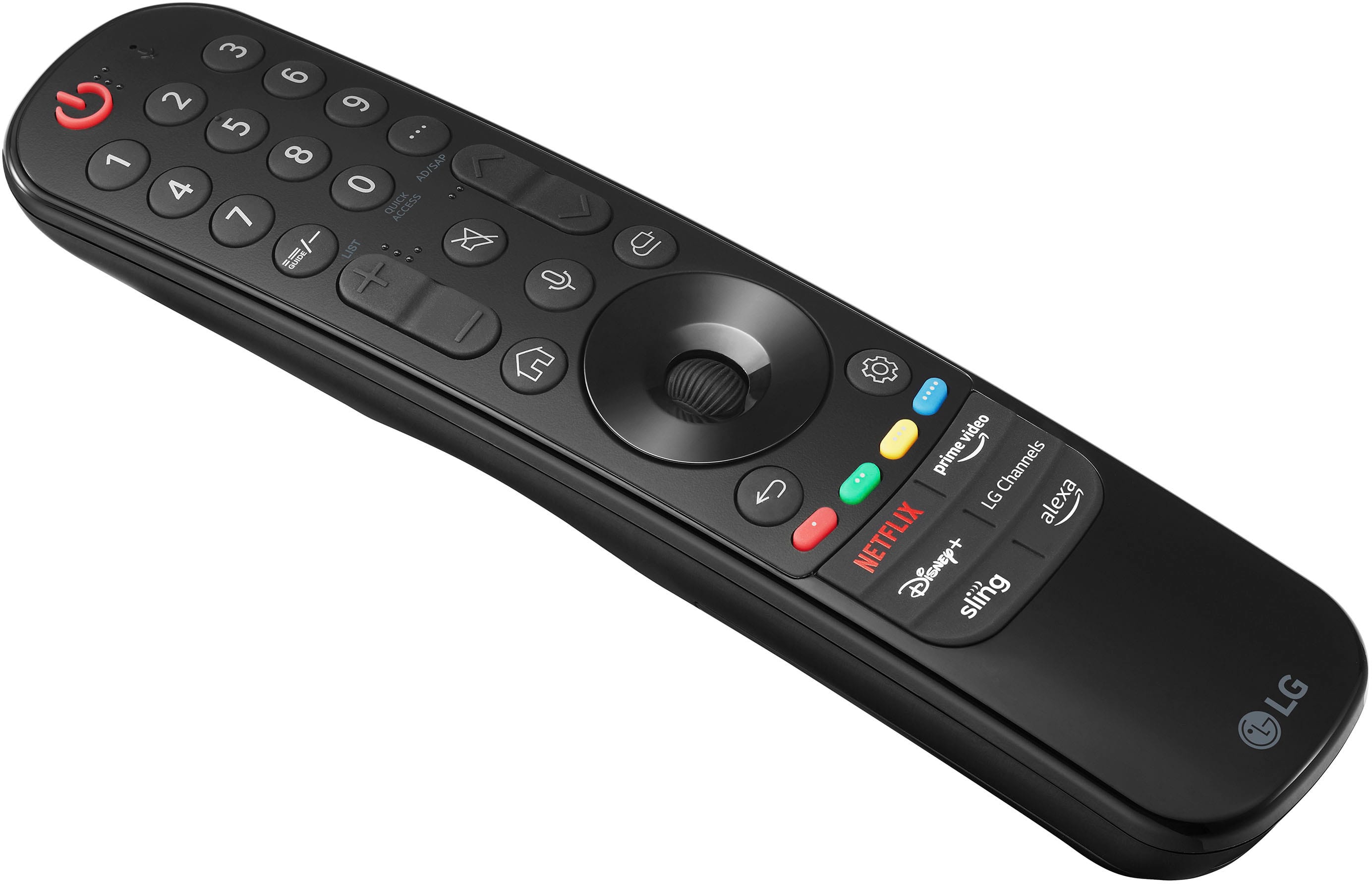
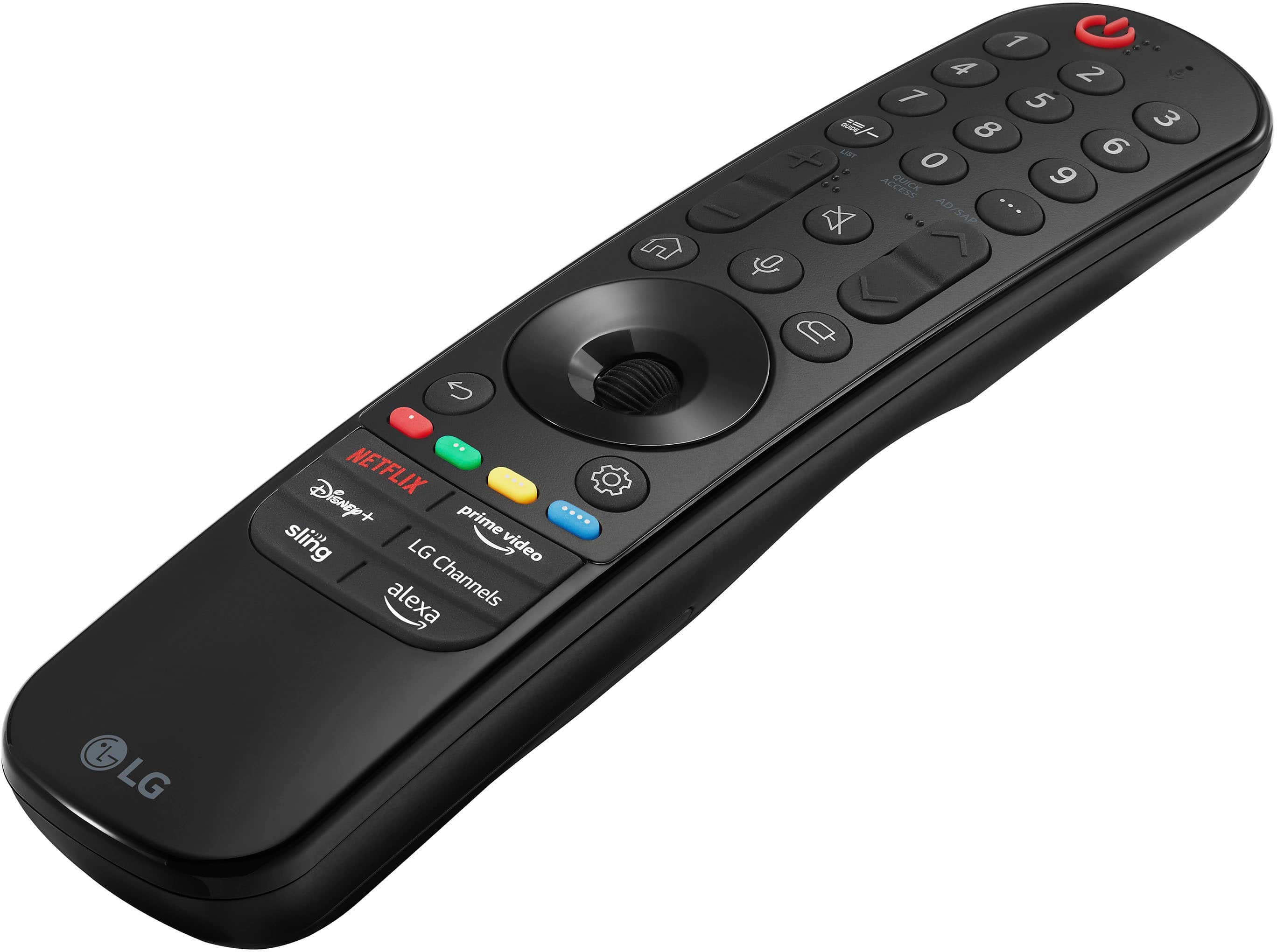
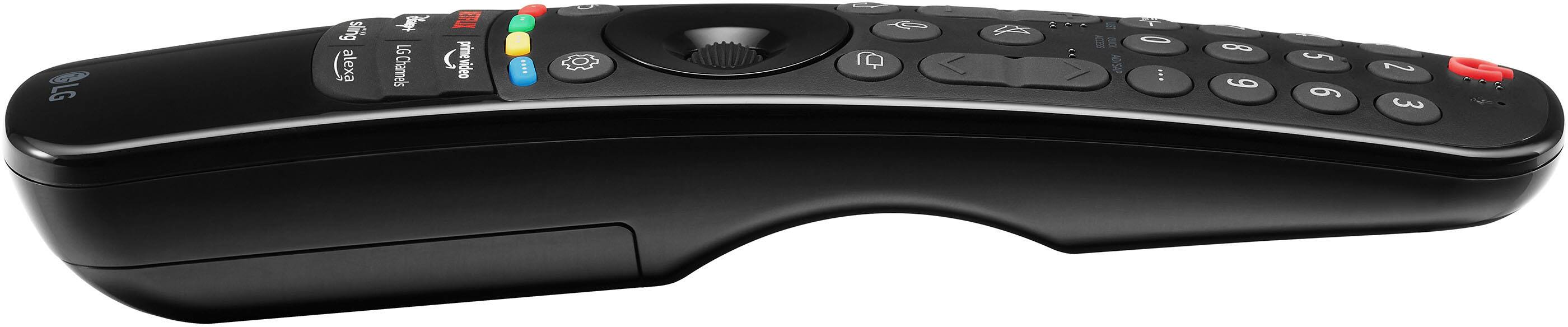
Q: QuestionCan I get another compatible remote
Asked by Joseph.
- A:Answer Thank you for reaching us regarding LG Smart webOS TV. Yes, you can find a compatible remote for the LG 55QNED75URA. Here are a few options: 1. MR23GA Magic Voice Remote 2. JISOWA Voice Magic Remote 3. Remote for LG 4K UHD QNED Web OS Smart TV You can download its owner's manual through this link for more information: https://www.lg.com/us/support/product/lg-55QNED75URA.AUS. For additional assistance, please reach out to us on social media @LGUSSupport so we can help you further. ^Cris
Answered by LG Digital Customer Care

Q: QuestionWhat is the difference between a smart v standard tv? Do I need a smart tv?
Asked by Anonymous.
- A:Answer Thank you for reaching us regarding LG Smart webOS TV (55QNED75URA) model. The main difference between a smart TV and a standard TV is the ability to connect to the internet and access online content and services. A smart TV has built-in internet connectivity and an operating system that allows you to install apps, stream movies/shows, browse the web, and more, right on the TV itself. You can download its owner's manual through this link for more information: https://www.lg.com/us/support/product/lg-55QNED75URA.AUS. If problem persist, please reach out to us on social media @LGUSSupport so we can help you further. ^Cris
Answered by LG Digital Customer Care

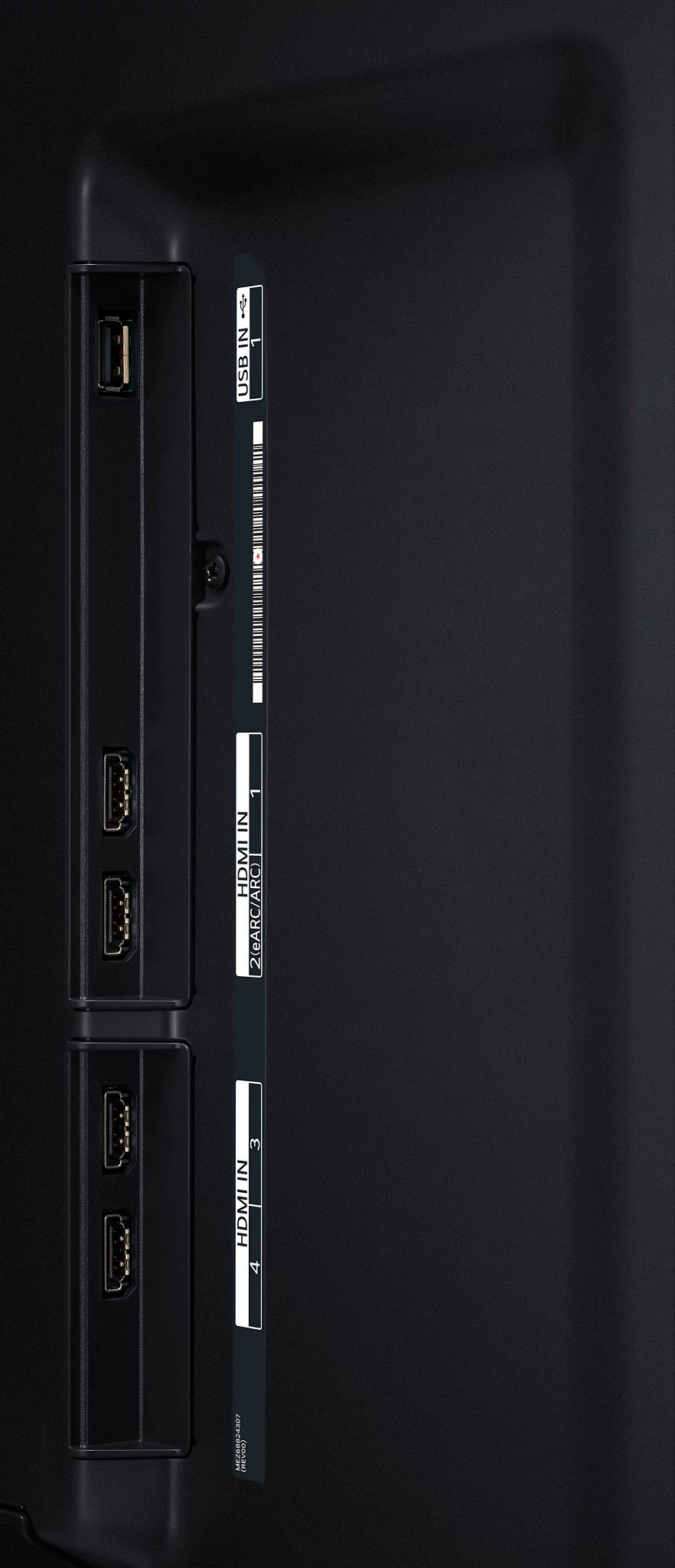
Q: QuestionCan In connect a BluRay DVD player to this tv?
Asked by Chuck.
- A:Answer Yes. Since the LG55 Inch Class QNED75 series LED 4K UHD Smart webOS 23 w/ ThinQ AI TV, Model #55QNED75URA, is equipped with HDMI ports, you can connect it to this player using an HDMI cable (Tyoe A, High Speed HDMI Cable). `Alice
Answered by LG Digital Customer Care

Q: QuestionCan a universal swivel stand be attached to this model tv?
Asked by Linda.
- A:Answer Hello there. Thank you for your interest in the LG 55QNED75URA TV. To ensure compatibility with a universal swivel stand, we recommend checking the TV's specifications for VESA mounting hole patterns and weight limits. This information will help you determine which swivel stand is compatible with your TV model. If you have specific questions or need further assistance, please send us a private message on Social Media @LGUSSupport. We're here to help. —Renzo
Answered by LG Digital Customer Care

Q: QuestionWill this tv display in portrait mode and can you hang vertically?
Asked by Anonymous.
- A:Answer Thank you for reaching us regarding LG Smart webOS TV. The LG 55QNED75URA TV can be set up to display in portrait mode and can be hung vertically. You can download its owner's manual through this link for more information: https://www.lg.com/us/support/product/lg-55QNED75URA.AUS. If problem persist, please reach out to us on social media @LGUSSupport so we can help you further. ^Cris
Answered by LG Digital Customer Care

Q: QuestionWhat size screws are needed to wall mount this tv?
Asked by LGTVgirl.
- A:Answer Thank you for reaching us regarding LG Smart webOS TV. The LG 55QNED75URA TV, M6 screws are required for wall mounting, and the length of the screws will depend on the thickness of the wall mount used. You can download its owner's manual through this link for more information: https://www.lg.com/us/support/product/lg-55QNED75URA.AUS. If problem persist, please reach out to us on social media @LGUSSupport so we can help you further. ^Cris
Answered by LG Digital Customer Care

Q: QuestionWill this TV connect to my Verizon internet cube, it can run 2.4 and 5g. I prefer it run 5g. My current LG Smart which I purchased from Best Buy in 2018 has many issue running on the 2.4G side, will not stay connected.
Asked by Anonymous.
- A:Answer Hi there! Thank you for reaching out regarding your LG TV, the 55QNED75URA, and its compatibility with your Verizon internet cube. This TV supports both 2.4GHz and 5GHz Wi-Fi frequencies, offering flexible connectivity options. You can connect your TV to your Verizon internet cube and utilize the 5GHz frequency for potentially more stable and faster connections. To ensure successful connection and prioritize the 5GHz frequency, follow these steps: Power on your LG TV, navigate to the settings menu, select "Network" or "Wi-Fi," choose your Wi-Fi network, enter the password if prompted, and consider prioritizing the 5GHz frequency within the network settings. For more information about this TV model, please visit: https://www.lg.com/us/tvs/lg-55qned75ura-qned-4k-tv ^Jolly
Answered by LG Digital Customer Care

Q: QuestionCan I watch local tv using an antenna connected through an RG6 connection?
Asked by Gimpear.
- A:Answer Hi, there. You can watch local TV channels using an antenna connected through an RG6 connection. The RG6 cable is commonly used for connecting antennas to TVs to receive over-the-air broadcasts, including local channels. By setting up your LG TV, model 55QNED75URA with an antenna connected via RG6, you should be able to access local TV channels without the need for a cable subscription. ^Danee
Answered by LG Digital Customer Care

Q: QuestionIs the difference between the 75 series and the 80 series that much that you would notice it if you were putting it on a covered patio?
Asked by smurphymurphy.
- A:Answer Thank you for your interest in the LG Smart webOS (55QNED75URA) model. The main differences between the LG 55QNED75URA and the 55QNED80URA are related to the backlighting type and some additional features. Both series offer a viewing angle of 178˚ x 178˚ (horizontal x vertical), so the difference in this aspect would not be noticeable when placing the TV on a covered patio. You can download its owner's manual through this link for more information: https://www.lg.com/us/support/product/lg-55QNED75URA.AUS. ^Cris
Answered by LG Digital Customer Care

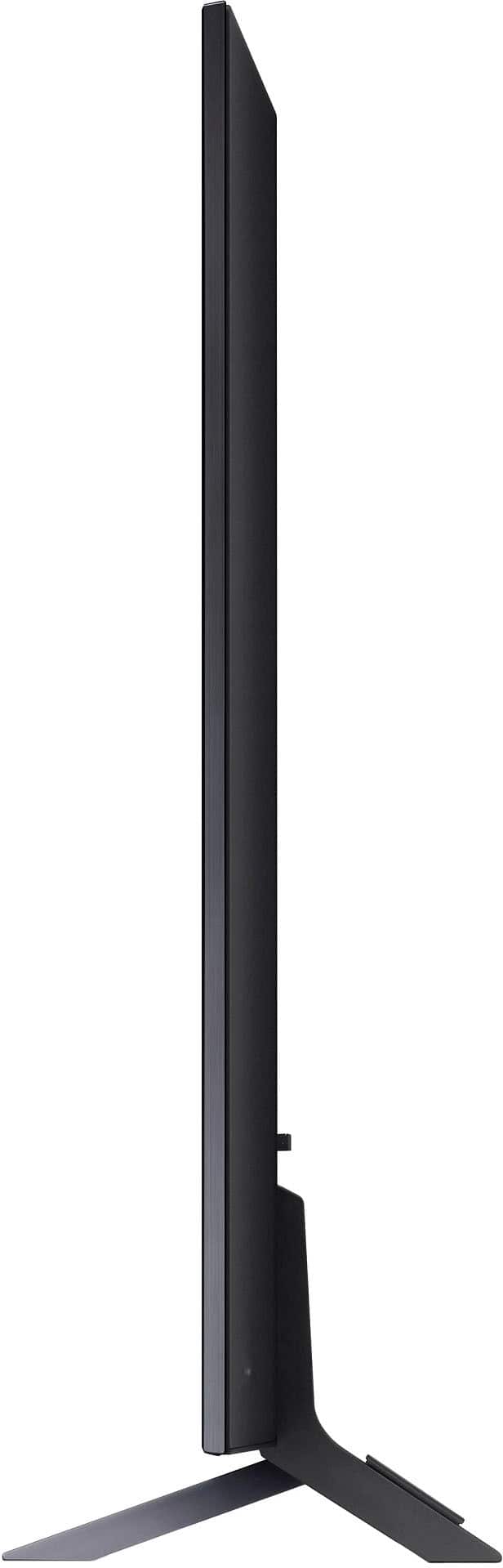
Q: QuestionWhat is the stand length? I have an 11 inch mantle that I need to make sure the legs will fit.
Asked by Lam.
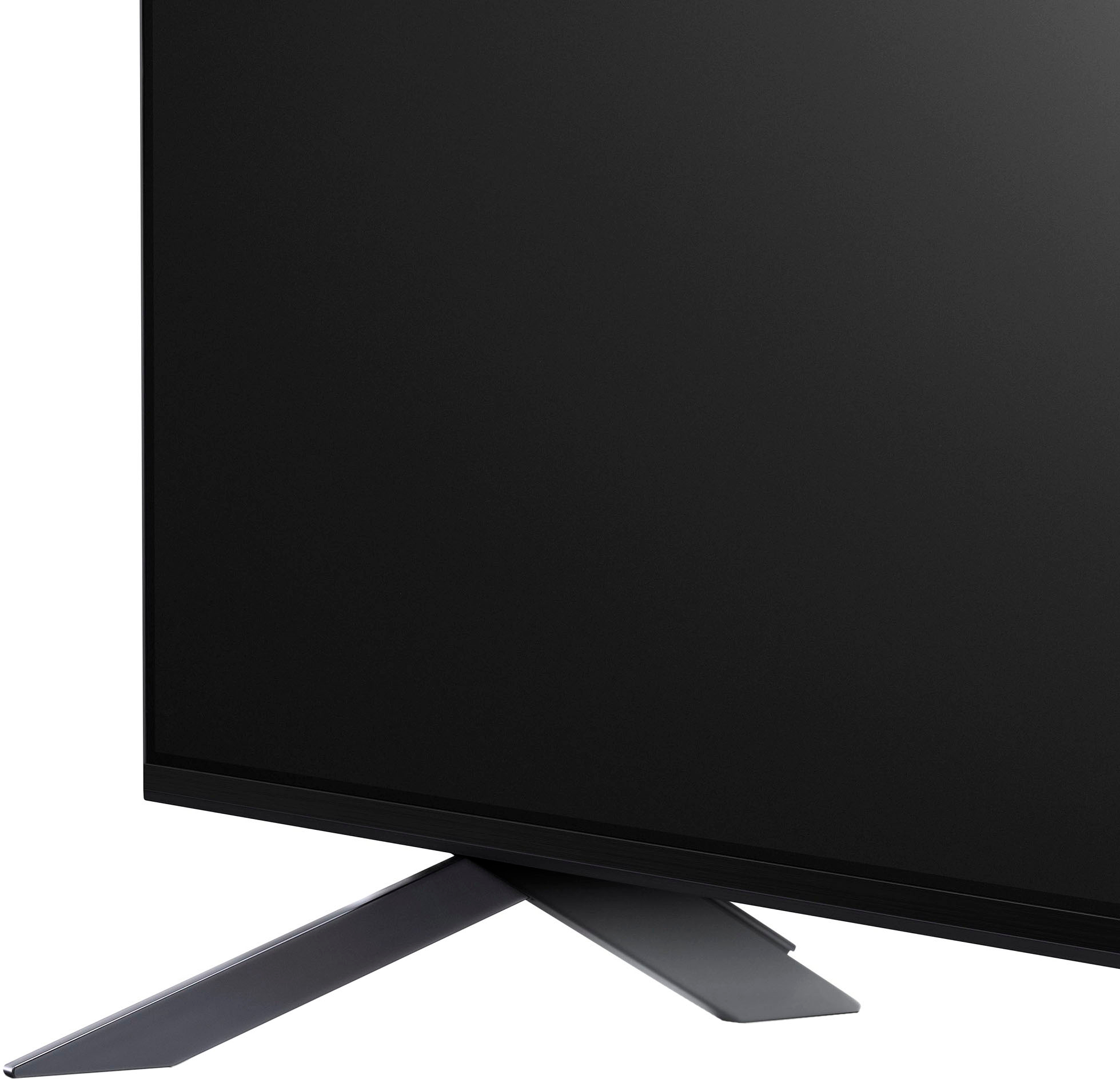
- A:Answer The legs measure 10" from front to back. If you perch this rather large TV up on a mantle with only an inch of clearance from the edge, you should DEFINITELY anchor it with strong wire to the wall behind it so that it doesn't fall off. Or probably better you should go with a wall mounted bracket and forget about the legs?
Answered by BSinVermont
Q: QuestionCan I use this when I don’t have high speed internet available? Would most likely have to use it via HDMI cable for movies etc. I’ve got a good rooftop antenna that gets lots of local broadcast stations & would use this as the primary video source.
Asked by Rob.
- A:Answer Thank you for your interest in the LG Smart webOS TV (55QNED75URA) model. The LG 55QNED75URA is a 55" 4K QNED LED TV with ThinQ AI. It's a Smart TV with webOS, the next-gen AI tech, and lets you enjoy all your favorite content easily, from sports to entertainment and more. Plus, it comes with LG Channels, giving you access to over 300 free channels instantly. If you don't have high-speed internet, don't worry! Just connect your laptop or streaming device to the TV using an HDMI cable, and you can watch movies or locally stored content hassle-free. You can download its owner's manual through this link for more information: https://www.lg.com/us/support/product/lg-55QNED75URA.AUS. ^Cris

Answered by LG Digital Customer Care

Q: QuestionWill Roko plug in work on this tv?
Asked by Anonymous.
- A:Answer Hello there! Thank you for your question about the 55QNED75URA TV. We understand that compatibility with streaming devices like Roku is important. Yes, you can definitely use a Roku device with this TV. Simply plug the Roku into one of the available HDMI ports, and it should work without any issues. If you have any further questions or need assistance with setup, feel free to send us a private message on Social Media @LGUSSupport, and our team will be happy to help you further. We appreciate your interest in our products! —Avril

Answered by LG Digital Customer Care

Q: QuestionIf I use an optical audio cable to connect this TV to my soundbar, can I suse the LG remote to control the soundbar's voulme? Or would I have to use both the LG remote for TV navigation and the soundbar remote for volume?
Asked by chuckstump.
- A:Answer I have an LG soundbar hooked up to mine and my tv remote controls the sound bar. You have to go into the menu to set it up and I turned off the tv speakers as there was an ever so slight delay that I did not want to hear.
Answered by MnDrew
Q: QuestionDo LG tv have sleep function
Asked by Dclone.
- A:Answer Thank you for your interest in the LG 55 Inch Class QNED75 series LED 4K UHD Smart webOS 23 w/ ThinQ AI TV (55QNED75URA) model. Yes, the LG 55QNED75URA TV has a sleep function. You can set a sleep timer on an LG TV to automatically turn it off after a specified amount of time. You can download its owner's manual through this link for more information: https://www.lg.com/us/support/product/lg-55QNED75URA.AUS. ^Cris
Answered by LG Digital Customer Care

Q: QuestionCan you install the xfinity stream app on this TV?
Asked by JohnnyM.
- A:Answer Thank you for your interest in the LG 55QNED75URA.AUS model. Yes, the LG 55QNED75URA TV is compatible with the Xfinity Stream app. The Xfinity Stream app can be downloaded onto this model TV from the LG content store, allowing users to access live, on-demand, and DVR programming included with their Xfinity TV subscription directly on the TV. You can download its owner's manual through this link for more information: https://www.lg.com/us/support/product/lg-55QNED75URA.AUS. ^Cris
Answered by LG Digital Customer Care

Q: QuestionIs this Tv good in a bright room ( high ambient light) ?
Asked by Rad.
- A:Answer Thank you for your interest in the LG 55 Inch Class QNED75 series LED 4K UHD Smart webOS 23 w/ ThinQ AI TV (55QNED75URA) model. Yes, the LG 55QNED75URA TV's perform in a bright room. It is recommended to look for a TV with high brightness levels and good reflection handling if you plan to use it in a bright room. You can download its owner's manual through this link for more information: https://www.lg.com/us/support/product/lg-55QNED75URA.AUS. ^Cris
Answered by LG Digital Customer Care

Q: QuestionWhich has the latest Alpha 9 Gen 6 processor, the QNED 75 or QNED 80 series?
Asked by Gcort49.
- A:Answer Thank you for your interest in the LG 55 Inch Class QNED75 series LED 4K UHD Smart webOS 23 w/ ThinQ AI TV (55QNED75URA) model. The LG QNED 75 series, specifically the LG 55QNED75URA, features the latest Alpha 9 Gen 6 processor. This processor is designed to enhance picture and sound quality, providing a more immersive viewing experience. The QNED 75 series combines Quantum Dots with LG's NanoCell technology to deliver bright and colorful images. You can download its owner's manual through this link for more information: https://www.lg.com/us/support/product/lg-55QNED75URA.AUS. ^Cris
Answered by LG Digital Customer Care

Q: QuestionWhat are all three dimensions
Asked by Tommy.
- A:Answer Thank you for your interest in the LG 55 Inch Class QNED75 series LED 4K UHD Smart webOS 23 w/ ThinQ AI TV (55QNED75URA) model. The dimensions of the LG 55QNED75URA are as follows: Packaging Dimensions (WxHxD): 55.9" x 32.9" x 7.4" TV Dimensions with Stand (WxHxD): 48.5" x 30.7" x 10.1" TV Dimensions without Stand (WxHxD): 48.5" x 28.2" x 1.7" You can download its owner's manual through this link for more information: https://www.lg.com/us/support/product/lg-55QNED75URA.AUS. ^Cris
Answered by LG Digital Customer Care

Top Rated
- Doorbuster$169.99Your price for this item is $169.99
- Black Friday Deal$999.99Your price for this item is $999.99
- Black Friday Deal$99.99Your price for this item is $99.99
- Black Friday Deal$349.99Your price for this item is $349.99
- Black Friday Deal$329.99Your price for this item is $329.99
- Black Friday Deal$899.99Your price for this item is $899.99
- Black Friday Deal$399.99Your price for this item is $399.99
- Black Friday Deal$189.99Your price for this item is $189.99
- $279.99Your price for this item is $279.99$399.99The comparable value for this item is $399.99
- Black Friday Deal$1,399.99Your price for this item is $1,399.99
- Black Friday Deal$499.99Your price for this item is $499.99
- Black Friday Deal$549.99Your price for this item is $549.99
- Black Friday Deal$999.99Your price for this item is $999.99
- Black Friday Deal$299.99Your price for this item is $299.99
- Black Friday Deal$379.99Your price for this item is $379.99
- $549.99Your price for this item is $549.99$1,299.99The comparable value for this item is $1,299.99
- Black Friday Deal$329.99Your price for this item is $329.99
- $999.99Your price for this item is $999.99$2,199.99The comparable value for this item is $2,199.99
- Black Friday Deal$229.99Your price for this item is $229.99
- Black Friday Deal$499.99Your price for this item is $499.99